


QR code support that answers on the spot
AskDolphin turns a QR code into a conversation. Print one on anything — a customer scans it and Dolphin AI answers from knowledge you approve, with your team one message away.
See it running on our demo store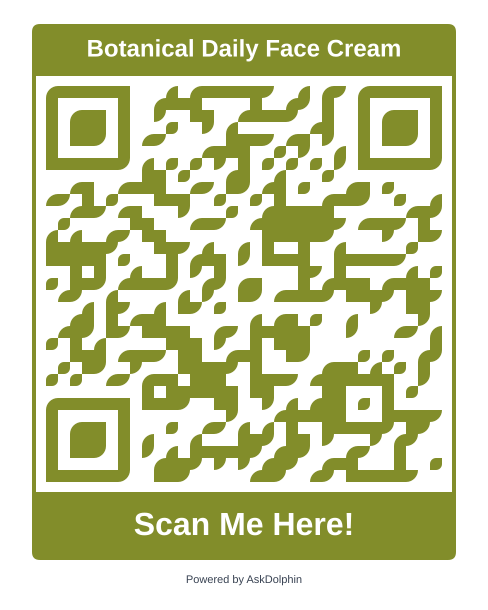 A product on a shelf
 A room in a hotel
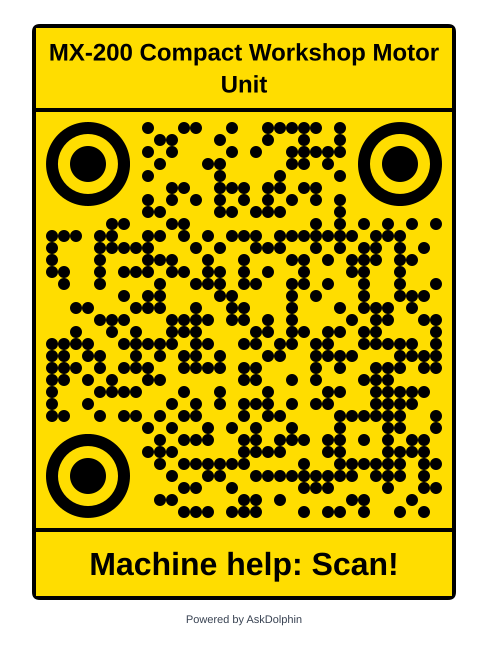 A machine in a workshop
Real codes. Point your camera at one.Tap one to open it.

One generator. Three kinds of code.
Depending on what the customer is standing in front of.
One general code that opens a conversation about you — your hours, your policies, your products, whatever knowledge you have connected. Put it on the door, the counter, the receipt, the van.
Tie a code to a single product and the conversation starts already knowing which one. Setup, sizing, care, warranty, what to do when it breaks — asked and answered about that exact item.
Point a code at a web page, a block of text, a phone number, a text message, an email address or a contact card. Same generator, same library, same styling.
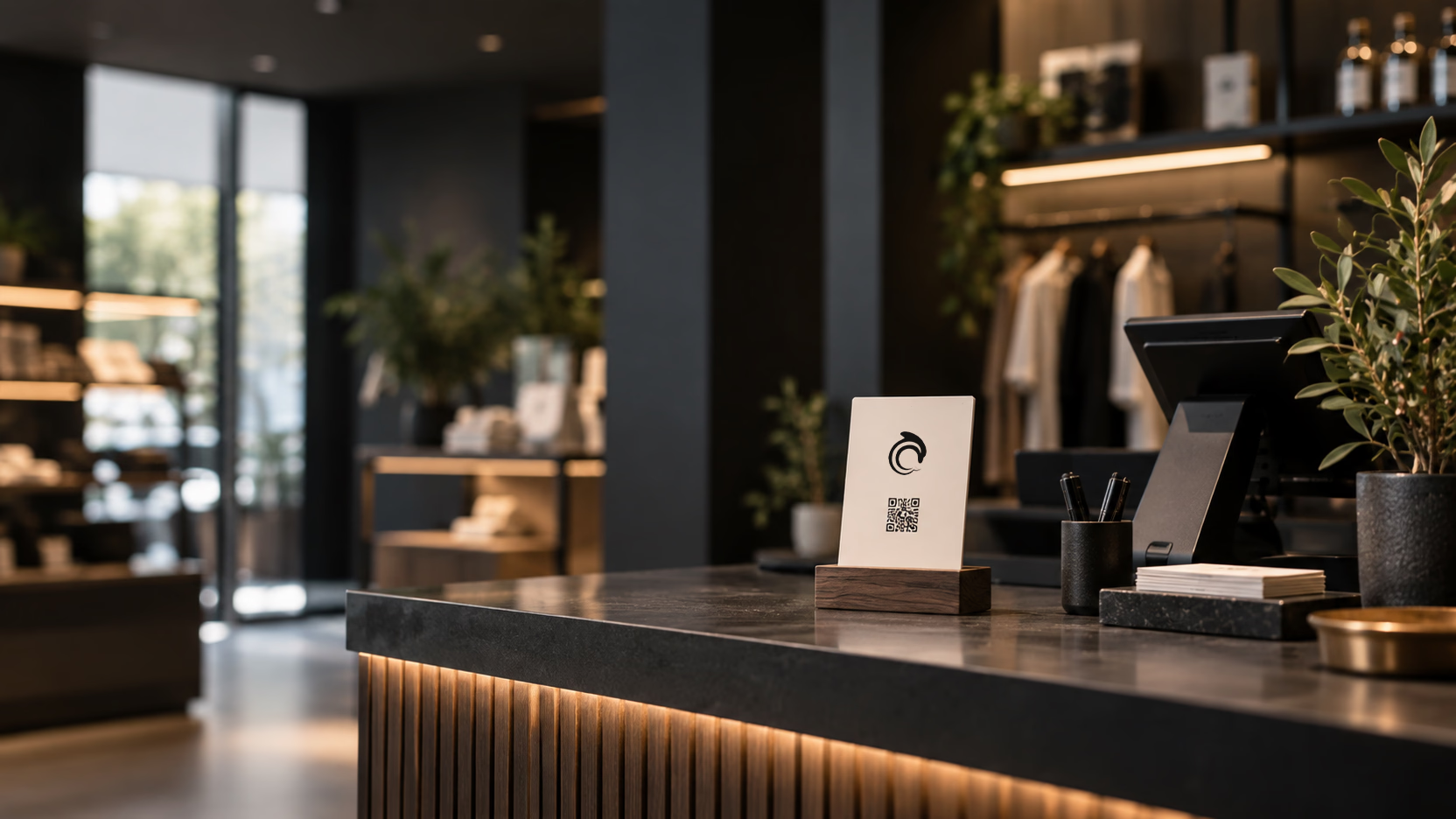
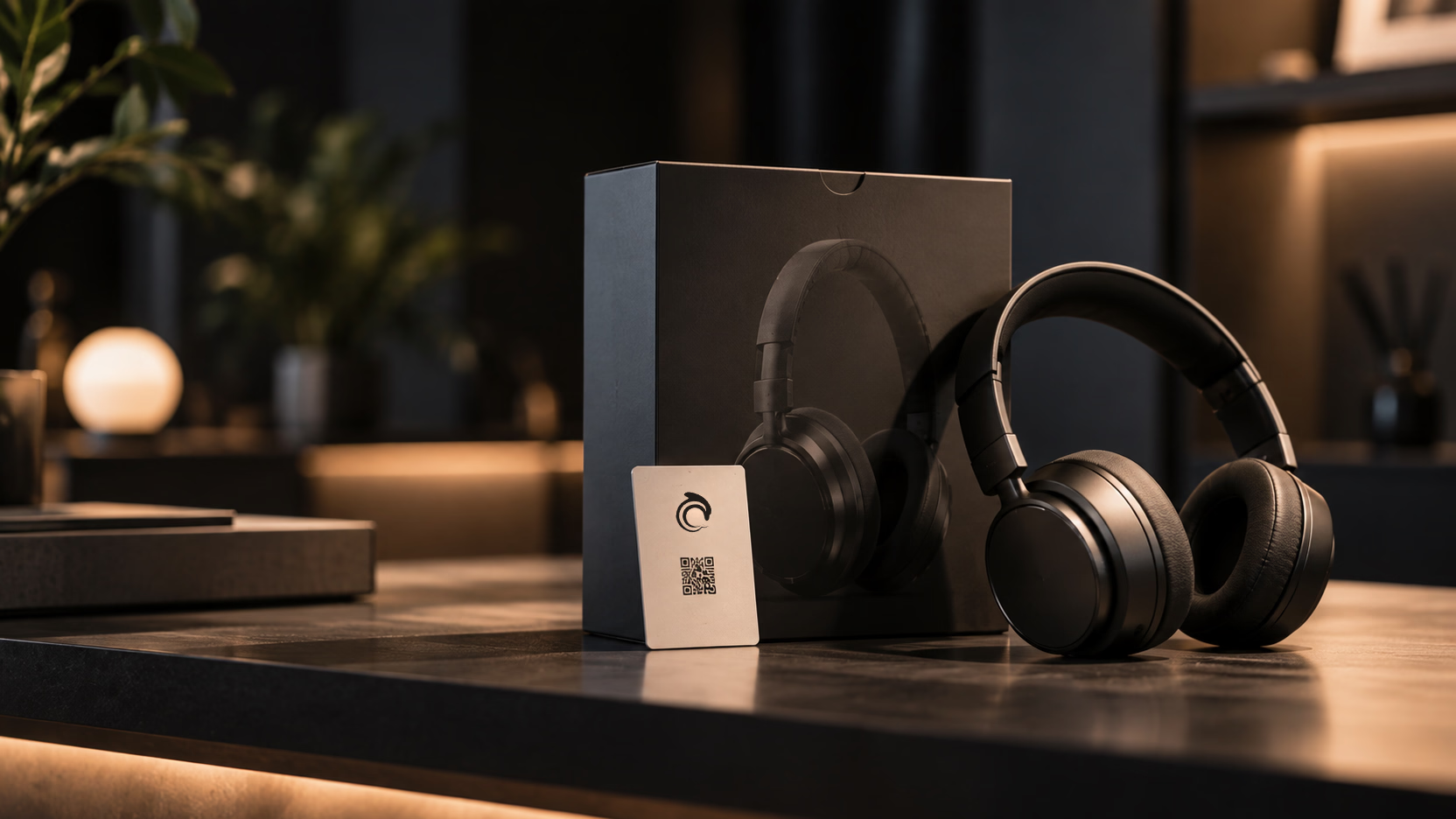
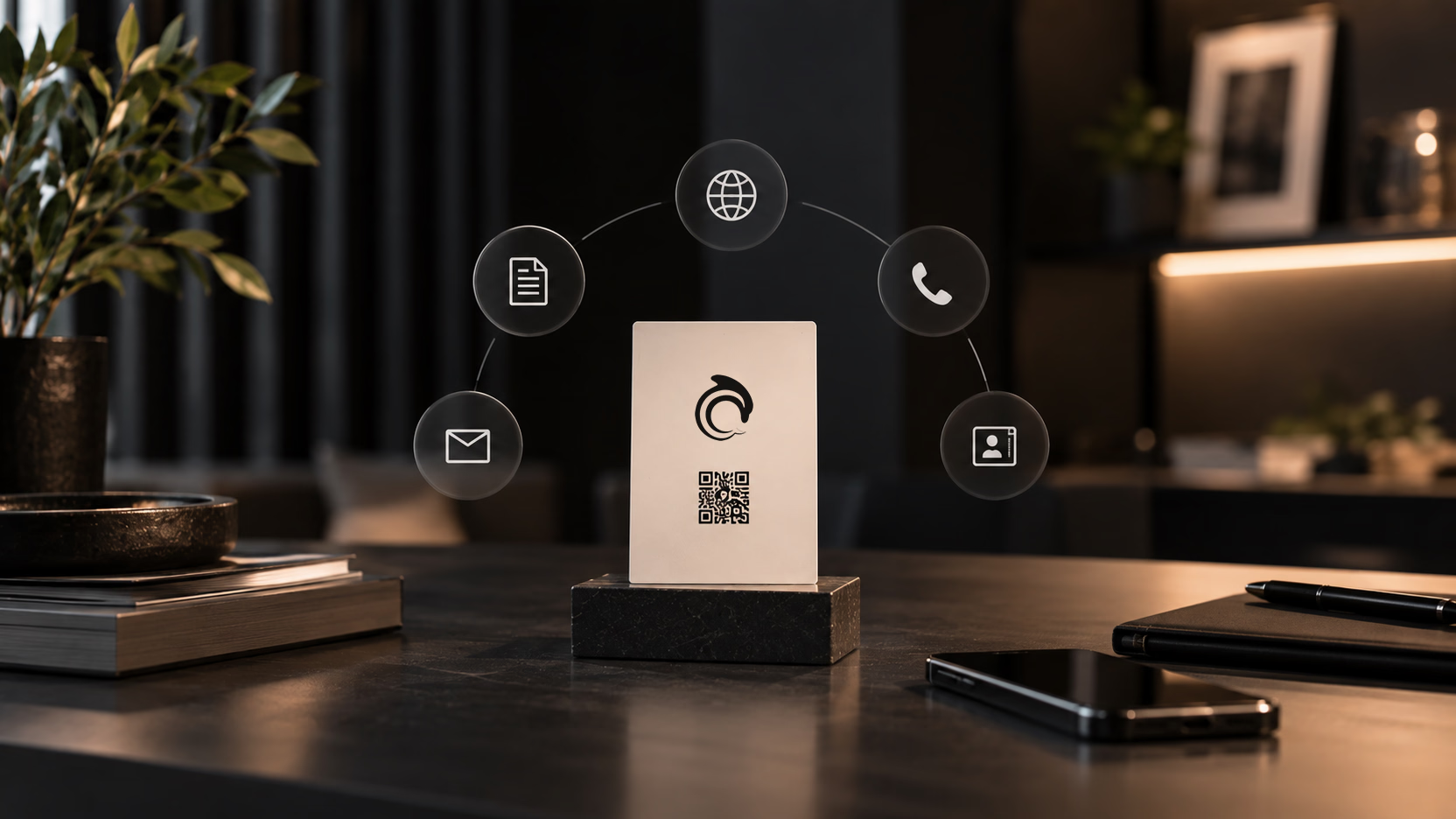
They scan. Then what?
A conversation that already knows why they're there.
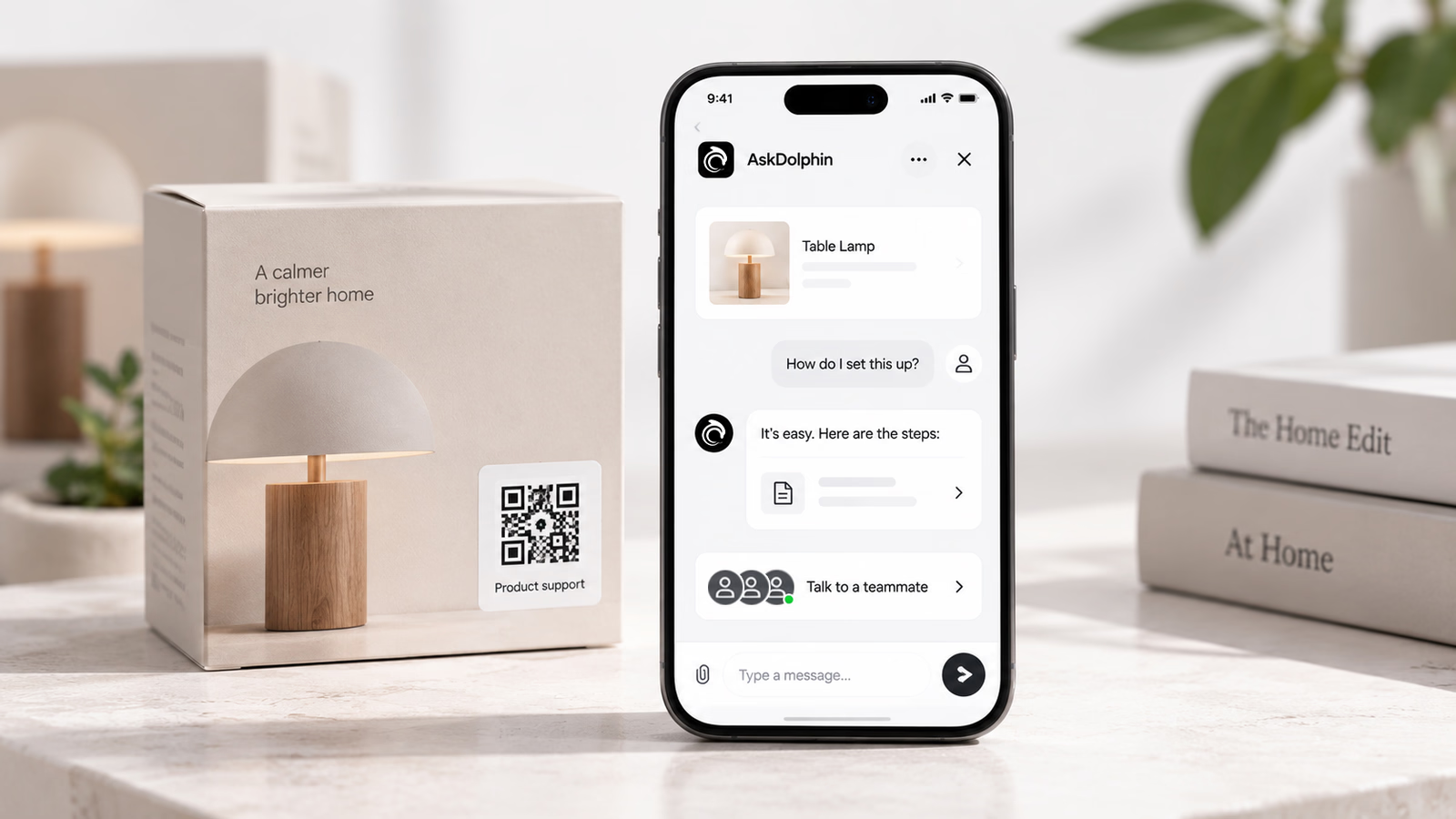
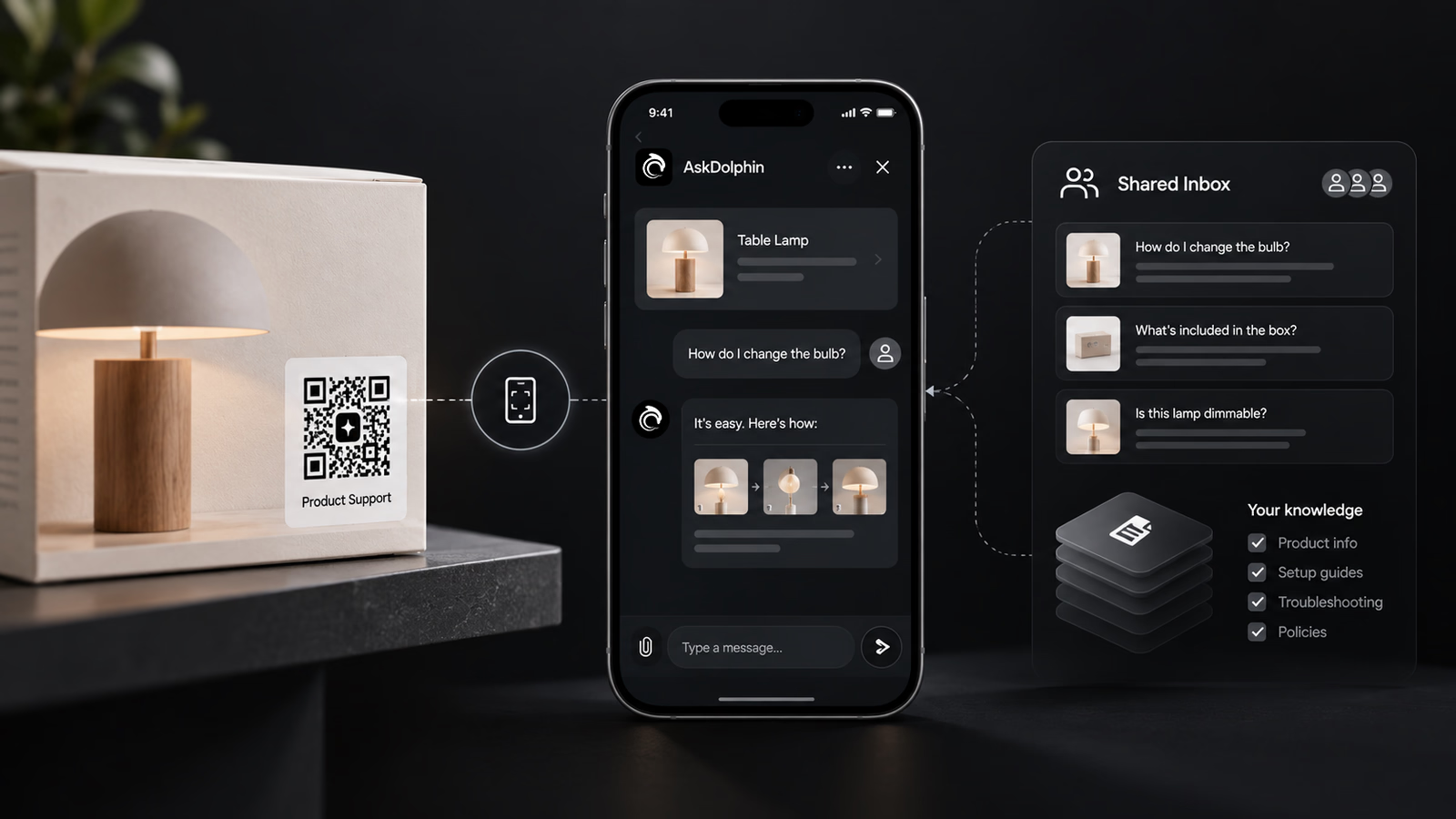
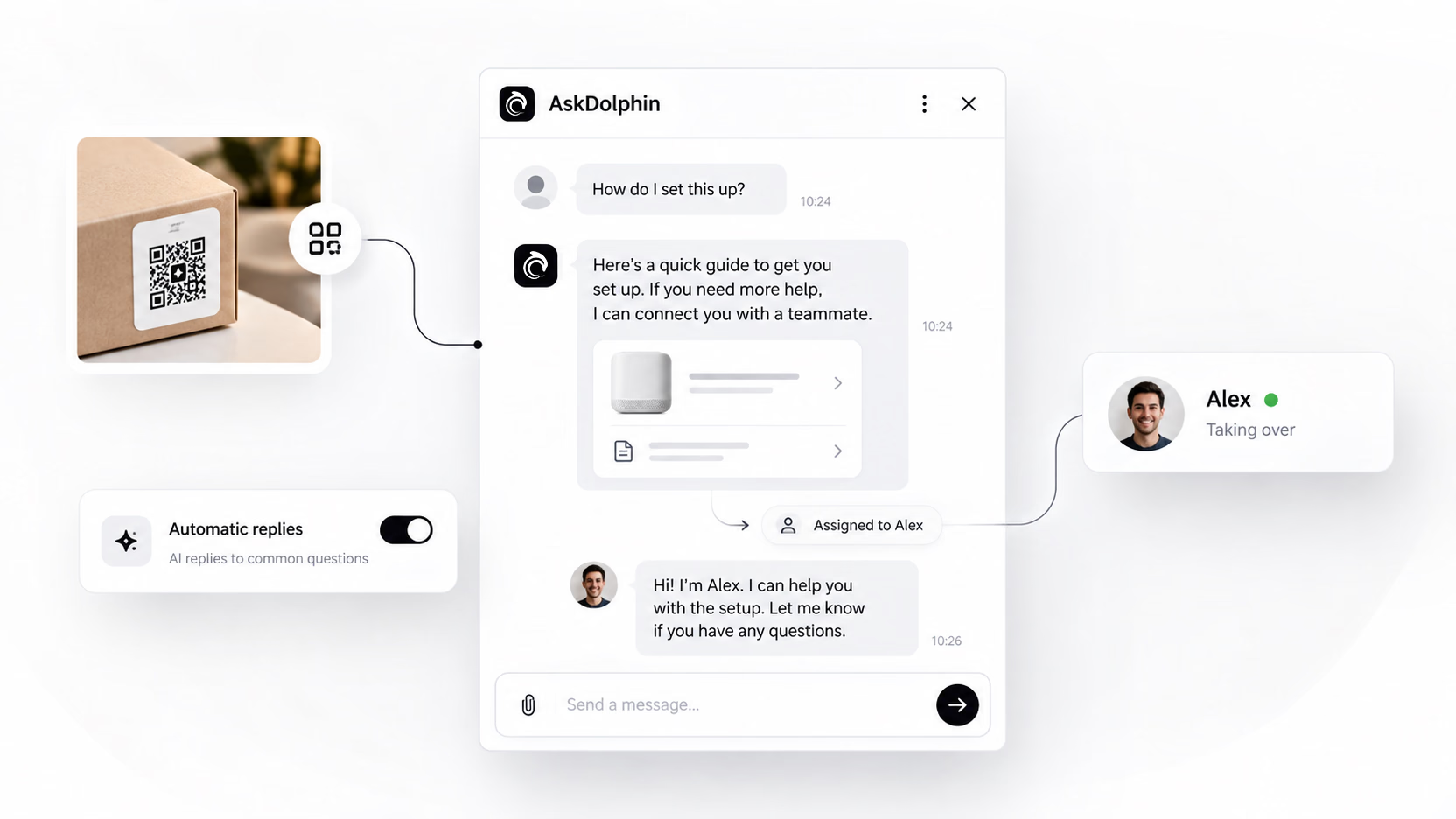
It starts in context
No menu, no search box, no "how can I help you today". The conversation opens knowing which code was scanned and what it's attached to.
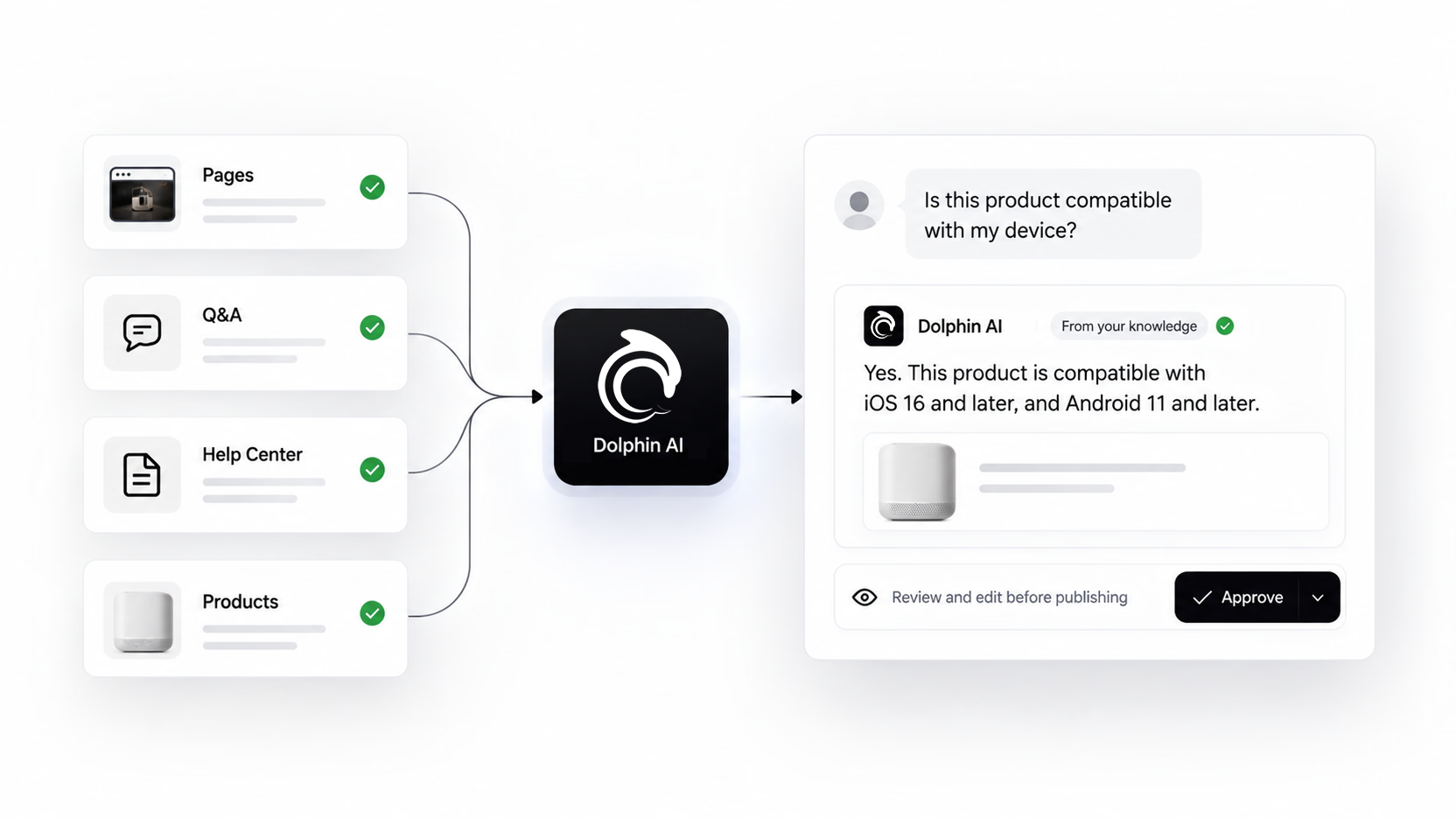
Dolphin AI answers first
From your own pages, your Q&As, your Help Center and your products. Only what you gave it. You can read every answer it built and edit it before a customer sees one.
Your team picks it up
When it should be a person, it becomes one. The whole thread is there, so nobody asks the customer to explain twice.
A code is only useful once it's on something.
So the boring part is built in.
Make it yours
Your colours, your logo, a frame, a shape. Save the style and every code after it matches.
Print it properly
Download it as SVG and it still looks right blown up on a poster. PNG and JPG too.
See what's being scanned
Scan counts, where the code type supports them, so you know which ones earn their place.
Change where it goes
Point an existing code somewhere new without reprinting a thing.
Generated in your dashboard, ready for the printer.
Make them one at a time or in a batch. Search the library, preview any code, check when it was made and how often it's been scanned, then select the ones you need and download the set.
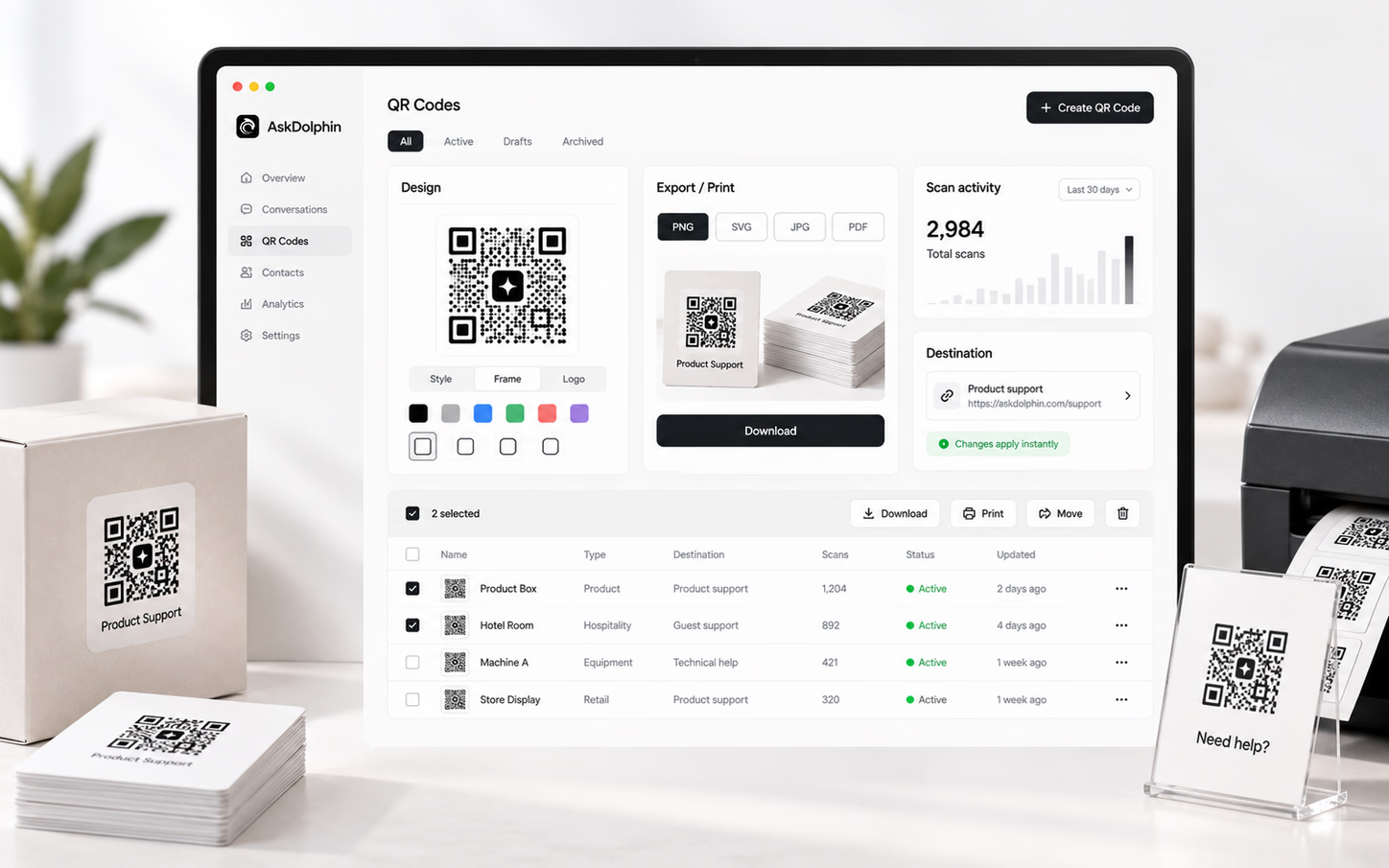
Printing more than a handful?
Save a style once and reuse it. Select in bulk, download them together, send the lot to the printer in one go.
You don't need a website for any of this.
Which matters, because a lot of businesses don't have one worth sending anyone to.
Nothing for them to install
No app, no account, no download. The camera they already have opens the conversation, and that's the whole first step.
Nothing for you to build
If you have no site, the codes are the channel. Everything arrives in the Shared Inbox and gets answered there. If you do have a site, they work alongside it.
Nothing to answer twice
The same questions come up on every code. Answer them once in your own knowledge, and every scan after that gets the answer without anyone typing it again.
Six places this stops being an idea.
The moment is always the same. Someone has a question and nobody is standing there.
- Shops and retail
- The one who picked it up, turned it over, put it back.
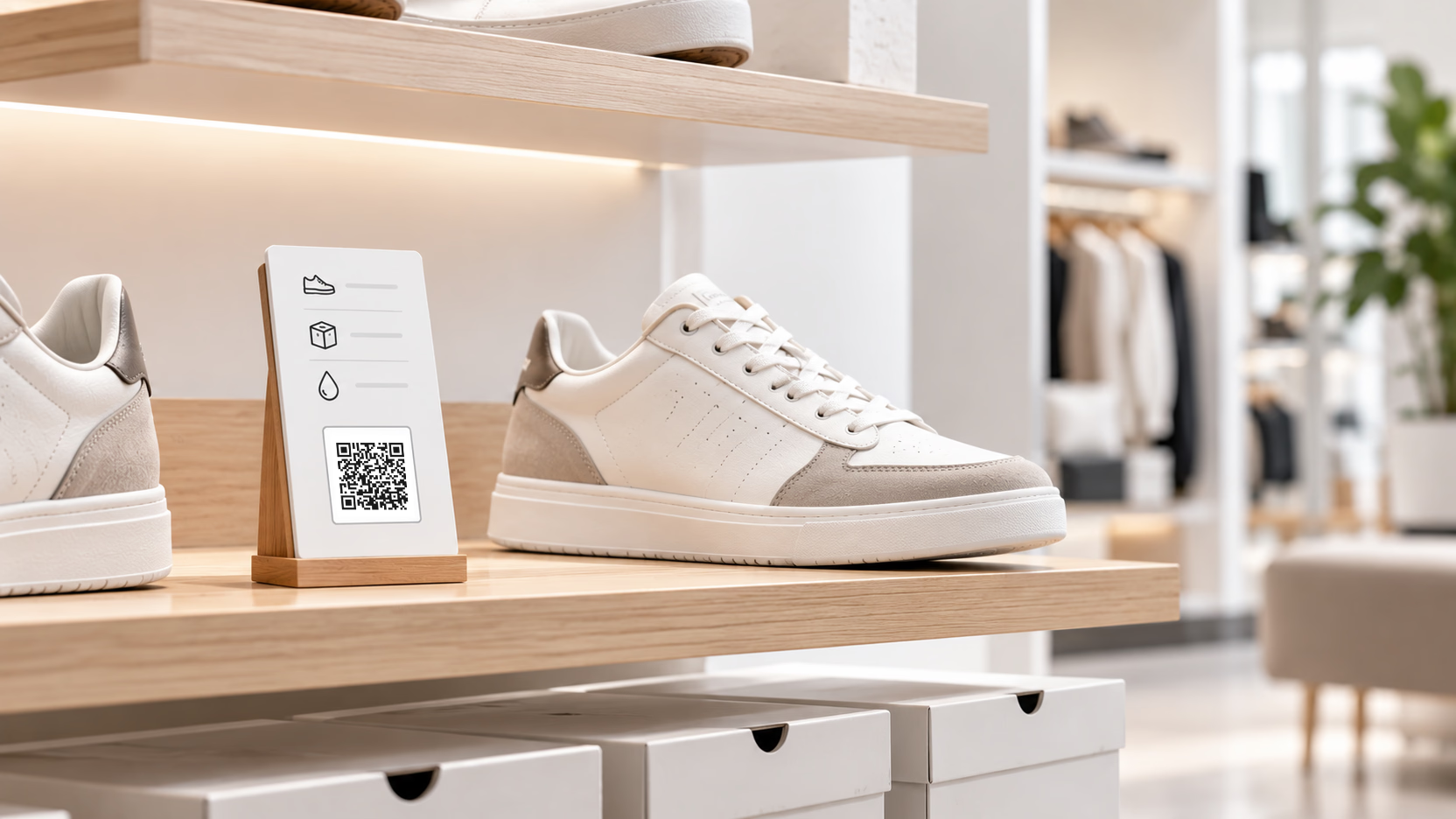
A code on the shelf edge or the swing tag answers size, stock and care, so nobody has to go and find a member of staff first.
- Hotels and short lets
- The guest who couldn't work the heating at midnight.
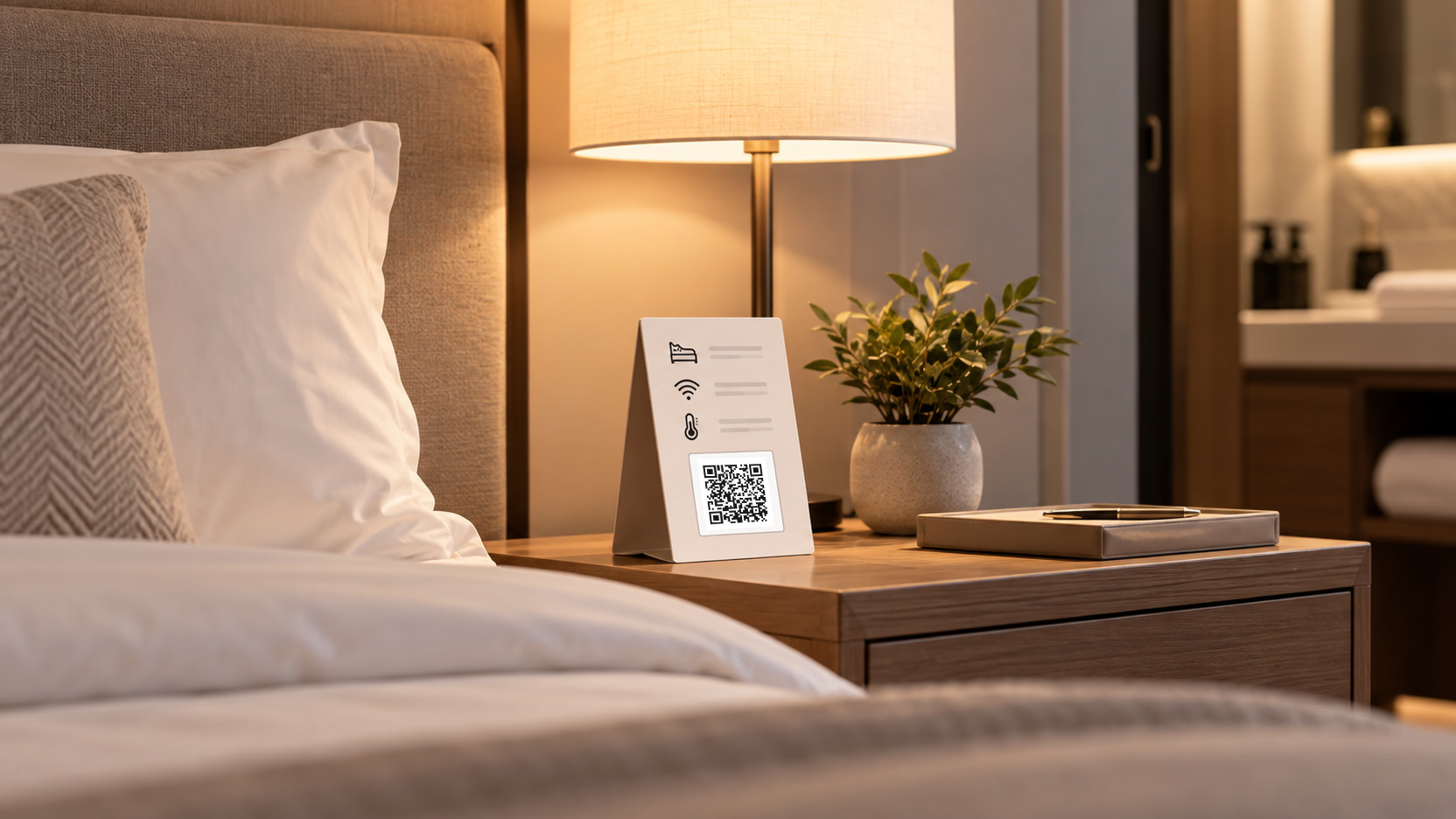
A code on the door or the welcome card answers what the front desk answers all day, at whatever hour the guest actually asks.
- Restaurants, bars and cafés
- The table that needed to know about the allergens.
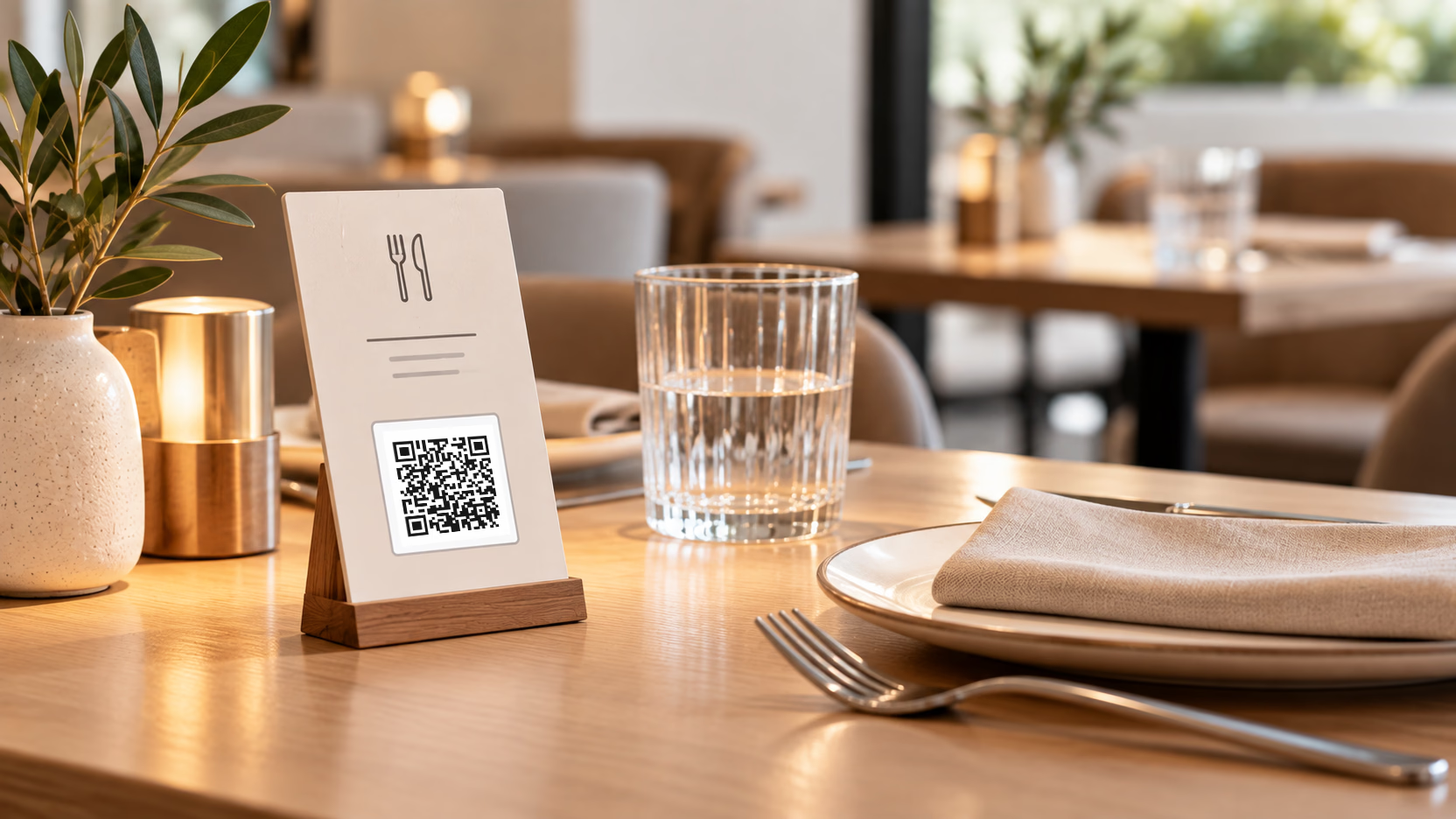
A code on the menu or the table answers what is in a dish and what is off tonight, without waiting for someone to walk past.
- Equipment and manufacturing
- The engineer three hours away with the wrong part.
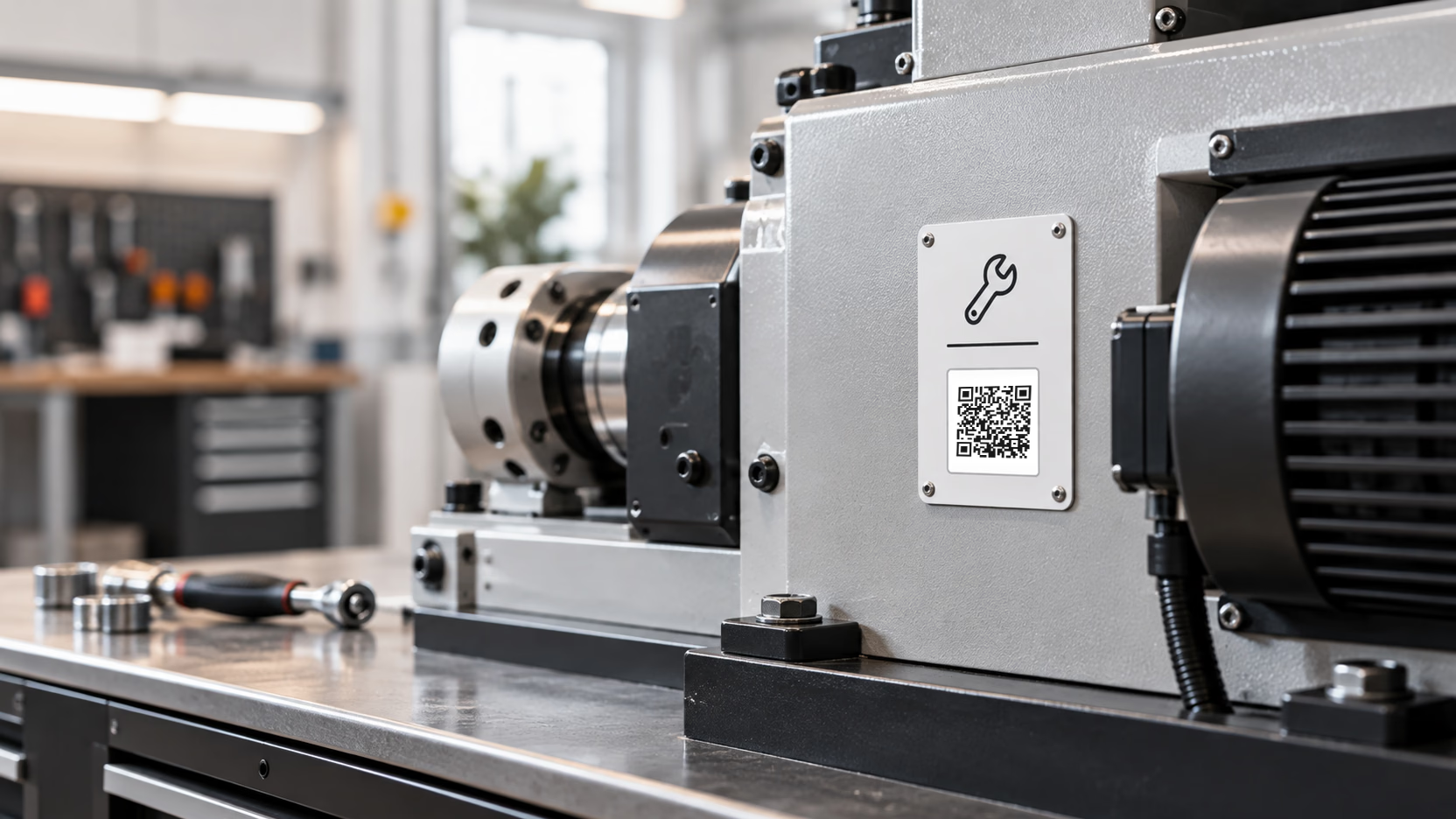
A code stamped on the unit itself opens a conversation about that exact model and serial number, wherever it happens to be.
- Events and exhibitions
- The visitor at your stand while you were mid-pitch.

A code on the banner or the badge takes the repeat questions, so your team keeps the conversations worth having in person.
- Packaging and post-purchase
- The box opened at nine at night, instructions gone.
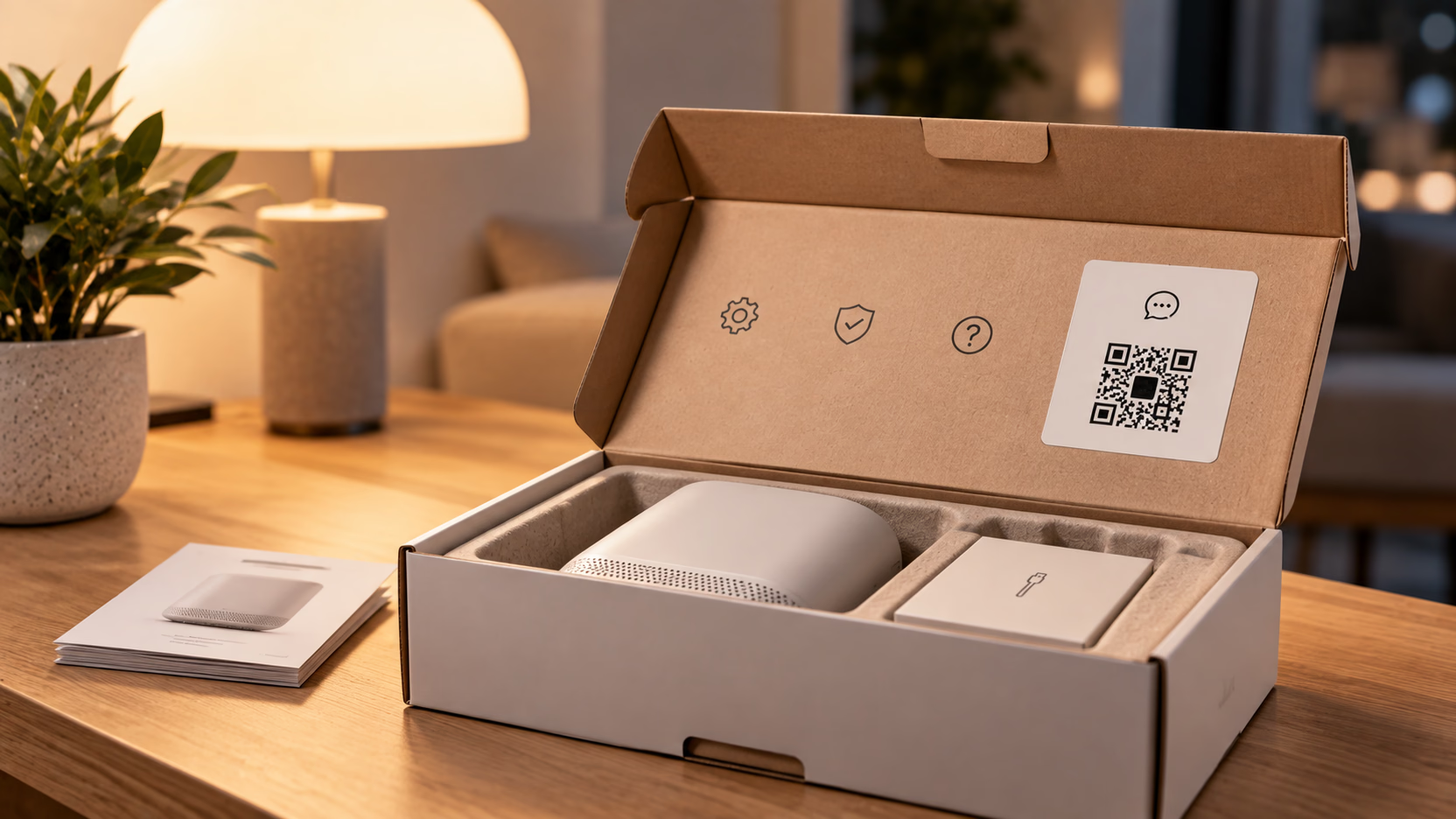
A code on the carton, the insert or the care label answers setup, warranty and what to do when it stops working.
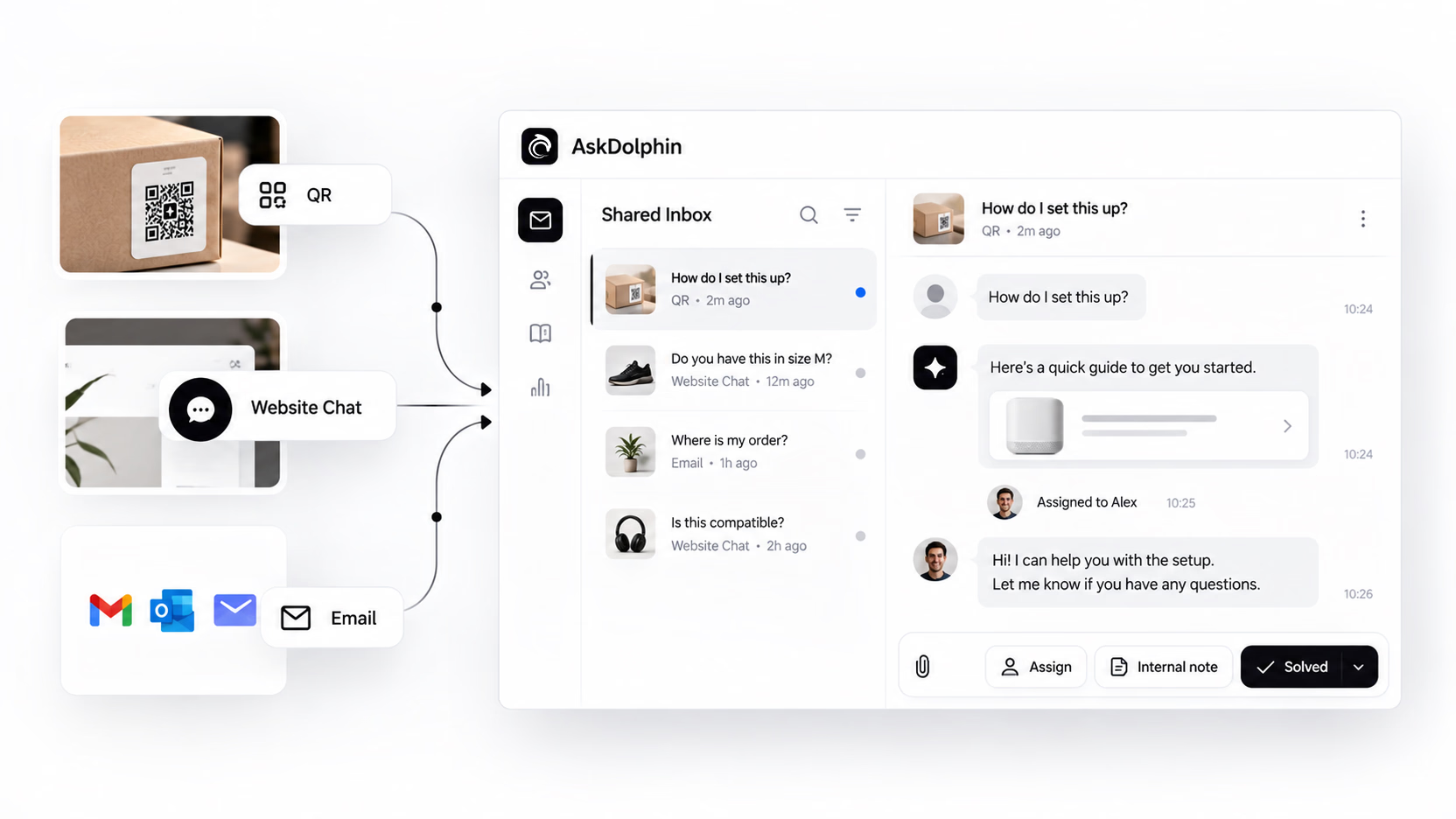
Every scan lands in the same place.
Next to your chats and your email, not in a separate tool.
One workspace
QR conversations sit beside your Website Live Chat and your connected inboxes. Assign one, transfer it, add an internal note, mark it solved. Filter the QR channel on its own when you want to.
People, when it matters
Dolphin AI drafts or replies, depending on what you've turned on — and automatic replies stay off until you turn them on, separately for Live Chat, Email and QR. Owners and Admins decide who gets the AI writing tools.
Only what you approved
Your pages, your Q&As, your Help Center, your products. You can read what it built from your content and change it before a customer ever sees it.
A retail brand, on the QR codes.
"Since integrating AskDolphin, our customer service has become more streamlined and proactive. The QR code feature has been a game-changer in our stores, offering seamless post-purchase support."
"As a solo artist running GoodBond, I needed a solution to manage customer inquiries without dedicating all my time to it. AskDolphin's AI handles most of the questions my customers ask, freeing me up to focus on my designs."
The questions people ask before they print anything.
Can't see yours?Ask us.
What is a Smart QR code?
It's a QR code that opens a conversation instead of a web page. A customer points their camera at it and lands in a chat about whatever the code is attached to — a product, a room, a machine, a menu. Dolphin AI answers from knowledge you approve, and your team can join at any point. No app and no account for the customer.
What's the difference between a static and a dynamic QR code?
A static code has its destination baked into the pattern itself, so changing where it goes means printing a new one. A dynamic code points at a destination you control, which is also why a dynamic code can be counted and a static one often can't.
Do I need a website to use this?
No. A shop, clinic or workshop with no website at all can print codes and handle every conversation from the Shared Inbox. If you do have a site, the codes work alongside the chat widget rather than instead of it.
What can a customer actually do after they scan?
Ask about the thing they scanned and get an answer built from your own content. Browse your products or services. Ask for a quote. Reach a person when the answer needs one.
Can I put a code on one specific product?
Yes. Product-level codes start the conversation already knowing which product it's about, so a customer can ask about setup, care, sizing or warranty without telling anyone what they bought.
Where do the conversations go?
Into the same Shared Inbox as your Website Live Chat and your connected email. You can filter the QR channel on its own, assign conversations, transfer them and leave internal notes, and Dolphin AI's settings for QR are separate from the other channels.
What happens if nobody's online?
Dolphin AI answers if you've enabled it for QR — that setting is off until you turn it on. Anything it can't handle waits in the inbox for your team, and the customer can be sent the thread by email where you've set that up.
Can I try it before paying?
Yes — all of it, for 14 days. Every feature is open during the trial, not a cut-down version. Need longer to test properly? Ask us.
Put one on something and see who talks to you.
Make a code, print it, stick it on the thing people ask about.
14 days, every feature.