Shopify live chat that answers from your catalogue
AskDolphin is an AI customer platform connected to your Shopify store. Dolphin AI answers from your products, prices and policies — your team steps in when it matters.
Try it on our demo store

Connect Shopify and it reads your store.
Not a script you write. Your actual products.
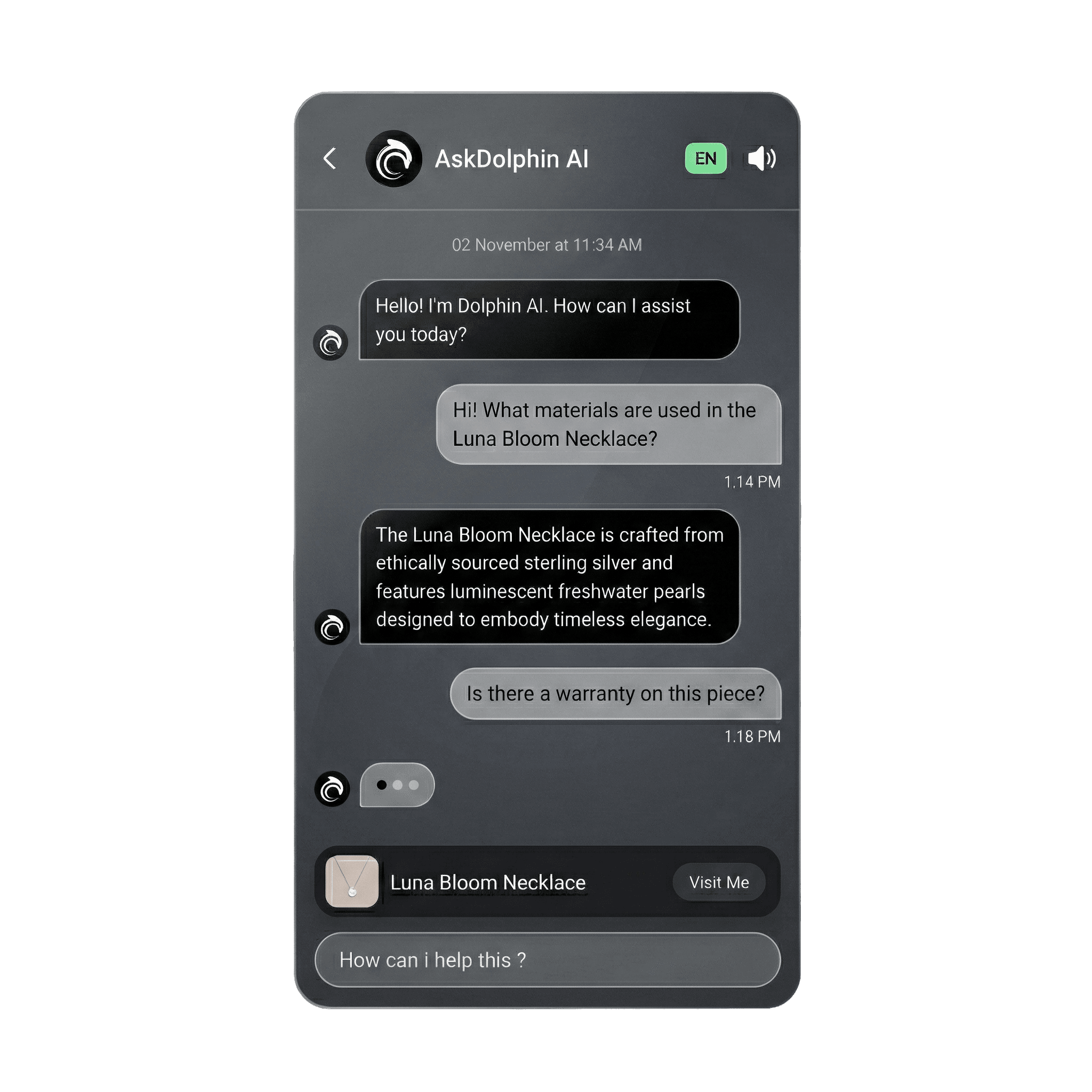
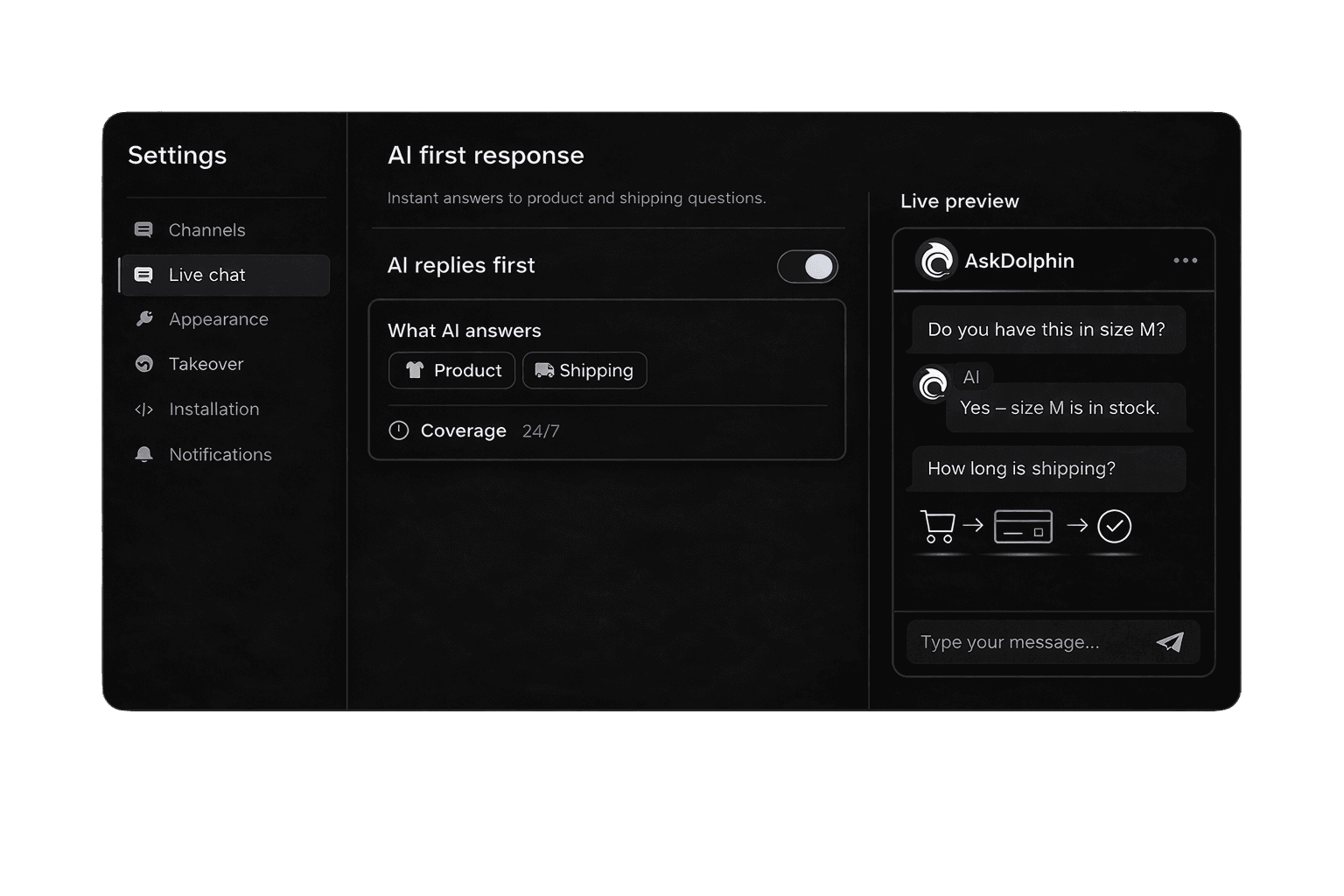
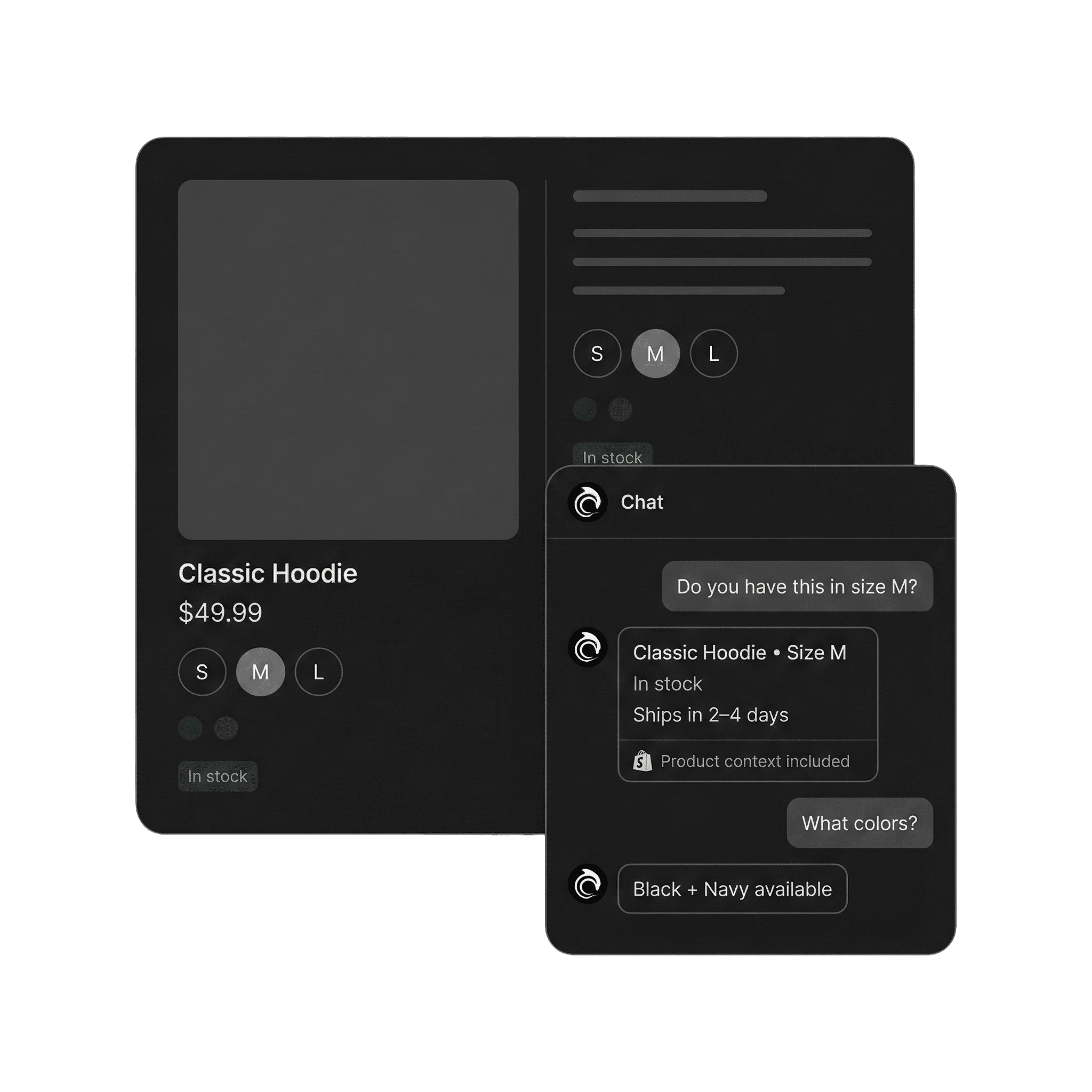
Names, prices, images, availability, categories and product pages come across from Shopify. Dolphin AI answers from those records, so a question about a real product gets a real answer.
Point it at your store and it reads your own pages — shipping, returns, sizing, FAQs. You can read every answer it builds and edit it before a customer sees one.
Customers can search your Products or Services in the widget, open one, and ask about it without leaving the conversation.


It should look like part of the shop.
Not like an app you bolted on.

Yours, not ours
Choose the colours, the launcher and where it sits on the page. Light, Dark or System matches the theme the customer is on.
Ten languages
Pick the language customers see in the widget. Dolphin AI's default language is set separately, so two markets don't have to share one.
Help articles, one tap away
Decide which Help Center collections show in the widget, which ones Dolphin AI answers from, or both. Customers search them without opening a ticket.
Most AI stops at the answer.
Ours can do something about it.
Add to cart
The customer says yes, and it lands in their cart.
Change what's in it
Swap a size, drop an item, change a quantity.
Send a checkout link
A link to pay, generated inside the conversation.
Update a delivery address
A wrong address, corrected after the order.
For the actions you approve, with a human step where it counts.
Nothing happens until you approve it. Then Dolphin AI can carry it out, or a person on your team can step in — same cart, same order, all inside AskDolphin, with no need to open Shopify.

Not selling products?
List your services instead. Customers browse them, ask about them, and request a quote. Same widget, different label.
The order arrives. The questions start.
Where is it, can I change it, how does it work.

Order tracking, in the chat
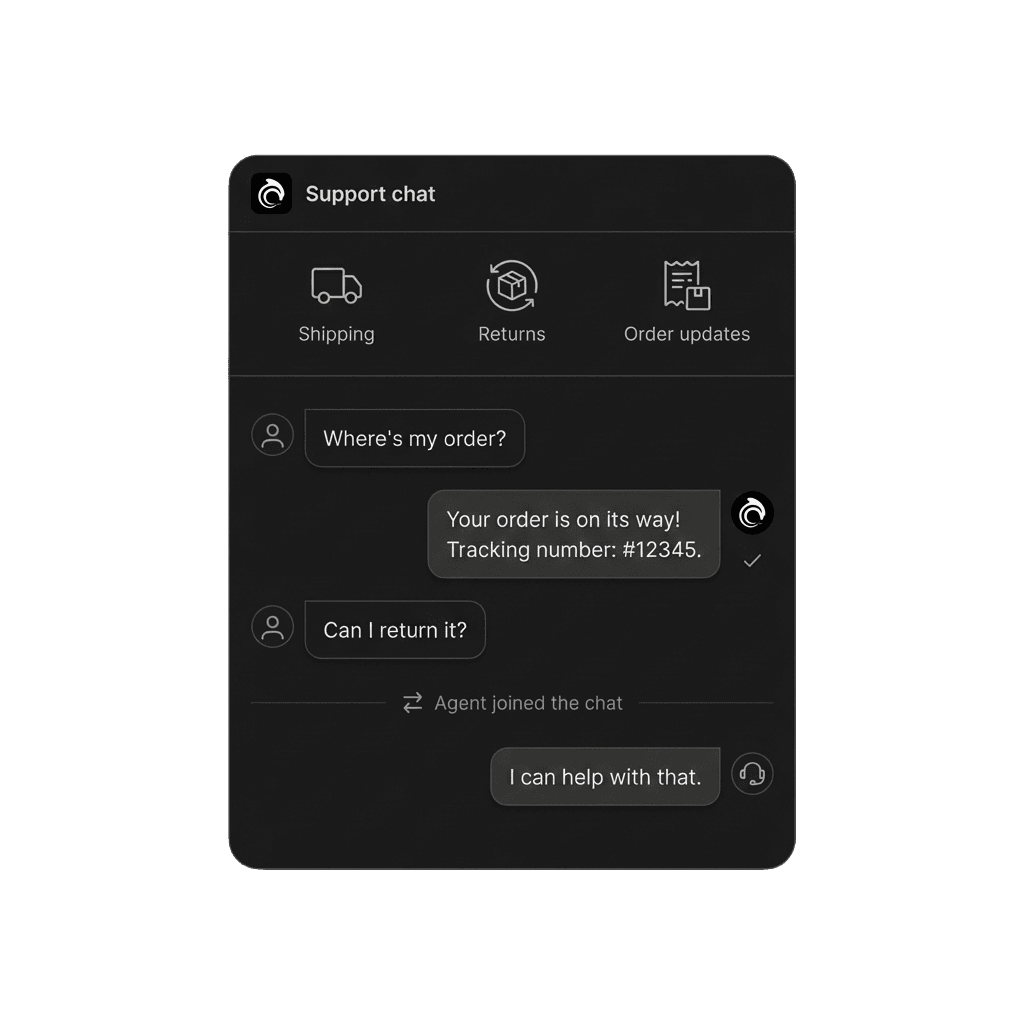
Connect Shopify and your customers can ask where their order is, and get an answer from Dolphin AI inside the widget, instead of emailing you and waiting.
A code on the box
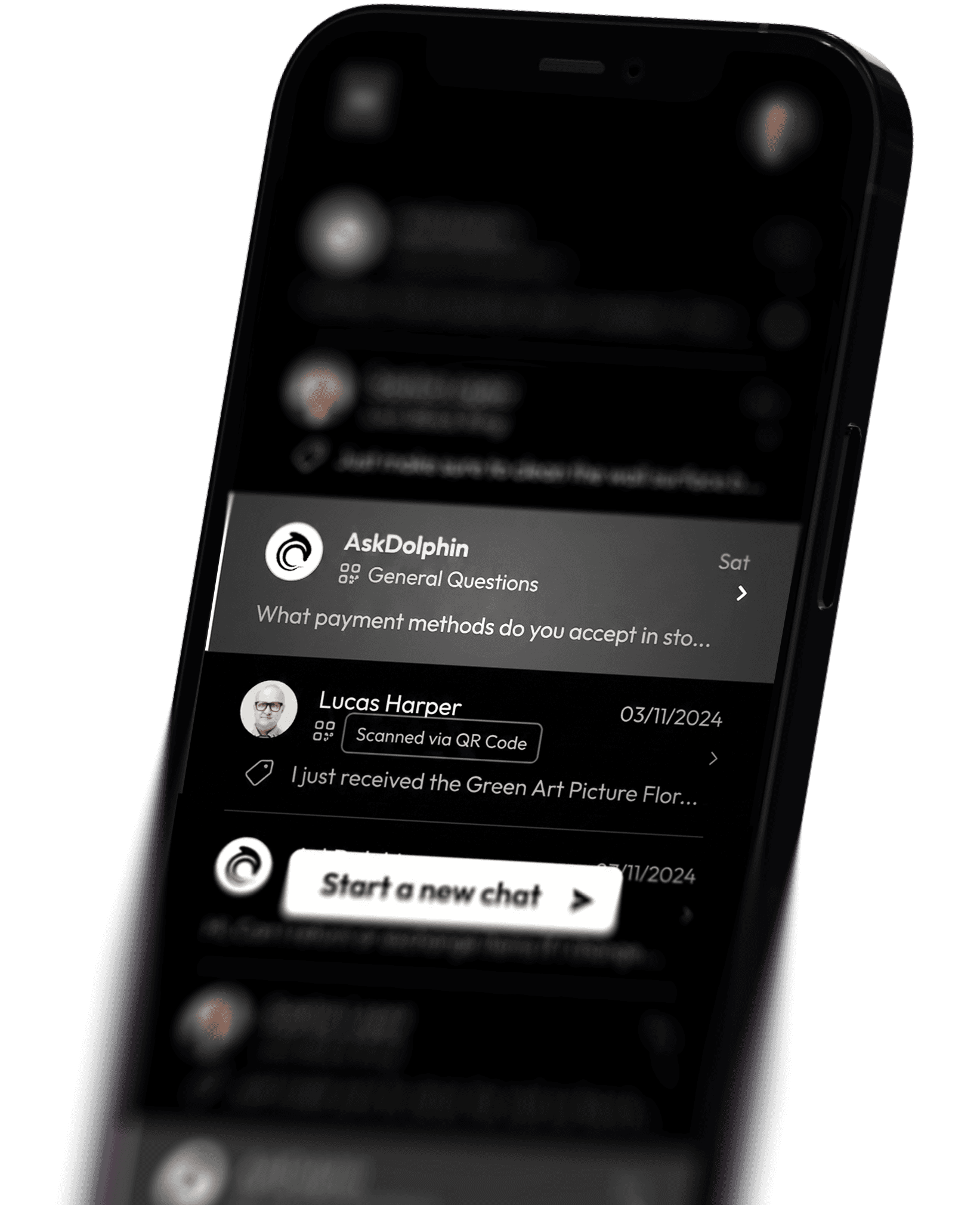
Print a Smart QR code on the packaging, the insert, the care label or the product itself. They scan it and land in a conversation about that exact item — no app, no account, no searching your site for the right page.
The conversation doesn't vanish
Transcripts and reminders can go out by email where you've configured them, so a customer keeps the answer and your team keeps the thread.
Chat, email and QR land in the same place.
With the same people answering them.
One workspace
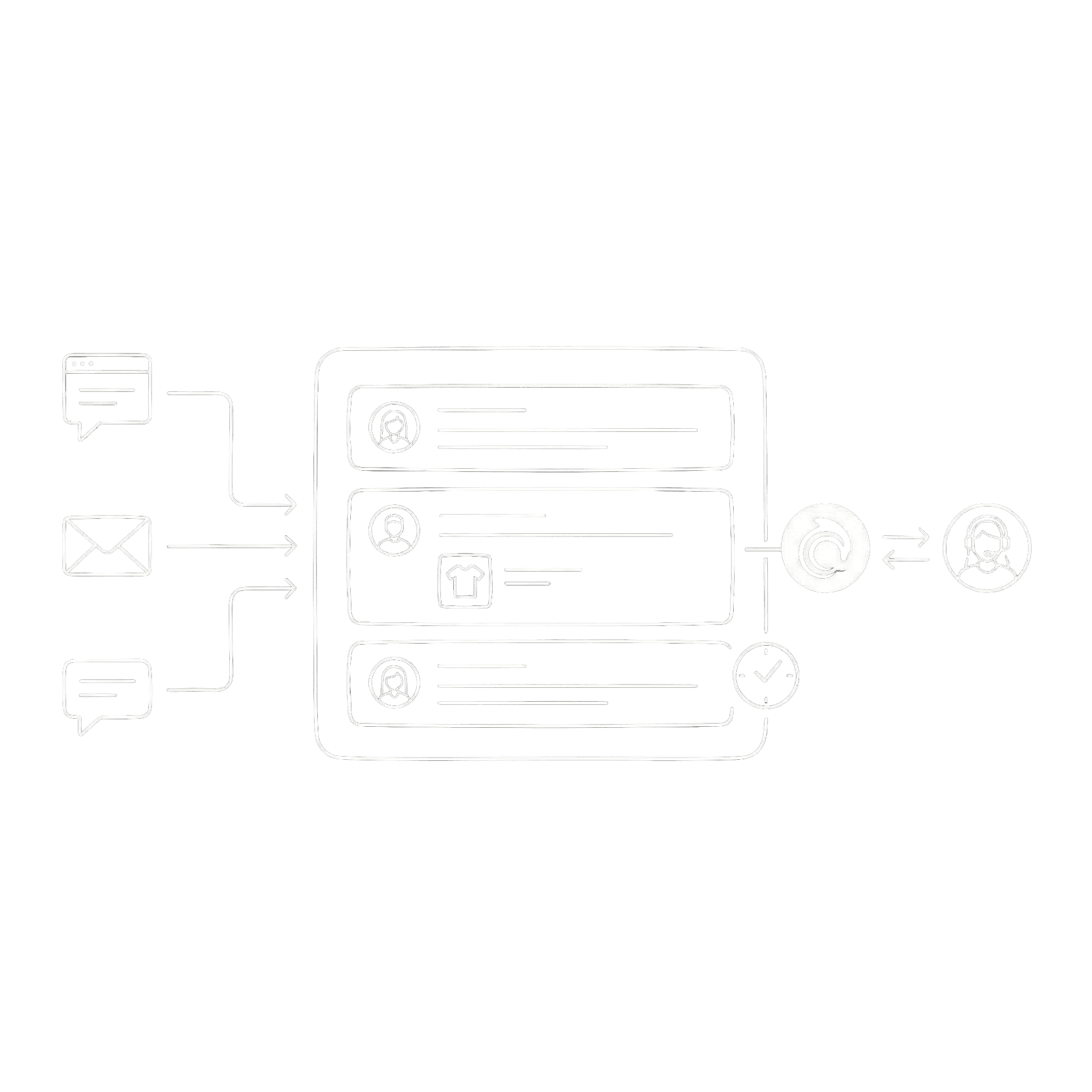
Website chat, QR conversations and your connected inboxes sit together. Assign, transfer, add an internal note, mark it solved. You can see the pages a visitor looked at before they wrote.

Your real email address
Connect Gmail, Outlook, Microsoft 365, or a Custom business email account. Each mailbox gets its own tone, guardrails and knowledge, and a teammate can pick one up without anyone forwarding anything.

It drafts. Your team sends.
Dolphin AI writes the reply from your approved knowledge, or rewrites the one your agent started. Automatic replies stay off until you turn them on, channel by channel. Owners and Admins decide who gets the AI tools.

A retail brand, on what changed.
"Since integrating AskDolphin, our customer service has become more streamlined and proactive. The QR code feature has been a game-changer in our stores, offering seamless post-purchase support."
"As a solo artist running GoodBond, I needed a solution to manage customer inquiries without dedicating all my time to it. AskDolphin's AI handles most of the questions my customers ask, freeing me up to focus on my designs."
What merchants ask before they install.
Can't see yours?Ask us.
Does it work with my Shopify theme?
Yes. AskDolphin installs from the Shopify App Store, or with a single embed you can drop into any theme. It sits on top of your storefront, so it doesn't matter how the theme is built. You can try it on our demo store before you install anything.
How does it know about my products?
You connect Shopify and your catalogue comes across — names, prices, images, availability, categories and product pages. Dolphin AI answers from those records, and from your own pages, so it isn't guessing at your range.
What stops it inventing an answer?
It only knows what you gave it. Your products, your pages, Q&As you write, your Help Center — that's the whole of it. You can read every answer it built from your content and edit it before a customer ever sees one.
Can it reply to customers on its own?
Only if you let it. Automatic replies stay off until you turn them on, and you set that separately for Live Chat, Email and QR. Plenty of stores keep Dolphin AI as a drafting tool and send every reply themselves.
Can it actually do things, or just answer questions?
It can act. Connect Shopify and it can add to a cart, change what's in one, send a checkout link inside the chat, and update a delivery address after the order is placed. For the actions you approve, with a human step where it counts.
What about after the order?
Customers can ask about their order in the chat. You can also print a Smart QR code on the packaging or the insert, so a scan opens a conversation about that exact item.
Can my team work without opening Shopify?
Yes. Your team works the same cart and the same order from the AskDolphin panel, alongside the chat, email and QR conversations in the Shared Inbox.
Can I try it before paying?
Yes — all of it, for 14 days. Every feature is open during the trial, not a cut-down version. Need longer to test properly? Ask us. Plans and prices are on the pricing page.
Put it on your store and watch what it catches.
Connect Shopify, and it starts on your next visitor.
14 days, every feature.