Shopify customer service automation: what to automate first and what not to
AskDolphinPublished17min read
Inboxes full of tracking, returns, and quick product questions need automation, not more copy-paste. Learn what Shopify stores should automate first, what humans should keep, and how to protect customer trust.ecommerce-shopify
Last updated
On this page
If your inbox is rammed with order tracking, returns, sizing questions and “just checking” messages, you’re not alone. This guide walks through how to automate customer service properly, without annoying customers or damaging trust.
It shows what to automate first, what to keep human, and how to put simple guardrails in place so automation actually helps instead of making things worse.
What this guide covers
Start with order tracking and returns requests. They come up most often, rarely turn into arguments, and are easy to handle in a consistent way.
Automation is not just a bot. It includes clear self-serve pages, saved replies, simple rules, and AI that knows when to pass a conversation to a person. How customer service automation works in e-commerce.
Anything involving money, risk, or emotion needs guardrails. So, use careful language, allow room for uncertainty, and move quickly to a human when things get sensitive.
Any AI is only as good as the information behind it. That means clear policies, accurate shipping times, product details, and a simple weekly review to fix what is not working.
You do not need fancy tools to know if this is working. Measure how many conversations are resolved without a human, how quickly customers get a first reply, and how often issues come back.
Two-minute setup plan
You can do this in order.
If you automate one thing: Start with order tracking and a clear path for late or missing deliveries.
If you automate three things: Add a way for customers to start a return and clear shipping times by region.
If you automate five things: Include sizing help and clear rules for address changes and cancellations.
What you can realistically set up in one hour
Ten saved replies covering order tracking, returns, refund timing, shipping times, sizing, address changes, and cancellations.
One simple “start here” help page with three links only. Track my order. Start a return. Find my size.
One clear handoff rule. If the system is unsure, it asks for the order number once and then passes the conversation to a human.
Clear expectations for customers about reply times and next steps.
This is not about perfection. It is about removing the obvious friction first and stopping the same questions landing in your inbox all day long.
Quick check before you automate anything
Use this table to decide what is safe to automate and what should stay with a person. Score each topic on how often it comes up, how risky it is, and how complicated it gets.
Feel free to copy and use it!
What the question is about
How often does it come up
How risky is it
How tricky it is
How to handle it
Order tracking
Very often
Low
Simple
Self-serve or AI-assisted when enabled
Starting a return
Often
Low
Simple
Self-serve or AI-assisted when enabled
Refund timing
Often
Medium
Medium
Drafted, then checked by a person
Sizing help
Often
Low
Medium
Drafted, then checked by a person
Warranty claims
Sometimes
Medium
Medium
Drafted, then checked by a person
Chargeback threat
Rare
High
High
Handled by a person only
If a question comes up a lot, is low risk, and follows clear rules, it is safe to automate.
If money, emotion, or exceptions are involved, a person should stay in control.
A simple rule of thumb:
Automate things that come up a lot, are low risk, and follow clear rules.
Use automation to help draft replies when the answer depends on context, but still needs a person to check it.
Keep anything involving money, legal issues, strong emotions, or exceptions with a human from the start.
What automation actually means for a small Shopify team
Automation is anything that cuts down the back and forth while keeping answers consistent. It is not about replacing people. It is about saving time on repeat questions so your team can focus on the tricky stuff.
For small teams, automation usually falls into four buckets.
Self-serve help
Pages customers can use on their own, like order tracking, starting a return, size guides, and basic product care or setup instructions.
Saved replies
Short, accurate messages your team can send in seconds for common questions, instead of typing the same thing over and over again.
Simple rules and workflows
Basic logic that routes conversations, adds tags, or triggers actions. For example, if an order is late, show tracking. If a return is requested, collect the order number first.
Chat and AI
Useful for the first reply and for sorting out what the customer needs, as long as handing over to a person is quick and painless when things are not clear.
The real goal
The aim is simple. Fewer repeat questions, quicker replies, and the same answer every time.
Good automation should feel boring in the best possible way. When a customer asks the same question twice, they should get the same answer, no matter who is on shift. That is how you avoid support turning into a lucky dip.
The first things to automate
This section covers what is safe to automate first, roughly how long each setup takes, and the one rule that stops it from going wrong.
Order tracking and delivery updates
Where is my order?
Setup time Around 30 to 60 minutes.
What to automate A clear tracking link, a short explanation of what happens next, and a simple timeline so customers know when to worry and when not to.
If you use Shopify, the order status page already cuts down tracking questions when it is set up properly. If a customer says an order shows as delivered, but they have not received it, collect the basics first, then confirm the address, ask where parcels are usually left, and check the delivery date. Then pass it to a person.
Returns, exchanges, and refunds
Setup time Around 60 to 90 minutes.
What to automate A simple way for customers to start a return or exchange, basic checks to see if the order is eligible, and clear next steps so they know what will happen.
Also, do not promise refunds automatically. Use careful wording, such as confirming the refund once the item has been received and checked.
Shipping times and fees by region
Setup time Around 45 minutes.
What to automate A simple table that shows shipping options by region, how long they usually take, and how much they cost. Add a short note for busy periods like sales or holidays.
Also, if a customer needs an order by a specific date, ask for the date first. Then suggest the fastest available option or pass it to a person if needed.
Size and fit help
Setup time Around 60 minutes to get started, then small updates over time.
What to automate A few guided questions, a clear size chart, and short notes on what other customers usually choose, based on return patterns.
Be careful. Never guarantee fit. Offer a best guess and make it easy to exchange if it is not right.
Product care and setup
Customers often get stuck after the box is opened. A bit of help here saves a lot of back and forth.
Setup time Anywhere from 45 minutes to a couple of hours, depending on how many products you sell.
What to put in place Clear answers for the basics. How to use it, how to clean it, how to charge it, or how to set it up. Start with your best sellers and work down.
Where to be careful If there is any safety angle, such as electrical items, skin contact, or products for children, do not guess. Point customers to the official instructions or pass the question to a person.
Warranty and damage claims
This is not something to automate end-to-end, but you can save time at the start.
What you can safely automate A simple form that asks for the order number, photos of the issue, what the problem is, and when it started. That alone cuts out a lot of follow-up emails.
Setup time About an hour.
The important rule Do not decide who is at fault automatically. Acknowledge the claim, explain what will happen next, and pass it to a human to review.
Address changes and cancellations
These requests are usually urgent and easy to get wrong if the rules are not clear.
Setup time Around 30 minutes.
What works well Clear rules based on where the order is in the fulfilment process. For example, changes are possible before dispatch, but not once the parcel has left the warehouse.
When to step in If the order is already with the carrier, share the carrier options and only escalate if there is a genuine mistake on your side.
Promo code problems
Most discount issues have boring explanations, and that is a good thing.
What to automate A short list of common reasons codes do not work, such as expiry dates, minimum spend, excluded items, or one-time use limits.
Setup time Around 30 to 45 minutes.
Where to draw the line Do not hand out discounts automatically. If it looks like a real checkout issue, pass it to a person to check properly.
Store hours, contact details, and policies
This is quick to fix and removes a surprising number of messages.
Setup time About 20 minutes.
What to create One clear page that shows when you are open, how to contact you, and where to find your key policies.
Small but important detail If you handle different channels differently, say so. If chat is faster than email, or WhatsApp has limited hours, make that clear so customers do not feel brushed off.
Capturing leads when your team is offline
You cannot reply round the clock, but you can still handle this well.
What to set up When no one is available, collect the basics. Why they are getting in touch, their order number if they have one, how to contact them, and whether they prefer email, chat, or phone.
Setup time Around 30 minutes.
One thing you must get right Be honest about reply times. Say when you will get back to them, then make sure you actually do. Broken promises here undo all the good work.
Three real retail examples
What this looks like in practice, both in-store and online.
Boutique clothing: Sizing help and returns
Where does the QR code live? On the fitting room mirror and on printed receipts.
What does the customer see? Three clear options on the first screen. Find my size. Start an exchange. Track my order.
What happens next for staff? If the customer asks about sizing, the staff see the product and size question straight away. If they start an exchange, staff see the order number and item and can approve it quickly.
Consumer electronics: Setup help and warranty claims
Most issues start just after unboxing!
Where the QR code goes Inside the box lid and on the power cable or adapter tag.
What the first screen shows Set up in 60 seconds with steps or a short video, basic troubleshooting, and an option to claim warranty.
What happens behind the scenes If someone chooses a warranty, the chat asks for the serial number and photos, then routes the case to the right person without extra chasing.
Beauty and skincare: Product use and sensitive issues
Here, speed and care matter more than automation.
Where does the QR code appear? On shelf signs in-store and in the order confirmation email.
What do the customers see first? How to use the product, ingredients, and allergy information, and order support.
How is it handled? Anything mentioning a reaction, irritation, or medical concern is passed straight to a human. No debating with a bot.
This is where teams usually get stung. They automate the most stressful issues because they feel urgent, not because they are safe to automate.
Chargebacks, threats, and legal issues
Do not let automation loose here. These conversations should go straight to a person, with a clear internal checklist so nothing is missed.
This is about risk control, not speed.
Complex problems and emotional complaints
When someone is angry, confused, or going round in circles, clever automation just slows things down. What matters most is getting a calm human involved quickly.
A steady response from a person will almost always resolve things faster than a system trying to reason its way through emotions.
Anything that needs judgment or discretion
Special cases, exceptions, and VIP handling are policy decisions, not FAQs. Automation can help gather details, but it should never make the final call.
Human handoff rules
How to stop automation from causing more problems. Handoff is not a failure. It is the safety net that makes automation work!
Let the system admit uncertainty
Your automation needs permission to say it is not sure. Plain, honest language builds trust and prevents bad guesses.
Some cases work well:
“I want to double-check this so we do not get it wrong.”
OR,
“I can help faster if you share your order number.”
As you can see, clear handover rules are a well-established support pattern.
When to pass straight to a person and when to ask a quick question?
Most of the time, you should pass straight to a person when:
There is a risk around money, such as refunds or chargebacks.
The message mentions safety, medical issues, or anything that could cause harm.
There are signs of harassment, threats, or abusive language.
The customer is a VIP or is asking for an exception to policy.
The conversation has already gone round in circles, and nothing has worked.
Also, it is better to ask one or two quick questions when the system could help, but key details are missing.
For instance:
What is the order number?
Which product or version is it?
Which country are you in?
Ask once, keep it simple, and then decide. If it is still not clear, pass it to a person rather than guessing.
Handing conversations over properly
A handover only works if the next person does not have to start from scratch.
A good handoff includes three things. First, what the problem is; second, which order or product it relates to, and third one is what has already been tried. That way, the customer does not have to repeat themselves, and the agent can pick it up straight away.
These mistakes show up again and again in retail support. The good news is they are easy to fix once you spot them.
Sending people to the homepage If a QR code drops someone on your homepage, you have made them do the work. A support QR should always land on help, not marketing.
Calling it automation when it is really hiding contact details Removing contact options does not reduce demand. It just frustrates people and makes problems louder when they finally reach you.
Promising refunds too early Be careful with wording. Confirm the process first and only confirm the refund once the item has been received and checked. Otherwise, you are setting up an argument for later.
Never reviewing conversations If nobody looks at chats on a regular basis, automation slowly goes off track. A short weekly review is enough to catch problems before they grow.
Building the knowledge your automation relies on
Automation only works when the information behind it is solid. If your answers are unclear or outdated, the system will copy those mistakes at scale.
What you actually need to start
You do not need a huge help centre. Start with the basics and make sure they are right.
That usually means:
Clear shipping times and costs by region. Simple rules for returns and exchanges, with realistic timelines. Clear cancellation and address change rules. Product details such as materials, compatibility, and sizing notes. Warranty basics and what customers need to submit a claim. The thirty most common questions from your inbox.
Keep everything saying the same thing
Your policy pages, chat replies, and emails should all match. If they do not, customers will spot the difference straight away, and trust drops fast.
Once a week, skim through around twenty recent conversations and label them in three simple ways. Did automation solve it, did it need a handover, or did it fail completely?
Fix the three most common problems you see. Small fixes, done every week, are how quality quietly improves over time.
A simple automation setup for Shopify
As your business grows, you do not need everything at once. Most teams grow into automation in stages.
Stage one: Founder-led and hands-on
This is where most shops should start. Focus on clarity, not clever tools. Get the basics right and you will remove a big chunk of noise from your inbox.
What this usually includes:
Ten saved replies for your most common questions
One clear “start here” help page
Straightforward tracking and returns instructions
Stage two: Growing team with shared ownership
This is the point where automation starts to help more than it hurts. Add chat or AI only once three things are true. Your knowledge base exists, your handover rules have been tested, and your team can see the full conversation history when they step in.
At this stage, automation should help sort requests and handle the obvious questions, not make decisions on its own.
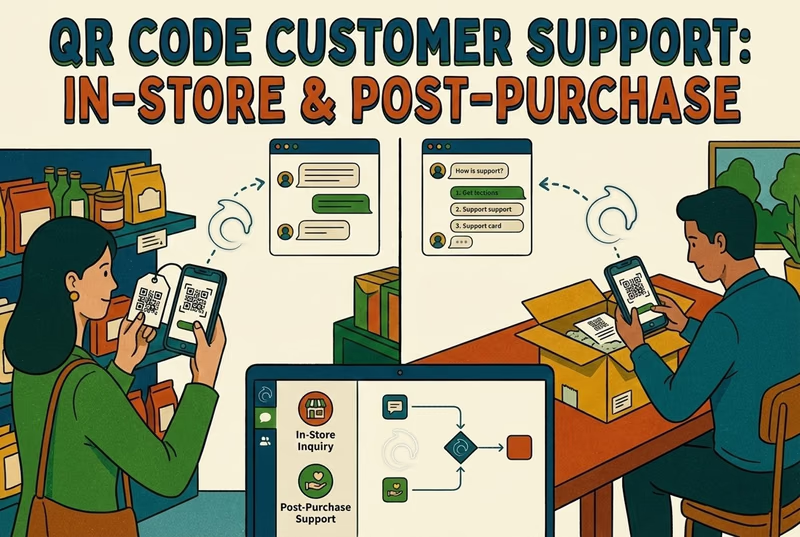
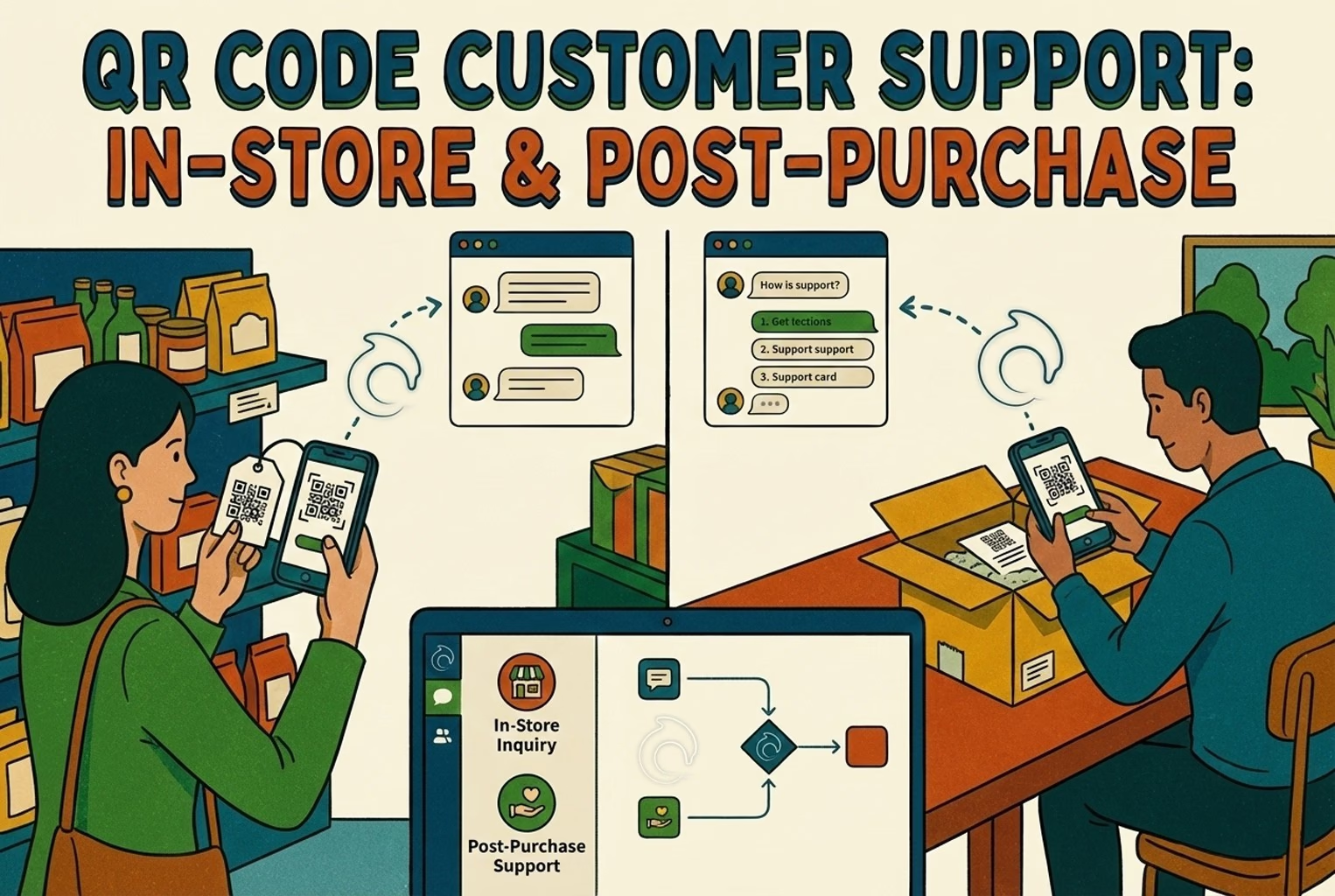
If you are using QR codes to start conversations in-store, the flow is simple. Scan, chat, team inbox, then optional product context if needed. If you are curious how QR to chat works in a real retail setting, this guide shows it step by step.
Stage three: Scaling without losing control
Once the basics are working well, you can layer in more advanced tools. This is where proactive messages and smarter routing start to make sense.
This is where automation can start doing more useful work, for example:
Messages for high-risk orders, like weather delays or carrier issues.
Customer grouping, such as VIPs, first-time buyers, or wholesale.
First replies in multiple languages, with fast handover when needed.
Measuring success: Without fancy tools or dashboards
You do not need complex reports to know if automation is helping. A few simple checks, done regularly, tell you most of what you need.
The three numbers worth watching
Check these once a week:
Deflection rate How many conversations are resolved without a person stepping in. If this goes up without complaints rising, you are on the right track.
First response time How quickly customers get a useful first reply, not just an automated greeting.
Reopen rate How often the same issue comes back. If this is high, your answers are probably unclear or incomplete.
Look at what people are actually asking
Once a week, skim your chat logs and make a simple count of the main topics.
Order tracking.
Returns.
Sizing.
Promo codes.
Address changes.
Warranty issues.
Everything else.
If you cannot name your top questions, you are guessing what to automate next.
A simple 30-day improvement plan
You do not need to do everything at once. Spread the work out.
Week one Get order tracking, return requests, and shipping information in place.
Week two Add sizing help and clear rules for address changes and cancellations.
Week three Create care and setup help for your best-selling products.
Week four Review what failed, tighten your handover rules, and rewrite any saved replies that caused confusion.
If you want to act on this straight away, copy the automation matrix and handoff rules from this post and use them with your team this week. There are more practical playbooks like this in our support operations blog.
Frequently asked questions
Should I start with a chatbot or saved replies?
Start with saved replies. They force you to be clear, reduce mistakes, and give you a solid base for automation later.
What is the safest thing to automate first in ecommerce?
Order tracking. It is repetitive, predictable, and customers mainly want reassurance and a timeline rather than a decision.
How do I automate returns without annoying customers?
Automate the start of the process and the next steps, leave the final decision to a person, and be careful with refund wording. Confirm the refund once the item has been received and checked, not before.
What does human handoff actually mean?
It is the point where automation steps back and a person takes over, with the full conversation and the order details already visible so the customer does not have to repeat themselves.
How many automations should I launch at once?
Three is enough: order tracking, starting a return, and shipping times. Get those right before adding more.
How do I stop AI from making things up?
Only let it use information you have approved, allow it to say when it is not sure, and pass the conversation to a person when confidence is low.
Do I have to be on Shopify to do this?
No. These ideas work on any ecommerce platform. Shopify just makes some parts easier with built-in tools like the order status page and return rules.
Most merchants do not need more chat. They need fewer repeat questions after purchase. This article covers what works when merchants add AI chat on Shopify, where it breaks, and how QR support takes pressure off chat and email.
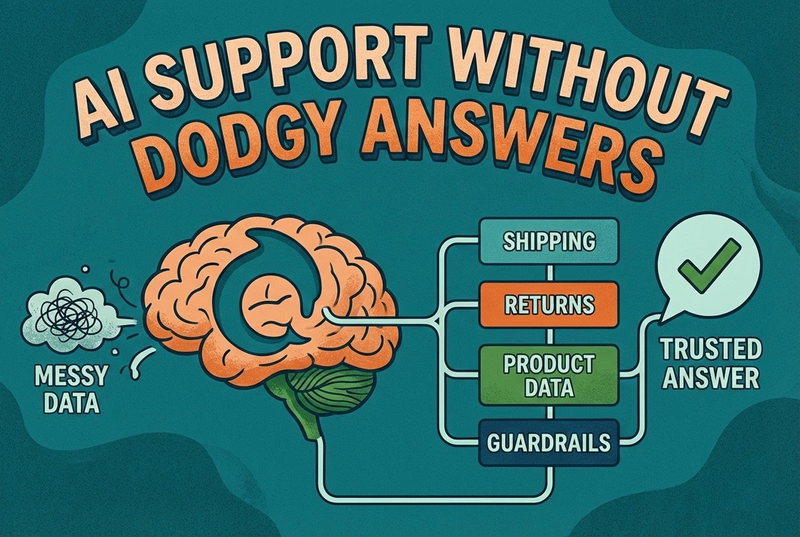
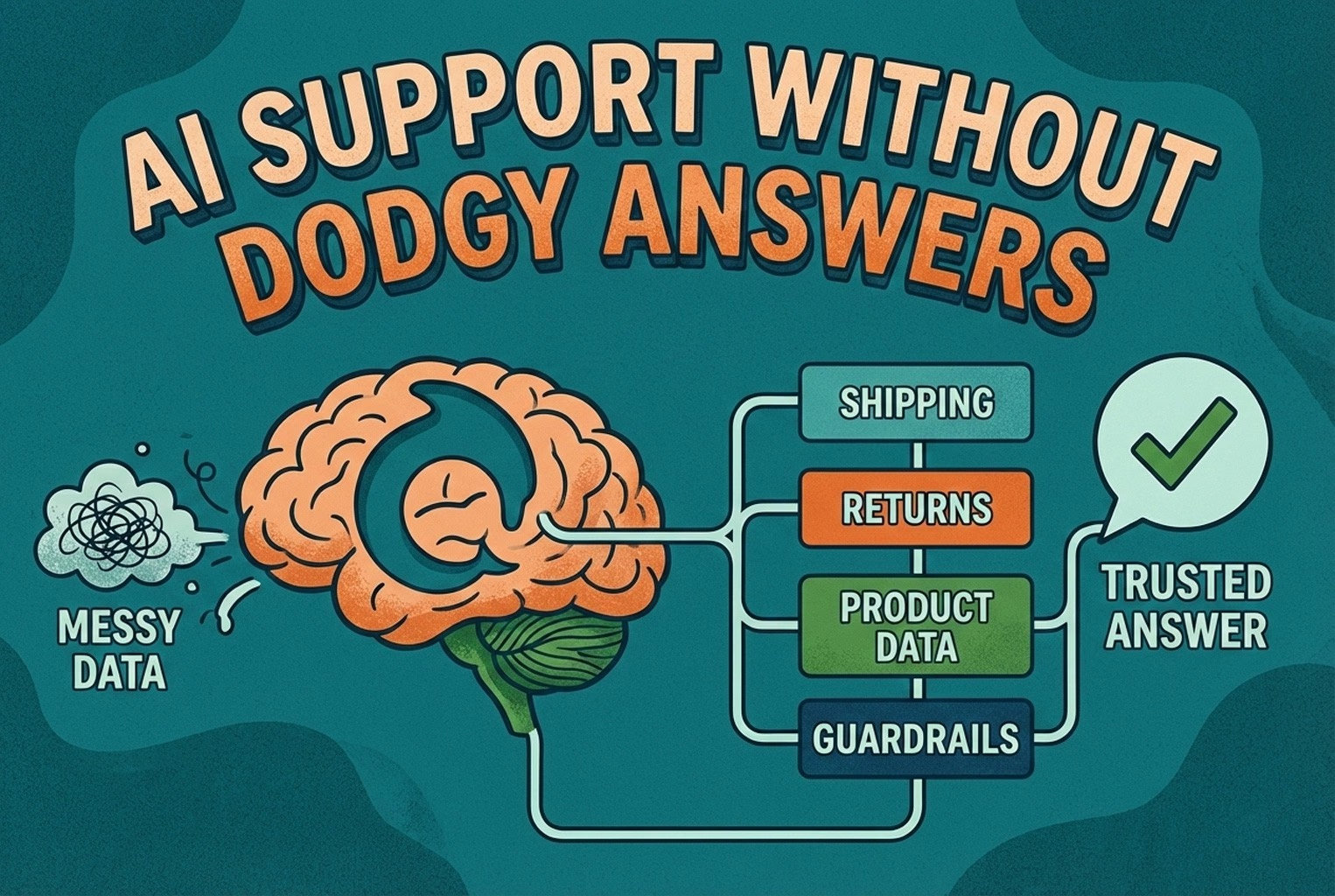
AI support usually fails when the knowledge behind it is messy. This guide shows how ecommerce teams structure shipping, returns, product data, guardrails, and human handoffs so answers stay accurate and policy-safe.
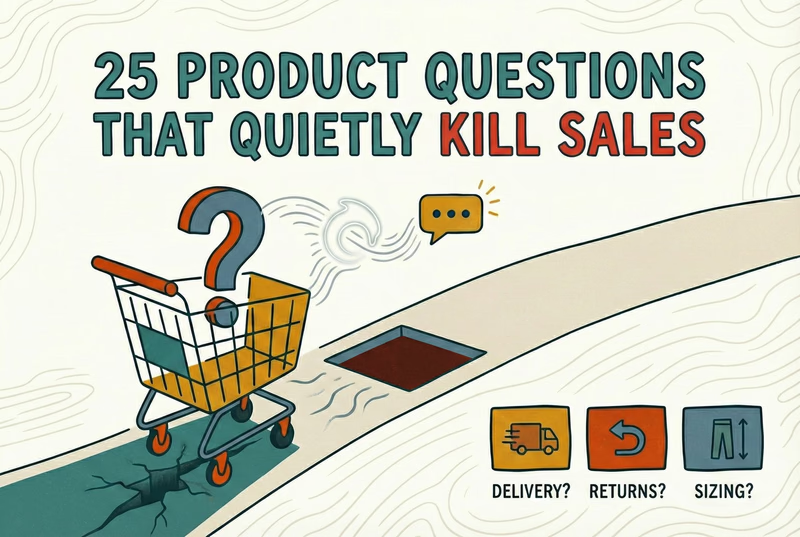
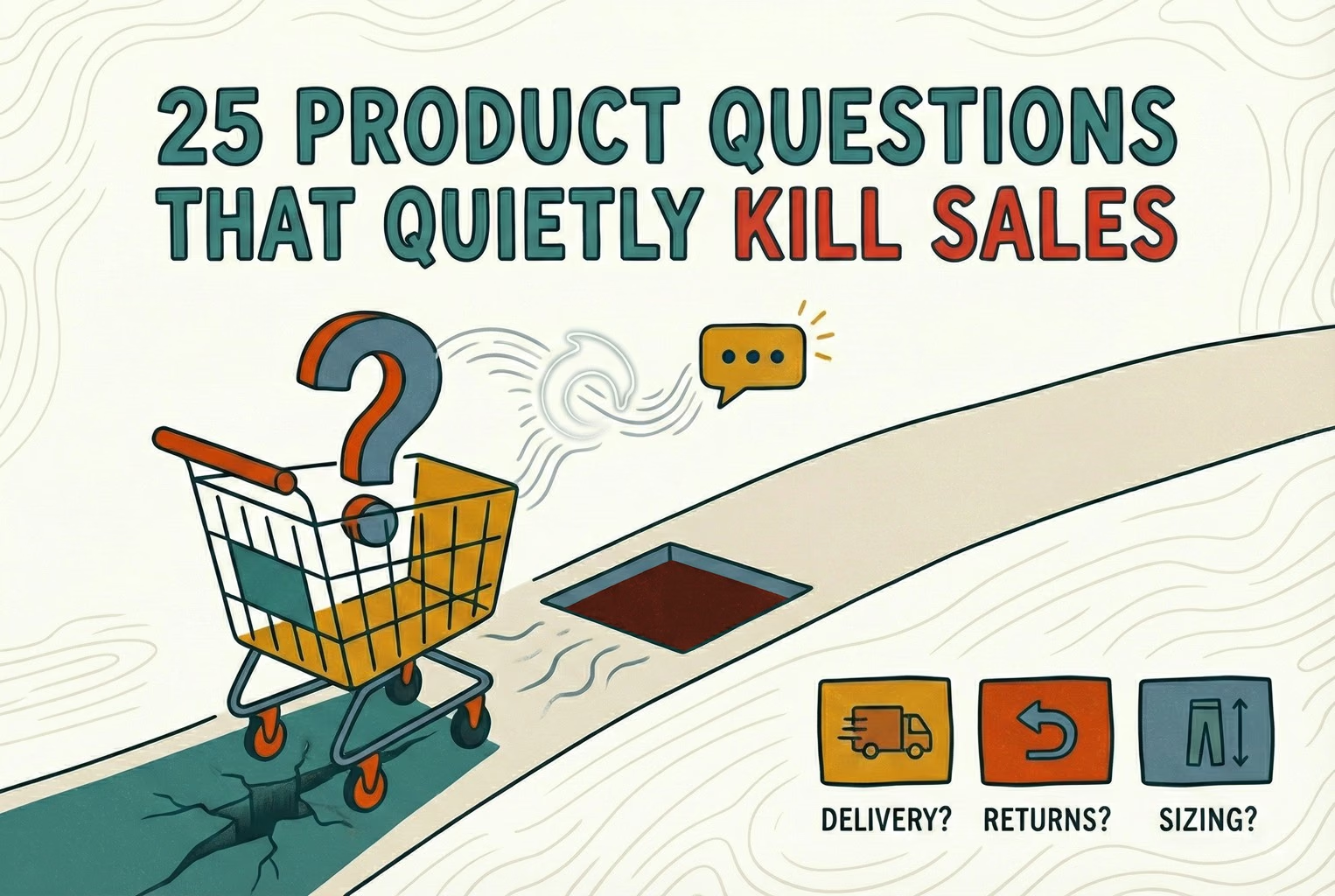
Shoppers rarely abandon because they dislike a product. They leave when delivery, returns, sizing, or compatibility answers are missing. This case study lists 25 sales-blocking questions and how synced knowledge keeps replies accurate.
Post-purchase support often becomes most of the inbox: tracking, delays, returns, and refund follow-ups. This playbook shows the simplest tools retail teams use to deflect repeat tickets and keep expectations clear.
Hard-to-find staff in-store and post-purchase questions flooding email? This playbook shows where to place support QR codes, what scans should open, and how to route chats into one shared inbox with human handover when needed.
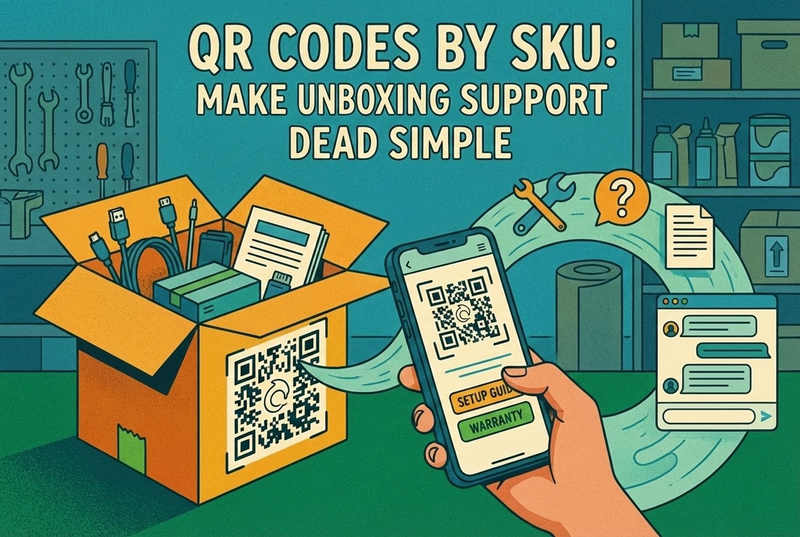
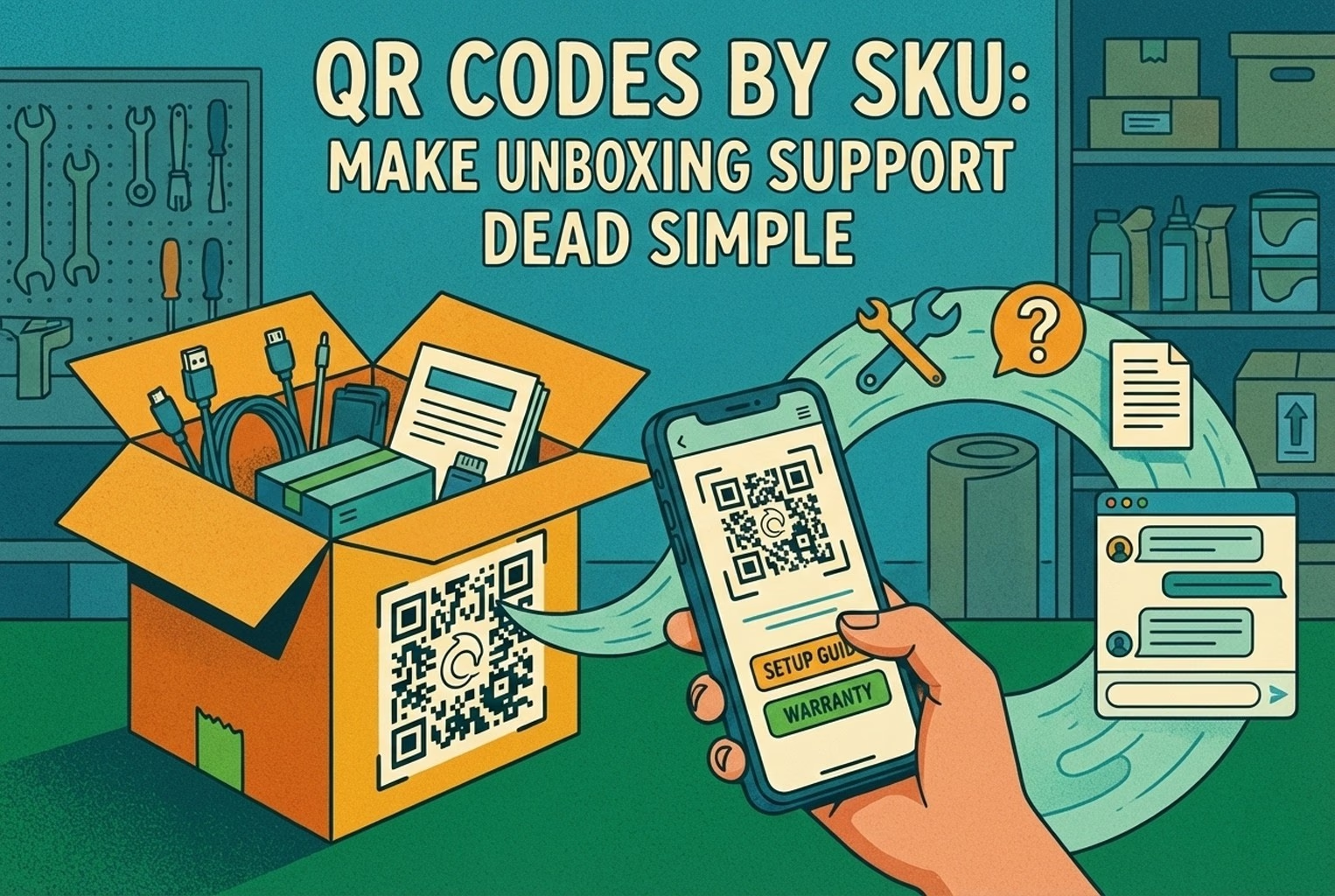
Unboxing support breaks when agents cannot tell which variant a customer holds. This guide shows how SKU-level QR codes on packaging open the right help, with placement tips, static vs dynamic choices, and rollout templates.
Which customer experience metrics are worth measuring, what each one tells you, and how to track them across digital, physical and omnichannel touchpoints.
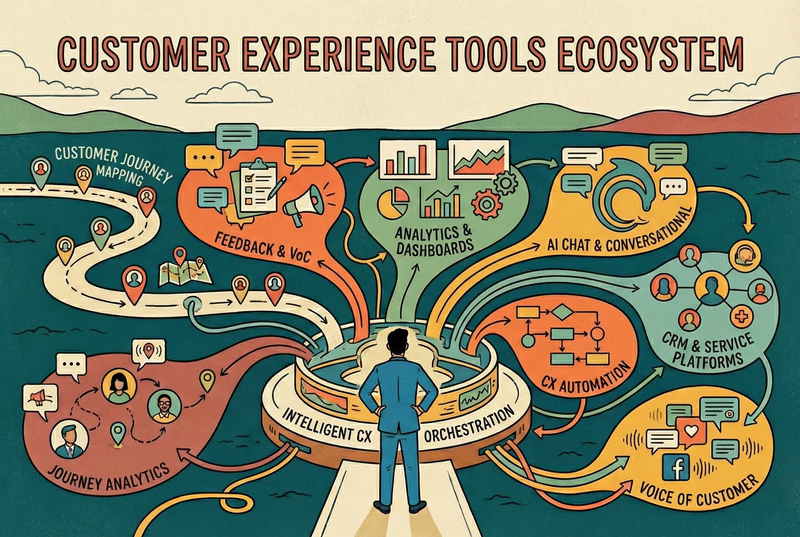
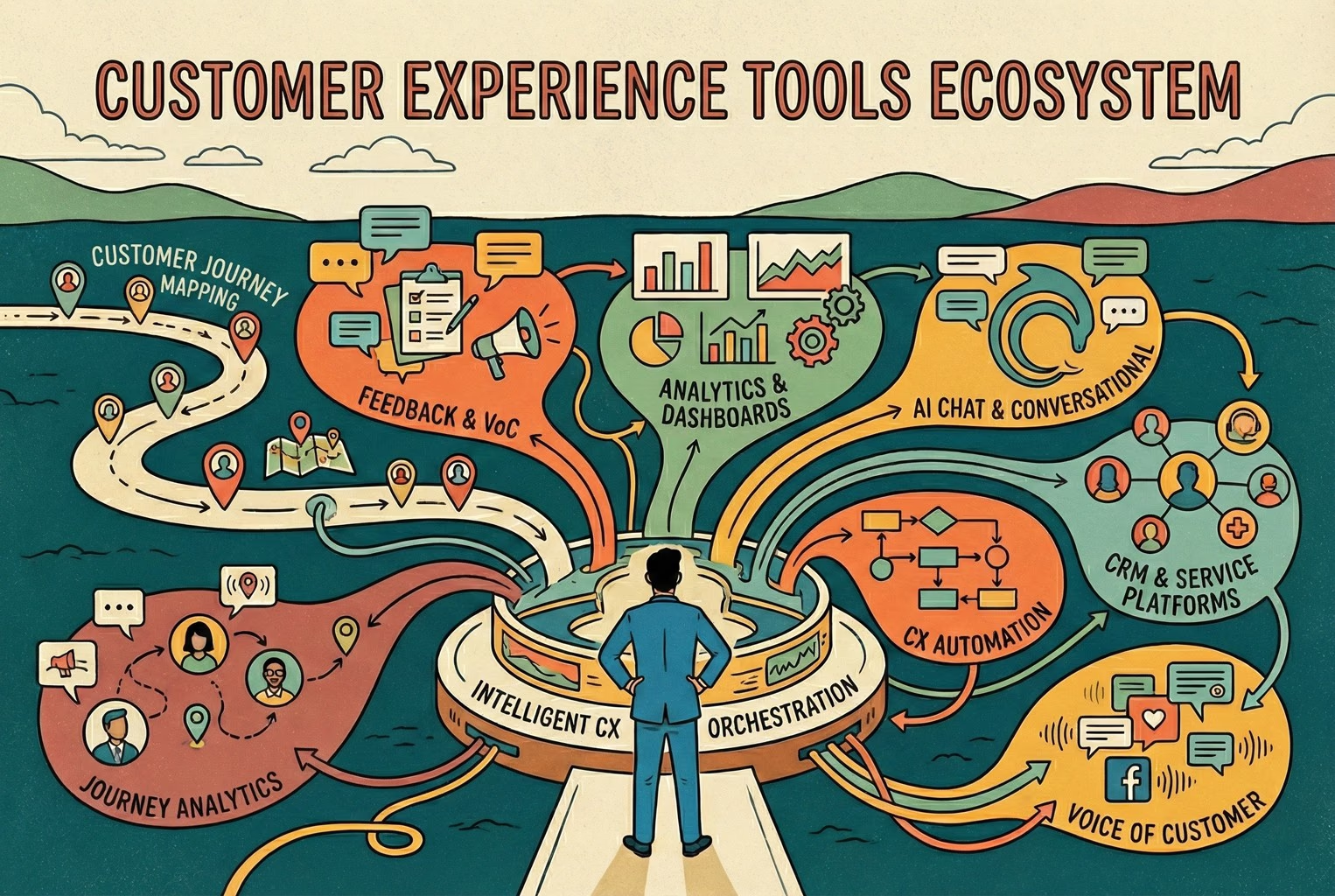
You do not need a forty-tool CXM stack. This guide maps the practical customer experience tools ecommerce and retail teams use for chat, email, QR support, approved knowledge, and human handover.
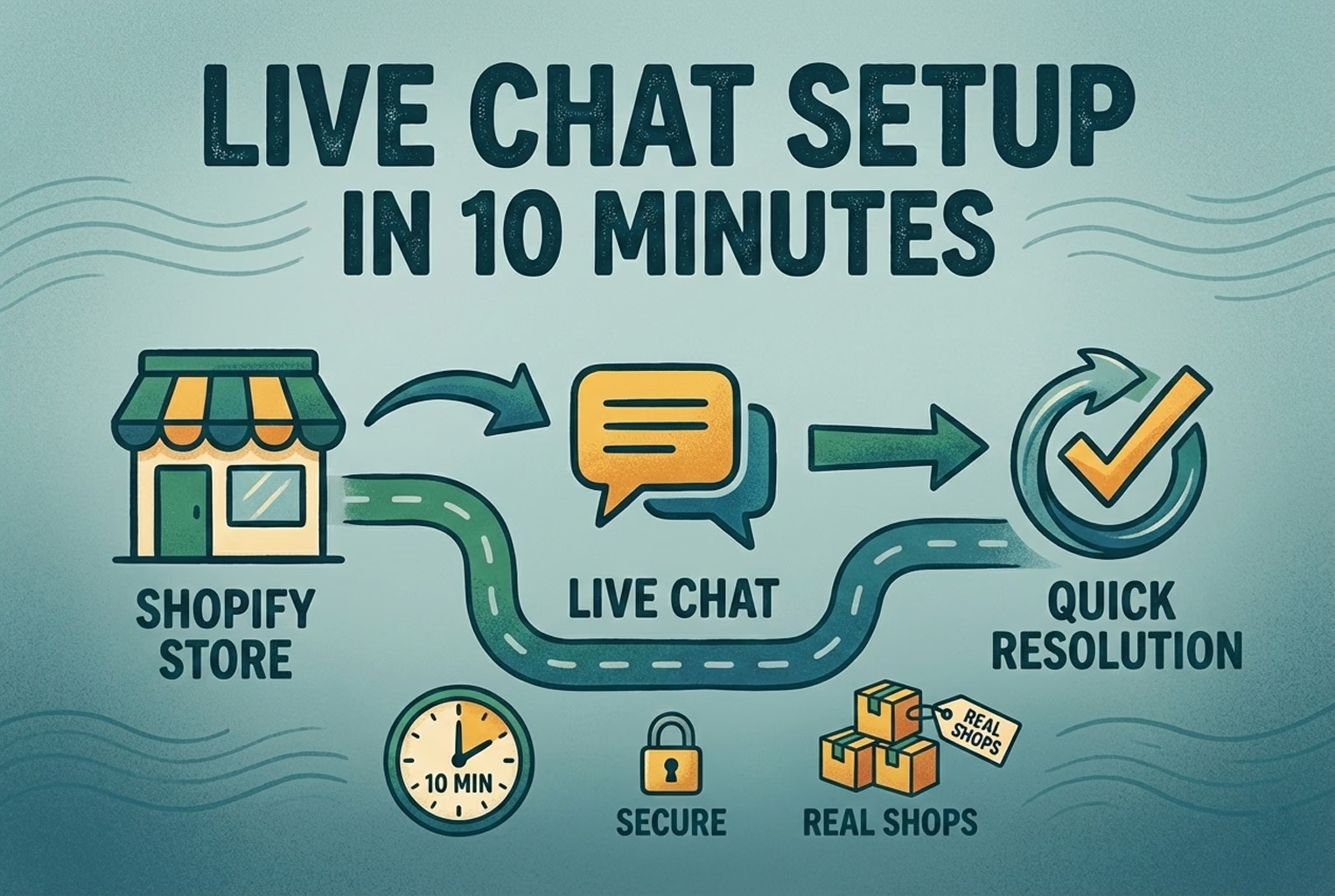
A case-study style checklist for merchants who need live chat running fast without creating another inbox headache. See the settings, routing choices, and reply habits that improved response quality in real Shopify stores.
Selling across borders should not turn support into chaos. This playbook shows how retail teams handle multilingual chat and email with translation-safe macros, clear escalation rules, and QA habits that protect quality.
Stop losing the quiet ones.
Install it in a minute. It starts working on your next visitor.