


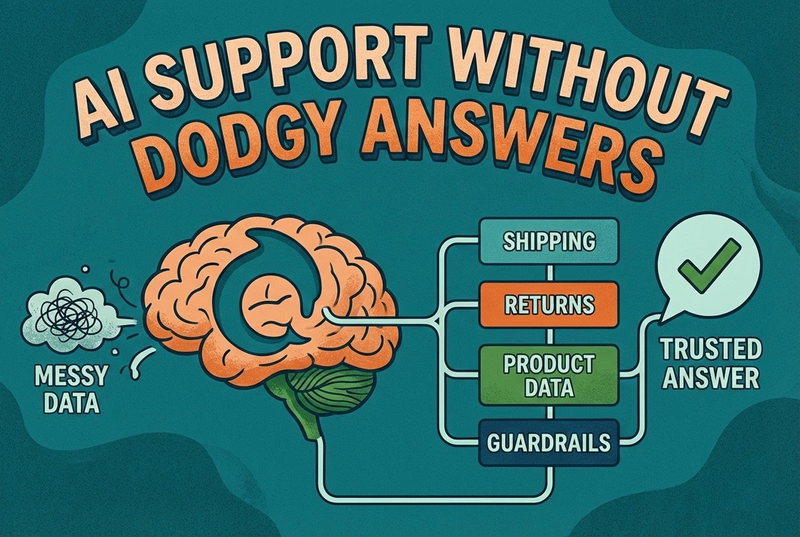
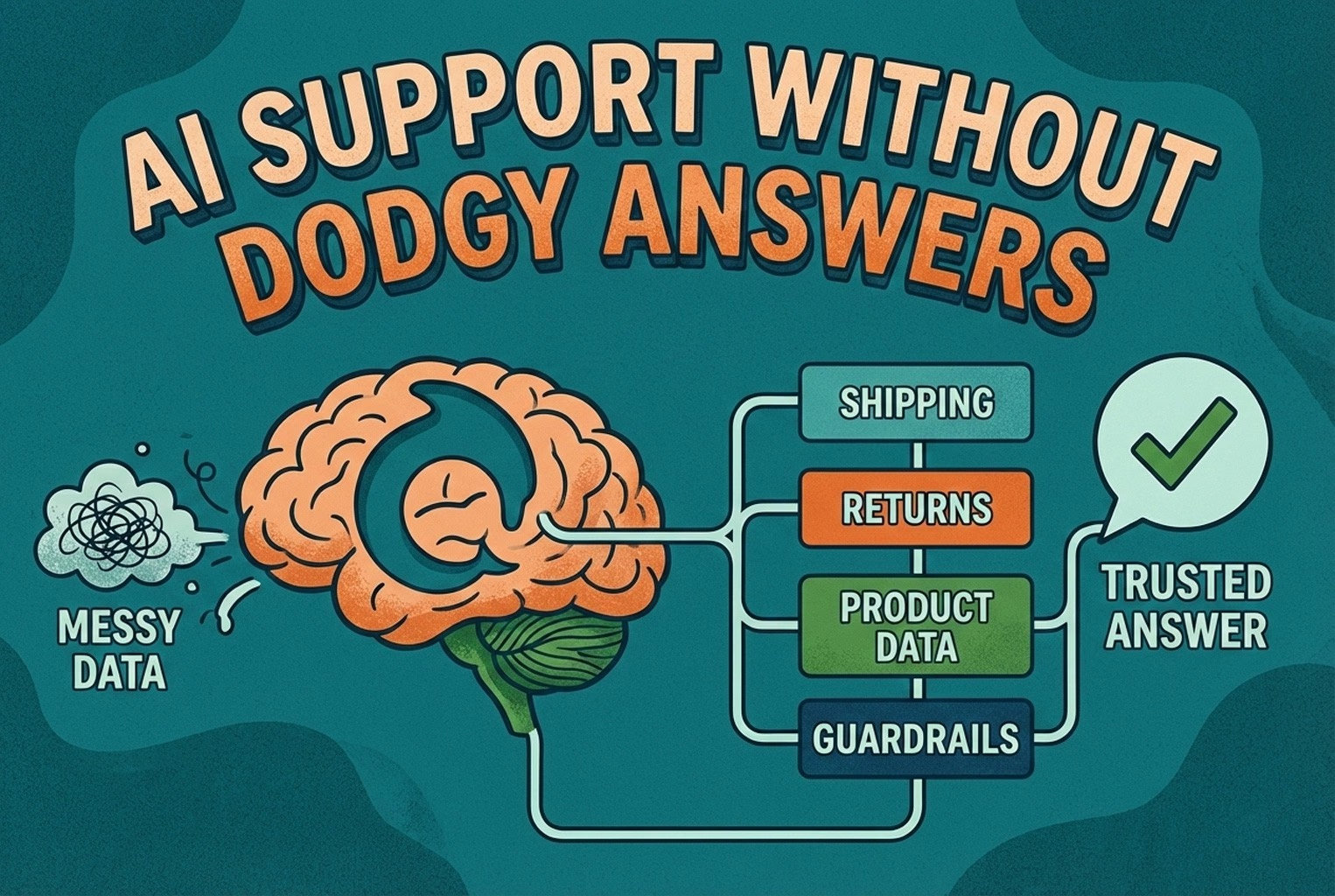
AI Support Without Dodgy Answers
AI support usually fails when the knowledge behind it is messy. This guide shows how ecommerce teams structure shipping, returns, product data, guardrails, and human handoffs so answers stay accurate and policy-safe.

AI chat works on a Shopify store when it answers from your real product details and policies, and passes the conversation to a person when a question needs judgement. Adding QR codes to packaging and receipts takes the pressure off further, because customers can find setup, returns and care answers themselves after the sale.
You’re packing orders, it’s getting late, and your phone buzzes with another “Hello??”.
Chat isn’t really the point. Fewer repeat questions are. Less faff, fewer interruptions, and a bit more headspace to actually run the shop.
If you’ve ended up searching “Shopify AI chat widget”, this is a grounded look at how some merchants picked tools that didn’t come back to haunt them, and how they quietly extended support offline with QR.

In a few shops, chat technically worked, but it never quite clicked. Replies came back fast, yet customers still circled back with follow-ups or asked for a human almost straight away. The issue wasn’t speed or features. It was that the chat didn’t really understand the shop it was sitting in.

The setups that felt smoother treated chat as part of the storefront itself, not something bolted on at the end. Once answers reflected the same information customers were already seeing elsewhere, conversations felt more natural and stopped stalling halfway through.
Where chat fell over most was when it couldn’t pull in accurate product details or policy wording. Replies sounded friendly but fuzzy, like someone guessing from the outside. When product pages, delivery rules, and returns policies were properly reflected in chat responses, customers stopped pushing for reassurance. The biggest improvement came in stores where listings and policies were already tidy and consistent.
Across plenty of small teams, the calmer setups all shared one trait. The chat handled the dull, repeat questions without fuss, things like order tracking, delivery timeframes, return steps, or basic product how-tos. That alone took a surprising amount of pressure off the day. Where teams drew a firm line was on anything with consequences. Chargebacks, legal language, refund disputes, or messages that sounded like they needed a promise were never left to automation. Those threads moved quietly to a human before anything could spiral.
In the messier setups, customers got stuck looping through automated replies with no obvious way out. Frustration built fast. The smoother experiences always had a clear escape hatch.
One tap to speak to a real person, visible from the start, meant customers didn’t feel fobbed off. Even when replies came later, knowing a human would step in made the wait feel reasonable.
Merchants often wish they’d paused for ten minutes before installing their first chat tool. The ones who did usually avoided ripping it out weeks later. What they used instead was a simple scorecard, nothing fancy, just a quick way to compare tools side by side while everything still looked shiny.

Each question gets a score from 0 to 2.
0 means no.
1 means sort of.
2 means yes, properly.
Does it use real product and order context, not generic FAQs?
Can policy wording for returns, refunds, and warranties be locked so replies don’t get creative?
Can you see exactly what the AI said and jump into the conversation mid-thread?
Does it collect the right details upfront, like order number, photos, or SKU?
Can you set clear rules for what’s automated and what always goes to a human?
Does it handle out-of-hours honestly, without pretending someone’s there?
Can customers reach a real person in one obvious step?
Does it support multilingual conversations safely, with guardrails rather than guesswork?
Can it handle offline entry points, like QR codes on packaging, receipts, or in-store signs?
Does everything land in one inbox, instead of three places to keep an eye on?
The tools that scored well here tended to last. The ones that didn’t usually become something else to manage.
If you’re curious how chat, AI replies, and QR-based support can sit together in one place, you can see how AskDolphin Live Chat & AI can be installed using the Shopify installation workflow.

What stood out across the better setups wasn’t fancy automation. It was where customers were sent after they scanned. These worked because the first screen matched the moment the customer was in, not a generic homepage that made them hunt.
In a few fashion shops, QR codes show up exactly where hesitation usually starts. A small sign on the fitting room mirror and another line on the receipt footer did most of the heavy lifting.
When scanned, customers landed straight on size and fit guidance, a quick exchange flow, or care instructions. No menus, no clutter. If something still needed a human, the conversation dropped into one queue with the item and order already attached, which removed the usual back-and-forth. The teams who planned these placements carefully tended to think in terms of touchpoints first, similar to how customer touchpoints are mapped across the wider journey.
This is where panic sets in fast. The best results come when a QR lived inside the box lid or on the warranty card, right where customers paused mid-unboxing.
Instead of landing on a help centre index, scans opened setup steps, basic troubleshooting, spare parts, or warranty registration for that exact product. Support teams immediately saw the SKU, which cut out the familiar “which model did you buy?” loop. This approach mirrors what’s covered in SKU-level QR codes on packaging support, where precision quietly reduces ticket length.
In beauty retail, questions rarely feel urgent until they suddenly are. Shelf talkers in-store and tiny QR codes on labels worked best here, especially for customers checking ingredients or reactions at home.
Those scans opened ingredient FAQs, patch-test notes, and a simple “order issue?” route. If it needed a human, the message was already tagged with the right category and language, which mattered more than speed. Stores handling multiple regions found that this flowed far better when aligned with the thinking in multilingual customer support workflows.
One thing flagged more often is caution around scanning. QR codes can be swapped or used to hide dodgy links, so the safer setups always keep destinations controlled and predictable. Teams stayed alert to odd URLs, unexpected QR placements, and anything that tried to rush the customer, which lines up with broader consumer guidance on avoiding QR-based scams set out in the FTC alert on scam QR codes.

A few patterns cropped up again and again, usually in shops that felt busier than they needed to be.
One of the most common was sending QR scans to the homepage. On paper, it looks tidy, but in practice, it just hands customers more work. They’re standing there with a product in their hand, and now they’re hunting through menus to find help.
Another was letting AI make judgment calls around refunds or eligibility. Even when replies sounded confident, they often drifted from policy and created more clean-up later. The teams that stayed out of trouble kept decisions like that firmly human.
Plenty of setups had no clear handoff at all. Customers hit a wall, got annoyed, and jumped to email instead, which defeated the whole point of chat in the first place.
Things got messier when different entry points gave slightly different answers. A QR on packaging said one thing, chat said another, and email said something else. That slow policy drift caused far more friction than the original questions ever did.
Finally, tool sprawl crept in. Four inboxes, overlapping notifications, and nobody quite sure who’d replied last. The calmer teams were the ones who trimmed things back and kept to a lean setup, much like the approach outlined in the CX platform minimum stacks.
These are the replies reused across the calmer teams. Short, predictable, and easy to send without sounding robotic.

Out of hours:
“Hey! We’re offline right now. Drop your order number and what’s up, and we’ll pick it up first thing.”
Track my order:
“Got you. Share your order number, and we’ll check. If you’ve already got a tracking link, tap that first and reply if anything looks stuck.”
Start a return:
“Yep. To get started, send your order number and the item you’re returning. We’ll come back with the next step and the timeline.”
Damaged or incorrect item:
“Sorry about that. Please send your order number, a photo of the item, and a photo of the label. We’ll sort it properly.”
Human handoff:
“If you’d rather talk to a person, just reply ‘HUMAN’ and we’ll jump in.”
The next thing a few merchants built was a simple one-page QR placement map showing where codes lived on receipts, packaging, and in-store signs, plus what the first screen looked like after a scan. Most paired this with the thinking in QR support that actually works in retail to keep everything consistent.
The merchants who moved fastest didn’t overthink it. They ran the scorecard against two or three tools, picked the one that fit their reality, and launched within a week. Top questions first, policies kept clean, automation used sparingly, QR codes added in three sensible places, and a short weekly tidy-up to keep things honest.
If you’re looking for one setup where website chat, AI answers, and QR-based support all route into a single team inbox, you can explore AskDolphin QR code customer support or AskDolphin live chat and see how merchants are using it in practice. If you’re ready to try it properly, you can also start directly from the AskDolphin sign-up page and connect it to your store.
For a broader, joined-up view of how this fits across the whole journey, it’s worth skimming omnichannel CX in 2026 alongside post-purchase CX tools. Together, they show how online, offline, and after-sale support start to feel like one continuous experience rather than separate jobs.
It pays off when it takes the repetitive weight off the day. Stores that used chat to handle tracking, returns steps, and basic product questions freed up time without adding another inbox to babysit.
Inbox-style chat worked fine early on, but teams tended to outgrow it once questions came in after purchase, across languages, or via QR codes on packaging. That’s usually when workflows start to fray.
The safest starting point was always predictable queries. Order tracking, delivery windows, returns steps, and simple how-tos. Anything involving money decisions or edge cases stayed human.
The calmer setups kept replies tied closely to existing product pages and policy wording. When chat reflected the same content customers already saw elsewhere, there was far less cleanup later.
Yes, when they land customers on the right first screen. QR codes that led straight to product-specific help reduced follow-up emails far more than QR codes pointing to a homepage — the pattern set out in QR support that actually works in retail.
The most effective placements showed up at moments of hesitation. Inside the box lid, on warranty cards, at fitting room mirrors, and on receipts. These touchpoints lined up naturally with when questions actually surfaced.
Most issues came from unexpected or swapped codes. The safer setups used controlled links, predictable destinations, and avoided placing QR codes where customers wouldn’t expect them.
Teams that struggled treated language as an afterthought. The ones who stayed steady limited automation to safe topics and routed anything sensitive to humans, keeping tone and policy aligned across languages — covered in more depth in multilingual customer support workflows.
Performance issues usually came from piling on multiple tools rather than chat itself. Shops that kept a lean setup and avoided widget sprawl rarely saw speed complaints.
Installing and hoping for the best. The teams that avoided regret tested failure cases early, checked handoffs, and reviewed conversations weekly before scaling anything further.
AI support usually fails when the knowledge behind it is messy. This guide shows how ecommerce teams structure shipping, returns, product data, guardrails, and human handoffs so answers stay accurate and policy-safe.


Growing stores often face the same tension: live chat feels endless, and AI feels risky when money and trust are involved. This piece explains where each option helps, where handover matters, and why a hybrid inbox setup usually wins.
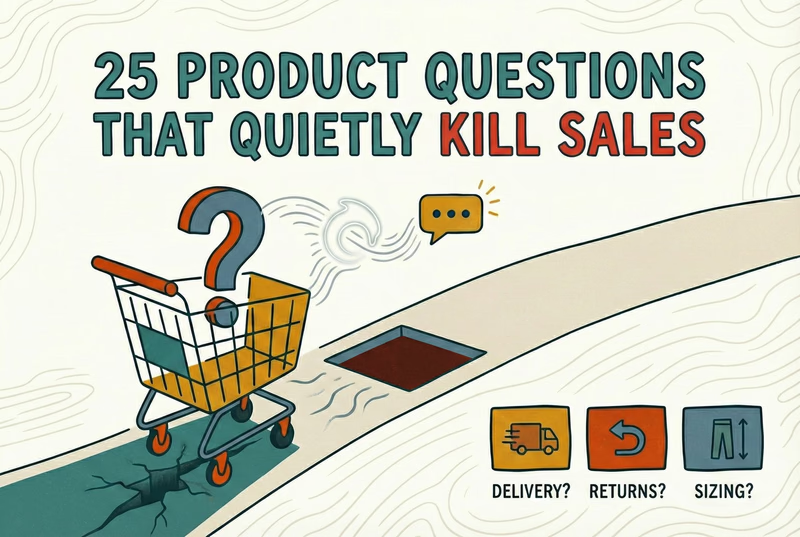
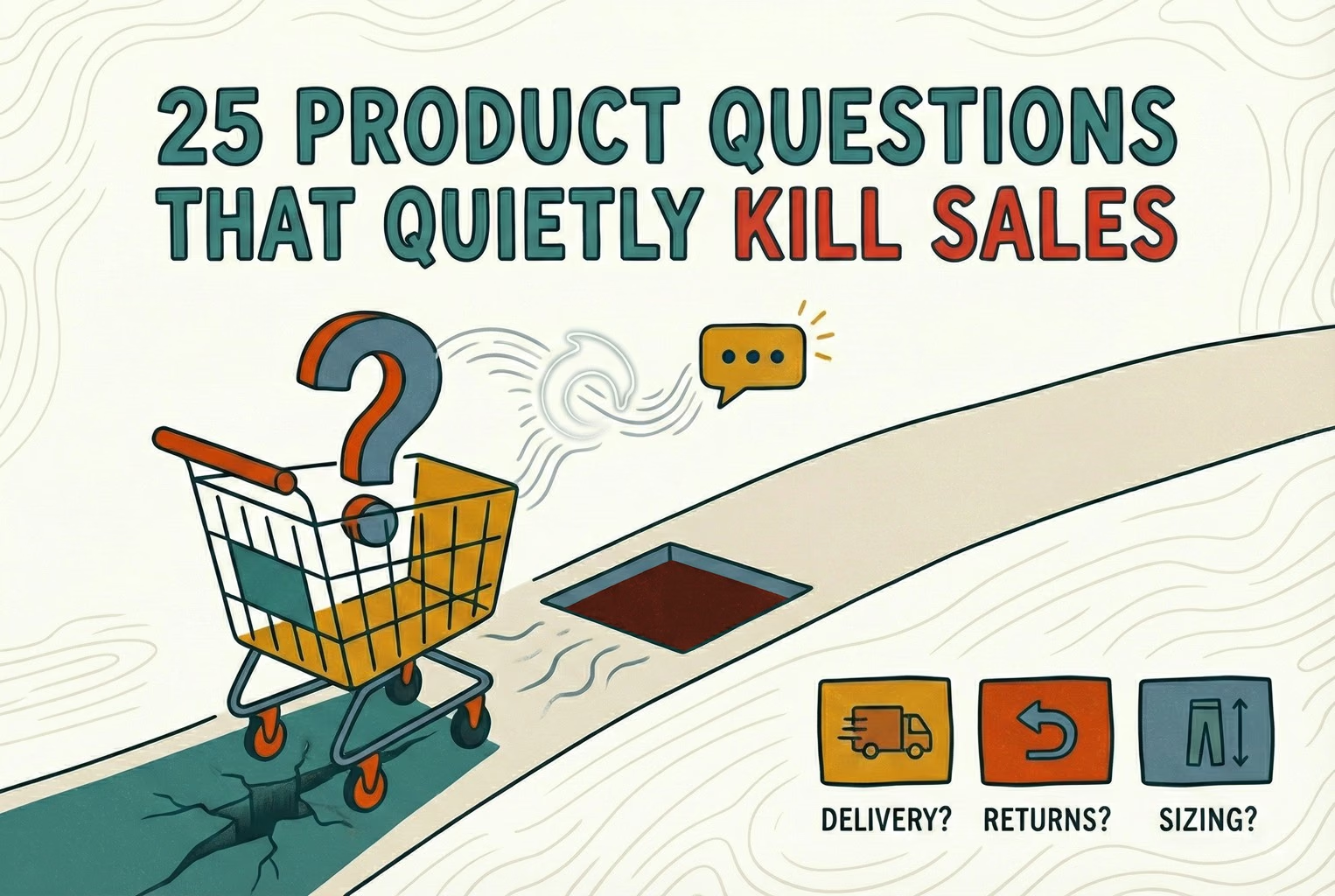
Shoppers rarely abandon because they dislike a product. They leave when delivery, returns, sizing, or compatibility answers are missing. This case study lists 25 sales-blocking questions and how synced knowledge keeps replies accurate.


Post-purchase support often becomes most of the inbox: tracking, delays, returns, and refund follow-ups. This playbook shows the simplest tools retail teams use to deflect repeat tickets and keep expectations clear.
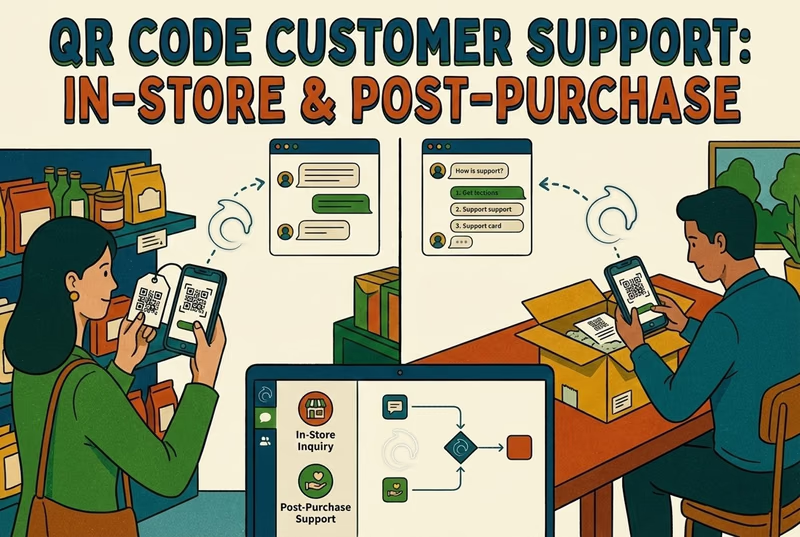
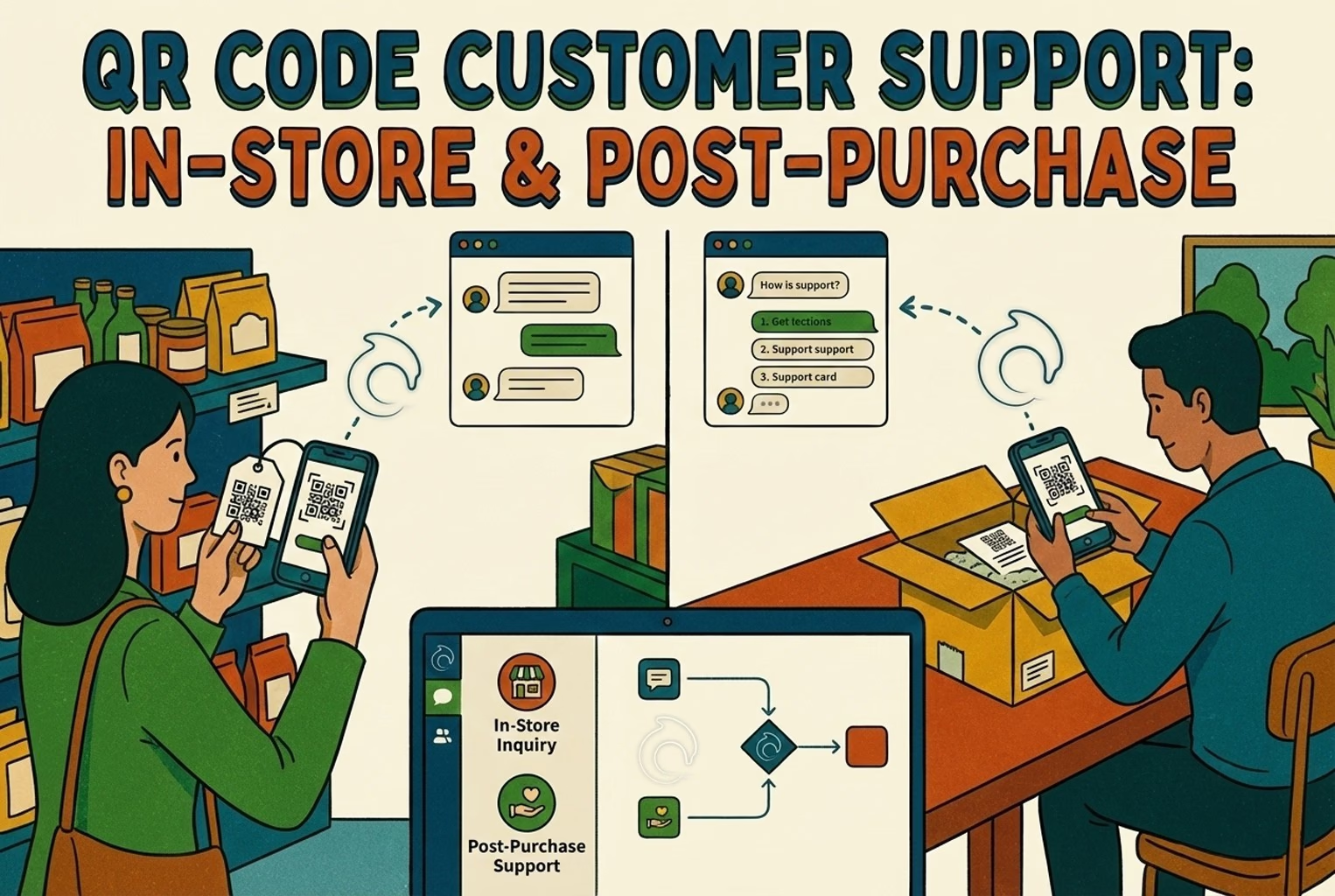
Hard-to-find staff in-store and post-purchase questions flooding email? This playbook shows where to place support QR codes, what scans should open, and how to route chats into one shared inbox with human handover when needed.
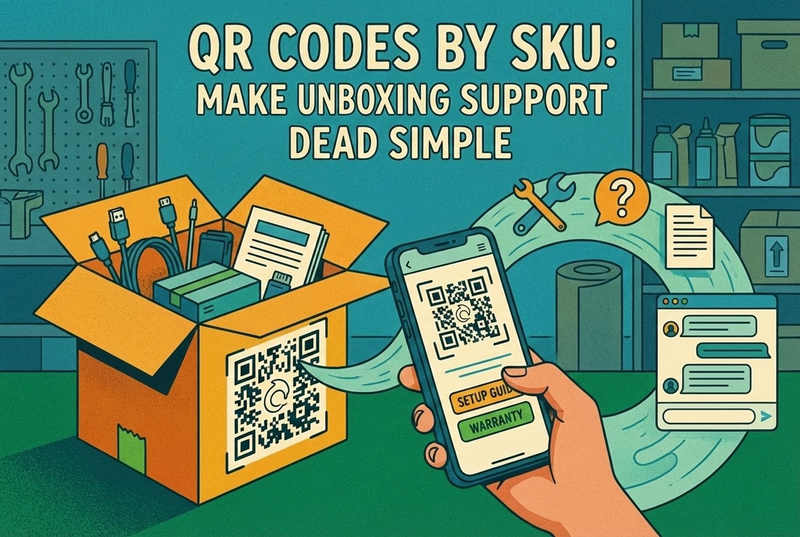
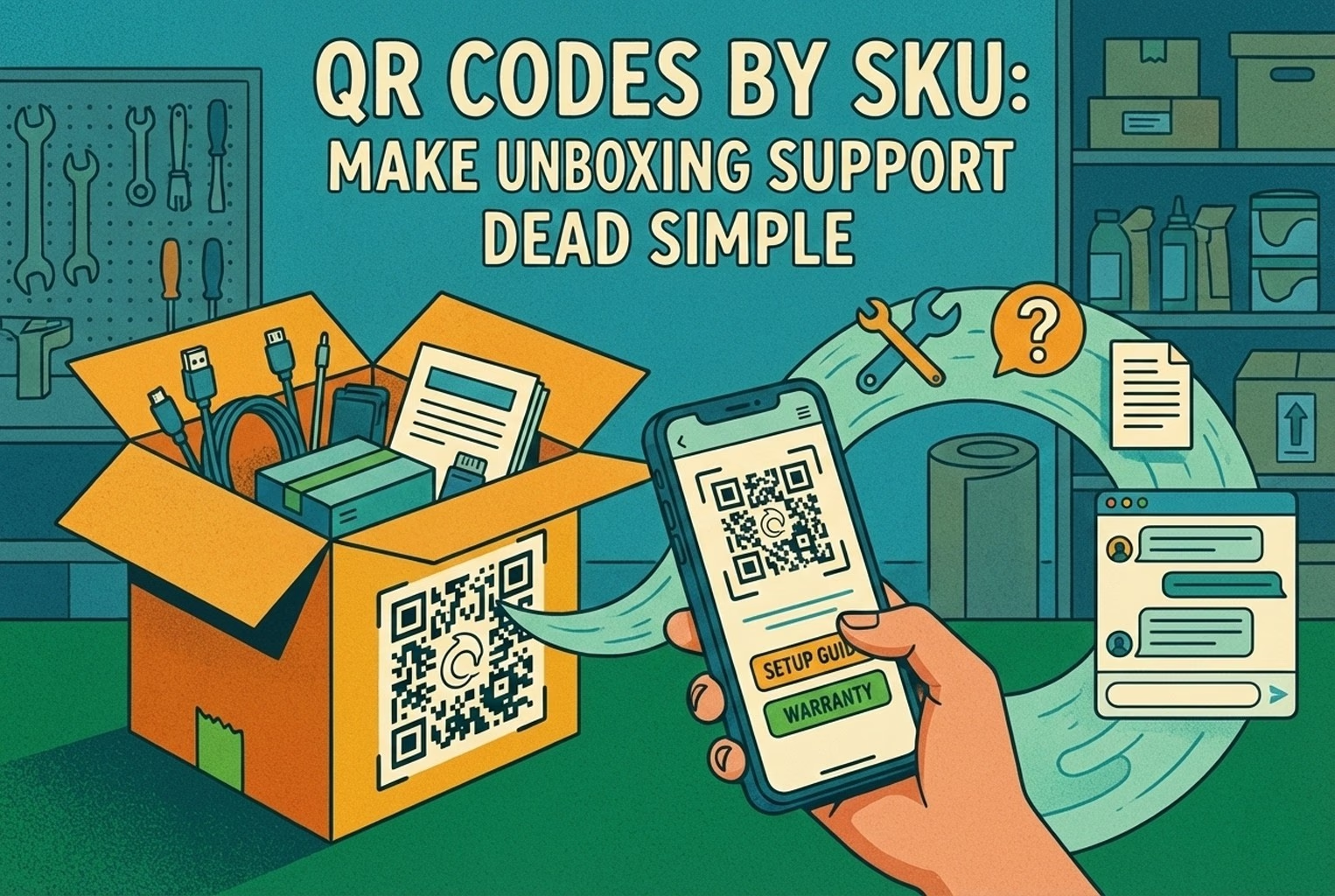
Unboxing support breaks when agents cannot tell which variant a customer holds. This guide shows how SKU-level QR codes on packaging open the right help, with placement tips, static vs dynamic choices, and rollout templates.
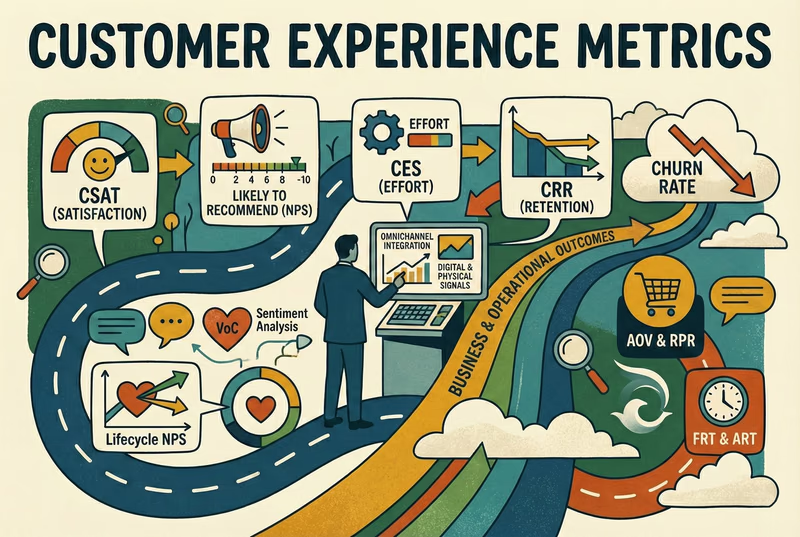
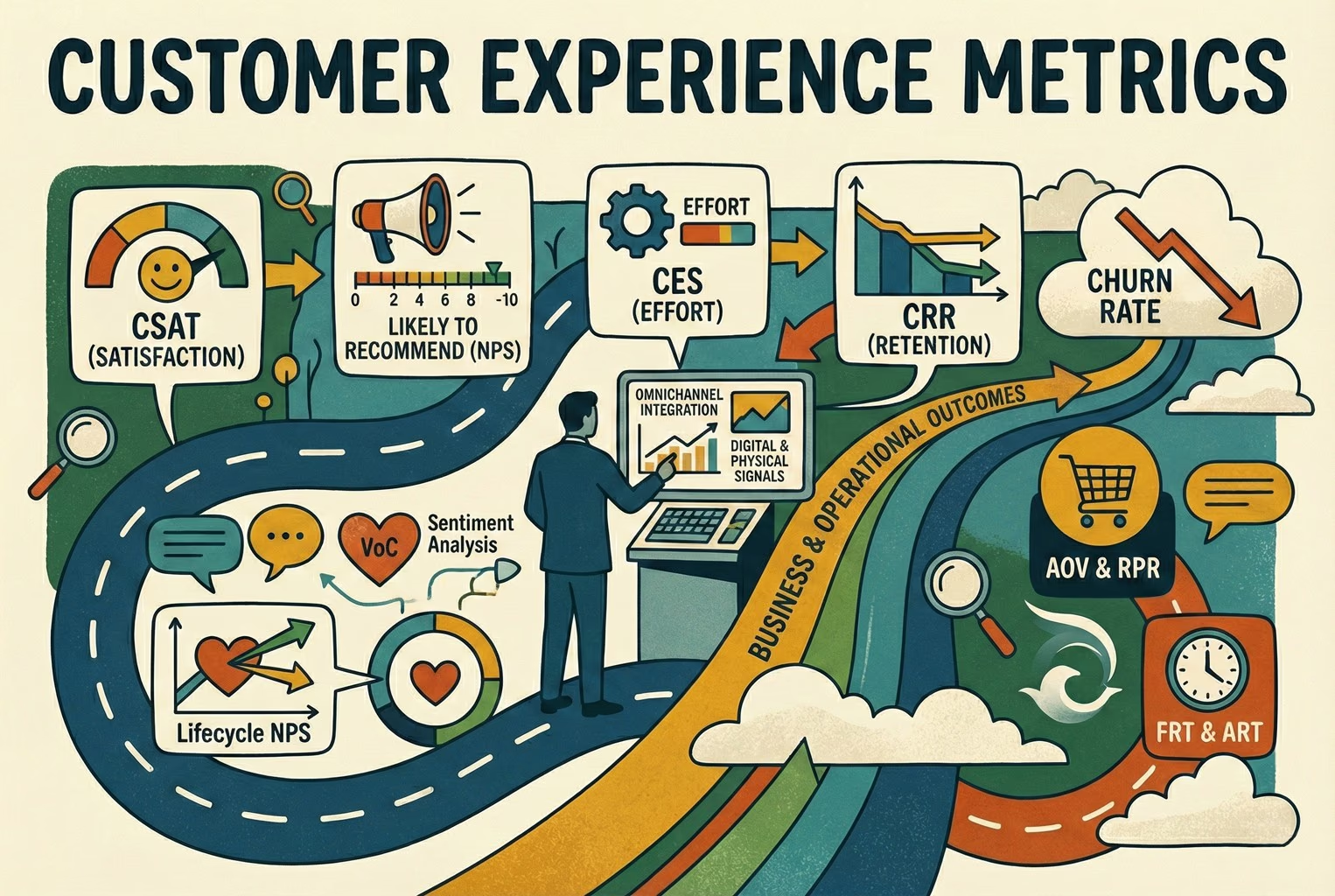
Which customer experience metrics are worth measuring, what each one tells you, and how to track them across digital, physical and omnichannel touchpoints.
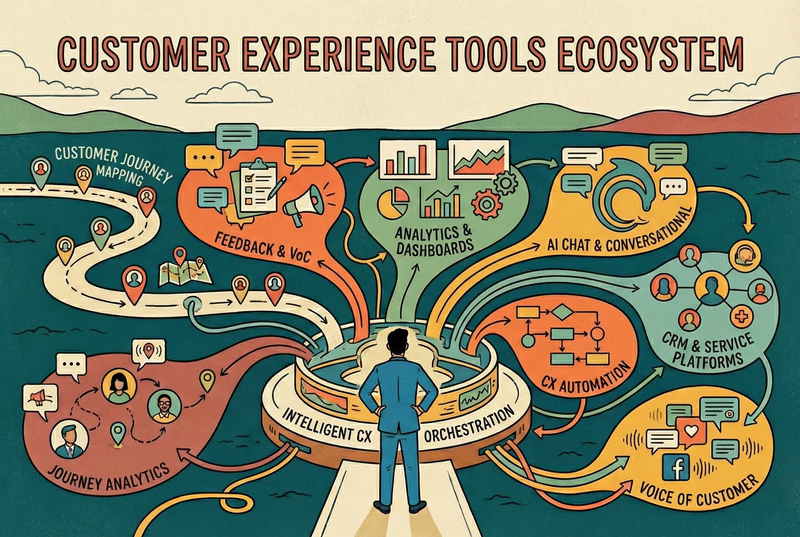
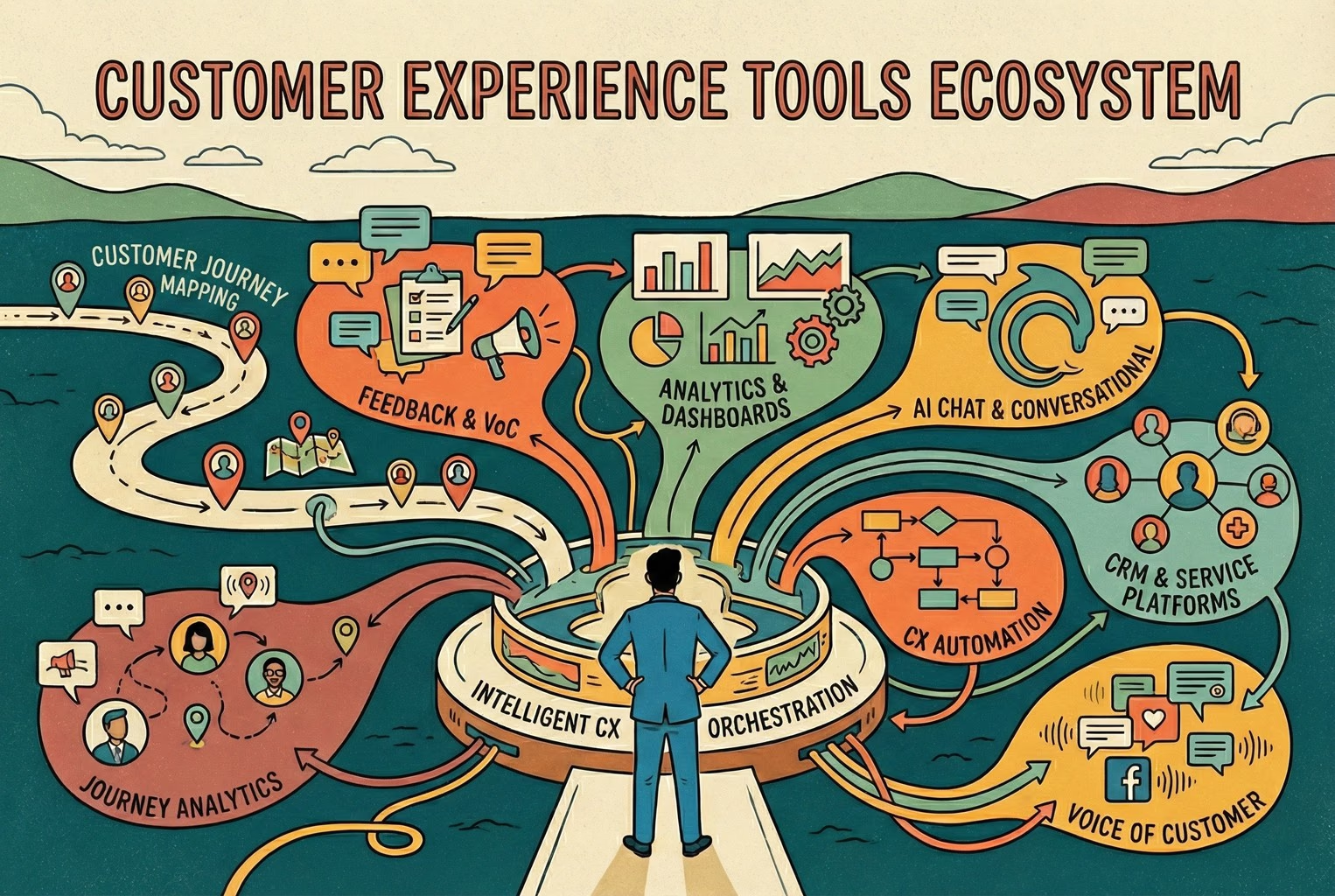
You do not need a forty-tool CXM stack. This guide maps the practical customer experience tools ecommerce and retail teams use for chat, email, QR support, approved knowledge, and human handover.
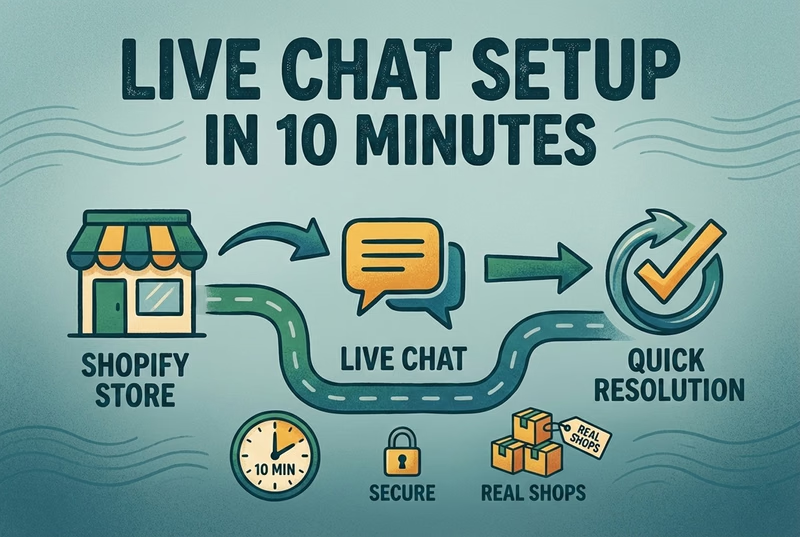
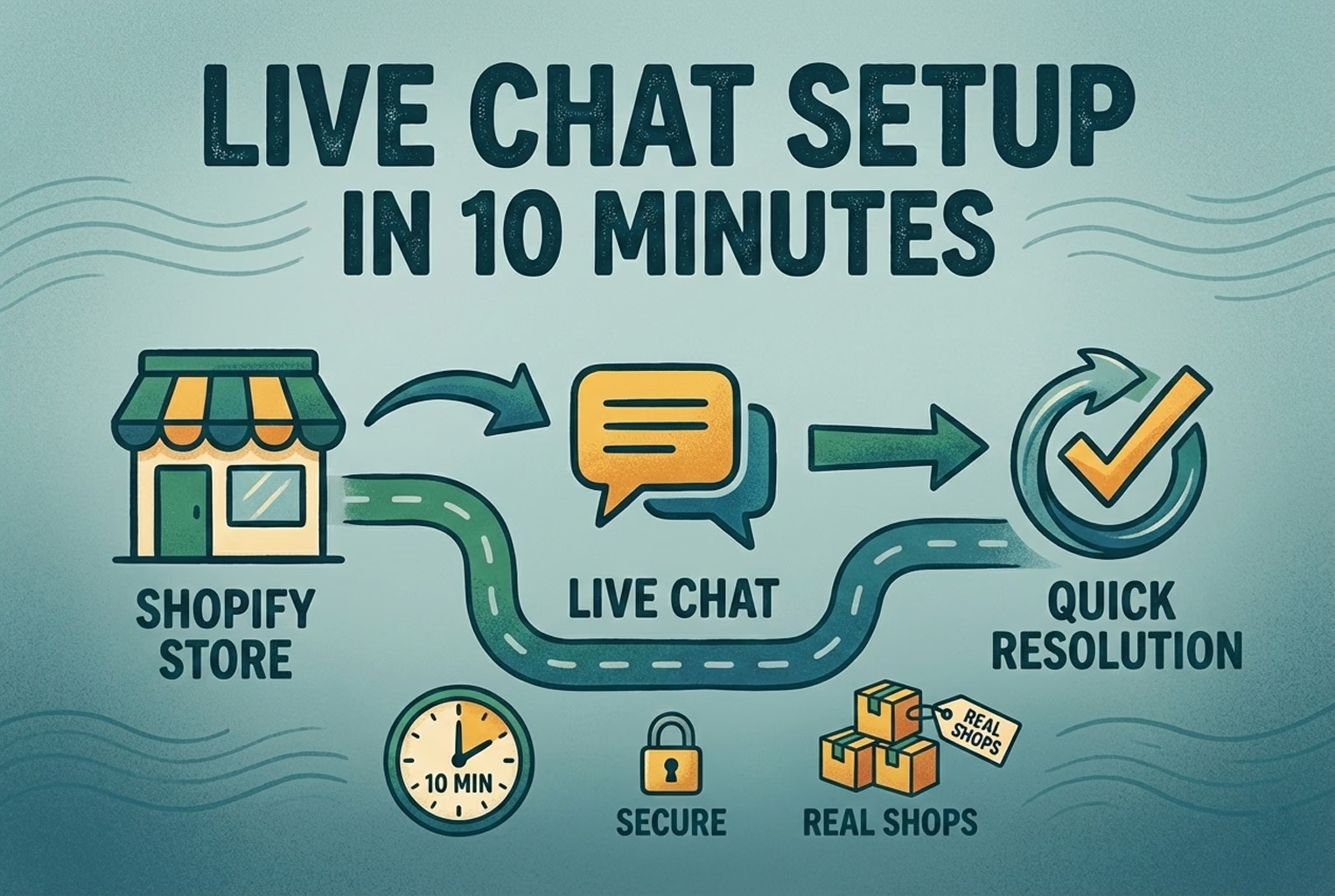
A case-study style checklist for merchants who need live chat running fast without creating another inbox headache. See the settings, routing choices, and reply habits that improved response quality in real Shopify stores.
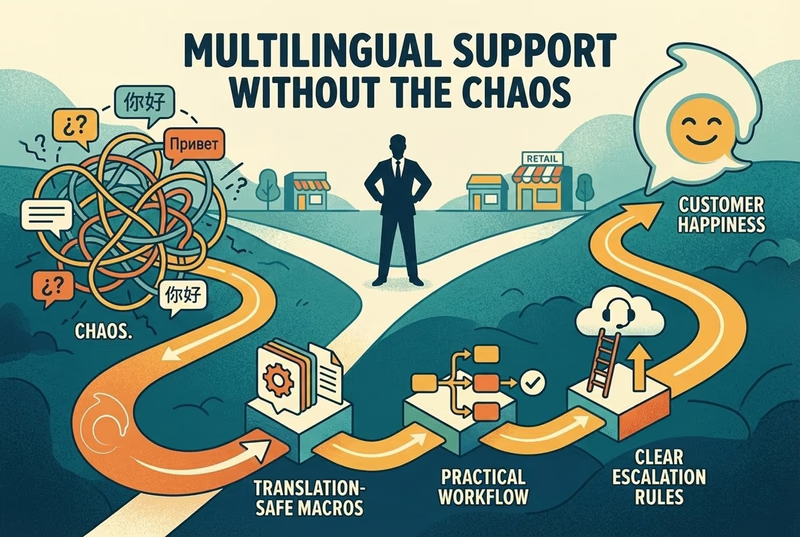
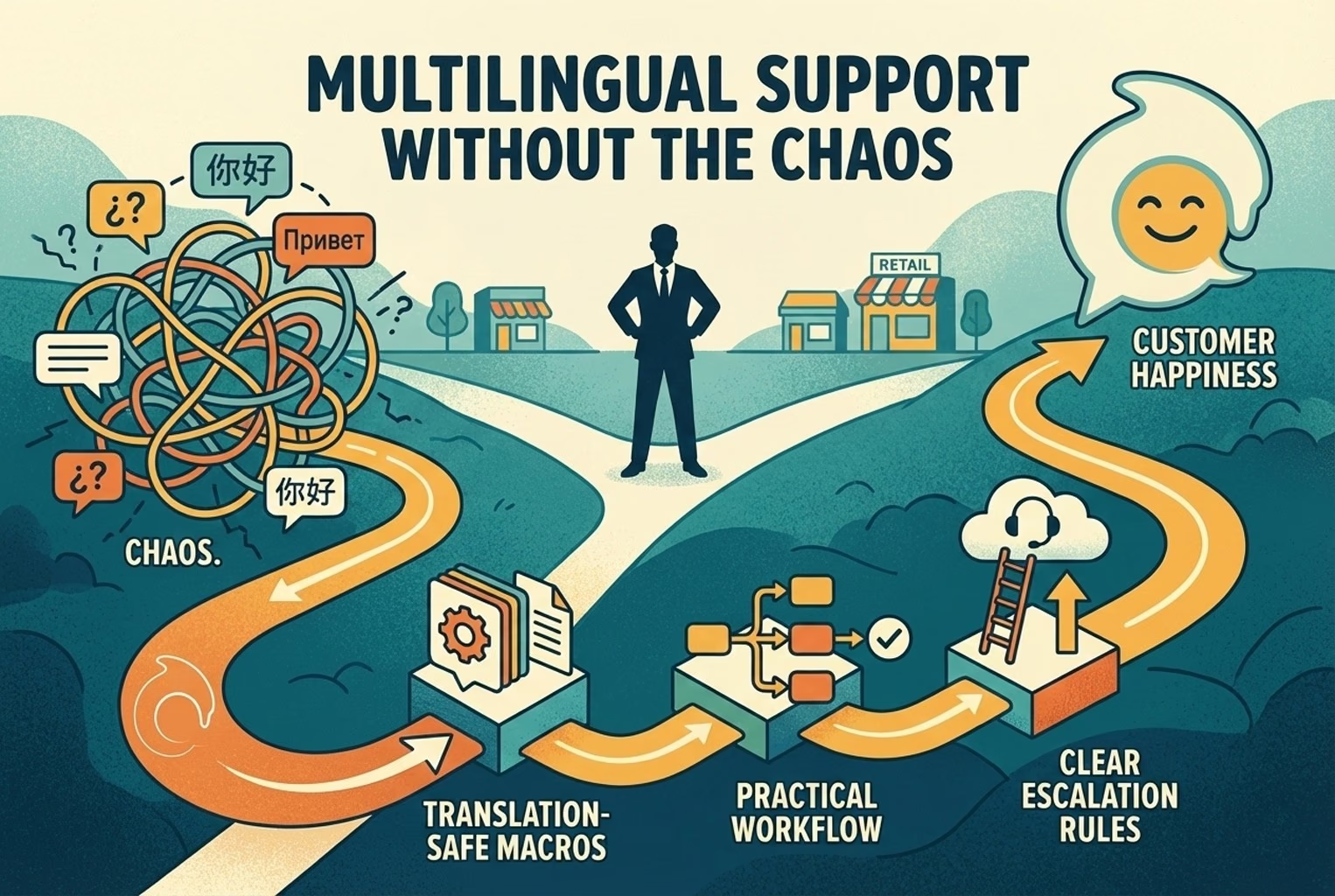
Selling across borders should not turn support into chaos. This playbook shows how retail teams handle multilingual chat and email with translation-safe macros, clear escalation rules, and QA habits that protect quality.
Install it in a minute. It starts working on your next visitor.
14 days, every feature.