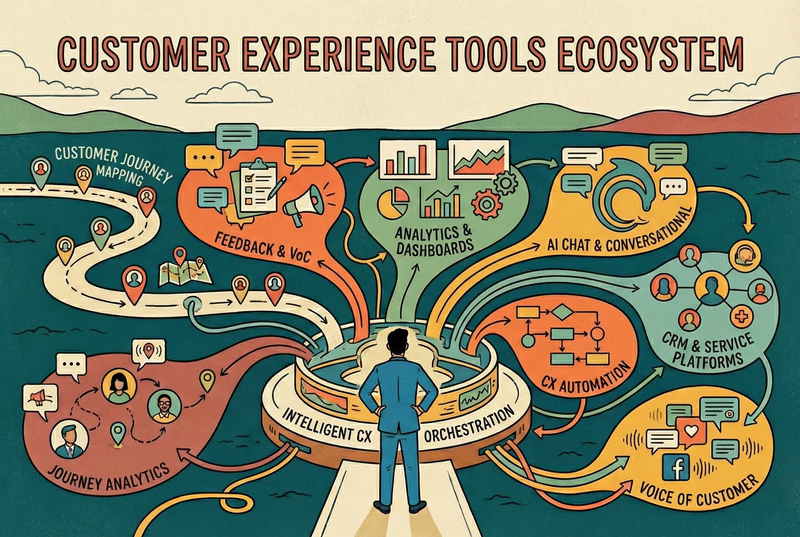
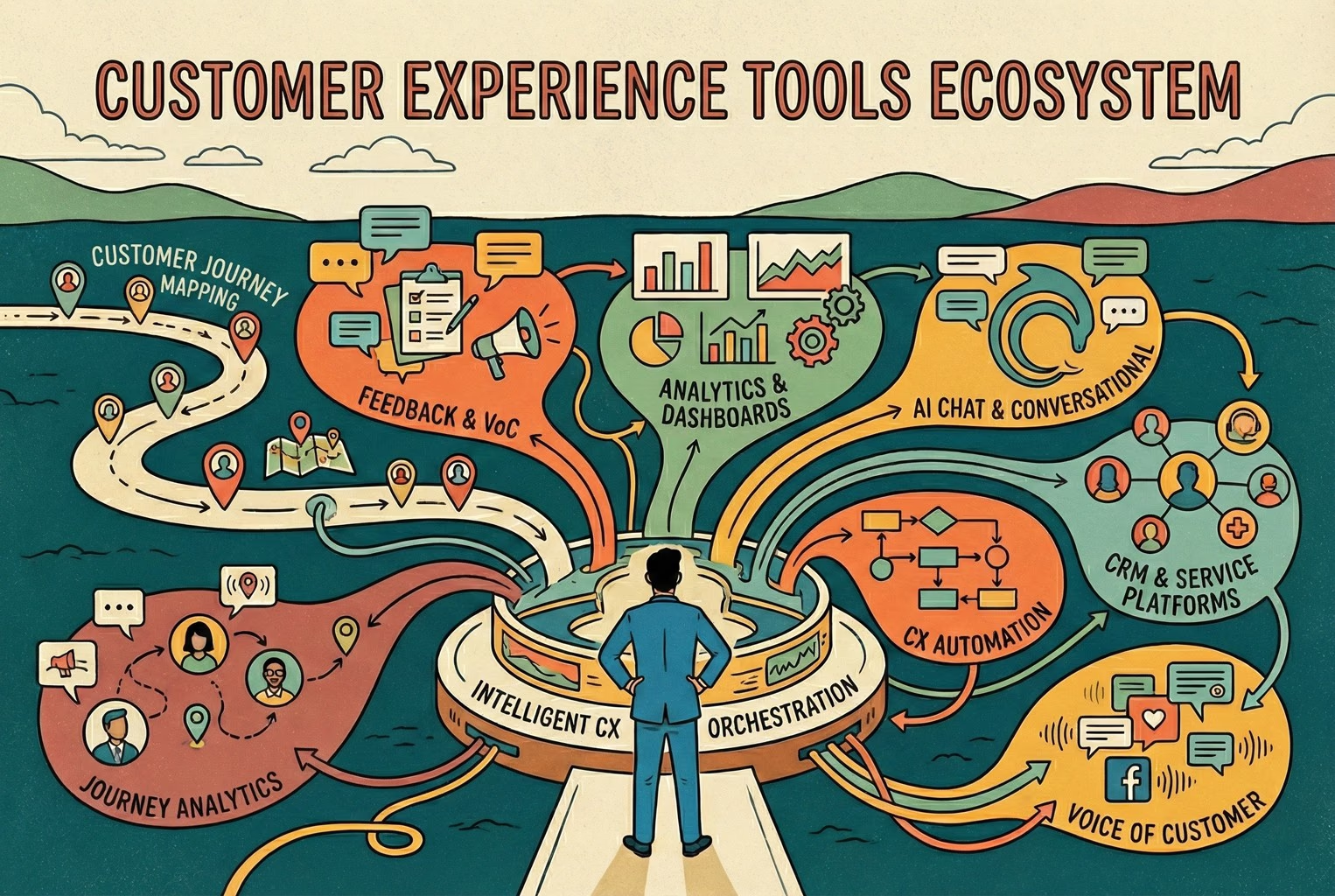
Omnichannel customer experience means a customer can move between chat, email, a QR code and the shop floor without having to explain the problem again. For a retail team in 2026, that depends less on how many channels you reply from and more on one support entry point, one set of policies and one shared view of each conversation.
Across the setups that held up best, one thing kept coming up. The teams that stopped firefighting were the ones that settled on a single policy page and a single support entry point. Once everything funnelled through one place, whether that was in-store or online, the noise dropped quickly. Most of them ended up using a simple QR-led support entry point tied back to the same policies, and teams can often see clearer handovers and fewer repeated explanations once workflows are joined up.

Omnichannel in 2026: Less juggling, More joined-up help
By 2026, omnichannel stopped being about how many places you reply from. What mattered more was whether the experience held together when customers moved about, switched devices, or showed up in person expecting things to already make sense.
Continuity: When customers don't have to repeat themselves

In many of the smoother setups, continuity was the quiet winner. A customer might scan a QR on their receipt, follow up later on chat, then mention it again in-store, and the conversation still carries on as one thread. The teams that got this right treated the whole thing as a single journey rather than separate moments, which lines up closely with how people naturally move between touchpoints throughout a purchase and after it, as explored in this breakdown of how customers experience journeys across channels.
When continuity was missing, the cracks showed fast. Customers had to re-explain the issue, staff had to dig around for context, and what should have been a quick fix turned into a drawn-out back and forth. The difference wasn't more tools, it was fewer handoffs and better memory.
Consistency: When policy, tone, and outcomes line up

One of the quickest ways trust slipped was when returns were handled differently depending on where the conversation happened. In-store, it might be a straight yes, online, it turned into a maybe, and on a busy day, it quietly depended on who picked up the message. That's when screenshots start flying, and small issues turn into drawn-out debates. The teams that avoided this mess weren't stricter; they were clearer. They anchored everything to a single set of rules and stuck to it across channels, which is exactly how customer experience management tends to work in practice. When policy and tone stayed consistent, outcomes followed, and staff didn't have to make it up on the spot.
Context: when staff can see the full picture quickly

The setups that ran smoothly all had one thing in common. When a message came in, the team could immediately see what had been bought, when it left the warehouse, and whether there had been a previous issue. No tab-hopping, no guesswork, no asking the customer to dig out an order number for the third time.
That visibility changed the pace of every conversation. Replies got shorter, decisions came faster, and customers felt understood without having to explain themselves again. It also marked the line between using disconnected tools and running a proper platform, which is why many small teams quietly leaned on the thinking behind a CX platform minimum stack rather than bolting on yet another app.
The six things an SMB omnichannel setup needs to hold together!
When teams talked about their setup "working", they weren't listing features. They were describing fewer dropped balls, less chasing, and customers getting answers without a song and dance. Across those conversations, six capabilities kept coming up again and again.

1) Unified customer and order context
The biggest time sink wasn't replying; it was finding the basics. In weaker setups, staff bounced between inboxes, order systems, and notes, trying to piece together what had already happened. It felt like detective work, and customers could sense the hesitation straight away.
Where things improved was when everything lived in one view. Order status, previous conversations, returns history, and quick internal notes were all visible at a glance. Teams started spotting patterns instead of firefighting. A few merchants literally mapped out where context kept slipping using Customer Touchpoints, then walked through real examples with a Customer Journey Map to see where handovers broke down. Once those gaps were obvious, the fixes were far less dramatic than expected.
2) Self-serve that works wherever the question starts
The inboxes that stayed calm weren't run by teams typing quicker replies. They were quieter because fewer people needed to ask in the first place. Most of the volume came from the same two questions: where's my order and how do I start a return, and once those were answered upfront, everything else felt lighter.
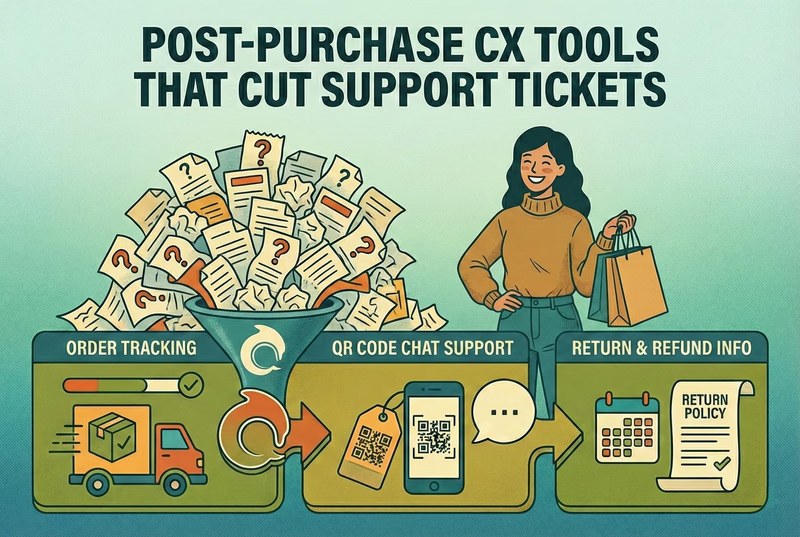
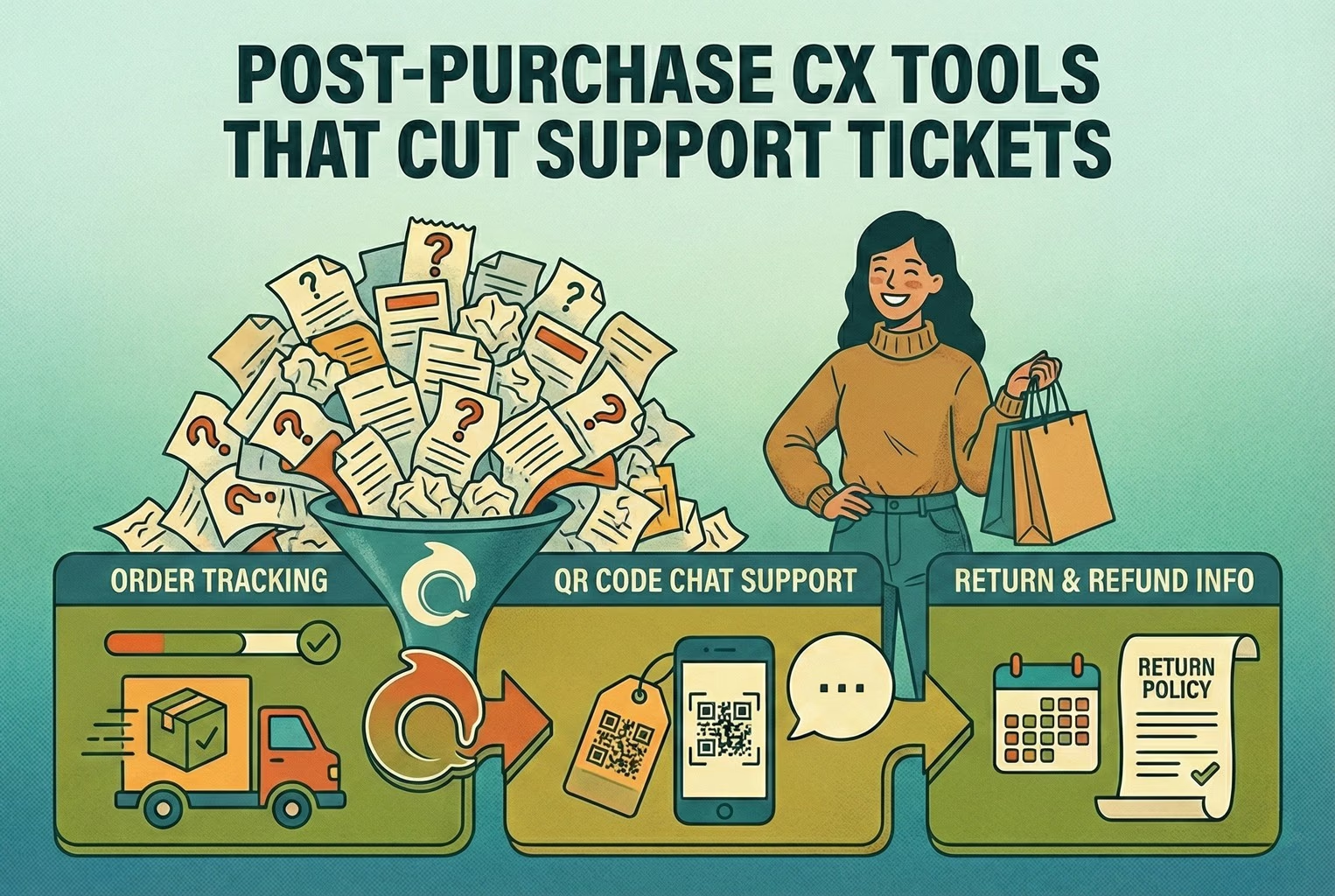
What worked best was giving customers a clear self-serve path no matter where they started. Order emails, QR scans, chat widgets, and even receipt links all pointed back to the same simple flows. A few teams borrowed the structure they'd seen in post-purchase CX tools and tightened the wording using patterns from returns templates and macros. Even outside Shopify, the language held up. Clear steps, honest timelines, and no guessing meant customers stopped chasing, and staff stopped repeating themselves.
3) Bridging in-store and online without losing the thread
QR codes kept coming up in the setups that actually held together, mainly because they meet customers exactly where the friction shows up. A phone comes out, it scans, and help starts there and then. No searching, no digging through old emails, no waiting until later when the frustration's already set in.
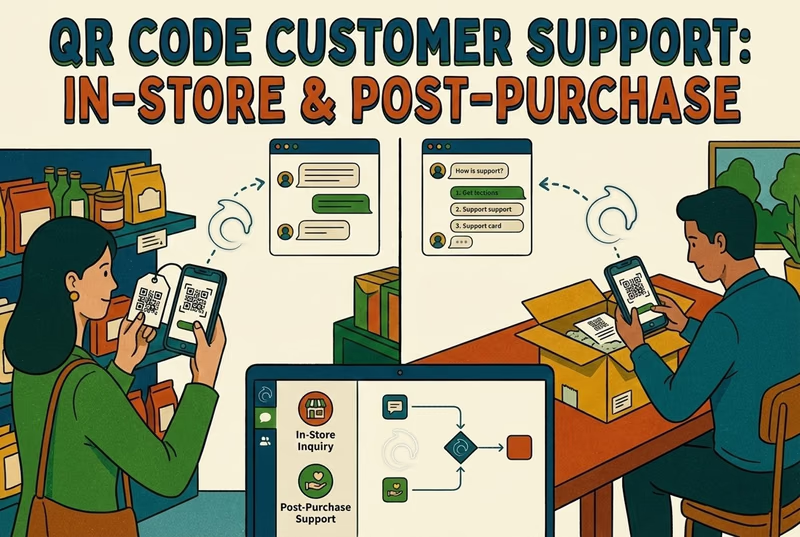
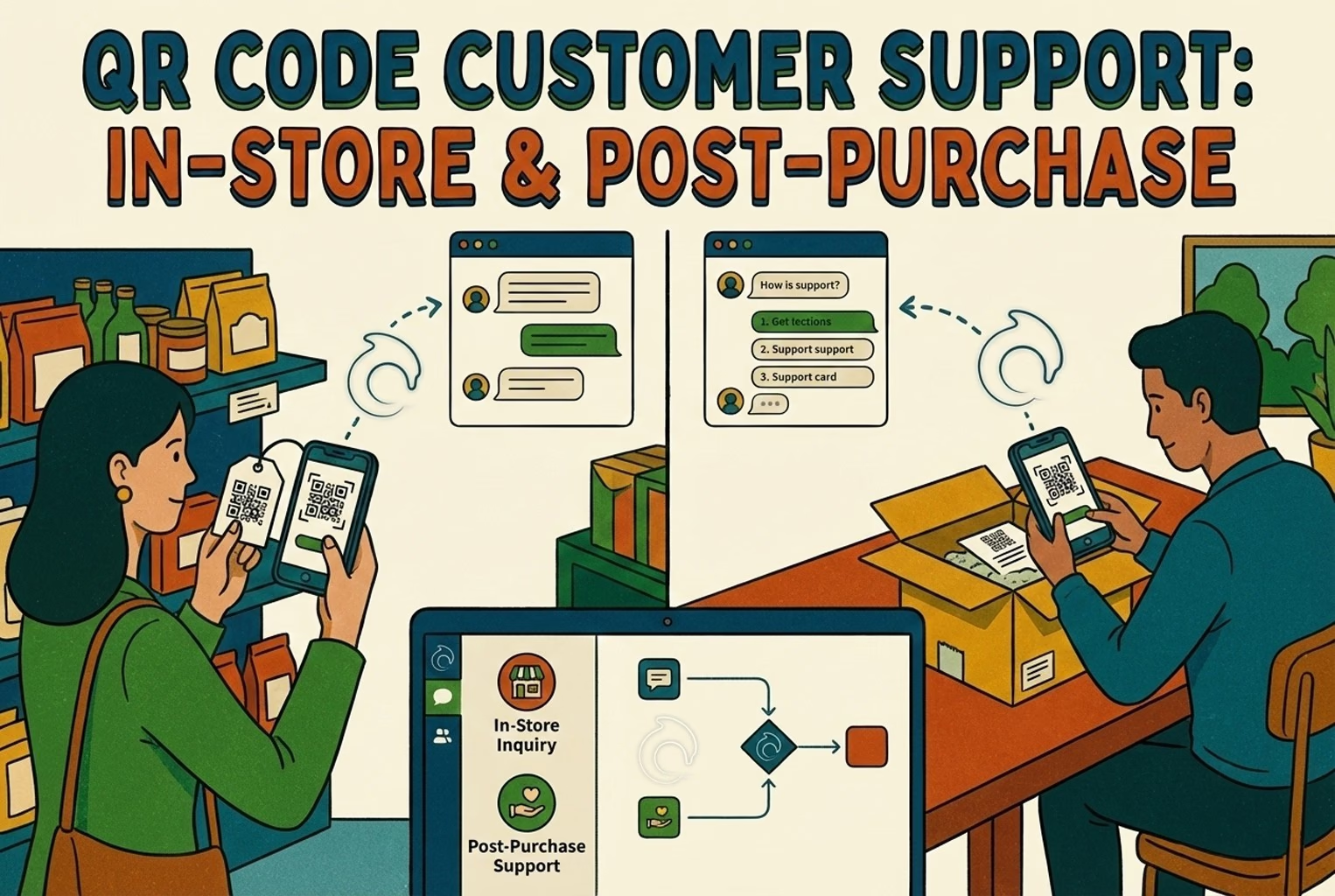
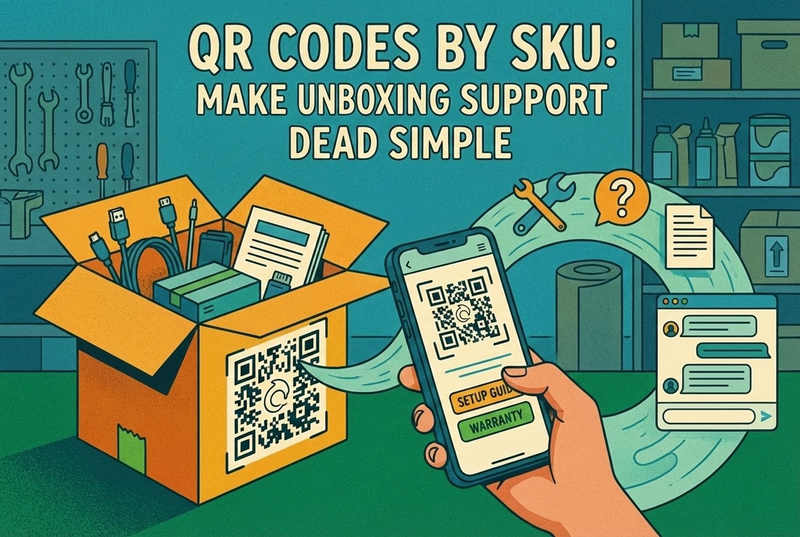
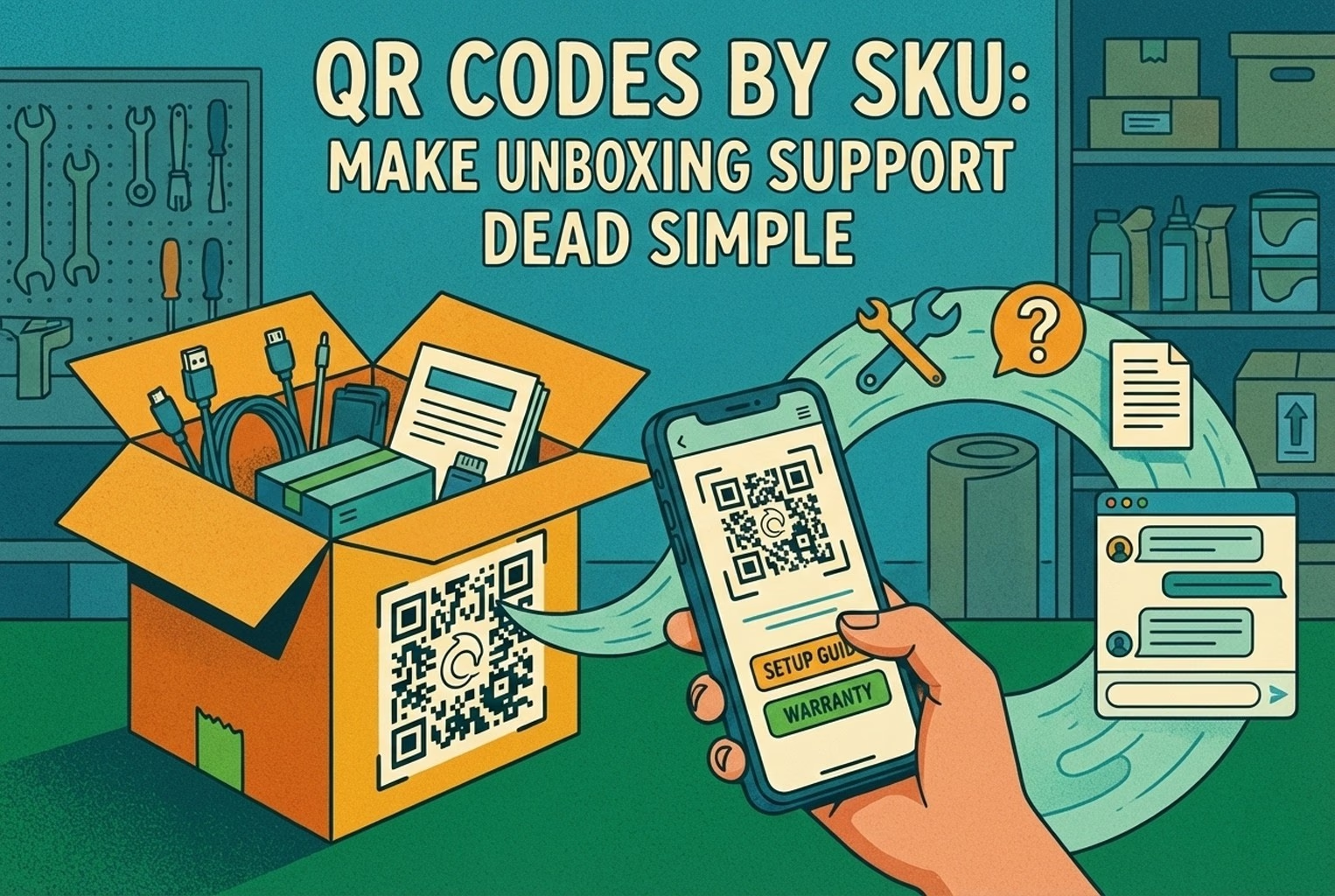
Where teams slipped was sending those scans somewhere vague. The QR worked, but the destination didn't. The better examples treated QR as a front door into support, not a marketing link. A few merchants started broad by following the flow laid out in QR code customer support for retail, then tightened things up by adding SKU-level QR codes on packaging for unboxing and setup questions. Once scans landed on something useful, returns dropped, and staff stopped answering the same basics over and over.
4) Exception handling: the bit that makes or breaks trust

This was the point where a lot of otherwise tidy setups fell over. When orders were fulfilled from stores rather than warehouses, small mistakes crept in. A missing item, a swapped product, a delay nobody clocked early enough. On their own, they seemed minor. Over time, they added up. The same pattern shows up on the ground, especially when customers felt they had to fight for a fair outcome. The teams that coped best treated exceptions as their own lane, not something to be handled ad hoc. When a customer flagged an issue, the flow was simple and predictable. A quick photo to show what arrived, a clear set of outcomes that didn't change mid-conversation, and a named owner who saw it through. Once that was in place, problems were still annoying, but they stopped turning into long, draining threads that nobody wanted to pick up.
5) Measuring what customers actually feel! Not just reply speed
A lot of teams thought they were on top of things because emails were answered quickly or chats were cleared fast. On paper it looked fine. On the floor, customers were still frustrated. The issue was that channel stats told them how busy they were, not whether problems were being properly resolved.
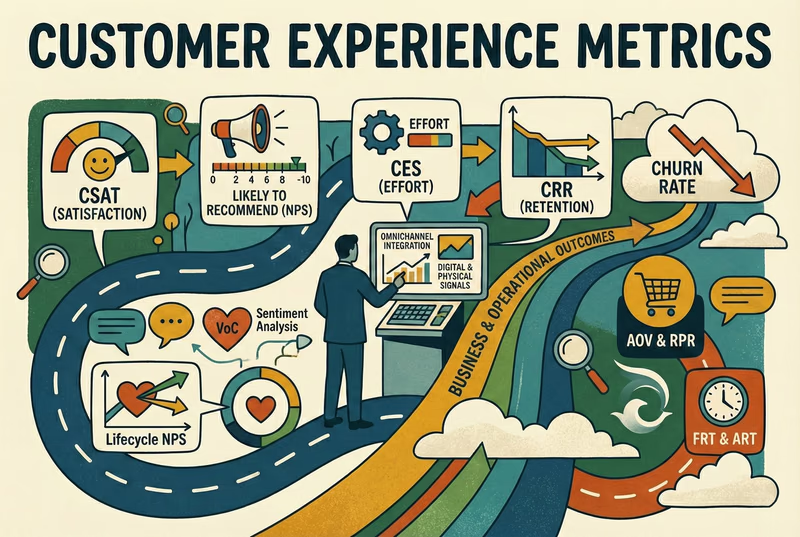
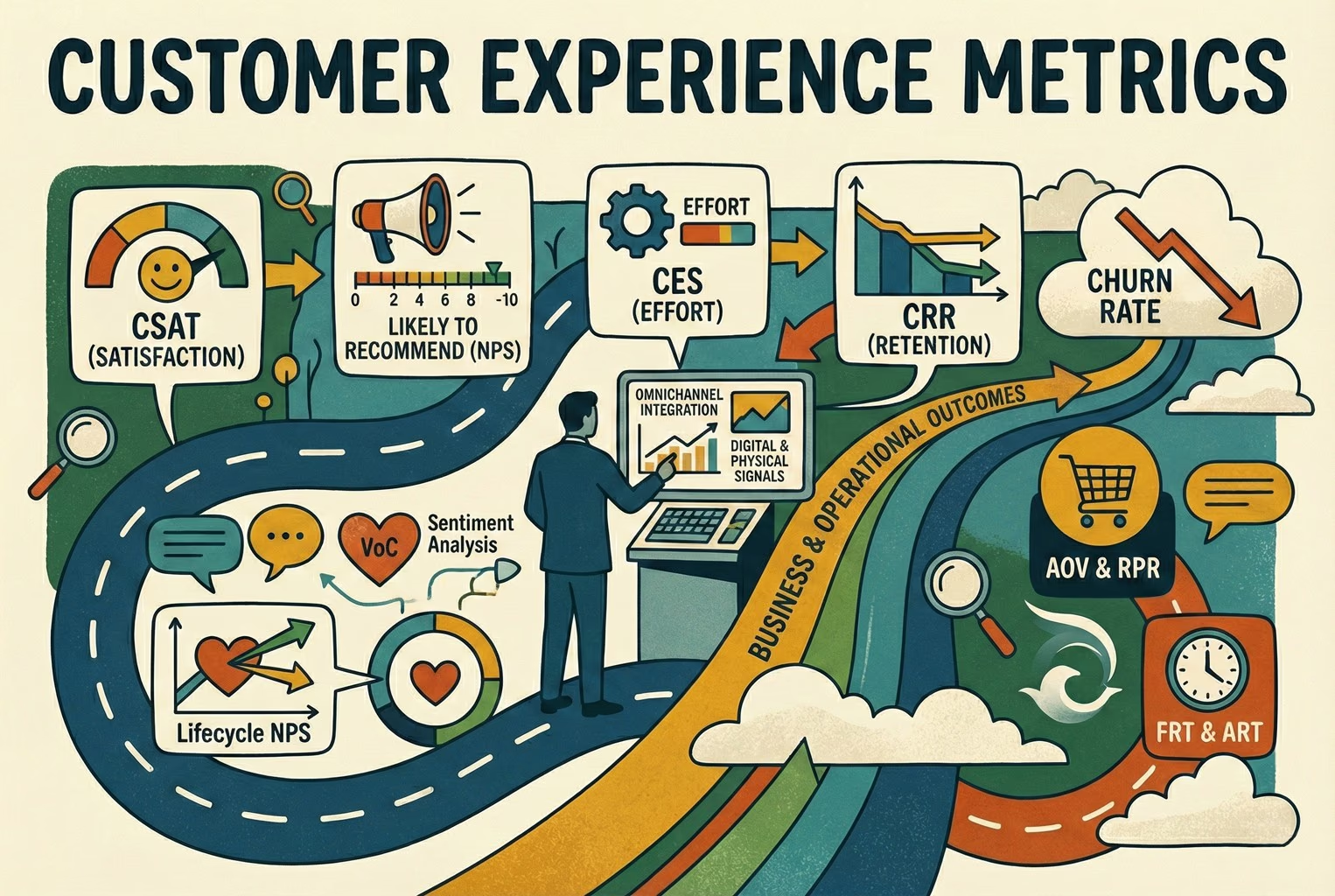
The teams that got clearer started small. They paid attention to how customers felt once an issue was actually closed, how much effort it took to get there, and how long the whole thing dragged on end to end. A few of them used the distinction laid out in CX metrics vs CX KPIs to avoid tracking everything under the sun, then sanity-checked their numbers against customer experience metrics to keep things honest. With fewer numbers and clearer meaning, patterns started to show up quickly.
6) Ownership and workflows: Knowing who actually sorts the problem
One thing that became obvious early on was that not every issue belonged in the same inbox. When everything landed in one place with no clear owner, decisions slowed down, and replies got cautious. People were waiting for someone else to step in.
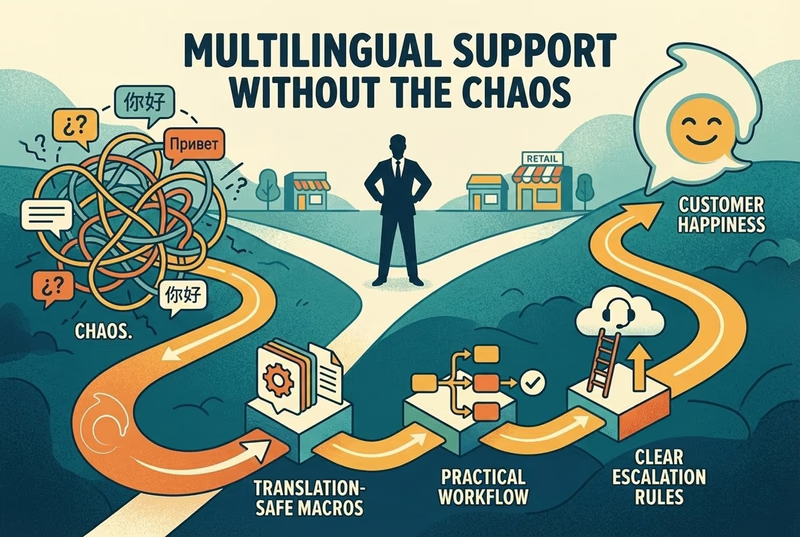
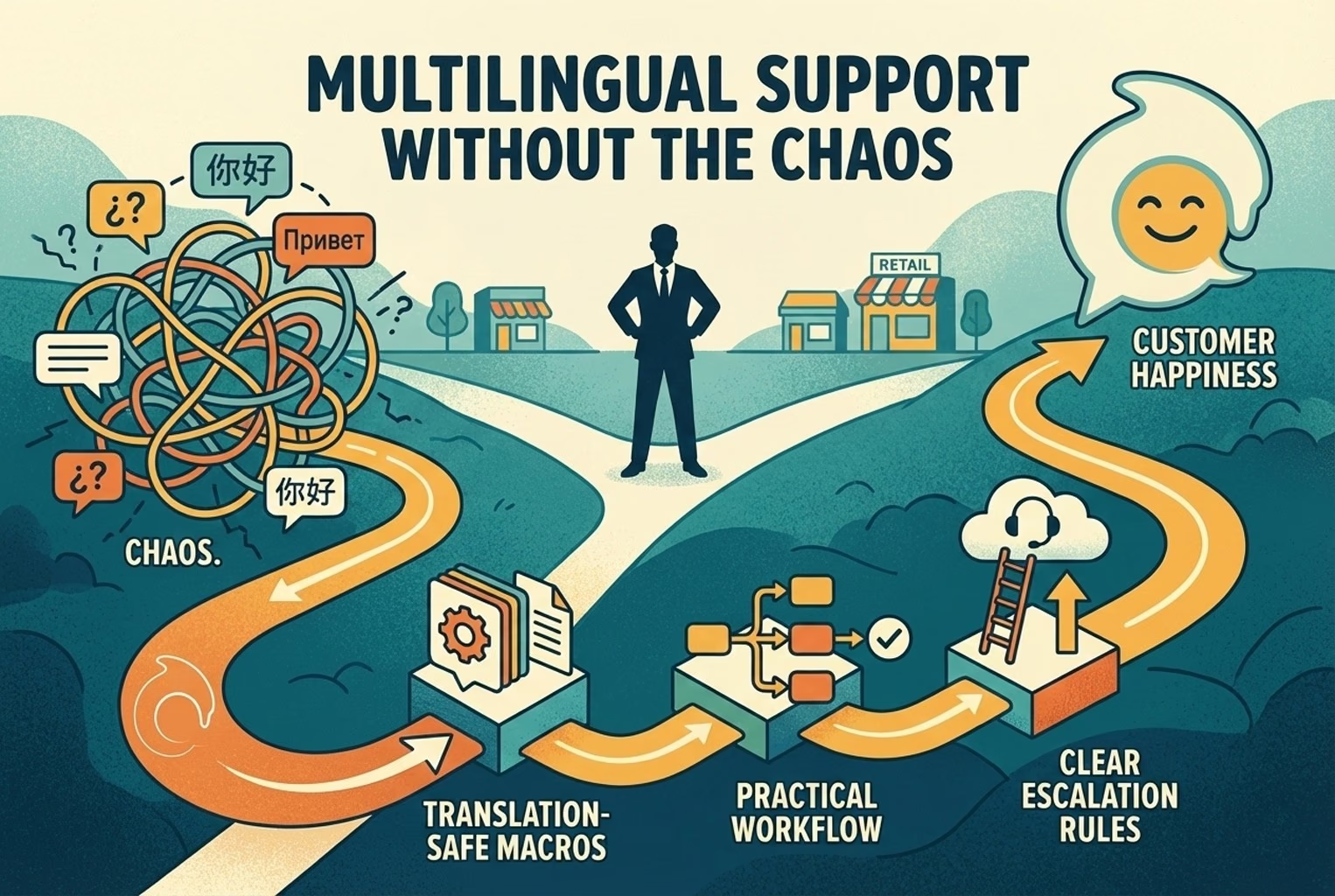
The teams that moved faster had quietly agreed on something far less glamorous but far more effective. Delivery issues and missing items sat with ops. Pickups and in-store swaps stayed with the shop floor. Support handled the conversation and made sure there was a clear outcome, while managers only stepped in when a policy call genuinely needed bending. Once that was understood, issues stopped bouncing around, and customers got answers without the internal shuffle. Things got trickier when conversations crossed languages, especially in tourist-heavy areas or with cross-border orders. In those cases, teams that borrowed simple routing and safety checks from multilingual customer support workflows found it easier to keep responses consistent without putting staff on the spot or risking mixed messages.
Where does omnichannel usually go wrong? And how did teams get back on track?
Things don't tend to blow up all at once. What shows up instead are small cracks that kept repeating until customers lost patience and teams got worn down. These are the spots where omnichannel most often slipped, and what helped steady things again.
Store-fulfilled online orders: missing and substituted items
This was the flashpoint more often than not. When online orders started shipping from stores, tiny slips became far more visible. The wrong item, something missing from the bag, a quiet substitution that made sense in the moment but not to the person opening the parcel at home. Internally, it felt minor. Externally, it chipped away at trust fast, which lines up with what's been observed about how fulfilment errors land much harder on customers than teams expect.
The setups that recovered quickest weren't doing anything flashy. They tightened picking checks, made substitution rules painfully clear, and added a single "report a problem" entry point that asked for evidence once and remembered it. That is the pattern that holds. When customers didn't have to re-explain or resend photos, frustration dropped sharply, even when the mistake itself couldn't be undone.
Returns bounce between online and in-store
This was where tensions crept in fastest. A return that seemed fine in the shop suddenly became a problem online, or the other way round. From the customer's point of view, it felt like the rules were changing mid-conversation. From the team's side, it usually came down to nobody being quite sure which version of the policy applied. The setups that avoided most of the back-and-forth kept things boring and consistent. They wrote one clear policy and backed it everywhere, whether the return started on a screen or at a counter. Treating returns as a core operational flow rather than an awkward exception made a noticeable difference, which is why so much attention is given to how returns and exchanges shape everyday retail operations. Once the rules stopped shifting, the arguments largely dried up.
A simple omnichannel setup that small teams actually managed to stick with
What worked best wasn't a big rollout or a fancy replatform. It was a phased approach that let teams steady the ship before adding anything new. The first week was nearly always about getting the basics straight.
Week one: Getting policies and touchpoints aligned
Before tools or automation came into play, teams focused on clarity.
They pulled returns, refunds, exchanges, and delivery delays into a single policy page and treated it as the source of truth. Once that existed, it quietly spread everywhere.
Order emails referenced it, receipts pointed to it, the help hub linked back to it, and it sat pinned anywhere customers were likely to look.
To make sure nothing obvious was missed, some teams walked through their setup using Customer Touchpoints as a sense check. Seeing every place a customer might land helped explain why confusion kept cropping up, and fixing those gaps early saved a lot of awkward conversations later on.
Week two: Giving customers one clear place to land
Once policies were sorted, the next step for most teams was simplifying where questions went.
Instead of scattering links across different pages, they settled on a single help destination that everything pointed back to. Whether someone came in from a receipt, a box, or a sign by the till, they always ended up in the same place.
QR codes played a big part here. Teams added them to receipts, slipped them into packaging, and stuck them near the counter in-store. The important bit wasn't the code itself; it was where it sent people.
The setups that worked avoided sending scans to the homepage at all costs. When a QR led straight into help, problems got raised earlier and sorted with far less fuss.
Week three: Taking the weight off the inbox
By the third week, teams weren't looking for clever automation. They just wanted fewer repeat questions. The patterns were already obvious. Tracking updates, starting a return, refund timing, something missing or damaged, a last-minute address change, or a delivery running late. Those few topics made up the bulk of post-purchase noise.
The teams that eased the load fastest focused on getting consistent first replies in place for those moments. They leaned on the reply structure they'd already tested in post-purchase CX tools and tightened the language using proven wording from returns macros. Once those responses were predictable and easy to trigger, automation stopped feeling risky and started doing what it was meant to do. Give customers clarity early, and let staff step in only when it actually matters.
A quick omnichannel sense check

After a few weeks of changes, some teams wanted a simple way to sanity-check whether things were actually improving or just feeling busier. What helped most was boiling everything down to a short checklist and a single policy page they could point to without thinking twice.
Omnichannel readiness checklist
The calmer setups usually ticked most of these without much fuss. When one or two were missing, that's where the noise crept back in.
One clear support entry point, not half a dozen scattered links
Order status easy to find, and linked from emails, receipts, and help pages
One returns flow backed by one policy page, no variations by channel
QR codes placed where friction actually shows up, like receipts, packaging, and the counter
A proper exceptions lane for missing, damaged, or substituted items, with outcomes agreed upfront
A small set of metrics checked weekly, with one person owning the follow-up
Alongside that checklist sat a single policy page. Nothing fancy. Just clear answers to the questions customers kept asking, and staff kept fielding. Having that page to point to stopped a lot of second-guessing and made conversations shorter, calmer, and far less awkward.
Single policy page template (copy/paste headings)
Returns window + condition rules
Exchanges (how + where)
Refund timing (what "processed" means)
Store vs online returns (what's allowed)
Missing/substituted items (evidence + outcomes)
Delivery delays (what you'll do, what customers should do)
Contact options (and response expectations)
A single policy page that teams actually used
The policy pages that worked weren't long or clever. They were practical, written in plain language, and easy for staff to point to without adding a caveat. Most followed a simple structure like this, with headings that customers could scan quickly.
Returns, the window and condition rules
How long customers have, what condition items need to be in, and what falls outside the window.
Exchanges, and where they can happen
Whether exchanges are handled online, in-store, or both, and what to do if stock isn't available.
Refund timing, explained properly
What "processed" means on your side, how long banks usually take, and when it's fair to chase.
Store versus online returns
What's allowed in each place, and where exceptions might apply.
Missing or substituted items
What evidence helps move things along, what outcomes are on the table, and how quickly customers can expect a resolution.
Delivery delays
What you'll do when something's late, what customers should do first, and when to get in touch.
Contact options and response expectations
Where to reach you, what channel works best for what, and realistic response times.
Having this laid out in one place gave teams something solid to lean on. It cut down debates, shortened replies, and stopped policies from drifting depending on the day or the channel.
Common slips that keep coming up! And why they caused more grief than expected.
A few patterns showed up again and again, even with teams that were doing most things right. None of them looked dramatic on their own, but together they quietly undid a lot of good work.
Calling something omnichannel simply because messages come in from Instagram, email, and WhatsApp, while everything still lives in separate places. From the customer side, it feels stitched together, not joined up.
Using QR codes that land on the homepage. The scan works, but the customer's left poking around for help, which just adds friction at the worst moment.
Letting return outcomes change depending on where the conversation happens. That's when screenshots appear, and small issues turn into drawn-out rows.
Having no clear way to handle exceptions, a missing item becomes a 30-message thread passed between people who don't quite own it.
Focusing on channel stats like response time, while missing whether the problem was actually resolved end-to-end.
Spotting these early made everything else easier. Once they were fixed, a lot of the noise simply stopped.
Wrapping it up
What stands out across small teams is how little of this came down to fancy tooling. The calmer setups weren't perfect. They were just clearer. One place for help, one set of rules, and fewer moments where customers or staff had to guess what came next.
Once conversations stopped bouncing between channels and context stopped going missing, everything else felt lighter. Fewer arguments. Shorter threads. Less internal back and forth. Not because problems disappeared, but because they were handled in a way that made sense to everyone involved.
If you're at the point where omnichannel questions are coming in from all angles and it's starting to feel messy, having one place to handle chat, QR-led support entry, and clean handoff made a real difference for a lot of teams. That's exactly what AskDolphin was built for. For stores running on Shopify, you can also see how it fits into everyday workflows via AskDolphin Shopify Live Chat.
If you're not ready to change tools yet, that's fine too. Save this page, put together your single policy page, and run through the readiness checklist this week. A quick skim of Customer Experience Strategy afterwards helps keep the bigger picture joined up without overthinking it.
Either way, small steps done properly tend to beat big plans that never quite land.