Conversations
Shared Inbox Manage chat, email, and QR conversations together. Website Live Chat Support visitors with an AI and human widget. Email SupportNew Manage connected mailboxes with AI-assisted replies. Smart QR Codes Connect stores, products, and packaging to support.
AI and Automation
Dolphin AI Answer from approved knowledge with human control. AI Sales AssistantNew Recognize intent and suggest approved actions. Commerce ActionsNew Help customers complete supported Shopify actions. Human Control Control approvals, handover, and sensitive actions.
Intelligence and Knowledge
Session Replay & AnalyticsNew Replay journeys and understand visitor behaviour. AI Insights & ReportsNew Turn customer activity into clear recommendations. Data Sources Connect websites, products, FAQs, and knowledge. Help Center One content base for self-service and AI answers.
Product intro
AskDolphin Platform Connect conversations, AI, knowledge, and insights.
By business
Ecommerce & Shopify Support shoppers before and after every purchase. Retail & Omnichannel Connect support with stores, products, and QR. Agencies Manage client enquiries, email, and websites. Service Businesses Present services, capture leads, answer questions. Freelancers & Individuals Manage client email and enquiries with AI. Small & Growing Teams Bring conversations and teamwork into one place.
By goal
Customer Support Answer questions across chat, email, and QR. Sales & Conversion Engage intent and guide customers to action. Website Intelligence Find friction through sessions and behaviour. Shared Email Use AI-assisted email without needing a website. In-store & QR Support Give customers help in physical locations. Post-purchase Support Support orders and customers after purchase.
Solutions intro
View all solutions Find the right workflow for your business.
Learn
Blog Practical ideas for support, AI, and ecommerce. Product Updates See new features and product improvements.
Company
About AskDolphin Learn what AskDolphin is building and why. Partners Explore agency and partnership opportunities. Security Review our security and privacy information.
Conversations
Shared Inbox Manage chat, email, and QR conversations together. Website Live Chat Support visitors with an AI and human widget. Email SupportNew Manage connected mailboxes with AI-assisted replies. Smart QR Codes Connect stores, products, and packaging to support.
AI and Automation
Dolphin AI Answer from approved knowledge with human control. AI Sales AssistantNew Recognize intent and suggest approved actions. Commerce ActionsNew Help customers complete supported Shopify actions. Human Control Control approvals, handover, and sensitive actions.
Intelligence and Knowledge
Session Replay & AnalyticsNew Replay journeys and understand visitor behaviour. AI Insights & ReportsNew Turn customer activity into clear recommendations. Data Sources Connect websites, products, FAQs, and knowledge. Help Center One content base for self-service and AI answers.
Product intro
AskDolphin Platform Connect conversations, AI, knowledge, and insights.
By business
Ecommerce & Shopify Support shoppers before and after every purchase. Retail & Omnichannel Connect support with stores, products, and QR. Agencies Manage client enquiries, email, and websites. Service Businesses Present services, capture leads, answer questions. Freelancers & Individuals Manage client email and enquiries with AI. Small & Growing Teams Bring conversations and teamwork into one place.
By goal
Customer Support Answer questions across chat, email, and QR. Sales & Conversion Engage intent and guide customers to action. Website Intelligence Find friction through sessions and behaviour. Shared Email Use AI-assisted email without needing a website. In-store & QR Support Give customers help in physical locations. Post-purchase Support Support orders and customers after purchase.
Solutions intro
View all solutions Find the right workflow for your business.
Learn
Blog Practical ideas for support, AI, and ecommerce. Product Updates See new features and product improvements.
Company
About AskDolphin Learn what AskDolphin is building and why. Partners Explore agency and partnership opportunities. Security Review our security and privacy information.

CX Strategy: Framework, 7 Pillars & Step-by-Step Guide

A CX strategy is the framework for delivering consistent interactions at every touchpoint. The seven pillars behind one, and how to build it step by step.customer-experience-basics
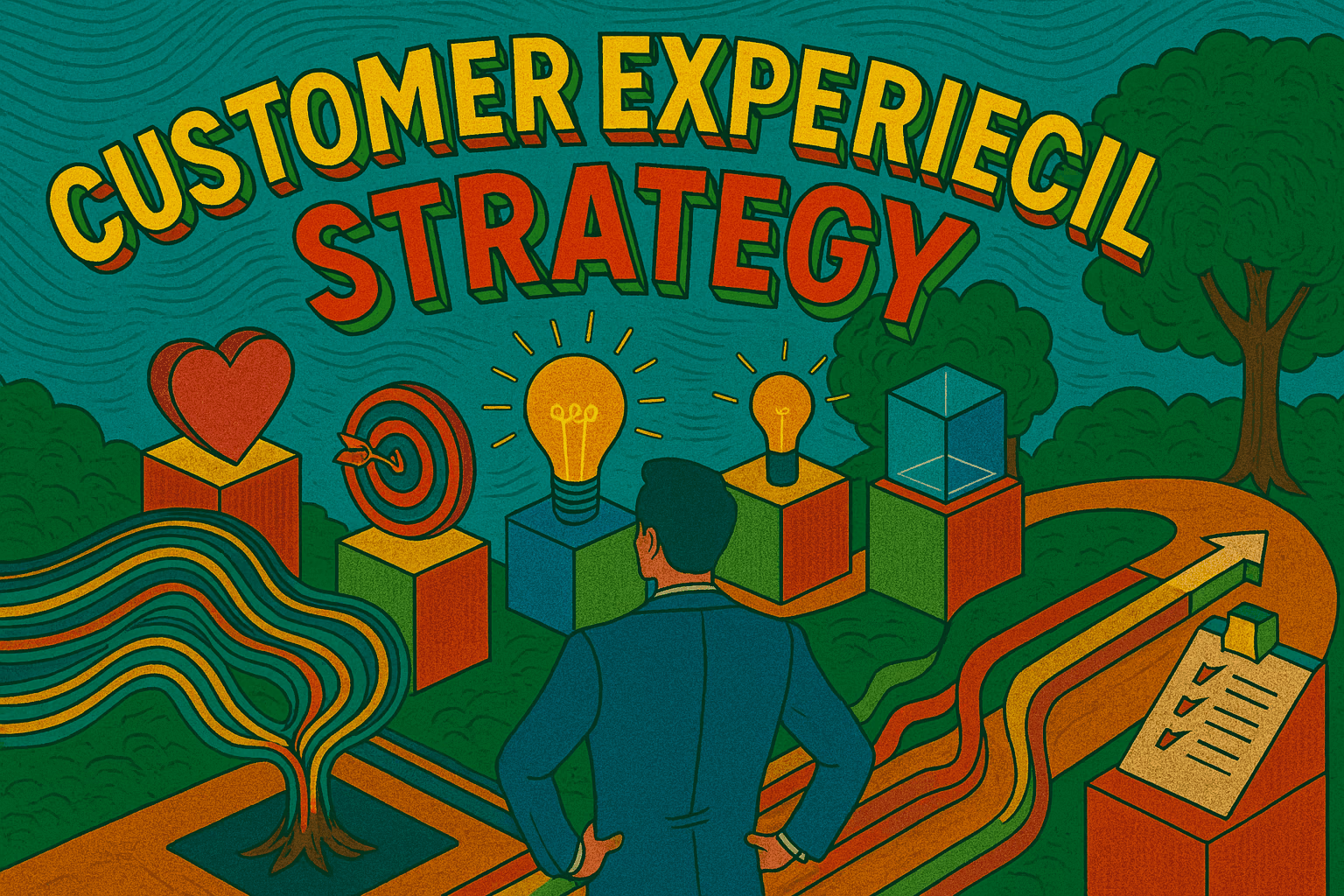
Illustration of a customer experience strategy, showing a person evaluating customer goals, ideas, and success metrics represented by icons like a heart, target, lightbulbs, and a checklist.
Last updated

What Is a Customer Experience Strategy?

A customer experience (CX) strategy is the framework a business uses to deliver positive, consistent interactions at every touchpoint and to keep improving those experiences and relationships over time.

It combines customer understanding, operational clarity, and continuous improvement.
Every strong CX strategy connects what your brand promises with how customers actually feel.

Why CX Strategy Matters

We’ve all been there: waiting on hold, repeating details to multiple agents, or getting stuck in a confusing website flow. These moments don’t just waste time, they break trust. On the flip side, think about the last time a company anticipated your needs, solved your problem quickly, and made the interaction effortless. That experience probably earned your loyalty.

The difference between these two outcomes isn’t luck. It’s strategy.

A customer experience (CX) strategy is what separates companies that stumble through interactions from those that design them with care. It’s not a one-off project or a set of slogans, it’s the framework that guides how a business delivers consistent, positive experiences at every touchpoint and improves them over time.

  • Customers expect more. They want friction-free, personalised journeys.

  • Experience is the differentiator. When products and prices are equal, experience wins.

  • CX drives growth. Positive experiences increase retention, referrals, and lifetime value.

  • It aligns teams. A clear strategy unites marketing, product, and service behind one goal.

The 7 Pillars of a CX Strategy

  1. Vision & Principles: Define the experience you promise, rooted in brand values.

  2. Customer Understanding: Personas, journey maps, and feedback loops.

  3. Experience Design: Shape digital and physical touchpoints to feel effortless and connected.

  4. Operations & Governance: Processes and roles that ensure accountability and consistency.

  5. Technology & Data: CXM, AI chat, live chat, and analytics dashboards that enable scale.

  6. Measurement & KPIs: Track CSAT, NPS and CES.

  7. Culture & People: Empower teams to act with empathy and solve problems.

These pillars are the foundation; the next section is the blueprint that brings them to life.

The Step-by-Step Blueprint for Building a CX Strategy

  1. Define Your CX Vision: Short, memorable, value-based. Example: "Make every interaction effortless."

  2. Map the Customer Journey: Awareness → purchase → onboarding → support → loyalty; identify "moments of truth."

  3. Select Priority Metrics: Focus on CSAT, NPS, CES, and retention.

  4. Design Omnichannel Experiences: Ensure continuity between digital and physical touchpoints.

  5. Enable with Technology: Use CXM software.

  6. Train & Empower Teams: Empathy, listening, and ownership.

  7. Establish Governance & Accountability: Assign leaders to own feedback and drive action.

  8. Launch Pilot Programs: Start small, learn fast.

  9. Measure, Optimise & Close the Loop: Collect → analyse → adapt → communicate improvements.

  10. Scale & Embed into Culture: Integrate CX into onboarding and daily workflows.

CX Happens

Sometimes, CX just… happens.
Like when a coffee shop barista remembers your order before you speak, or when a chatbot solves your issue faster than a human once did.
These small moments aren’t random, they’re the result of a strategy that listens, learns, and flows.

That’s what great CX strategy achieves: turning ordinary interactions into effortless moments that feel personal.

And yes, when it goes wrong, we’ve all screenshotted that support chat for the group chat.

CX Strategy in Action

SaaS: NPS feedback shapes the product roadmap.

Retail: Online and in-store experiences sync seamlessly.

Startup: AI chat scales support while culture stays human.

Common Pitfalls

Treating CX as a project instead of a practice.

Tracking metrics without action.

Buying tools before defining strategy.

Keeping CX siloed instead of cross-functional.

Evolving Your CX Strategy

Customer expectations evolve constantly.
The most successful organisations run a continuous improvement loop: measure → learn → adapt → repeat.

Emerging Trends

AI foresight: predicting needs before they’re expressed.

Emotional loyalty: building bonds on values, not discounts.

Proactive CX: preventing issues before they arise.

AskDolphin brings website chat, email, and QR-code conversations into one shared workspace, where Dolphin AI answers from approved business knowledge and hands the conversation to your team when a person is needed.

Flow Forward

A CX strategy is more than a framework, it’s the heartbeat of brand loyalty and sustainable growth. When people, processes, and technology move in sync, experience stops being a department and becomes a company-wide rhythm.

The brands that lead tomorrow are those that treat CX as a living system, one that flows, learns, and connects with every customer it touches.

Frequently asked questions

What is a CX strategy?

A plan for delivering positive, consistent experiences at every touchpoint, and for improving them over time. It connects what your brand promises with how customers actually feel.

Why do companies need one?

Without one, the quality of an interaction depends on who happens to handle it. A strategy makes the experience something you design rather than something that happens to you, and it gives marketing, product and service a single goal to work towards.

What are the seven pillars of a CX strategy?

Vision and principles, customer understanding, experience design, operations and governance, technology and data, measurement and KPIs, and culture and people.

How is CX strategy different from customer service?

Service is a single moment, usually after someone asks for help. CX covers the entire journey from first awareness through to advocacy, including the moments that stop the question being needed at all.

How can technology help?

By connecting data and channels so context is not lost between conversations, and by handling the repetitive work so people can spend their time on the problems that need judgement.

More inCustomer Experience Basics

AI Chat on Shopify Without the Headache

Most merchants do not need more chat. They need fewer repeat questions after purchase. This article covers what works when merchants add AI chat on Shopify, where it breaks, and how QR support takes pressure off chat and email.

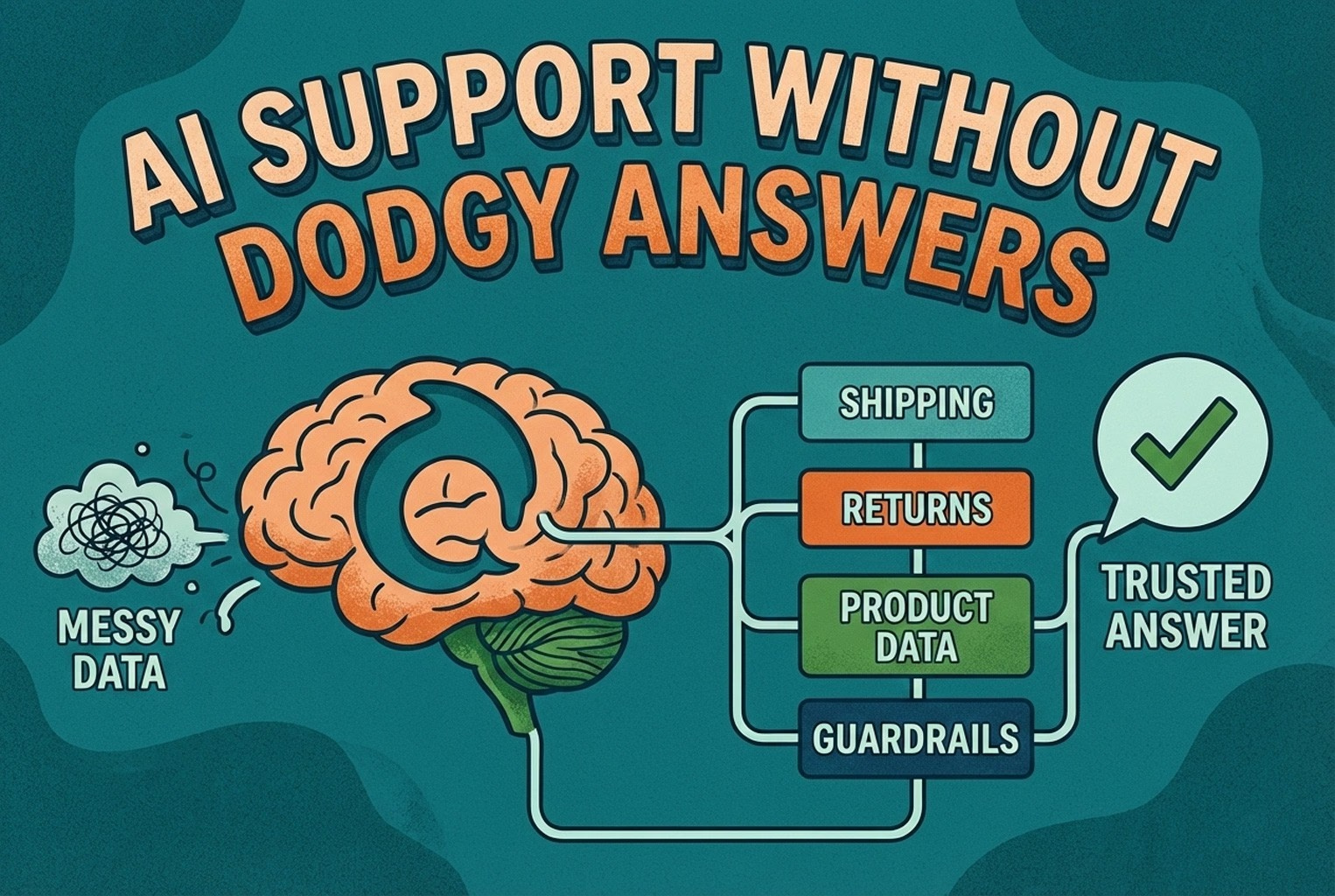
AI Support Without Dodgy Answers

AI support usually fails when the knowledge behind it is messy. This guide shows how ecommerce teams structure shipping, returns, product data, guardrails, and human handoffs so answers stay accurate and policy-safe.

25 Product Questions That Quietly Kill Sales

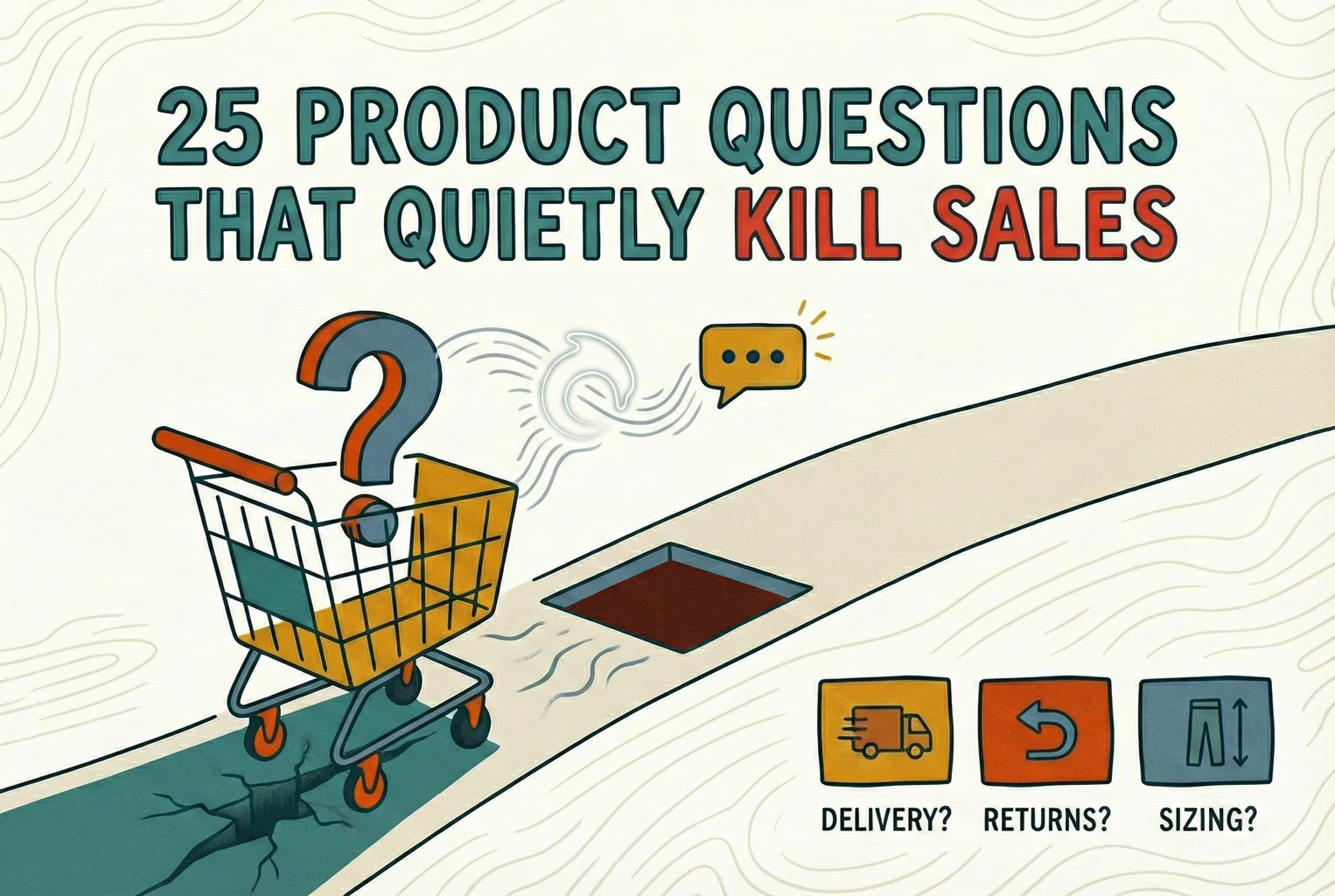
Shoppers rarely abandon because they dislike a product. They leave when delivery, returns, sizing, or compatibility answers are missing. This case study lists 25 sales-blocking questions and how synced knowledge keeps replies accurate.

Post-Purchase CX Tools That Cut Support Tickets

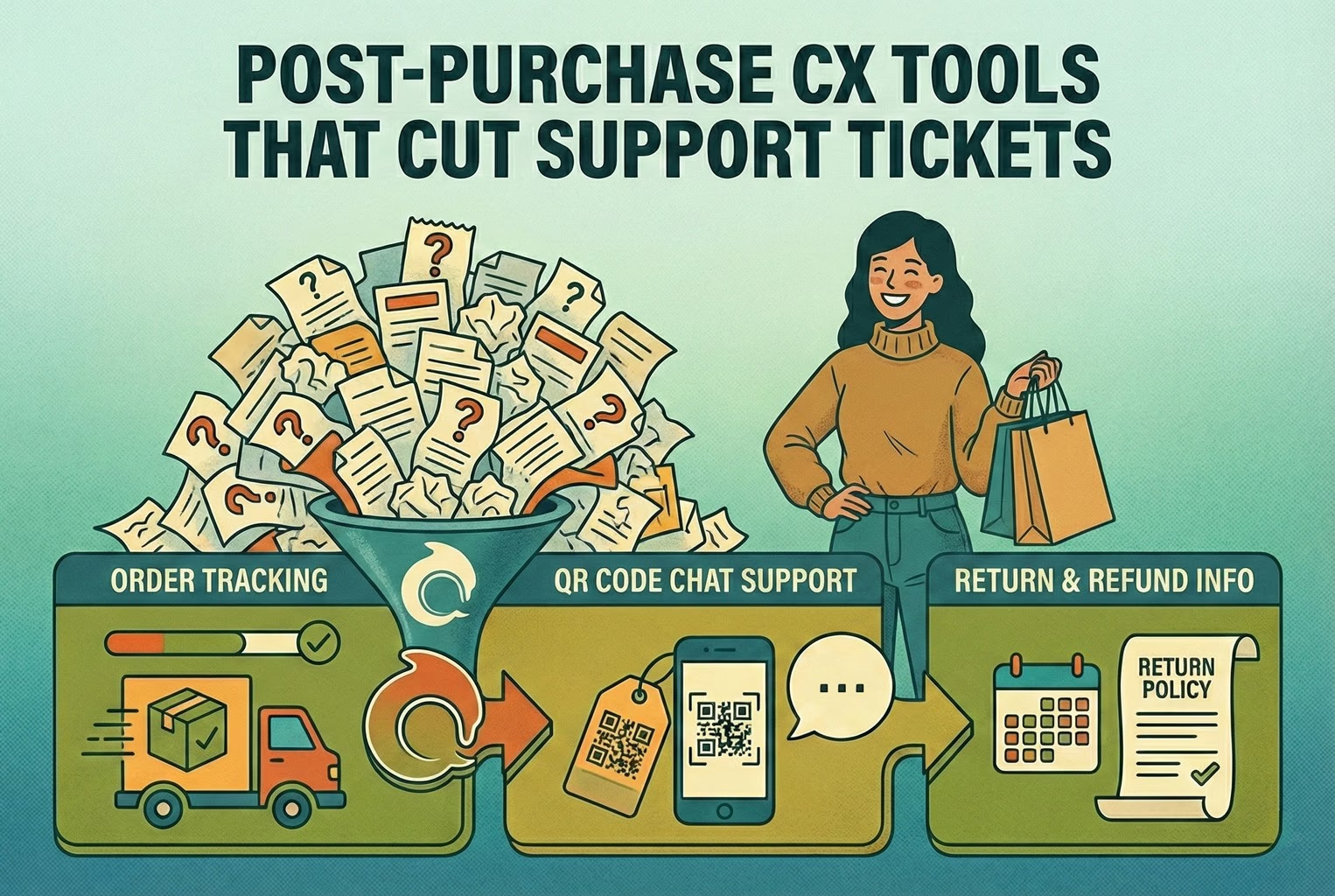
Post-purchase support often becomes most of the inbox: tracking, delays, returns, and refund follow-ups. This playbook shows the simplest tools retail teams use to deflect repeat tickets and keep expectations clear.

QR Code Customer Support: In-Store and Post-Purchase

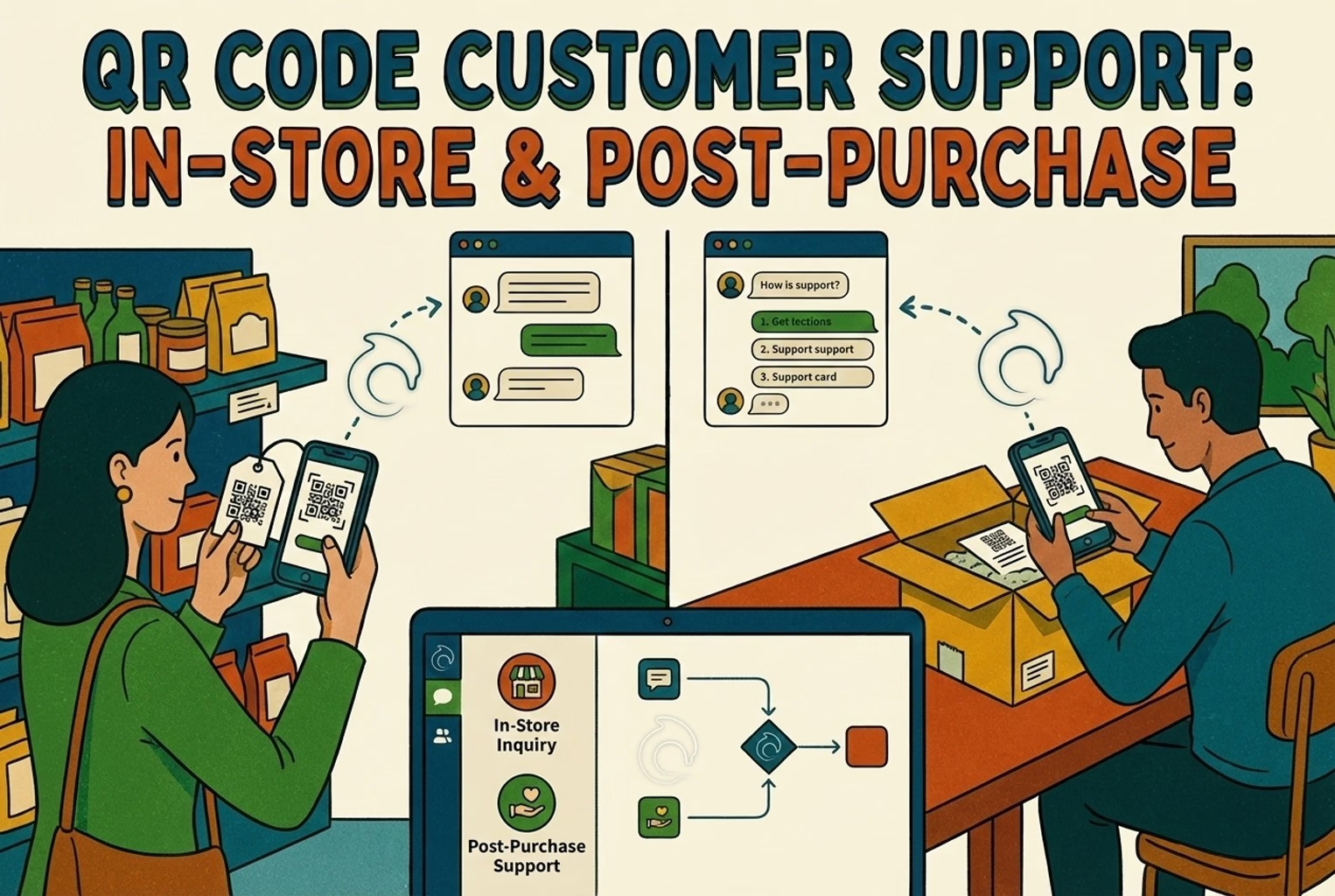
Hard-to-find staff in-store and post-purchase questions flooding email? This playbook shows where to place support QR codes, what scans should open, and how to route chats into one shared inbox with human handover when needed.

QR Codes by SKU: Make Unboxing Support Dead Simple

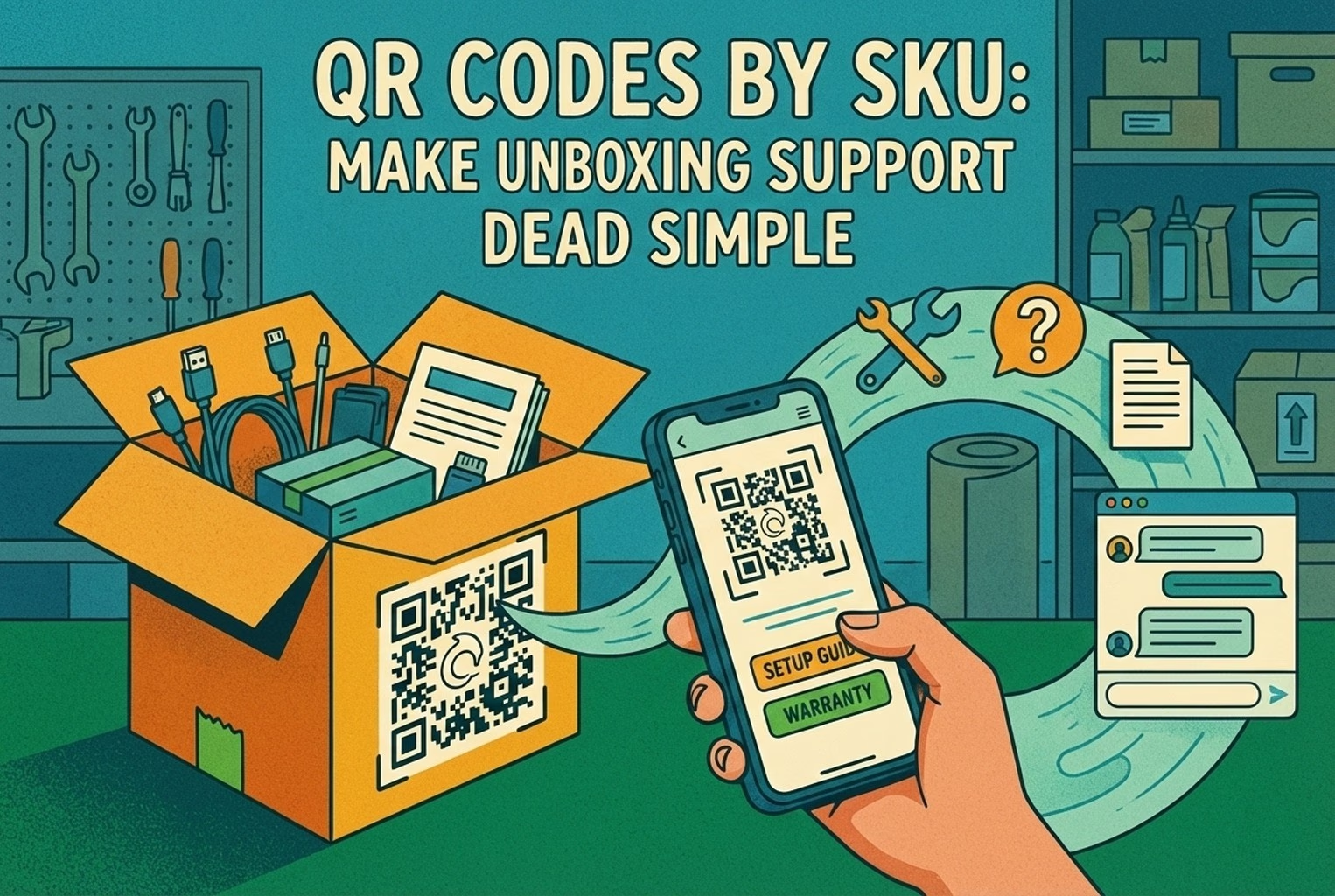
Unboxing support breaks when agents cannot tell which variant a customer holds. This guide shows how SKU-level QR codes on packaging open the right help, with placement tips, static vs dynamic choices, and rollout templates.

Customer Experience Metrics

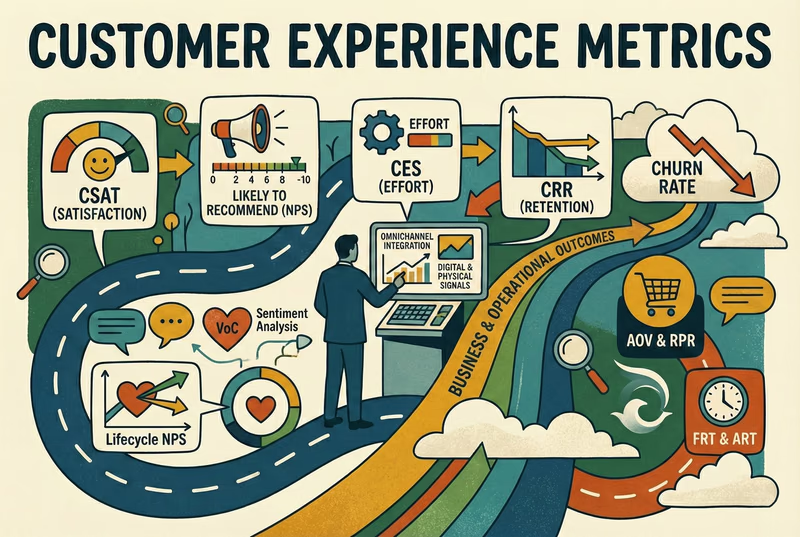
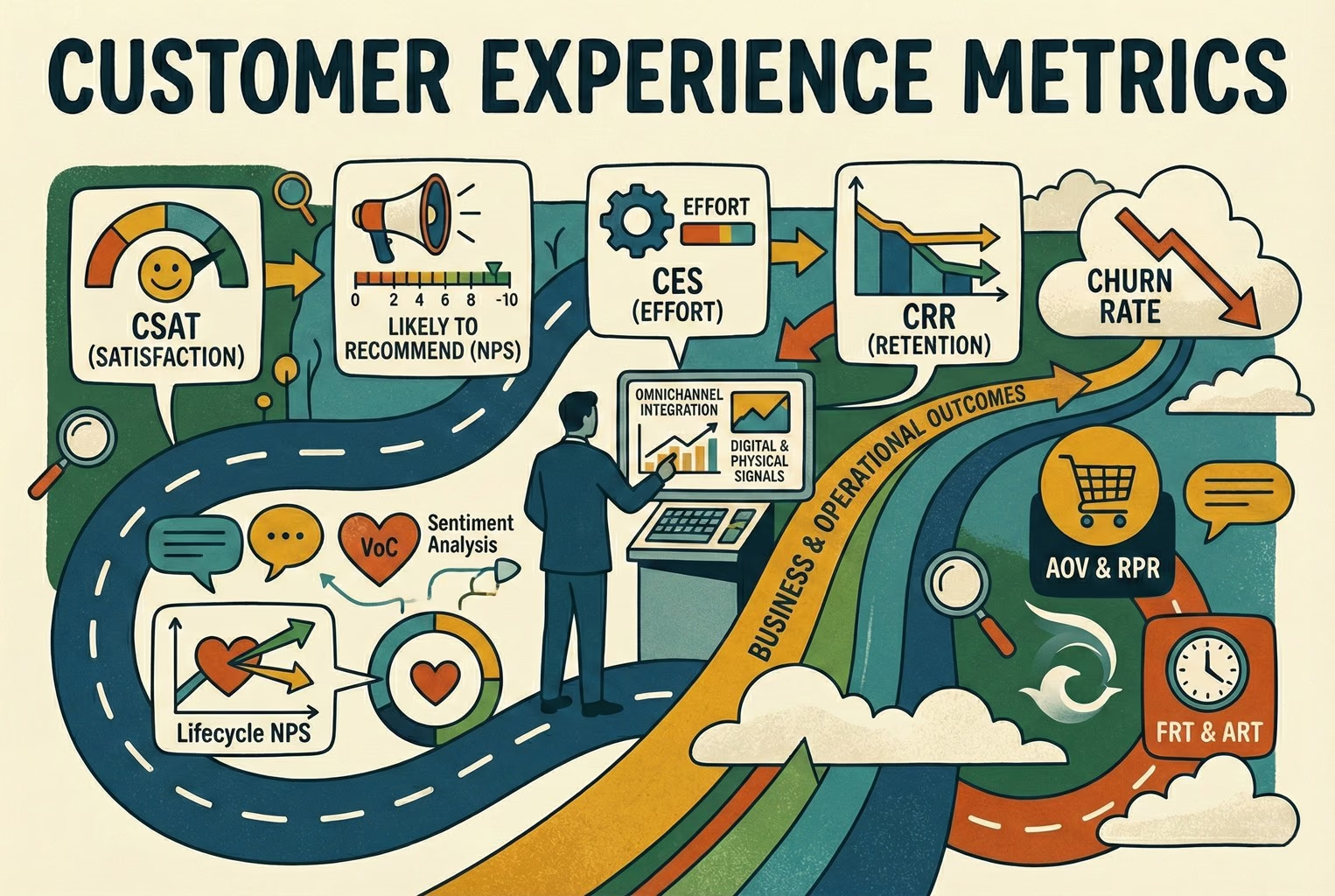
Which customer experience metrics are worth measuring, what each one tells you, and how to track them across digital, physical and omnichannel touchpoints.

Customer Experience Tools for Retail Teams

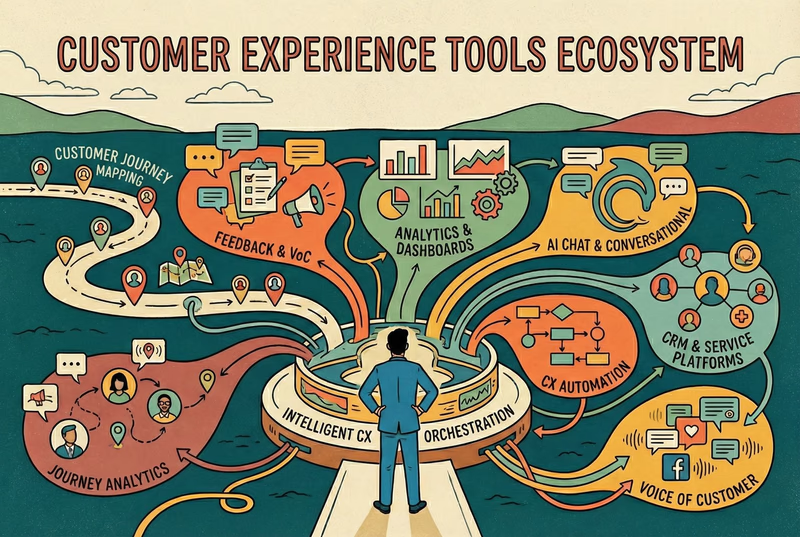
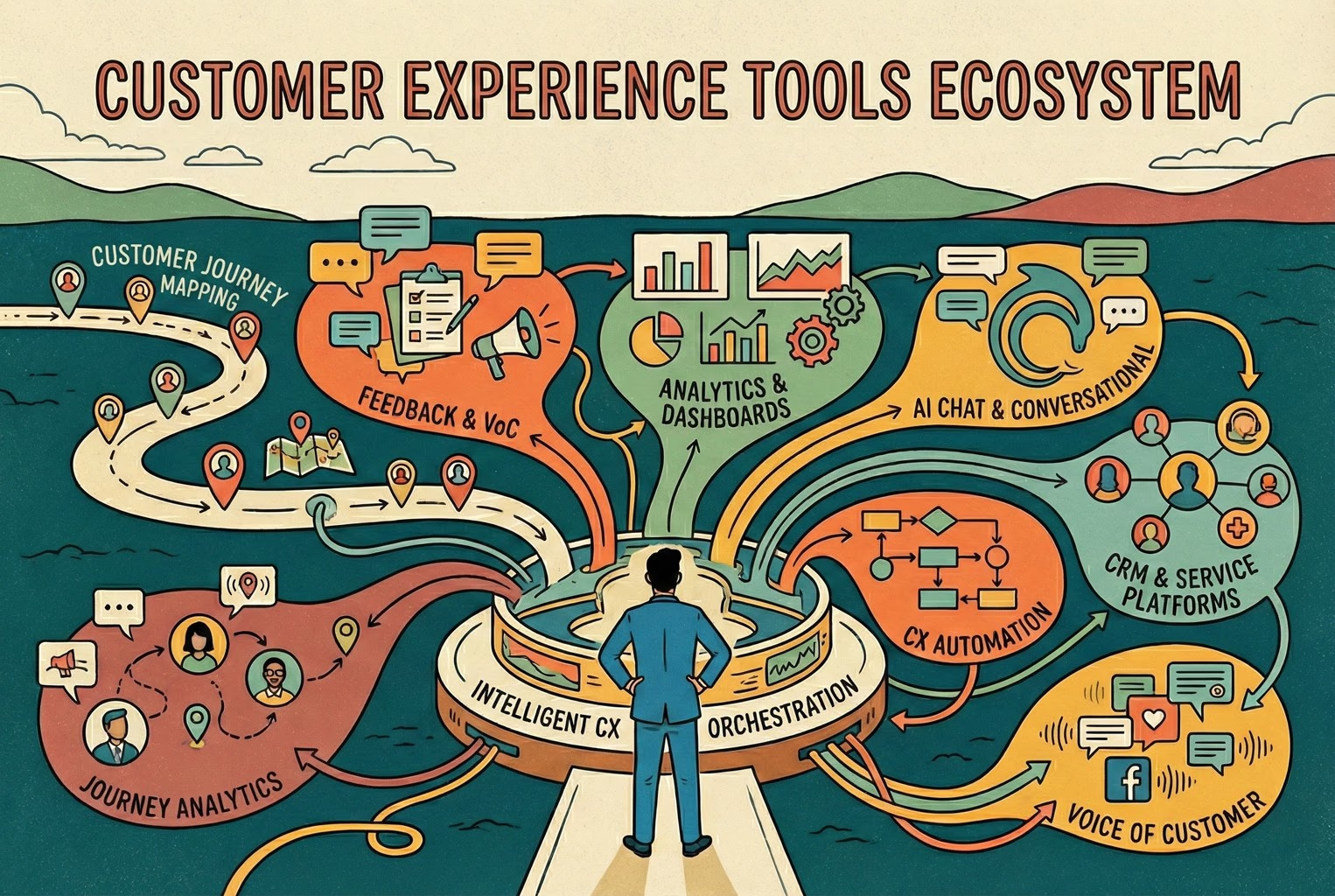
You do not need a forty-tool CXM stack. This guide maps the practical customer experience tools ecommerce and retail teams use for chat, email, QR support, approved knowledge, and human handover.

Multilingual Support Without the Chaos

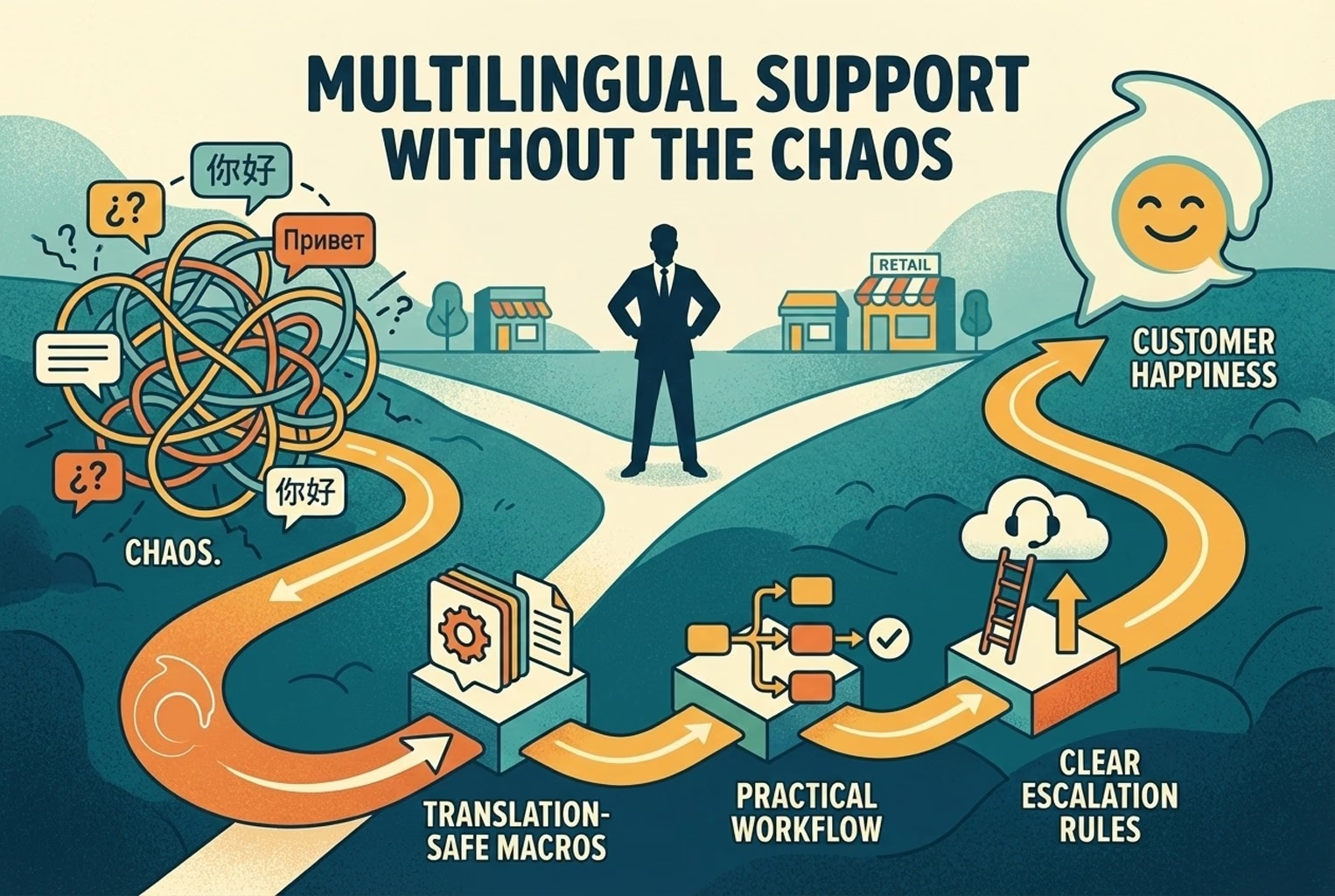
Selling across borders should not turn support into chaos. This playbook shows how retail teams handle multilingual chat and email with translation-safe macros, clear escalation rules, and QA habits that protect quality.

Stop losing the quiet ones.

Install it in a minute. It starts working on your next visitor.

14 days, every feature.