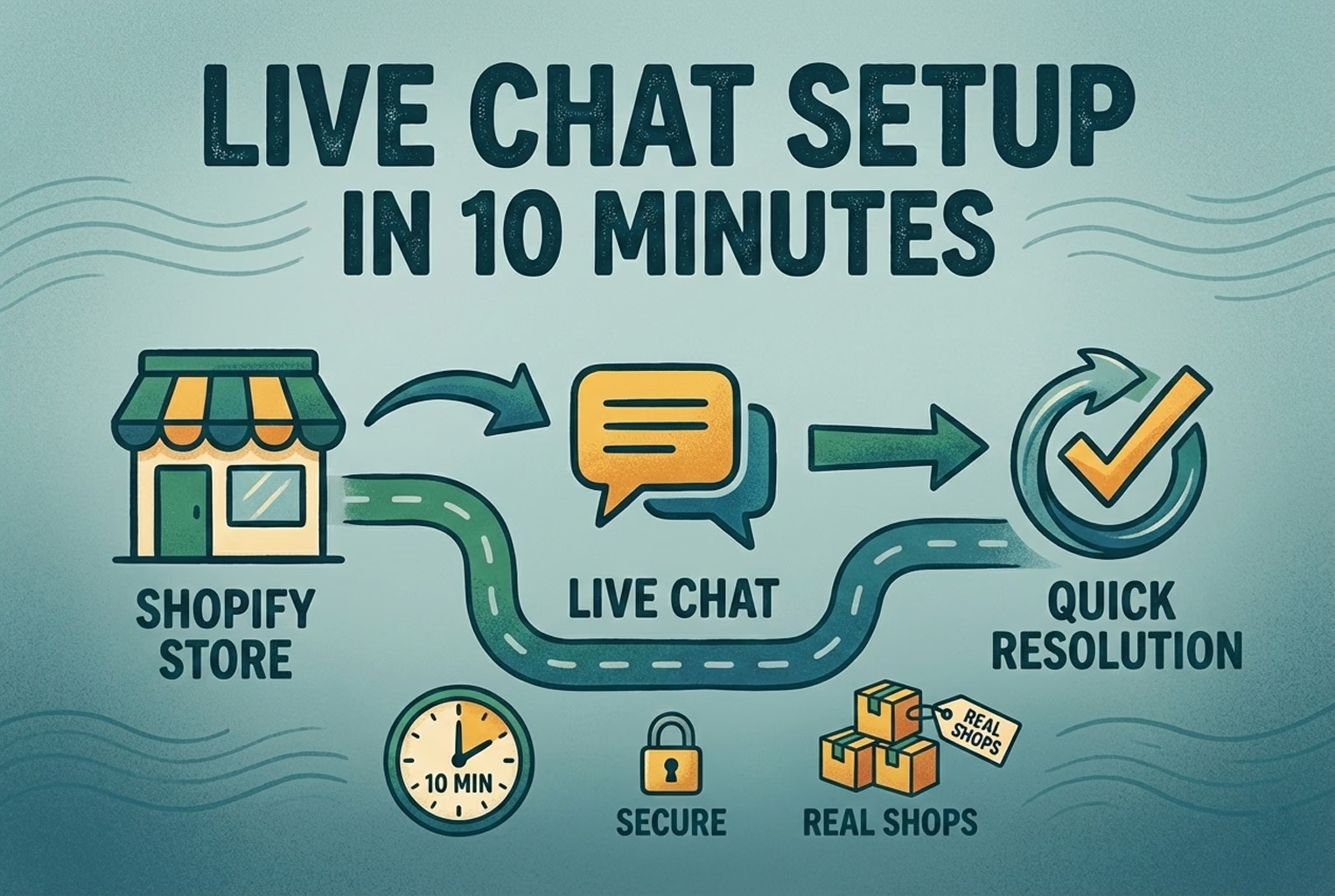
Setting up live chat on a Shopify store takes about ten minutes: install the app, check that the widget appears on your storefront, set a clear greeting and turn on offline capture. What makes it useful afterwards is a handful of settings, such as where the widget sits, what the first message asks, and an offline message that is honest about when someone will reply.
Most shops did not need a flashy chat setup. They needed one that was easy to spot, clear about when someone was actually around, and clever enough to grab the one missing detail that usually causes the back and forth.
Perfection was never the issue. Clarity was.
In a few Shopify stores, the widget was installed in minutes. That part was straightforward. What made the difference was not the install itself, but the small decisions that followed. The greeting. The working hours. The offline message. The moment it offered a human. Those bits quietly changed how conversations played out.
The checklist below reflects what works in practice, not theory. It is the part most merchants rush past, and oddly, the part that shapes whether live chat becomes a help or a headache.
Before you install: Pick your support goal
The shops that got live chat working did something surprisingly simple first. They stopped and asked what was actually driving them up the wall.
They were not really adding chat. They were choosing what they wanted to stop happening.
In one case, it was baskets being abandoned because delivery timings were buried three clicks deep. In another, it was the inbox getting absolutely hammered with “where’s my order?” from breakfast through to closing time. Same platform. Very different frustration.
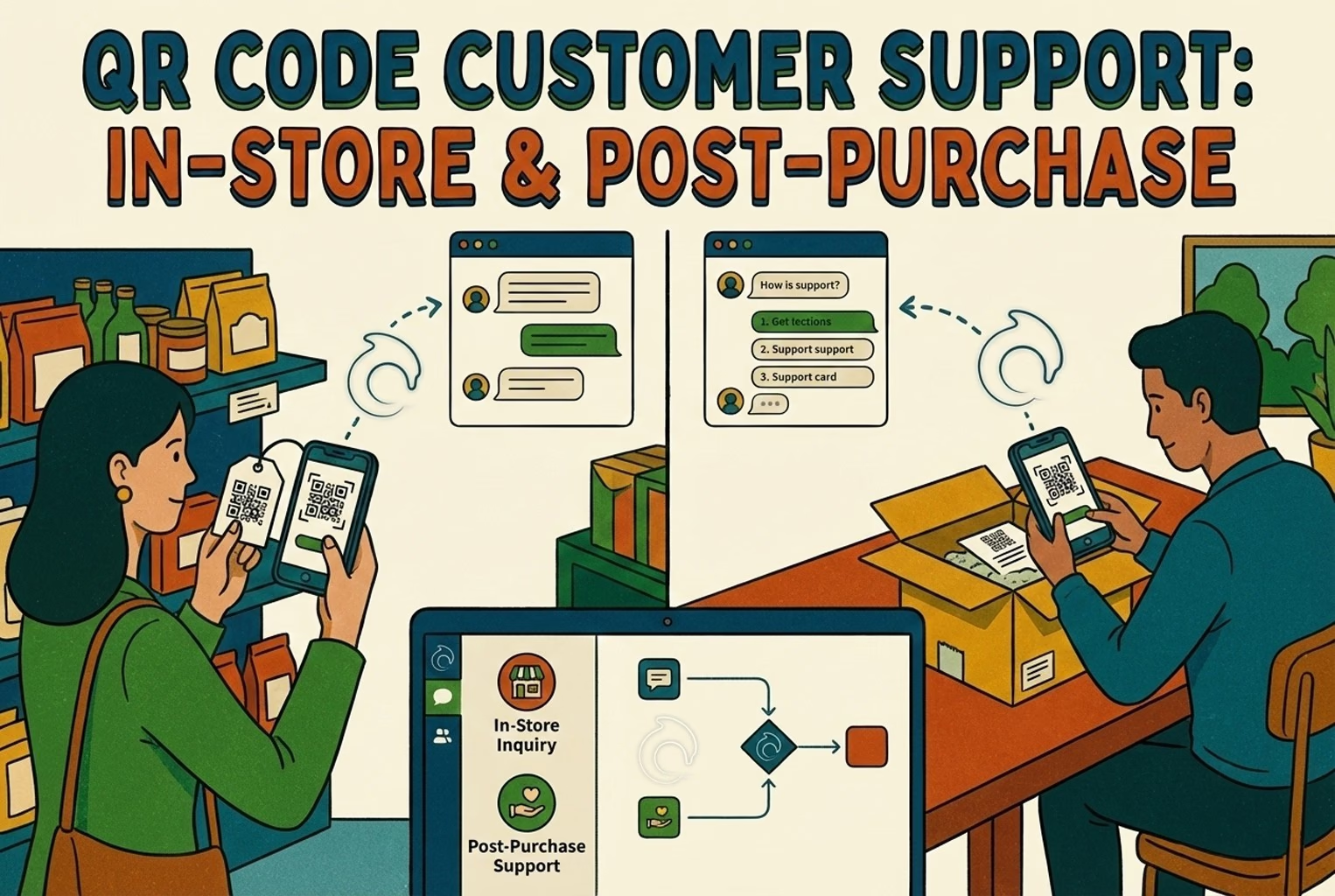
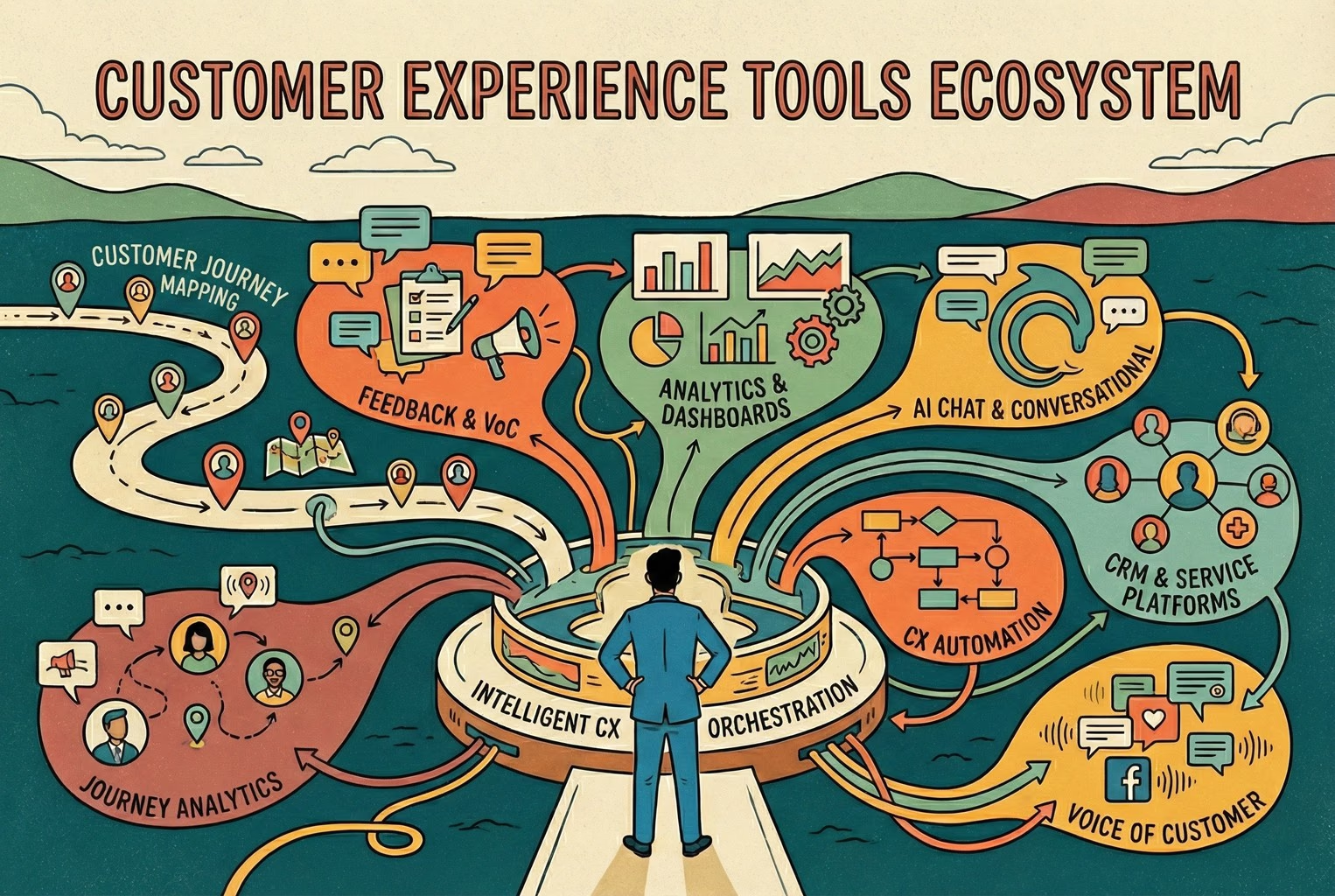
The turning point came when they looked properly at where customers were getting stuck. A quick read through Customer touchpoints alongside the Customer journey map helped them see the pattern clearly. Chat was not meant to sit everywhere. When it was plastered across every page, it faded into background clutter and nobody used it properly.
What worked felt deliberate. Chat appeared exactly where uncertainty lived. On the product page, sizing caused hesitation. On the order status page, when tracking questions piled up. Not sprayed across the site like confetti.
Once the goal was clear, everything else fell into place far quicker than expected.
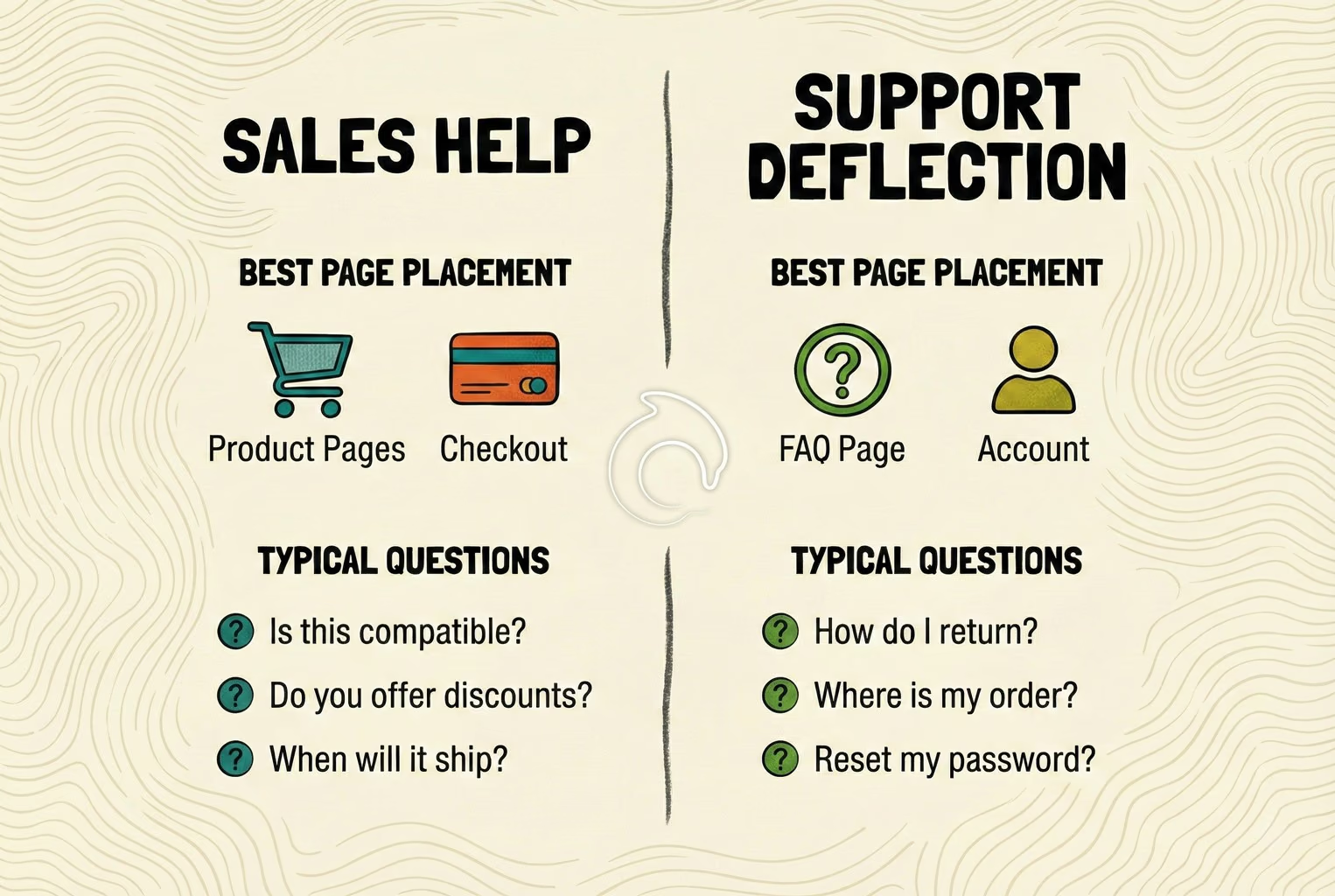
Sales help vs support deflection
In the shops where chat actually made a dent, they did not try to be everything at once. They quietly picked a lane for the first week and built around that.
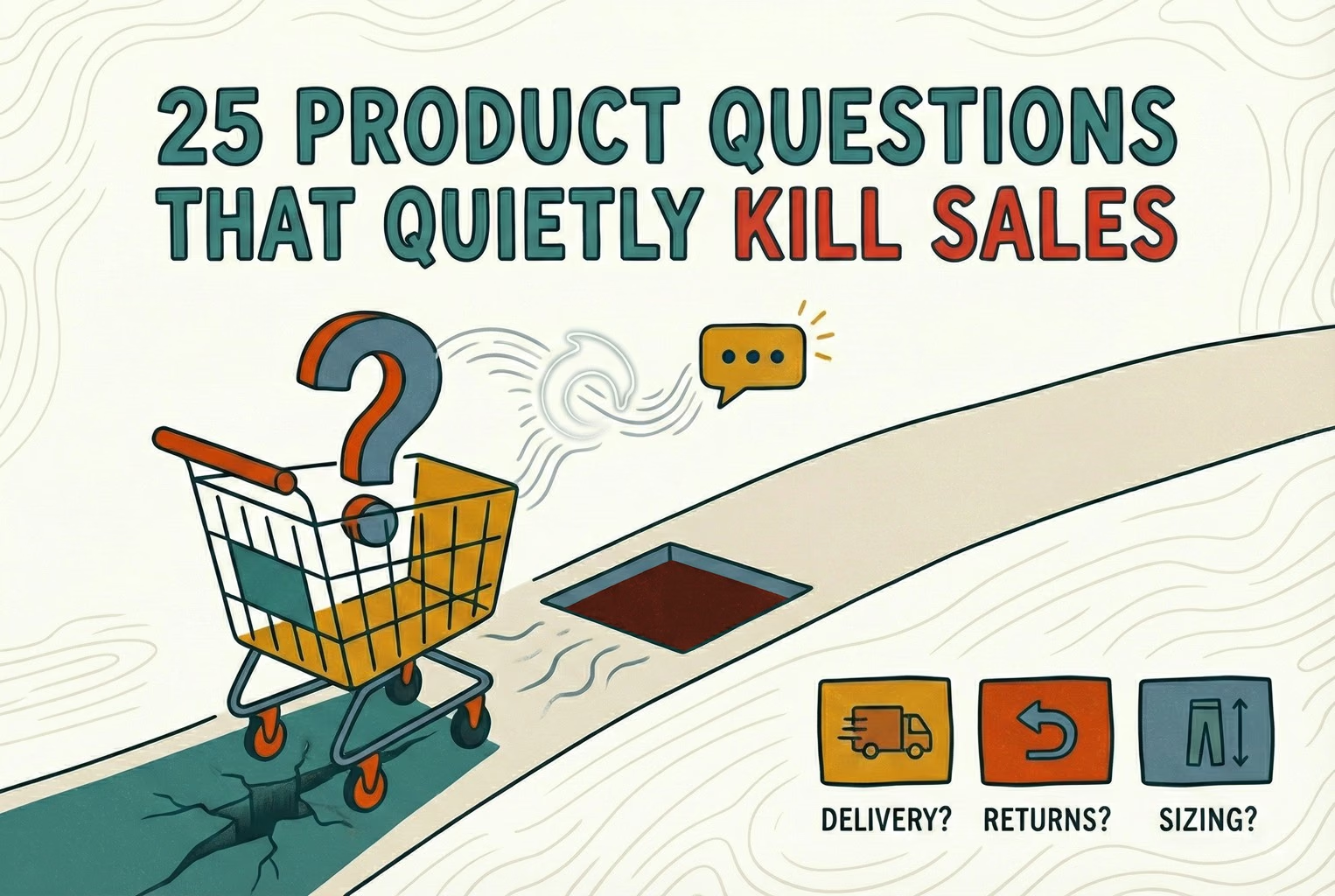
The ones who focused on sales help were dealing with hesitation before checkout. Questions about sizing, comparisons between two similar products, delivery cut-offs, or whether something was actually in stock. In those cases, chat lived on the product page and sometimes the basket. It showed up exactly where doubt crept in.
A few fashion retailers noticed that once chat sat beside sizing info, fewer customers disappeared mid scroll. An electronics shop placed chat right under the compatibility details, and the “will this work with my model?” messages were handled before people bounced.
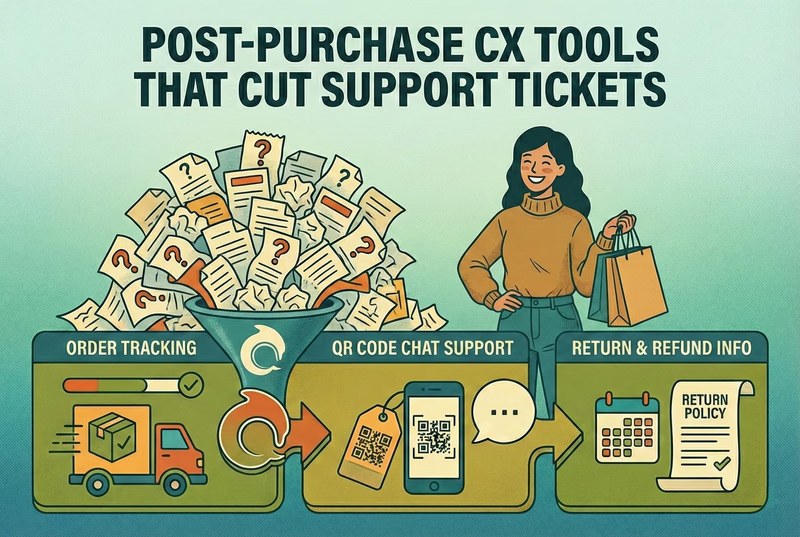
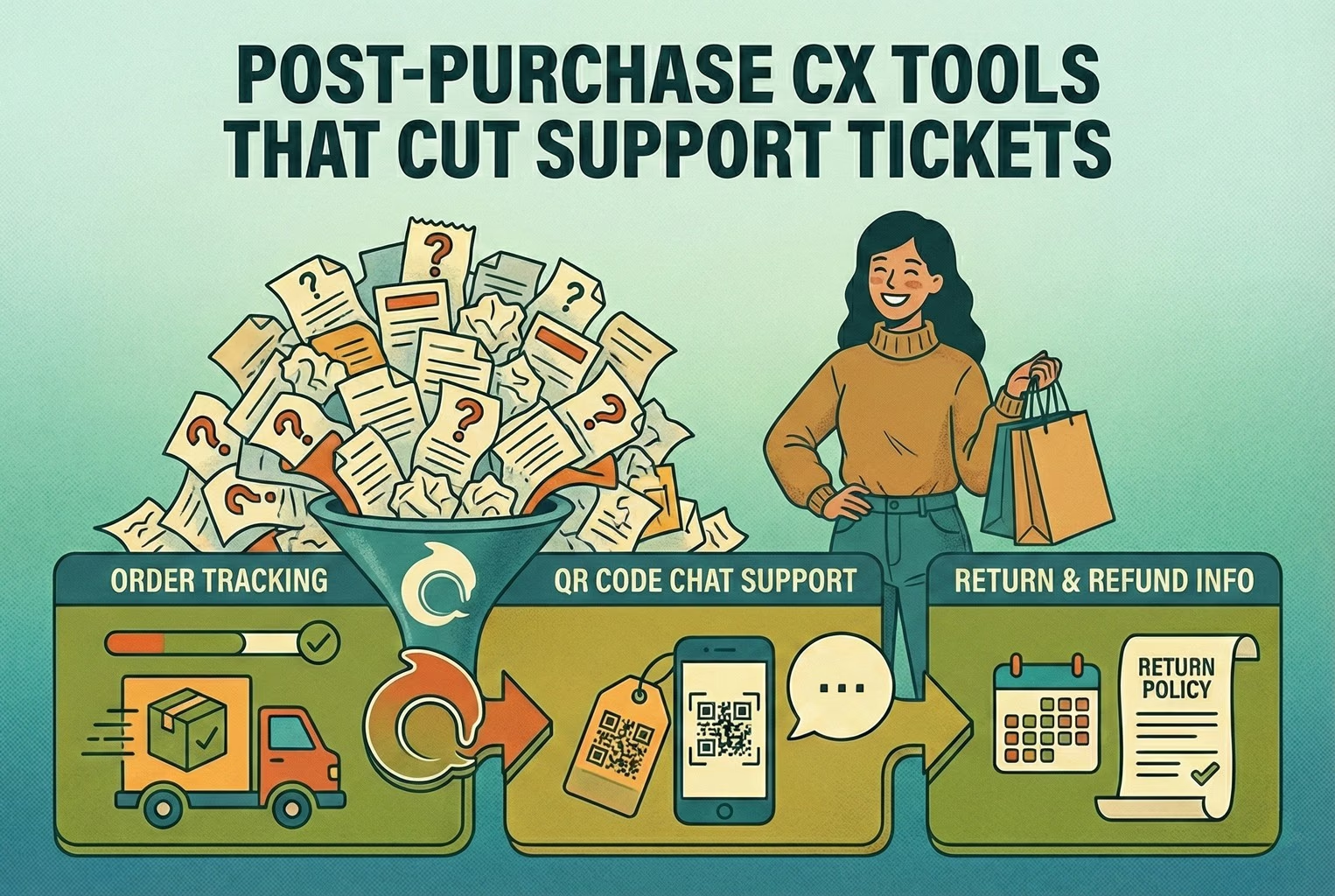
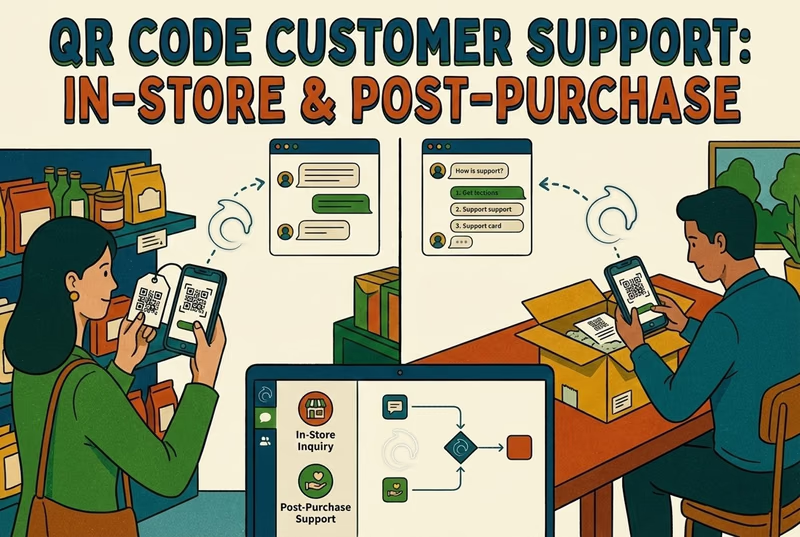
Others chose support deflection instead. Their issue was not conversion. It was volume. Tracking links, return steps, address tweaks, warranty queries, and basic setup questions. Chat in those stores sat on the order status page and the help centre, not on every product page.
One homeware brand moved chat off the storefront entirely and into post-purchase pages after reviewing their Customer touchpoints. Within days, the inbox stopped feeling like a constant game of catch-up. The shops that tried to run both approaches from day one often ended up with a woolly greeting and a team juggling two different types of conversations at once. Once they narrowed the focus, the tone sharpened, and the results became easier to measure against real customer experience metrics.
Install checklist in 10 minutes
This was the bit most merchants overcomplicated. In reality, the install itself was the easy part. Kettle on. Ten minutes. Done properly, not rushed.
1. Install and confirm the widget appears
In every case, the first step is simply installing AskDolphin from the Shopify App Store. Nothing fancy there.
What mattered was what happened next.
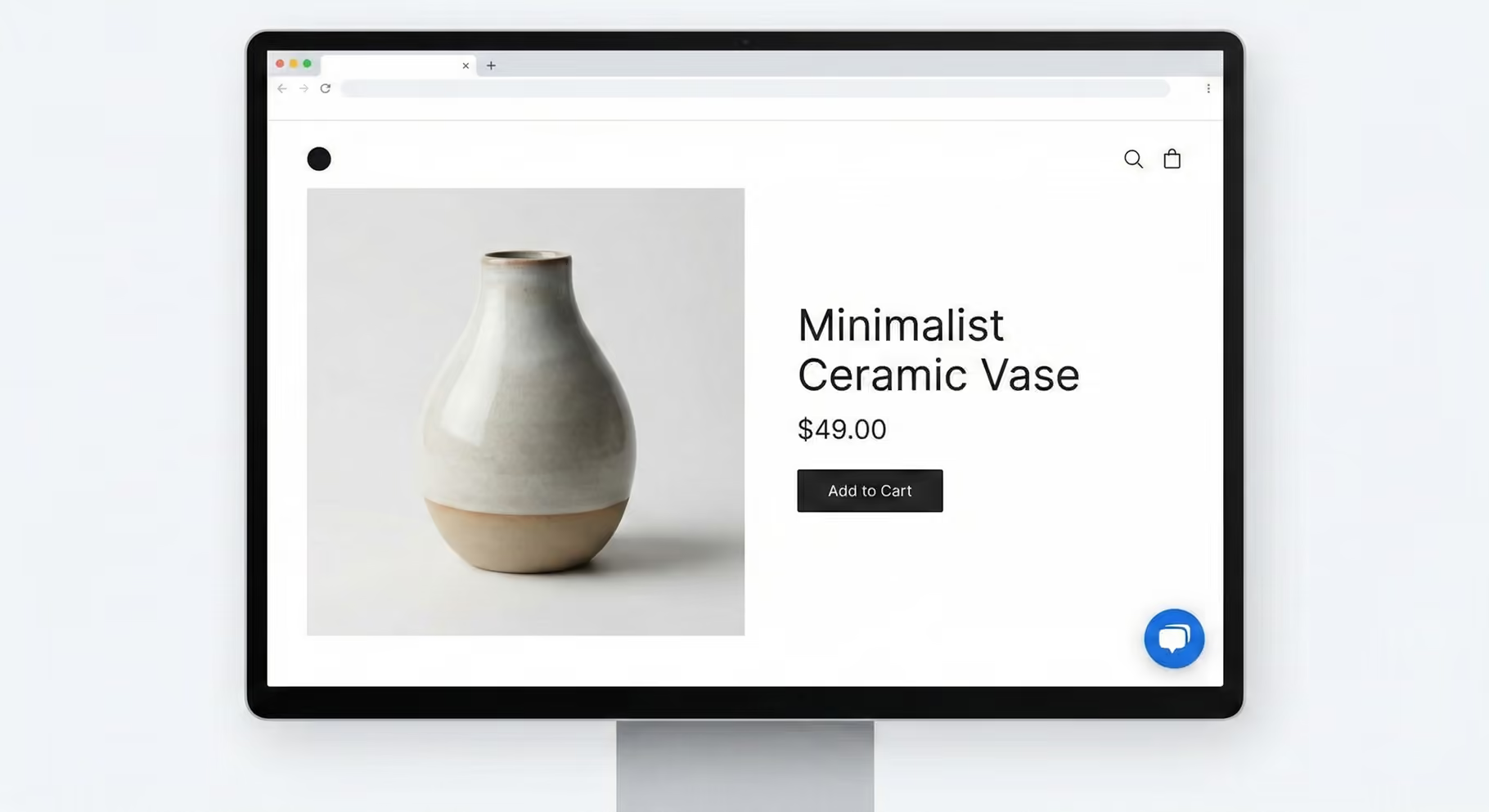
The smarter merchants did not test it while logged in. They opened their storefront in an incognito window, like a normal customer would. Then they clicked into a product page and waited to see if the chat bubble actually appeared.
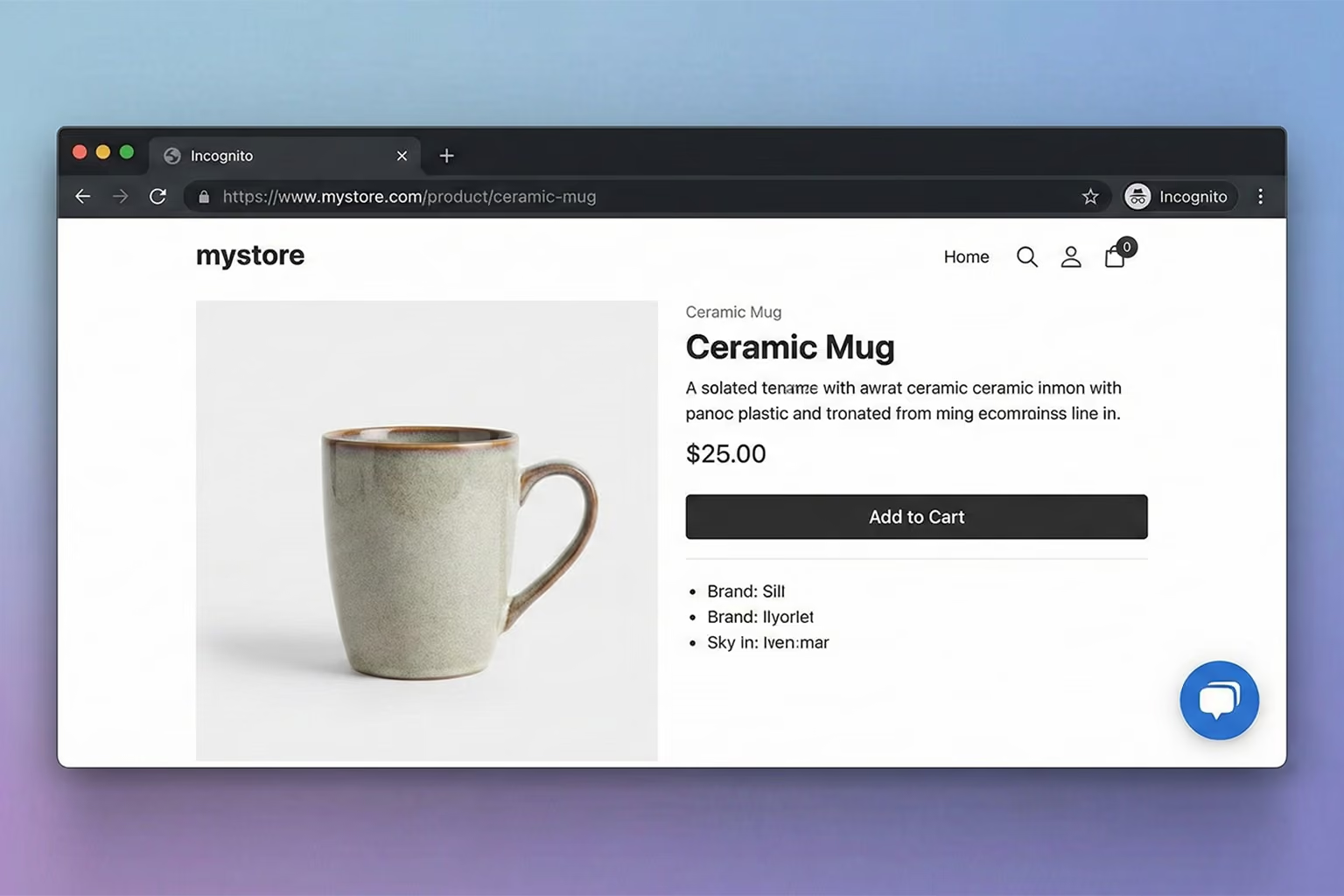
That small detail saved a lot of embarrassment.
When the widget did not show, it was usually one of three things. A duplicate chat tool was still installed, which resulted in two bubbles fighting for space and looking messy. Or the theme had app embeds disabled. Occasionally, the install needed to be done manually using the steps inside Install AskDolphin on Shopify.
The stores that tested this properly before announcing “we’ve got live chat now” avoided the awkward moment where customers could not actually find it.
2. Set your greeting properly
This was the setting that quietly shaped everything.
Customers treat live chat like a tap on the shoulder. They expect someone to respond quickly, not hours later.
In plenty of shops, the greeting turned out to be far more important than expected. When it was vague, conversations drifted. When it was sharp, customers got to the point straight away.
In your chat settings, this is the first message customers see when they open the chat.
The merchants who saw smoother conversations kept their greeting short and purposeful. One sentence. One question.
A default that worked consistently well:
“Hi, need a hand with delivery, sizing, or returns? What are you stuck on?”
It gently narrows the topic without sounding robotic. It signals what the shop can help with. And it encourages the customer to include context from the start, which cuts down the usual back and forth.
Once that welcome message was tightened up, chats became clearer within the first reply. And that alone made the whole setup feel far more polished.
3. Enable offline capture
One thing became obvious quite quickly. Chat is not always answered instantly. And that is fine, as long as the handover feels tidy rather than ignored.
The shops that handled this well treated offline chat as a safety net, not a dead end. When no one was actively replying, the widget shifted into simple capture mode. Nothing fancy. Just enough information to respond properly later.
Offline chat in those cases did two quiet but important jobs. It collected the details needed to follow up, and it reassured the customer that their message had not vanished into thin air.
The minimum fields were kept lean:
That wording mattered. When the box felt conversational, customers explained the issue in more detail.
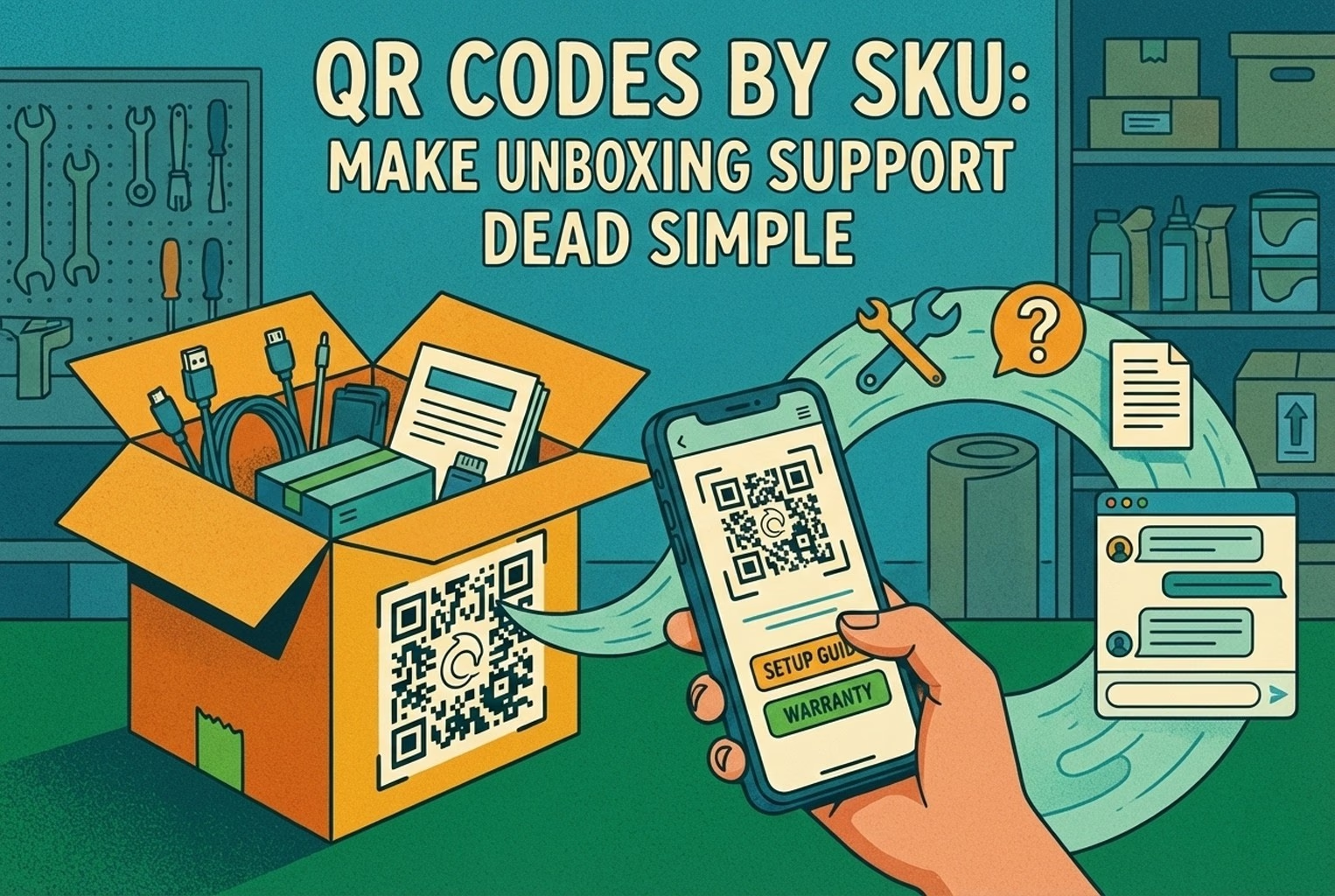
Where chat was mainly for post-purchase support, it was worth asking for the order number too. That small addition saved a surprising amount of back and forth, especially in shops focused on returns, tracking, and warranty queries, similar to the patterns outlined in post-purchase CX tools.
What rarely works well is long forms. The moment five or six fields appeared, customers either abandoned it or gave half answers. The simpler setups consistently led to clearer follow-ups and calmer conversations.
The 5 settings that increase replies
This is the point where chat stopped feeling like a random bubble in the corner and started blending into the shop properly. In the stores where replies improved, nothing dramatic changed. It was small, deliberate tweaks.
1. Placement, Icon, and Tone
Placement caused more friction than most expected.
One fashion brand had their basket drawer sliding in from the right and chat sitting in the same corner. Every time someone opened their basket, the two overlapped. It looked clumsy. Moving chat to the left instantly made the interface feel calmer.
Another shop had filters stacked on the left side of the collection pages. Shifting chat to the right stopped it from competing for attention.
It sounds minor. It was not.
Icon choice followed the same logic. The stores that experimented with quirky icons quietly switched back to a simple speech bubble. Familiar beats clever every time. Customers know what it means. No guessing.
Tone was where the real difference showed. The greetings that sounded like corporate helpdesks attracted short, blunt replies. The ones who felt like a real person on shift encouraged proper context. There is a clear overlap here with what is discussed in customer service vs customer experience. The words set the mood before the conversation even begins.
2. Your first message should do one thing
The best-performing first messages were not brand introductions. They were prompts. The goal was simple. Get the customer to explain what they actually need in the first reply.
In a clothing store, the opening line read:
“Need help with sizing or fit? Tell us your height and usual size, and we’ll point you right.”
Replies became specific almost instantly.
An electronics retailer used:
“What are you pairing it with? Share your model or device, and we’ll confirm compatibility.”
That single question filtered out vague “will this work?” messages.
Post-purchase setups felt different again:
“Got an order question? Pop your order number and what’s going on.”
And during busy periods, one shop softened expectations without sounding dismissive:
“We’re here. Replies may take a bit. What’s the question?”
Each example did one thing well. It guided the customer to include the missing piece of context straight away. Once that first reply improved, overall conversation time shortened without anyone feeling rushed.
3. Offline mode that does not lie
One pattern showed up again and again. Customers were perfectly fine with “we’re closed”. What wound them up was silence. In the shops where offline chat was handled honestly, frustration dropped almost overnight. The message was simple and clear. No pretending someone was typing behind the scenes.
A straightforward line worked best:
“We’re offline right now. Leave your email and question, and we’ll reply when we’re back on.”
That alone reduced the classic “HELLO??” follow ups that tend to land ten minutes later. When expectations were set properly, customers relaxed.
The difference was not technical. It was tone.
4. Lead capture: Ask late, not early
Another quiet improvement came from when email was requested.
In several stores, the old setup forced visitors to enter their email before even asking a question. That small barrier caused a drop off. Once it was removed, more people actually started conversations.
The better performing setups asked for contact details only when it made sense. Out of hours. When a quote needed to be sent.
When something required checking with the warehouse. When a follow-up was genuinely necessary.
The aim is to collect name and email only when they are actually needed, rather than front-loading them and turning chat into a form. That shift alone made the widget feel conversational rather than transactional, which is exactly what live chat is meant to be.
5. Multilingual support, only if you genuinely need it!
This one only showed up in shops selling across borders.
A few merchants assumed that because their storefront could handle multiple languages, support would naturally follow. In practice, live conversations are a different kettle of fish. The moment a customer starts typing in their native language, expectations shift.
It is well recognised that many customers prefer service in their own language, and the impact that language has on experience is explored in this piece on how languages impact customer experience. Shops selling across borders feel that firsthand. When someone had to wrestle with English mid complaint or return request, tone went downhill quickly.
The better setups only turned on extra languages when it matched how they actually traded. If a brand shipped to France and Germany regularly, its language settings reflected that. If international sales were occasional, they kept things simple.
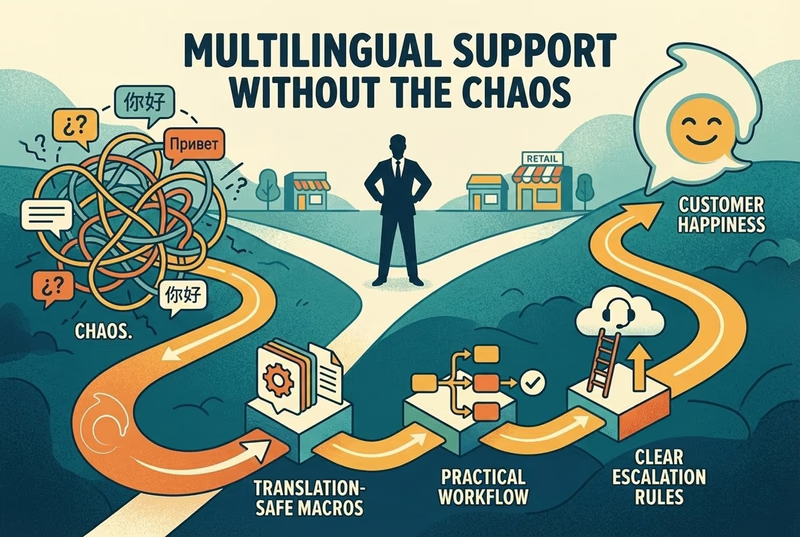
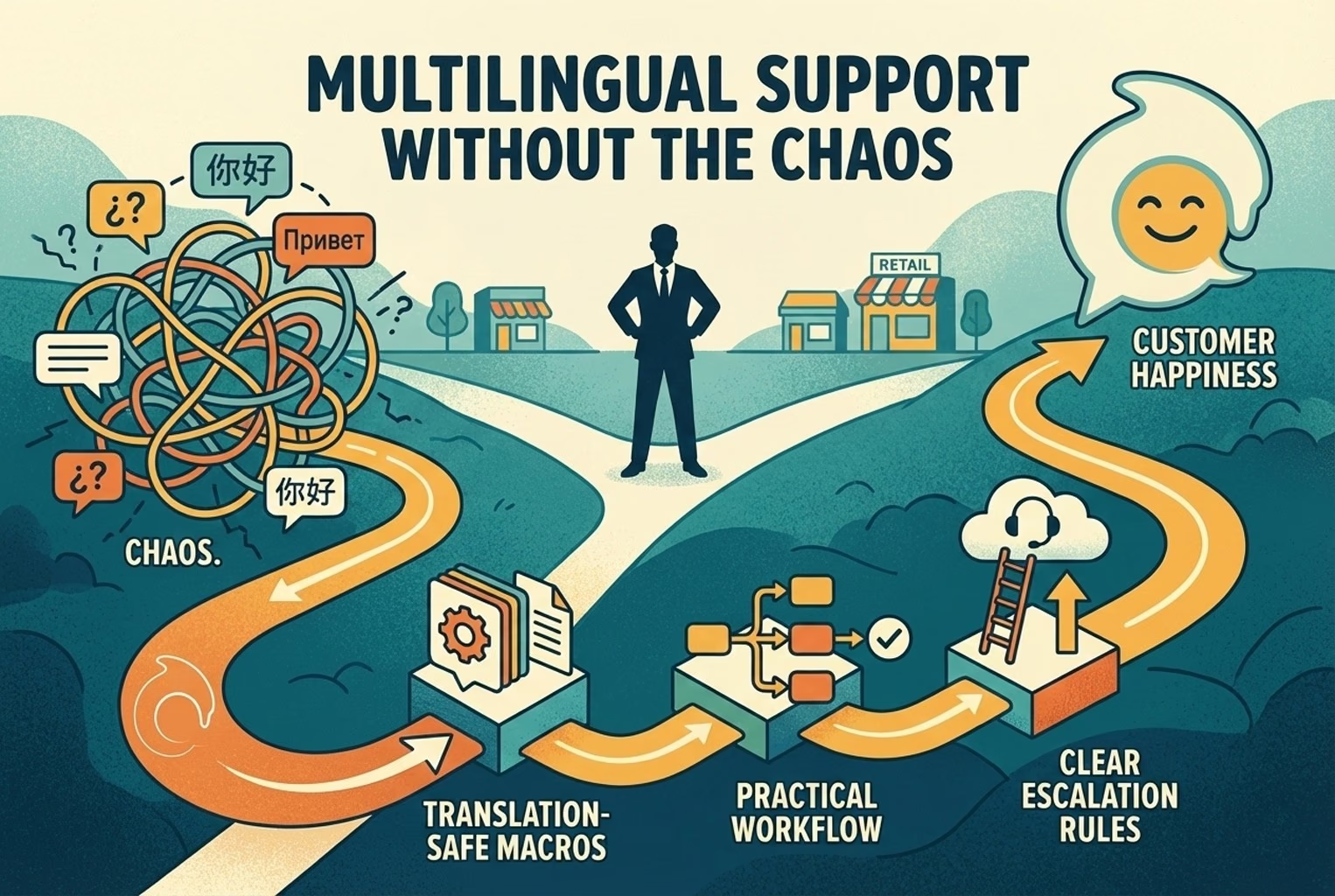
What worked well was structuring responses properly behind the scenes, similar to the approach outlined in Multilingual support workflows. Clear routing. Clean templates. No awkward machine-translated replies sent blindly.
When language handling was thought through, conversations felt smoother and far less prone to misunderstanding. When it was added as an afterthought, it created more work than it solved.
When to use AI vs When to hand off?
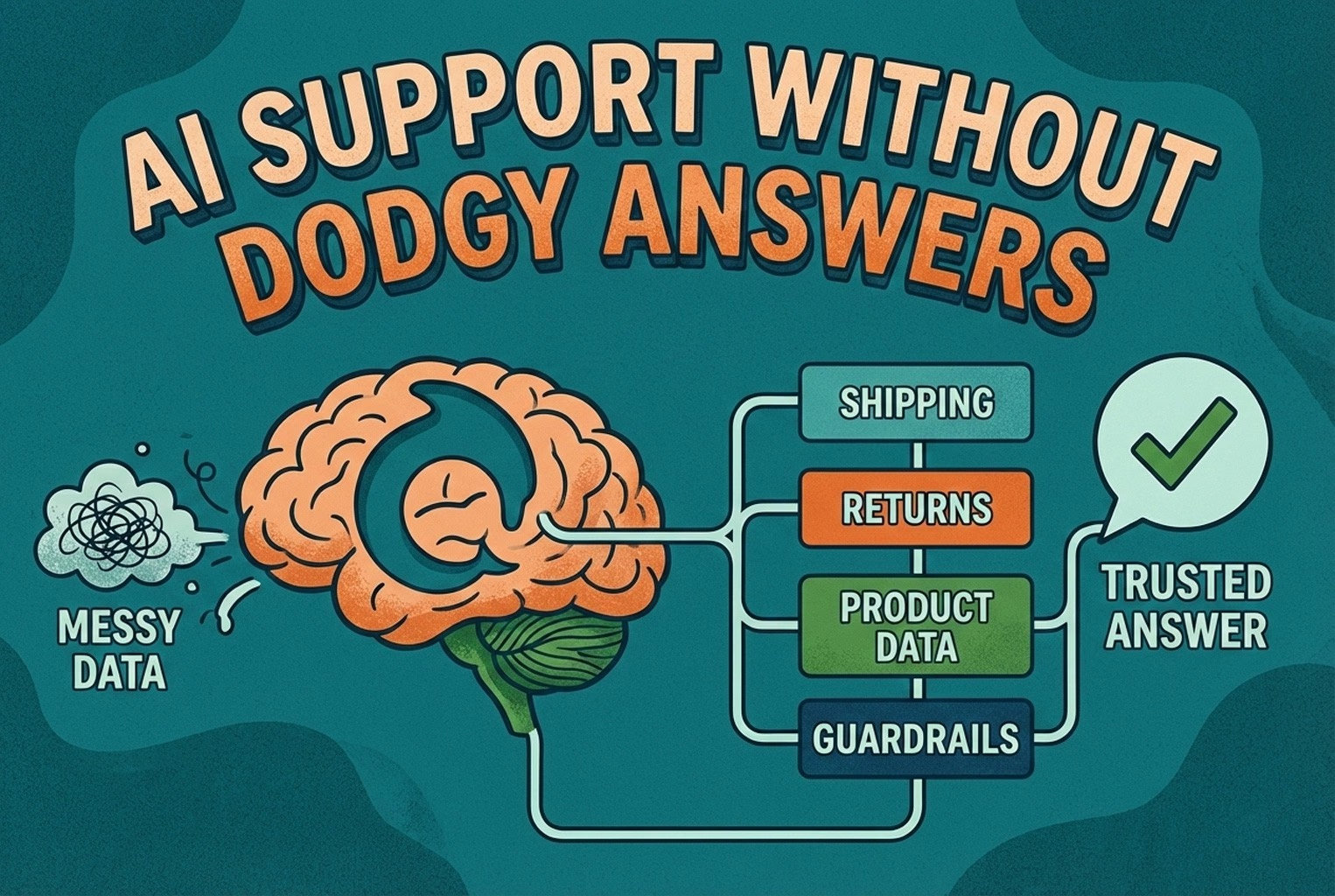
The shops that got this right did not treat AI like a magic wand. They treated it like a sorting system. AI worked brilliantly for repeat questions. Delivery times. Return steps. Basic product details. The sort of queries that pop up ten times a day barely change. In those cases, replies were faster and more consistent than when a tired human was juggling five chats at once.
Where it became risky was when judgment was required.
Refund disputes. Angry customers. Edge cases. Situations where tone mattered more than speed. In those moments, the better-performing stores shifted the conversation to a person without hesitation.
For electronics retailers the difference shows up immediately. When AI handled compatibility questions first, it filtered out simple cases cleanly. But the moment someone mentioned a fault or safety concern, the chat was handed over. No cleverness. Just common sense.
If you want the broader thinking behind what should be automated and what should stay human, the breakdown in Customer service automation: what to automate first reflects exactly the pattern that holds in real stores.
The balance was never about replacing people. It was about protecting their time for the conversations that actually needed a human brain.
The “2 replies then offer human” rule
The setups that stayed calm followed a simple rhythm.
AI handled the first question quickly and factually.
If context was missing, it asked one clear follow up.
After that, the option to speak to a person was made obvious.
Nothing hidden. No hoops.
The reason was not technical. It was trust. People like knowing who they are talking to. When that boundary feels blurred, confidence drops.
One merchant summed it up neatly. Let the bot do the sorting, but never trap the customer there.
The handover line that worked well was direct and unpretentious:
“Want a person to jump in? Reply ‘human,’ and we’ll take over.”
Where things escalated, the switch happened immediately. No delays. No automated reassurance loops.
Refund disputes or chargebacks.
Legal threats.
Medical or safety concerns such as skincare reactions, electrical faults, or children’s products.
All caps messages that clearly carried heat.
Anything that required bending policy or applying judgment.
In those moments, speed mattered less than human presence.
For a broader perspective on how live chat and automation balance each other inside a modern setup, the deeper thinking is explored in Live chat vs AI chatbot. The shops that respected that balance avoided both over-automation and unnecessary manual overload.
Test plan: 3 checks before going live!
A few merchants assumed chat was fine because the widget appeared on the site. Then the first real customer asked a slightly awkward question, and the replies went a bit wobbly. The shops that avoided that drama did three quick tests themselves before going live.
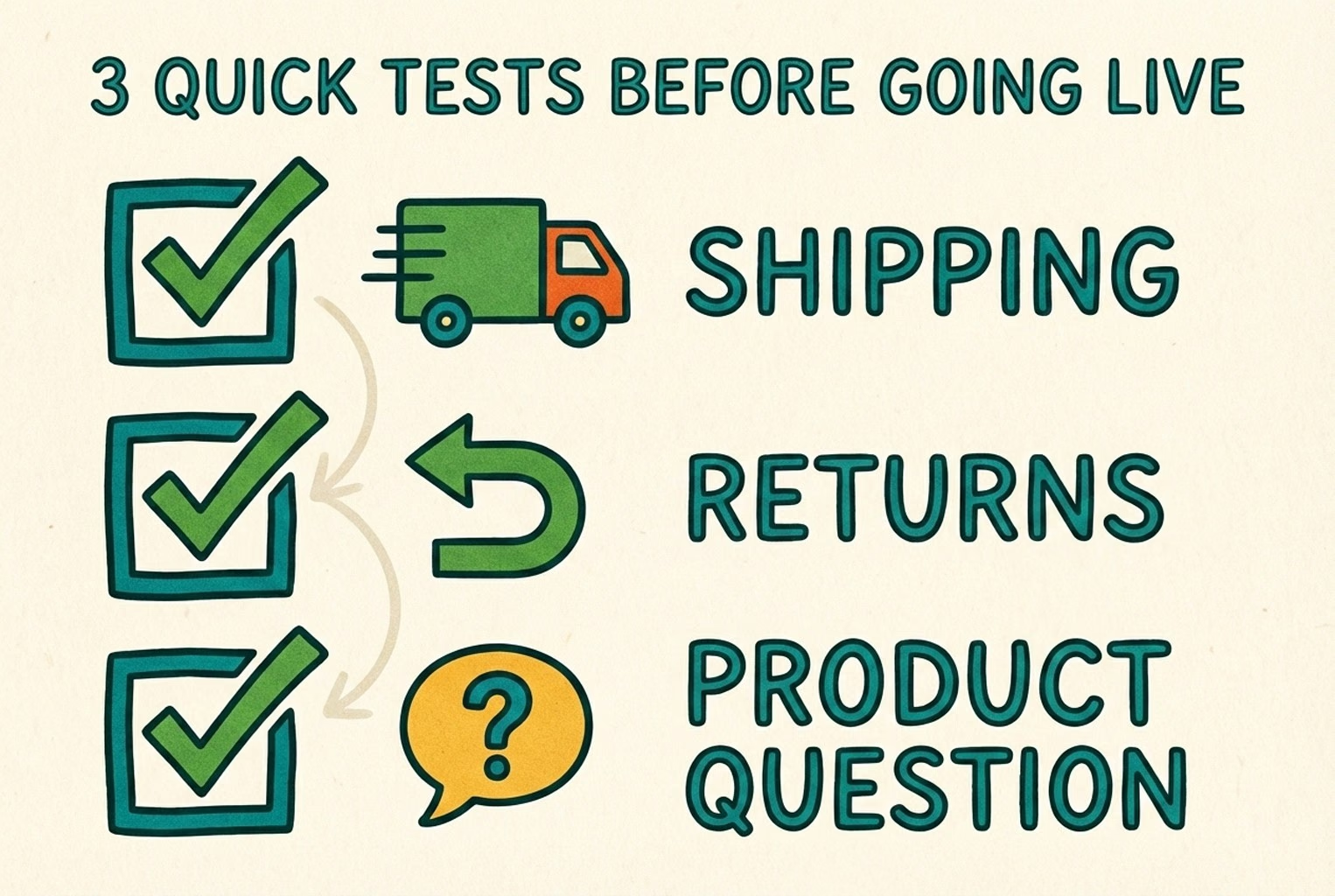
Test 1: Shipping question
They sent something like:
“If I order today, will it arrive by Friday in Manchester?”
What they wanted back was not a waffle. A clear timeframe, or a clear “depends” with the next step. If a shipping page existed, the response pointed to it. No made-up promises. No “should be fine” guesswork.
Test 2: Return question
They tried:
“How do I return this? It’s unopened.”
The better setups replied with simple steps, what happens next, and the timeline. They did not promise a refund before checks were done, because that is exactly how you end up in a messy argument later.
In a couple of shops, tightening this up was easiest once they had a set of saved replies to lean on, similar to what is covered in Returns templates and macros. The tone stayed consistent, even when staff rotated.
Test 3: Product question
This is where things can get a bit faffy, so they used a question that usually trips people up.
For fashion:
“I’m between sizes, what would you suggest?”
For electronics:
“Will this work with an iPhone 14 and a USB-C charger?”
The pass mark was simple. The reply asked for the one missing detail, gave a grounded answer, and offered a human if it was unsure. The shops that did that well avoided long back and forth threads and kept the customer feeling looked after.
Common mistakes that keep coming up
A pattern emerges across multiple stores. The issues were rarely dramatic. They were small, avoidable missteps that quietly made chat harder than it needed to be.
Too many apps, slow site, confusing greeting were the usual culprits.
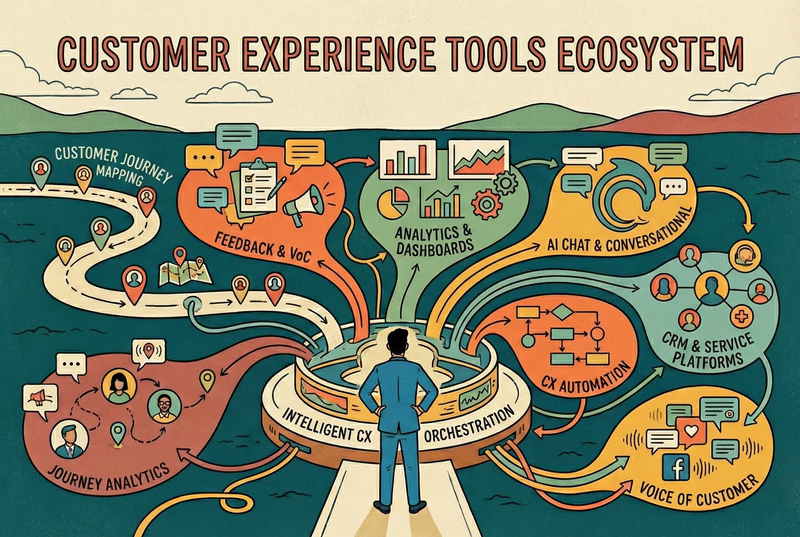
In a few cases, merchants had three different inboxes running at once. One for social, one for email, one for chat. Nobody was quite sure who had replied to what. That sort of tool sprawl created more confusion than clarity. The setups that stabilised quickly followed a leaner approach, closer to the thinking in the CX platform minimum stack. Fewer moving parts. Clear ownership.
Page speed was another blind spot. If chat loaded slowly, especially on mobile data, customers simply left. Several shop owners tested on their office Wi-Fi and assumed it was fine. It was not until they tried it on 4G outside the building that they saw the lag properly.
Then there was the overly cheerful but completely useless greeting. “Hi there!” sounds friendly, but it does not guide anything. The shops that improved replies asked one sorting question instead, so conversations started in the right lane.
The lack of a clear handoff caused more frustration than expected. When customers felt stuck in bot land with no visible way to reach a person, they often abandoned chat and sent a sharp email instead. That defeated the point entirely.
And one more thing stood out. Counting “number of chats” told nobody much. A spike in chats could mean confusion, not success. The better shops looked at whether conversations were resolved quickly and whether the same issue came back again. If you want the cleaner breakdown between volume metrics and outcome metrics, it is explored properly in CX metrics vs CX KPIs. Once those mistakes were ironed out, chat stopped feeling like extra work and started behaving like part of the shop.
Ready to install and get it live?
Across merchants generally, the pattern was simple. Install quickly. Set a clear greeting. Test three real questions. Adjust tone. Then go live without overthinking it.
When chat was treated as part of the shop rather than an afterthought, it quietly reduced repeat questions and smoothed the buying journey.
If you want this configured properly without tinkering for hours, install AskDolphin from the Shopify App Store and work through the ten-minute checklist above.
The setup takes about ten minutes.
The impact lasts far longer.