Live Chat vs AI Chatbot: What Actually Works for Growing Stores?
AskDolphinPublished18min read
Growing stores often face the same tension: live chat feels endless, and AI feels risky when money and trust are involved. This piece explains where each option helps, where handover matters, and why a hybrid inbox setup usually wins.ai-customer-support
Last updated
On this page
For most growing stores, the answer is both. AI answers the routine questions first, and a person takes over as soon as a conversation needs judgement, empathy or a decision that could cost money.
When a shop starts growing, the same moment tends to crop up. Replies that used to be sent by the founder late at night are now being shared across a small support rota, and suddenly every message feels heavier. Live chat starts to look like a permanent on-call job, while AI chat feels like a gamble when refunds, money, or the wrong tone could kick off a bigger issue.
From what tends to happen, the stores that got this right didn’t treat it as a tool choice at all. They treated it as a practical decision about how customers actually ask for help, then rolled things out in a way that didn’t make shoppers jump through hoops or repeat themselves.
Don’t start with tools! Start with your question mix
Across growing stores, the pattern was always the same. The teams that struggled jumped straight into comparing chat tools. The ones that stayed sane started by looking at the messages piling up in their inbox and grouping them properly. Once they did that, the tech decision stopped feeling so loaded.
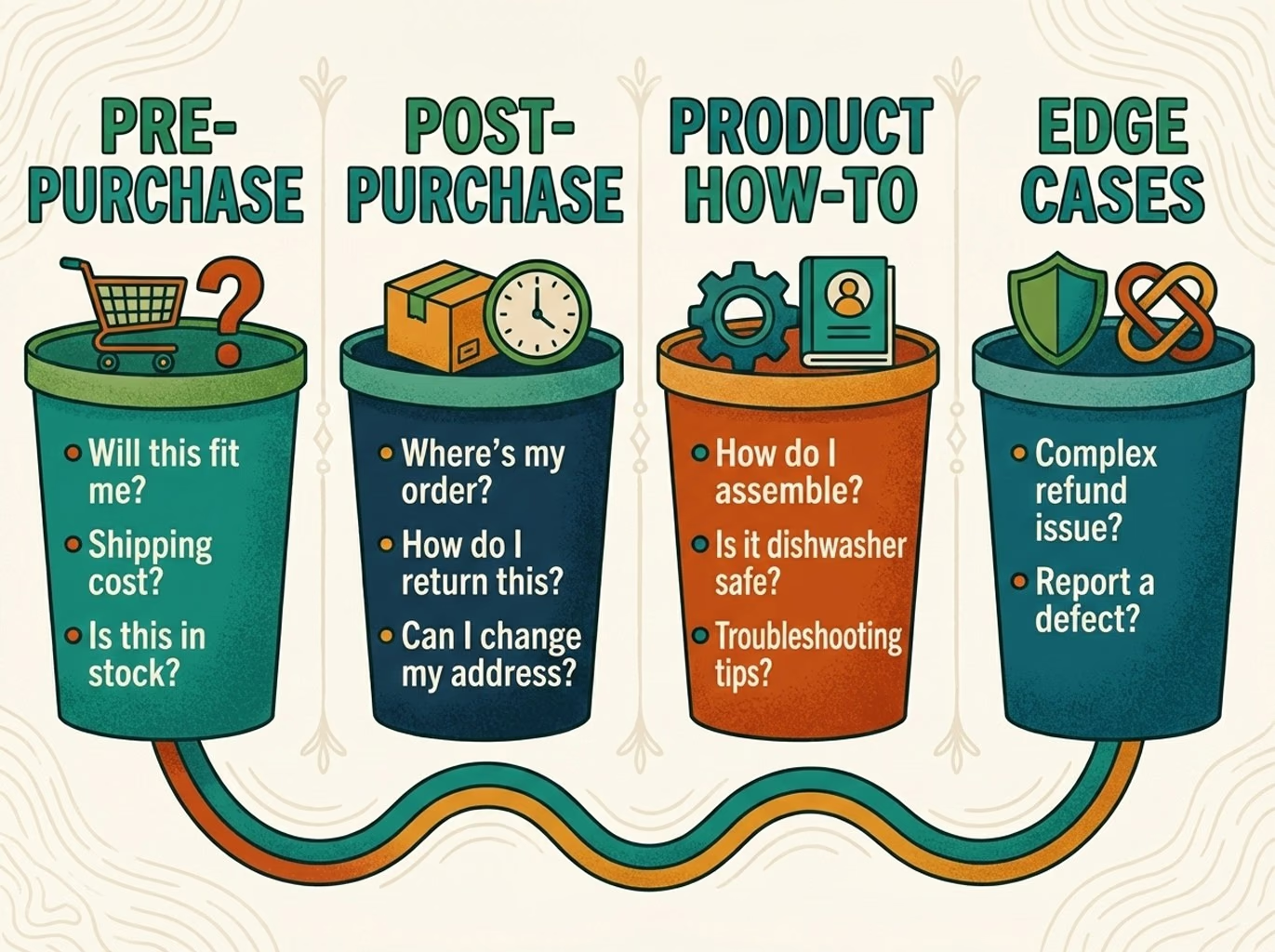
In practice, almost every store’s messages fell into four clear buckets:
Pre-purchase questions: Usually came from shoppers hovering on the edge of buying. Size and fit, whether something was in stock, delivery dates, or a quiet “is this actually right for me?” These chats needed reassurance more than speed.
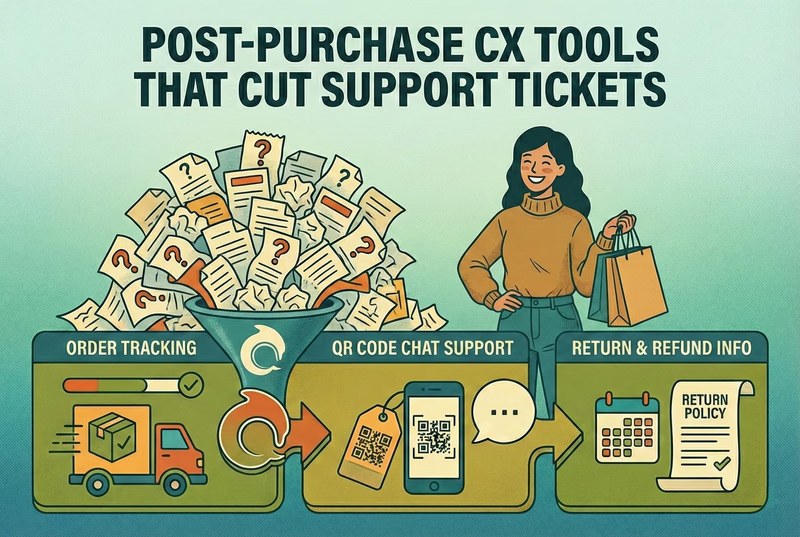
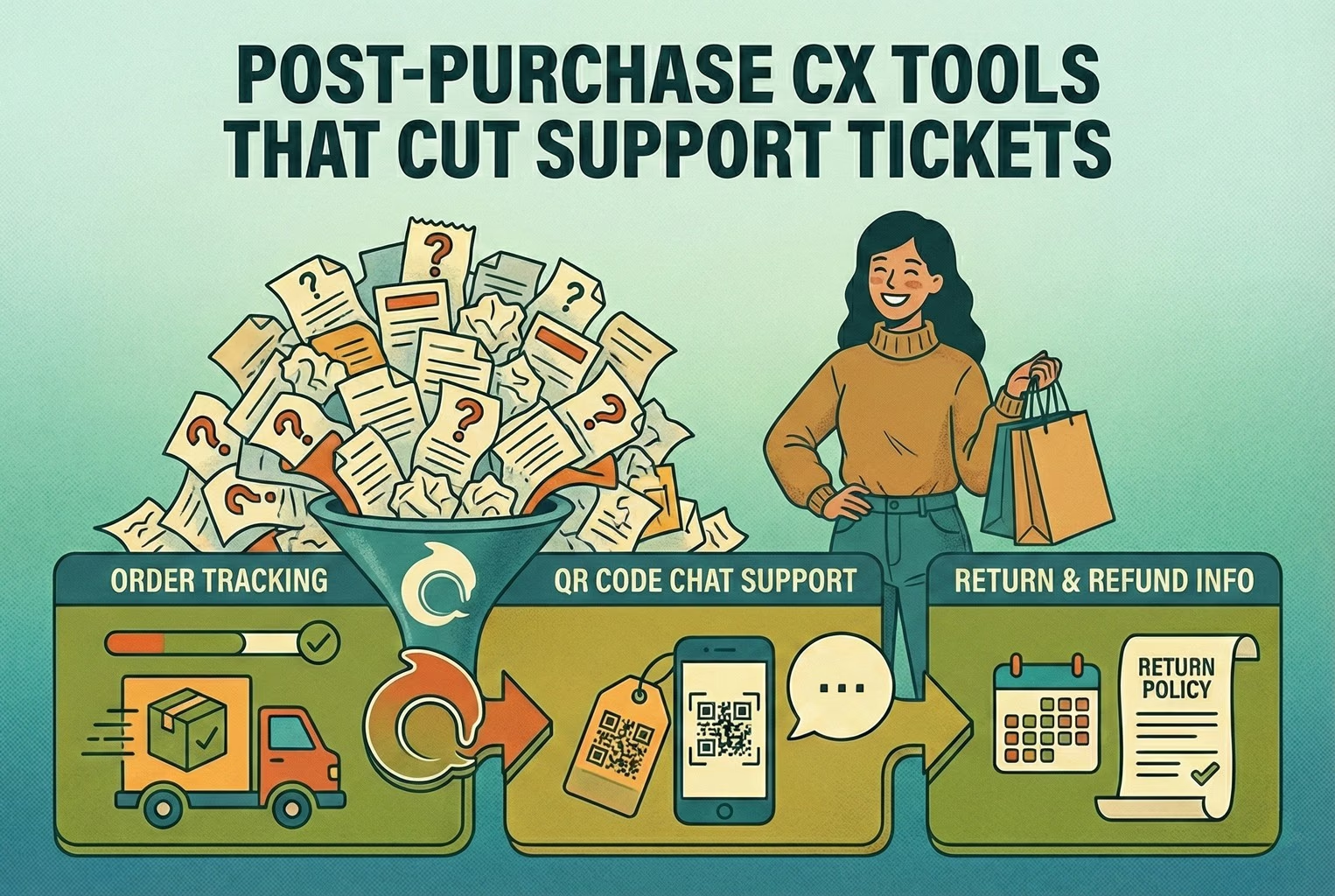
Post-purchase questions: They were louder and more frequent. Tracking updates, delivery delays, returns, and refund status. This was where most of the volume lived, especially once order numbers crept up.
Product how-to questions: Showed up after the box had been opened. Setup steps, care instructions, compatibility checks, or troubleshooting when something didn’t work the first time.
Edge cases: They were the tricky ones. Exceptions, disputes, “you said this would arrive by Friday”, or damaged items, where frustration was already in the room. These almost always carried emotion and needed judgment, not scripts.
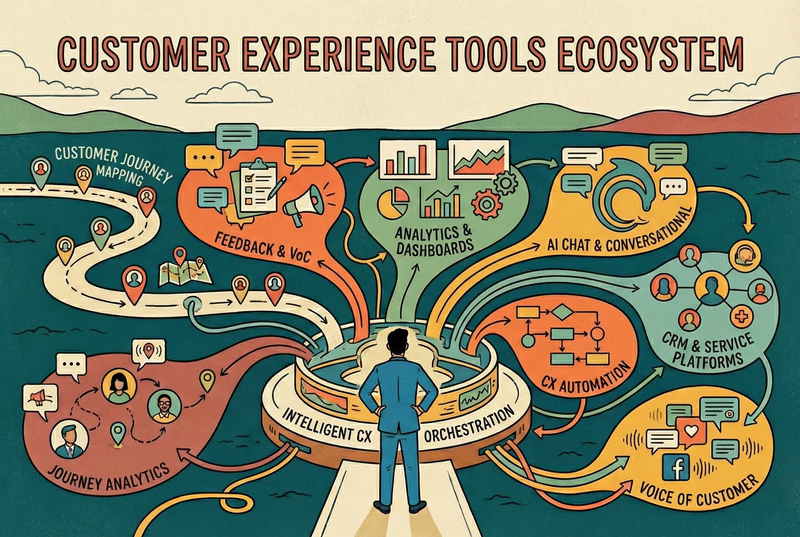
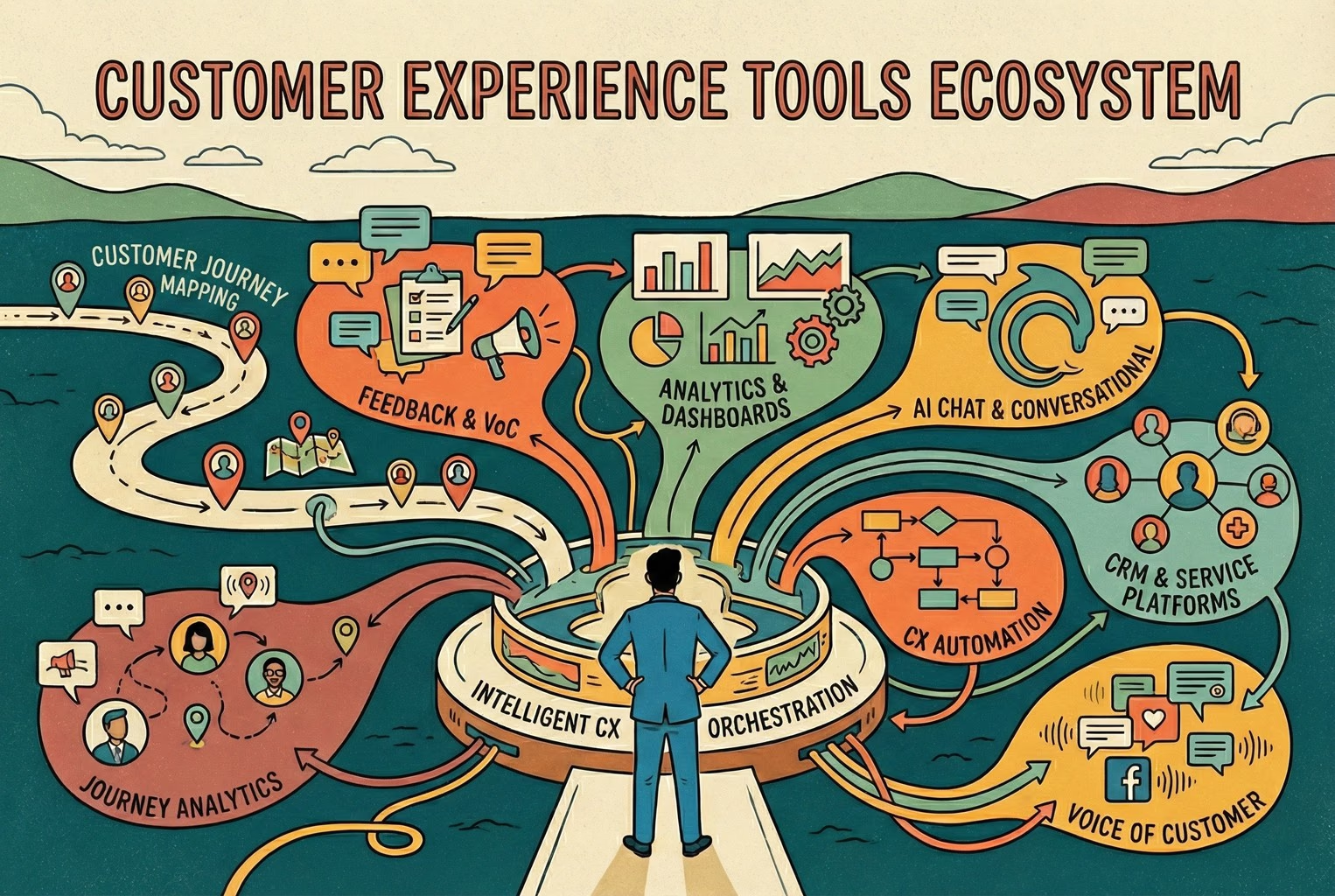
Seen together, this was basically the customer journey written as messages instead of steps. Merchants who mapped it this way found it much easier to spot gaps across their Customer Touchpoints and see how support tied back to the wider Customer Journey Map without overthinking it.
Repeatables vs judgement calls
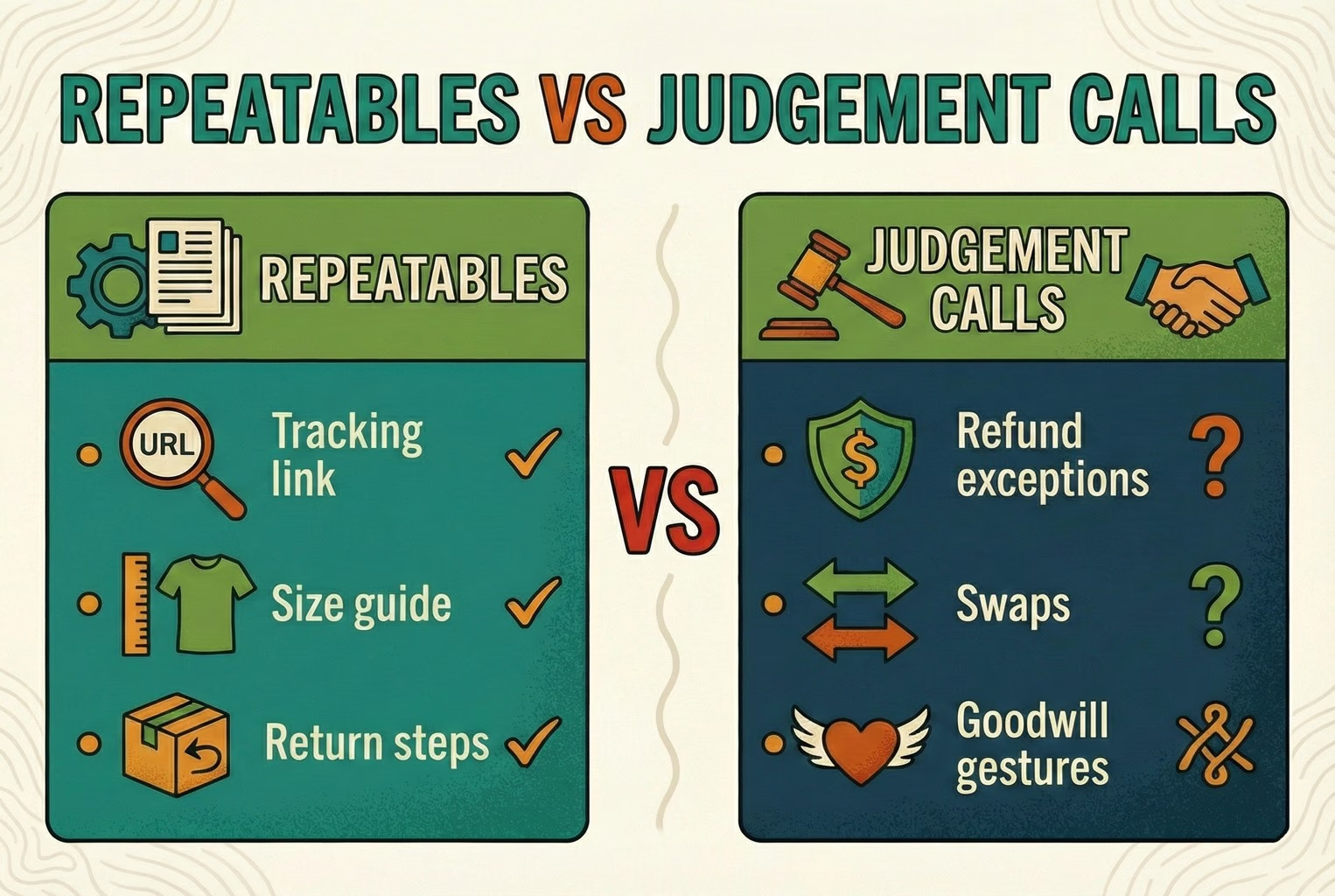
Once messages were grouped, the next thing that stands out is how quickly good teams separated what could be answered on autopilot from what really needed a human eye. This split mattered more than the tool itself.
Repeatables: Were the steady drip that never changed. The same tracking question, the same size guide link, the same return steps, day in, day out. The wording might shift slightly, but the shape of the answer stayed rock solid.
Judgement calls: Were a different beast. Refund exceptions, swap requests, goodwill gestures, or anything that bent the rules a little. These came with context, emotion, and consequences if handled badly.
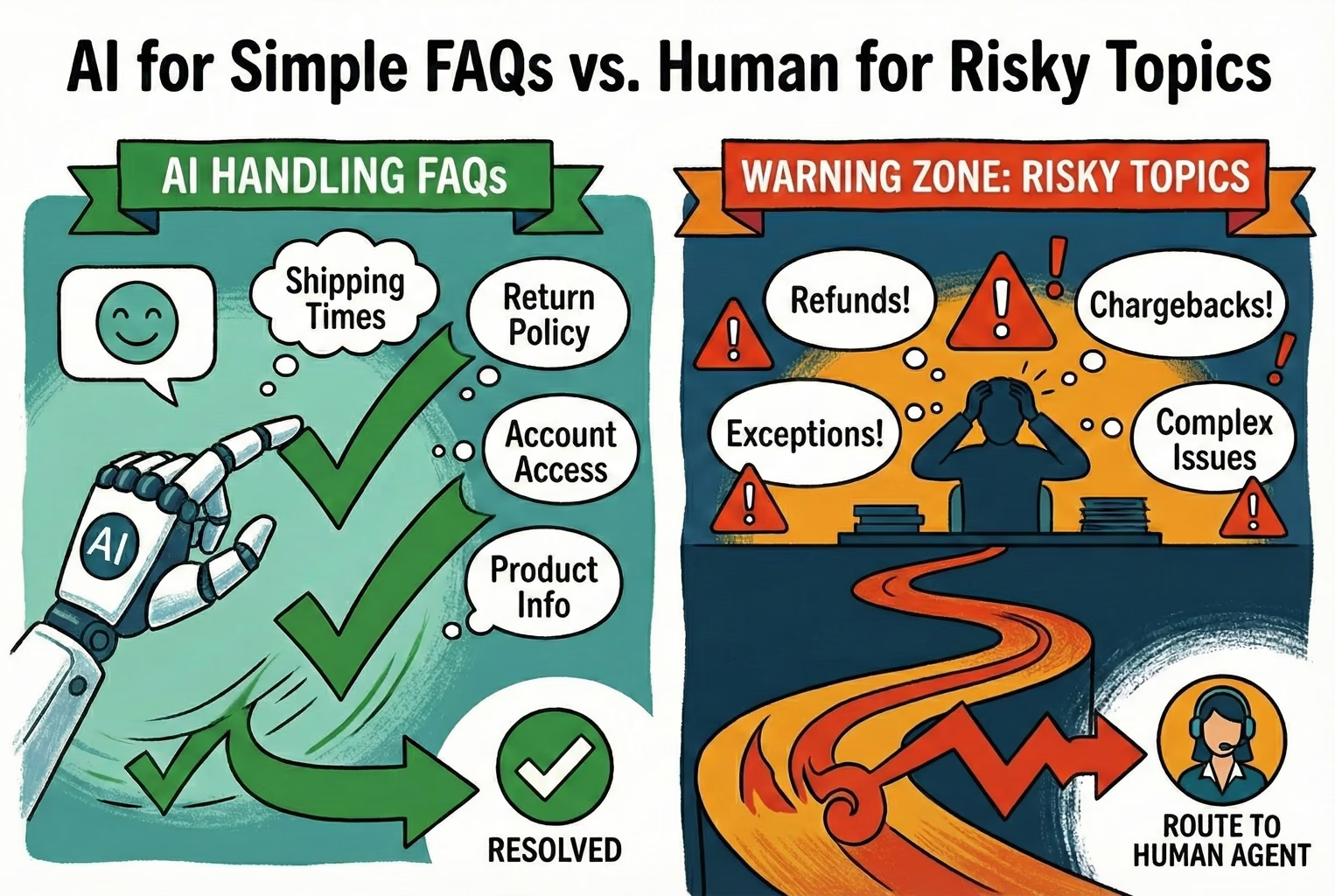
In the setups that worked, AI was kept firmly on the repeatable side of the fence. Whenever automated replies wander into judgement territory, it usually ended in follow-ups, escalations, or a quiet mess that took longer to clean up than answering it properly in the first place.
Where does live chat shine? And where does it crack?
In practice, live chat earned its keep when the question needed a bit of human judgement rather than a fast link. These were the moments where tone mattered just as much as the answer.
The chats look like “I’ve got a wedding this Saturday, will it arrive in time?” or “This shade doesn’t suit my skin, what’s the closest match?” Even simple-sounding lines such as “I followed the steps, and it’s still not working” usually came with unspoken frustration attached.
None of that is really FAQ territory. It’s reassurance, nuance, and empathy doing the heavy lifting. When handled well, these conversations quietly built trust and stopped small worries from turning into abandoned baskets or angry follow-ups.
Where live chat falls apart
The flip side showed up just as clearly. The moment a chat bubble is visible, expectations change. Customers assume someone is there, ready to reply, right now.
During busy spells, when replies slowed, or staff were stretched thin, live chat quickly turned from a help channel into a frustration magnet. Perfectly reasonable delays spark follow-up messages, nudges, and eventually complaints, simply because the channel promised immediacy and couldn’t always deliver it.
Where AI helps, and where it trips up
Across the setups that hold up, AI earned its place by handling the dull but essential stuff without fuss. When teams were offline, busy, or simply asleep, instant answers kept things moving. Customers could tap a quick option, see a clear answer, and carry on without waiting.
The cracks appeared when AI wandered into risky ground. Refund disputes, replacements, chargebacks, or anything framed as a special exception rarely ended well when handled automatically. In the cleaner setups, those topics were fenced off early, with AI stepping aside and passing the thread to a human before any promises were made. That handover rule saved a lot of backtracking and awkward apologies later on.
The hybrid model: AI first, Human takeover
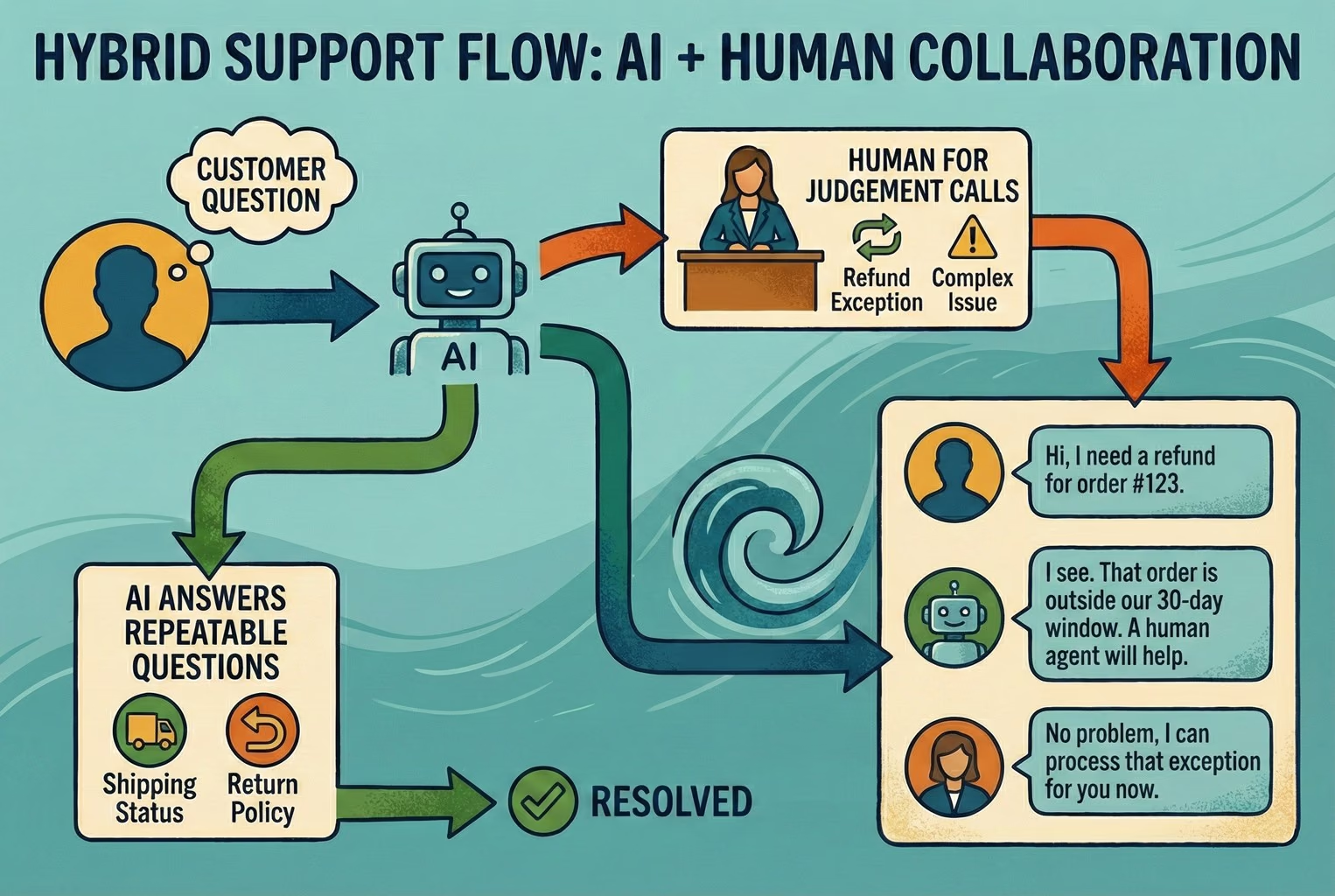
In the setups that stayed calm as order volume grew, most of them ended up here. AI handled the first touch for the predictable stuff, then a human stepped in the moment the conversation needed judgement, empathy, or a decision that could cost money. It wasn’t “chatbot vs live chat” in the end. It was more like a relay race where the baton gets passed before anything goes pear-shaped.
What a good hybrid actually feels like
In the stores where hybrid support really worked, the experience was quietly smooth rather than flashy. Customers got quick answers when the question was obvious, but they never felt trapped talking to a machine. AI stepped in confidently on repeatable questions and replied fast, without the back and forth. When things got more personal or a bit messy, customers could reach a human without having to type “agent” three times or kick up a fuss. On the team side, staff picked up the conversation with full context, not a blank screen and a confused shopper on the other end.
It shows most clearly in setups using a shared inbox where AI replies first, then hands over in the same thread, so nothing gets lost mid-conversation. The real win, though, wasn’t the handover itself. It was how the AI stayed accurate without building an unsupported knowledge base from scratch. Instead of scripting everything by hand, answers were pulled directly from real business sources like key site pages, specific URLs, product catalogues, and manually approved FAQs. That kept replies grounded in what the store actually offers, not guesswork.
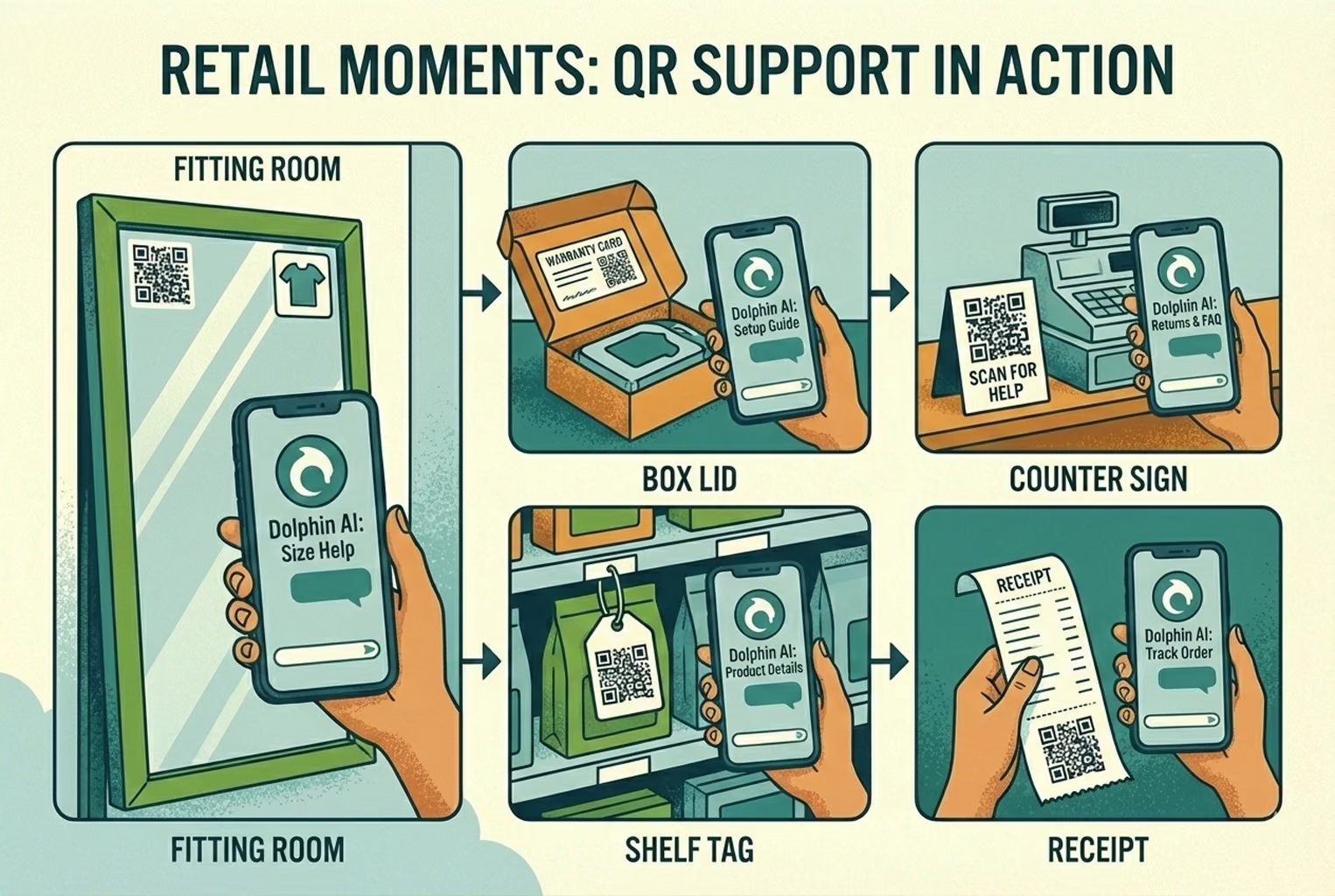
Real retail moments
Across different shops and product types, the most effective setups all had one thing in common. Support showed up exactly where customers hesitated, not buried in a footer or hidden behind a generic help link. These weren’t grand transformations, just small, well-placed touchpoints that quietly took pressure off staff while keeping customers moving.
Boutique clothing, Fitting rooms
In several clothing shops, the fitting room turned out to be one of the most useful places for support to appear. A small QR code sat at eye level on the mirror, easy to notice without breaking the mood.
When shoppers scanned it, they landed on a simple screen that opened with “Need a different size?” From there, they could jump straight to the size guide or tap into a short “ask a stylist” chat without leaving the room or waving for help.
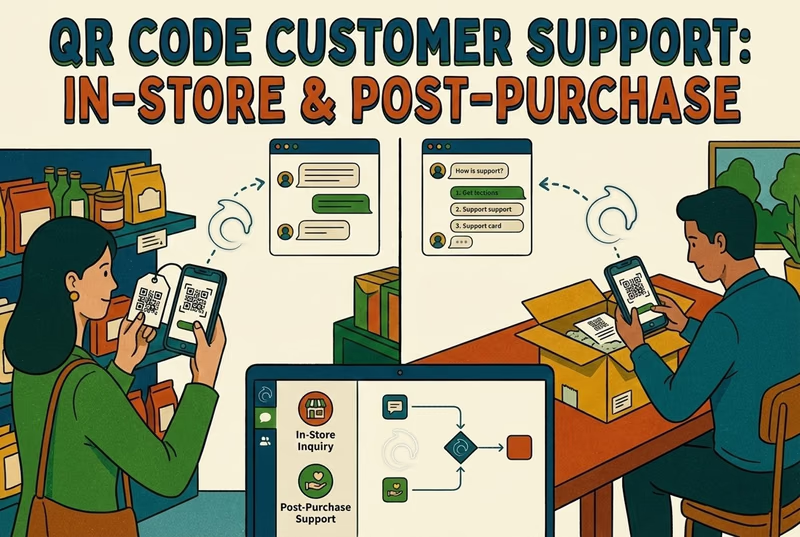
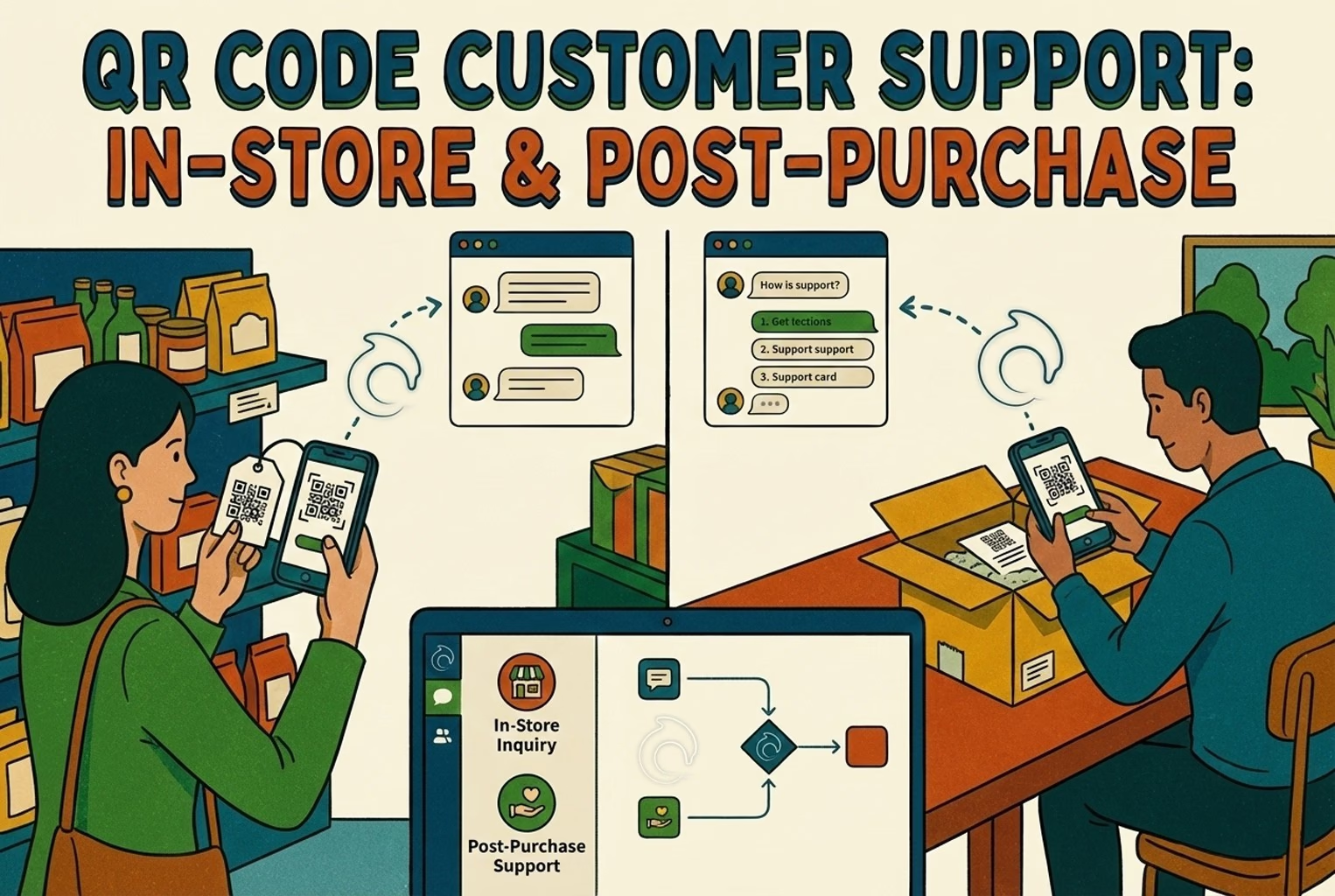
On the team side, the flow stayed calm. One person on the shop floor watched for handovers coming into the inbox, while everyone else ignored the background noise unless they were tagged. The same pattern shows up again in how in-store and post-purchase flows are joined up in QR code customer support for retail.
Electronics, Inside the box lid or warranty card
For higher-value electronics, support questions rarely stopped at the till. They popped up weeks or even months later, usually when the packaging had already been shoved in a cupboard. In a few stores, QR codes printed inside the box lid or on the warranty card did a lot of quiet work.
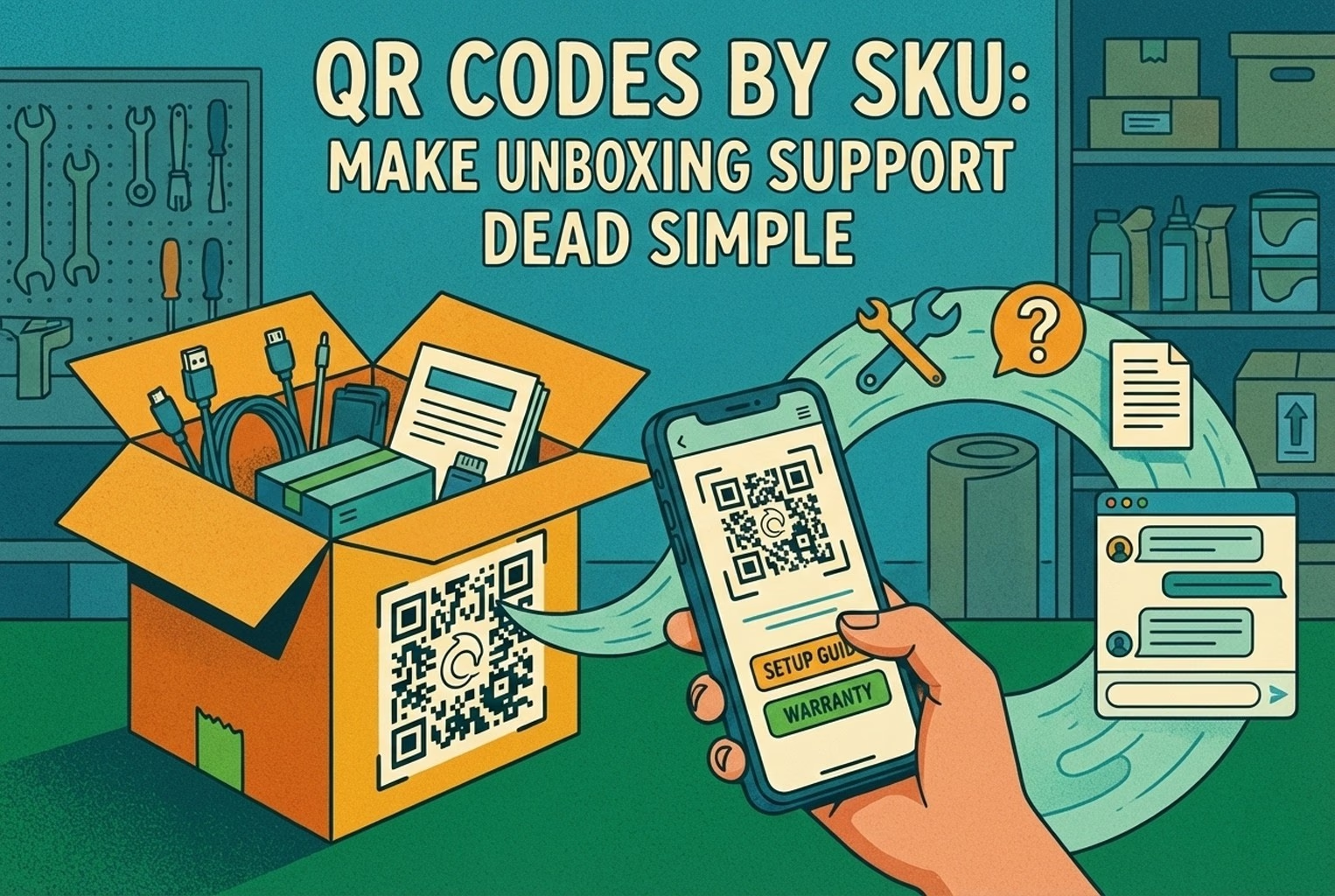
Scanning led customers to a tidy landing page with clear tiles for setup, troubleshooting, and warranty help, plus a chat option if they got stuck. First-touch setup questions were handled by AI when automatic replies were enabled for that channel, while faults and returns were passed straight to a human without any bouncing around. This approach lines up closely with the pattern in SKU-level QR codes on packaging.
Beauty, Counter signs during busy spells
In beauty shops, the pressure point was usually the till. When the floor got busy, customers didn’t always want to queue again just to ask about delivery times or returns. A small counter sign with a QR code acted as a quiet safety net.
The scan brought up delivery timelines, return starts, and ingredient FAQs, all in one place. If the question escalated, it landed in a single shared queue instead of splintering into DMs or half-finished conversations. This setup mirrored the way tickets tend to pile up after purchase, which is covered in more detail in post-purchase CX tools.
Home goods, Product tags on the shop floor
In homeware and interiors shops, questions tended to surface while customers were still browsing. A small QR code on the product tag or shelf edge gave shoppers a way to check details without hunting down staff.
Scanning opened a lightweight page with care instructions, dimensions, delivery options, and a quick chat entry if something didn’t add up. Most questions died there and then. When they didn’t, the message landed with full product context, so staff weren’t starting from scratch. This kind of placement echoes what works across well-mapped customer touchpoints, where support appears at the moment of doubt, not after it.
Grocery and specialty food, Receipts for later questions
In food and specialty grocery stores, the issues often came later, once the customer was back home. Allergens, storage advice, expiry dates, or “is this meant to look like that?” questions showed up hours or days after purchase.
Some merchants added a QR code to the receipt, pointing to a simple help page with ingredient info, storage guidance, and a way to ask a follow-up question if needed. AI handled most of the routine queries, while anything sensitive or unusual was passed to a human. It kept the post-purchase inbox quieter and lined up neatly with how support volume shifts after checkout, a pattern also seen in post-purchase CX tools.
What usually gets automated first?
Among smaller teams that managed to cut noise without upsetting customers, they all started in roughly the same place. They didn’t automate everything at once. They picked the questions that showed up daily, were easy to measure, and caused the least risk if answered consistently. Automating these early tasks took pressure off the inbox quickly and freed people up to deal with the messier conversations that actually needed attention.
Shipping, Returns, and Size questions
This was the safest starting point across almost every store. Order tracking and delivery timelines followed a predictable pattern, returns had clear steps and status updates, and size or fit questions came up again and again in almost the same wording. Most of the volume sat in things like tracking links paired with delivery expectations, return starts and status checks, or gentle prompts around size and fit, such as “which one should I buy?”. Because these answers were stable and measurable, they were ideal candidates for automation.
Teams that wanted a deeper breakdown of what stayed automated and what was kept firmly human usually linked out to a wider internal guide, like this one on customer service automation, to keep everyone aligned without rewriting the rules each time.
Keep AI on a short leash
One mistake that shows up early is letting AI make things up on the fly. The stores that avoided trouble treated automated replies as an extension of their existing wording, not a creative exercise.
Their AI pulled answers from a small set of approved language covering returns, refunds, and warranty terms, so every reply stayed consistent no matter who or what sent it. This usually meant building a simple macro bank first, then letting automation reuse those exact phrases rather than inventing new ones. Several teams leaned on ready-made templates to speed this up, especially when setting boundaries around refunds and timelines. A solid starting point for that kind of wording lives in returns templates and macros, which helped keep replies clear, predictable, and free from accidental promises.
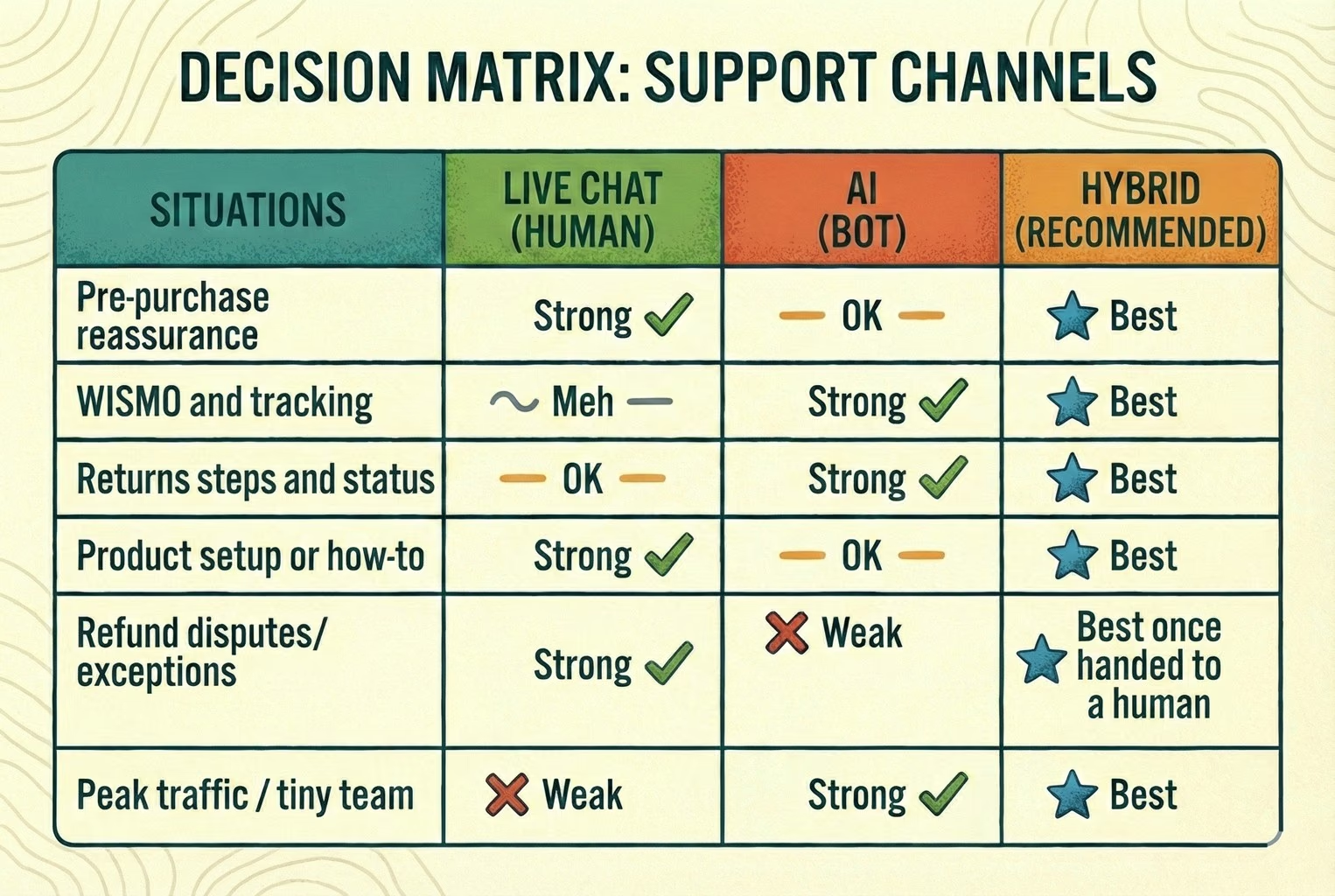
Live chat vs AI chat: a quick reality check
Below is the simple comparison worth coming back to. It’s not about which tool is “better” in theory, but which one actually holds up once volume and expectations kick in.
Situation
Live chat
AI
Hybrid (recommended)
Pre-purchase reassurance
Strong
OK
Best
WISMO and tracking
Meh
Strong
Best
Returns steps and status
OK
Strong
Best
Product setup or how-to
Strong
OK
Best
Refund disputes/exceptions
Strong
Weak
Best once handed to a human
Peak traffic / tiny team
Weak
Strong
Best
At the point where this trade-off becomes obvious, most merchants looked for something that could answer quickly without losing the human fallback. That’s usually where an AI-first setup with clean human takeover, like AskDolphin AI live chat, starts to make sense rather than choosing one side outright.
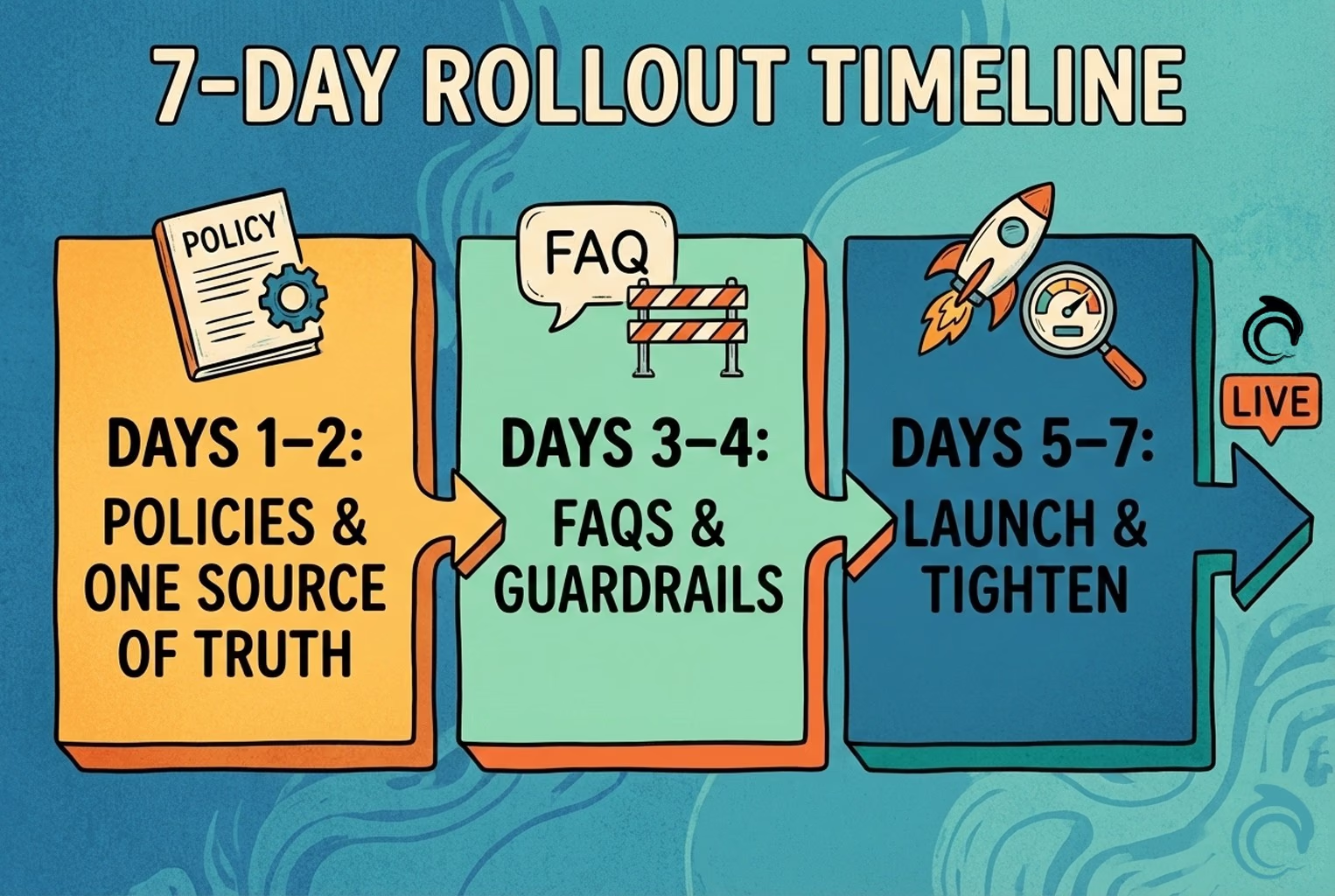
A seven-day rollout that didn’t cause chaos!
When teams rushed this, things unravelled quickly. When they slowed it down just enough and followed a simple rhythm, the change barely caused a ripple. A week was usually plenty.
Days 1 and 2: policies, one source of truth
The calmest setups always started here. One clear returns page. One delivery page. One agreed stance on warranty and exceptions. Nothing duplicated, nothing half-updated.
There is a small but telling detail. Whenever a QR code or chat link dumped people back on the homepage, confusion followed. Customers ended up hunting for answers, and support picked up the mess later.
Days 3 and 4: FAQs with guardrails
Once the foundations were set, teams pulled together their top twelve questions and wrote short, plain answers that everyone signed off on. These became instant replies, not rough drafts.
Alongside that, they added simple guardrails. Anything involving refunds, exceptions, or promises triggered a handover. That one rule prevented most of the awkward follow-ups elsewhere.
Days 5 to 7: go live, then trim
Launch week wasn’t about perfection. Teams watched real conversations, scanned transcripts, and spotted where customers were still getting stuck.
Small tweaks followed. Gaps were filled, unclear wording was tightened, and any reply that caused repeat questions was quietly removed. By the end of the week, the system felt settled rather than experimental.
KPIs that actually show if hybrid is working
When merchants checked the wrong numbers, everything looked fine on paper while the inbox quietly burned. The teams that stayed on top of things watched a small set of signals that reflected real customer effort, not vanity stats.
First response time: was usually the first tell. How quickly someone got an initial reply set the tone for the whole interaction, especially once chat was involved. Teams kept a close eye on this because even a fast answer that came too late felt slow in practice, which is why many tracked it in the way outlined in this first response time KPI breakdown.
Deflection rate: mattered, but only when read carefully. Solving issues without a human saved time, but only if customers genuinely got what they needed. The better teams treated deflection as a health check, not a target.
Reopen rate: turned out to be one of the most honest signals. If tickets kept reopening after being marked solved, something was off, either the answer was unclear or the handover happened too late. Stores that watched this closely often caught quality problems early.
Handover rate: rounded things out. How often conversations moved from AI to a human told a deeper story than volume alone. A rising handover rate was not automatically bad. In many healthy setups, it meant AI was doing its job on the basics and stepping aside when judgment or empathy was needed.
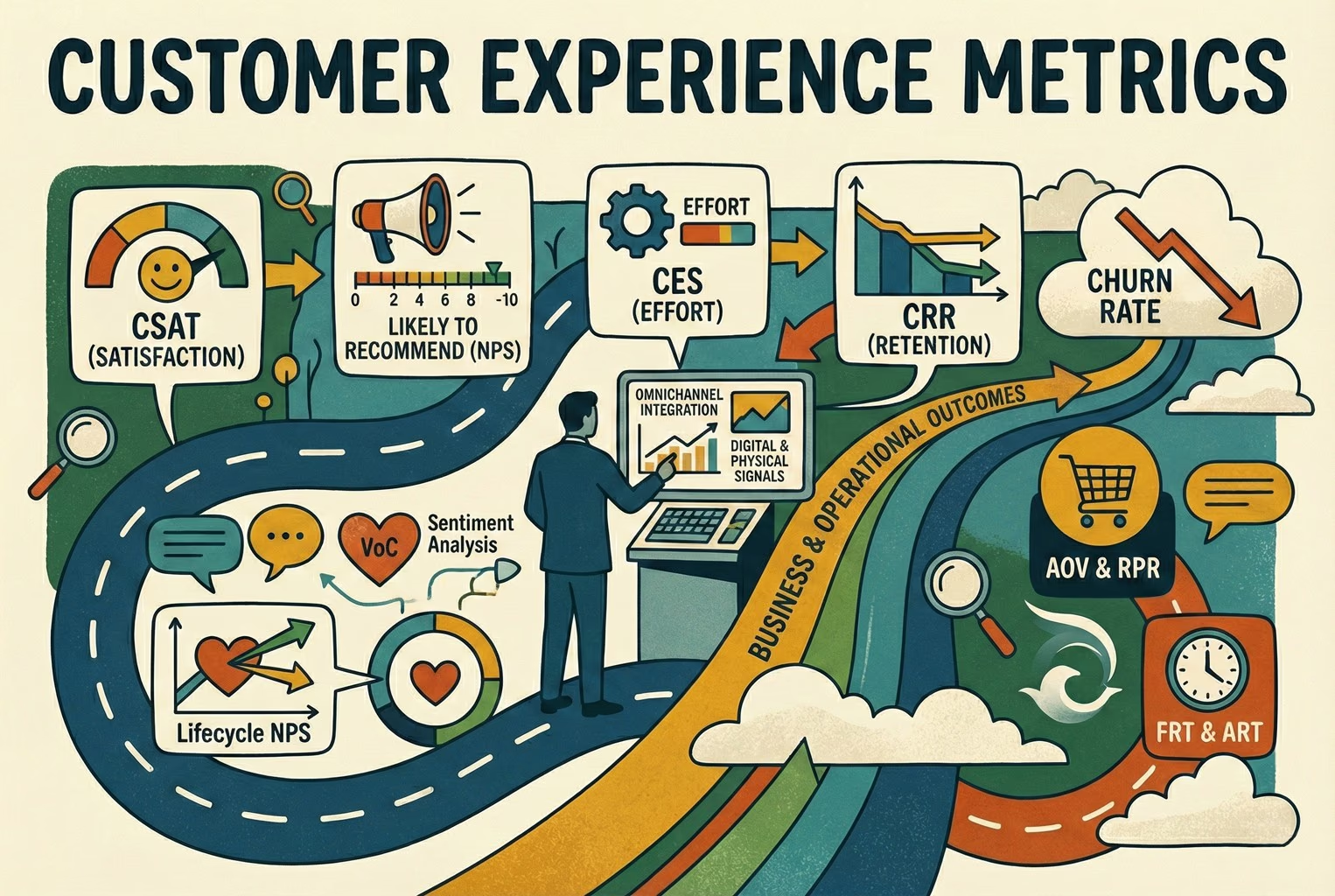
For teams that ever got stuck debating which numbers were worth tracking in the first place, it helped to separate signals from noise by revisiting the difference between metrics and KPIs, laid out clearly in CX metrics vs CX KPIs.
Common mistakes that keep coming up!
Even well-run shops tripped over the same things, usually without realising until the inbox started to feel heavier than it should.
One was switching on live chat without a clear coverage plan, then replying hours later as if it were email. Customers saw the chat bubble, expected an answer straight away, and grew annoyed when that didn’t happen.
Another was letting AI handle refunds or exceptions with woolly “we’ll see” wording. That kind of language sounded harmless, but it often created expectations the team couldn’t meet later on.
A lot of confusion came from policy sprawl. Three different links for returns or delivery across emails, receipts, and packaging meant nobody knew which version was current, including staff.
Handover issues cropped up too. When context didn’t follow the conversation, customers had to repeat themselves, which drained goodwill fast.
And finally, some teams focused only on ticket count. Volume dropped, but quality suffered. Reopens crept up, effort increased, and friction at handover went unnoticed because nobody was looking for it.
Copy and paste kit
This was one of the most useful shortcuts teams use. Instead of debating what to automate, they started with a small, sensible FAQ pack that covered the questions already filling the inbox every day. Nothing fancy, just clear answers to the obvious stuff.
Automation first FAQ starter pack
These were the first twelve questions most stores automated without trouble:
Where’s my order?
What’s your delivery timeframe?
Can I change my address?
How do I start a return?
Where’s my refund?
Exchange vs refund, what’s the difference?
Which size should I choose?
Do you have a size guide?
How do I care for this item?
Is this covered by warranty?
What if it arrives damaged?
How do I contact a human?
Once these were answered consistently, everything else felt easier. Customers stopped asking the same things twice, and staff finally had the headspace to deal with the conversations that actually needed a person on the other end.
Two macros teams leaned on every day!
When things got busy, these were the replies agents reach for again and again. They were short, predictable, and clear enough to stop extra back and forth without sounding cold.
WISMO:
“Hi {name}, you can track your order here: {link}. If it hasn’t moved by {time}, reply with your order number, and we’ll take a proper look.”
Returns start:
“Yep, you can start your return here: {link}. Once it’s checked in, refunds usually take {time}. If anything looks off, just reply with your order number, and we’ll sort it.”
They worked because they set expectations early and left the door open for a human follow-up when something didn’t go to plan.
Wrapping it up
Looking across the setups that hold up, the pattern was fairly clear. The stores that felt calm didn’t obsess over whether live chat or AI was “better”. They focused on answering the obvious questions quickly, keeping risky decisions human, and making sure customers never felt stuck talking to the wrong thing at the wrong time.
That’s where hybrid support quietly earns its keep. AI takes the repetitive load, humans step in when judgment matters, and the whole thing runs off real business information rather than guesswork. When that balance is right, support stops being a fire drill and starts feeling like part of the experience, not a bolt-on.
For teams who want to explore this kind of setup without stitching together five different tools, Dolphin AI is built for this shape of setup. It pulls answers from live store content, products, and approved FAQs, keeps everything in one shared thread, and hands over cleanly when a human needs to step in. Grounded answers from approved Data Sources, with clear handover rules, just a more joined-up way to handle everyday questions.
If you’re curious, you can take a proper look and see whether it fits your setup by signing up here: Create an AskDolphin account. No hard sell, just a chance to test it against the kind of support volume you’re already dealing with.
Frequently asked questions
Is live chat better than an AI chatbot for e-commerce?
It depends on the question. Live chat works best for reassurance, edge cases, and anything emotional. AI works better for repeat questions like tracking, returns, and product info. Most growing stores end up using a hybrid, so customers get speed without losing the human option.
Can AI really handle customer support without upsetting customers?
Yes, when it sticks to predictable questions. Problems usually start when AI answers refunds, exceptions, or disputes. Stores that keep AI on repeatables and hand tricky cases to a human tend to avoid complaints.
What should I automate first in customer support?
Order tracking, delivery timelines, return starts, refund status, and size guides. These come up daily, follow a fixed pattern, and are easy to measure. Automating them usually removes the biggest chunk of noise, which is where customer service automation tends to start.
Will AI customer support replace live chat agents?
In practice, no. What happens instead is AI handling first replies and simple questions, with humans stepping in when judgment or empathy is needed. It reduces workload, but it does not remove the need for people.
How do I stop AI from giving wrong or risky answers?
By tying it to approved sources only. The safer setups pull answers from live site pages, product data, and approved FAQs, rather than letting the AI invent responses. Clear handover rules matter just as much: anything involving a refund, an exception, or a promise should go to a person.
What’s the difference between a chatbot and an AI live chat?
Traditional chatbots follow rigid flows and scripts. AI live chat uses your real content to answer questions naturally and can pass the conversation to a human in the same thread when needed. The experience feels less robotic and more flexible.
How do I measure if AI support is actually working?
Look beyond ticket volume. First response time, deflection rate, reopen rate, and how often conversations are handed to a human tell a much clearer story about quality and effort — the distinction covered in CX metrics vs CX KPIs.
Is AI customer support safe for refunds and returns?
It is safe for explaining the process and checking the status. It is risky for making decisions or promises. Most stores keep the final refund decision with a human and let AI handle the admin around it.
Most merchants do not need more chat. They need fewer repeat questions after purchase. This article covers what works when merchants add AI chat on Shopify, where it breaks, and how QR support takes pressure off chat and email.
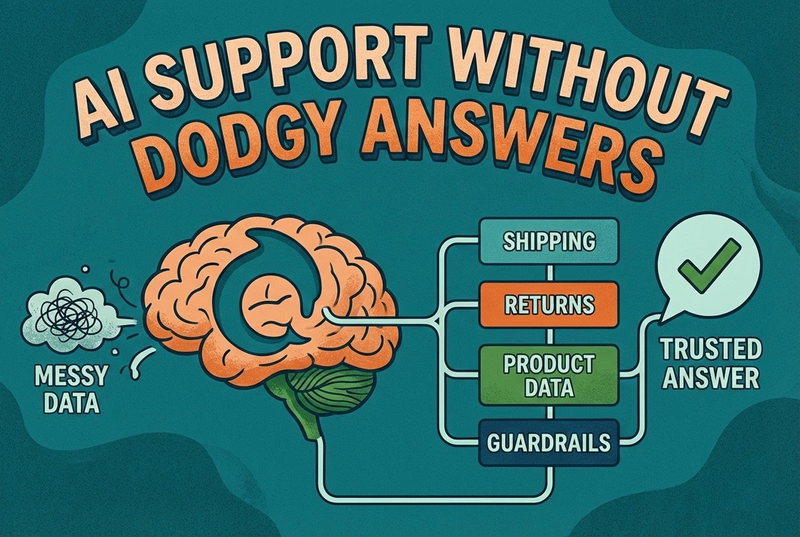
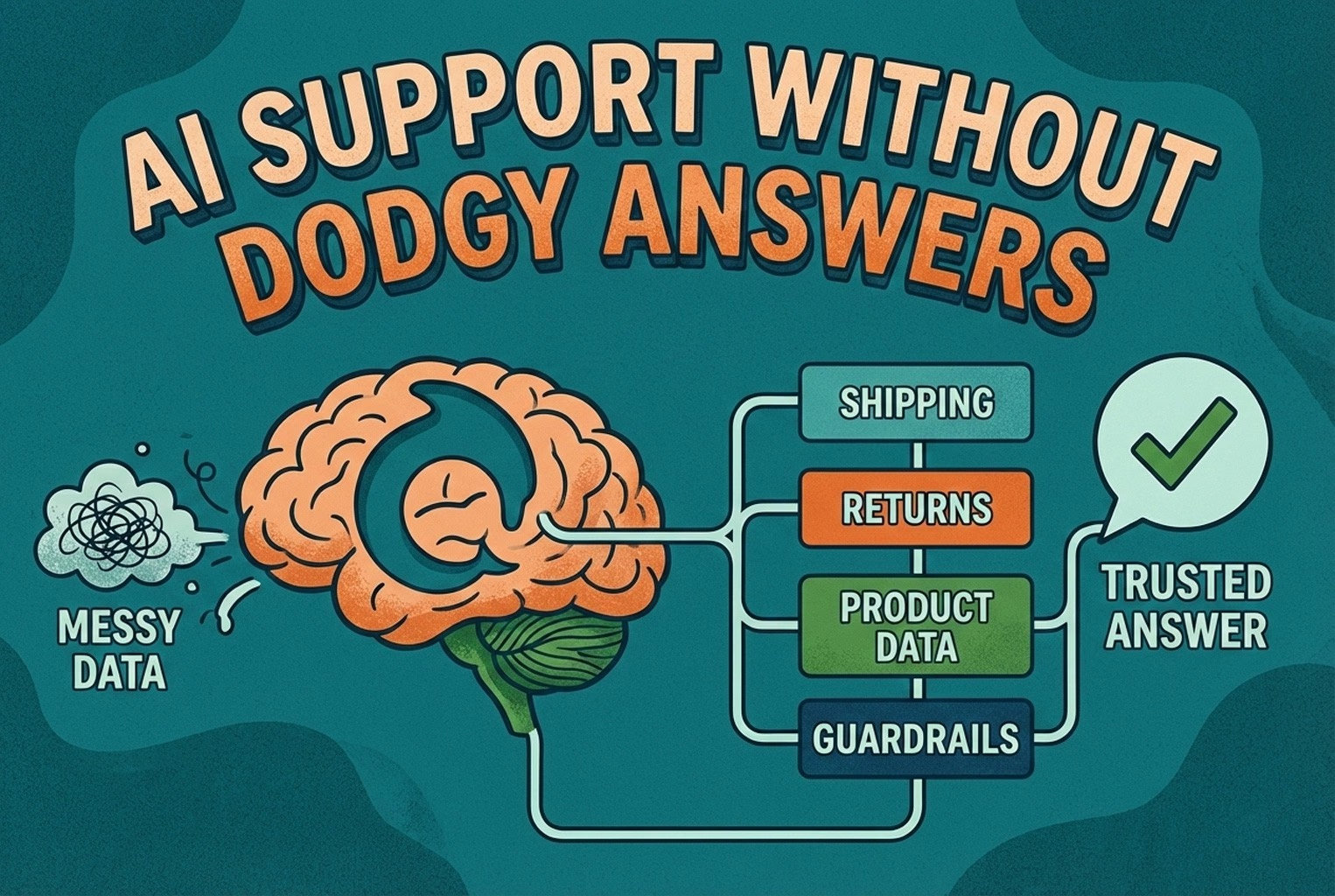
AI support usually fails when the knowledge behind it is messy. This guide shows how ecommerce teams structure shipping, returns, product data, guardrails, and human handoffs so answers stay accurate and policy-safe.
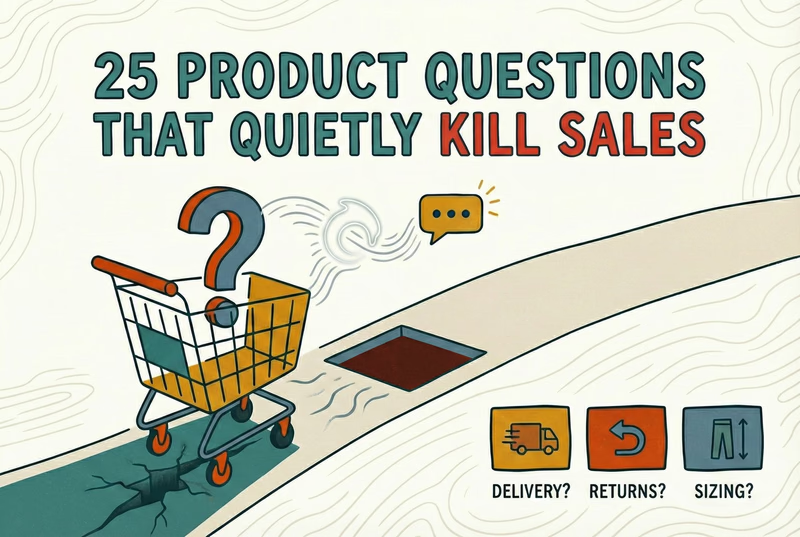
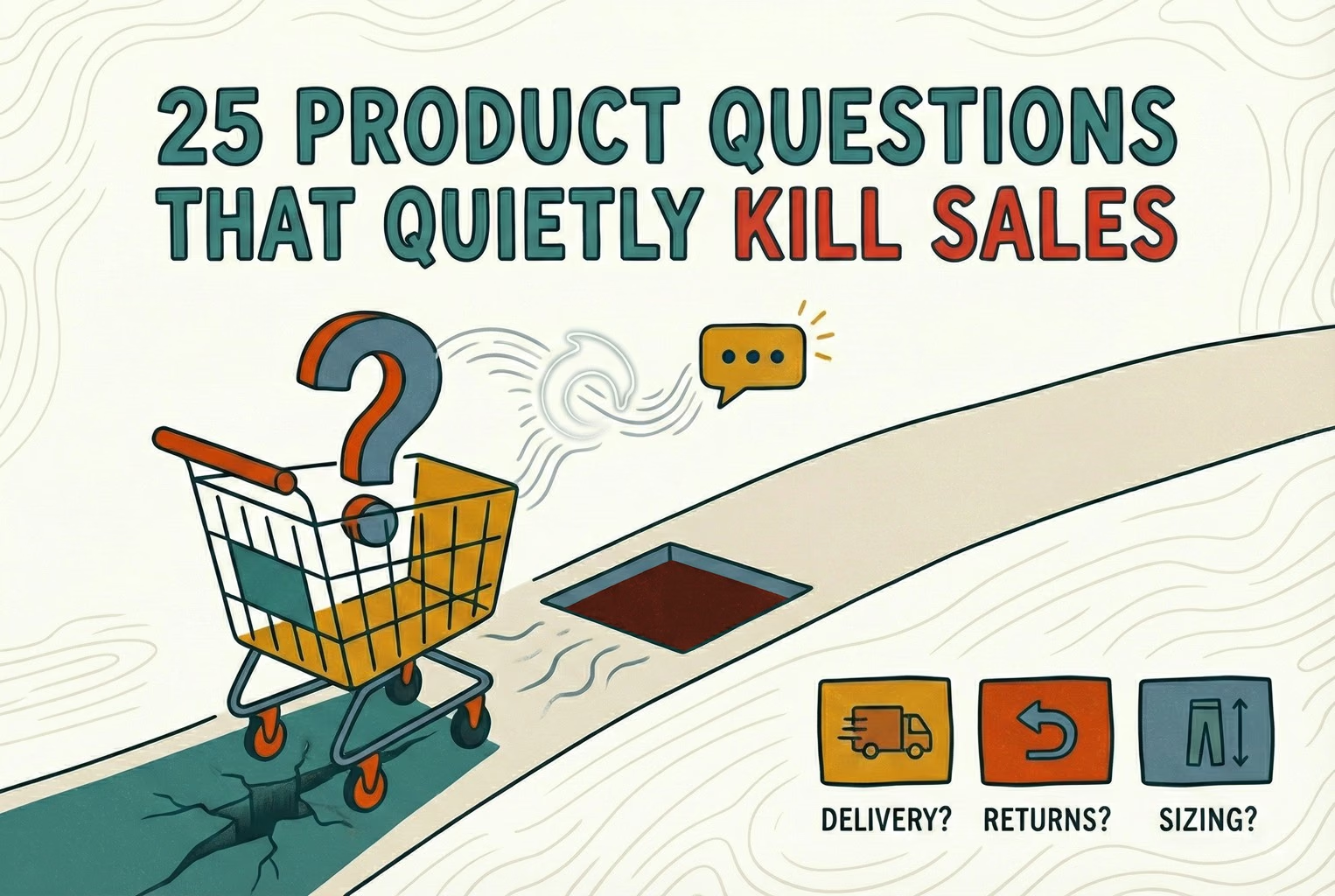
Shoppers rarely abandon because they dislike a product. They leave when delivery, returns, sizing, or compatibility answers are missing. This case study lists 25 sales-blocking questions and how synced knowledge keeps replies accurate.
Post-purchase support often becomes most of the inbox: tracking, delays, returns, and refund follow-ups. This playbook shows the simplest tools retail teams use to deflect repeat tickets and keep expectations clear.
Hard-to-find staff in-store and post-purchase questions flooding email? This playbook shows where to place support QR codes, what scans should open, and how to route chats into one shared inbox with human handover when needed.
Unboxing support breaks when agents cannot tell which variant a customer holds. This guide shows how SKU-level QR codes on packaging open the right help, with placement tips, static vs dynamic choices, and rollout templates.
Which customer experience metrics are worth measuring, what each one tells you, and how to track them across digital, physical and omnichannel touchpoints.
You do not need a forty-tool CXM stack. This guide maps the practical customer experience tools ecommerce and retail teams use for chat, email, QR support, approved knowledge, and human handover.
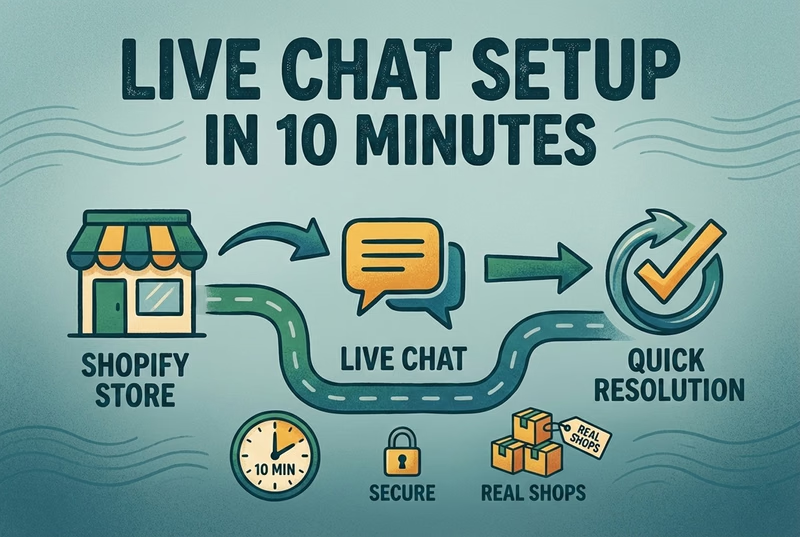
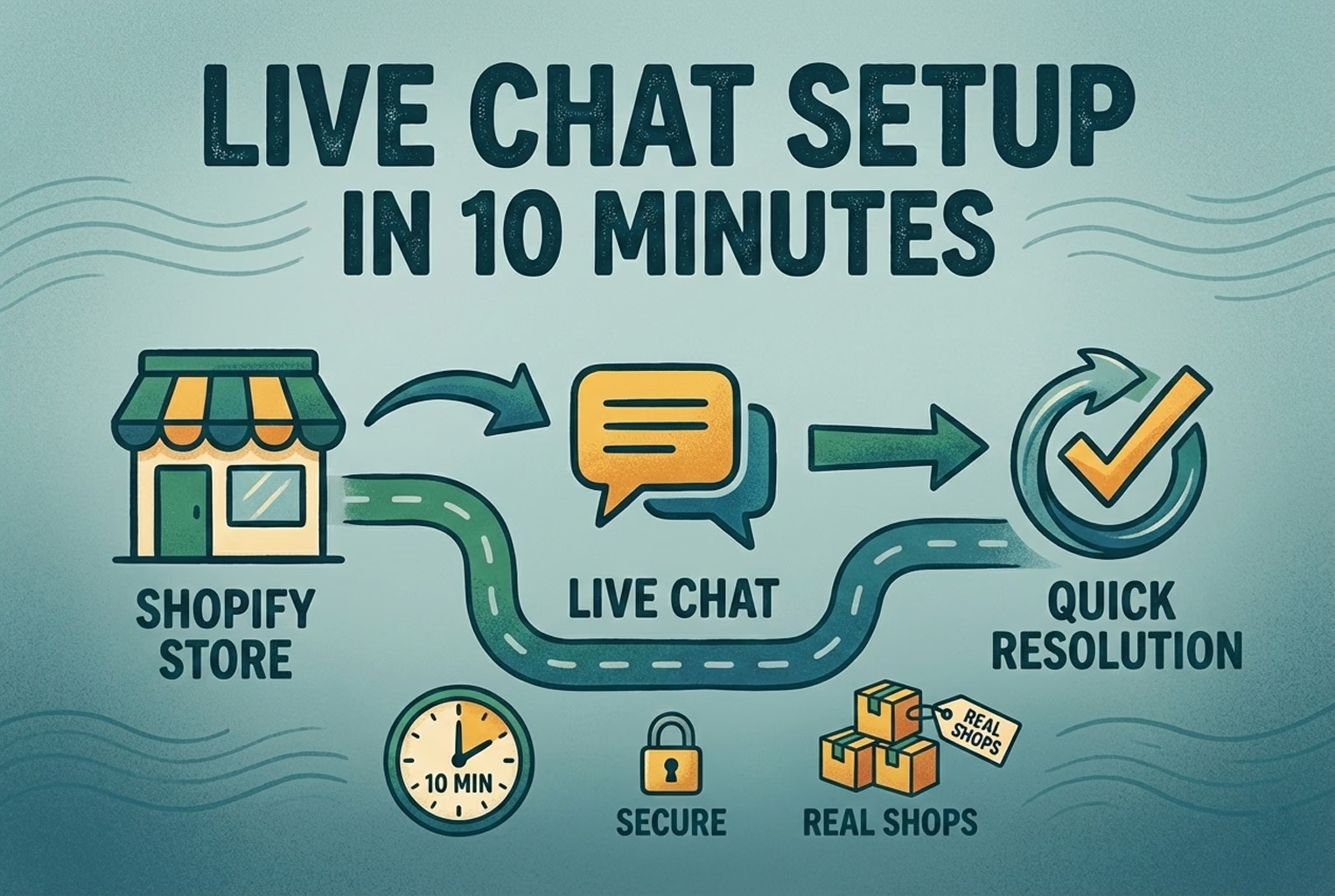
A case-study style checklist for merchants who need live chat running fast without creating another inbox headache. See the settings, routing choices, and reply habits that improved response quality in real Shopify stores.
Selling across borders should not turn support into chaos. This playbook shows how retail teams handle multilingual chat and email with translation-safe macros, clear escalation rules, and QA habits that protect quality.
Stop losing the quiet ones.
Install it in a minute. It starts working on your next visitor.