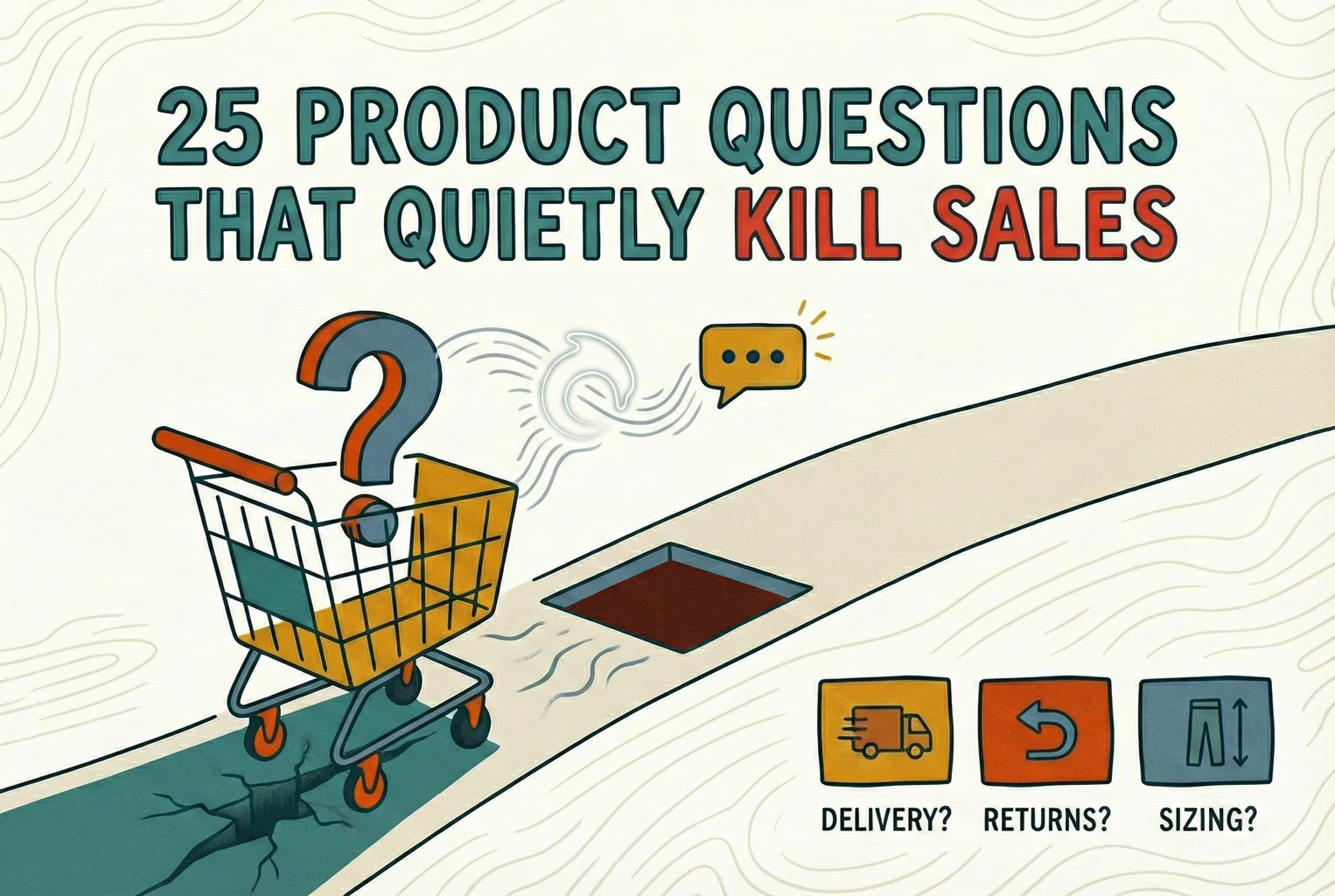
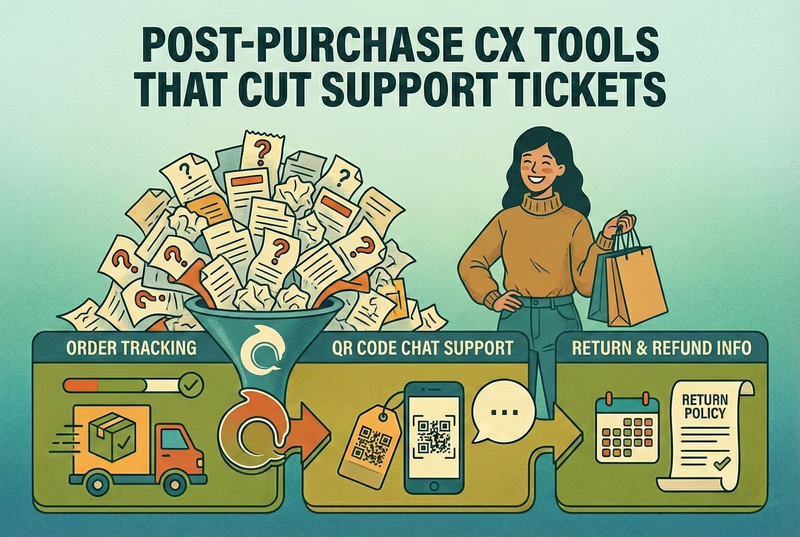
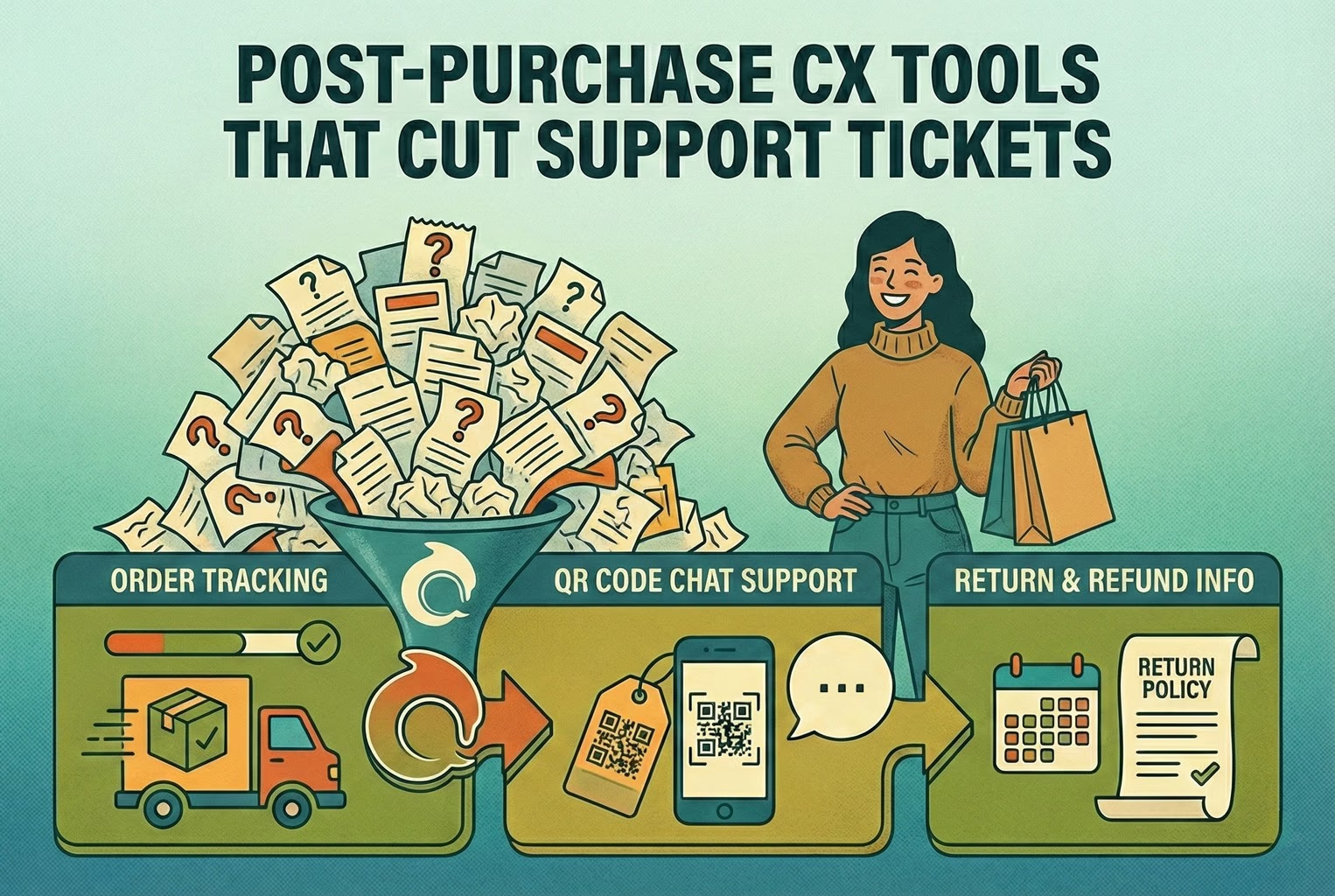
Customer experience is the sum of how a shopper feels across every interaction with your brand, from the first product question to post-purchase support. For an ecommerce or retail business, it is shaped less by big campaigns and more by small, practical moments: whether a size question gets answered before checkout, whether a delivery update arrives without chasing, and whether a returns reply sounds consistent no matter who sends it.
This guide explains customer experience (often shortened to CX) in plain terms, then walks through how ecommerce, Shopify, and retail teams can improve it without enterprise software.
Who this guide is for
This is written for people who actually answer customers, not for a boardroom. If you run a growing Shopify store, manage support for a small retail brand, or wear several hats at once, the advice here is meant to be usable this week.
It is deliberately not about building a large customer experience management (CXM) function. Most small teams do not need that. They need clear answers, consistent replies, and a way to keep track of conversations across the channels their customers actually use.
What customer experience means in ecommerce and retail
In ecommerce and retail, customer experience shows up in a handful of very concrete places:
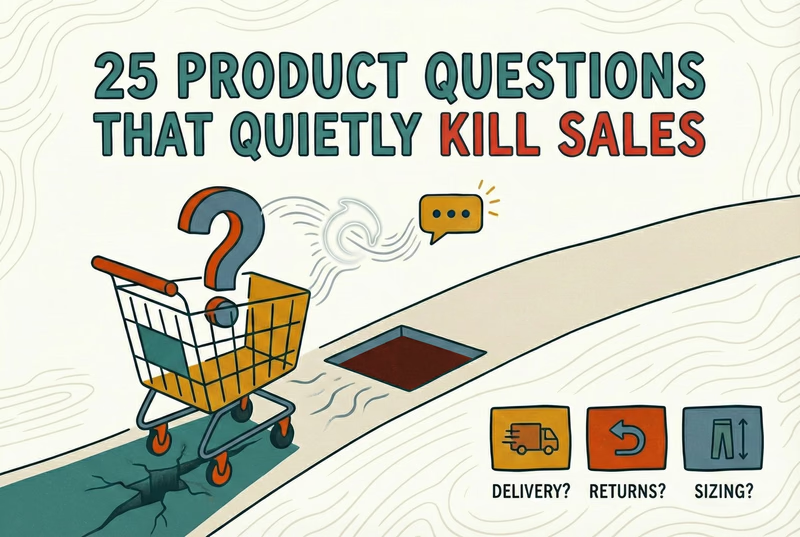
- Pre-purchase questions about sizing, materials, compatibility, and delivery times
- The checkout itself and the confidence a shopper has before paying
- Order confirmation and the wait for shipping updates
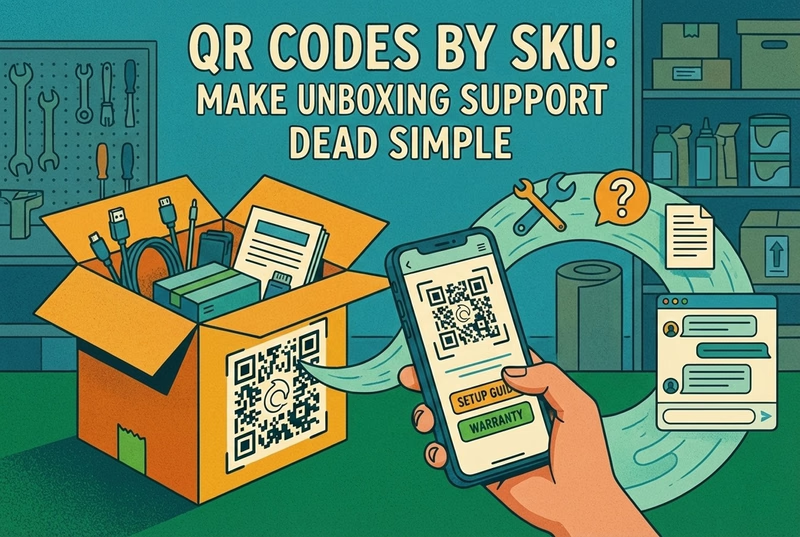
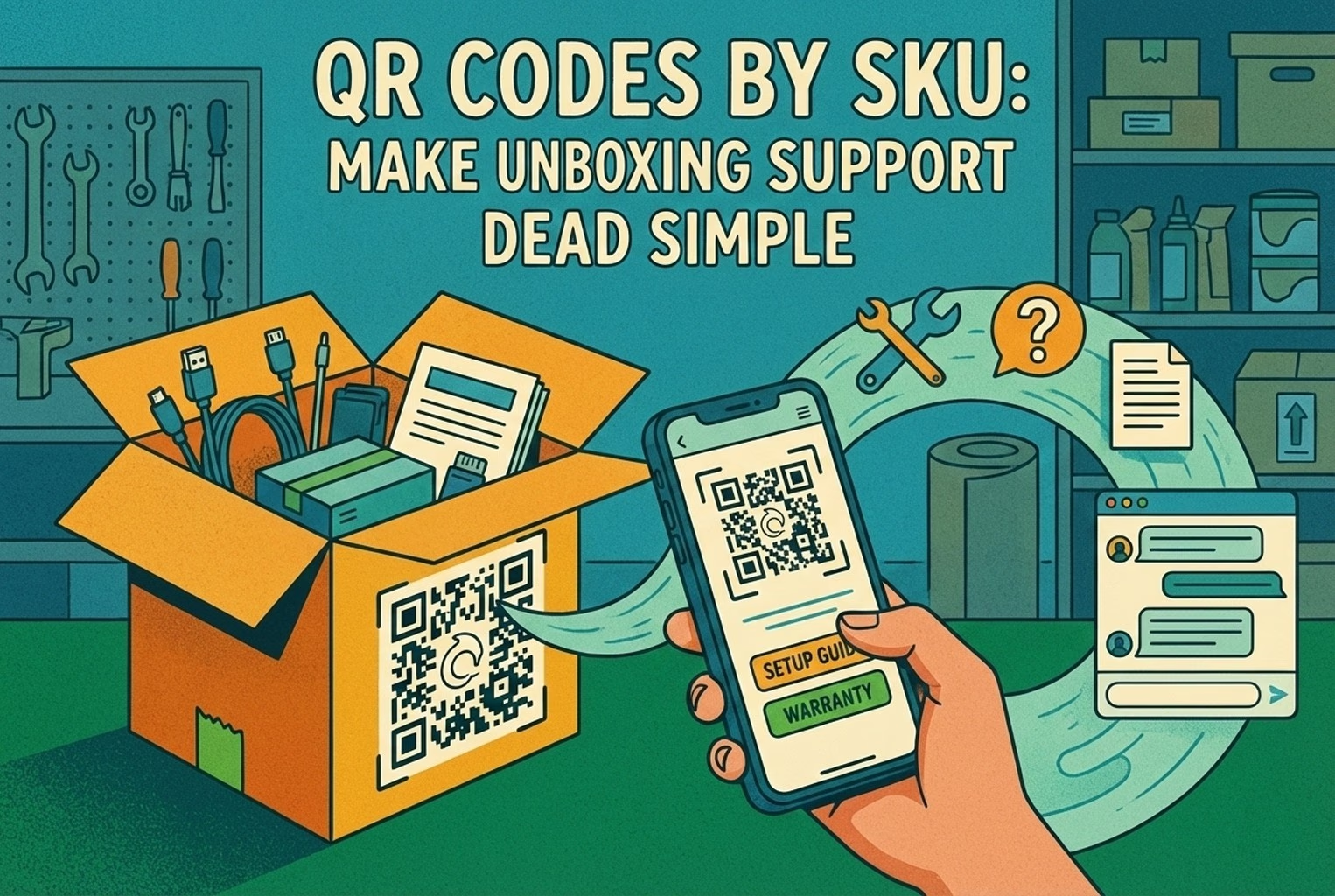
- Delivery, unboxing, and first use of the product
- Returns, exchanges, refunds, and warranty help
- Repeat visits and the decision to buy again or recommend you
Good CX does not mean every moment is delightful. It means the shopper is rarely confused, rarely left waiting, and rarely forced to repeat themselves. For small teams, consistency usually matters more than polish.
Customer experience versus customer service
These two terms get mixed up often, so it helps to separate customer service from customer experience.
Customer service is the direct help you give when someone reaches out: answering a chat, replying to an email, processing a return. It is a part of CX, and often the most visible one.
Customer experience is broader. It includes customer service, but also the product pages, the checkout flow, the packaging, the shipping updates, and every other touchpoint where a shopper forms an impression.
The practical takeaway: improving replies is valuable, but you can also improve CX by fixing the moments that generate contact in the first place, such as unclear delivery estimates or a hard-to-find returns policy.
Important touchpoints for ecommerce and retail teams
You do not need to map hundreds of interactions. Focus on the touchpoints that shape buying decisions and generate the most support contact:
Pre-purchase
Product pages, live chat questions, and quick answers about fit, stock, and shipping. This is where clear information can turn a hesitant visitor into a buyer.
Purchase and confirmation
A smooth checkout and a clear confirmation reduce anxiety. Shoppers want to know the order went through and what happens next.
Post-purchase
Shipping updates, delivery, and the "where is my order" (WISMO) questions that often dominate small-team inboxes. For retail, this is also where in-store and packaging touchpoints matter.
Returns and after-care
Returns, exchanges, refunds, and product help. Handled well, these moments build trust and repeat purchases. Handled inconsistently, they quietly erode it.
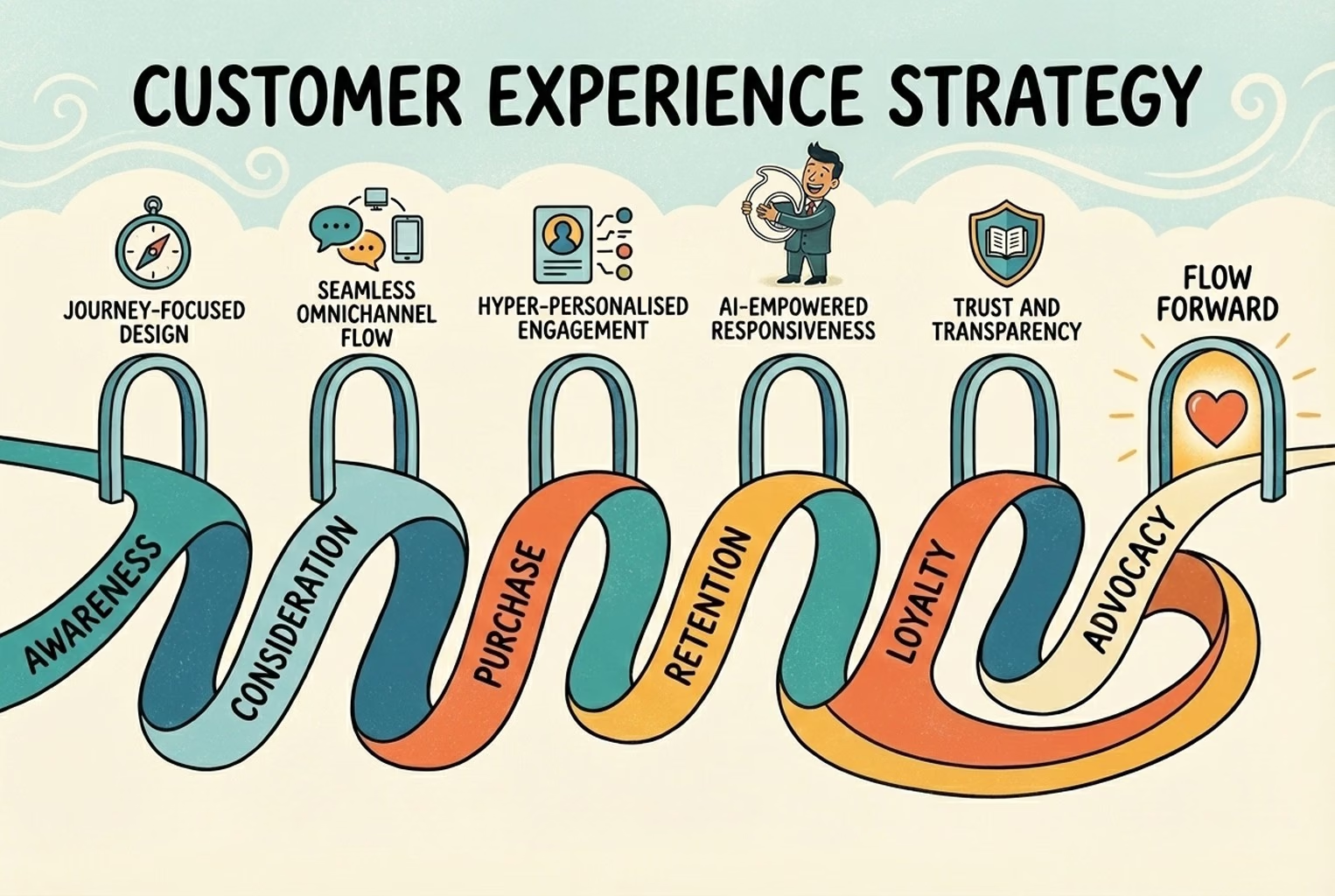
A simple customer journey you can actually use
You do not need a complex multi-stage framework to improve CX. A simple journey with a few clear stages is enough for most small teams:
- Discover - a shopper finds your store and forms a first impression.
- Consider - they compare options and ask pre-purchase questions.
- Buy - they complete checkout.
- Receive - the order ships, arrives, and they use it.
- Support - they reach out with questions, returns, or issues.
- Return or recommend - they buy again, or they do not.
For each stage, ask one question: what could confuse or slow the customer here, and how do we remove it? That is the whole exercise. Keep it light and revisit it as your store grows.
How support teams improve consistency
Consistency is the single biggest CX lever for a small team. When two customers ask the same returns question, they should get the same accurate answer, whether it is Monday morning or Friday night, and whoever replies.
A few habits make a large difference:
- Keep answers to common questions written down and approved, rather than reinvented each time.
- Bring conversations from different channels into one place so nobody loses context.
- Set clear expectations about response times and honor them.
- Review a small sample of replies regularly to catch drift in tone or accuracy.
None of this requires a large budget. It requires a shared source of answers and a workflow that does not scatter conversations across personal inboxes.
Where support tools naturally fit
Once you have the basics in place, tooling can help small teams stay consistent. AskDolphin is designed to support this kind of lean setup, and it is worth being clear about where each piece fits rather than overselling it.
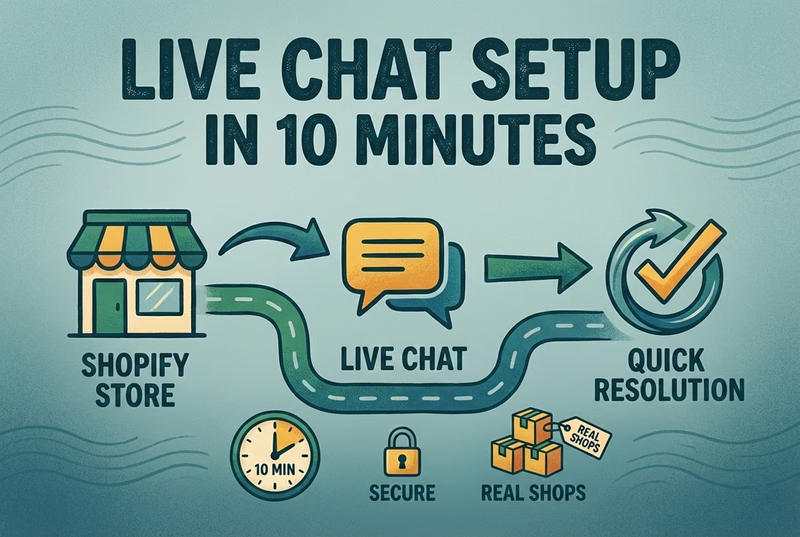
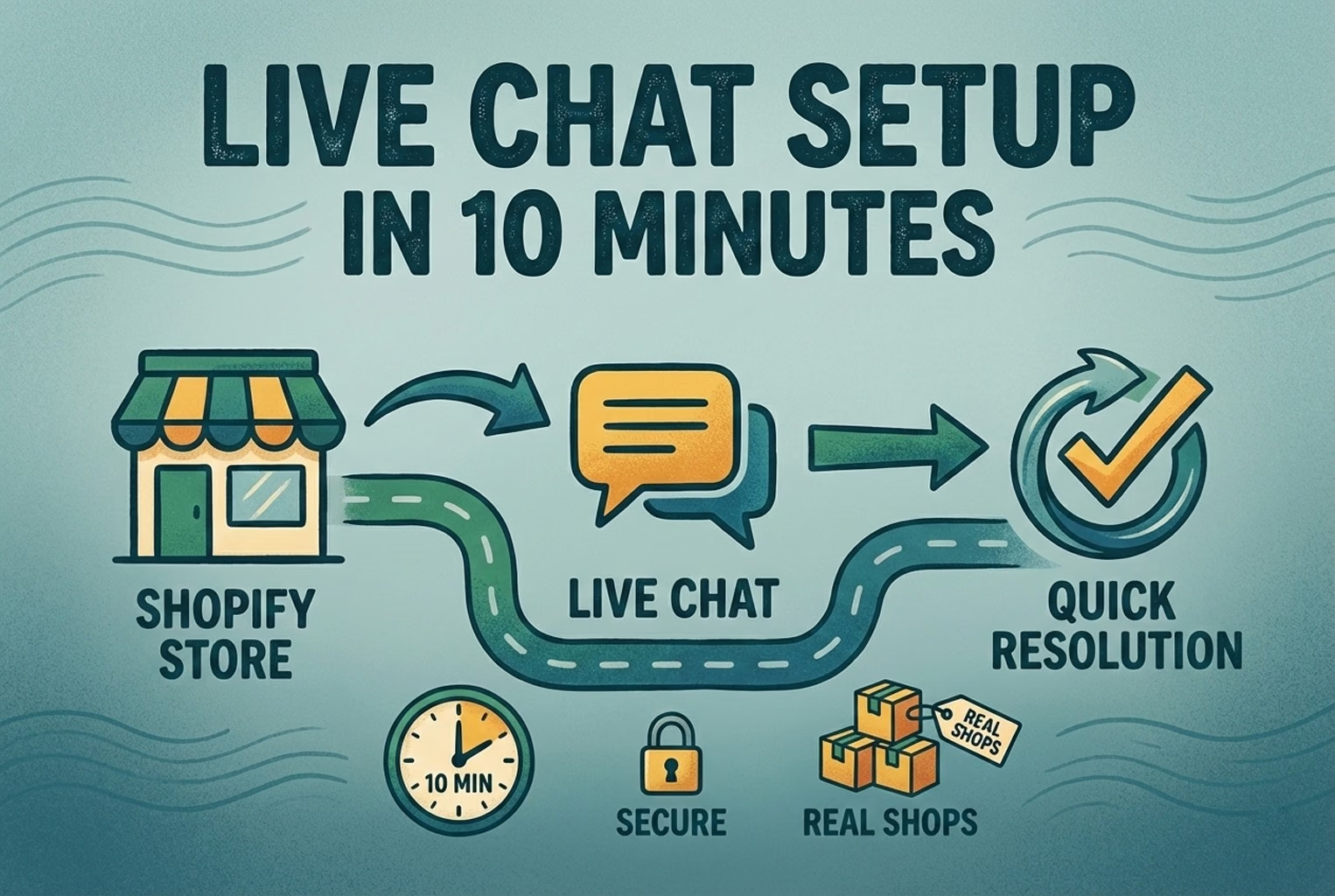
A Shared Inbox can bring Live Chat, email, and QR-code conversations into one workspace, so a customer who chatted yesterday and emailed today does not have to start over. Website Live Chat helps with pre-purchase questions in the moment, while connected email inboxes keep slower conversations organized.
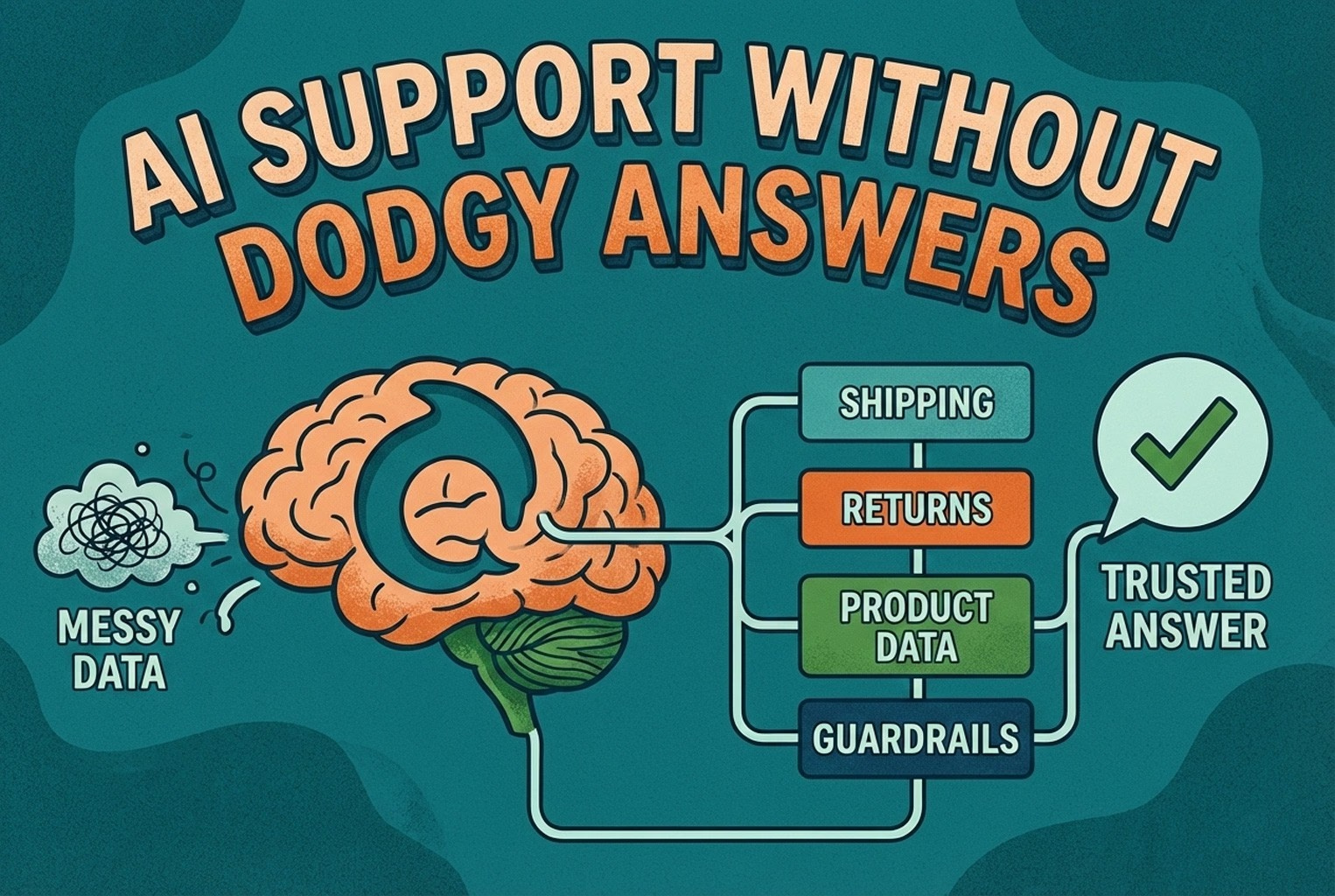
For repeat questions, a Help Center and approved Data Sources give your team, and any AI assistance, a consistent set of answers to draw from. Dolphin AI can help draft or suggest replies grounded in that approved knowledge, which can reduce repetitive typing. It is best treated as agent assistance by default, with optional automatic replies only when you configure and trust them for a specific channel. When a conversation needs a person, human handover keeps a real agent in control.
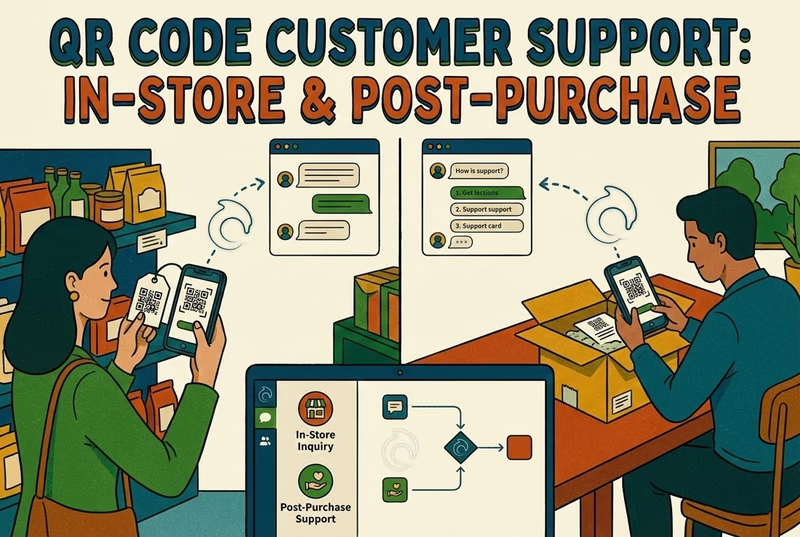
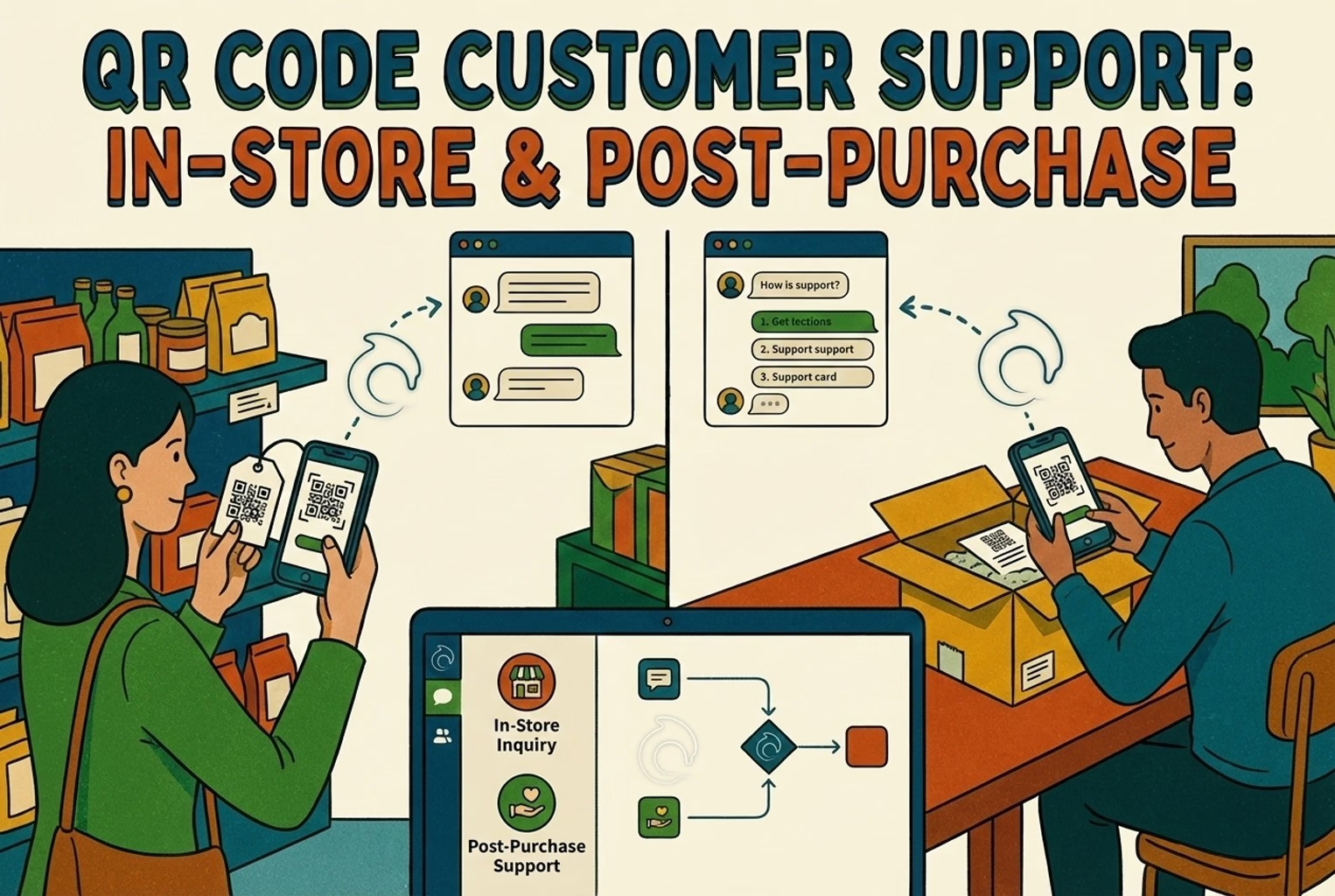
For Shopify stores, product sync can give support context about what a customer is asking about, and QR-code support can route in-store and post-purchase questions into the same shared workflow instead of a separate silo. The goal is not more tools; it is fewer places for context to get lost.
Measuring customer experience without drowning in dashboards
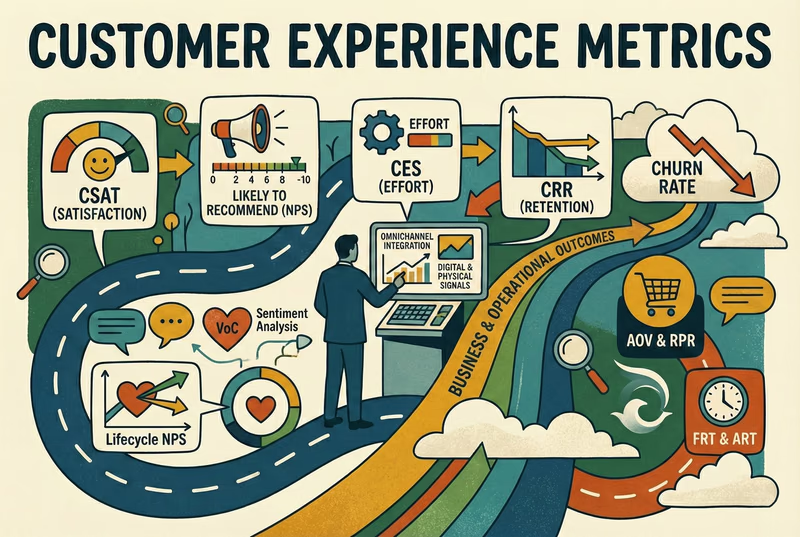
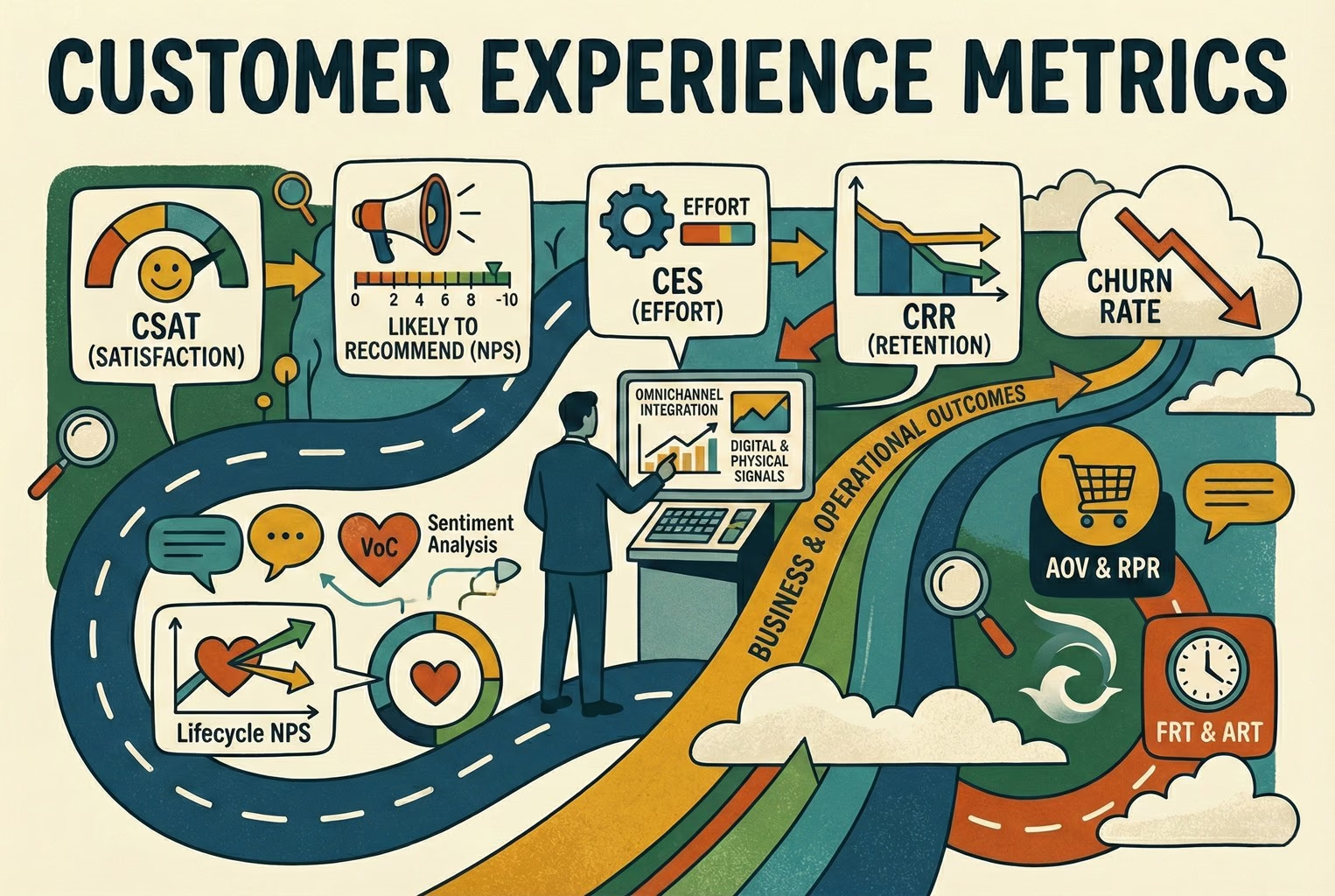
You cannot improve what you never look at, but small teams rarely benefit from enterprise analytics. Start with a handful of practical measures, such as how quickly you respond, how often an issue is resolved on the first reply, and how customers rate a resolved conversation.
Because metrics and KPIs are easy to confuse, it is worth reading a focused explanation before you set targets. Our guide on CX metrics vs CX KPIs covers which measures are useful for retail teams and how to choose realistic targets without inventing benchmarks.
A concise CX implementation checklist
If you want a starting point, work through this list in order:
- List your top ten repeat questions and write one approved answer for each.
- Bring chat and email into one shared workspace so context is not lost.
- Publish a clear returns and shipping policy where customers can find it.
- Set and display realistic response-time expectations.
- Add live chat for pre-purchase questions on high-intent pages.
- Use approved knowledge to keep AI-assisted replies accurate and on-policy.
- Route in-store and post-purchase questions into the same inbox, including via QR codes where useful.
- Keep human handover easy for anything sensitive or complex.
- Track a small set of measures and review them on a regular cadence.
- Fix the top cause of contact each month, not everything at once.
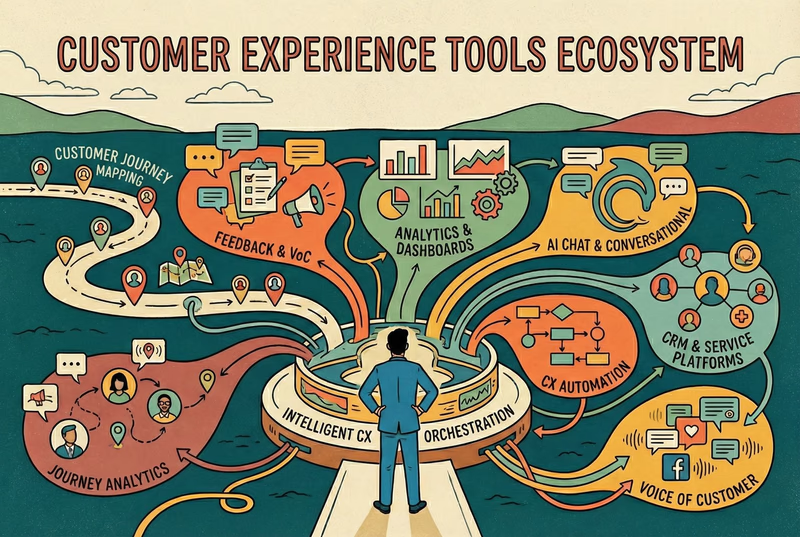
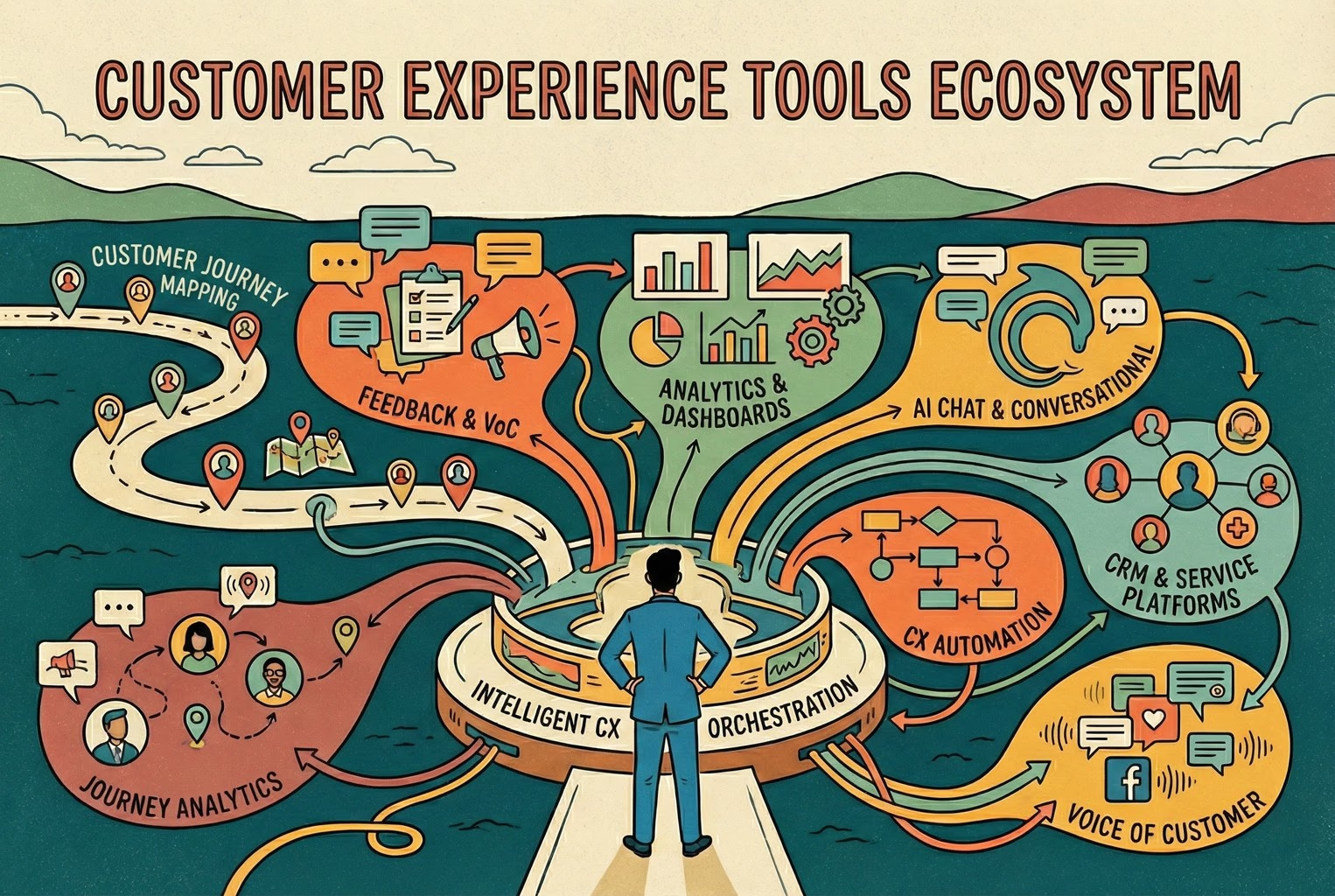
Choosing the right tools is part of this. For a practical, non-enterprise view of what belongs in a lean stack, see our guide to customer experience tools for retail teams.
Conclusion and next step
For ecommerce and retail, customer experience is not an abstract strategy exercise. It is the accumulated feeling of clear answers, fast support, and consistent follow-through across the moments that matter. Small teams win by removing confusion, keeping conversations in one place, and answering the same question the same accurate way every time.
If you want to bring chat, email, and QR-code conversations into one shared workspace with AI assistance grounded in your own approved knowledge, you can create an AskDolphin account and start with the channels your customers already use.