A customer experience tool is any software that helps you answer customers, keep conversations organized, and stay consistent across the moments where shoppers form an impression of your brand. For ecommerce and retail teams, the useful ones are practical: a shared inbox, live chat, email, approved knowledge, and grounded AI assistance, not a sprawling enterprise suite.
This guide is concrete on purpose. Instead of an "ultimate list" of forty products, it explains the categories that matter, how to choose, and where a lean setup usually ends.
What a CX tool actually is
A customer experience (CX) tool supports one or more parts of the customer journey: answering pre-purchase questions, handling orders and delivery queries, managing returns, and keeping post-purchase help fast and accurate. Some tools cover a single job well. Others try to cover many jobs in one platform.
For a small team, the question is rarely "which tool has the most features." It is "which tools reduce confusion and repeat work without adding overhead."
A tool category, not an enterprise CX platform
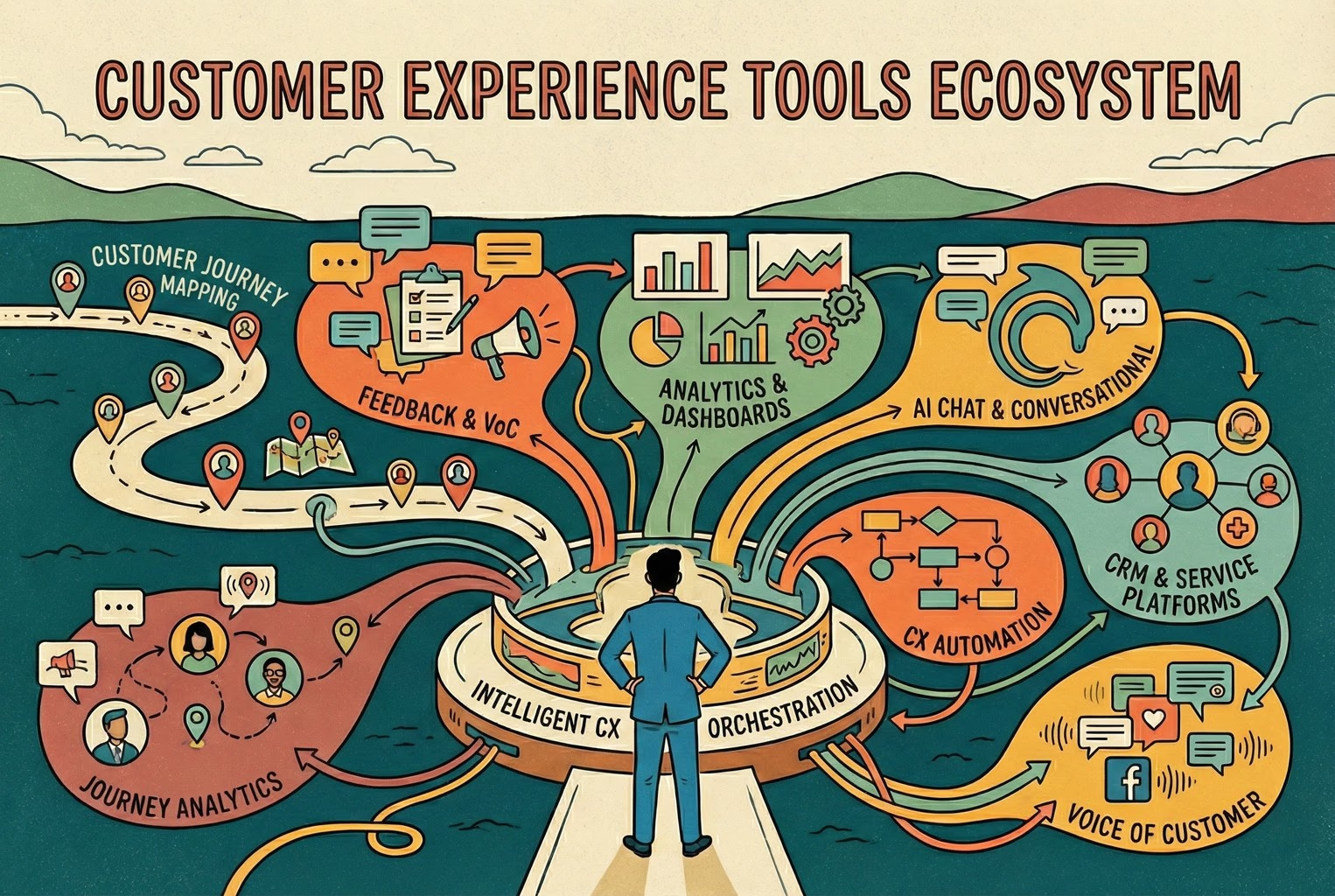
It helps to be honest about scope. Large enterprises often run full customer experience management (CXM) platforms with advanced analytics, journey orchestration, and deep CRM integration. Those are expensive, complex, and usually overkill for a growing store.
AskDolphin is not a full CXM, CRM, or enterprise analytics platform, and you probably do not need one yet. What most teams need is a focused set of support tools that share context. If you want to understand the smallest workable set for running support day to day, our companion article on the CX platform minimum stack covers that. This article is different: it explains the tool categories and how to choose between them.
How to choose tools
Before comparing products, apply a few filters:
Does it reduce confusion and repeat work, rather than add overhead?
Does it keep context in one place, so a colleague can pick up where you left off?
Do its answers come from knowledge you own and approve, rather than guesses?
Can a person take over the moment a question is sensitive, high-value, or unusual?
With those filters in mind, here are the categories worth understanding.
Shared Inbox
A shared inbox is the backbone of small-team support. It brings conversations into one workspace so any team member can see history, avoid duplicate replies, and pick up where a colleague left off. AskDolphin's Shared Inbox can bring Live Chat, email, and QR-code conversations together, which matters when a customer switches channels mid-issue.
If you buy only one category first, this is usually it. Everything else works better when context lives in one place.
Website Live Chat
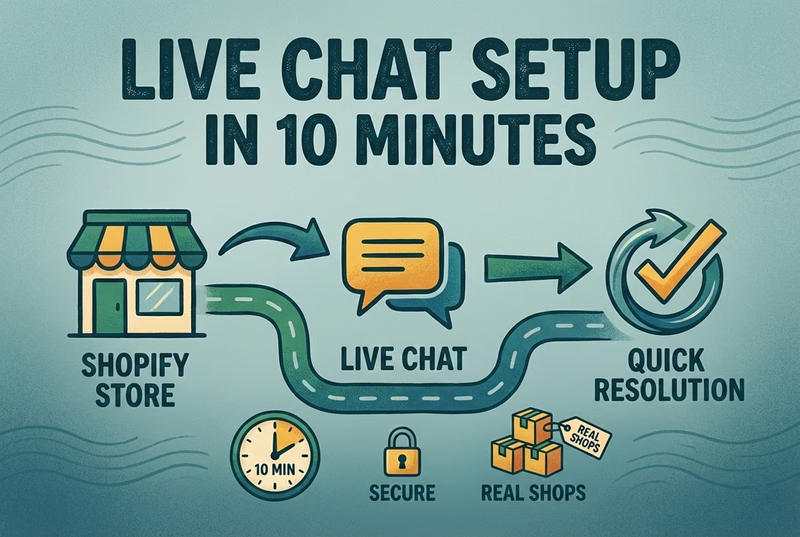
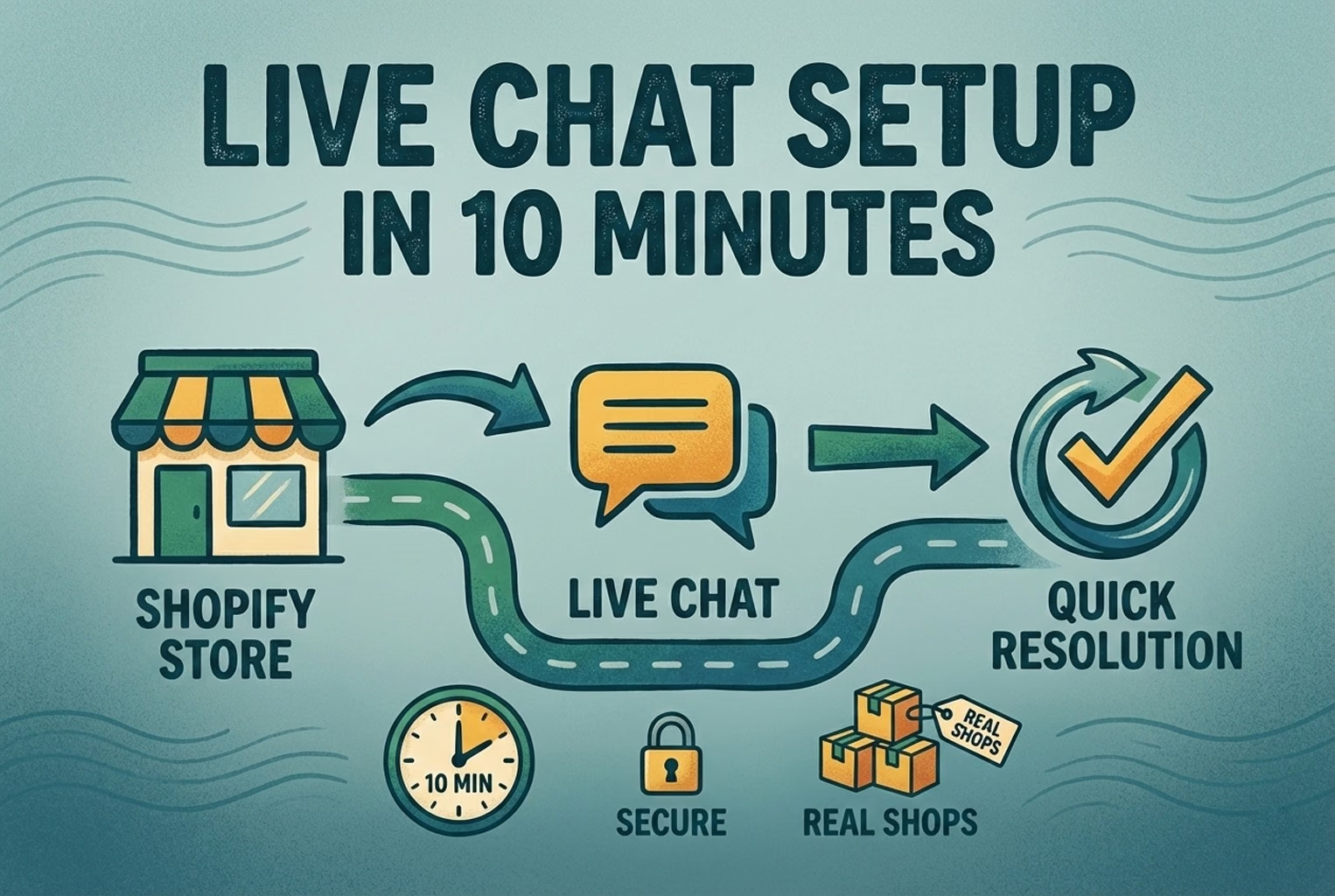
Live chat helps with high-intent, in-the-moment questions: sizing, stock, compatibility, and shipping cutoffs. For ecommerce, answering these before checkout can directly affect whether a shopper buys. A widget that is easy to configure and route matters more than a long feature list. If live chat is your priority, our Shopify live chat page explains how it fits a store setup.
AI-assisted support
AI support is useful when it is grounded and controlled. Dolphin AI can help draft or suggest replies based on your approved Data Sources and the conversation context, which reduces repetitive typing. By default this is best treated as agent assistance: a person reviews before sending. Optional automatic replies are possible when you enable and trust them for a specific channel, but they should be introduced carefully.
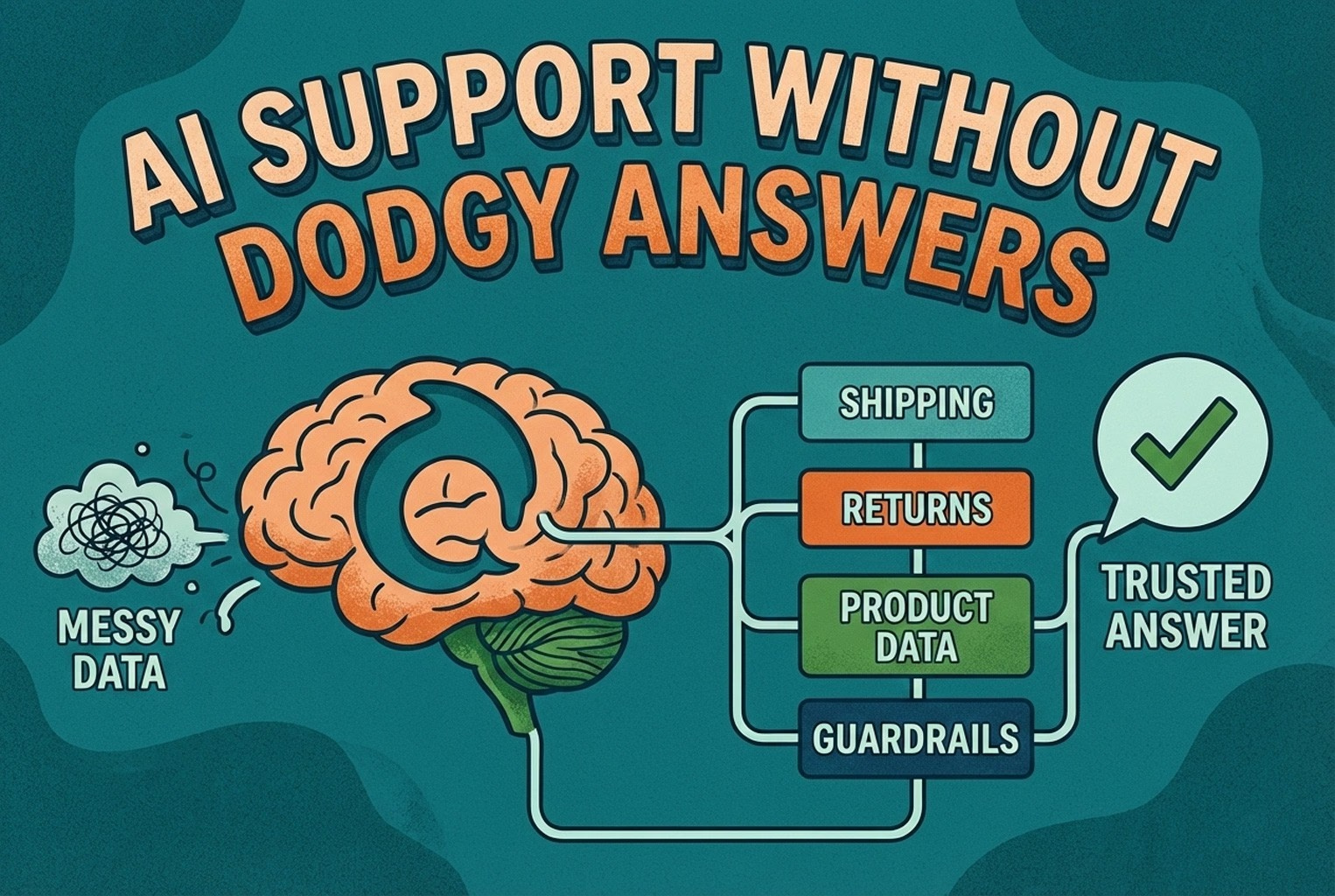
The key requirement for any AI CX tool is that answers come from knowledge you own and approve, not from guesses. That is what keeps shipping, returns, and policy answers safe.
Email support
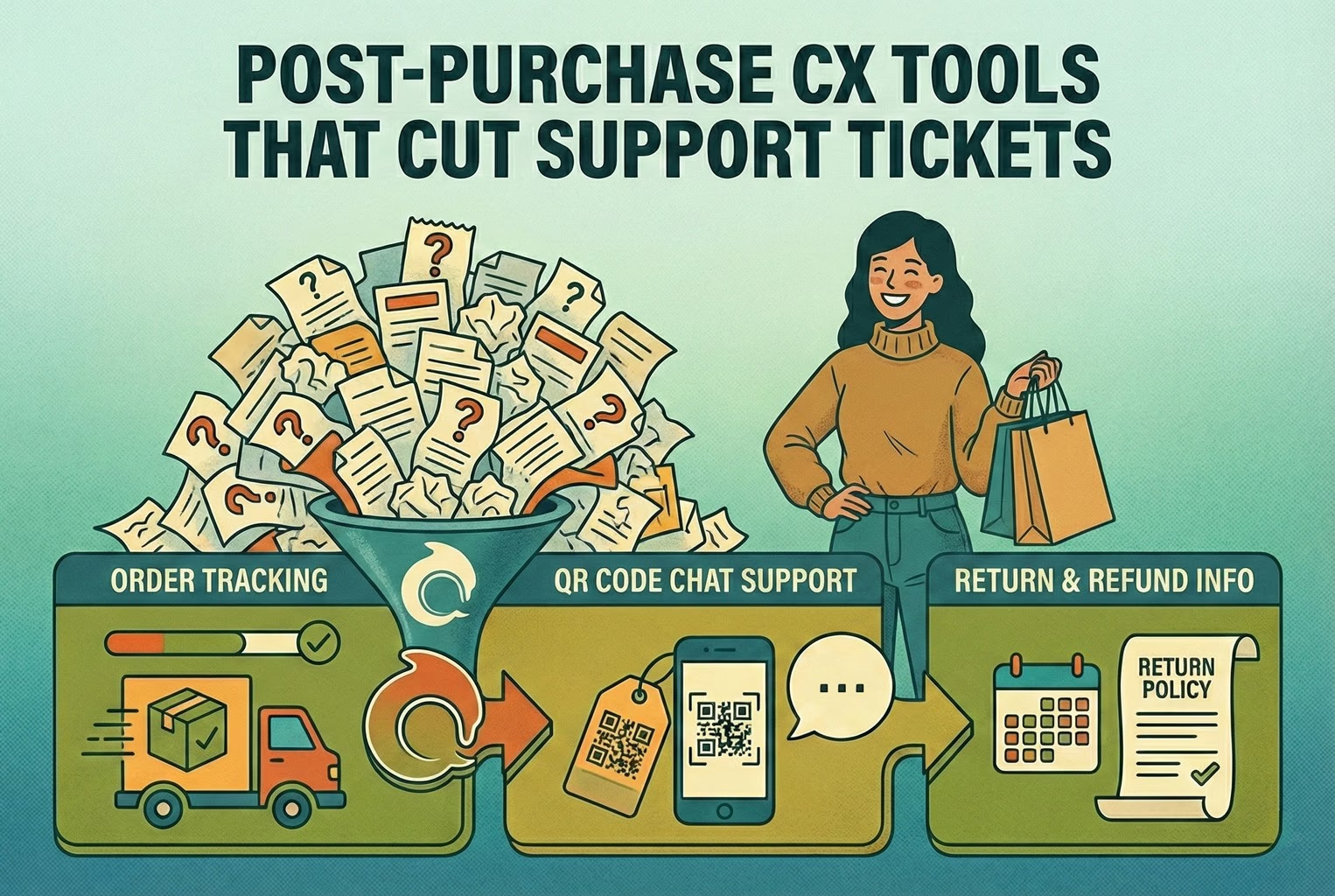
Email is still where slower, more detailed conversations happen: order changes, complex returns, and follow-ups. Connected email inboxes inside a shared workspace keep these organized alongside chat, so nothing falls through the cracks and history stays visible.
Help Center and approved knowledge
A Help Center does two jobs. It lets customers self-serve for common questions, and it gives your team, and any AI assistance, a consistent set of approved answers. Building a small, accurate Help Center is one of the highest-leverage things a lean team can do, because it reduces contact and improves consistency at the same time. In AskDolphin, Help Center content and Data Sources can inform the answers Dolphin AI helps draft.
Shopify product context
For Shopify stores, product sync gives support useful context about what a customer is asking about. When an agent or an AI draft can reference the right product details, replies are faster and more accurate. This is especially valuable for pre-purchase questions and product-specific troubleshooting.
Smart QR support
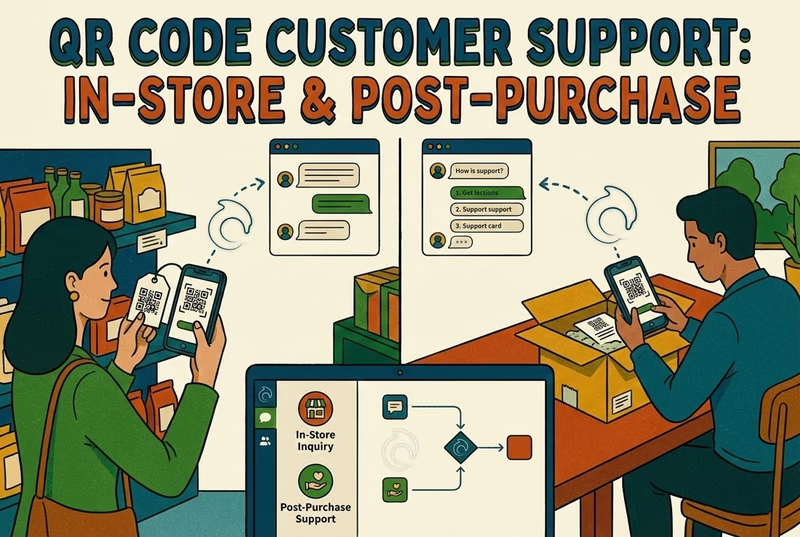
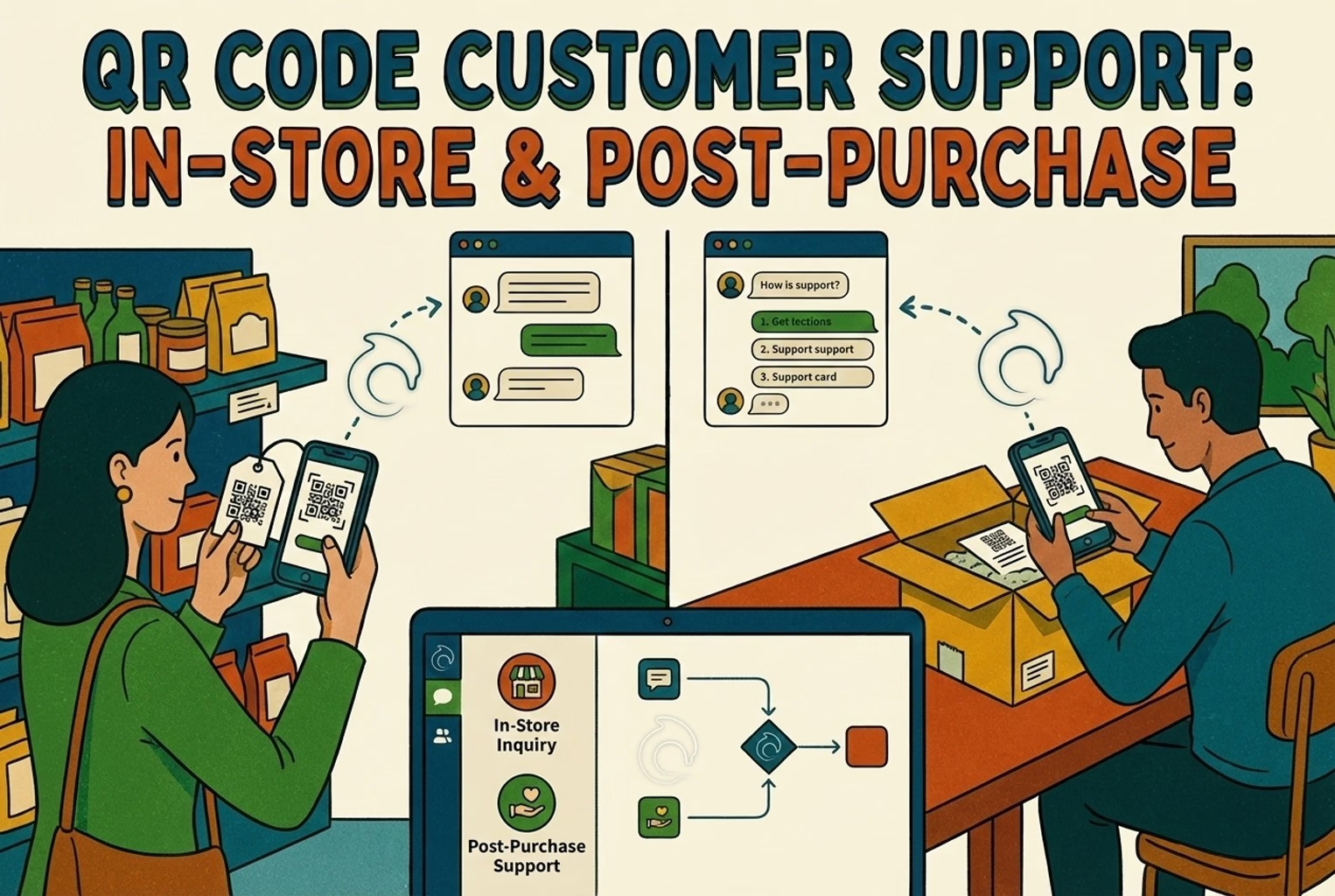
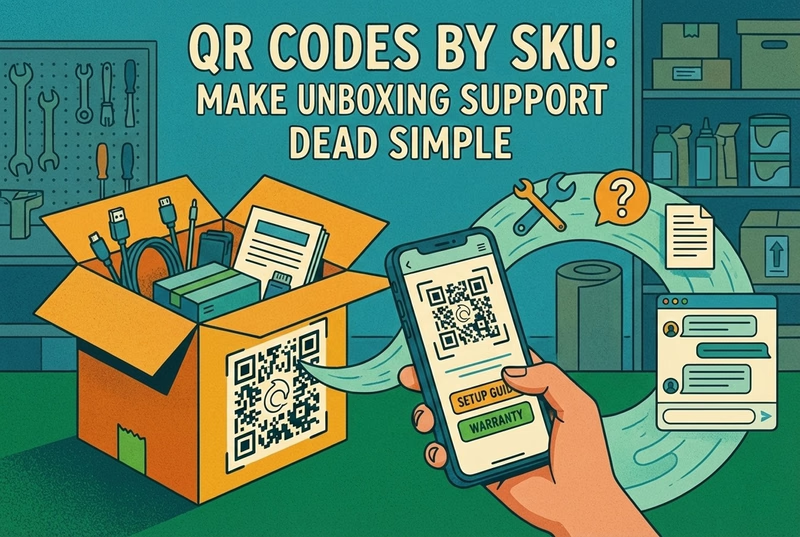
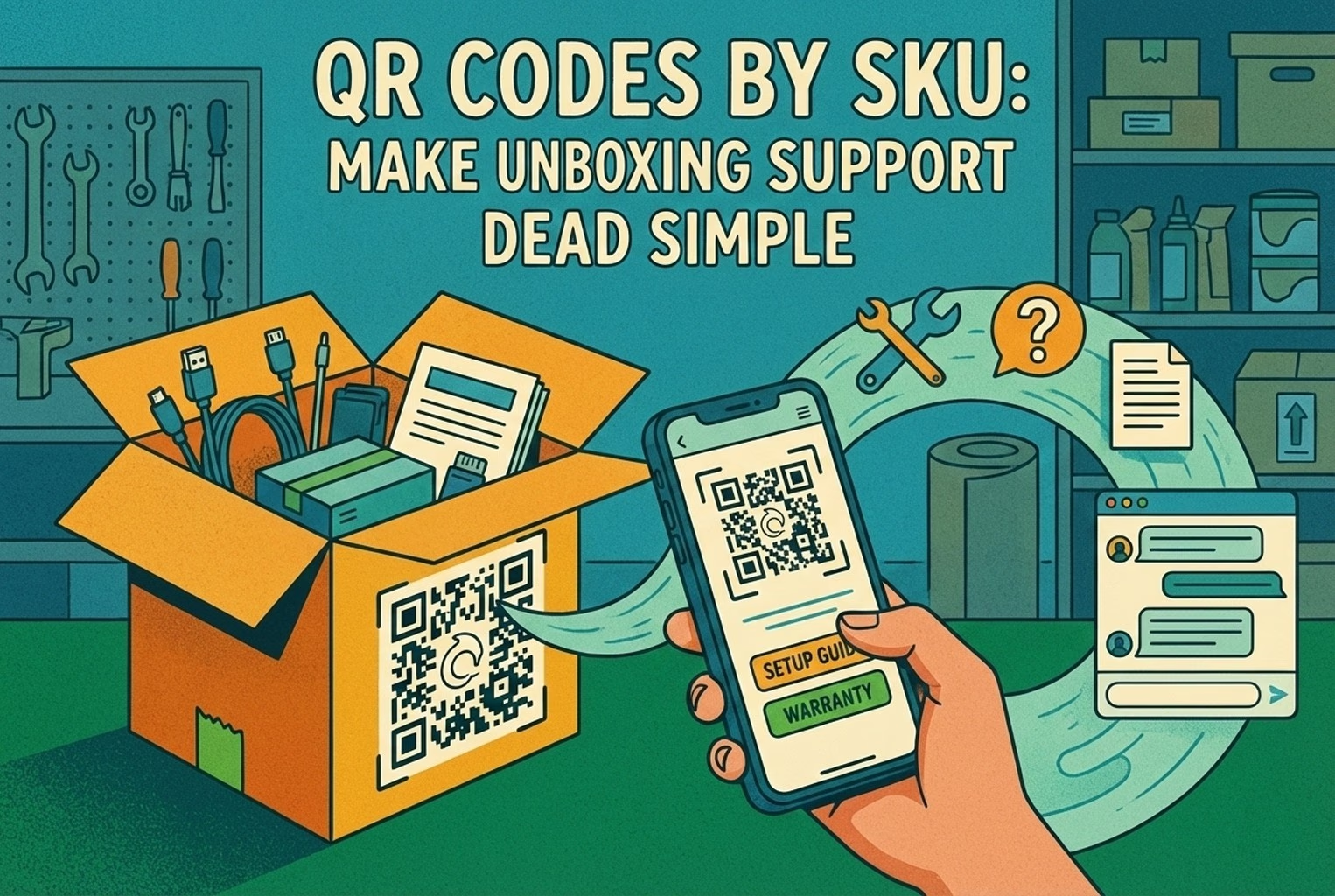
QR codes are an underused CX tool for retail and post-purchase. A well-placed code on packaging, in-store, or on a product can open the right help instead of a generic homepage. AskDolphin's Smart QR support can route those scans into the same shared inbox, so in-store and post-purchase questions do not become a separate silo. Our QR-code customer support page covers how this works in practice.
Basic support measurement
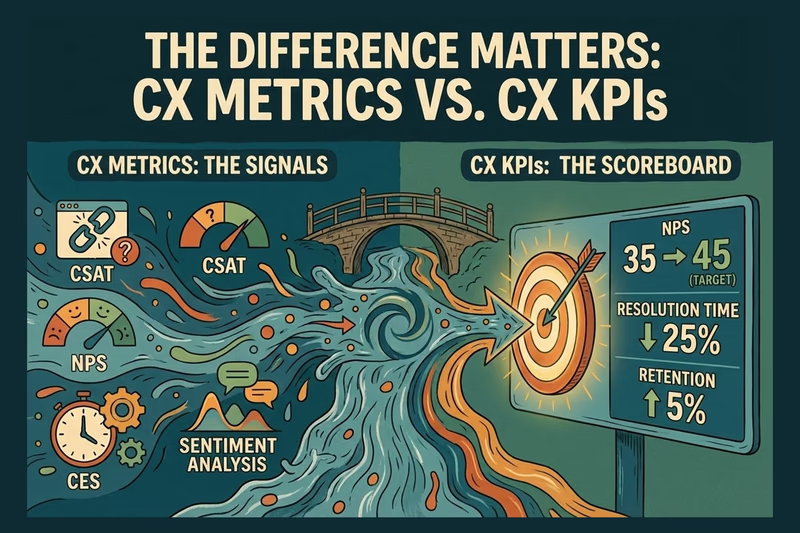
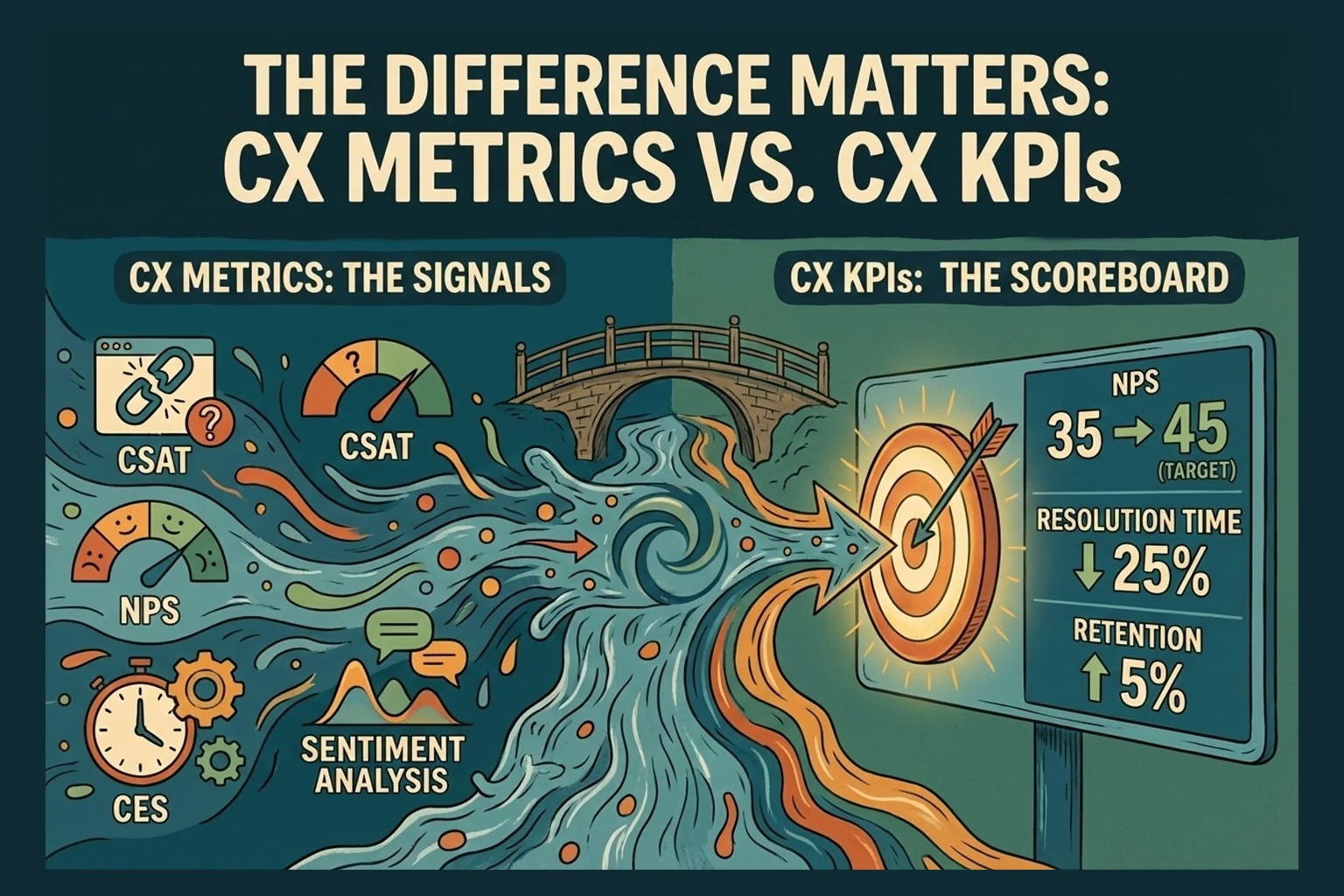
Even a small team benefits from a few numbers: response time, first-contact resolution, and how customers rate resolved conversations. You do not need enterprise analytics to act on these. Keep the set small and review it regularly, and if you are unsure which of them deserve a target, our guide to CX metrics versus CX KPIs covers how to choose. AskDolphin includes a dashboard with lightweight analytics; treat it as a starting point rather than a full business-intelligence system.
Human handover and operational control
No AI or automation should trap a customer. A good CX stack makes it easy to hand a conversation to a person, and it gives owners control over who can use which tools. Human handover is not a fallback to apologize for; it is a core part of keeping trust when a question is sensitive, high-value, or simply unusual.
A practical evaluation checklist
When comparing any CX tool, run it through these questions:
Does it bring conversations from more than one channel into a single workspace?
Can any teammate see the full history, so replies are not duplicated?
Does any AI assistance answer from knowledge you own and approve, rather than guessing?
Is handing over to a person quick and obvious, rather than a dead end?
Can you configure and route it without specialist help?
Does it overlap with something you already run, and if so, what are you retiring?
Does it give you the few numbers you will actually act on, such as response time and first-contact resolution?
If a tool fails several of these, it is probably the wrong fit, no matter how impressive the feature list looks.
Avoiding an unnecessarily complex stack
The most common mistake is buying too much. A large stack of overlapping tools creates integration work, scattered context, and higher costs, without improving the customer's experience. Start with a shared inbox and the channels you actually use, add approved knowledge and grounded AI assistance, and only expand when a real problem forces you to.
If your question is specifically "what is the minimum I need to operate," the CX platform minimum stack article answers that directly. If you are still deciding what CX means for your team, start with our overview of customer experience for retail teams.
Conclusion and next step
The right customer experience tools for an ecommerce or retail team are the ones that keep context in one place, keep answers accurate, and keep a person in control when it matters. That usually means a shared inbox, live chat, email, approved knowledge, grounded AI assistance, and QR support, not an enterprise platform.
If you want to try a lean setup that brings these together, you can create an AskDolphin account and start with the channels your customers already use.