




AI Support Without Dodgy Answers
AI support usually fails when the knowledge behind it is messy. This guide shows how ecommerce teams structure shipping, returns, product data, guardrails, and human handoffs so answers stay accurate and policy-safe.
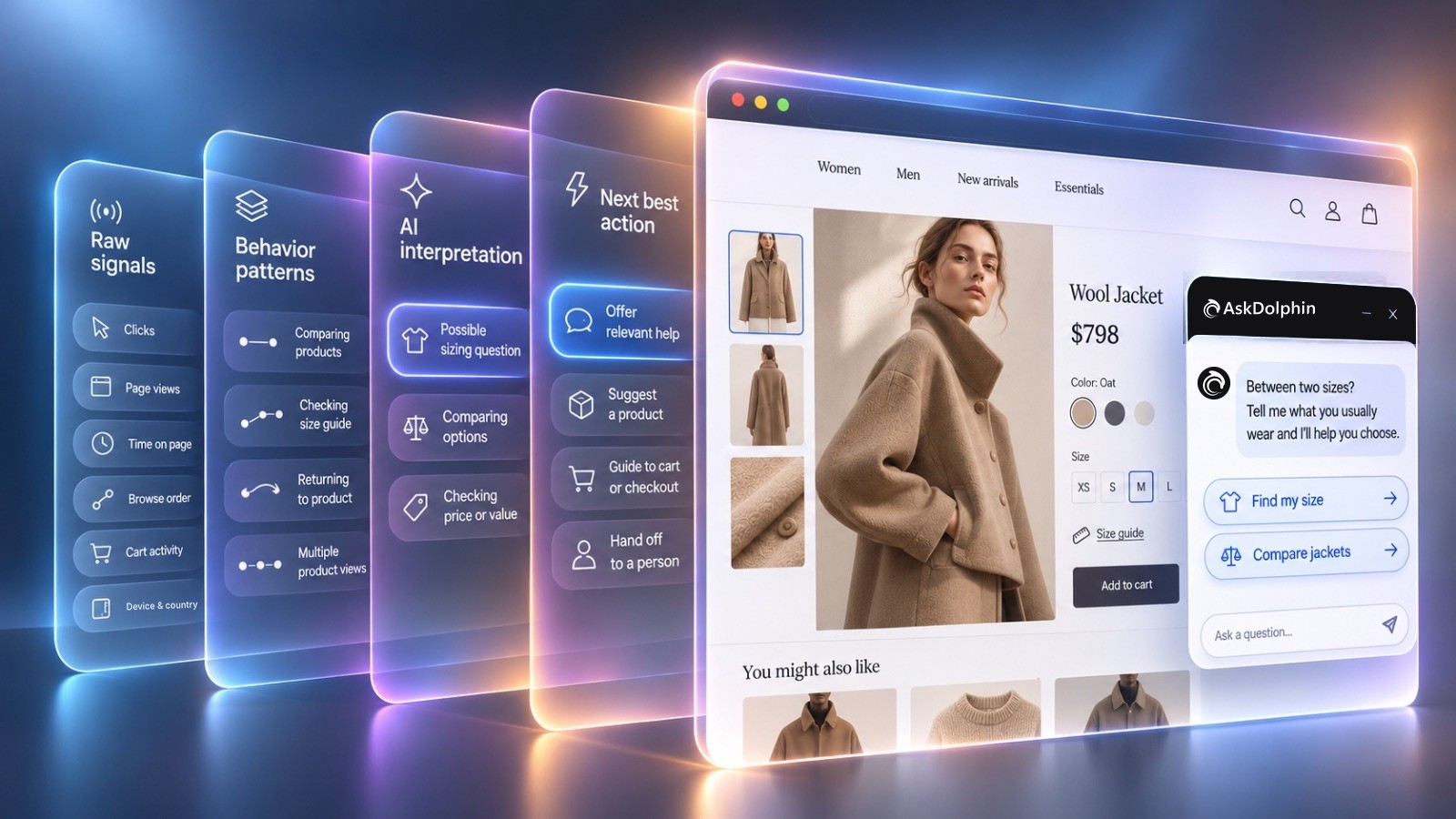
AI customer behavior analysis helps businesses understand what shoppers may need by studying their actions on a website. AI can turn browsing patterns, clicks, and shopping activity into relevant help before customers ask a question.
For example, a shopper in a clothing store switches between two winter coats. They open the size guide, return to a product page, and leave without asking anything.
Those actions may suggest uncertainty, but they don't explain the reason on their own.
This guide explains how AI reads behavioral signals, interprets shopping intent, and chooses useful assistance.
You can start using AskDolphin to explore how AI helps visitors during their shopping journey.
AI customer behavior analysis uses a visitor's website activity to identify possible interests, questions, and buying intentions.
Every visit contains small signals. A shopper opens a product, compares another option, checks delivery information, or returns to something they viewed earlier.
Each action gives part of the picture.
Traditional website analytics can show which pages people visit and which actions they take. Behavioral AI goes further by using those actions to estimate what help might be relevant.
The important signals include:
Behavioral signal | What it shows | What it might suggest |
|---|---|---|
Pages visited | Which products or services interest someone | Product interest or comparison |
Browsing order | How someone moves between pages | A developing decision |
Clicks | Which details receive attention | A specific question or concern |
Time on pages | Where someone spends their visit | Interest, reading, or uncertainty |
Cart activity | Which products someone has selected | Possible buying interest |
Returning to products | Whether someone revisits an option | Comparison or reconsideration |
These interpretations are possibilities, not confirmed facts.
Someone spending several minutes on a jacket page might be interested in buying. They might also be distracted or reading the product details carefully.
AI needs context from multiple signals to make a useful interpretation.
For example, visiting a size guide means something different when the shopper also compares two sizes. That combination offers a more useful clue than time spent on one page.
The same principle applies across a complete customer journey. Each action gains meaning from what happened before it.
The next question is how AI turns those observations into an understanding of what shoppers want.
AI interprets shopping intent by examining how different visitor actions connect, rather than treating each action as a definite intention.
A page view tells you where someone went. A sequence of actions provides a better picture of what they might be trying to decide.
Consider a shopper who visits three running shoe pages.
They compare two models, read their specifications, and return to the first pair. That pattern may suggest they're choosing between alternatives.
It does not prove they're ready to buy.
AI can use these patterns to identify several possible needs:
The difference between interest and buying readiness matters.
Baymard Institute's 2026 cart abandonment research found 42% of US online shoppers had abandoned a cart because they were browsing or not ready to buy.
An unfinished cart does not automatically mean a customer needs a sales message.
This is why good behavior analysis should consider several signals together.
For example, comparing jackets, checking sizes, and returning to one option may suggest a sizing question. But it doesn't reveal the shopper's exact measurements or preferred fit.
AI should offer help instead of pretending to know the answer.
Many common shopping concerns also appear in these product questions that can prevent a sale.
The purpose of interpretation is to find a useful next step, not simply label every visitor as a potential buyer.
[cta:ai-sales-assistant]
AI decides what help may be relevant by matching the visitor's likely need with available product information and suitable next steps.
The goal is not to interrupt every shopper.
It is to offer assistance that fits the situation and allows the visitor to decide whether to continue.
Imagine two people visiting the same clothing product page.
The first compares sizes and opens the size guide. The second compares different jacket styles and reads product descriptions.
Their activity suggests different questions, even though they're looking at the same product.
A useful message could say:
"Not sure which size to choose? Tell me your usual size and I'll help you compare."
[Help with my size] [View delivery options]
A different message could say:
"Choosing between these jackets? I can explain the main differences."
[Compare jackets] [Ask a question]
Both messages offer a clear next step. Neither claims to know exactly what the shopper is thinking.
Relevant help generally follows three principles.
First, the message should connect with a possible need. A sizing question deserves sizing help, not a general welcome message.
Second, the information should come from the business's actual products, services, and answers. AI should not invent product details when information is missing.
Third, the visitor should remain in control. They can ask another question, continue browsing, or speak with a person.
That last point is especially important when a question needs human judgment.
Behavioral intelligence works best when it connects website activity with useful customer touchpoints, rather than adding another interruption.
AI behavior analysis follows the same general process across industries, but the questions shoppers need answered can be very different.
Fashion customers often need help with size and fit. Electronics shoppers may be comparing compatibility, while hotel visitors may be choosing between rooms.
Here are four hypothetical examples of how behavioral signals could lead to relevant assistance.
Example: A shopper views two dresses, opens the size guide, and returns to the first dress.
The browsing pattern may suggest uncertainty about sizing or fit.
A helpful message could be:
"Need help choosing a size? Tell me what you usually wear and I'll help you compare."
[Help with sizing] [Delivery information]
The message gives the shopper a simple way to ask without repeating their browsing history.
Example: Someone compares two moisturizers and repeatedly opens their ingredient details.
They may be checking whether either product meets their preferences.
A suitable message could be:
"Comparing these moisturizers? I can show you their ingredients and main differences."
[Compare ingredients] [Product details]
The assistant should explain the available product information rather than guess at medical suitability.
Example: A customer looks at a wireless keyboard, checks another model, and returns to the specifications.
They may want to understand compatibility or compare features.
A relevant message could be:
"Not sure which keyboard fits your setup? I can help compare the specifications."
[Check compatibility] [Compare models]
The shopper can share their device details before receiving a recommendation.
Example: A visitor compares a standard room with a family room and reads the arrival information.
They might be deciding which room suits their trip.
An appropriate message could be:
"Choosing between these rooms? I can explain the differences and help you find the right option."
[Compare rooms] [Arrival information]
These examples show why one generic message cannot address every visitor's situation.
The useful pattern remains the same: observe the visit, consider the likely question, and offer an appropriate next step.
AskDolphin uses visitor behavior to create personal messages that connect shopping activity with the business's own information.
AskDolphin's AI Sales Assistant reads each visitor's behavior on your website as it happens, works out what they're looking for, and writes them a personal message with reply buttons that start the right conversation.
It considers the visitor's current page, previous pages, browsing order, clicks, and time spent. It can also use their device, browser, country, and referral source.
For connected Shopify stores, cart activity provides additional context.
These signals help the assistant interpret whether someone is comparing options, checking delivery, reviewing availability, or preparing to buy.
The assistant then uses the business's products, services, and answers to write a message.
For instance, two customers viewing the same rain jacket could receive different suggestions.
One may need sizing help. Another may want to compare materials or delivery options.
The reply buttons offer a simple way to continue.
A visitor can receive an answer from Dolphin AI by AskDolphin, follow a relevant product link, or speak with the team.
With a connected Shopify store on Pro, supported actions also include cart and checkout help. Payment takes place through Shopify's own checkout.
You can explore the feature on the AskDolphin AI Sales Assistant product page.
AskDolphin provides a purchase-intent score from 0 to 100, with plain-language reasons behind it.
A visitor brief also explains the activity and what the visitor may need.
The score is an estimate of buying interest. It should not be treated as proof that someone will place an order.
With Session Replay, the team can review selected, consent-recorded visits alongside the chat and visitor brief.
That gives the business more context when reviewing customer questions or uncertain shopping journeys.
Personal opening messages, the purchase-intent score, visitor history, and Session Replay are available through the Advanced Visitor & Sales add-on for Free or Pro.
The AI Sales Assistant can also answer visitors who write first on either plan.
For a broader introduction to sales assistance, see how AI sales agents help ecommerce shoppers buy.
This article focuses on the behavioral reasoning behind those conversations.
[cta:live-chat]
Businesses should use behavioral insights to offer useful assistance while respecting visitor consent and avoiding unsupported assumptions.
A behavioral signal is not permission to make personal claims about someone.
For example, a shopper returning to a product does not necessarily mean they are worried about its price. They might simply want to review the details again.
Messages should offer choices instead of describing what the business observed about the visitor.
AskDolphin's behavior-based assistance works on visits recorded with the visitor's consent.
Session Replay recording begins only after the visitor accepts cookies. Checkout, payment, sign-in, and account pages are not recorded, and form fields are masked.
Businesses can also choose how the AI Sales Assistant responds.
With Assistive mode, the assistant answers when asked. With Proactive mode, it can write a personal opening message on eligible visits.
Businesses can select the response tone, the share of visits covered, and which days the feature operates.
A practical checklist can help you assess whether the experience is useful:
The aim is not to get AI to speak more often.
It is to help the right visitor with a relevant question, while leaving the final decision with them.
AI customer behavior analysis uses website actions such as page views, clicks, browsing order, and shopping activity to estimate what a visitor may need. Businesses can use those estimates to provide relevant product information, answer likely questions, or offer support before a customer asks.
AI estimates buying interest by considering patterns such as product comparisons, return visits, and cart activity together. These signals can suggest someone is moving toward a decision, but they cannot confirm that a purchase will happen or explain every reason for hesitation.
AI can identify activity that may suggest concerns about products, delivery, or other shopping decisions, but an abandoned cart does not reveal the exact reason. Some visitors are simply browsing, so businesses should treat behavioral interpretations as useful clues rather than confirmed explanations.
AskDolphin's AI Sales Assistant uses consent-recorded visitor behavior, including browsing paths and clicks, to work out what help may be relevant. It writes a personal message using the business's own product information and answers, then offers reply buttons that let the visitor choose how to continue.
Yes. Behavioral analysis can help businesses understand website activity across fashion, beauty, electronics, hospitality, and other service-heavy industries. The possible needs differ by industry, so useful assistance should reflect the products, services, and questions involved rather than offer the same generic message everywhere.
AI support usually fails when the knowledge behind it is messy. This guide shows how ecommerce teams structure shipping, returns, product data, guardrails, and human handoffs so answers stay accurate and policy-safe.
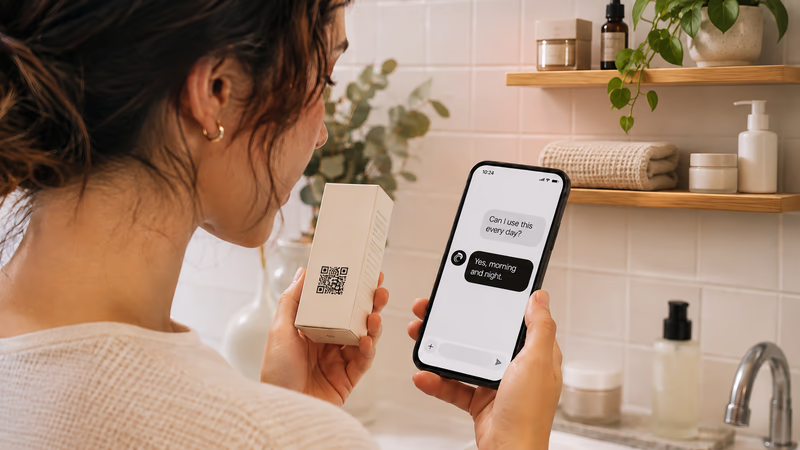
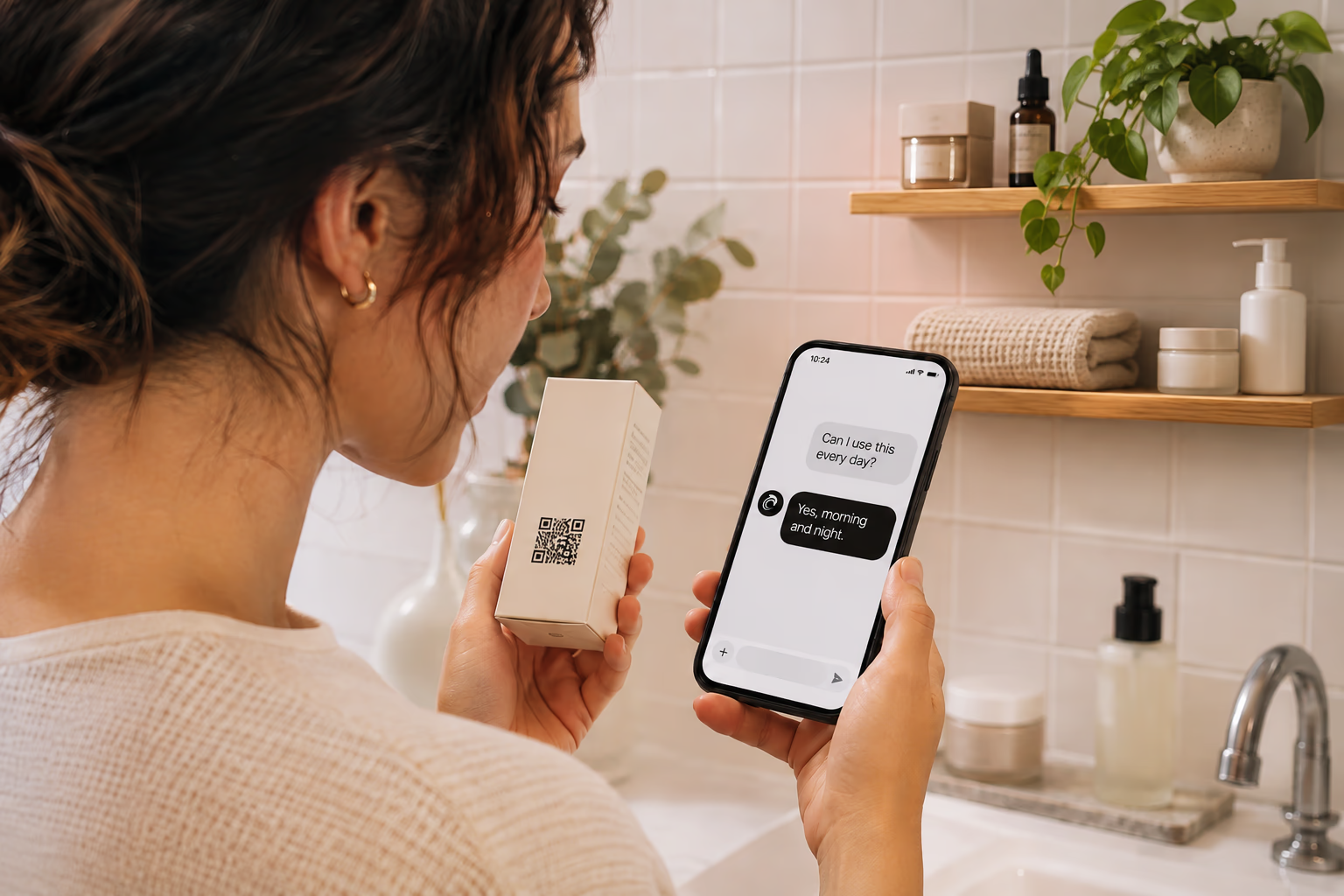
Most merchants do not need more chat. They need fewer repeat questions after purchase. This article covers what works when merchants add AI chat on Shopify, where it breaks, and how QR support takes pressure off chat and email.
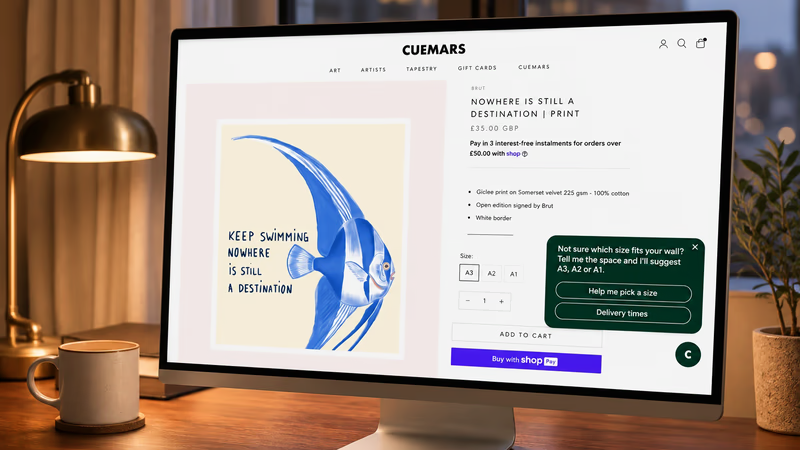
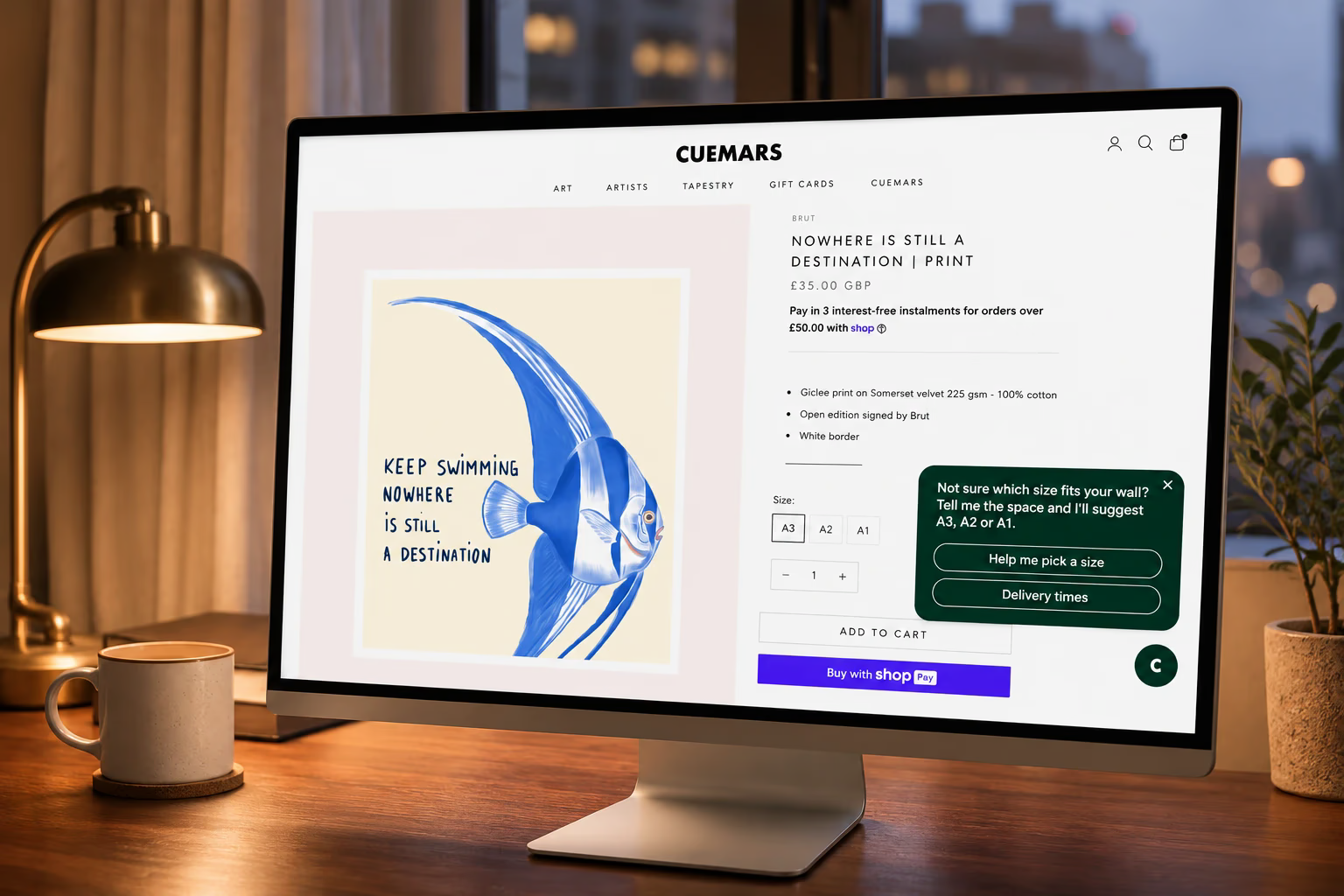
An AI sales agent for ecommerce reads how each shopper browses and offers help that fits. Here's what it reads, what it should say and how to tell if it's working.

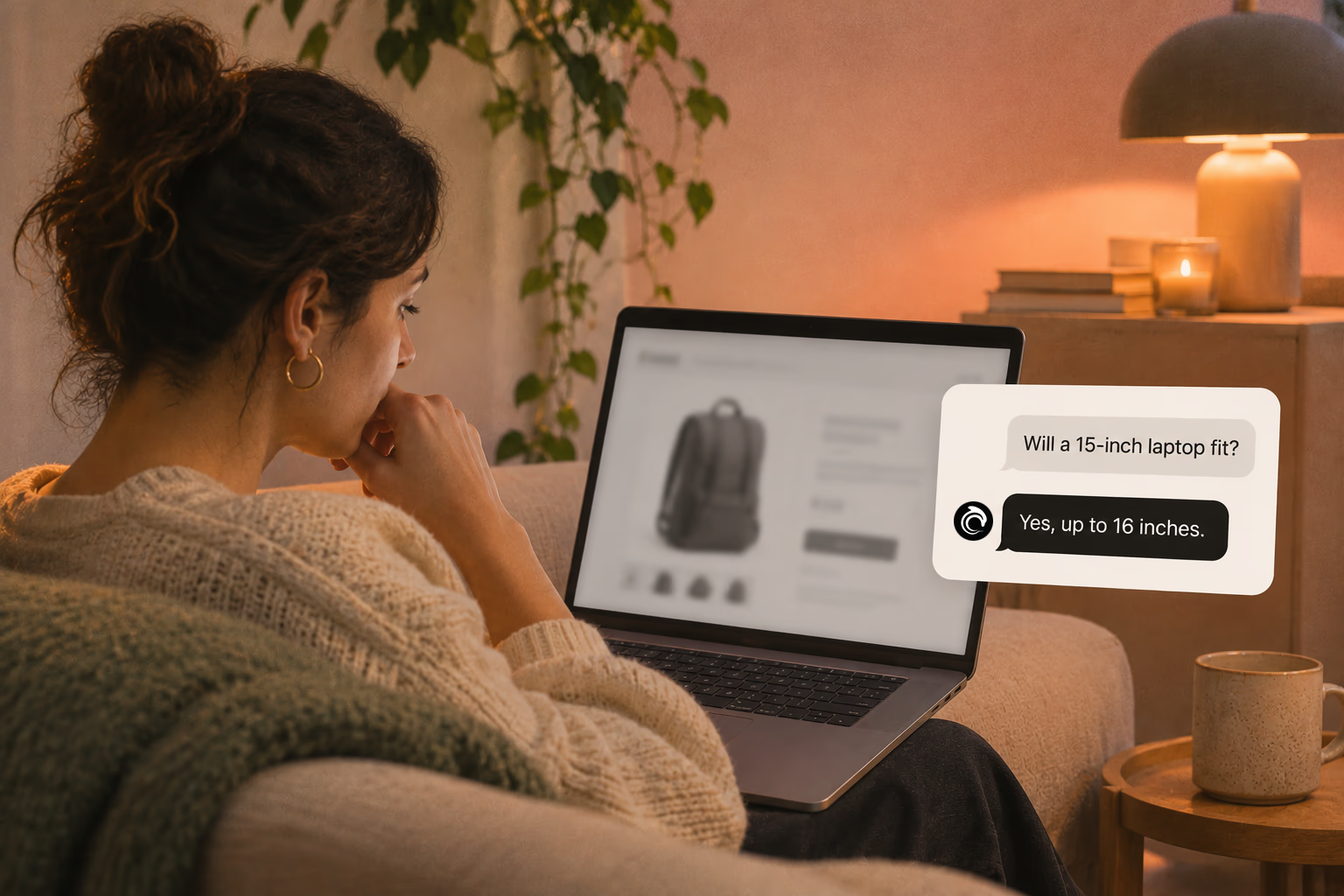
Shoppers rarely abandon because they dislike a product. They leave when delivery, returns, sizing, or compatibility answers are missing. This case study lists 25 sales-blocking questions and how synced knowledge keeps replies accurate.
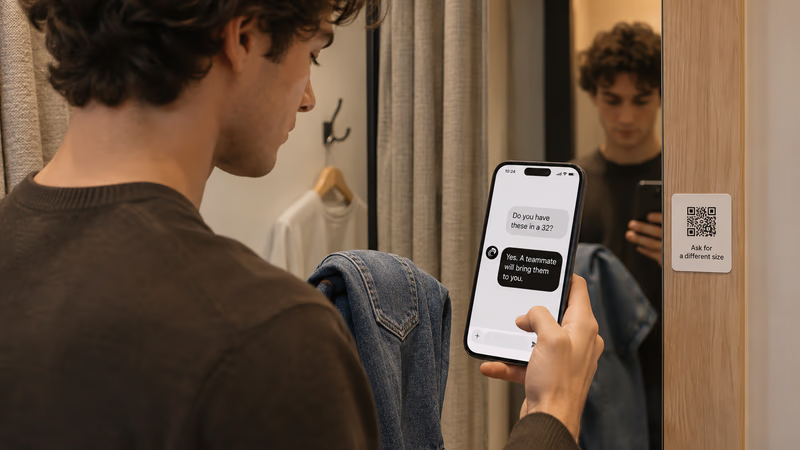
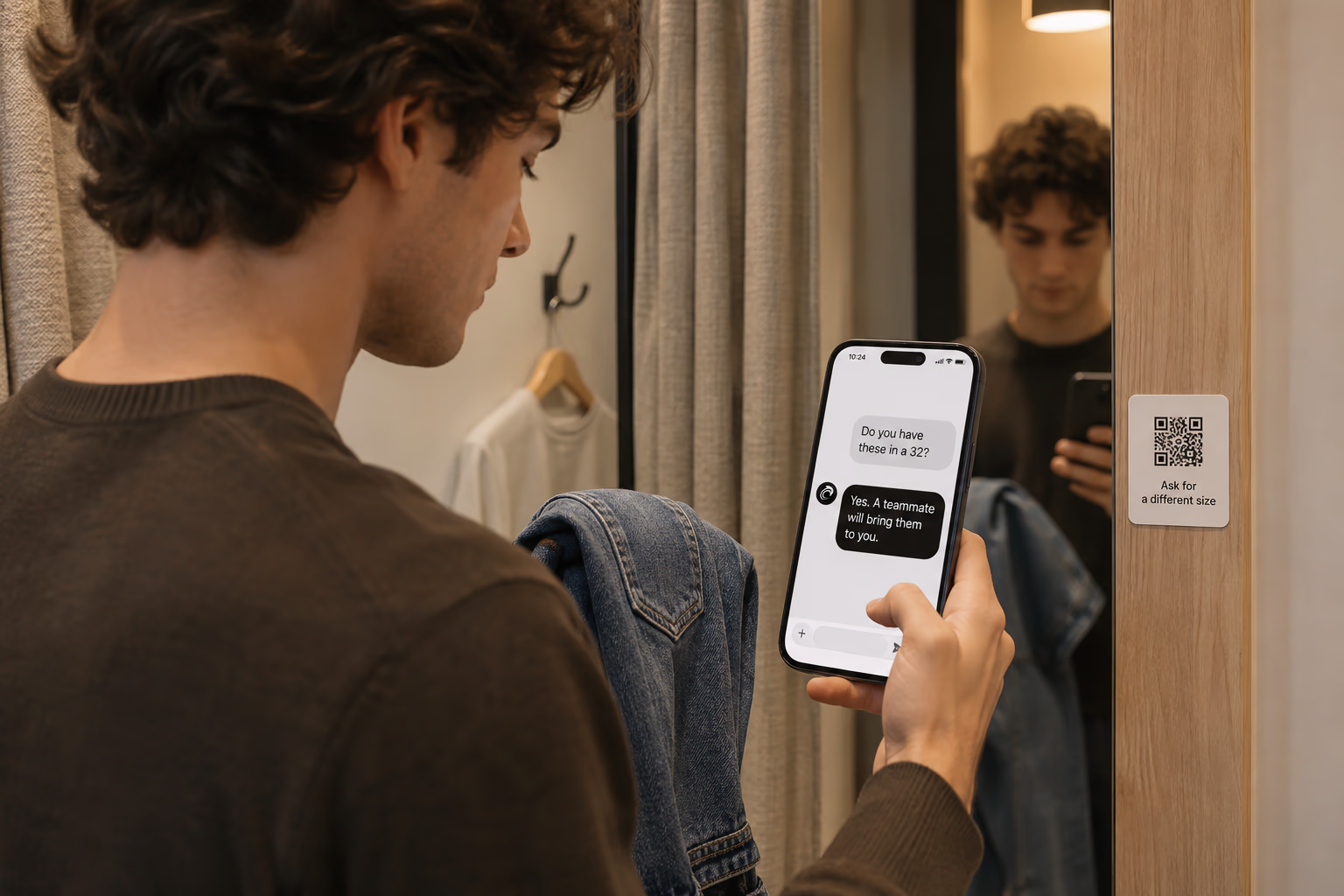
QR codes fail when they send shoppers to generic homepages or promo pages. This article covers retail placements that worked, what the scan should open, and how teams routed product help into one shared support workflow.
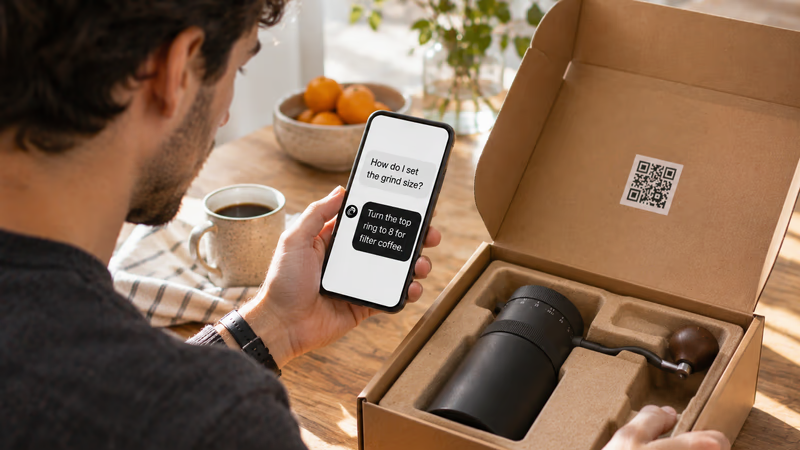
Unboxing support breaks when agents cannot tell which variant a customer holds. This guide shows how SKU-level QR codes on packaging open the right help, with placement tips, static vs dynamic choices, and rollout templates.
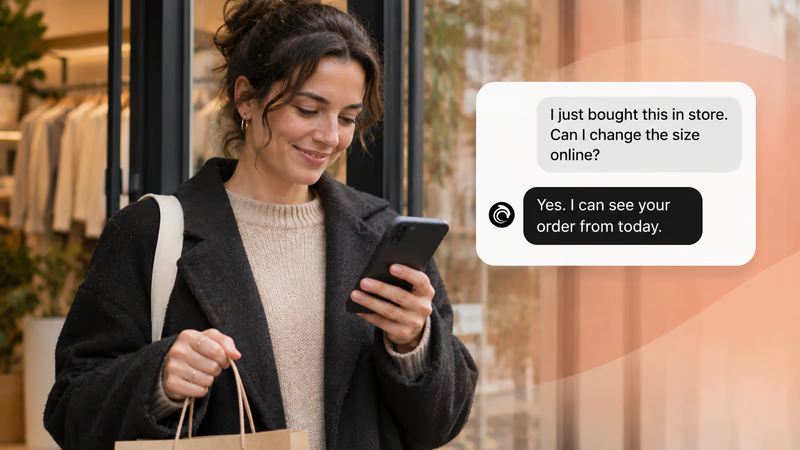

Customers do not think in channels. They scan a QR, email about delivery, and message again when context is missing. This guide explains the minimum omnichannel setup retail teams need when support is not joined up.


A plain-English look at customer experience platforms for retail and ecommerce teams. Understand what a CX platform is, how it differs from scattered CX tools, and the minimum stack needed to reduce support noise without enterprise software.


A customer is not one role but several: buyer, user, client, influencer. This guide covers the types, segmentation models, adoption curve and lifecycle stages that shape how teams serve them.


A journey map shows what customers think, feel and do at every stage, from first discovery to advocacy. What goes into one, and how to build it.


A case-study style checklist for merchants who need live chat running fast without creating another inbox headache. See the settings, routing choices, and reply habits that improved response quality in real Shopify stores.


Selling across borders should not turn support into chaos. This playbook shows how retail teams handle multilingual chat and email with translation-safe macros, clear escalation rules, and QA habits that protect quality.
Install it in a minute. It starts working on your next visitor.
14 days, every feature.