




AI Support Without Dodgy Answers
AI support usually fails when the knowledge behind it is messy. This guide shows how ecommerce teams structure shipping, returns, product data, guardrails, and human handoffs so answers stay accurate and policy-safe.
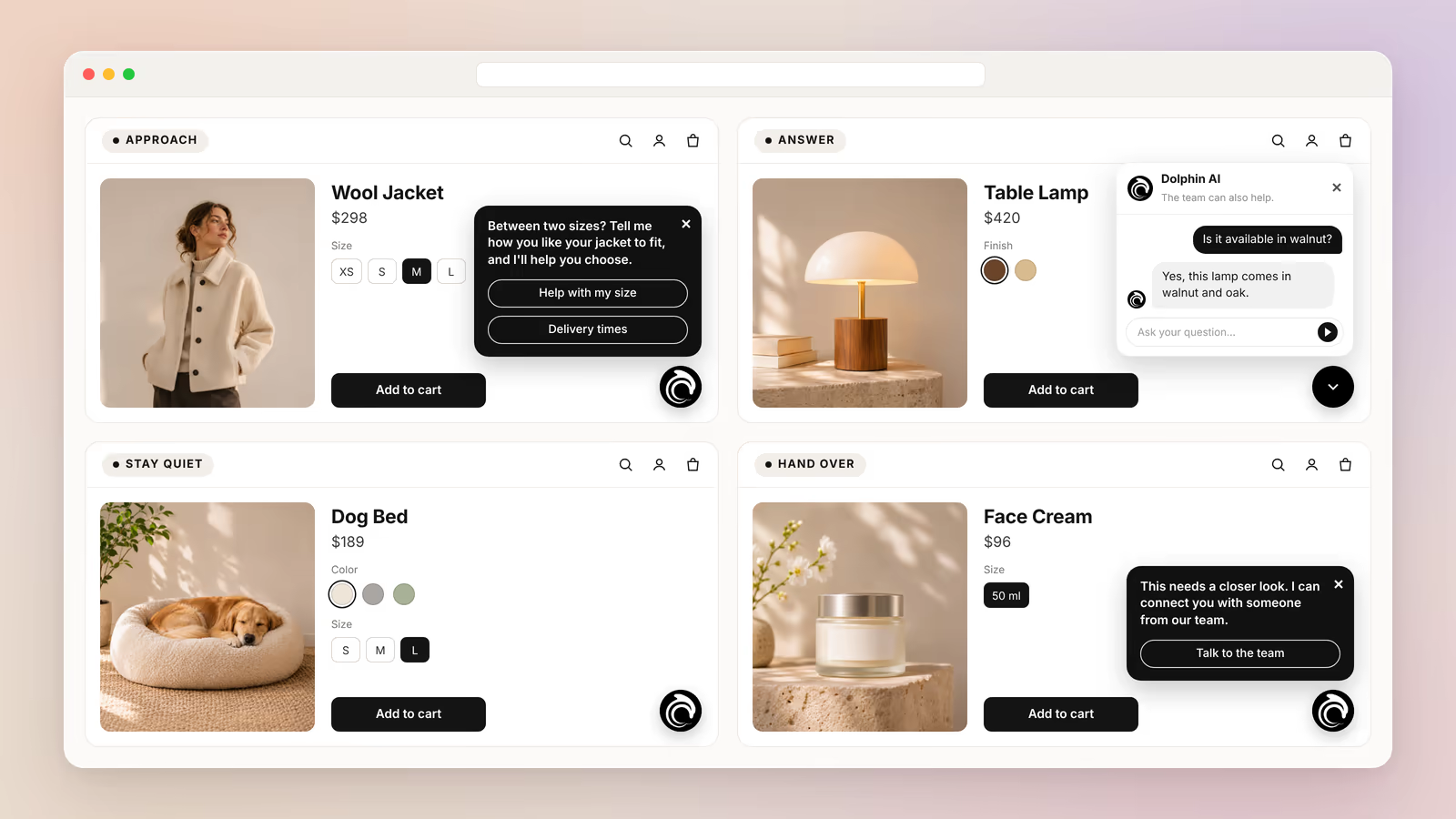
Proactive AI chat should approach shoppers when it can offer useful, relevant help. It should wait while visitors browse, answer when they ask questions, and bring in a person when needed.
Imagine someone comparing two jackets in your online store. They want to check the fit, but they can't decide which size to choose. A helpful message could make that choice easier, while a generic greeting would only interrupt them.
The goal is to offer help without getting in the shopper's way. This guide explains when AI should speak first, answer, stay quiet, or hand over a conversation.
You can try AskDolphin for free to see how AI and live chat can support shoppers in your store.
Proactive AI chat should approach a shopper when their actions suggest that specific help could be useful.
Reactive chat waits for a question, while proactive chat can offer help first. The goal is not to greet everyone the moment they arrive. It is to spot the moments where a useful suggestion fits naturally.
Here are some situations where an approach may make sense:
These situations suggest possible needs. They don't prove that the shopper wants a conversation. Even a full cart is not proof. Baymard Institute's 2026 research found that 42% of US online shoppers have left a cart because they were just browsing or not ready to buy. You can read more about how AI reads these shopper signals.
For example, imagine a shopper comparing two coffee machines.
Example message:
"Choosing between these machines? I can help you compare their features and find the right fit."
[Compare features] [Help me choose]
The message gives a clear reason to reply. It doesn't pressure the shopper or describe their browsing history.
Before an AI assistant speaks first, it should be able to answer yes to three questions:
If the answer to any of them is no, waiting is usually the better choice. For more on what AI can do during a sale, see how AI sales agents help ecommerce shoppers buy.
An AI assistant should stay quiet when there is no clear reason to interrupt the shopper.
Not every visit needs a conversation. Some people know exactly what they want, and others prefer to explore on their own.
Usability research supports this. In a 2019 live chat study, Baymard Institute found that constantly asking shoppers whether they want to chat is disruptive. The same study found chat very helpful when shoppers decide they need it.
Nielsen Norman Group reported in 2021 that popups which cover the page interrupt people's tasks and can erode trust in a brand. If you do offer help, use a small message the shopper can ignore, not a window that blocks the page.
A visitor who opens your homepage hasn't asked for anything yet. Starting a conversation right away can distract them from finding products.
A shopper's activity is not automatically a request for help.
Use this table as a starting point:
Shopper situation | Recommended action |
|---|---|
Opens the homepage | Wait and let them browse. |
Looks through a collection | Stay available without interrupting. |
Compares similar products | Consider offering relevant help. |
Ignores an earlier message | Avoid more follow-ups. |
Starts reading a product description | Give them time to read. |
Asks a direct question | Answer the question. |
A quiet assistant can still be useful. The chat stays available for visitors who decide to ask a question themselves. That is the difference between being available and demanding attention.
For example, a shopper might browse five products simply because they enjoy comparing styles. That activity alone doesn't mean they need sales advice.
The assistant should also respect a shopper who doesn't reply to a message. Repeated greetings become distractions, especially when someone is trying to finish a task.
For store owners, the practical rule is simple. When the reason to speak is weak, give the shopper space.
Your live chat setup should make it easy to ask for help, without asking every visitor to start a conversation.
[cta:ai-sales-assistant]
An AI assistant should answer directly when a shopper has already asked for help.
This is the difference between proactive and reactive chat. Proactive chat offers help before a visitor writes. Reactive chat responds after the shopper starts the conversation, and both have a place in an online store.
Imagine someone asking whether a jacket is waterproof. The assistant should focus on answering that question from reliable product information. There's no need to add an unrelated offer or recommend another product first.
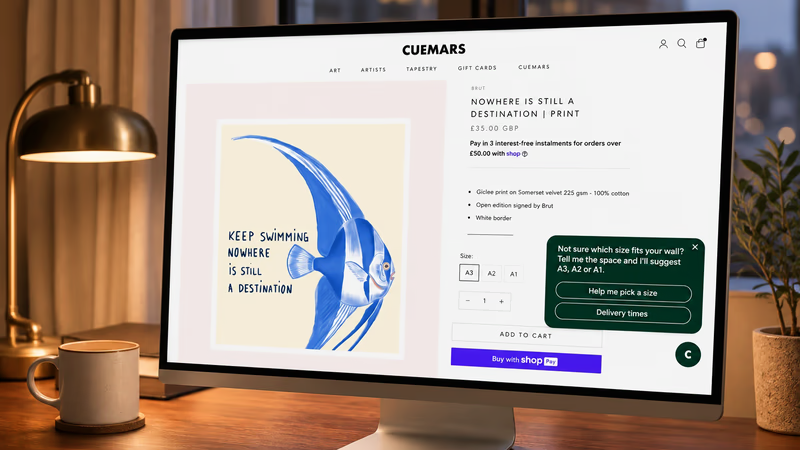
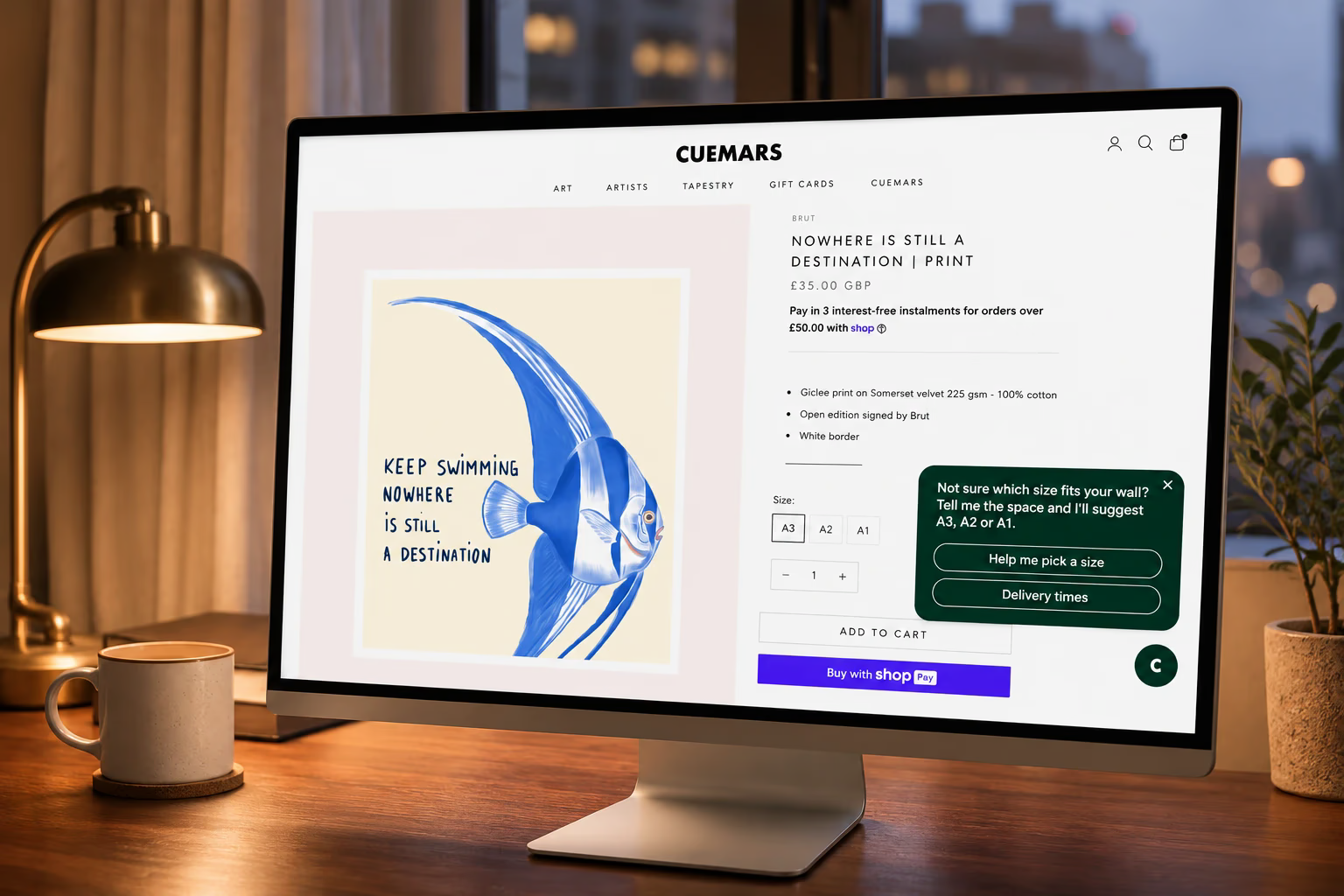
The same principle applies when a shopper taps a reply button. For example, imagine the assistant offers sizing help.
Example opening message:
"Not sure which size fits? I can help you compare the available options."
[Find my size] [Check delivery]
If the shopper taps "Check delivery," the next reply should be about delivery. It shouldn't restart the introduction or go back to sizing advice. A conversation stays useful when each reply follows what the shopper wants.
For Shopify merchants, these are common questions AI can help answer when the right information is available:
The quality of an answer depends on the information the assistant has. Dolphin AI by AskDolphin answers from what the business adds in Data Sources: website pages, products, help center articles, and its own questions and answers. When the information isn't there, a good assistant says so instead of guessing.
You can read more about AI support without dodgy answers.
Proactive engagement should start a relevant conversation. Once the shopper replies, their question becomes the priority.
AI should hand a conversation to a person when it can't help reliably or when a human decision is needed.
An assistant doesn't need to handle every situation by itself.
Shoppers care about this. In a 2024 Gartner survey of 5,728 customers, the top concern about AI in customer service was that reaching a person would get harder. Gartner advises that a chatbot should tell customers it will connect them to an agent when the AI can't solve the problem.
For example, a shopper may ask which colors a product comes in. If that information is in the store's product details, AI can help. Another shopper might describe a damaged order and ask for a special solution, which may need someone from your team.
Human help is especially useful when:
For example, imagine a shopper explaining that an item arrived damaged.
Example reply:
"I'm sorry your item arrived damaged. I can connect you with someone from our team."
[Talk to the team] [Explain my options]
This reply recognizes the problem without promising an outcome the assistant can't guarantee.
In AskDolphin, Dolphin AI can hand a chat to a person when needed. Your team gets an alert in the dashboard when a visitor asks for one. Anyone on your team can join a conversation at any time and see the chat so far, so the shopper doesn't have to start again.
With a connected Shopify store on Pro, requests that change an order wait in Action Review until a person approves them. The AI never approves a request by itself.
To see which questions most often hold a sale back, read 25 product questions that quietly kill sales.
Proactive AI chat should offer help only when the message has a useful purpose.
More messages don't create better conversations. A shopper might welcome one relevant suggestion, but repeated greetings can distract them from comparing products or finishing checkout.
There is no single message frequency that fits every store. A practical approach is to start with restraint and watch how shoppers respond. Baymard's live chat study suggests that when a site does start the chat, once is often enough to show shoppers that help exists.
These guidelines help:
In AskDolphin, you decide when the AI Sales Assistant speaks. You can turn proactive messages on or off, and choose which share of visits and which days it works on.
Compare two possible messages for a shopper looking at a jacket.
Weak example:
"Hello. Welcome to our store. Can I help you today?"
This greeting could appear on almost any page. It gives the shopper little reason to reply.
Better example:
"Between two sizes? Tell me how you like your jacket to fit, and I'll help you choose."
[Help with my size] [Delivery times]
The second message offers help with a real buying question. It also gives the shopper a simple choice.
Messages should never reveal tracking details. Telling someone how many times they viewed a product can make the conversation feel uncomfortable. Offer help with the decision itself instead.
Example for a skincare store:
"Choosing a moisturizer? I can help you compare the product descriptions and ingredients."
[Compare products] [View ingredients]
Example for a furniture store:
"Not sure which table fits your space? I can help you compare the available sizes."
[Compare dimensions] [See delivery options]
Each message has a clear purpose and no pressure. Offer help that matches the decision, then let the shopper choose whether to continue.
[cta:live-chat]
AskDolphin's AI Sales Assistant uses each visitor's behavior to write a relevant opening message, and its settings let you control when it speaks.
AskDolphin's AI Sales Assistant reads each visitor's behavior on your website as it happens, works out what they're looking for, and writes them a personal message with reply buttons that start the right conversation.
It looks at the page a visitor is on, the pages before it, what they click, and how long they stay. On Shopify, it can also see their cart. Two visitors on the same page can get two different messages, written from the business's own products, services, and answers.
Store owners choose how it responds:
You also pick its tone: Professional, Friendly, Casual, Concise, Luxury, or a Custom voice you describe yourself. You choose which share of visits it follows and on which days. A visit your settings skip gets no opening message, but the visitor can still use live chat and Dolphin AI as usual.
Personal opening messages are part of the Advanced Visitor & Sales add-on, for Free or Pro. The add-on also includes the purchase-intent score, visitor history, and Session Replay. These features work on visits recorded with the visitor's consent, and the AI Sales Assistant can answer visitors who write first on both plans.
The 14-day Pro trial needs no card and includes 20 AI sessions, so you can see opening messages on your own visitors. See the AI Sales Assistant page for how it works, and AskDolphin pricing for current plans.
Before you turn on proactive AI chat, work through these steps:
A small clothing store may focus on fit and delivery questions. A furniture store may focus on dimensions and product comparisons. The right approach depends on what your customers need before they buy.
You don't need an AI assistant that speaks at every chance. You need one that offers useful help when it makes sense, answers when asked, and leaves room for your team.
A chatbot should start a conversation when it can offer relevant help with a likely shopping need, such as comparing products, checking delivery, or reviewing a cart. Browsing alone does not prove that someone wants help, so the assistant should avoid unnecessary interruptions.
Proactive AI chat offers help before a shopper asks a question. Reactive AI chat waits for the shopper to start the conversation and then responds. Online stores can use both, depending on whether visitors need an invitation or already know what they want to ask.
An AI shopping assistant should stay quiet when there is no clear reason to offer help. This includes casual browsing, reading product information, and visits where someone ignored an earlier offer. The chat can stay available without interrupting the shopper.
An AI chatbot should transfer a conversation when it lacks reliable information, a human decision is needed, or the customer asks for a person. A damaged order that needs a special solution is a good example. AI can pass the request on, but it should not promise an outcome no one has approved.
There is no universal message frequency for proactive AI chat. Store owners should avoid repeated greetings, give shoppers time to browse, and watch how visitors respond. In AskDolphin, you can turn proactive messages on or off and choose which share of visits and which days the AI Sales Assistant works on.
AI support usually fails when the knowledge behind it is messy. This guide shows how ecommerce teams structure shipping, returns, product data, guardrails, and human handoffs so answers stay accurate and policy-safe.
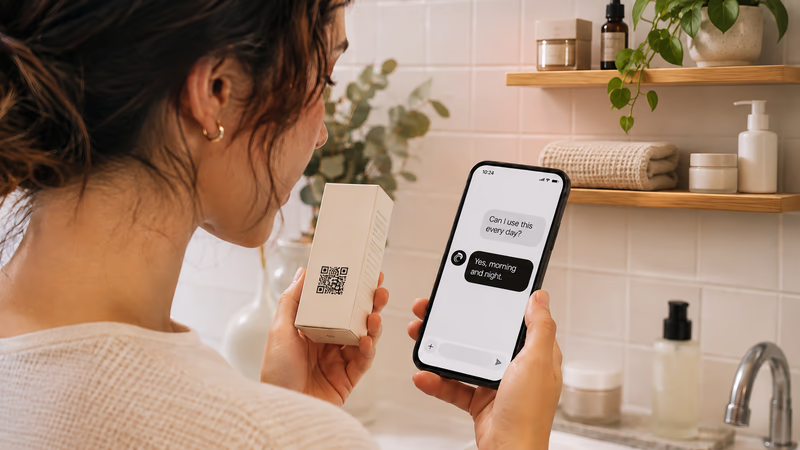
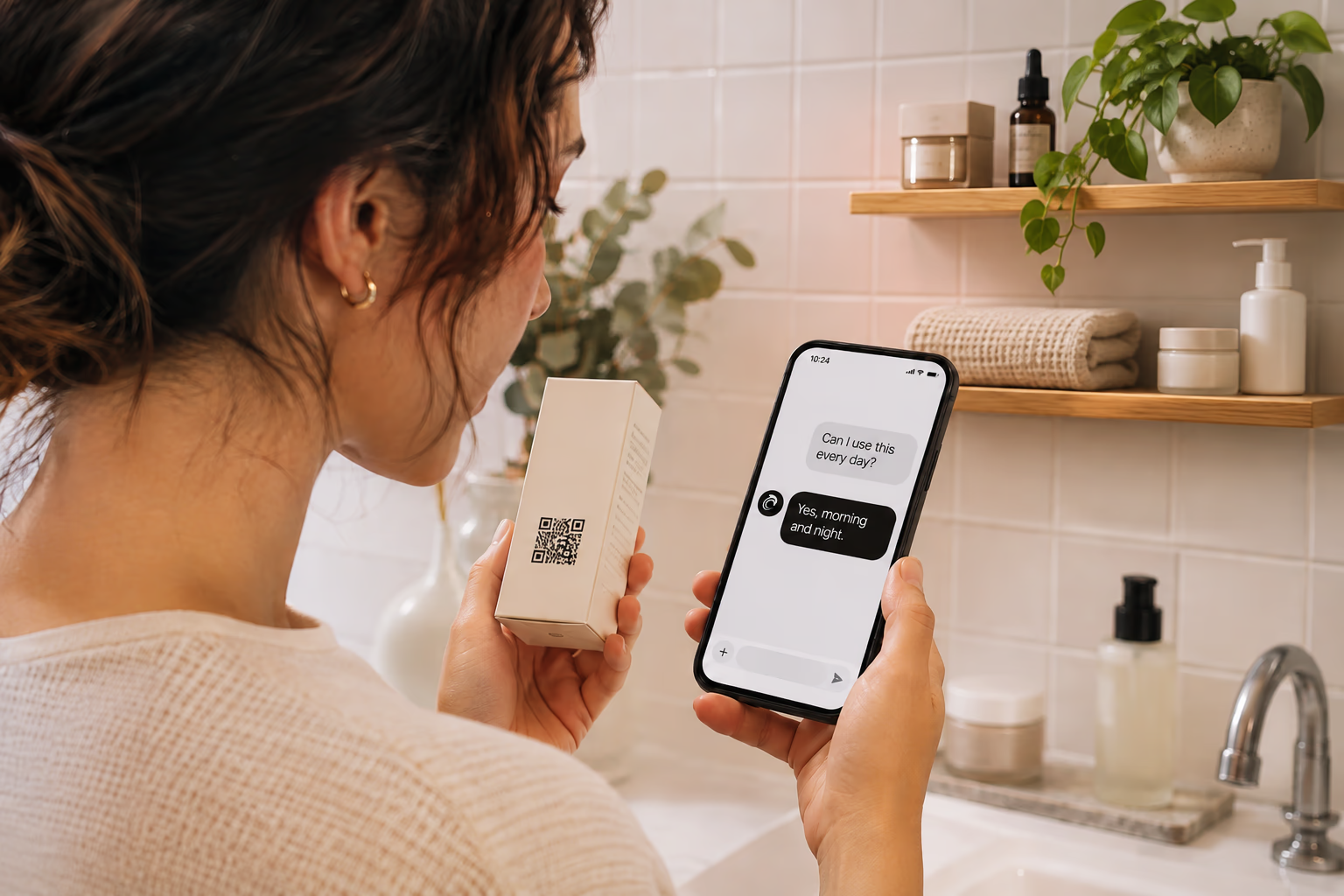
Most merchants do not need more chat. They need fewer repeat questions after purchase. This article covers what works when merchants add AI chat on Shopify, where it breaks, and how QR support takes pressure off chat and email.
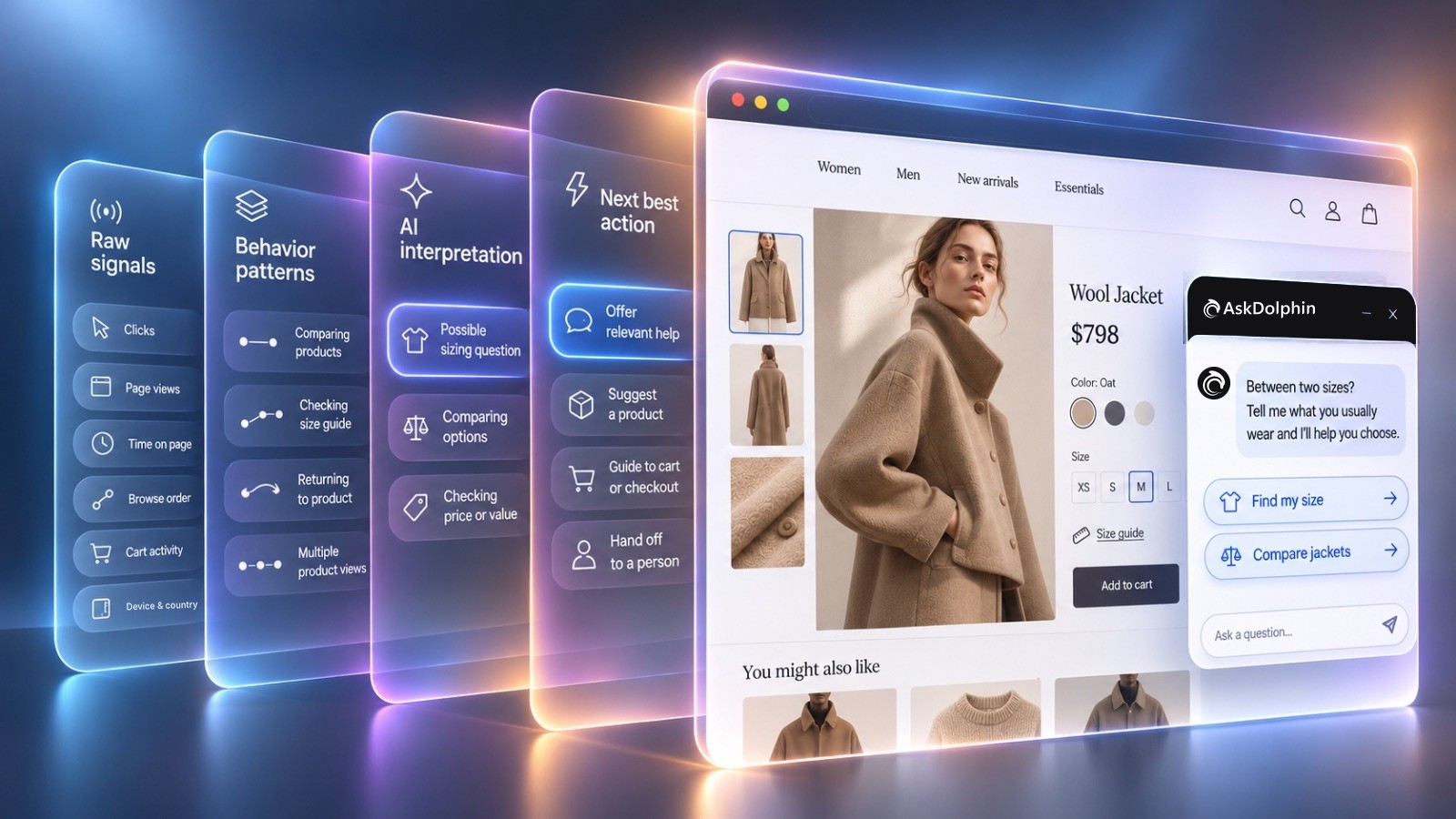
AI customer behavior analysis turns clicks, browsing paths, and cart activity into clues about what shoppers need. Here's how AI reads those signals and offers relevant help.
An AI sales agent for ecommerce reads how each shopper browses and offers help that fits. Here's what it reads, what it should say and how to tell if it's working.
QR codes fail when they send shoppers to generic homepages or promo pages. This article covers retail placements that worked, what the scan should open, and how teams routed product help into one shared support workflow.
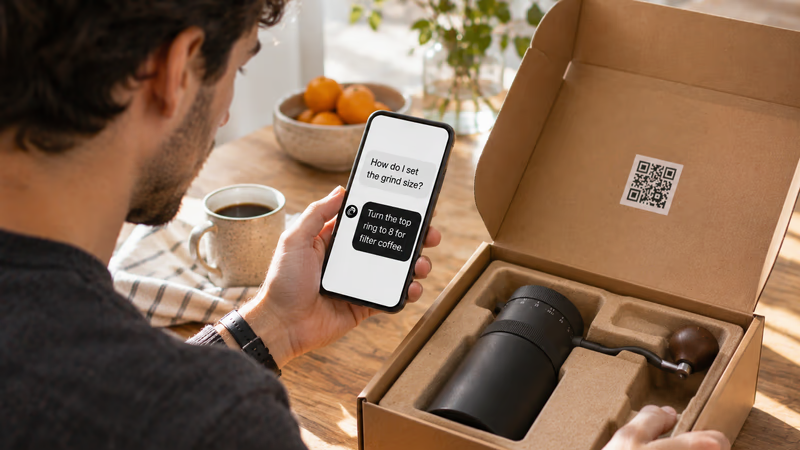
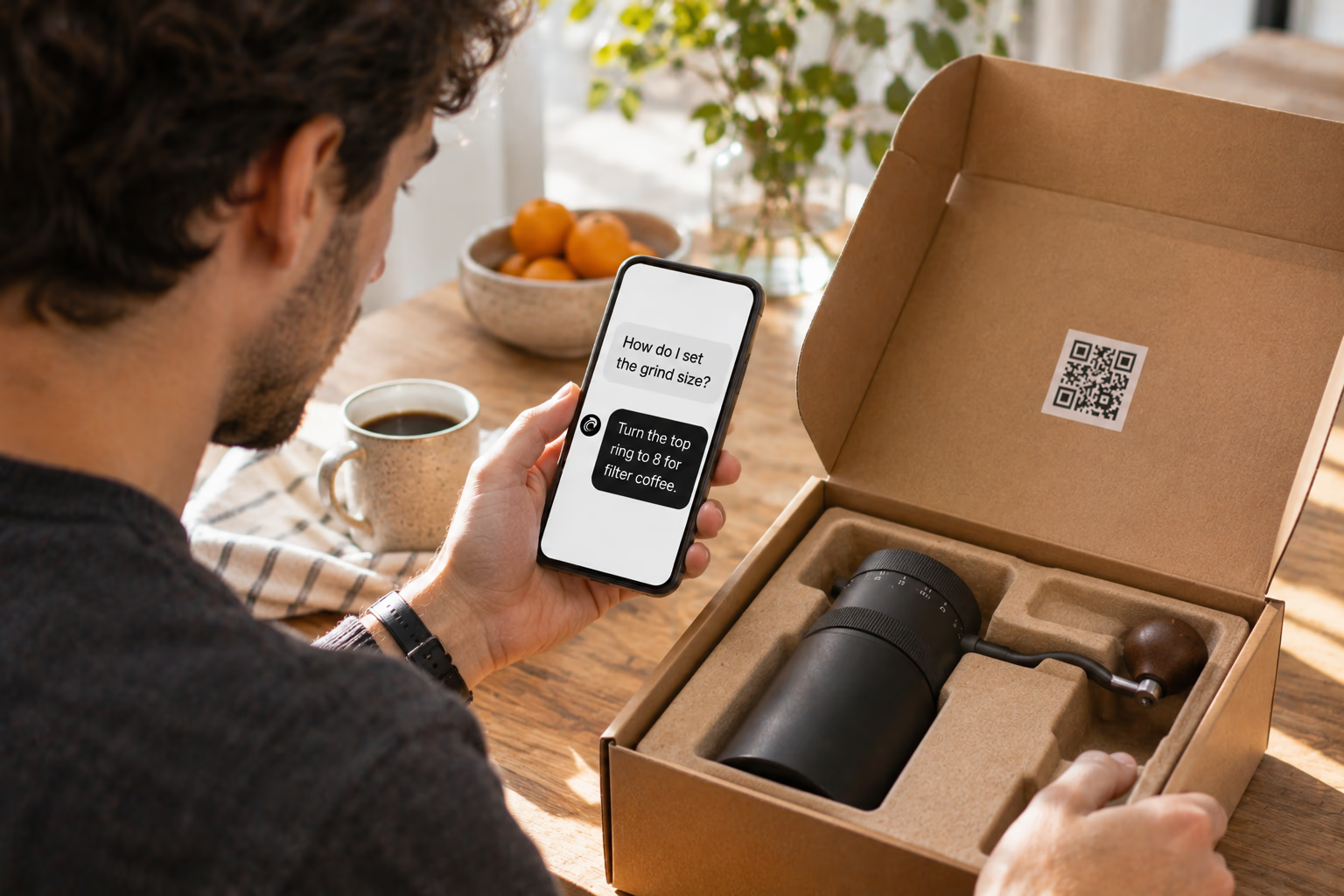
Unboxing support breaks when agents cannot tell which variant a customer holds. This guide shows how SKU-level QR codes on packaging open the right help, with placement tips, static vs dynamic choices, and rollout templates.
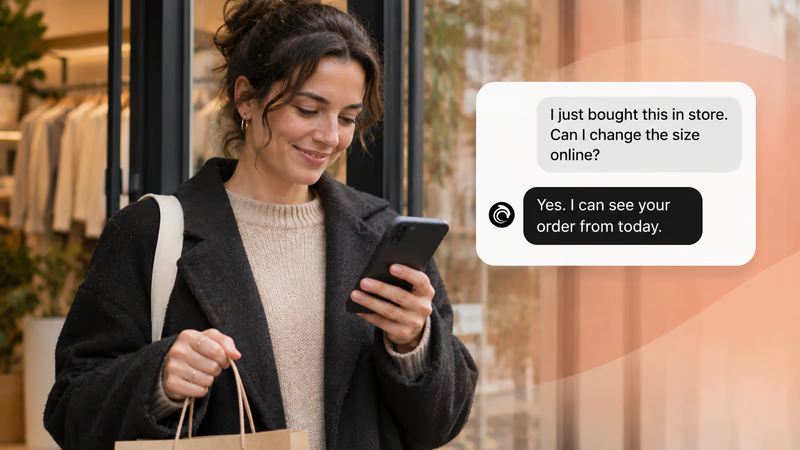

Customers do not think in channels. They scan a QR, email about delivery, and message again when context is missing. This guide explains the minimum omnichannel setup retail teams need when support is not joined up.


A plain-English look at customer experience platforms for retail and ecommerce teams. Understand what a CX platform is, how it differs from scattered CX tools, and the minimum stack needed to reduce support noise without enterprise software.


A customer is not one role but several: buyer, user, client, influencer. This guide covers the types, segmentation models, adoption curve and lifecycle stages that shape how teams serve them.


A journey map shows what customers think, feel and do at every stage, from first discovery to advocacy. What goes into one, and how to build it.


A case-study style checklist for merchants who need live chat running fast without creating another inbox headache. See the settings, routing choices, and reply habits that improved response quality in real Shopify stores.

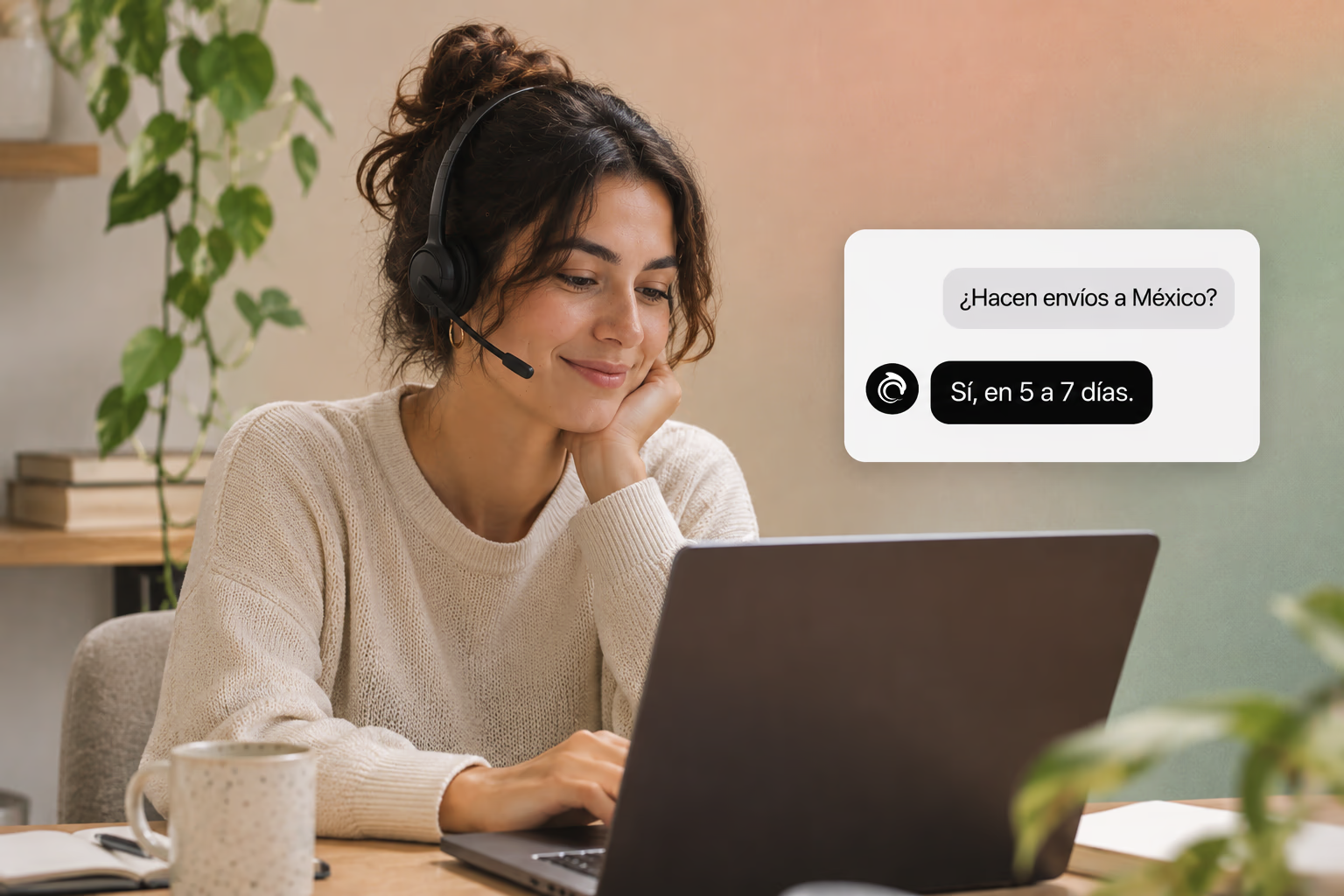
Selling across borders should not turn support into chaos. This playbook shows how retail teams handle multilingual chat and email with translation-safe macros, clear escalation rules, and QA habits that protect quality.
Install it in a minute. It starts working on your next visitor.
14 days, every feature.