


The new AskDolphin chat widget
AskDolphin's chat widget was rebuilt with a home screen, tabs and advanced settings.
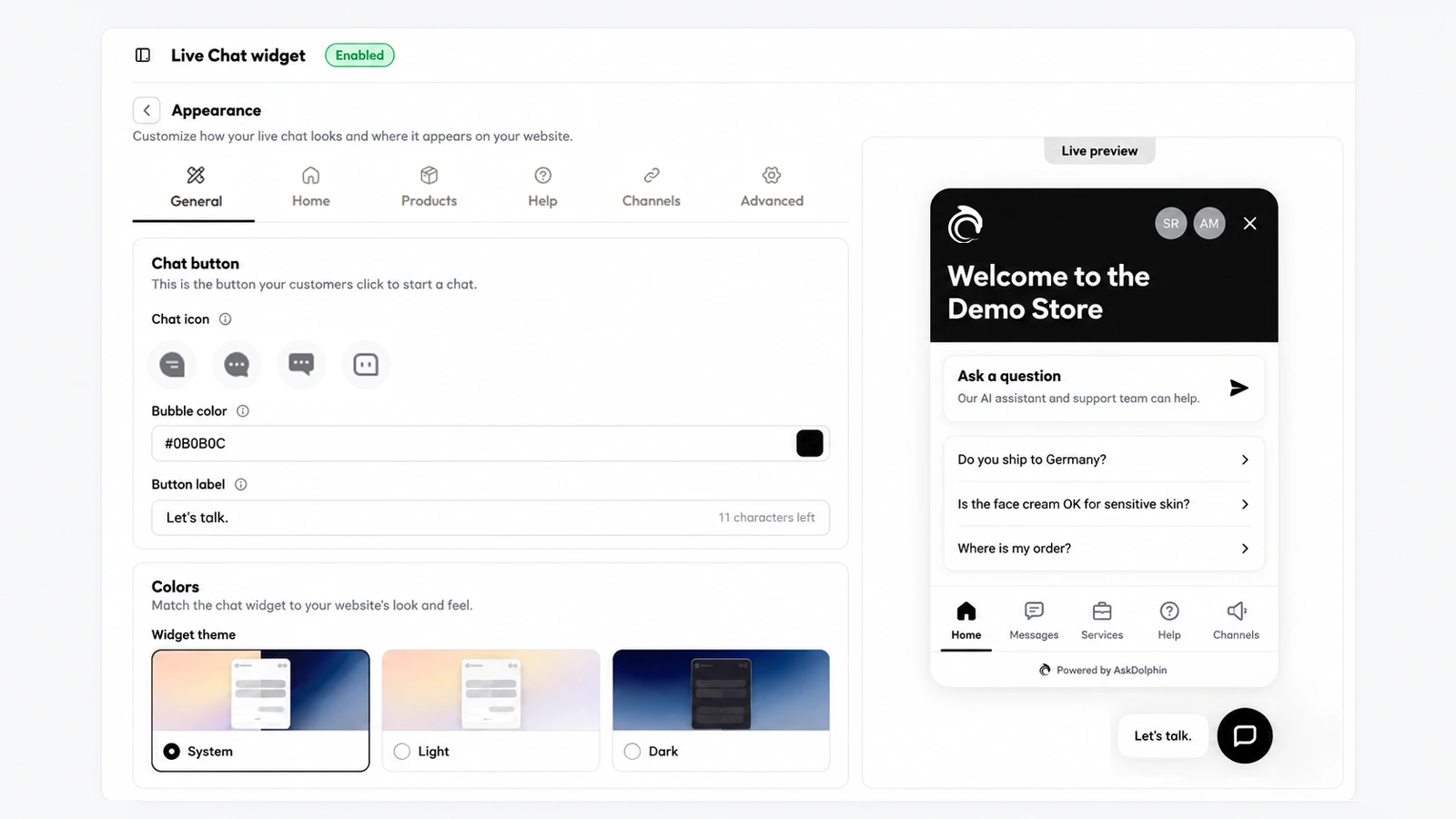
AskDolphin now lets you design the chat widget yourself: the launcher icon or your own image, its colors and label, the position and size.
AskDolphin now lets you design the chat widget yourself: the launcher icon or your own image, its colors and label, the position and size. You also pick a light, dark or system theme, and a live preview shows every change before customers see it. It is how AskDolphin's chat widget comes to look like part of your site.
Customers trust a chat that looks like it belongs to the shop they are in. Matching your colors, and placing the button where it does not cover your own buttons, makes the widget feel like your site rather than a tool added on top of it.
Open Settings, then Channels, then Live Chat widget, then Appearance, and stay on the General tab:
Yes. Pick an icon or upload your own image, set its colors and label, and choose its side, spacing and size.
Yes. Choose a Light, Dark or System theme for the widget and set its colors for light and dark separately.
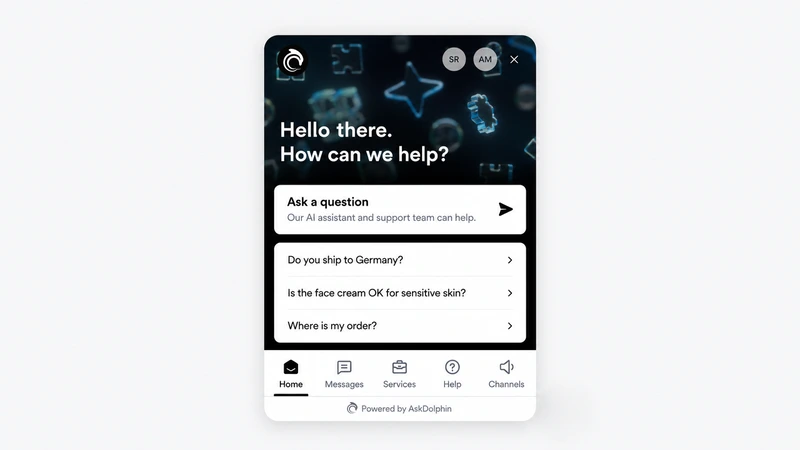
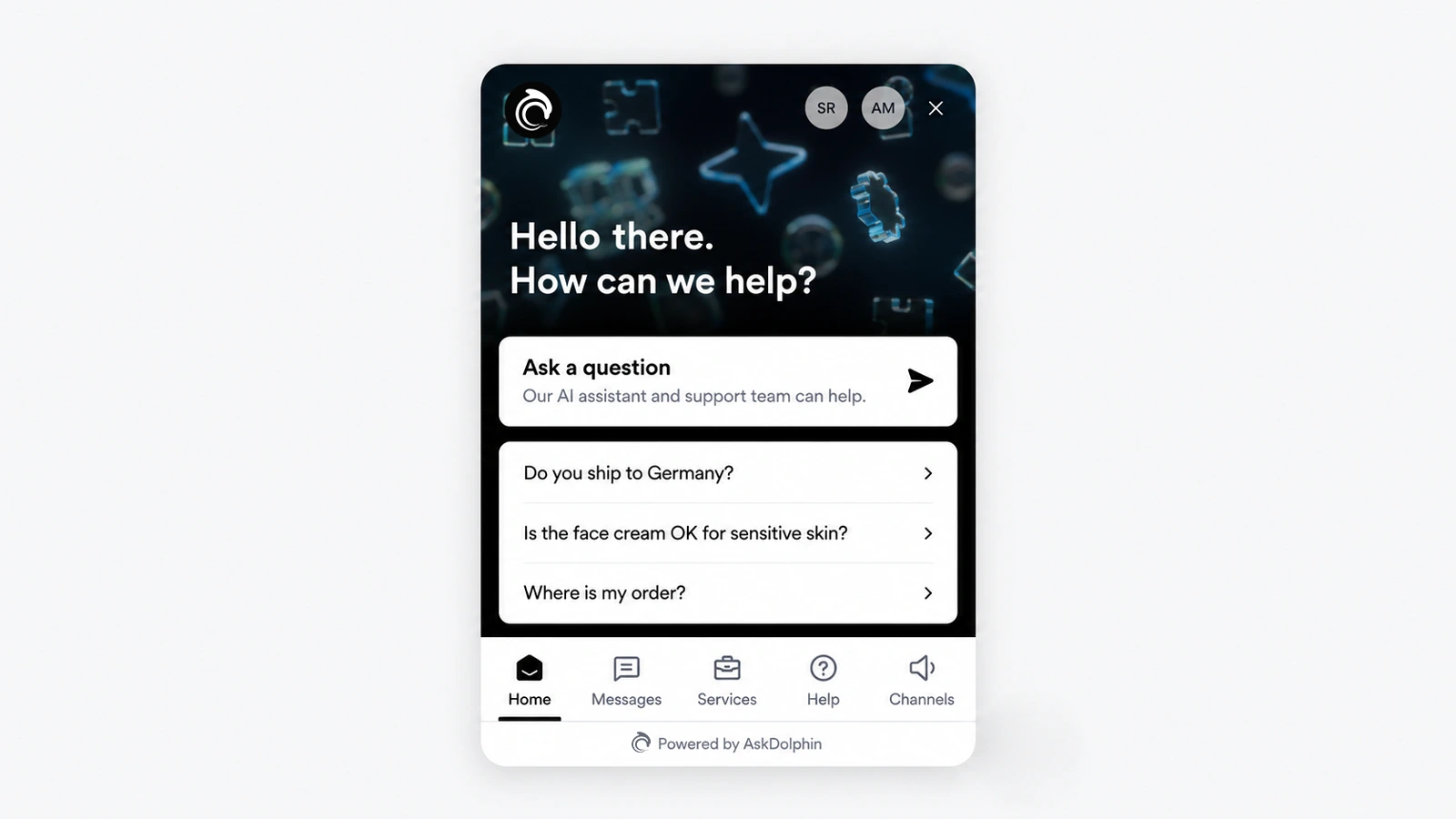
AskDolphin's chat widget was rebuilt with a home screen, tabs and advanced settings.
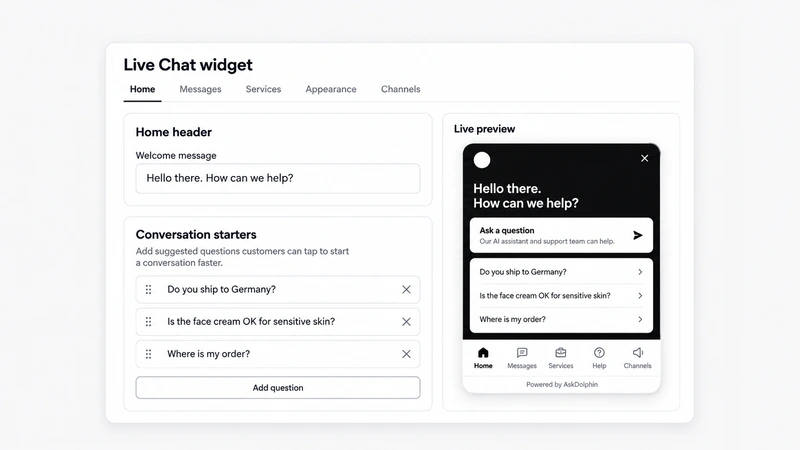
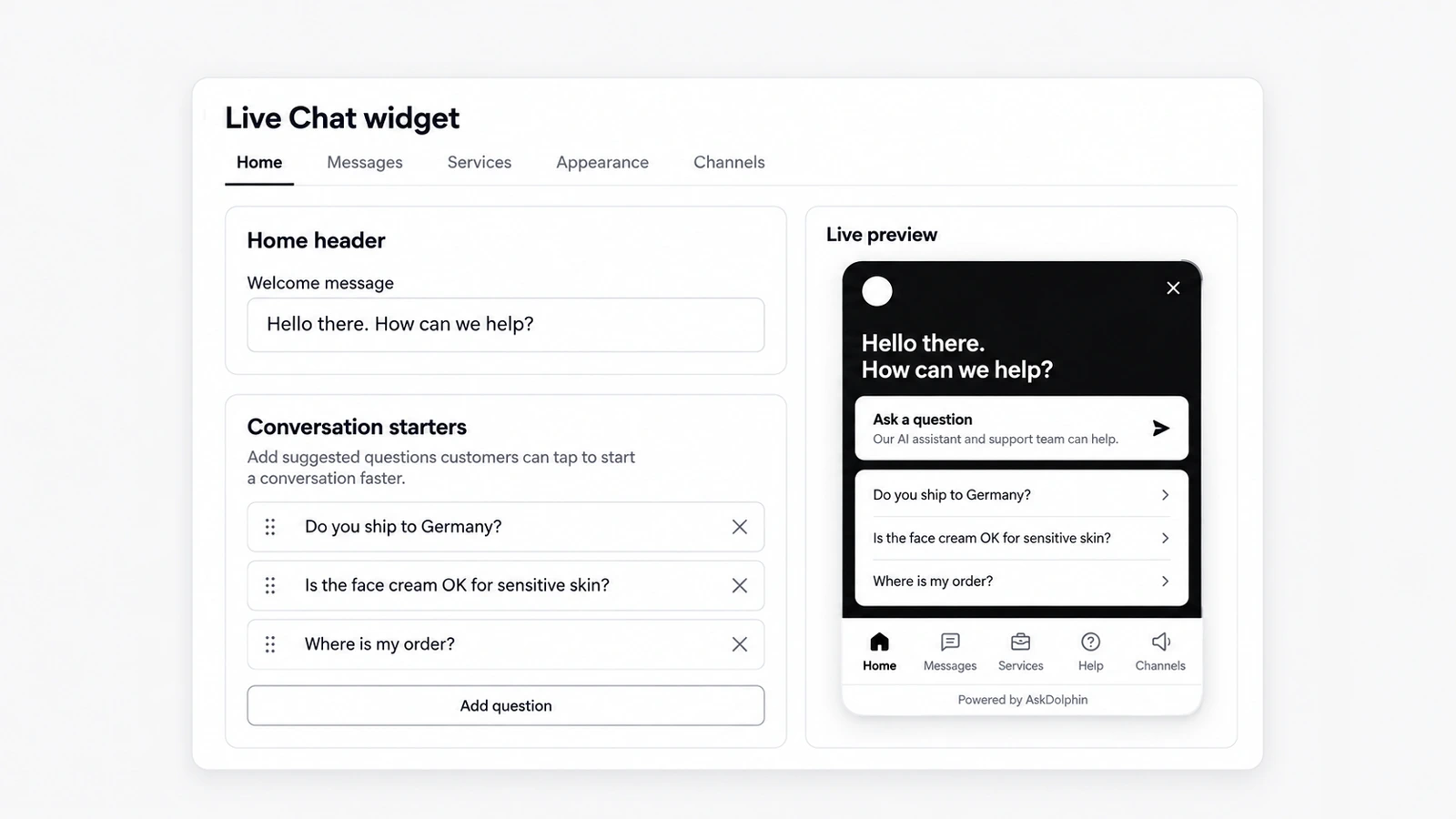
AskDolphin's chat widget now opens on a home screen with your header image, welcome message, logo and team photos.
Install it in a minute. It starts working on your next visitor.
14 days, every feature.