When Dolphin AI can't answer a product question, AskDolphin saves a private note about the conversation for your team and alerts you. A person can then follow up with the customer. It is one of the ways Dolphin AI by AskDolphin hands work to people instead of guessing.
Why it matters
When the AI does not have an answer, the honest move is to say so and pass it on, not to make one up. The note means the question is not lost: your team sees what the customer asked and can reply with the right answer, and you learn what is missing from your Data Sources.
How to use it
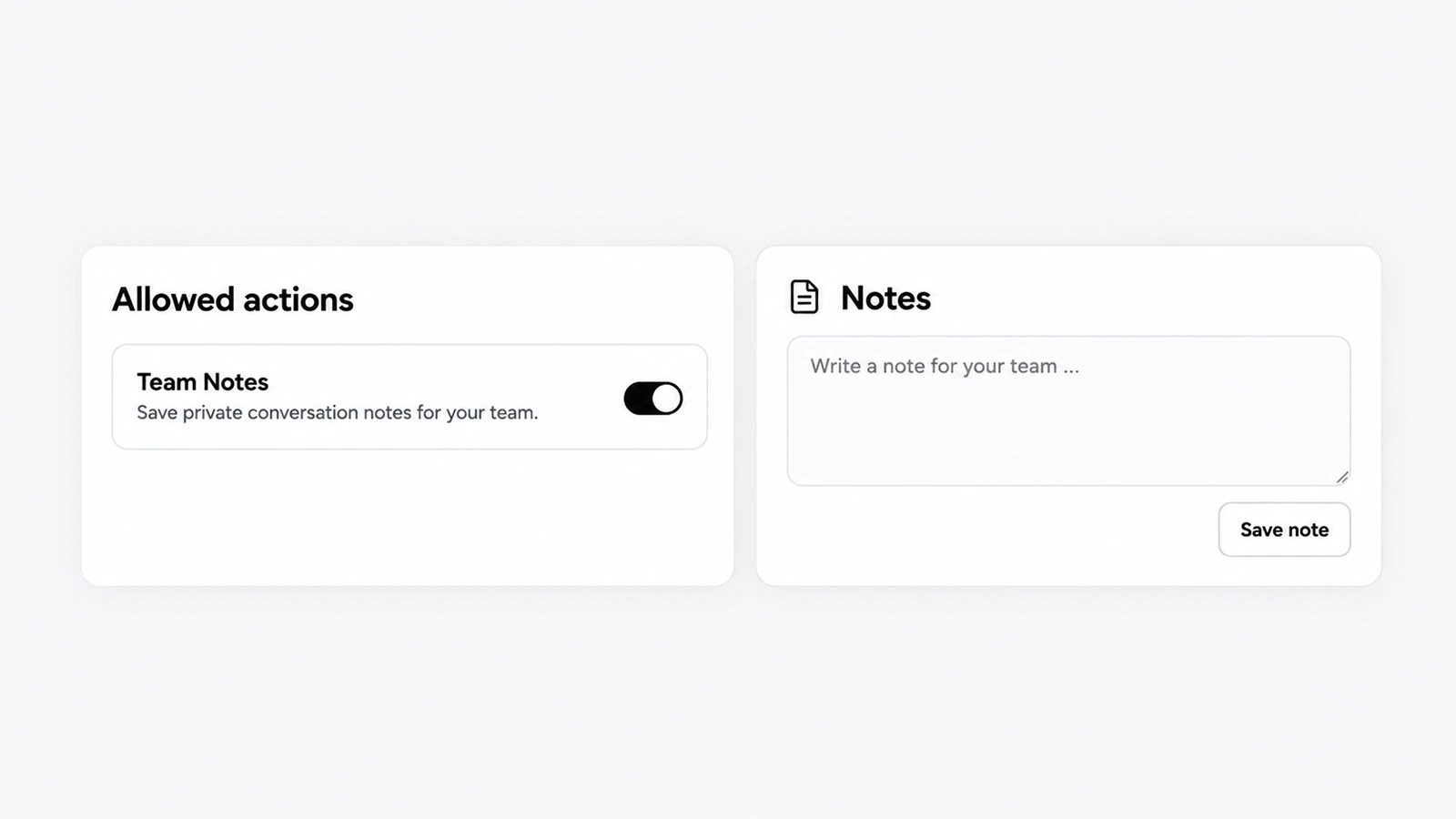
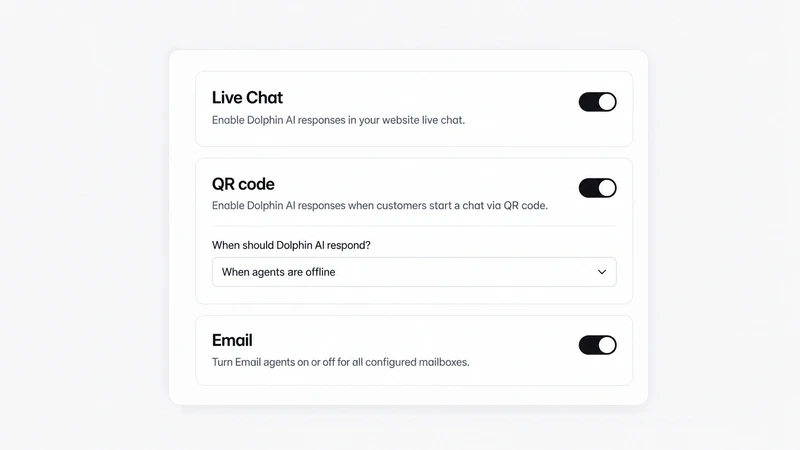
Open Dolphin AI, then Channels, then Live Chat, and under Allowed actions switch on Team Notes: "Save private conversation notes for your team."
When the alert arrives, open the conversation, answer the customer, then add what you learned to your Data Sources so Dolphin AI can answer it next time.
Human Handoff is the other way Dolphin AI brings in a person: when a customer asks for someone, your team gets a "Handoff requested" alert.
Good to know
Notes are private: the customer never sees them.
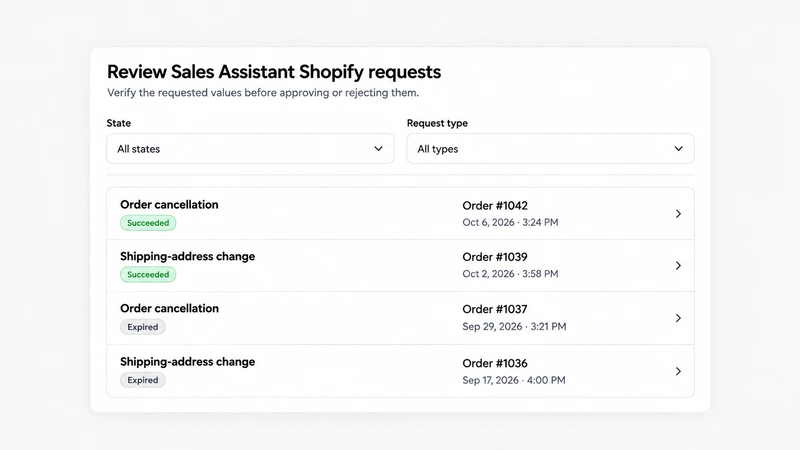
Team Notes is one of the seven Sales Assistant actions that work on any website, with or without Shopify.
Visitor and internal notes are part of Pro.
Frequently asked questions
What does the AskDolphin AI do when it doesn't know an answer?
It saves a private note for your team and alerts you, so a person can follow up.
Can customers see the notes AskDolphin's AI writes?