


Light, dark or system theme, and your workspace color
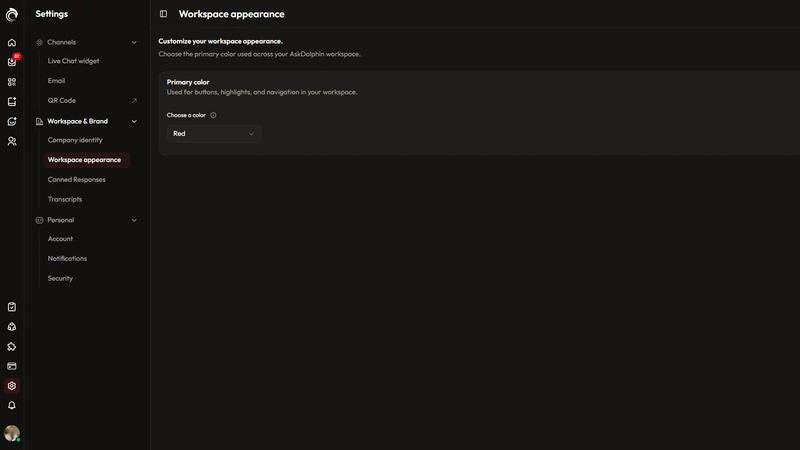
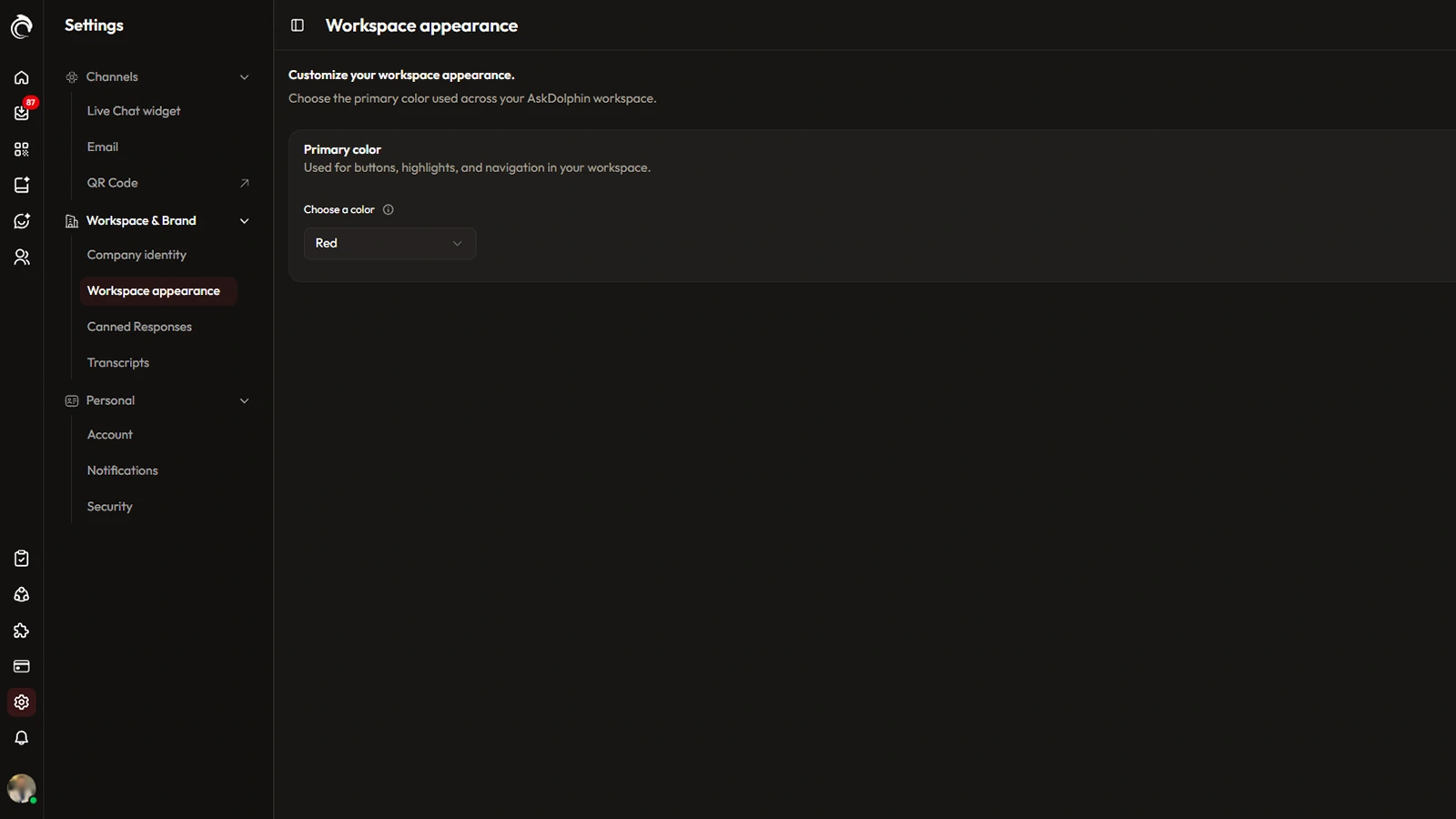
The AskDolphin dashboard can now show in a light or dark theme, or follow the device's system setting.
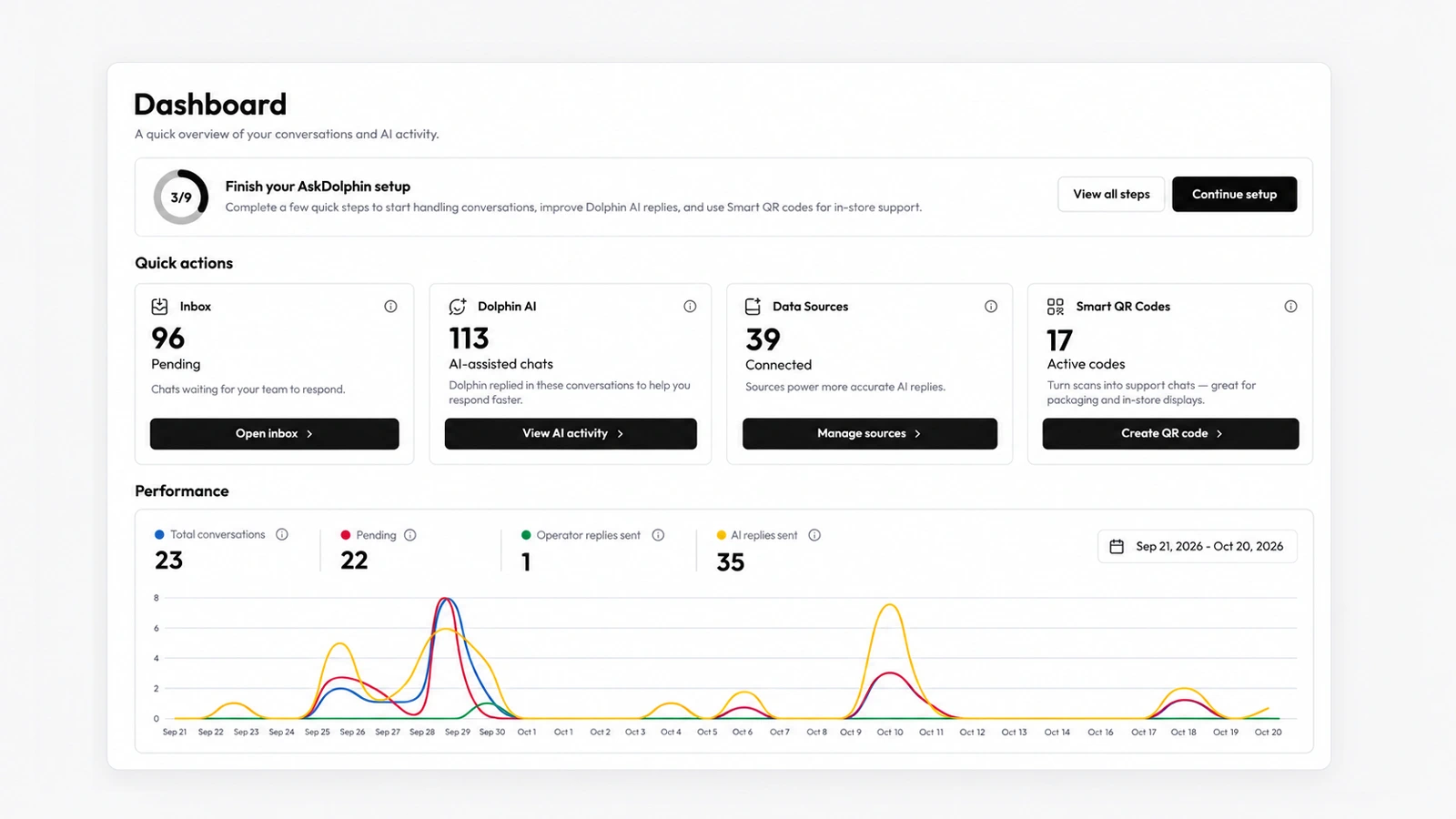
AskDolphin's new dashboard shows where support stands on one screen: waiting chats, AI-assisted chats, connected sources and active QR codes.
AskDolphin's new dashboard shows where support stands on one screen: waiting chats, AI-assisted chats, connected sources and active QR codes. Owners and team leads see the day at a glance and jump to the work in one click. It is the first screen your team sees after signing in to AskDolphin.
Support starts with knowing what is waiting. Instead of opening the inbox, Dolphin AI and your QR codes one by one, the dashboard puts their numbers side by side, so you see what needs a person first and how much the AI has already handled.
Yes. The dashboard's Performance chart shows operator replies and AI replies side by side for the dates you choose.
A Getting started checklist on the dashboard walks a new workspace through nine steps, from installing the widget to inviting the team.
The AskDolphin dashboard can now show in a light or dark theme, or follow the device's system setting.
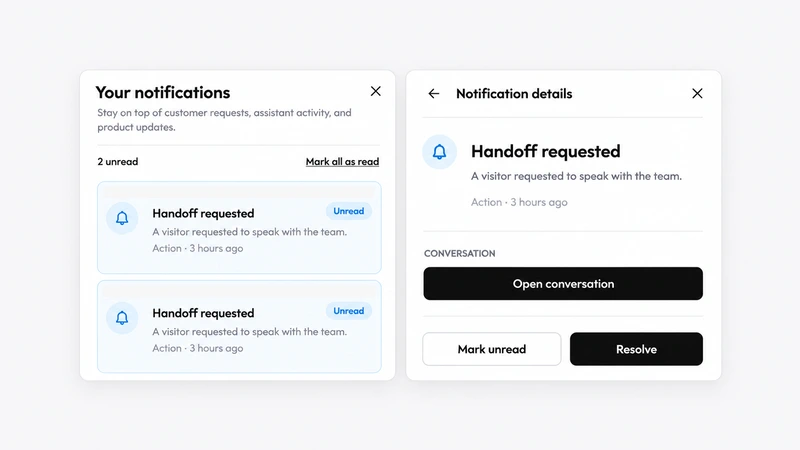
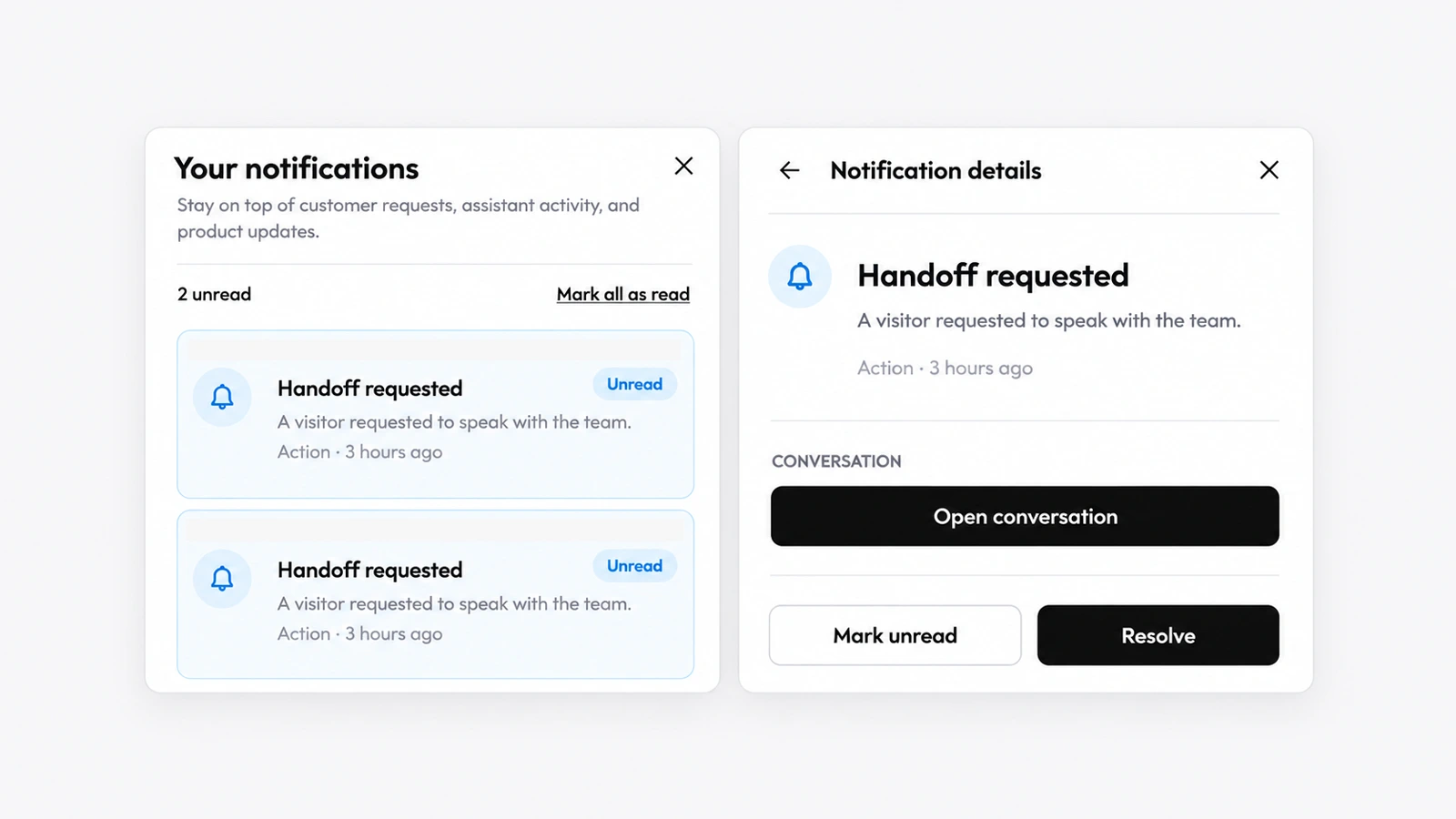
AskDolphin now has a notifications panel that lists alerts such as "Handoff requested", each with a link to the conversation and a Resolve button.
Install it in a minute. It starts working on your next visitor.
14 days, every feature.