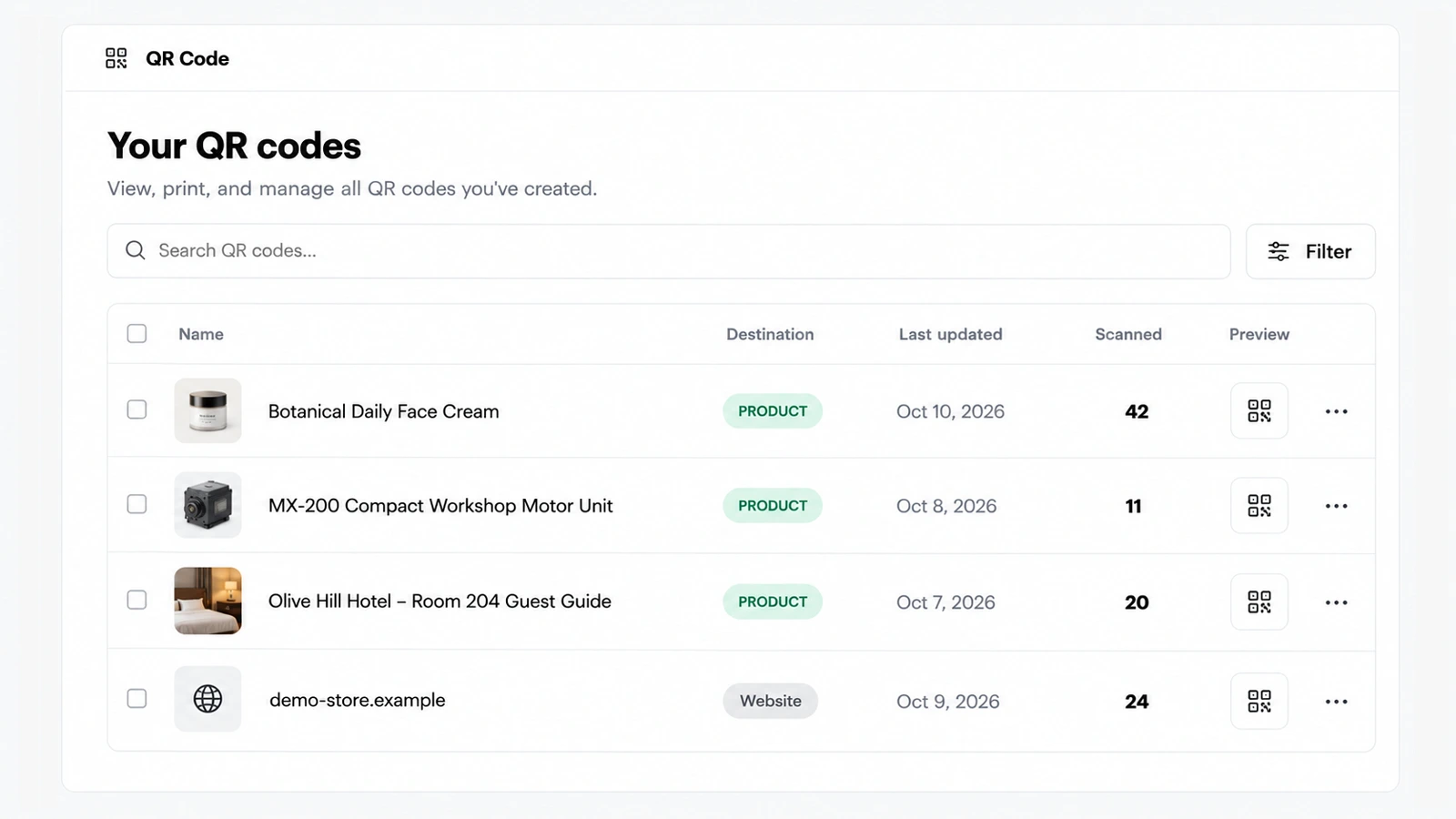
AskDolphin's QR code library lists every code you have made with its type, dates and scan count, with search and filters. It shows which printed codes on products, shelves or packaging customers really scan. It sits behind the support codes of AskDolphin's QR code customer support.
Why it matters
A code on a shelf or a box is only worth its space if people scan it. Seeing the count beside each code tells you which products, displays or leaflets earn their place, and which code to move, reprint or drop.
How to use it
Open QR Code, then Library: "View, print, and manage all QR codes you've created."
Each row shows the code, its name or link (for a product code, the product's picture and name), its Destination, when it was created and last updated, and how many times it was Scanned.
Search your codes, or use Filter to narrow them by type (General, Product, Website, Email, SMS, Text, vCard, Phone) and by the date they were created.
Open Preview to see a code, or tick several codes to act on them together.
On a code's own page, the Scans figure shows how often that code has been used.
Good to know
Scans are counted for the General Assistant code for your business, for each Products code (per product), and for custom Website codes.
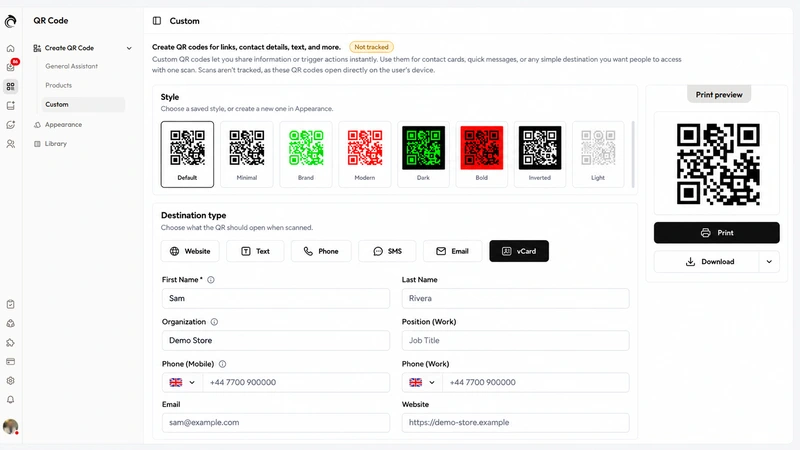
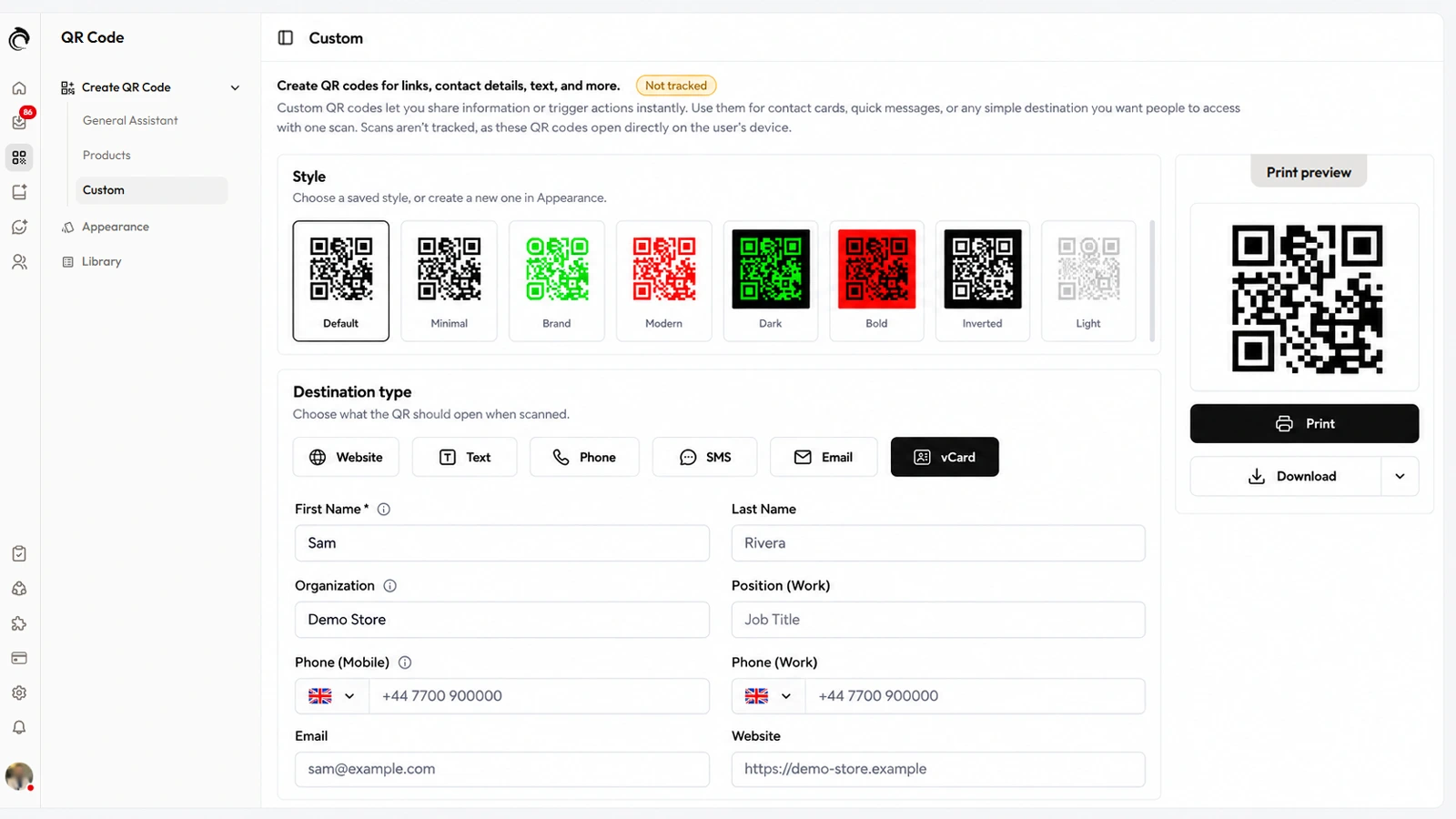
The other custom codes (vCard, phone, SMS, email and text) open directly on the phone, so their scans are not counted.
Smart QR codes are included on Free and Pro.
Frequently asked questions
Can I see how many times a QR code was scanned?
Yes, for AskDolphin's support codes and website codes; vCard, phone, SMS, email and text codes open directly on the phone and aren't counted.
Can I filter my QR codes in AskDolphin?
Yes. Filter the library by code type and by the date a code was created, or search it.