


Products or Services tab in the chat widget
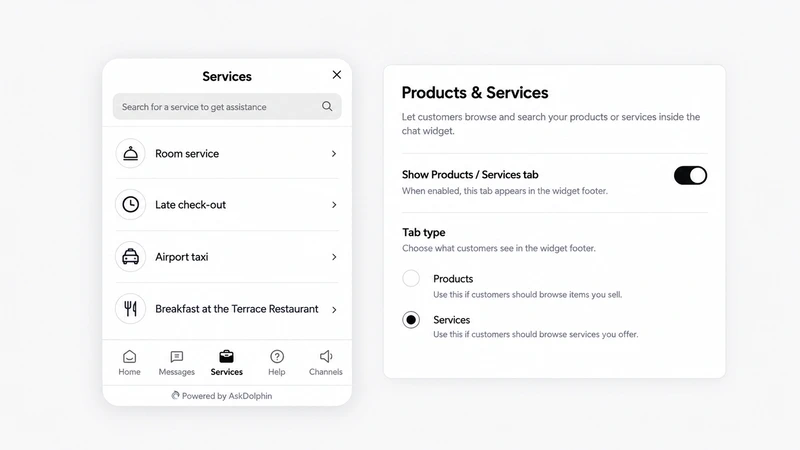
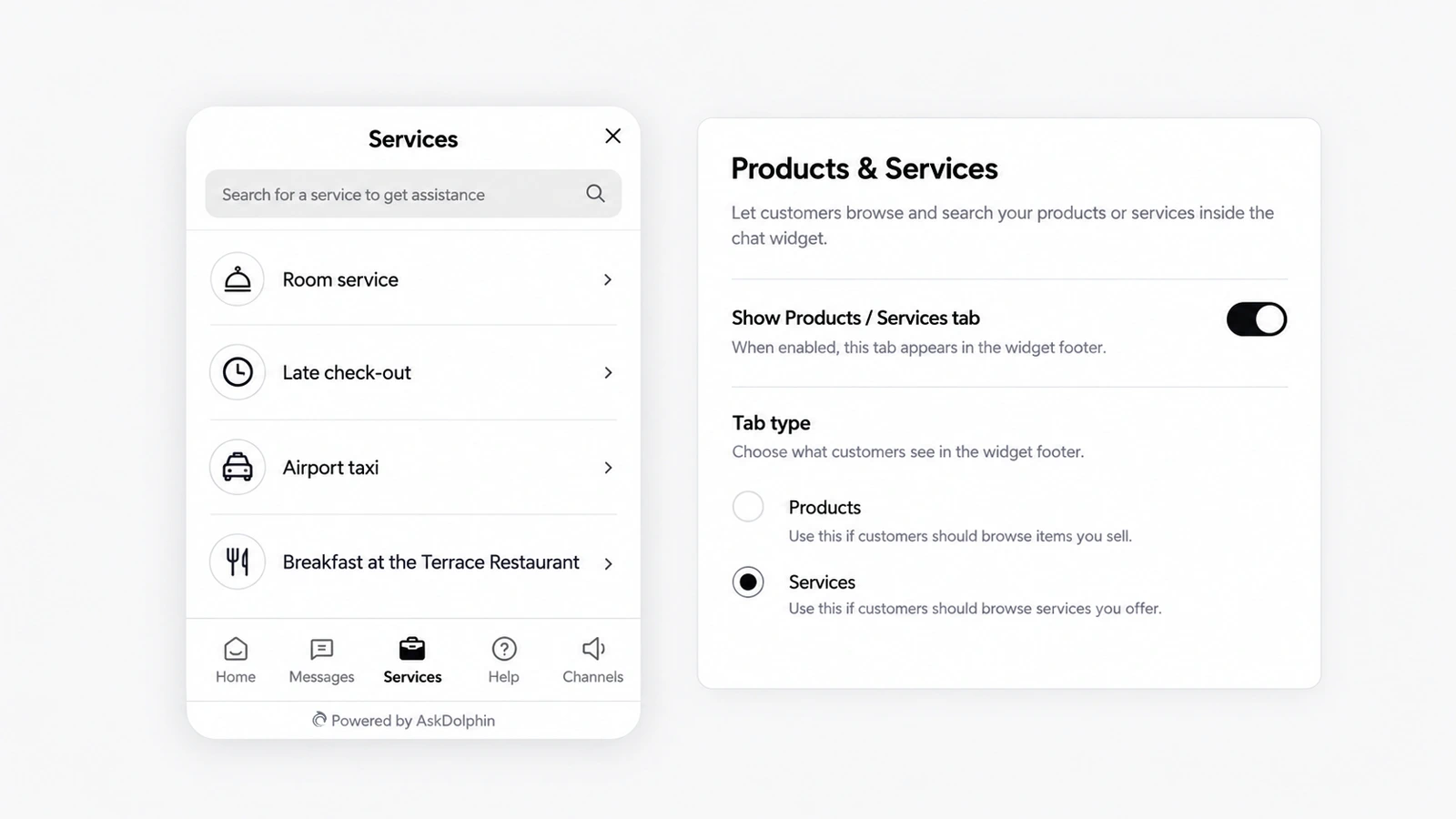
AskDolphin's chat widget can show your catalog in a Products or Services tab, searchable, with images and prices if you want them.
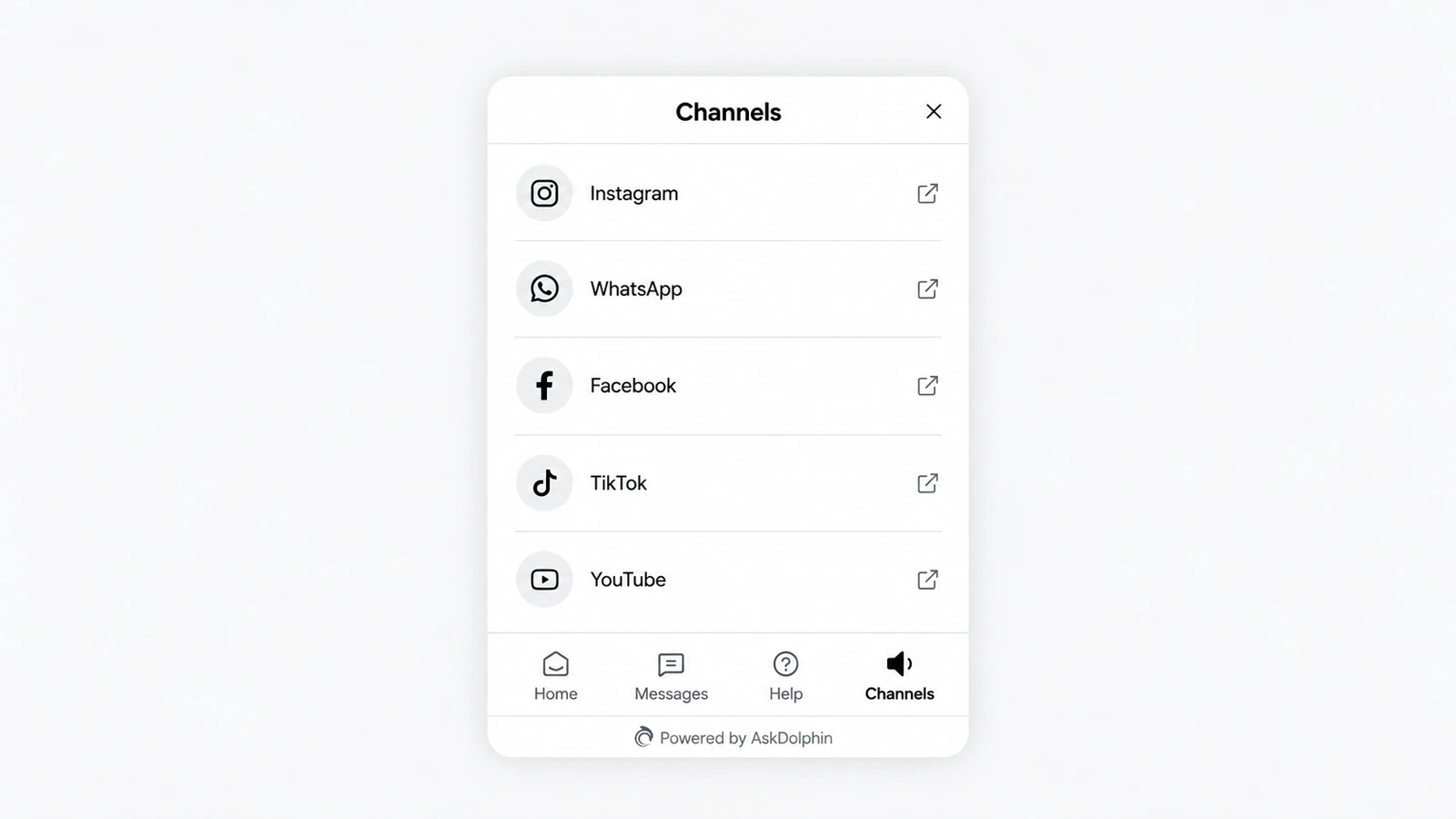
AskDolphin's chat widget now has a Channels tab with links to your other channels, such as WhatsApp, Instagram, Facebook, TikTok or LinkedIn.
AskDolphin's chat widget now has a Channels tab with links to your other channels, such as WhatsApp, Instagram, Facebook, TikTok or LinkedIn. Customers tap a link and it opens outside the chat. The tab sits beside Home and Messages in AskDolphin's chat widget.
Some customers would rather follow you on Instagram, message you on WhatsApp or watch a how-to on YouTube. The Channels tab shows every place you can be found, in the order you choose, without sending people hunting through your website's footer.
Open Settings, then Channels, then Live Chat widget, then Appearance, then Channels:
The live preview shows the tab as customers see it, each link with a small icon that shows it opens in a new window.
Yes, as a link in the Channels tab; it opens WhatsApp outside the chat and is not an inbox integration.
Instagram, Facebook, Pinterest, YouTube, Twitter / X, LinkedIn, Telegram, TikTok, WhatsApp, or any other address you add.
AskDolphin's chat widget can show your catalog in a Products or Services tab, searchable, with images and prices if you want them.
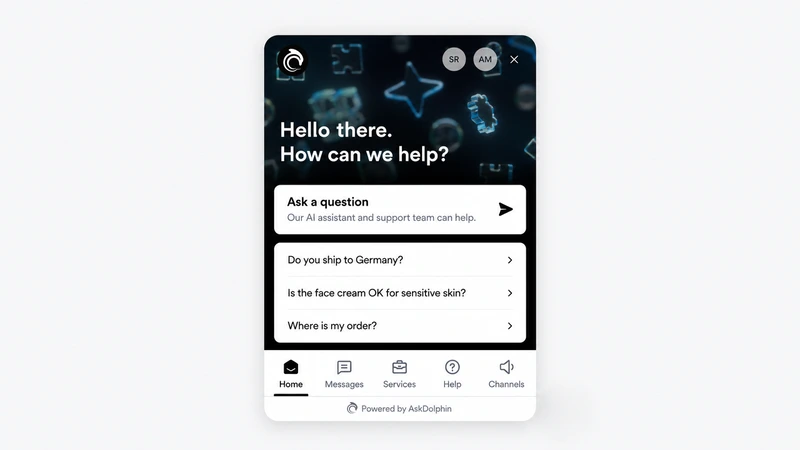
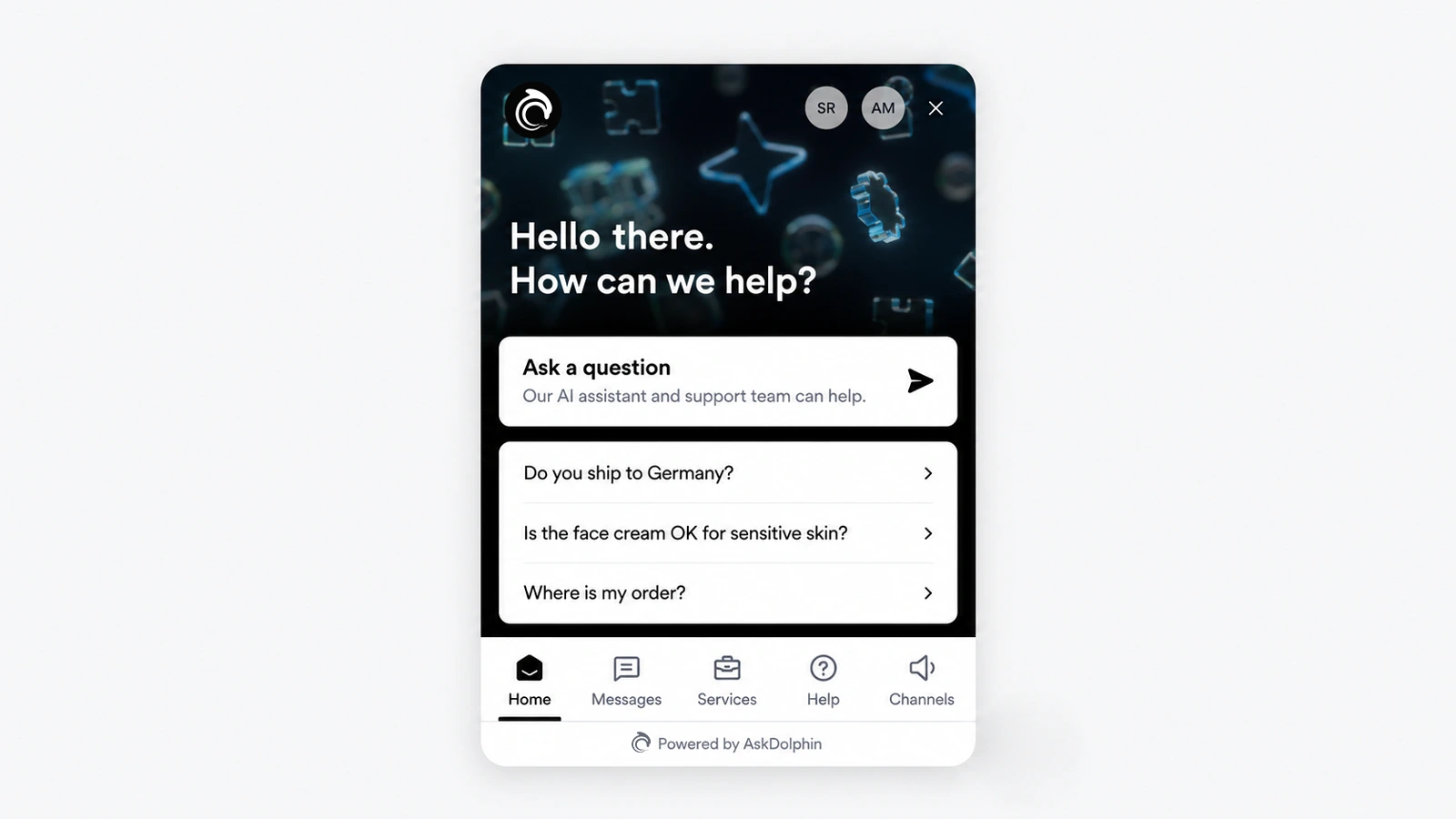
AskDolphin's chat widget was rebuilt with a home screen, tabs and advanced settings.
Install it in a minute. It starts working on your next visitor.
14 days, every feature.