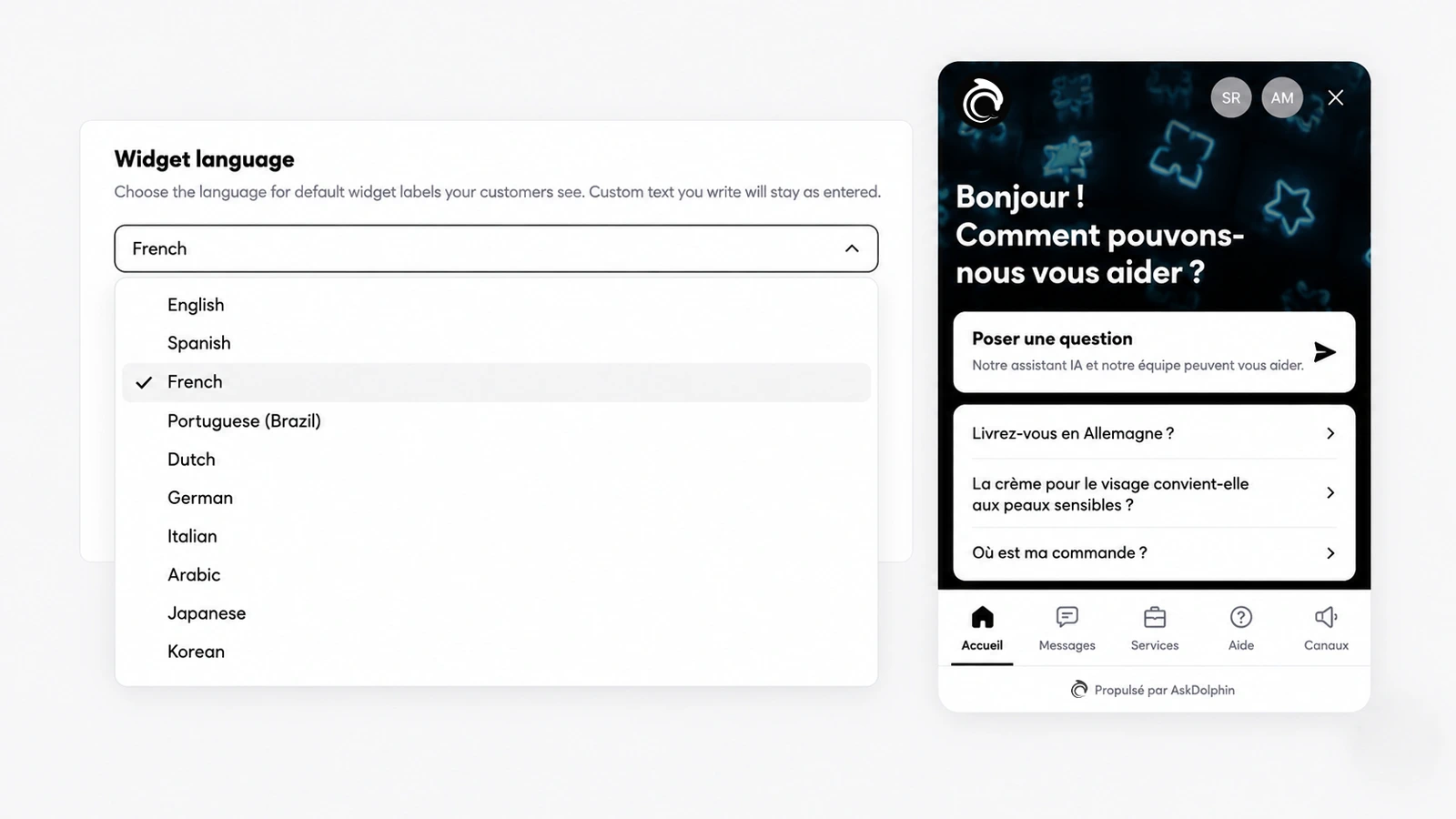
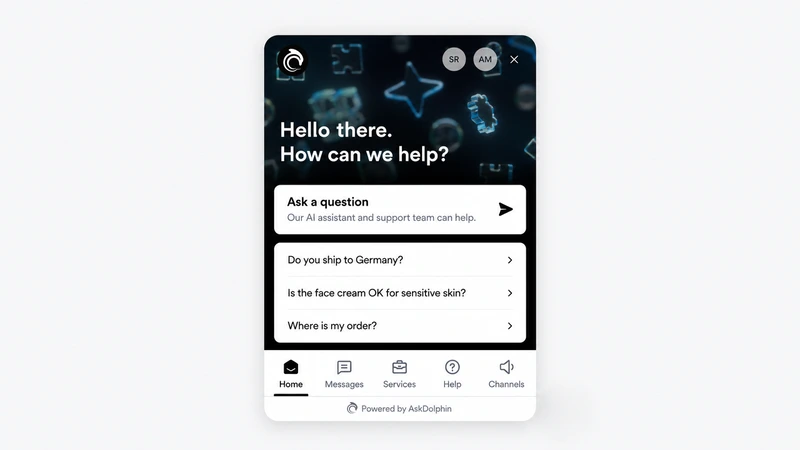
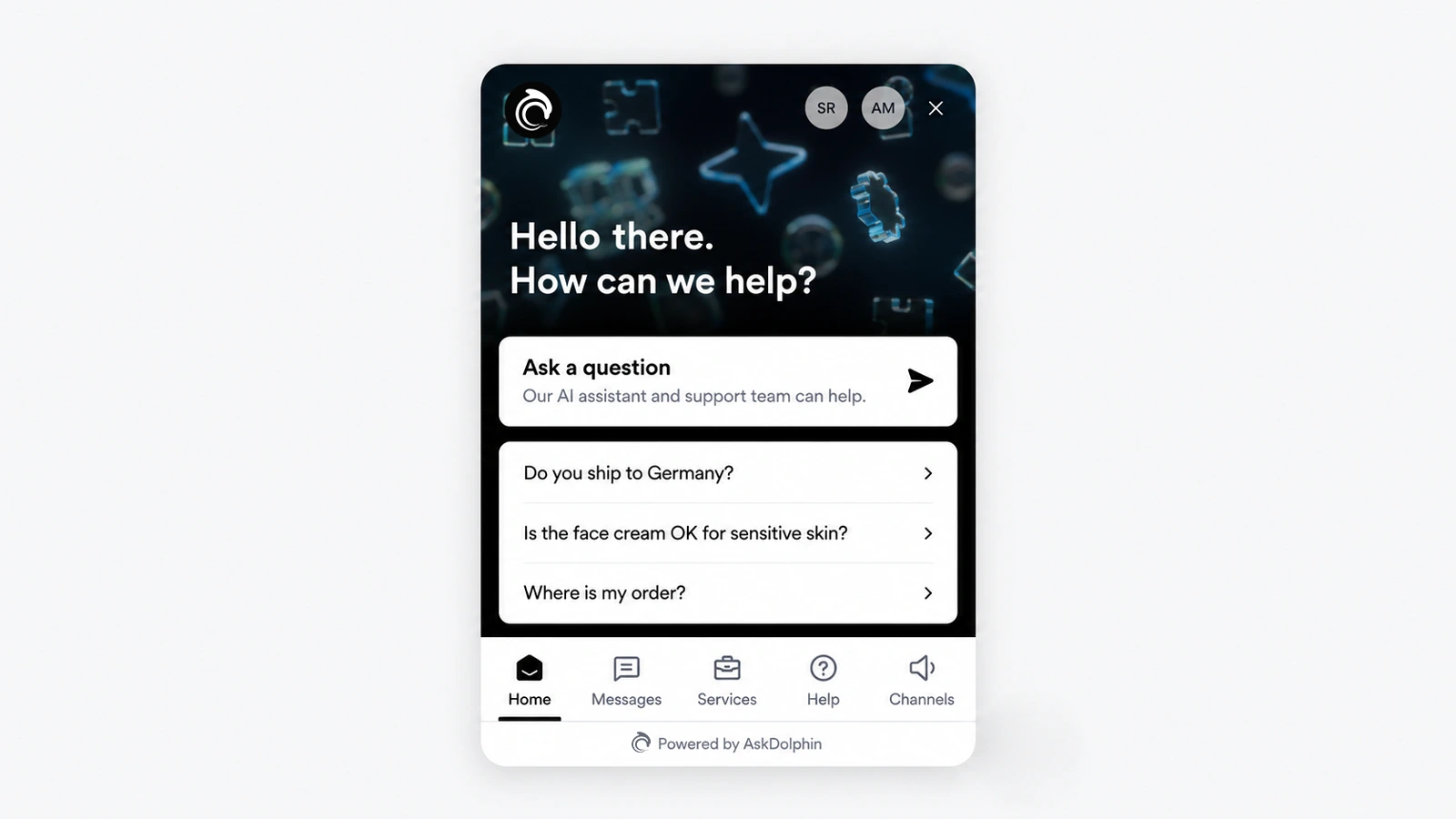
AskDolphin's chat widget can now show its own labels in ten languages. They are English, Spanish, French, Portuguese (Brazil), Dutch, German, Italian, Arabic, Japanese and Korean. This sets the widget's interface language; it does not translate your business content. Set it once for AskDolphin's chat widget and its default labels follow.
Why it matters
A customer who sees the widget's buttons and prompts in their own language is more likely to ask their question. If most of your customers read Spanish, German or Arabic, the widget's own words no longer stand between them and your team.
How to use it
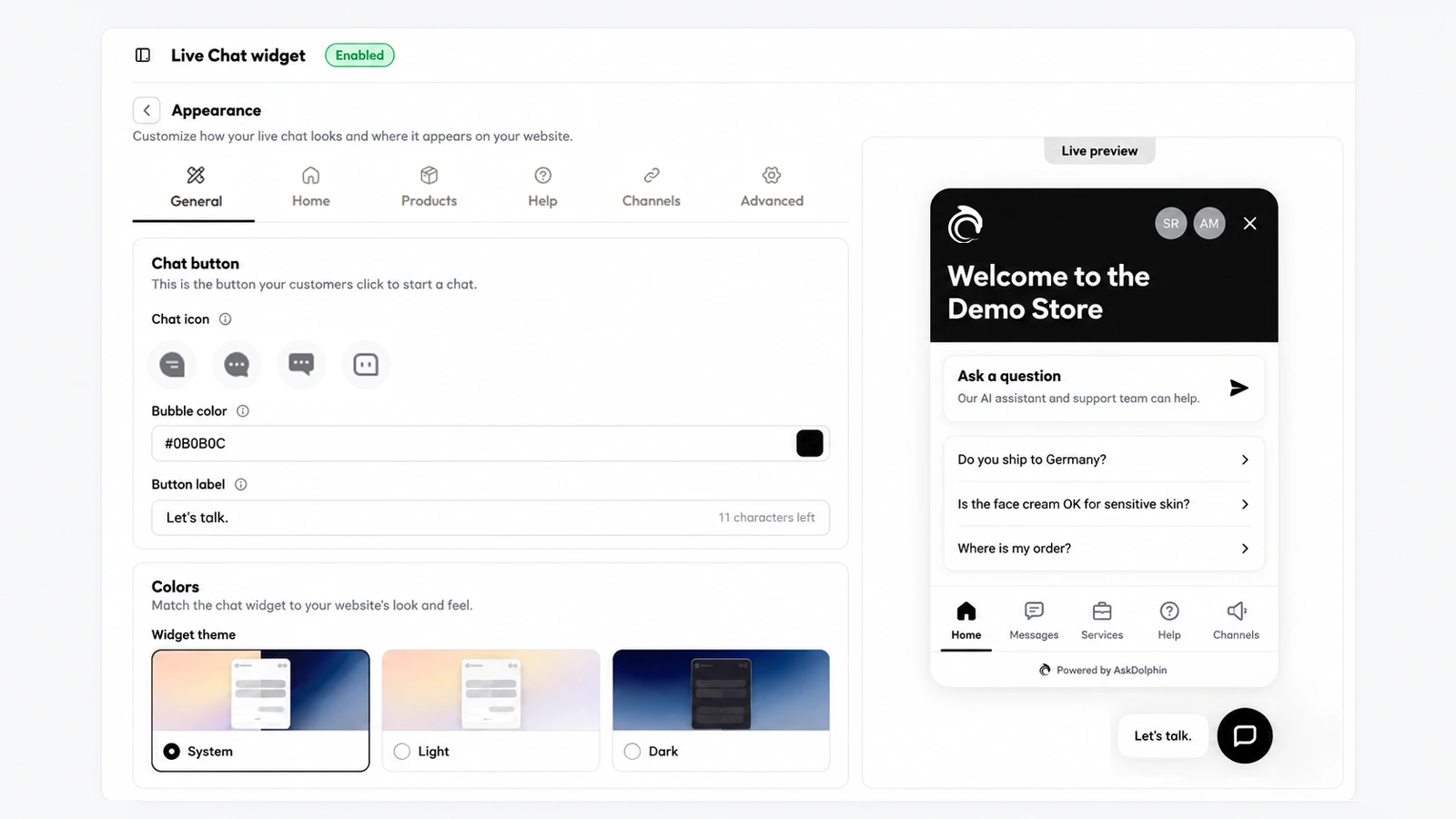
Open Settings, then Channels, then Live Chat widget, then Appearance, then General.
Under Widget language, choose the language "for default widget labels your customers see."
Write your own texts, such as the welcome message, the start chat card and conversation starters, in the same language: "Custom text you write will stay as entered."
Good to know
The widget language is one setting for your widget. Dolphin AI's Default language, in Dolphin AI, then Preferences, is a separate setting: "Used as the default language when a customer starts a chat."
For help articles in Arabic, the Help Center editor has a right-to-left button.