


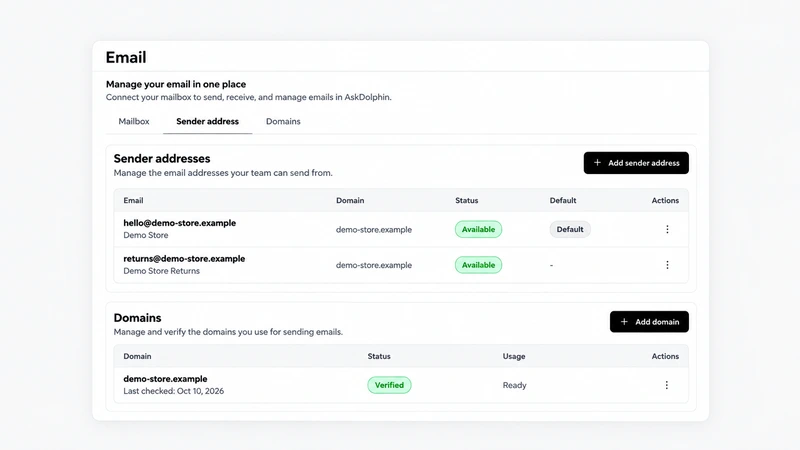
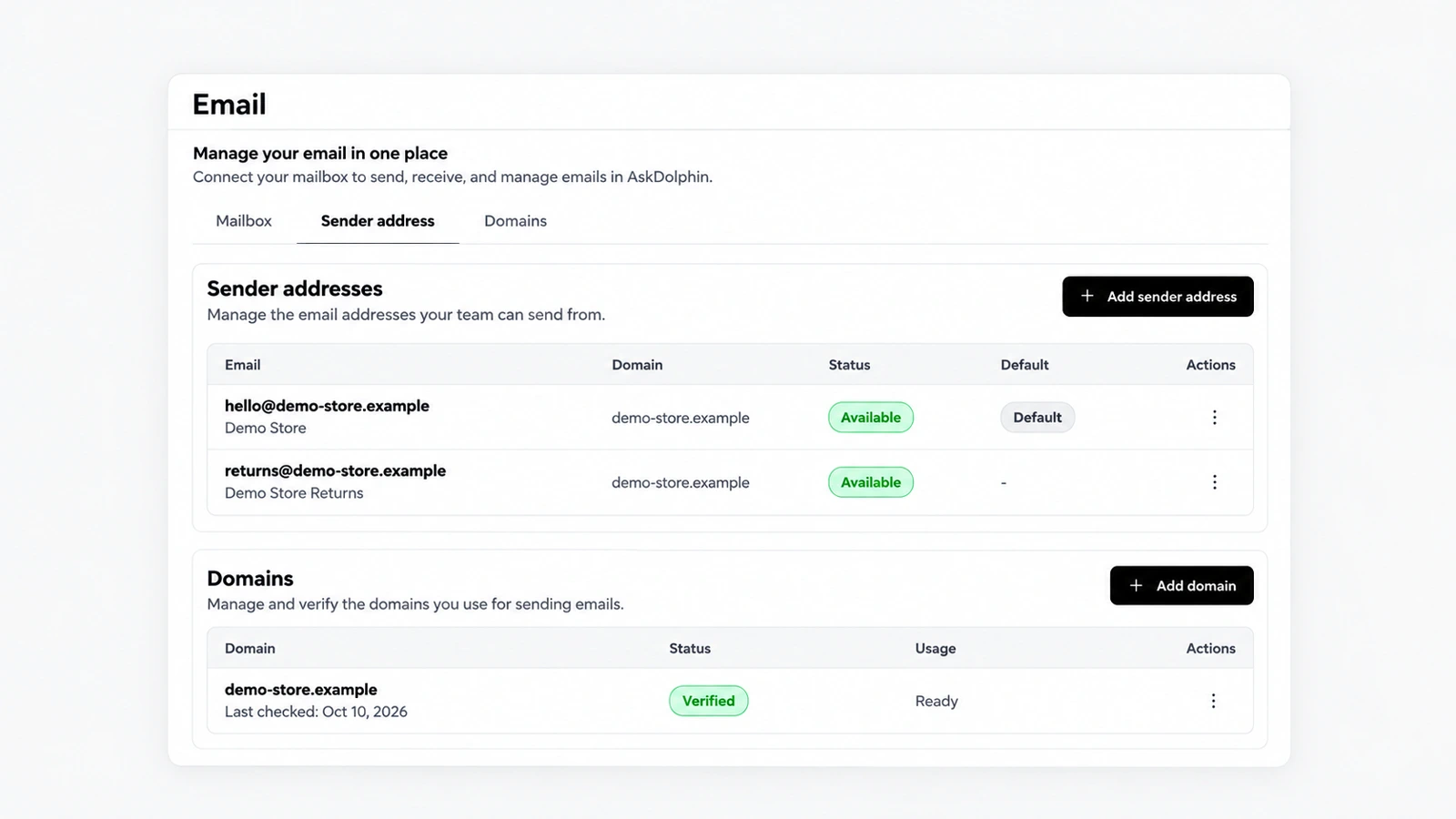
Sender addresses and domains for each mailbox
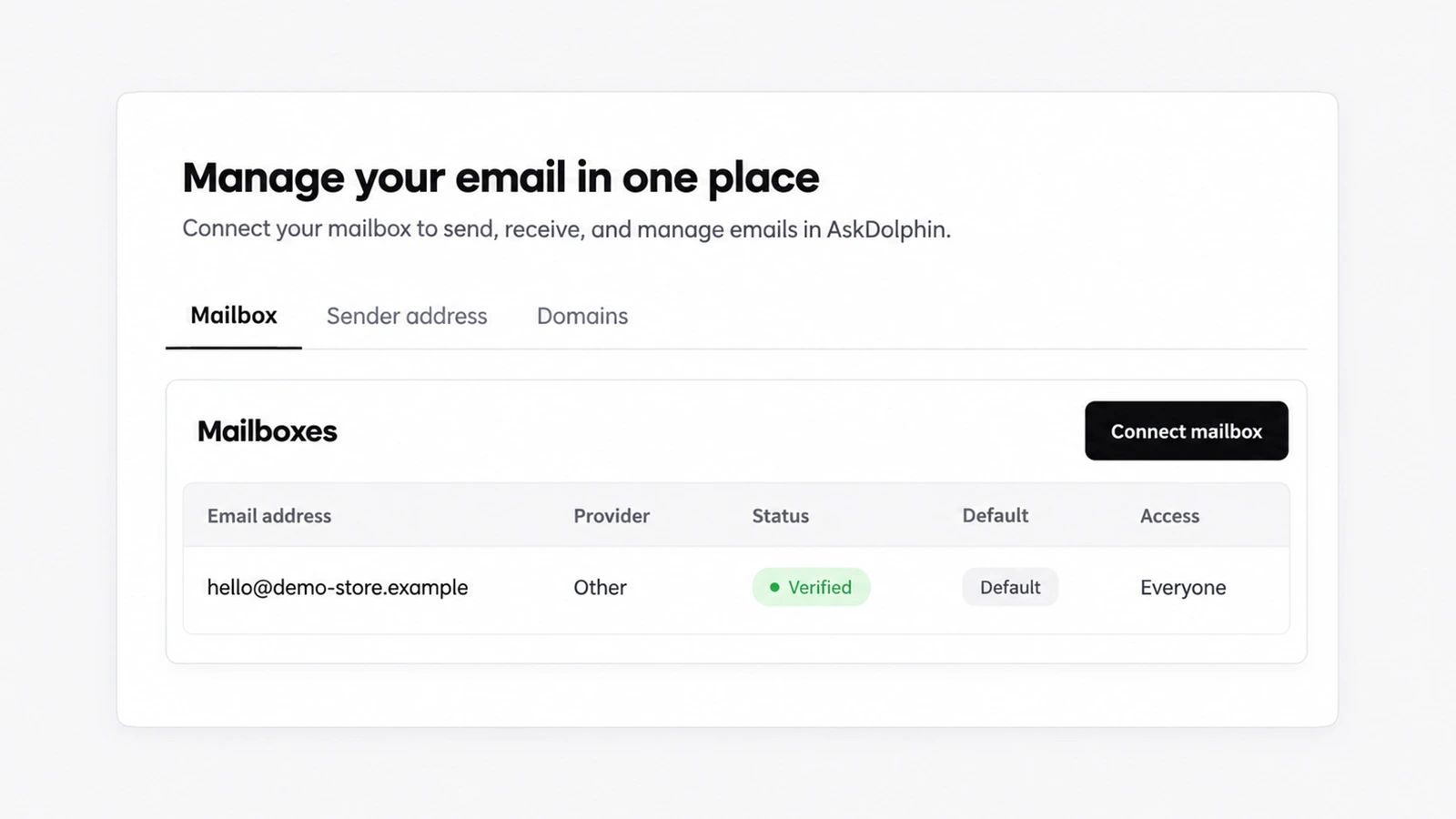
AskDolphin now lets you set the address and name shown on replies, verify your own domain for sending, and choose who on the team may use each mailbox.
AskDolphin now connects any business mailbox when you forward its email to AskDolphin.
AskDolphin now connects any business mailbox when you forward its email to AskDolphin. The mail lands in the same shared inbox as website chat and QR conversations. It brings any mailbox into AskDolphin's shared inbox, whoever hosts your email; Gmail and Outlook connections followed in August 2026.
Not every business runs its email on Google or Microsoft. With forwarding, the address customers already know stays the same, no mailbox password is shared with AskDolphin, and your team answers those emails with everything else, in one list.
Yes. Forward your business mailbox to AskDolphin and its email lands in the same shared inbox as Gmail and Outlook.
No. Custom business email works through secure email forwarding, so no mailbox password is needed.
AskDolphin now lets you set the address and name shown on replies, verify your own domain for sending, and choose who on the team may use each mailbox.
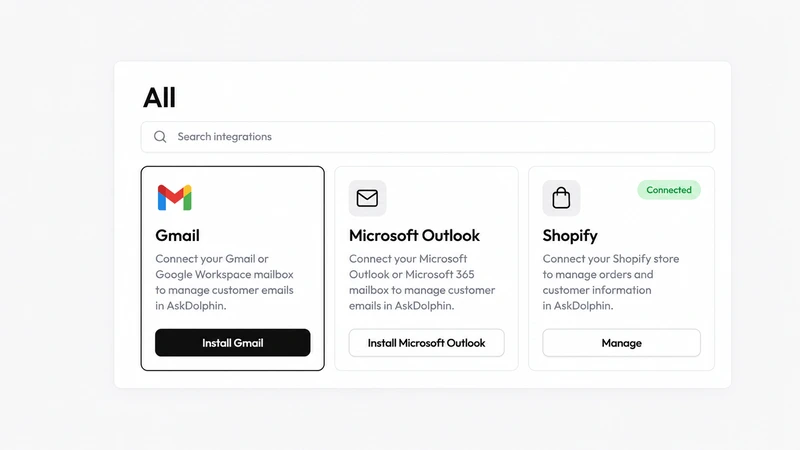
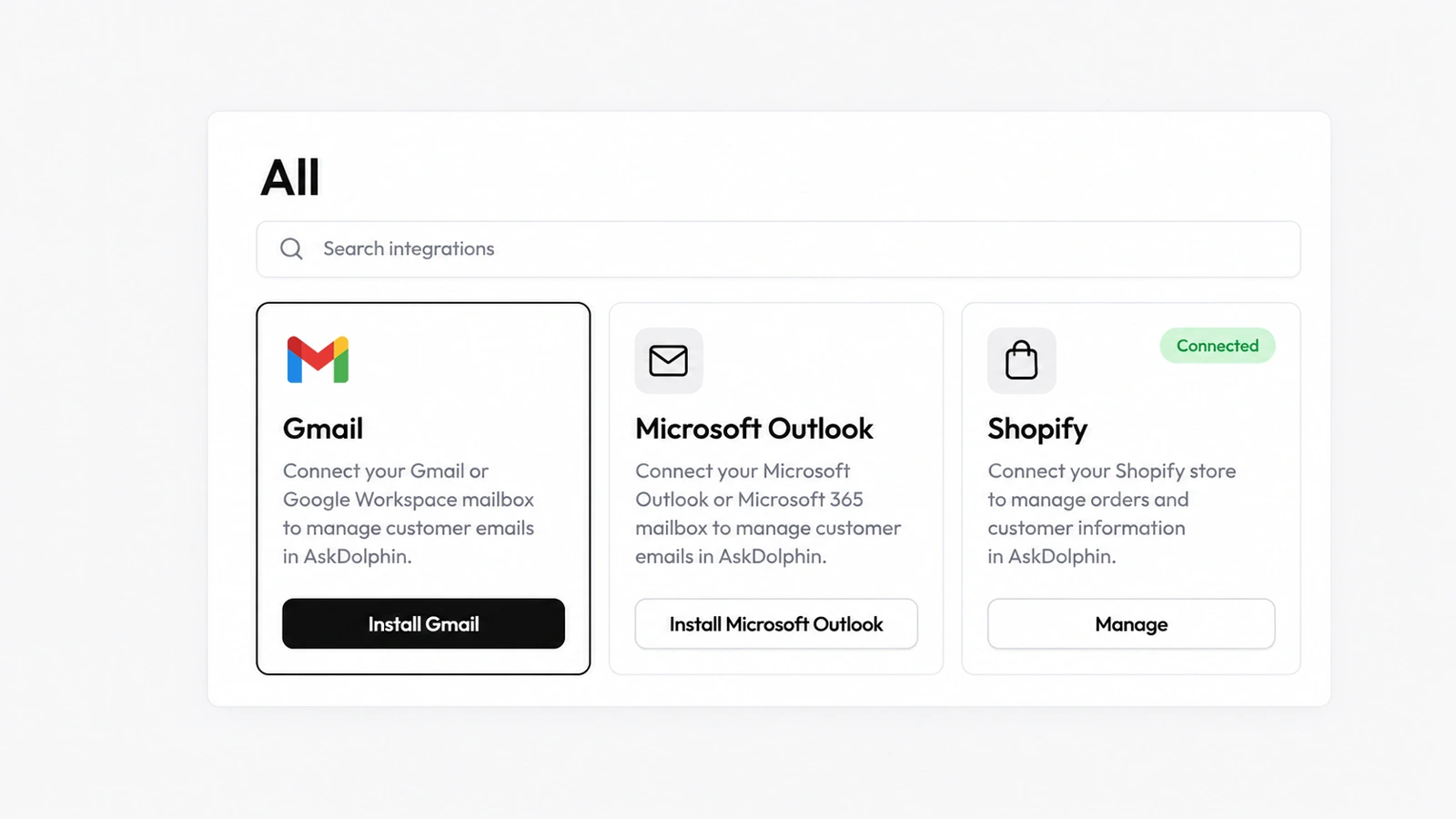
AskDolphin's Gmail integration connects a Gmail or Google Workspace address to the shared inbox, so customer email sits next to chat and QR conversations.


AskDolphin's Microsoft integration connects an Outlook or Microsoft 365 work address to the shared inbox.
Install it in a minute. It starts working on your next visitor.
14 days, every feature.