



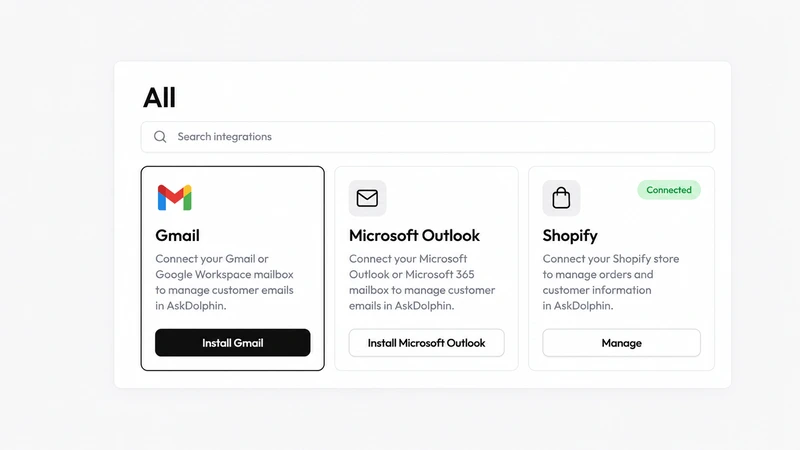
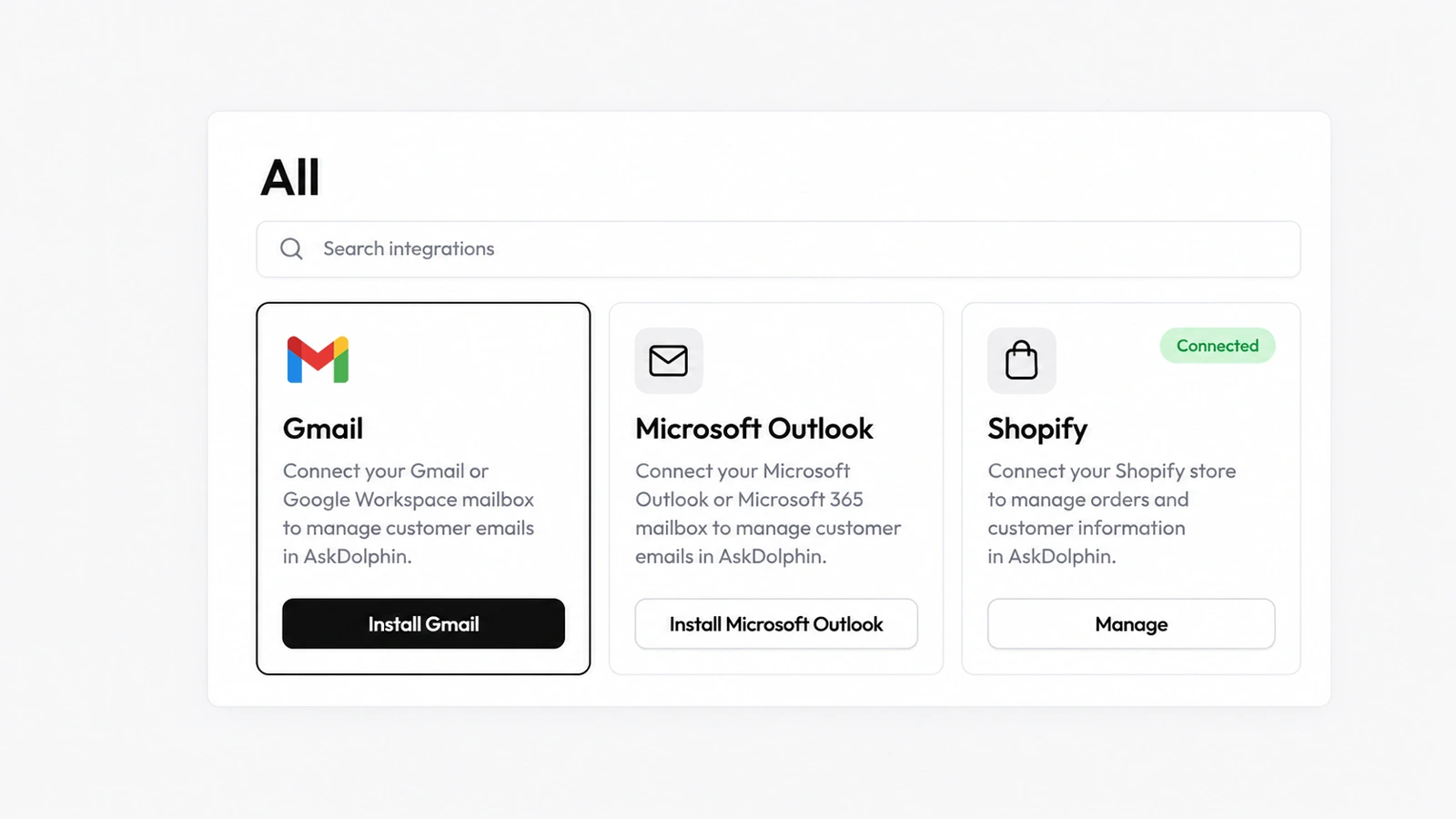
Gmail integration for your support inbox
AskDolphin's Gmail integration connects a Gmail or Google Workspace address to the shared inbox, so customer email sits next to chat and QR conversations.
AskDolphin's Microsoft integration connects an Outlook or Microsoft 365 work address to the shared inbox.
AskDolphin's Microsoft integration connects an Outlook or Microsoft 365 work address to the shared inbox. Customer email then sits next to chat and QR conversations. AskDolphin is a Microsoft verified publisher. Here is how email works in AskDolphin.
Teams on Microsoft keep the Outlook address their customers already use and gain a shared inbox around it. Email arrives beside website chat and QR conversations, and the same people, notes and drafting tools handle all of them, instead of one person forwarding messages from a personal mailbox.
Yes. Connect a personal Outlook or Microsoft 365 work address and manage it in the same shared inbox.
Yes. AskDolphin is a Microsoft verified publisher.
AskDolphin's Gmail integration connects a Gmail or Google Workspace address to the shared inbox, so customer email sits next to chat and QR conversations.
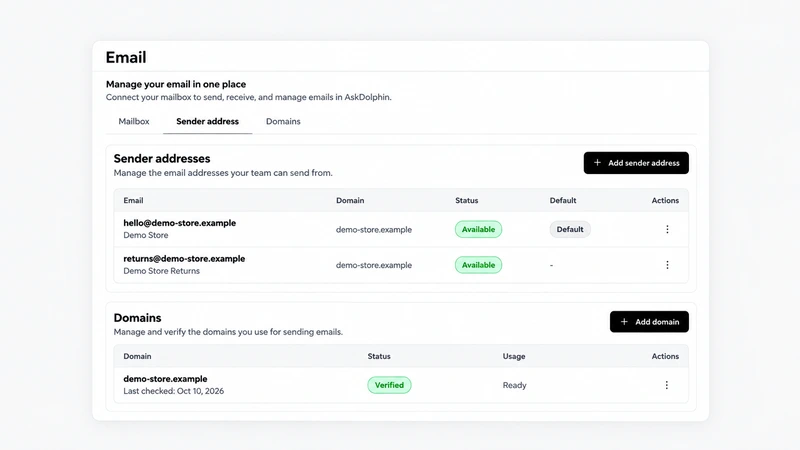
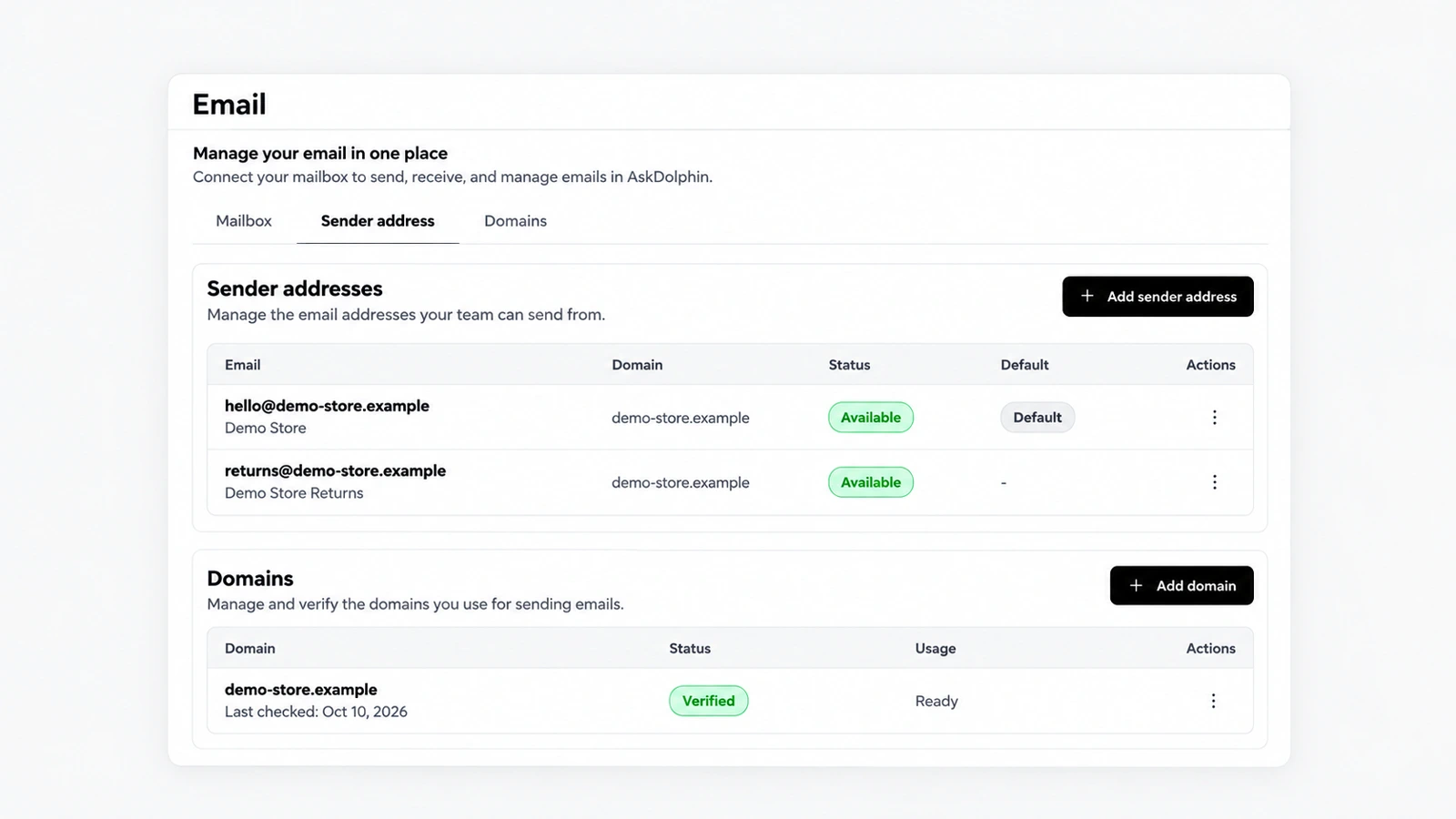
AskDolphin now lets you set the address and name shown on replies, verify your own domain for sending, and choose who on the team may use each mailbox.
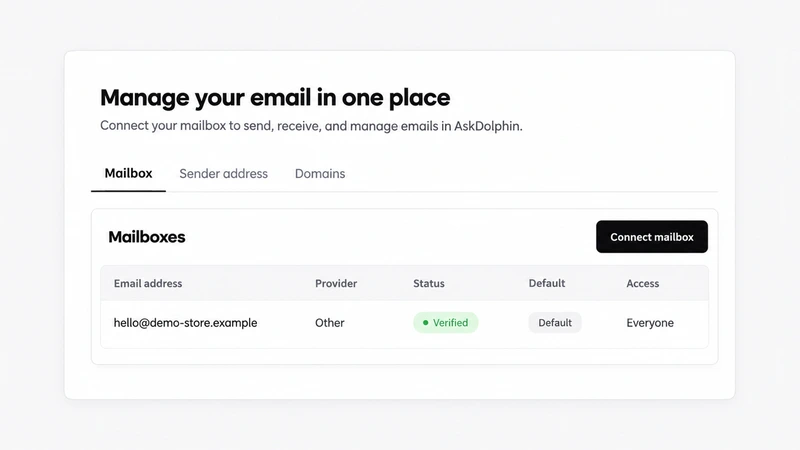
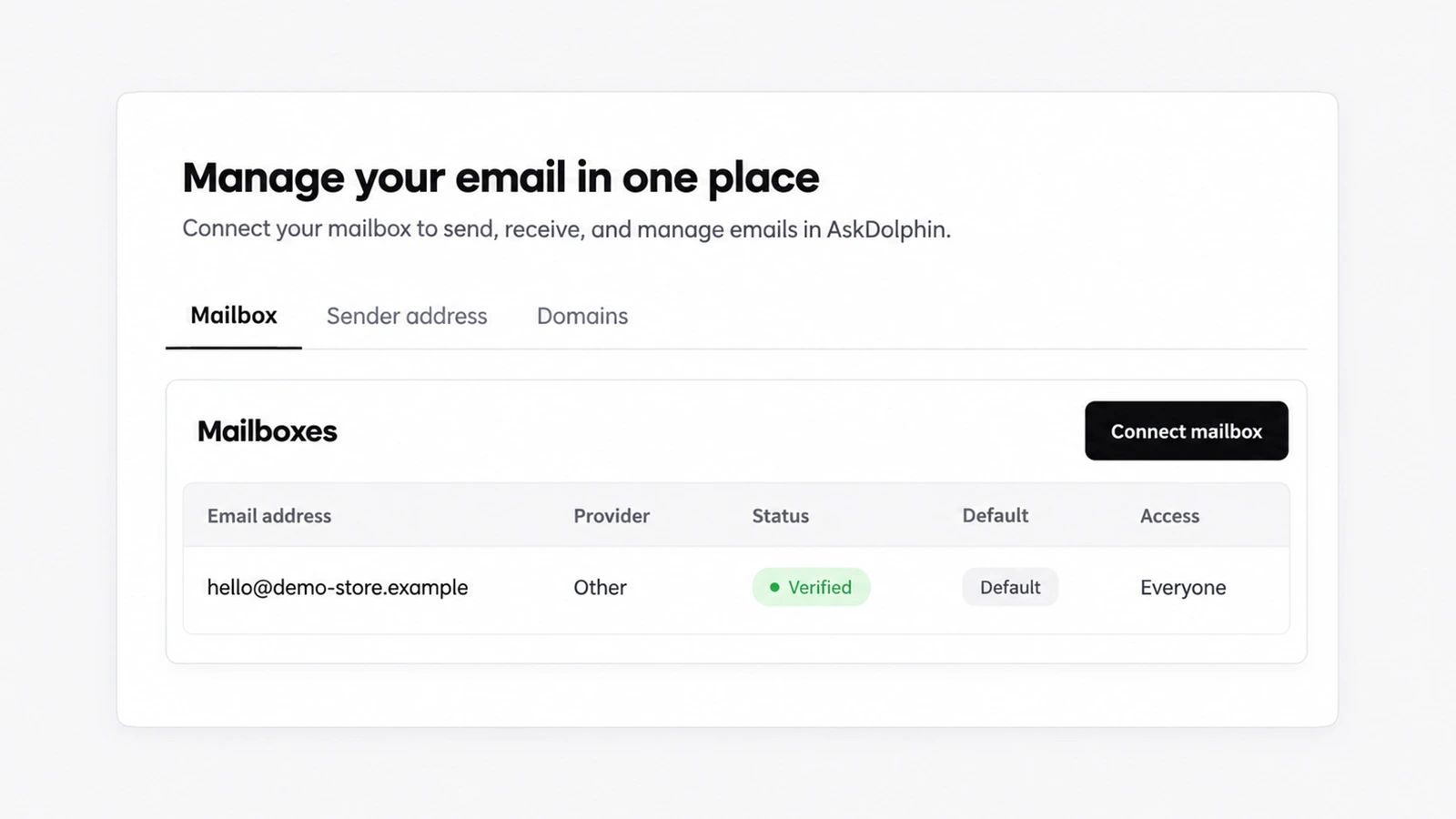
AskDolphin now connects any business mailbox when you forward its email to AskDolphin.
Install it in a minute. It starts working on your next visitor.
14 days, every feature.