


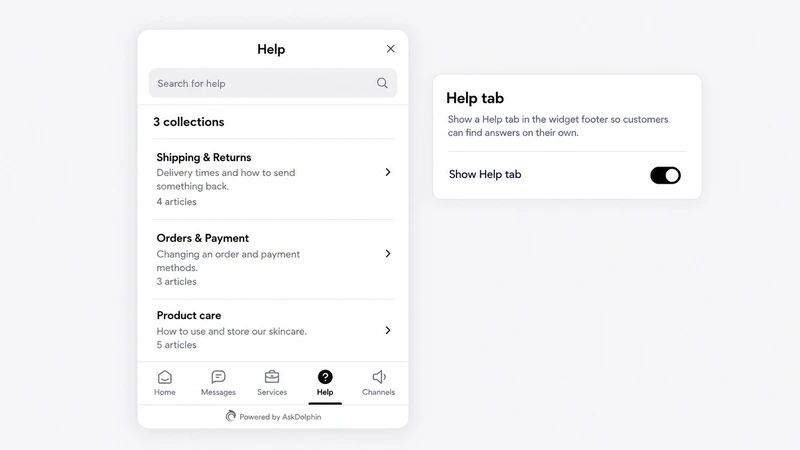
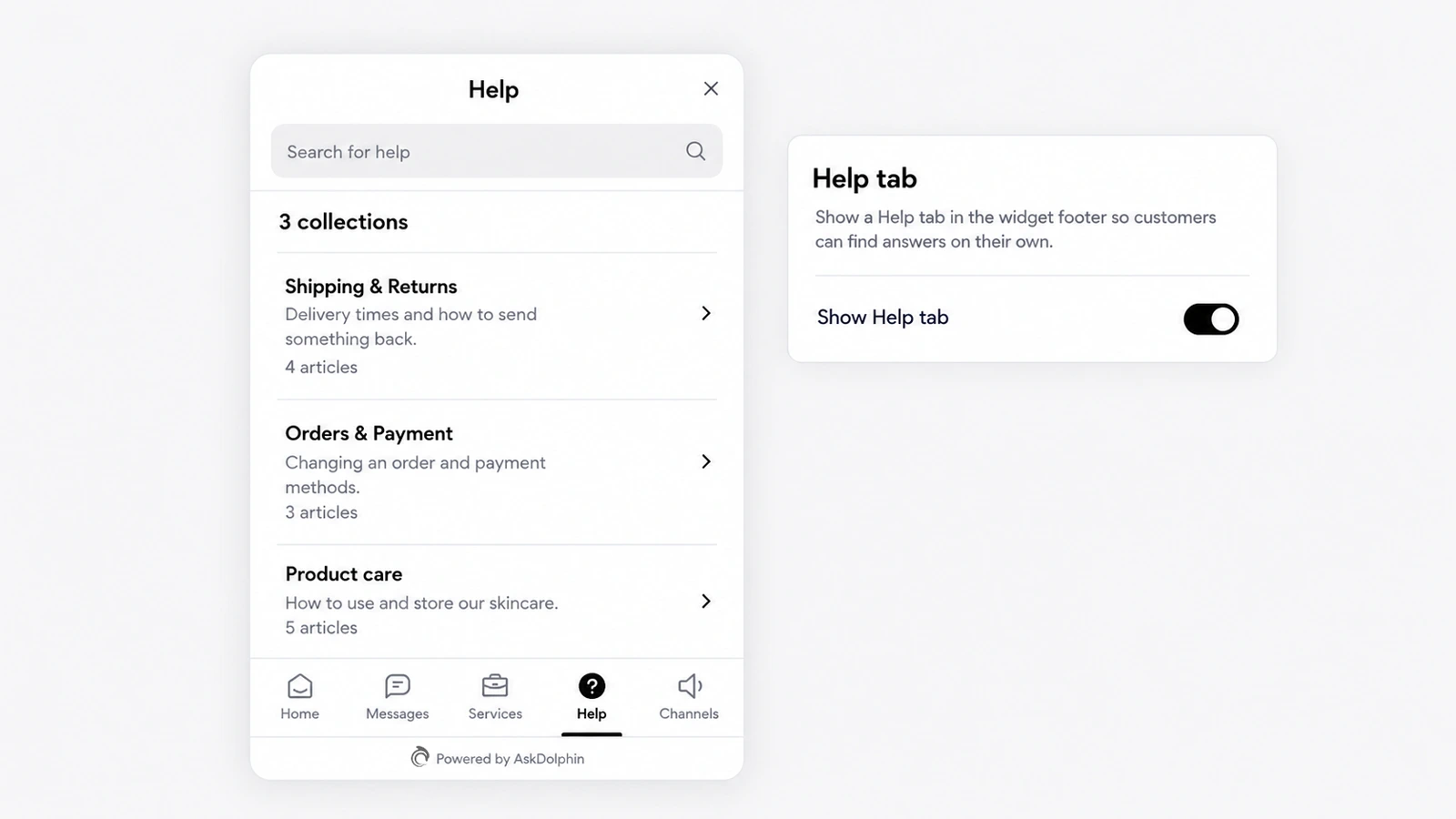
Help Center as an AI source and a Help tab
AskDolphin's Help Center lets you write articles in collections that customers can search in the chat widget's Help tab.
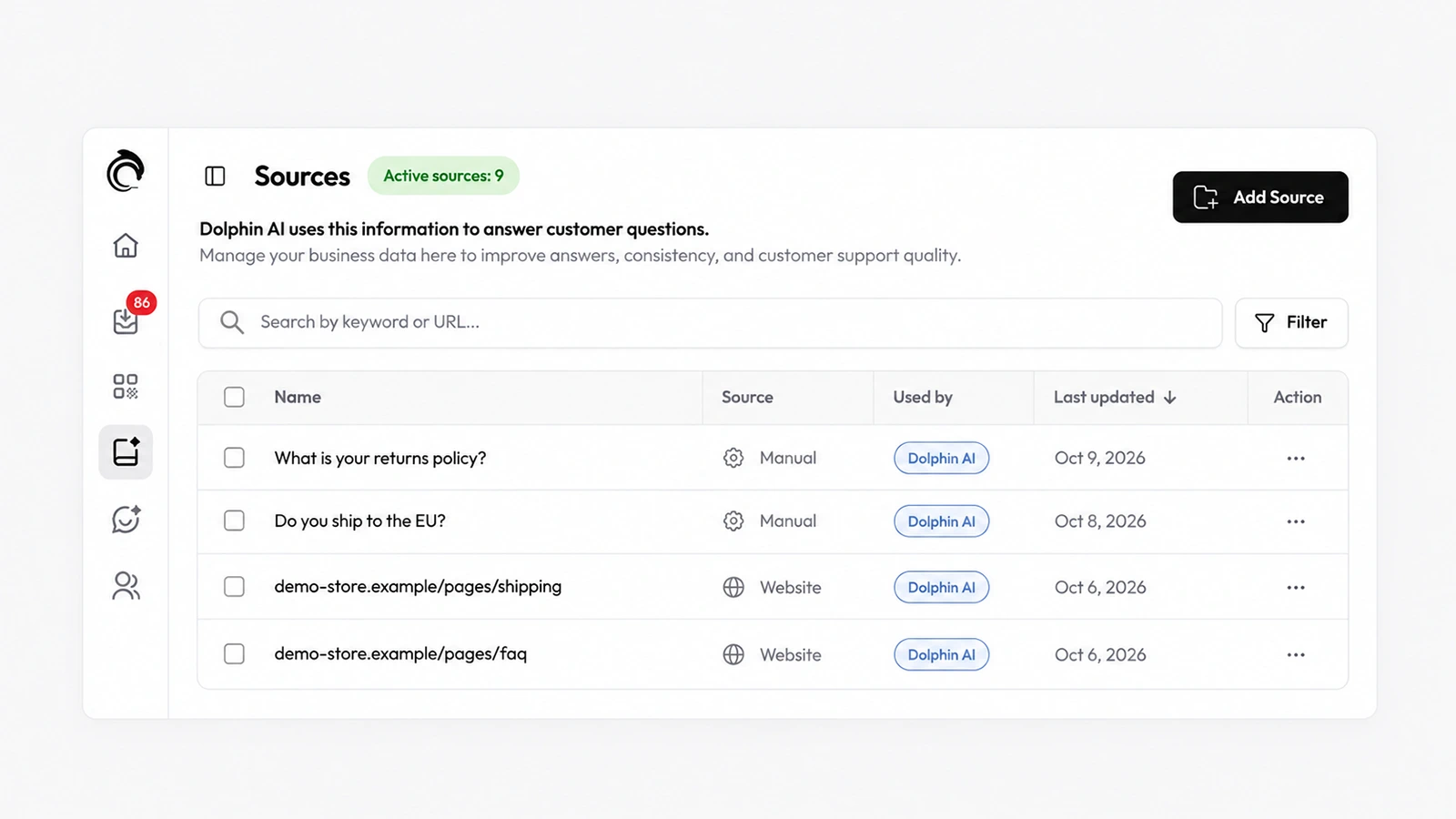
Dolphin AI, the assistant inside AskDolphin, now answers customers from the Data Sources you approve.
Dolphin AI, the assistant inside AskDolphin, now answers customers from the Data Sources you approve. These are manual Q&As, scanned website pages and URLs, products and services, and your Help Center. You can read every source it uses and remove anything it should no longer say. It is the base of everything Dolphin AI by AskDolphin does in chat, on QR codes and by email.
An AI assistant is only as good as what it is allowed to say. Data Sources keeps that in one list you control: the answers you wrote, the pages of your own site, your catalog and your help articles. When something changes, such as a new returns policy or a product you stopped selling, you change it in one place.
From the sources you approve in AskDolphin: your Q&As, website pages, products and services, and your Help Center articles.
Archive the product in Data Sources and Dolphin AI stops using it until you restore it.
AskDolphin's Help Center lets you write articles in collections that customers can search in the chat widget's Help tab.
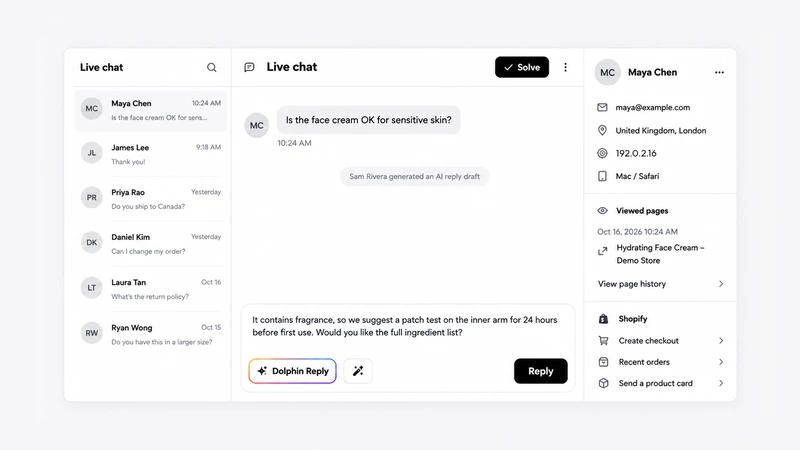
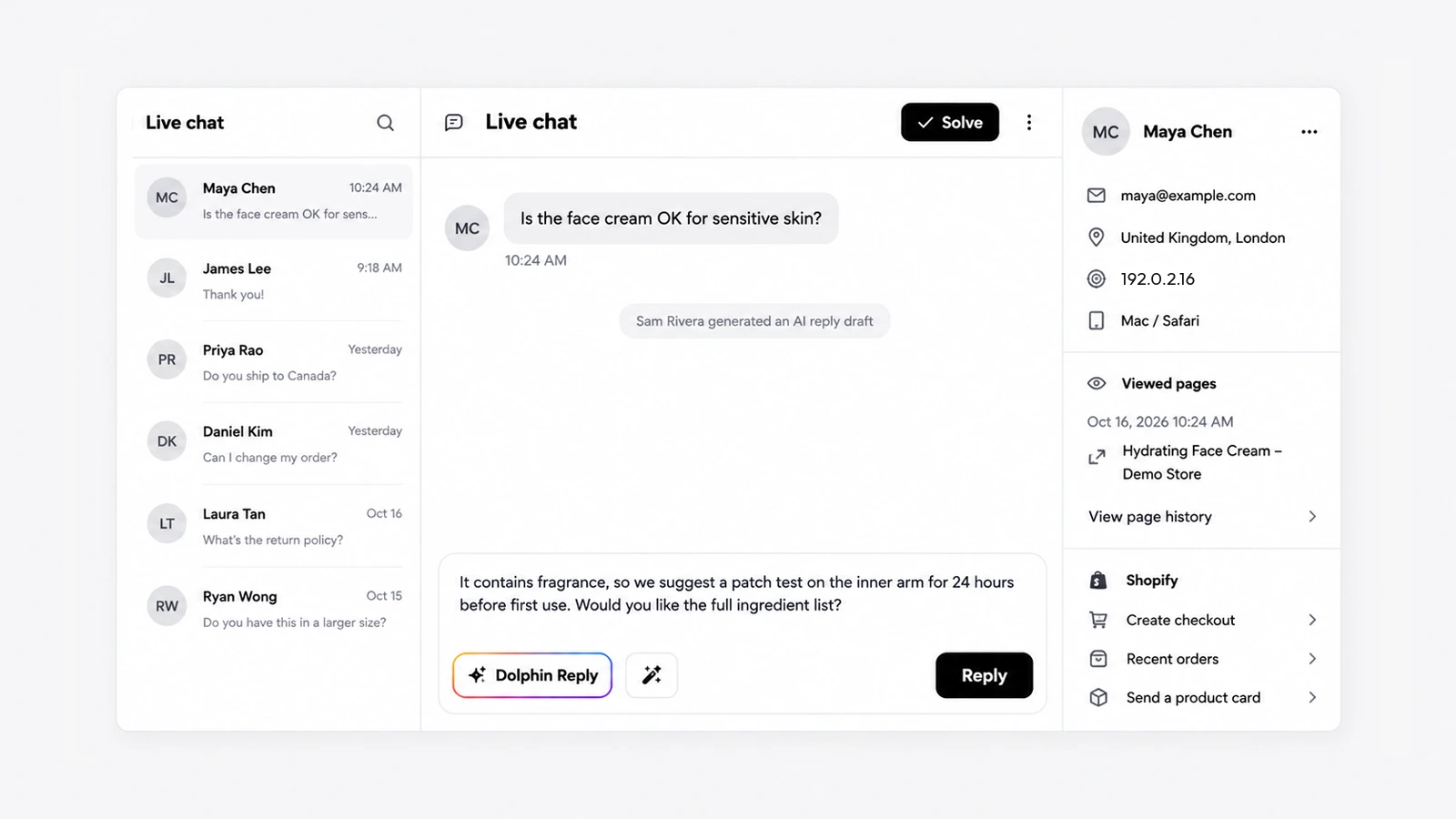
Dolphin Reply is a button in the AskDolphin inbox that writes a draft answer from your Data Sources and the conversation, on every channel.
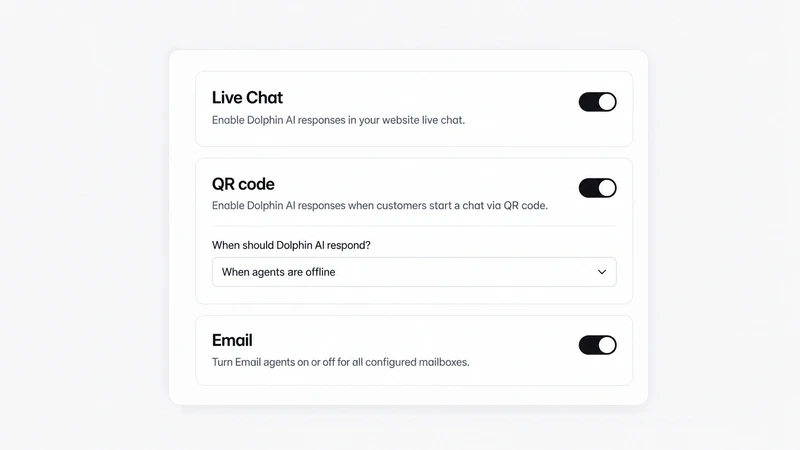
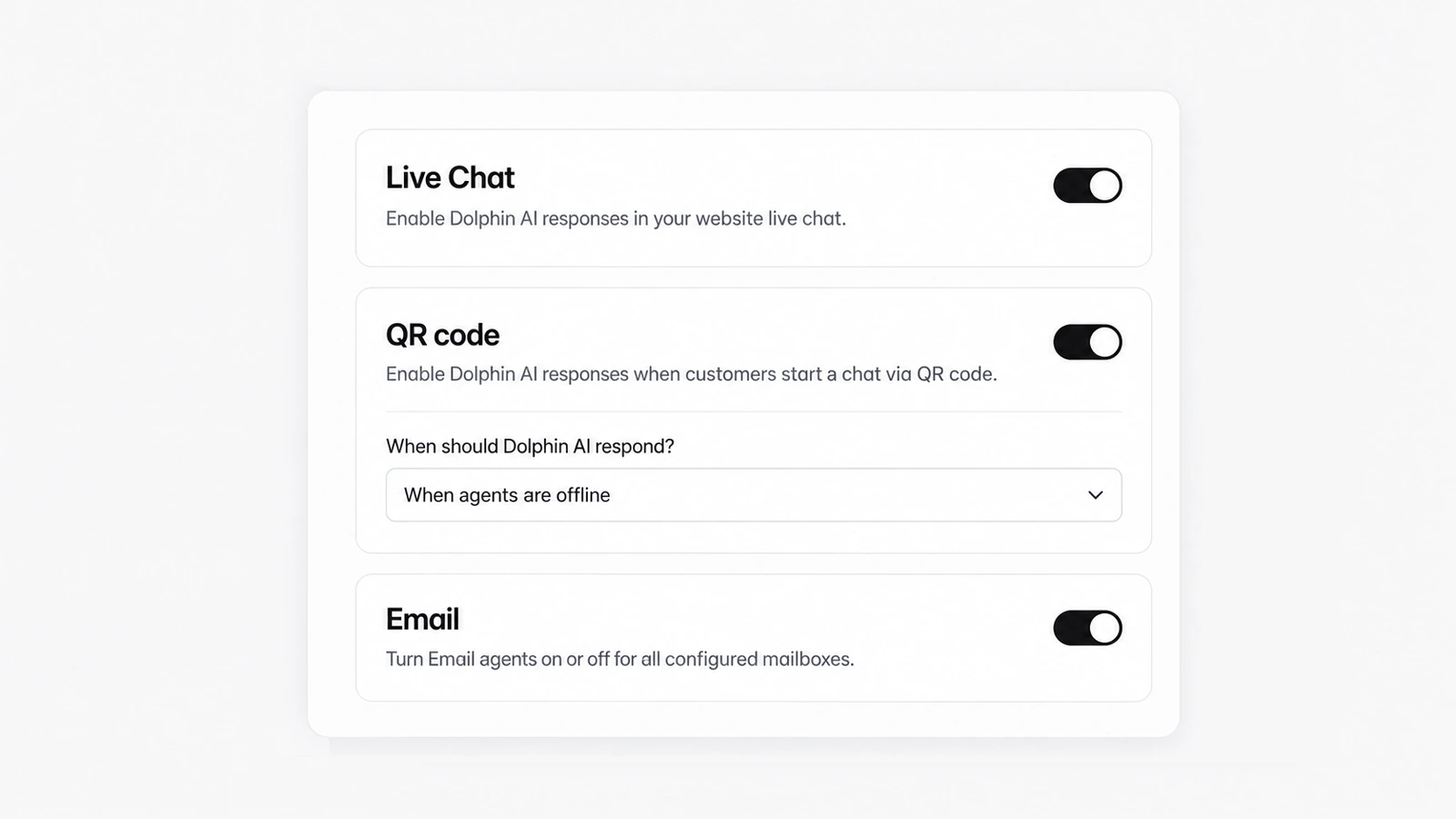
AskDolphin now lets you turn Dolphin AI on or off separately for website chat, QR chats and email.
Install it in a minute. It starts working on your next visitor.
14 days, every feature.