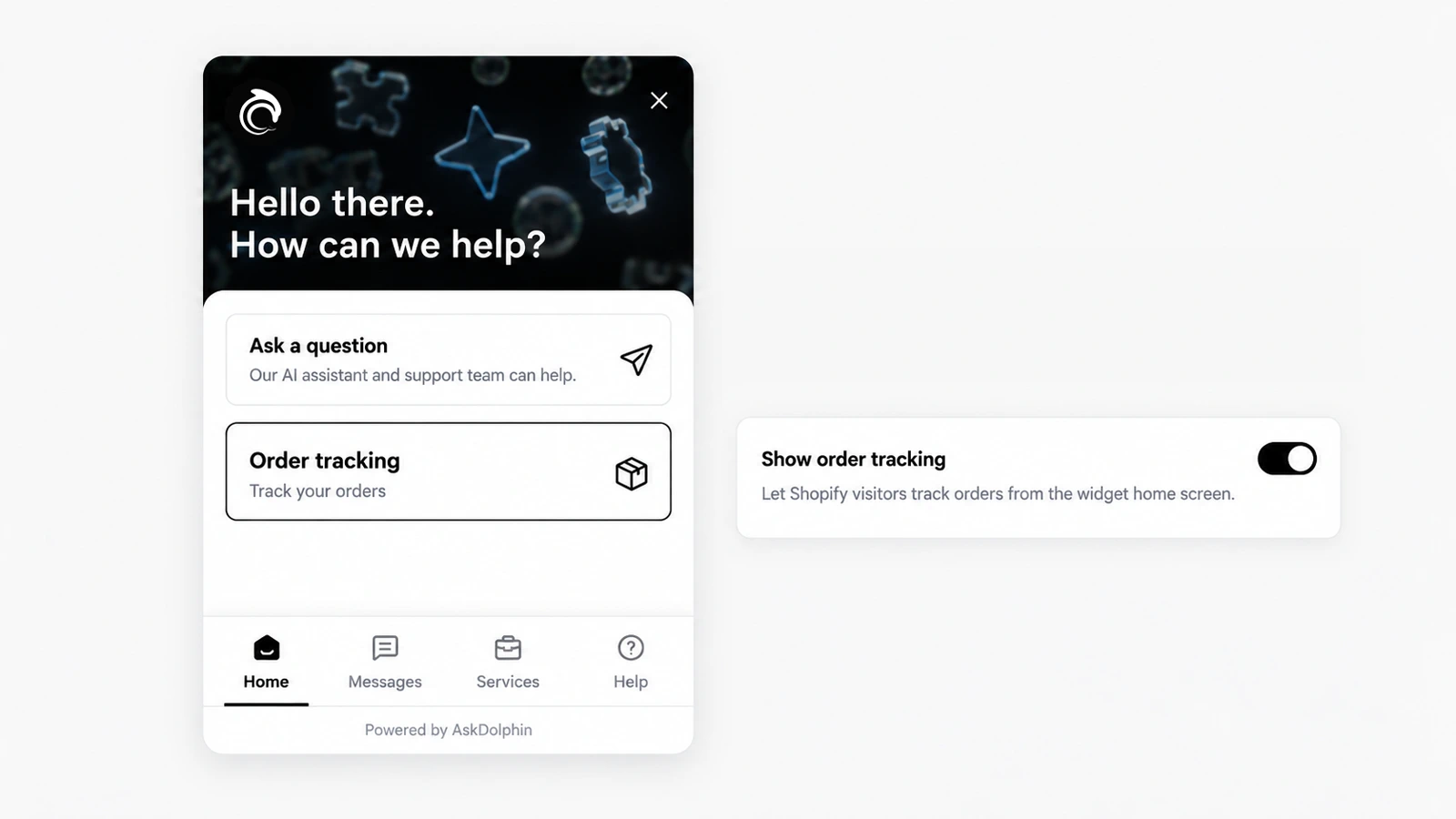
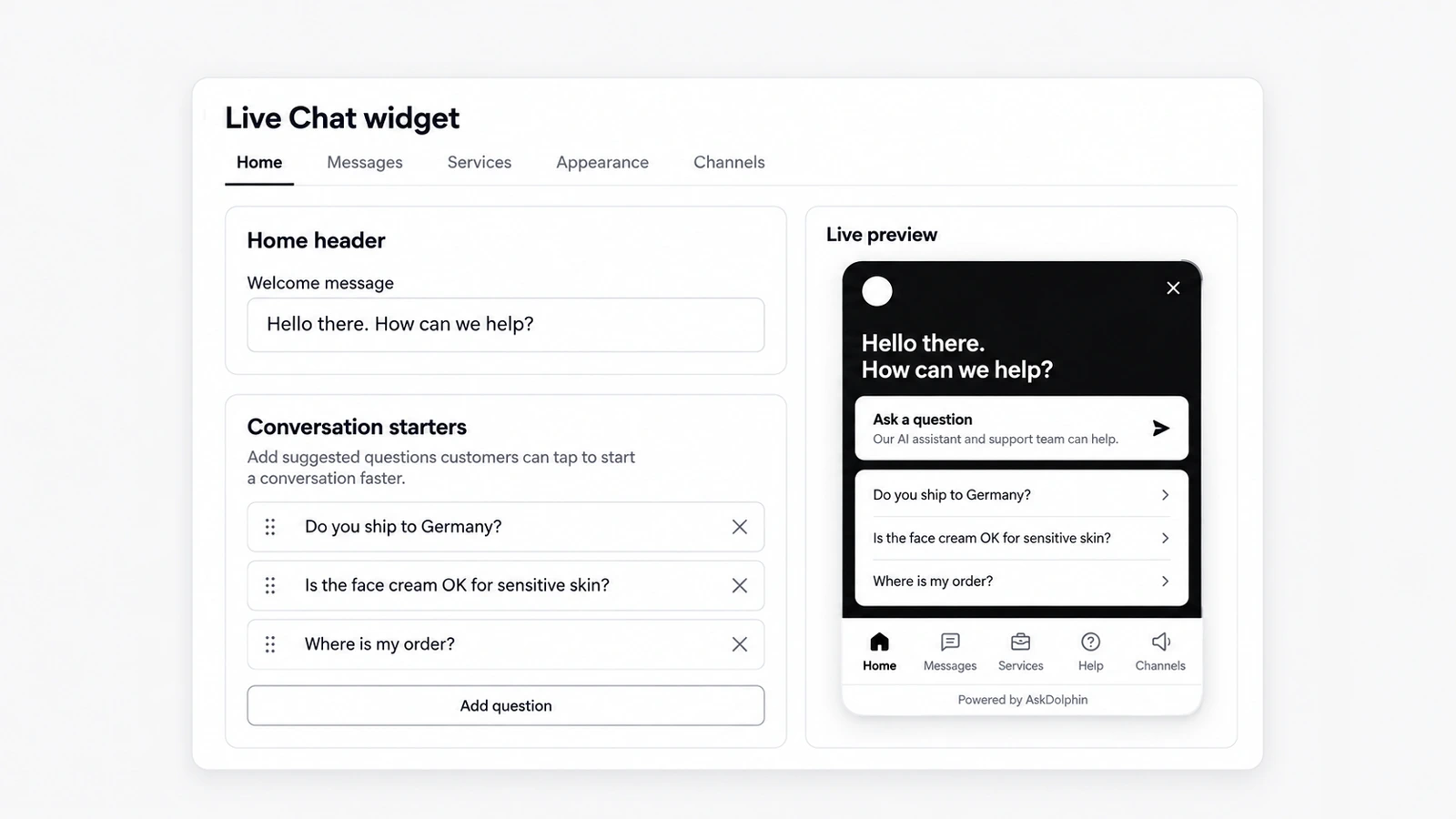
AskDolphin lets customers check the status of a Shopify order inside the chat, or from an order-tracking card on the widget's home screen.
AskDolphin lets customers check the status of a Shopify order inside the chat, or from an order-tracking card on the widget's home screen.See it in AskDolphin
AskDolphin lets customers check the status of a Shopify order inside the chat, or from an order-tracking card on the widget's home screen. Dolphin AI and your team see the same status, so "where is my order?" gets a quick answer. It is part of AskDolphin's post-purchase support for Shopify.
Why it matters
"Where is my order?" is one of the most common questions a shop gets, and one of the most repetitive to answer by hand. Letting customers check it themselves, or ask Dolphin AI, frees your team for the questions that need a person.
How to use it
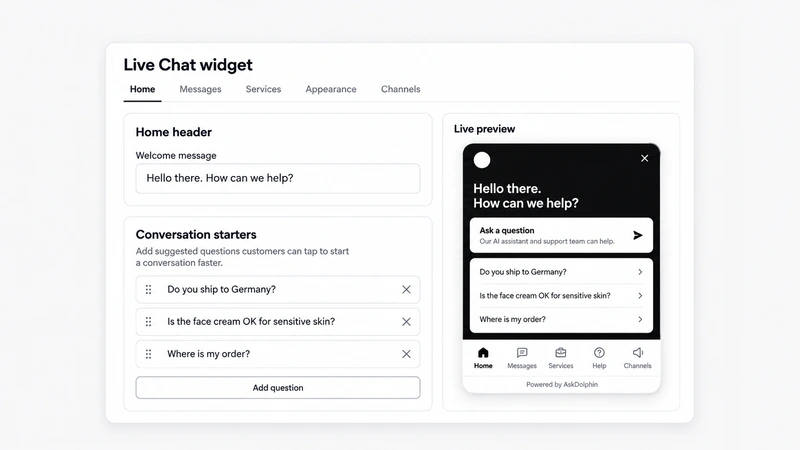
On the home screen: open Settings, then Channels, then Live Chat widget, then Appearance, then Home, and switch on Show order tracking: "Let Shopify visitors track orders from the widget home screen." Customers see an "Order tracking" card.
In the chat: open Dolphin AI, then Channels, then Live Chat, and under Allowed actions switch on Order Tracking: "Help visitors find the latest status of their orders."
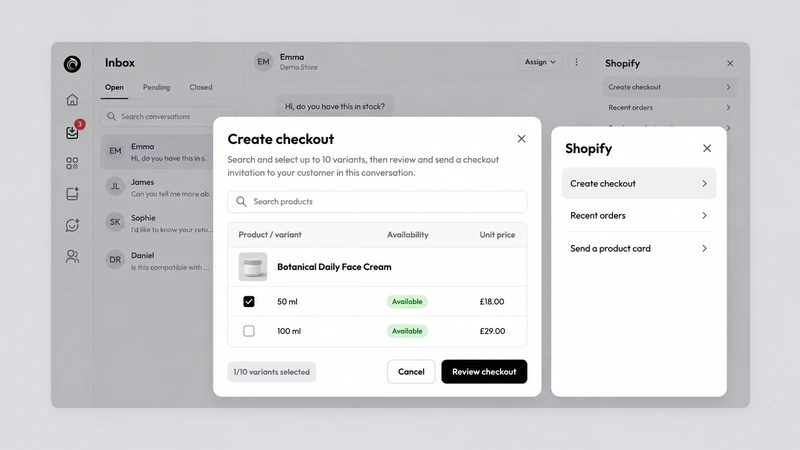
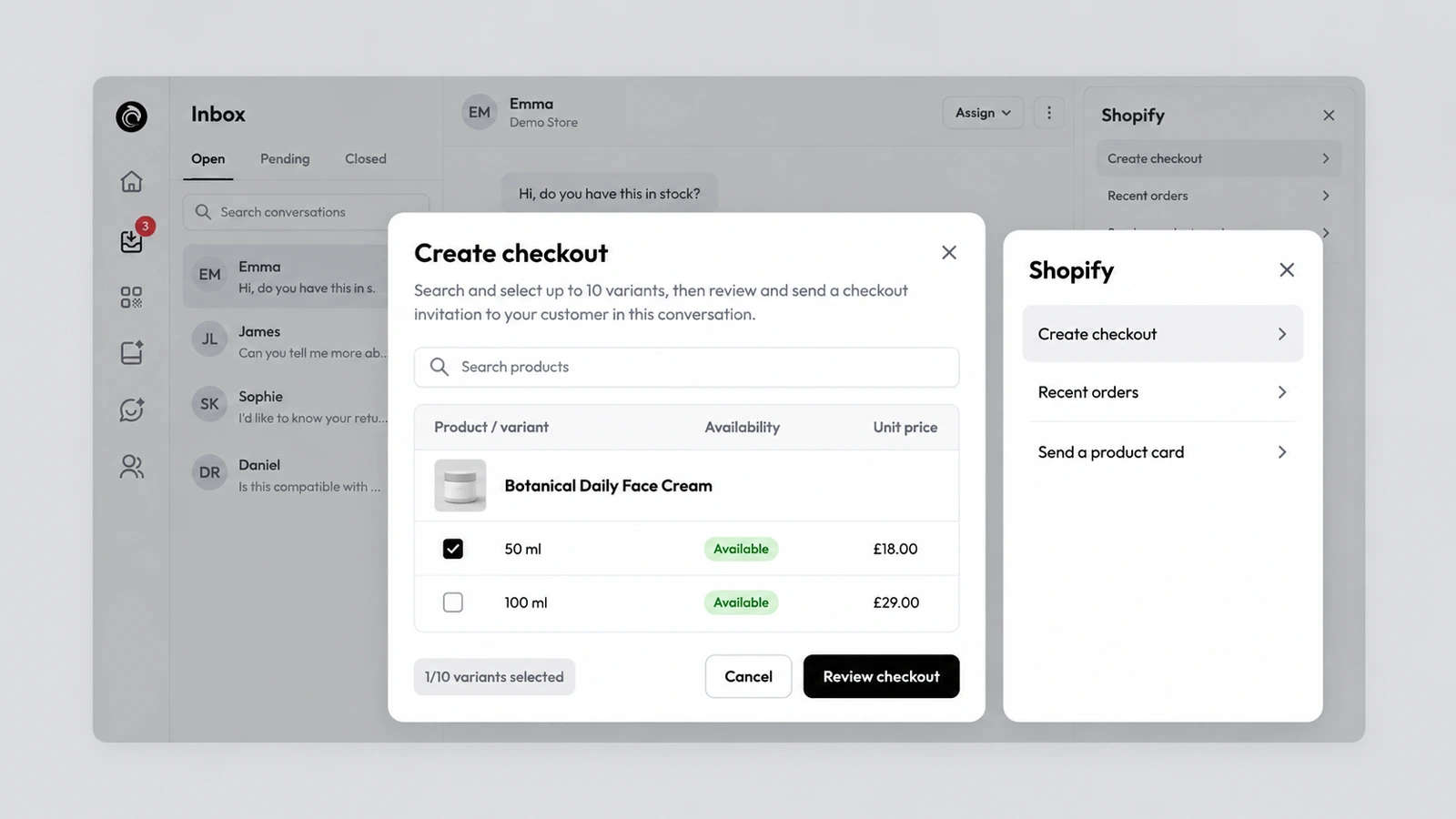
For your team: on Pro, the customer's recent Shopify orders appear beside the conversation in the inbox.
Good to know
Order tracking needs a connected Shopify store.
If a customer wants to change something, such as the delivery details, Dolphin AI turns it into a request that a person on your team approves or rejects in Action Review (Pro).
Order tracking in the widget is included on Free and Pro.
Frequently asked questions
Can customers check their order status in the AskDolphin chat?
Yes. With a connected Shopify store, customers check an order's status in the chat or from the widget's tracking card.
Does AskDolphin order tracking work without Shopify?
No. Order tracking needs a connected Shopify store.