QR Customer Support

QR codes give retail and ecommerce teams a practical way to connect physical touchpoints (packaging, shelves, receipts, and in-store displays) to the same support workflow shoppers use online.

Articles in this category cover where QR support actually works in retail, what scans should open, SKU-level codes on packaging, post-purchase help flows, and how to route conversations into chat or email without losing context.

If you sell through stores and online channels, these guides focus on the rollout decisions that come first: where a code goes, what it opens, and how the conversation reaches someone who can answer.

Browse by topic

Latest articles

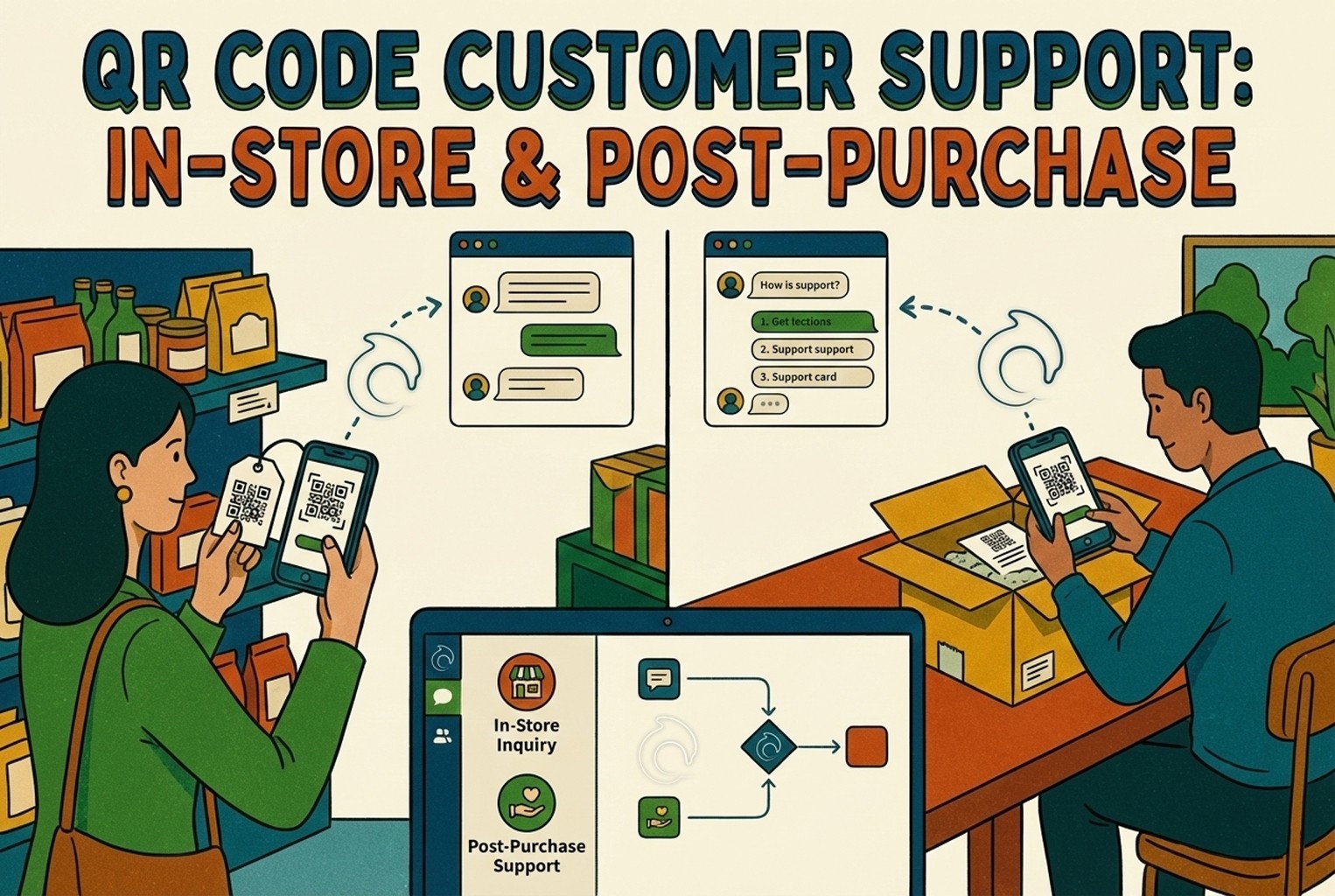
QR Code Customer Support: In-Store and Post-Purchase

Hard-to-find staff in-store and post-purchase questions flooding email? This playbook shows where to place support QR codes, what scans should open, and how to route chats into one shared inbox with human handover when needed.

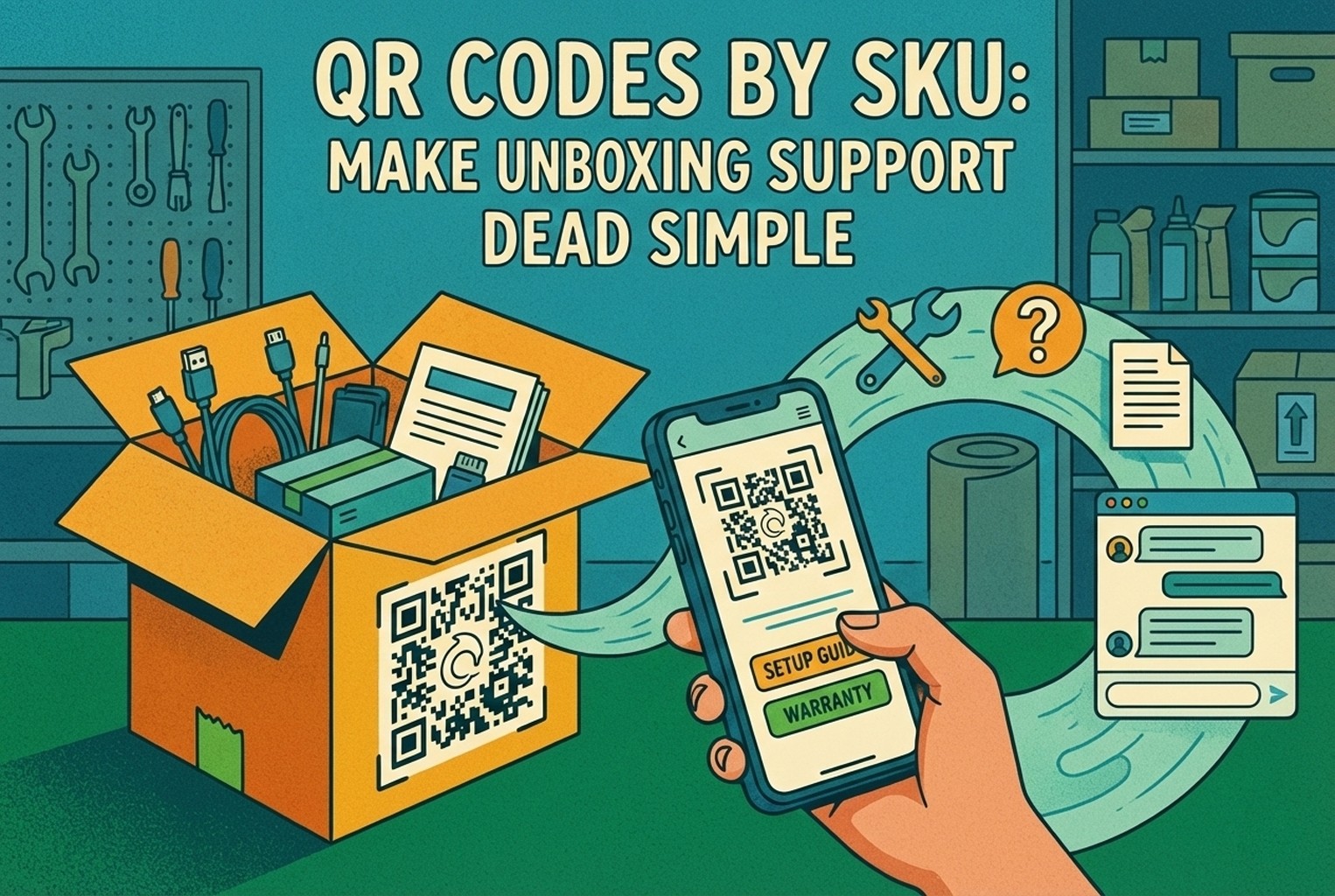
QR Codes by SKU: Make Unboxing Support Dead Simple

Unboxing support breaks when agents cannot tell which variant a customer holds. This guide shows how SKU-level QR codes on packaging open the right help, with placement tips, static vs dynamic choices, and rollout templates.

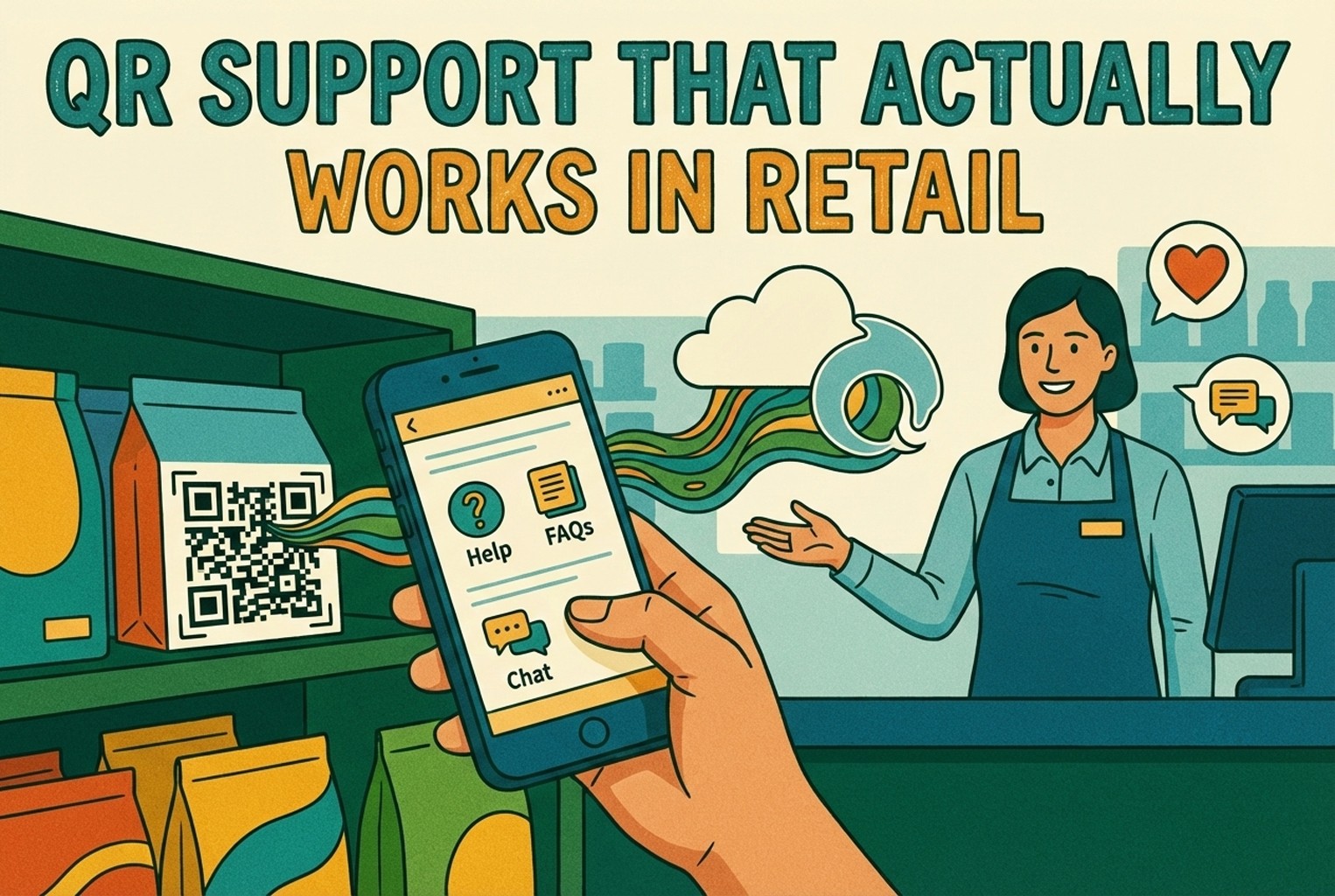
QR Support That Actually Works in Retail

QR codes fail when they send shoppers to generic homepages or promo pages. This article covers retail placements that worked, what the scan should open, and how teams routed product help into one shared support workflow.

Stop losing the quiet ones.

Install it in a minute. It starts working on your next visitor.

14 days, every feature.