




AI Support Without Dodgy Answers
AI support usually fails when the knowledge behind it is messy. This guide shows how ecommerce teams structure shipping, returns, product data, guardrails, and human handoffs so answers stay accurate and policy-safe.
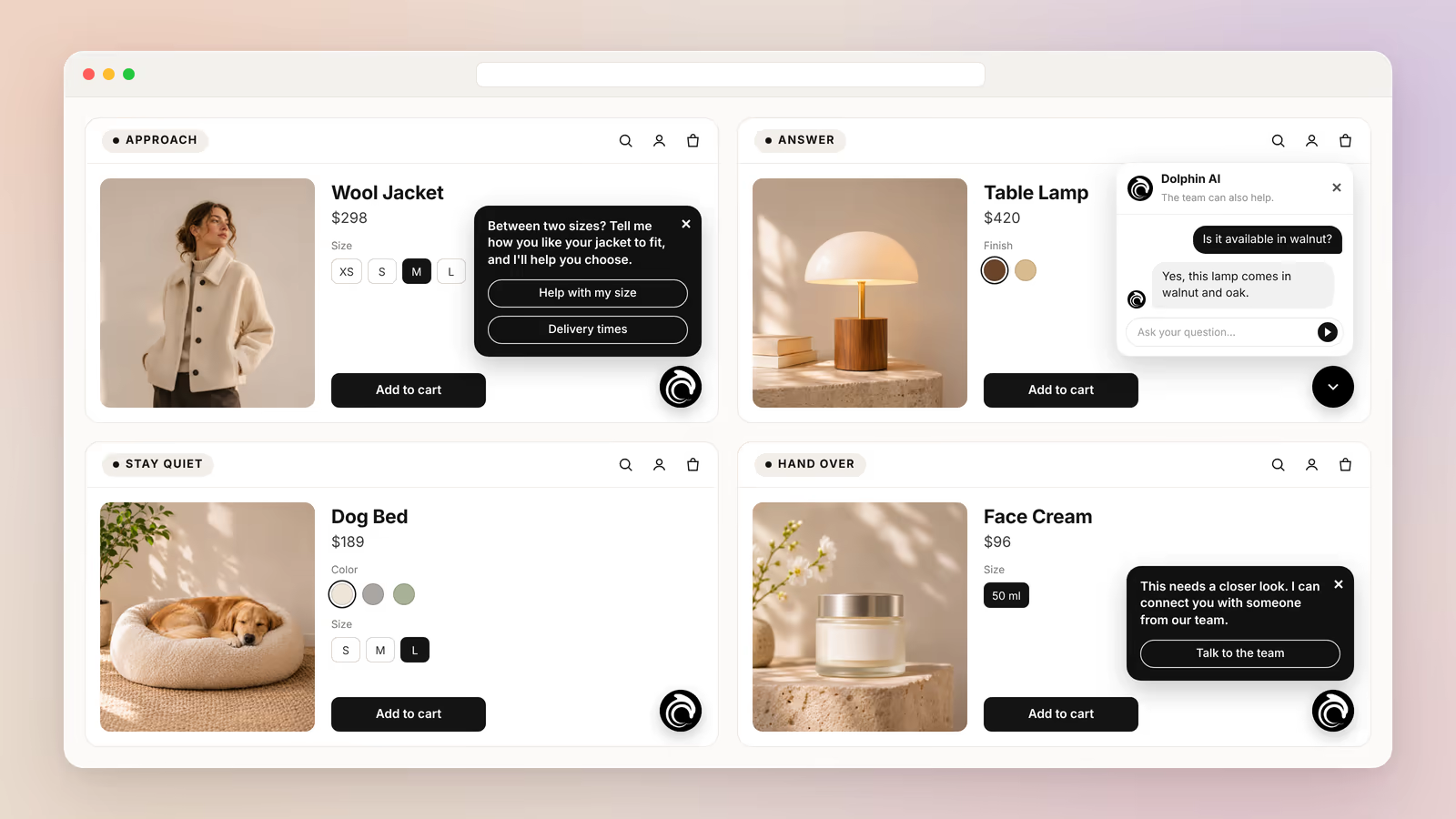
Proactive AI sales agents should approach shoppers when they can help with a specific buying decision. They can recognize possible needs from website behavior, offer relevant product guidance, and involve a person when needed. But knowing when to stay quiet is just as important.
Imagine someone comparing two jackets in your online store. They want to check the fit, but they can't decide which size to choose. A helpful suggestion could make that choice easier, while a generic greeting would only interrupt them.
That's the difference between simply starting a conversation and proactively helping someone buy.
A proactive AI sales agent should make the next step easier, whether that means comparing products, answering a question, or giving the shopper space to decide.
You can try AskDolphin for free to see how AI and live chat can support shoppers in your store.
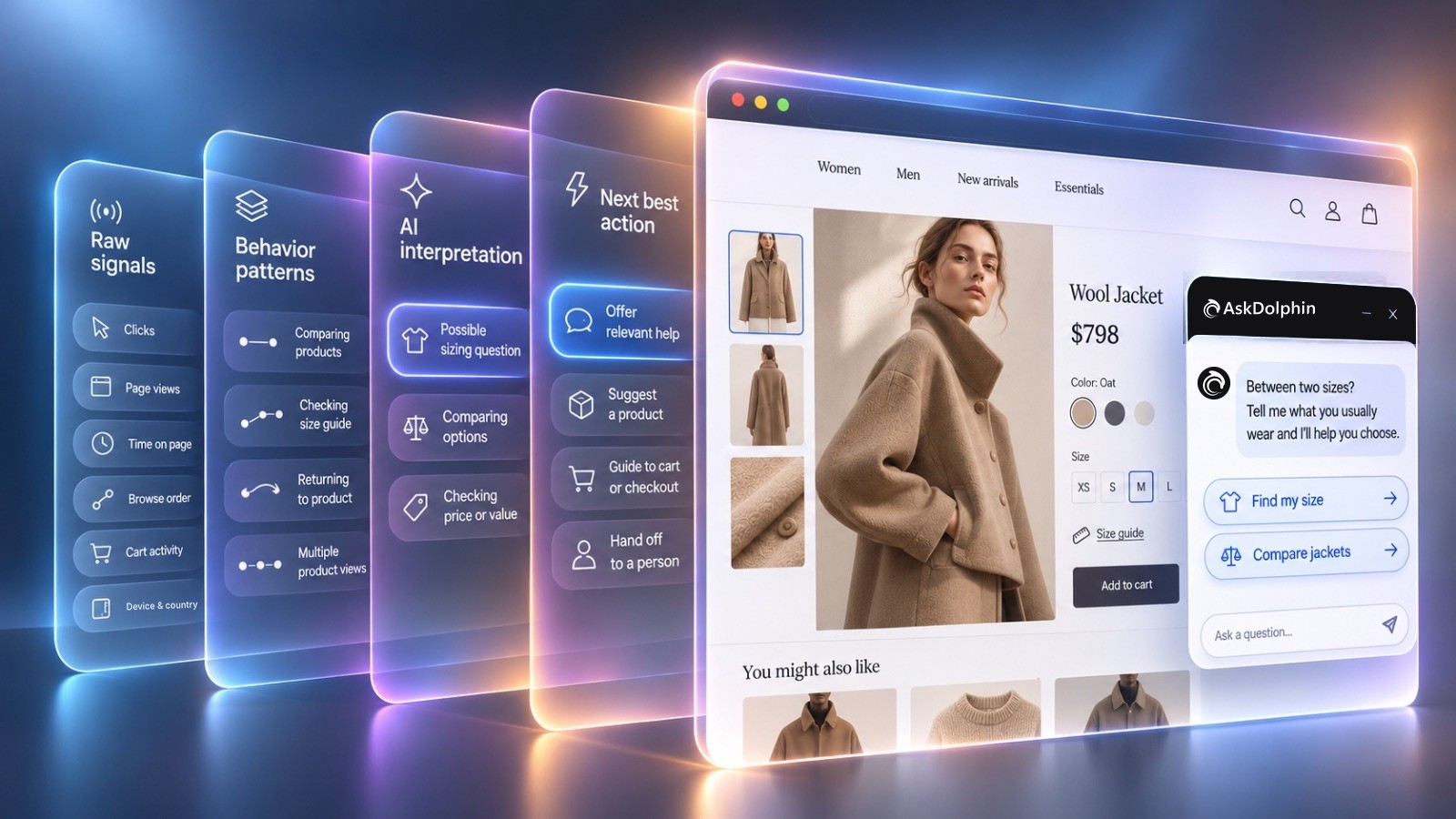
A proactive AI sales agent should approach a visitor when their website activity suggests a possible buying question and the agent has something useful to offer.
Unlike an assistant that waits for the customer to ask, a proactive sales agent can identify opportunities to help before a question arrives.
But proactive selling isn't about approaching every visitor.
Consider four common situations:
These activities offer clues. They don't prove that someone is ready to buy.
In Baymard Institute's 2026 research, 42% of US online shoppers reported having abandoned a cart in the previous three months because they were just browsing or weren't ready to buy.
Even selecting products doesn't guarantee purchase intent.
The job of a proactive AI sales agent is to recognize when help could be valuable, not assume every visitor needs persuasion.
Imagine a shopper comparing two coffee machines.
One has several brewing options. The other is simpler and costs less.
The shopper may want to understand which one suits their routine, but hasn't asked a question.
A proactive sales agent could offer:
"Choosing between these machines? I can help you compare their features and find the right fit."
[Compare features] [Help me choose]
The message offers a useful way forward without pressuring the visitor to buy.
Before approaching someone, a sales agent should meet three conditions:
When those conditions aren't met, waiting is usually the better choice.
For more on interpreting website activity, read AI Customer Behavior Analysis: From Signals to Help.
A proactive AI sales agent can help shoppers make progress by answering important questions, comparing options, and guiding them toward a suitable next step.
A useful sales interaction doesn't have to end with an immediate purchase.
Sometimes the shopper needs to understand a product. Sometimes they need reassurance about delivery. Other times, they need someone from the business to answer a specific question.
Imagine a shopper deciding between two winter jackets.
They may be unsure about materials, warmth, or fit.
A helpful agent can explain verified differences instead of simply recommending the more expensive option.
For example:
"Not sure which jacket suits you? I can help you compare the fit, materials, and available colors."
[Compare jackets] [Help with sizing]
That gives the shopper a choice rather than a sales pitch.
A shopper might be interested in a product but unsure about an important detail.
Questions about sizing, delivery, availability, and returns can all matter when making a purchase.
An AI sales agent can help by providing answers based on the business's information.
If someone asks whether a jacket is waterproof, the response should reflect the actual product description.
If the business only describes the item as water-resistant, the agent shouldn't promise waterproof protection.
Helping someone buy doesn't mean telling them what they want to hear.
A proactive sales agent should help a person continue from where they are.
That could mean explaining product differences, pointing toward a relevant product or service, answering another question, or bringing someone from the team into the conversation.
The next step should fit the customer's needs.
Someone who wants delivery information shouldn't be sent into an unrelated product recommendation.
And someone asking for a person shouldn't have to keep answering automated questions.
This is where proactive AI sales goes beyond a generic chat invitation. The purpose is to support the buying decision, not simply generate a reply.
For a broader explanation, see AI Sales Agents for Ecommerce: How They Help Shoppers Buy.
[cta:ai-sales-assistant]
A proactive AI sales agent should stay quiet when it has no clear reason to offer help or when an interruption would get in the shopper's way.
Not every visitor wants a conversation. Some people enjoy comparing products independently. Others arrive knowing exactly what they need.
Imagine walking into a clothing store and having a salesperson approach you every time you look at something.
Even if the salesperson is polite, that attention can quickly become uncomfortable.
The same principle applies online.
A 2019 Baymard Institute study found that intrusive live chat invitations often disrupted shoppers.
Research published by Nielsen Norman Group in 2021 also explains how intrusive page overlays can interrupt tasks and damage trust.
These studies concern website interactions, not a specific AI sales agent. But they offer an important lesson: getting someone's attention isn't the same as helping them.
Shopper situation | Recommended sales approach |
|---|---|
Opens the homepage | Allow them to explore |
Browses a collection | Keep help available without interrupting |
Starts reading product details | Give them time to understand the information |
Compares similar products | Consider offering a useful comparison |
Ignores a previous invitation | Avoid unnecessary follow-ups |
Asks a direct question | Answer the question |
These are practical recommendations for businesses, not claims about automatic software rules.
The important distinction is between being available and demanding attention.
A sales agent that knows when to stay quiet can be more helpful than one that constantly tries to start conversations.
Once a shopper asks a question, the AI sales agent should focus on answering it.
Proactive AI chat is one way a sales agent can begin an interaction. But the conversation itself should follow the customer's needs.
Imagine a sales agent offers sizing assistance:
"Between two sizes? Tell me how you like your jacket to fit, and I'll help you choose."
[Help with my size] [Delivery times]
The shopper chooses Delivery times.
The next response should address delivery, not return to sizing or introduce an unrelated offer.
That's a basic principle of useful sales assistance: listen to the customer and follow their question.
AI can help with many straightforward questions when reliable information is available.
But some situations need a person.
Imagine a shopper reporting that an item arrived damaged and asking for an exception to the return policy.
The AI may explain the published policy. It shouldn't promise a special outcome that hasn't been approved.
A better response would be:
"I'm sorry your item arrived damaged. I can connect you with someone from our team."
[Talk to the team] [Explain my options]
This recognizes the problem without making an unsupported promise.
Human help is particularly important when:
In a 2024 Gartner survey of 5,728 customers, difficulty reaching a person was the leading concern about AI in customer service.
That concern matters in sales too.
A proactive AI sales agent should make it easier to get help, not create another barrier between a shopper and the business.
The right approach is to offer relevant assistance selectively rather than repeatedly asking everyone whether they need help.
There isn't one ideal number of proactive messages for every website.
A business selling clothing may have different customer questions from a furniture store or a company taking bookings.
The aim is to recognize useful moments and avoid unnecessary interruptions.
Weak example:
"Hello. Welcome to our store. Can I help you today?"
That greeting could appear on almost any website. It doesn't address a particular buying decision.
Better example:
"Between two sizes? Tell me how you like your jacket to fit, and I'll help you choose."
[Help with my size] [Delivery times]
The second message offers relevant help and a clear next step.
Example: A skincare store
"Choosing a moisturizer? I can help you compare the product descriptions and ingredients."
[Compare products] [View ingredients]
Example: A furniture store
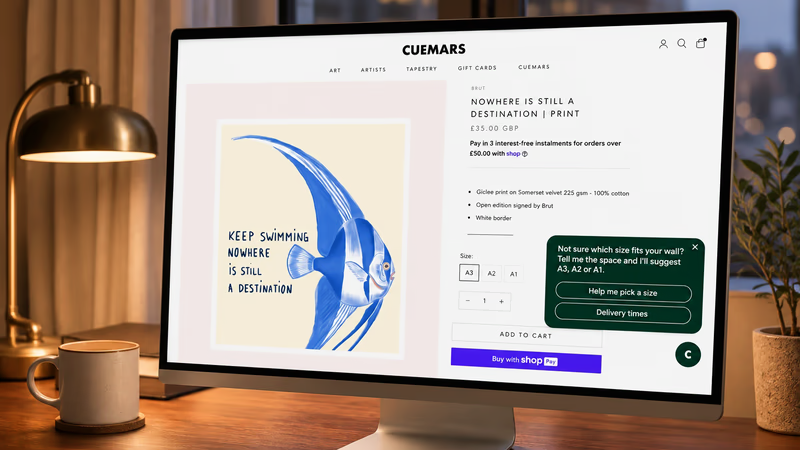
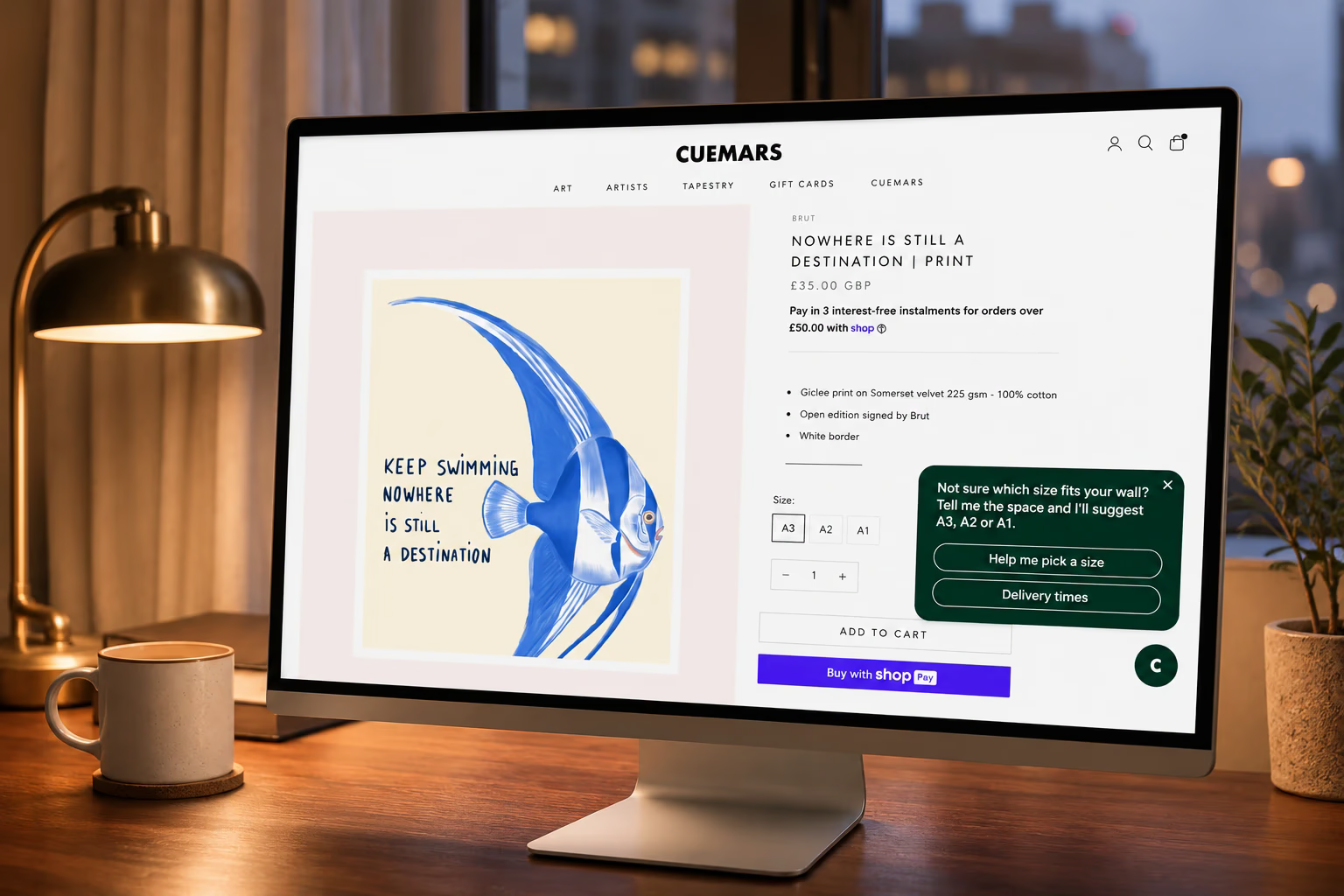
"Not sure which table fits your space? I can help you compare the available sizes."
[Compare dimensions] [See delivery options]
Each message relates to a possible shopping question.
These are hypothetical examples, not actual customer conversations or promises about AI-generated answers.
The agent should use information the business can support. It shouldn't imply knowledge of personal preferences that the customer hasn't shared.
It also shouldn't repeat details of the customer's browsing history in the message.
There's no need to say, "I noticed you've visited this page three times."
Offering help with the decision is more useful than announcing how closely the visitor has been observed.
For businesses reviewing proactive sales engagement, the practical rules are simple: make the message relevant, give people a choice, and respect their decision not to reply.
AskDolphin's AI Sales Assistant uses website visitor behavior to offer personal sales assistance instead of sending every visitor the same generic greeting.
AskDolphin's AI Sales Assistant reads each visitor's behavior on your website as it happens, works out what they're looking for, and writes them a personal message with reply buttons that start the right conversation.
It can consider the visitor's current page, earlier pages, clicks, and time spent browsing, using visits recorded with the visitor's consent.
Two visitors looking at the same product may have different questions, so their messages can be different.
AskDolphin provides two approaches:
Mode | Role |
|---|---|
Assistive | Answers when a visitor asks for help |
Proactive | Can offer relevant assistance before the visitor asks |
The business can choose a tone, including Professional, Friendly, Casual, Concise, Luxury, or Custom.
It can also control which share of visits the assistant works on and which days it operates.
Personal opening messages, the purchase-intent score and Session Replay come with the Advanced Visitor & Sales add-on, for Free or Pro. Without it, the AI Sales Assistant still answers shoppers who write first.
When someone replies, Dolphin AI by AskDolphin can answer using business-provided website pages, products, help articles, and questions and answers.
The assistant can offer relevant guidance, but it should not invent missing product facts.
When a person is needed, AskDolphin supports human handover through website live chat.
That combination matters because sales assistance includes more than recommending products.
Sometimes helping a customer means answering clearly. Sometimes it means helping them compare. Sometimes it means connecting them with a person who can make the right decision.
Behavior-based features operate with recorded visitor consent.
[cta:live-chat]
A business should evaluate proactive AI sales agents by the quality of the assistance they provide, not simply the number of conversations they start.
More messages don't necessarily mean more sales opportunities.
A useful review asks:
These are suggested evaluation questions, not claims that every measure is available in AskDolphin's reporting tools.
It's also important to avoid assuming that a conversation caused a purchase.
Some visitors would have bought anyway. Others may need more time or might discover that a product isn't right for them.
An effective sales agent helps customers make informed decisions, even when the result isn't an immediate sale.
For a website owner, that is the real purpose of proactive AI sales: recognizing opportunities to provide useful assistance while leaving the customer in control.
A proactive AI sales agent uses available website context to identify possible buying questions and offer relevant help before a visitor asks. It may assist with product comparisons, answer questions, and guide shoppers toward a useful next step. Good proactive selling also means knowing when not to interrupt.
A typical question-and-answer chatbot responds after a visitor starts a conversation. A proactive AI sales agent can also offer assistance based on website context. Chat is one way the agent communicates, but its purpose is to help customers make buying decisions.
They may help reduce uncertainty by answering product questions and offering relevant guidance. However, increased sales aren't guaranteed. Businesses should assess the quality of assistance, visitor experience, and reliable business outcomes rather than assuming more conversations produce more purchases.
They may use website signals such as pages visited, product comparisons, clicks, and time spent browsing. These signals suggest possible needs but don't prove buying intent. AskDolphin uses consent-recorded visitor behavior for its personal AI Sales Assistant opening messages.
No. Many visitors prefer browsing without interruption. A proactive sales agent should offer help when there's a reasonable opportunity to answer a question or support a decision. If there's no clear need, staying quiet may provide the better experience.
Yes. AI can help answer routine questions and guide visitors toward relevant information. Human team members remain important for unusual requests, uncertain answers, exceptions, and situations where customers prefer personal help.
AI support usually fails when the knowledge behind it is messy. This guide shows how ecommerce teams structure shipping, returns, product data, guardrails, and human handoffs so answers stay accurate and policy-safe.
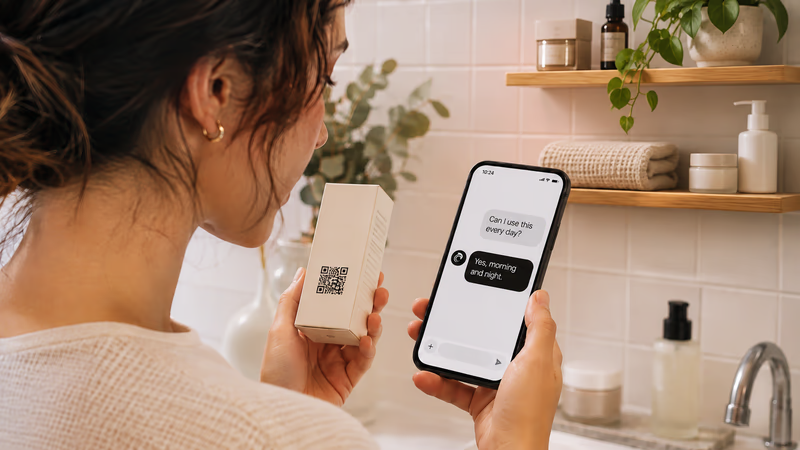
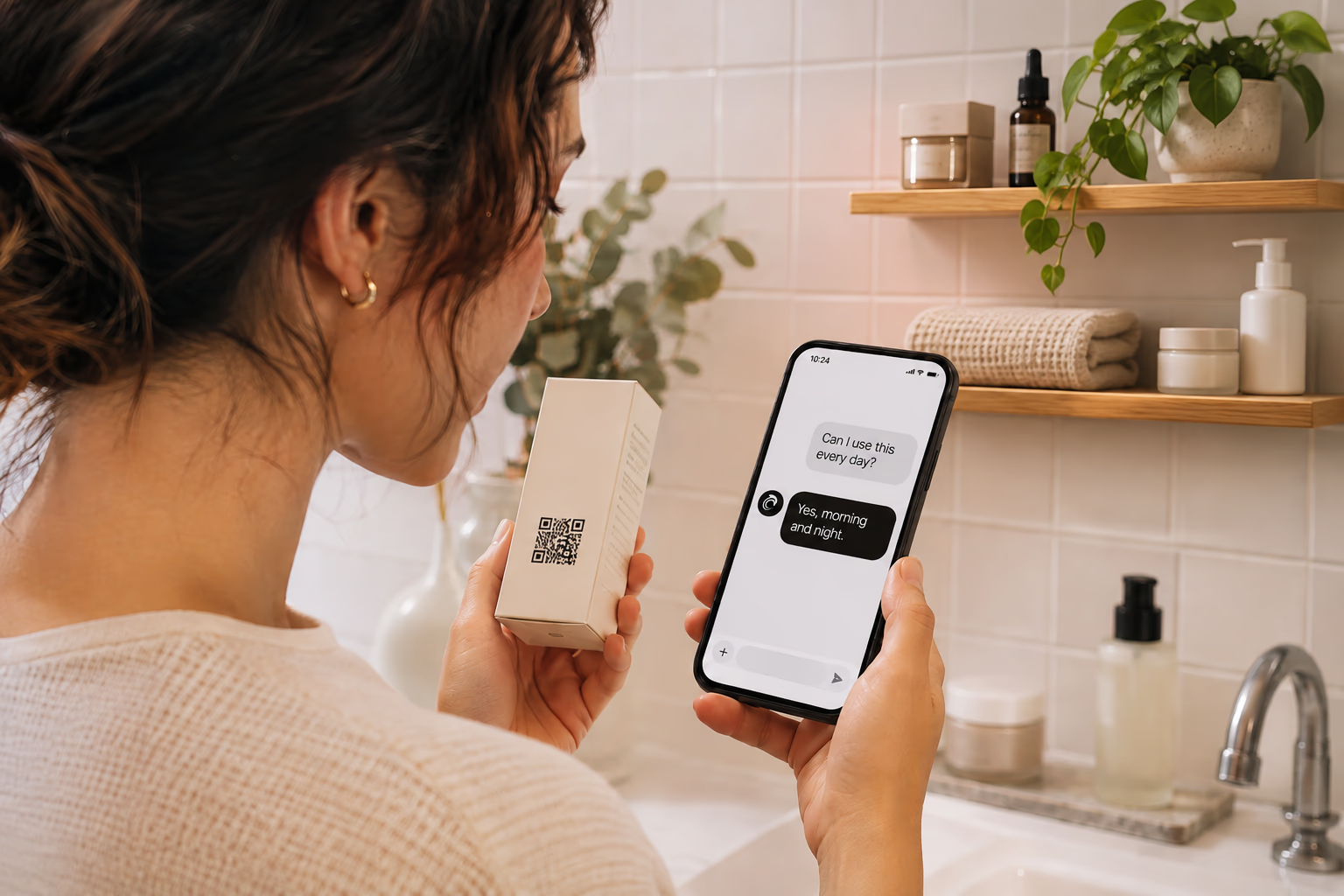
Most merchants do not need more chat. They need fewer repeat questions after purchase. This article covers what works when merchants add AI chat on Shopify, where it breaks, and how QR support takes pressure off chat and email.

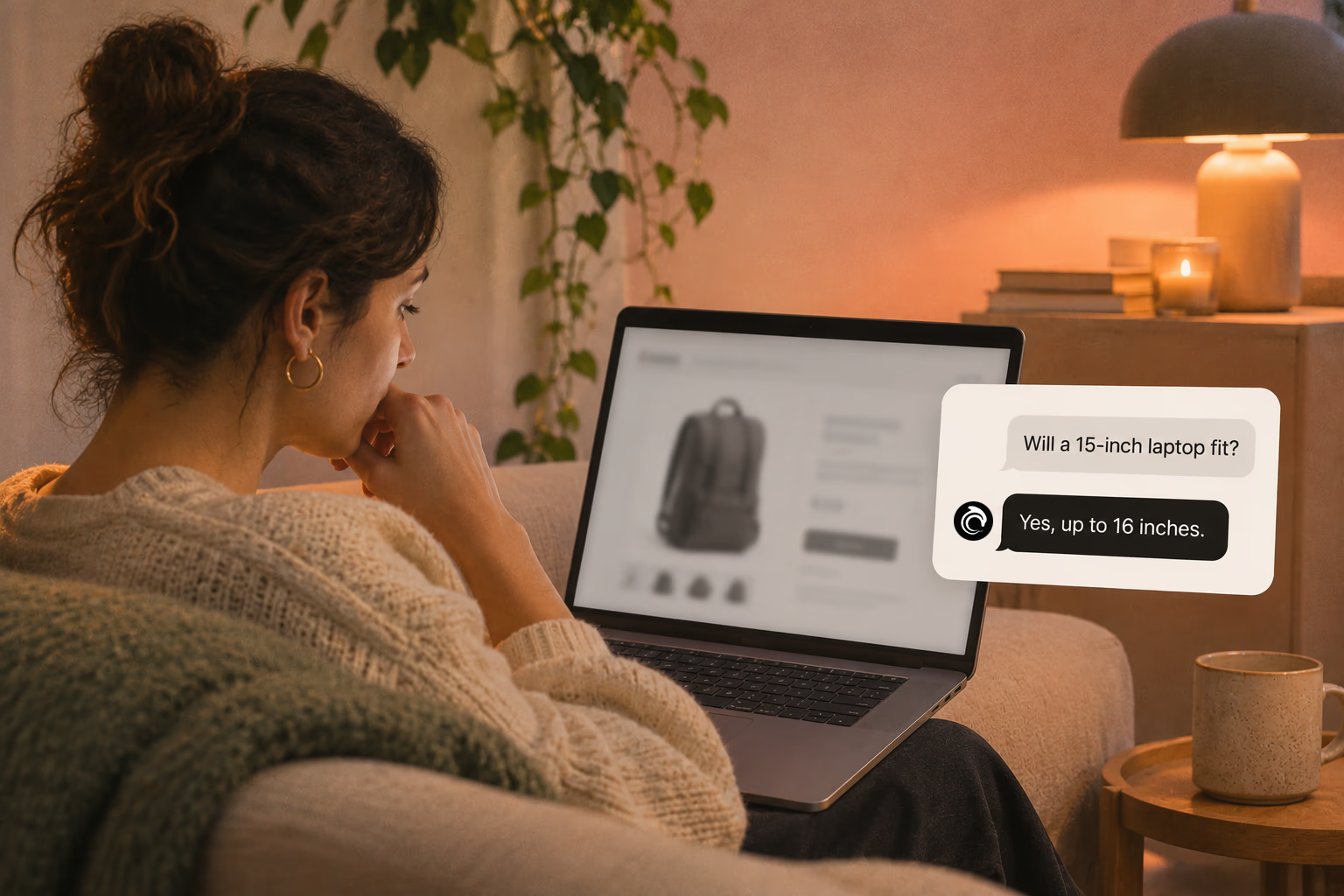
Shoppers rarely abandon because they dislike a product. They leave when delivery, returns, sizing, or compatibility answers are missing. This case study lists 25 sales-blocking questions and how synced knowledge keeps replies accurate.
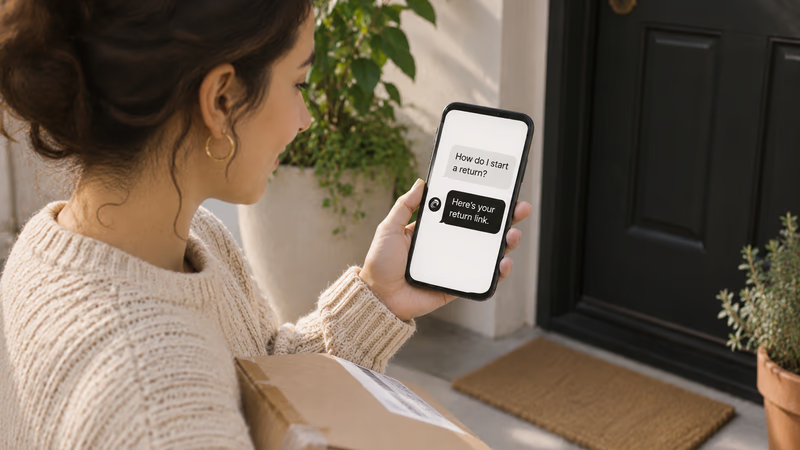
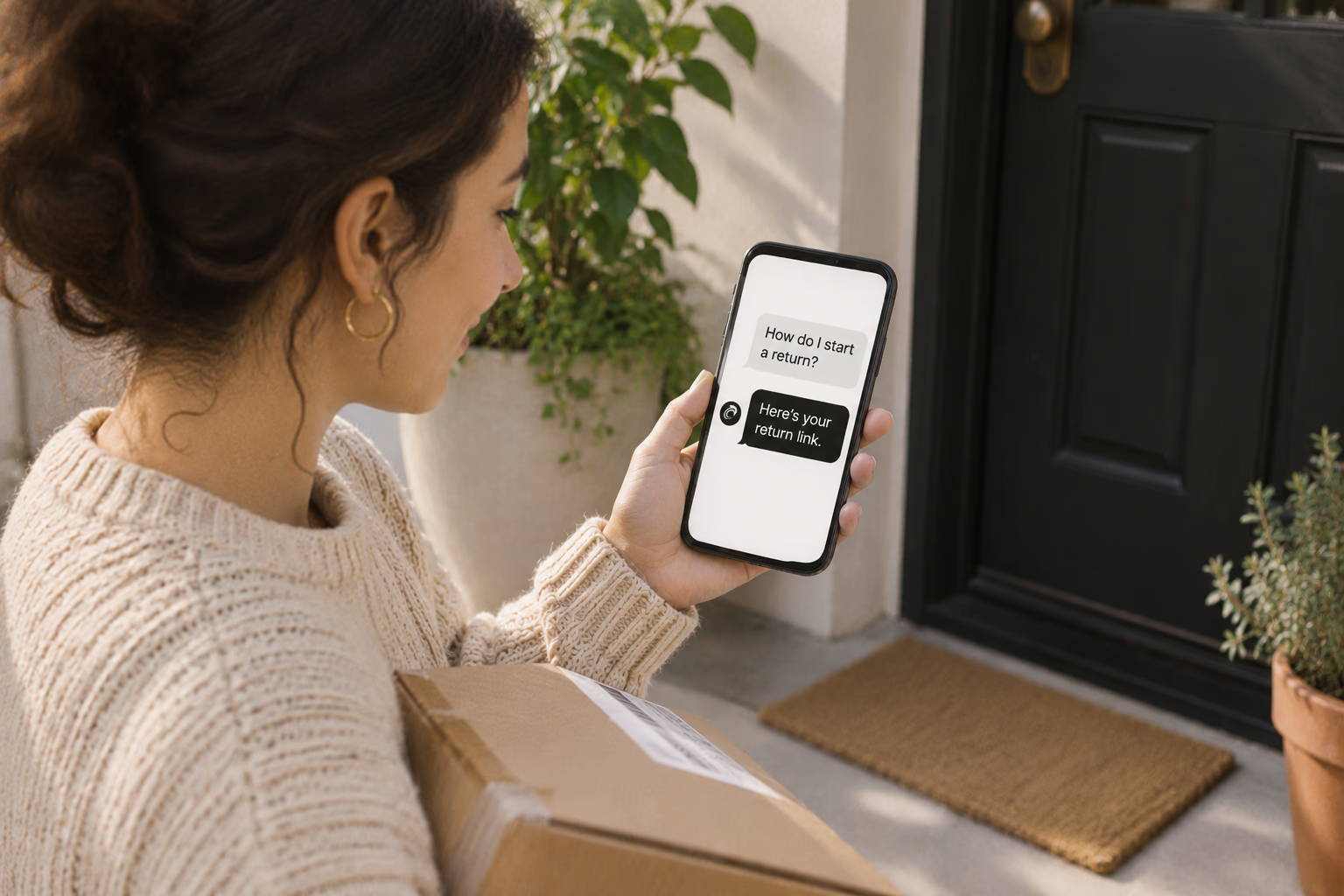
Post-purchase support often becomes most of the inbox: tracking, delays, returns, and refund follow-ups. This playbook shows the simplest tools retail teams use to deflect repeat tickets and keep expectations clear.
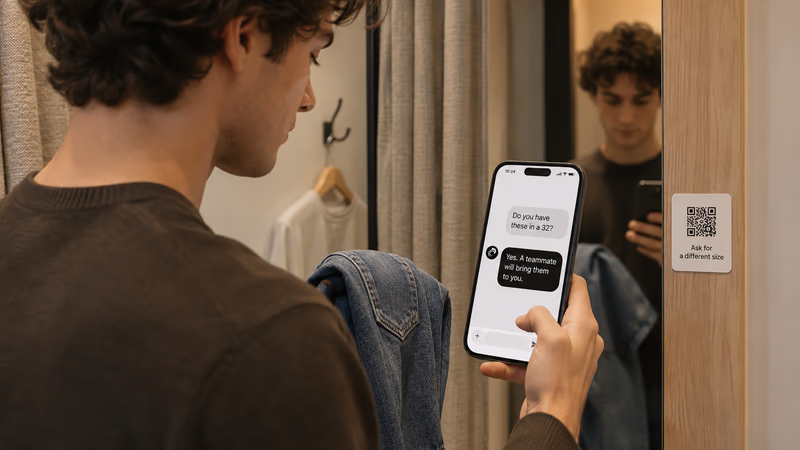
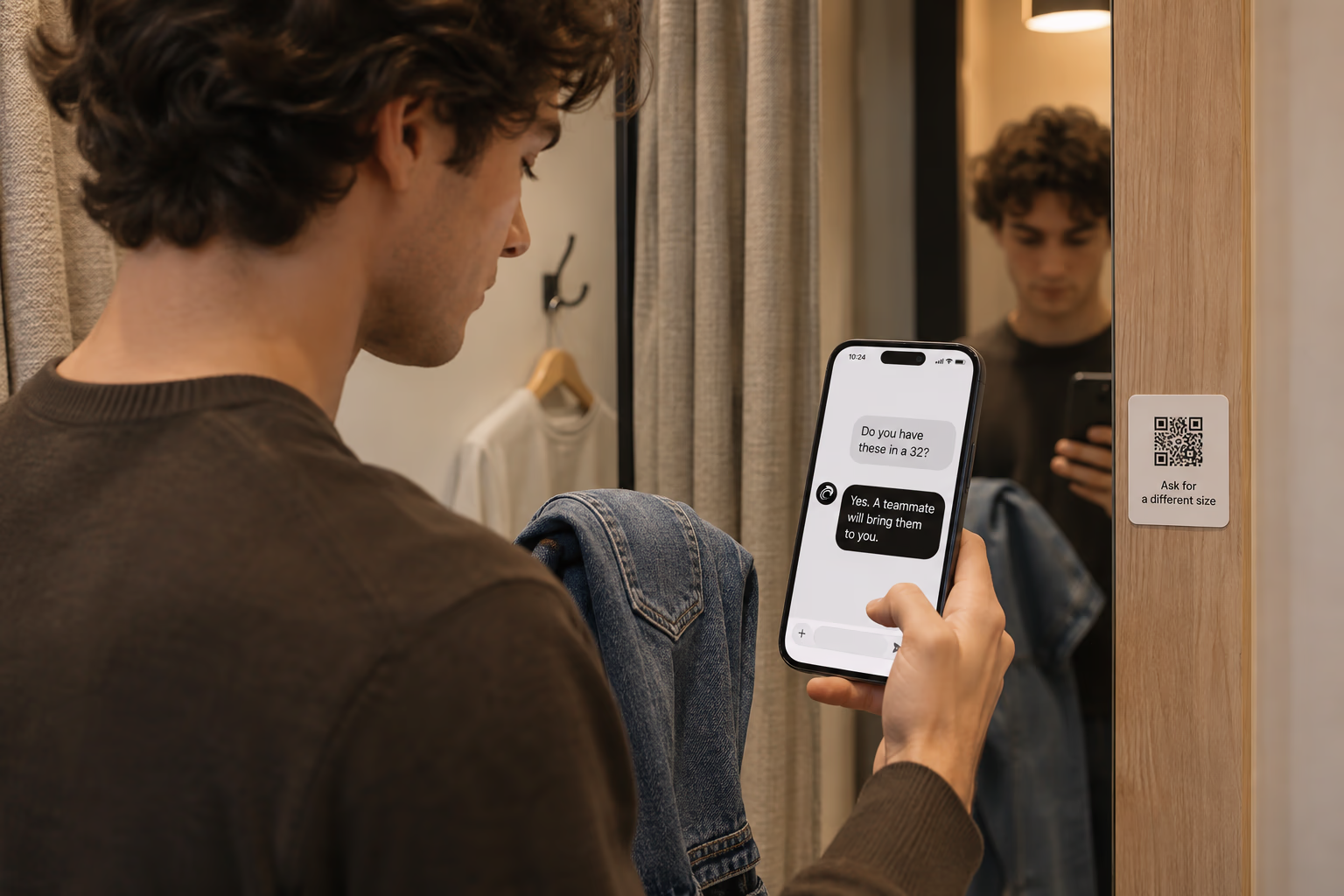
QR codes fail when they send shoppers to generic homepages or promo pages. This article covers retail placements that worked, what the scan should open, and how teams routed product help into one shared support workflow.
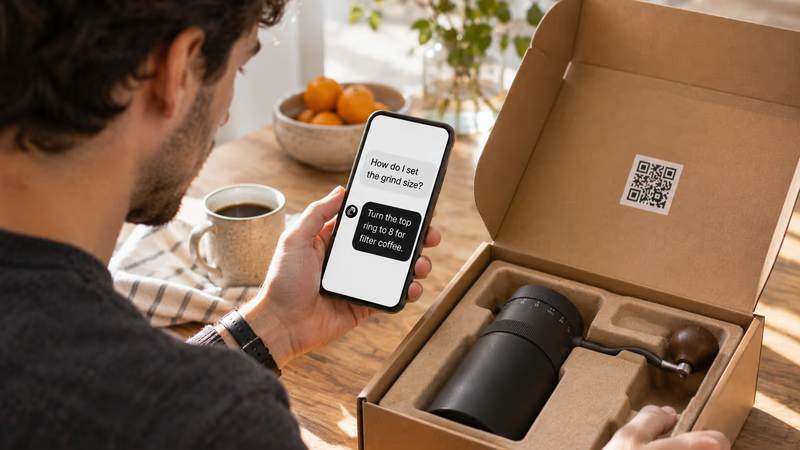
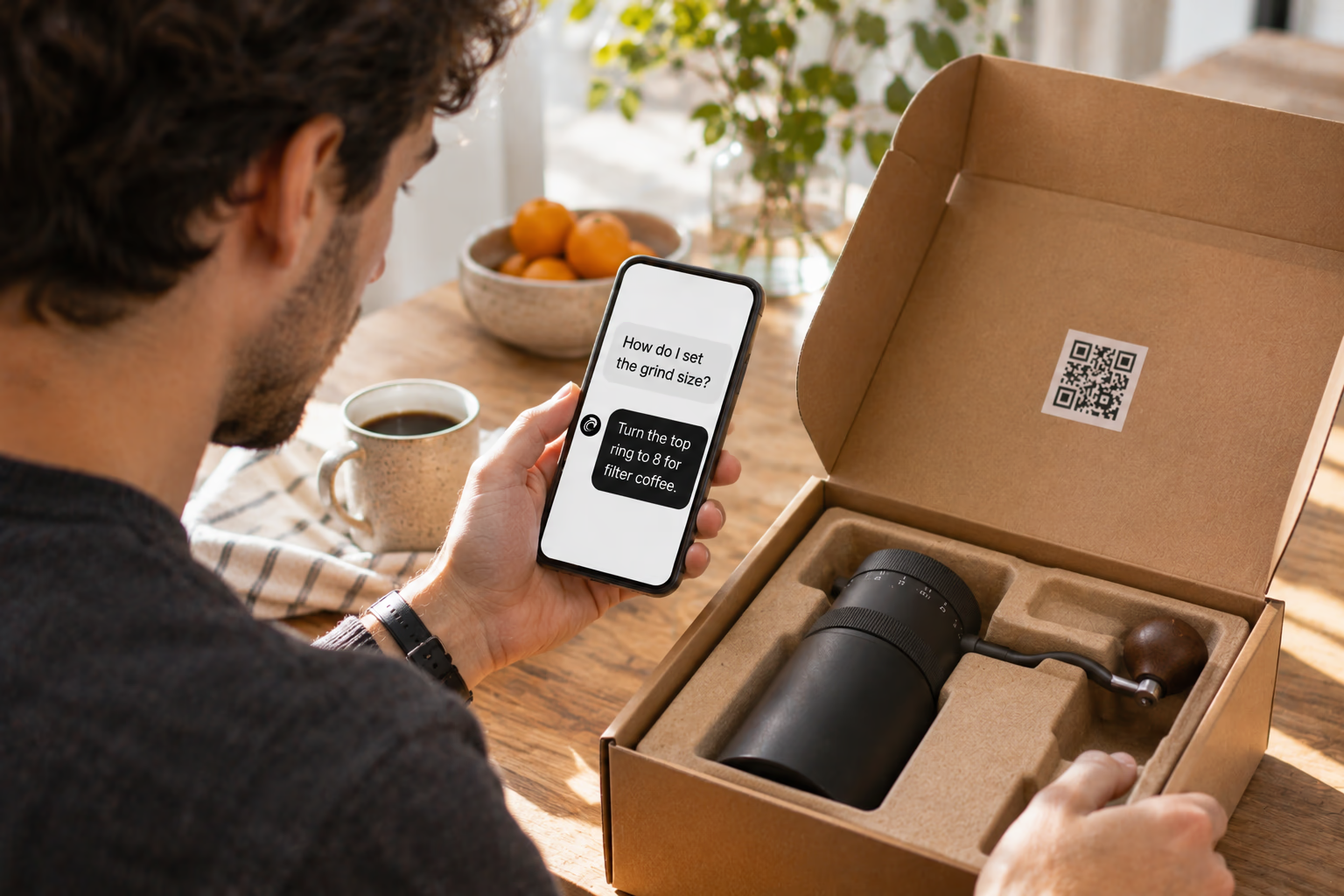
Unboxing support breaks when agents cannot tell which variant a customer holds. This guide shows how SKU-level QR codes on packaging open the right help, with placement tips, static vs dynamic choices, and rollout templates.
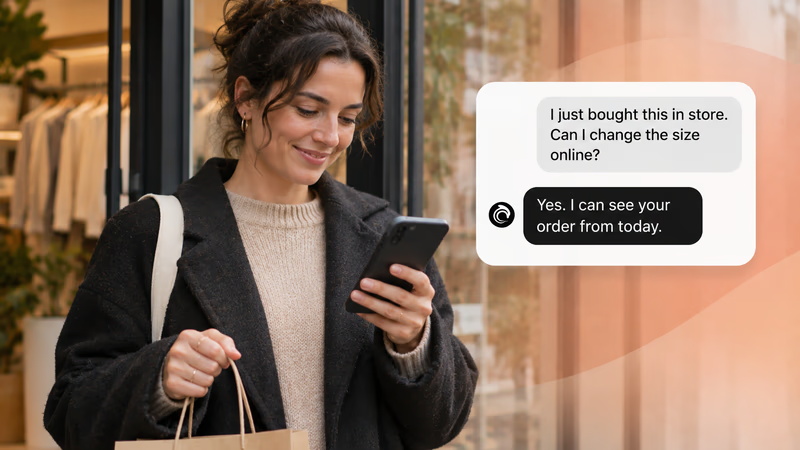

Customers do not think in channels. They scan a QR, email about delivery, and message again when context is missing. This guide explains the minimum omnichannel setup retail teams need when support is not joined up.


A plain-English look at customer experience platforms for retail and ecommerce teams. Understand what a CX platform is, how it differs from scattered CX tools, and the minimum stack needed to reduce support noise without enterprise software.


A customer is not one role but several: buyer, user, client, influencer. This guide covers the types, segmentation models, adoption curve and lifecycle stages that shape how teams serve them.


A journey map shows what customers think, feel and do at every stage, from first discovery to advocacy. What goes into one, and how to build it.


A case-study style checklist for merchants who need live chat running fast without creating another inbox headache. See the settings, routing choices, and reply habits that improved response quality in real Shopify stores.
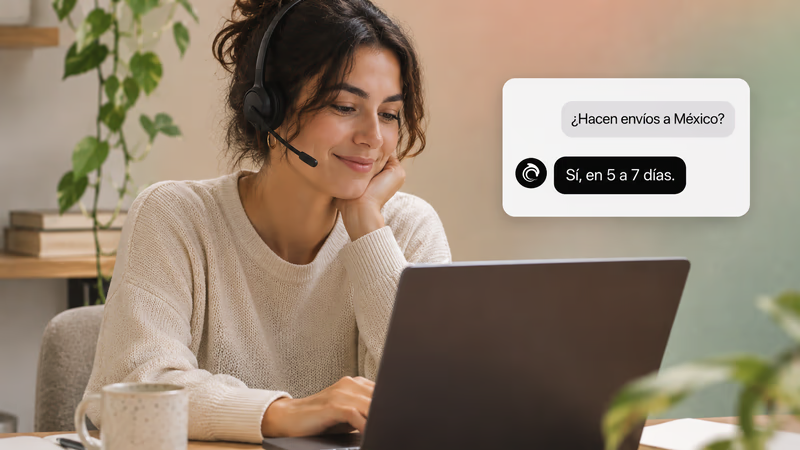
Selling across borders should not turn support into chaos. This playbook shows how retail teams handle multilingual chat and email with translation-safe macros, clear escalation rules, and QA habits that protect quality.
AI customer behavior analysis turns clicks and browsing paths into clues about what visitors need. Here's how AI reads those signals and offers help without guessing.
An AI sales agent for ecommerce reads how each shopper browses a website and offers help that fits. Here's what it reads, what it should say and how to tell if it's working.
Install it in a minute. It starts working on your next visitor.
14 days, every feature.