




AI Support Without Dodgy Answers
AI support usually fails when the knowledge behind it is messy. This guide shows how ecommerce teams structure shipping, returns, product data, guardrails, and human handoffs so answers stay accurate and policy-safe.

An AI sales assistant for ecommerce should help shoppers choose products, answer questions, and reach your team when needed. Choose one by testing real shopping situations, comparing features, and checking how well it fits your website and business.
Imagine running a small clothing store after closing. A shopper needs help choosing between two jacket sizes, but your team is unavailable. You want software that gives useful guidance without inventing product information.
The right assistant should make that conversation easier. It should also know its limits, give shoppers useful choices, and leave important decisions to your team.
This guide explains what to look for, what to ask providers, and how to test your options before committing.
You can start AskDolphin for free and run these tests on your own website.
Start with the questions your customers struggle to answer, not a list of software features.
A clothing store might get repeated questions about sizes and materials. A home goods business might need help explaining dimensions, colors, or differences between products.
These questions can affect how confidently someone makes a decision.
Baymard Institute's 2026 product-page research found that 52% of the desktop ecommerce sites in its benchmark had mediocre or worse product-page usability.
That finding doesn't mean an AI assistant will fix every problem. It shows why giving shoppers understandable product information matters.
An assistant cannot reliably answer questions when the underlying information is missing or wrong.
Imagine a business where customers regularly ask:
These are useful starting points for evaluating an AI sales assistant.
Write down the questions your business actually receives. Then decide what a good answer should contain.
An assistant that can answer your most common customer questions may be more valuable than one offering dozens of features you'll rarely use.
Our guide to 25 Product Questions That Quietly Kill Sales can help you identify information gaps.
The first buying decision is therefore simple: identify the customer problems before comparing the software.
The most useful features help shoppers understand products, compare options, and take the next step without unnecessary effort.
A polished chat interface isn't enough. What matters is what happens after someone asks a question.
Can the assistant use your actual product information? Can it explain differences without guessing? Does it give customers a clear way to continue?
Five capabilities are worth evaluating.
Capability | What to look for |
|---|---|
Product knowledge | Answers that match your products, policies, and business information |
Personal guidance | Relevant assistance based on the shopper's question or website context |
Reply buttons | Clear choices that make starting or continuing a conversation easier |
Human support | A straightforward way for the customer to reach your team |
Business controls | Settings that let you choose the assistant's tone and approach |
A 2026 Nielsen Norman Group study examined how people interact with AI chatbots on websites. Its researchers recommend clear explanations of what an assistant can do and relevant suggested questions presented as clickable buttons.
That matters because customers shouldn't have to work out how to use a tool before it can help them.
Consider a shopper comparing two winter jackets.
A general message such as "Hello, how can I help?" leaves the shopper to explain the entire problem.
A more useful message might be:
"Choosing between these jackets? I can help you compare the fit and available colors."
Reply buttons: [Compare fits] [See colors]
This is a hypothetical example, not an actual customer conversation.
The message offers a practical next step without describing the shopper's browsing history.
AskDolphin uses this kind of behavior-aware assistance through its AI Sales Assistant.
AskDolphin's AI Sales Assistant reads each visitor's behavior on your website as it happens, works out what they're looking for, and writes them a personal message with reply buttons that start the right conversation.
These personal opening messages depend on visits recorded with visitor consent.
For more detail on how website activity can inform relevant help, read AI Customer Behavior Analysis: From Signals to Help.
The feature worth paying attention to is not just personalization. It's whether the message helps the shopper make a decision.
[cta:ai-sales-assistant]
A reliable AI sales assistant needs two things: trustworthy information and a way to involve a person when it cannot help.
A confident answer isn't necessarily a correct one.
Imagine a shopper asking whether a jacket is waterproof.
Your product description says the jacket is water-resistant. If the assistant promises complete waterproof protection, it could mislead the customer.
The answer may sound natural, but it isn't supported by the information available.
Stanford HAI's 2026 AI Index research on responsible AI documents continuing problems with factual reliability in AI systems.
For a business owner, the practical lesson is to test answers instead of trusting how confidently they're written.
Ask a provider:
Dolphin AI by AskDolphin uses information the business adds, including website pages, products, help articles, and its own questions and answers.
That allows the business to provide a foundation for the assistant's responses.
But even a system using business information needs testing.
Product descriptions may be incomplete. Policies can change. Some customer questions require judgment rather than another automated answer.
Imagine someone asks for an exception to your return policy.
The assistant might explain the published policy, but it shouldn't invent an exception or promise an outcome the business hasn't approved.
A better response would offer to involve someone from the team.
AskDolphin combines AI-powered assistance with website live chat and human handover. The team can join a conversation when human help is needed.
That matters because a useful sales assistant isn't one that handles everything alone. It's one that helps the business provide a better customer experience.
If you're evaluating different products, test the handover yourself. Ask for a person and see what happens.
Can the customer reach someone? Can the team see the conversation? Does the customer need to explain everything again?
Those details can matter more than an impressive demonstration.
For more on the risks of unsupported answers, read AI Support Without Dodgy Answers.
An AI sales assistant should be practical for the website you already operate and the people who will use it.
A good product demonstration doesn't guarantee a good everyday experience.
Think about the customer journey.
Someone may open a product page on a phone, compare two items, ask a question, and continue browsing.
The assistant should make that process easier rather than covering important information or making the customer repeat a question.
Look for answers to these questions:
Mobile testing is particularly important. A chat experience that looks comfortable on a large monitor may be difficult to use on a small screen.
Your team also needs an experience that makes sense.
Consider what happens when a customer asks a question the AI cannot resolve.
Who receives the conversation? Can someone continue helping without starting over? Does the business have a clear way to review recurring questions?
AskDolphin provides website live chat and a shared inbox that supports human involvement in customer conversations.
When comparing providers, evaluate how those capabilities support your team's actual work.
A business with one person answering questions may have different needs from a business where several people share customer support responsibilities.
Neither needs a complicated process simply to answer a delivery question.
Your product information changes over time.
Descriptions may be revised. New sizes or colors become available. Delivery and return policies may change.
Before choosing software, ask how your team maintains the information used by the assistant.
Don't assume a product will automatically know about every change.
A useful assistant needs information that your business can keep accurate.
Compare the cost of the capabilities you actually need, and understand how the assistant handles customer information.
An advertised starting price doesn't necessarily tell you what your business will pay.
Two services may offer similar-sounding features but place different limits on their use.
The important thing is to understand the complete offer before making a decision.
Ask each provider:
Don't pay for an impressive feature simply because it appears in a comparison chart.
If your biggest need is answering product questions, focus on answer quality.
If customers struggle to choose between products, test personal guidance and comparisons.
If your team handles complicated requests, evaluate human handover.
You can review AskDolphin's current pricing when comparing its available options.
In AskDolphin, personal opening messages, the purchase-intent score and Session Replay come with the Advanced Visitor & Sales add-on, for Free or Pro.
Behavior-based AI assistance depends on information about a visitor's website activity.
Businesses should understand what information is collected, when collection starts, and how the visitor's choice affects the experience.
In AskDolphin, behavior-based AI Sales Assistant features work with visits recorded with visitor consent.
Session Replay also starts after consent. Recording excludes checkout, payment, sign-in, and account pages, and form fields are masked.
When evaluating any provider, ask what happens when a visitor does not consent.
Can they still ask a normal question? What information remains available to the assistant? Is the distinction explained clearly?
A useful customer experience should respect those choices.
Privacy and consent belong in the buying decision, not as an afterthought.
Test an AI sales assistant with realistic customer questions, difficult situations, and clear pass-or-fail criteria.
A product demonstration shows what the provider wants you to see. Your own testing shows whether the software meets your business's needs.
Start with products you know well.
Prepare questions that real shoppers ask, including questions with incomplete answers or situations where a team member should take over.
Then use the same tests for every product you're considering.
Test | What to check | Result |
|---|---|---|
Product answers | Does the answer match your product information? | Pass / Needs work / Not tested |
Product comparisons | Can it explain meaningful differences? | Pass / Needs work / Not tested |
Missing information | Does it avoid inventing unsupported answers? | Pass / Needs work / Not tested |
Personal guidance | Does it offer relevant help rather than generic greetings? | Pass / Needs work / Not tested |
Human handover | Can a customer reach someone on your team? | Pass / Needs work / Not tested |
Mobile experience | Is the conversation comfortable to use on a phone? | Pass / Needs work / Not tested |
Visitor consent | Does behavior-based assistance respect the visitor's choice? | Pass / Needs work / Not tested |
Team workflow | Can staff continue and manage customer conversations? | Pass / Needs work / Not tested |
Mark anything you haven't checked as Not tested. Don't award a pass because the provider says the feature exists.
Imagine your business sells jackets in several sizes and colors.
You want to know whether an AI assistant can help someone compare products without making unsupported promises.
Test 1: Product comparison
Ask the assistant to compare two jackets that have different materials or fits.
Does it explain meaningful differences, or simply repeat their descriptions?
Test 2: Personal assistance
Imagine a visitor looking at two jackets and checking the available sizes.
A useful example message might be:
"Not sure which jacket suits you? I can help you compare the fit and available colors."
Reply buttons: [Compare jackets] [See colors]
Check whether those choices lead to helpful information.
Test 3: An unanswered question
Ask whether one of the jackets is suitable for a condition that isn't covered in its product description.
Does the assistant acknowledge the missing information, or invent an answer?
Test 4: Human handover
Ask for a person.
See how the conversation continues and whether your team has enough context to help.
Test 5: Mobile use
Repeat the most important questions on a phone.
Check whether the conversation is easy to read, the buttons are comfortable to use, and the product page remains accessible.
Finally, compare your results.
An assistant that performs well in a demonstration but fails several of these tests may not be the right choice.
A good conversation is valuable, but it doesn't prove the software caused a purchase.
Look at the quality of answers, how shoppers continue after receiving help, and whether the experience creates unnecessary obstacles.
If the assistant repeatedly gives uncertain answers or makes it difficult to reach a person, those problems deserve attention before you rely on it.
Our Live Chat Setup Checklist offers additional ideas for preparing website conversations.
Choose the assistant that solves your most important customer problems without creating new ones.
A business with straightforward products might place the greatest value on accurate answers and clear navigation.
Another business may need more help with product comparisons, personal guidance, or complicated customer questions.
The right choice depends on what your visitors need and what your team can manage.
Before committing, review your test results and ask:
A useful AI sales assistant should help shoppers make informed decisions while keeping your team in control.
You don't need every available feature. You need the right help for your customers.
[cta:live-chat]
Look for accurate product answers, useful shopping guidance, clear reply buttons, and a way for customers to reach your team. The assistant should work comfortably on your website and help solve the questions shoppers ask before buying.
A basic chatbot commonly responds when a visitor asks a question. Some AI sales assistants can also use website context to offer relevant help before someone writes. Both can answer customer questions, but a good buying decision should focus on answer quality, useful guidance, and human support rather than labels.
Some assistants can offer personal guidance before someone sends a message. AskDolphin's AI Sales Assistant can write behavior-aware opening messages with reply buttons for consent-recorded visits. Businesses should also consider when to offer help and when to let visitors browse.
Test it with ordinary product questions, incomplete information, and unusual requests. Check whether the answers match your business information, avoid unsupported promises, and let a person take over when necessary. Use the same questions when comparing providers.
Ask what visitor information the assistant uses, when collection begins, and what happens when someone declines consent. For AskDolphin, behavior-based assistance uses consent-recorded visits. Businesses should make sure their privacy notices and customer experience reflect how the tool operates.
Start with the problems you want to solve, then test how well the assistant handles them. Consider answer quality, product comparisons, human handover, usability, costs, and consent. Review actual customer experience before deciding whether the software provides enough value for your business.
AI support usually fails when the knowledge behind it is messy. This guide shows how ecommerce teams structure shipping, returns, product data, guardrails, and human handoffs so answers stay accurate and policy-safe.
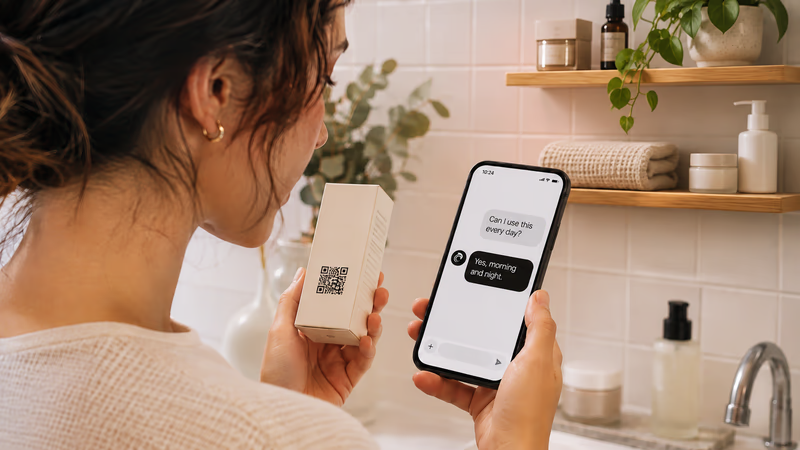
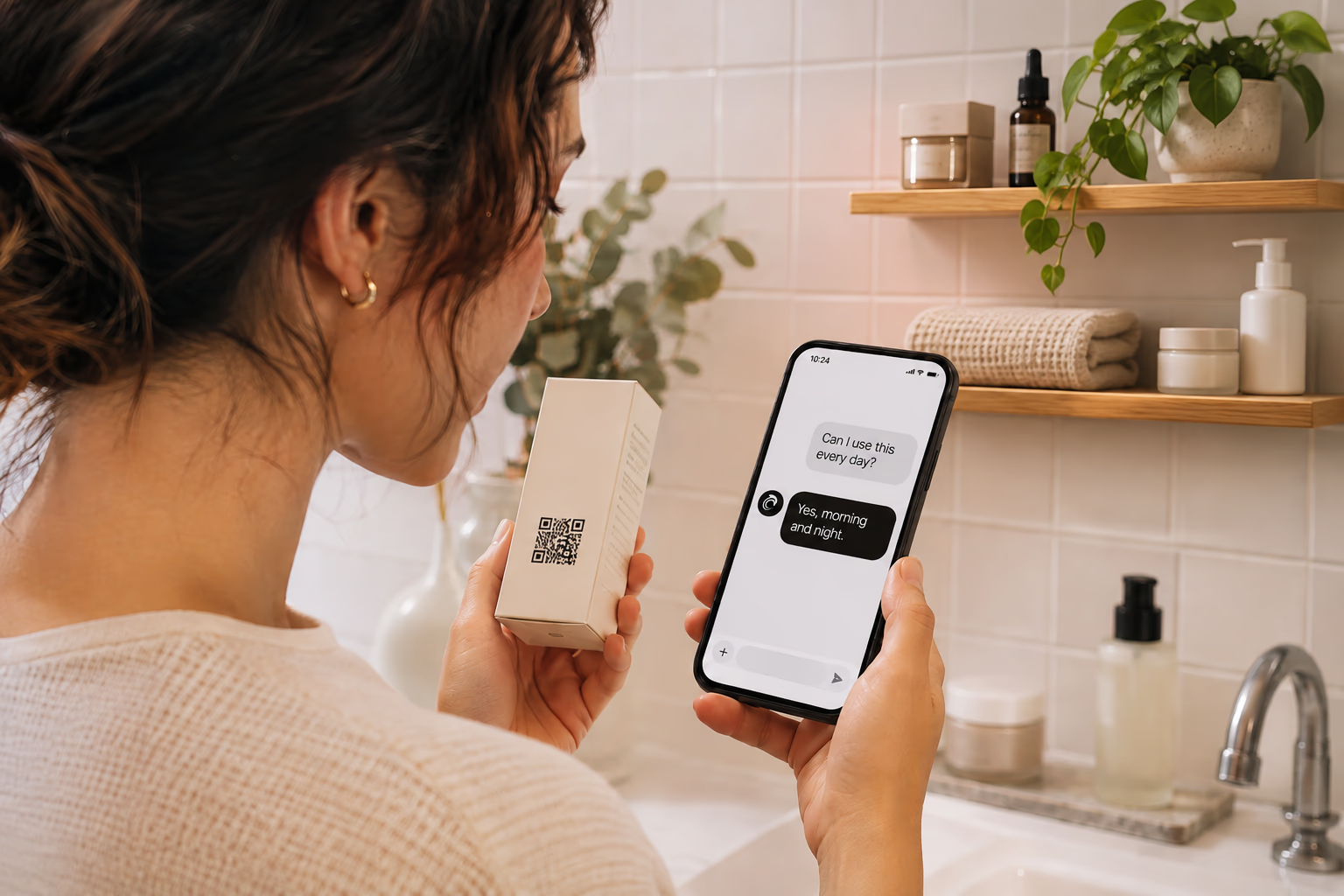
Most merchants do not need more chat. They need fewer repeat questions after purchase. This article covers what works when merchants add AI chat on Shopify, where it breaks, and how QR support takes pressure off chat and email.

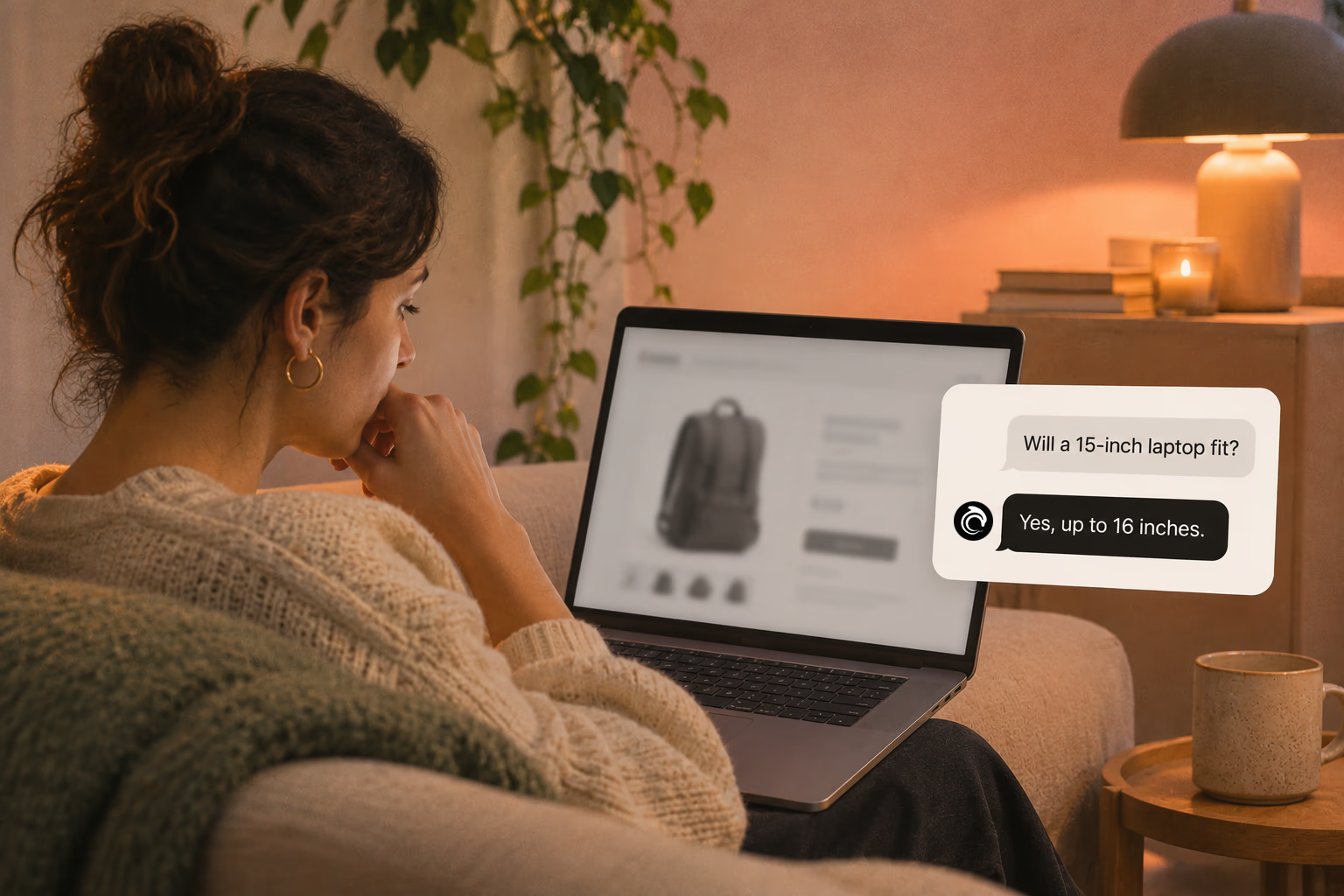
Shoppers rarely abandon because they dislike a product. They leave when delivery, returns, sizing, or compatibility answers are missing. This case study lists 25 sales-blocking questions and how synced knowledge keeps replies accurate.
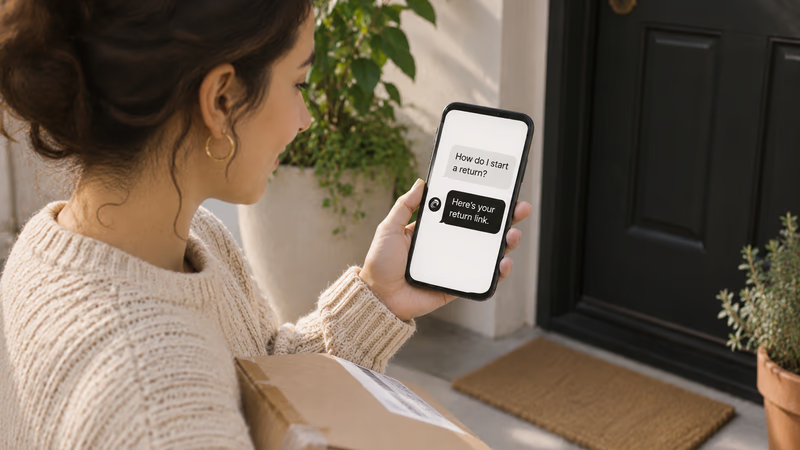
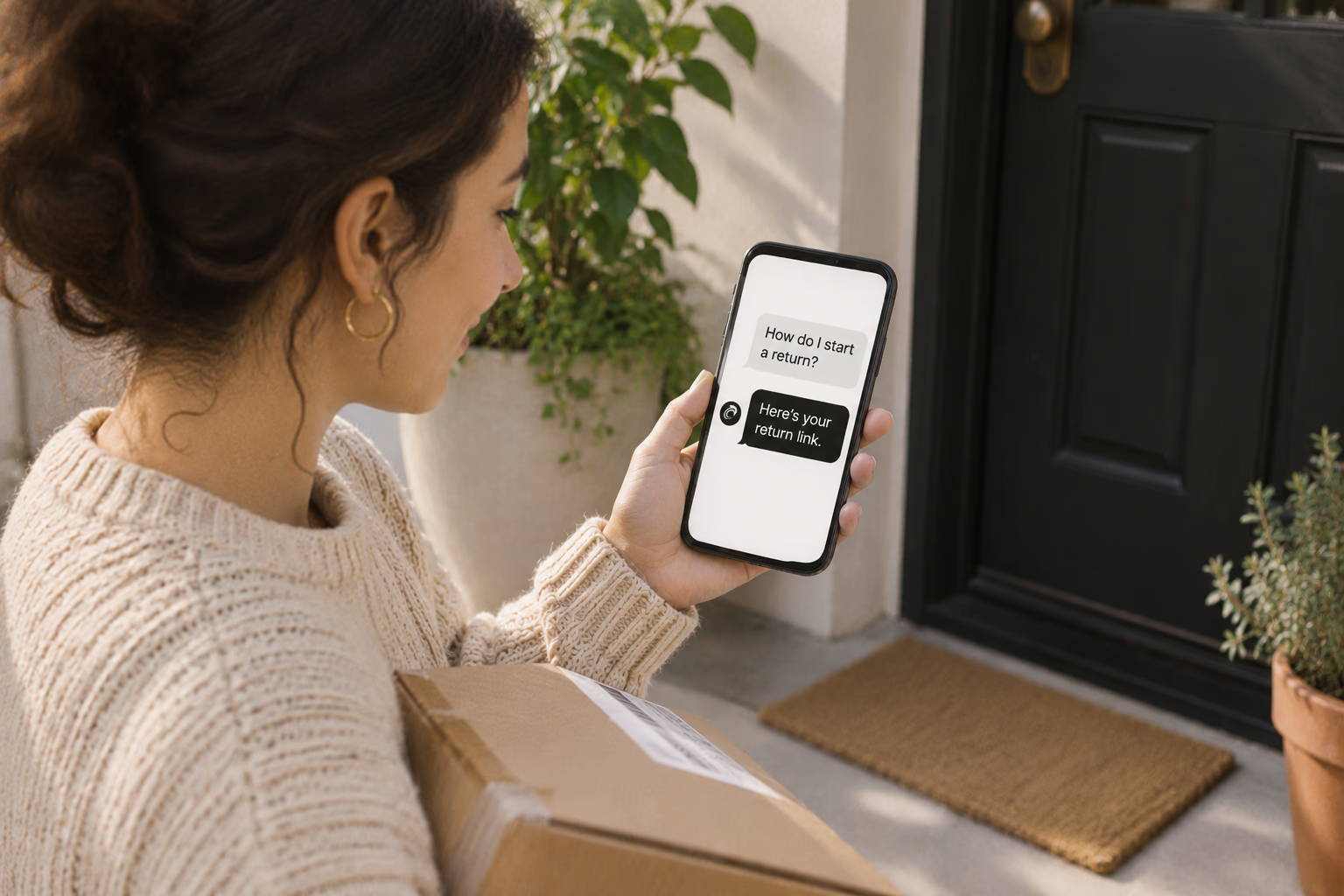
Post-purchase support often becomes most of the inbox: tracking, delays, returns, and refund follow-ups. This playbook shows the simplest tools retail teams use to deflect repeat tickets and keep expectations clear.
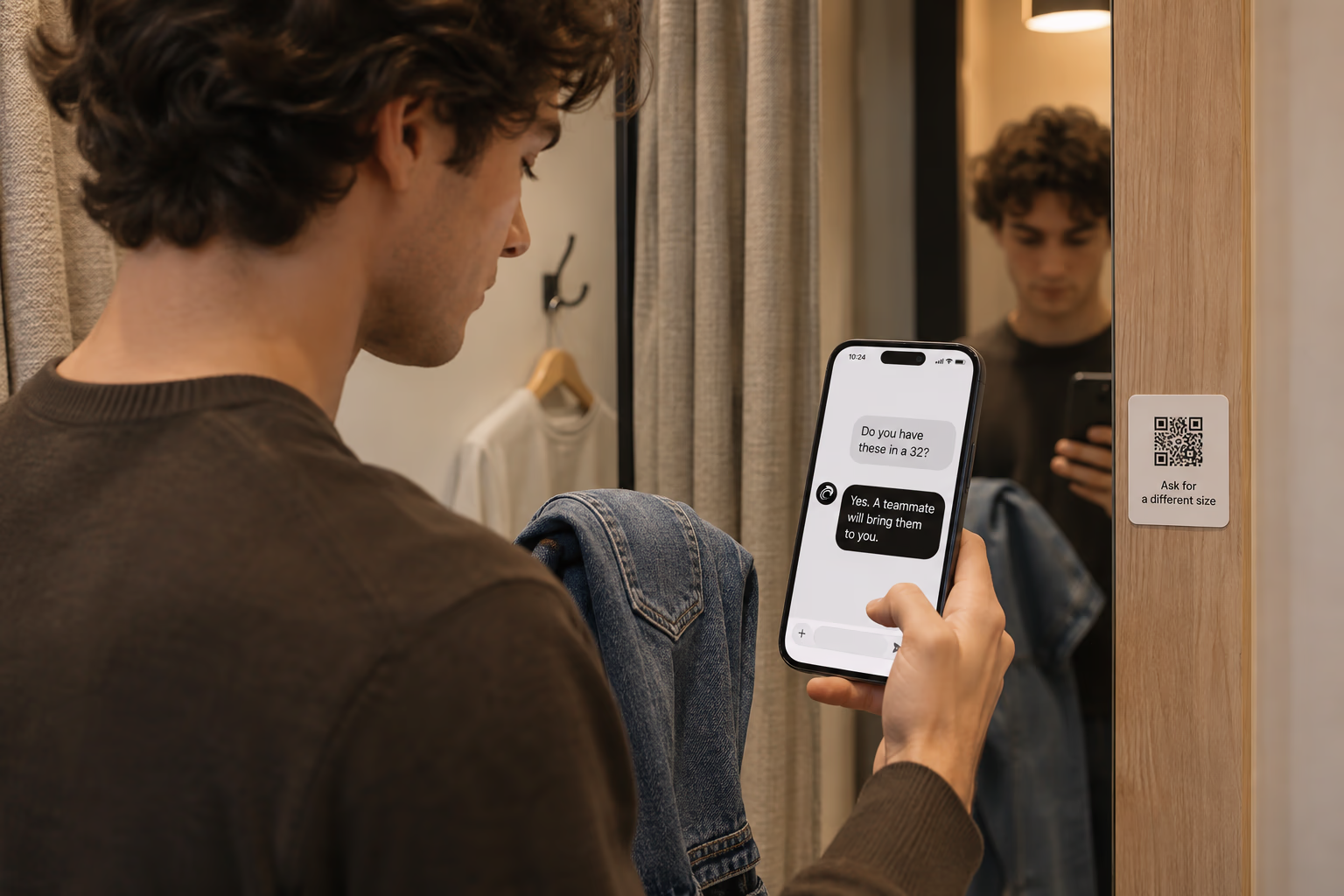
QR codes fail when they send shoppers to generic homepages or promo pages. This article covers retail placements that worked, what the scan should open, and how teams routed product help into one shared support workflow.
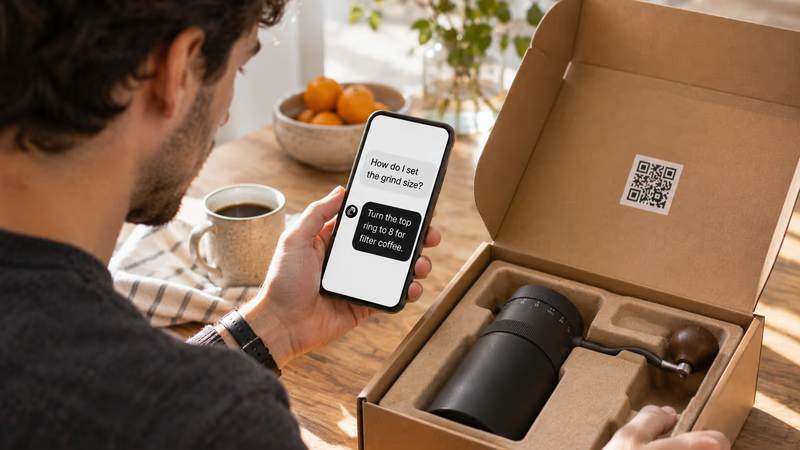
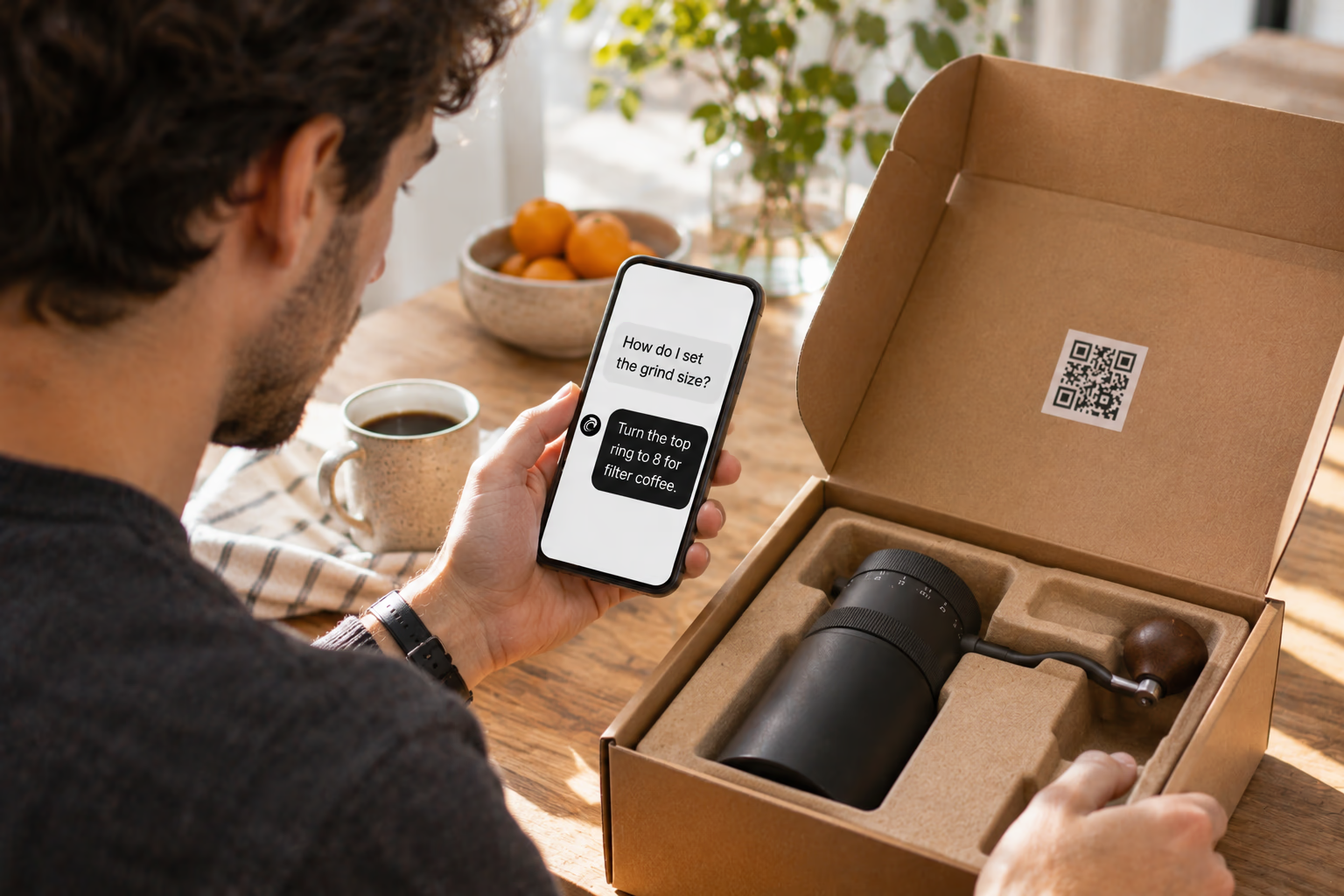
Unboxing support breaks when agents cannot tell which variant a customer holds. This guide shows how SKU-level QR codes on packaging open the right help, with placement tips, static vs dynamic choices, and rollout templates.
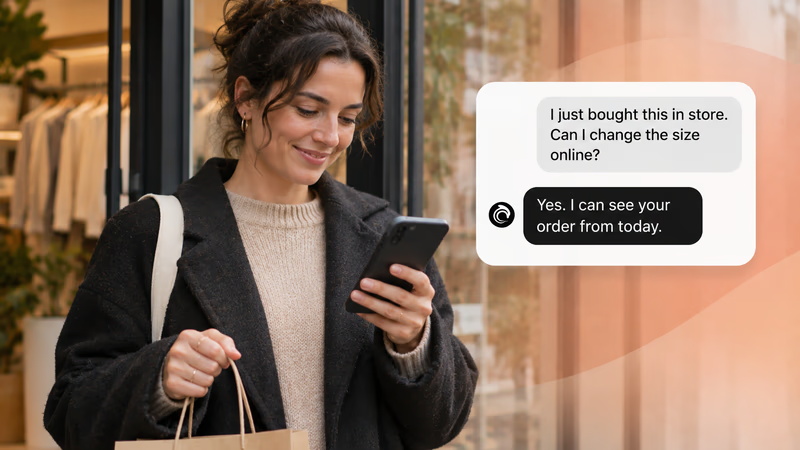

Customers do not think in channels. They scan a QR, email about delivery, and message again when context is missing. This guide explains the minimum omnichannel setup retail teams need when support is not joined up.


A plain-English look at customer experience platforms for retail and ecommerce teams. Understand what a CX platform is, how it differs from scattered CX tools, and the minimum stack needed to reduce support noise without enterprise software.


A customer is not one role but several: buyer, user, client, influencer. This guide covers the types, segmentation models, adoption curve and lifecycle stages that shape how teams serve them.


A journey map shows what customers think, feel and do at every stage, from first discovery to advocacy. What goes into one, and how to build it.


A case-study style checklist for merchants who need live chat running fast without creating another inbox headache. See the settings, routing choices, and reply habits that improved response quality in real Shopify stores.

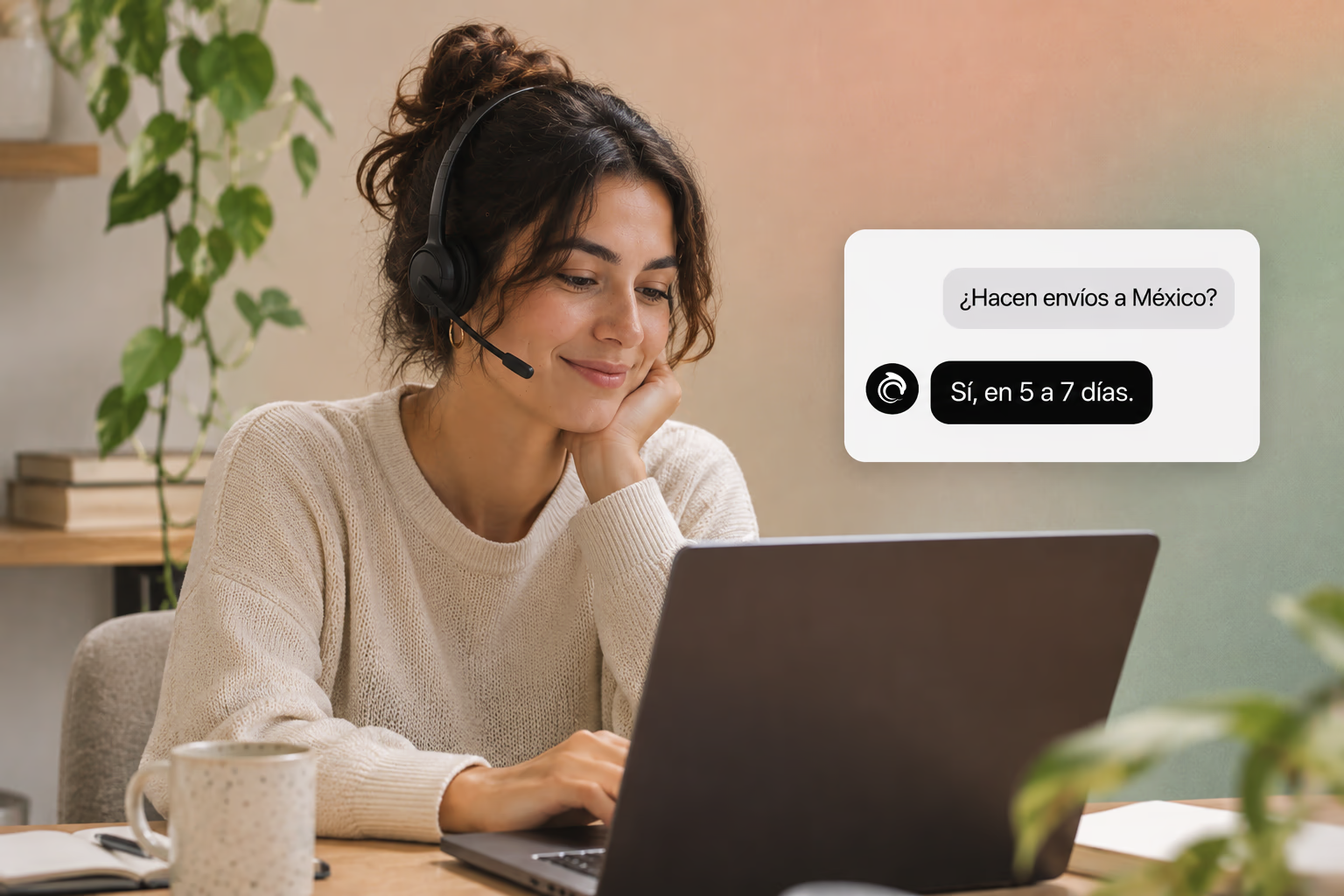
Selling across borders should not turn support into chaos. This playbook shows how retail teams handle multilingual chat and email with translation-safe macros, clear escalation rules, and QA habits that protect quality.
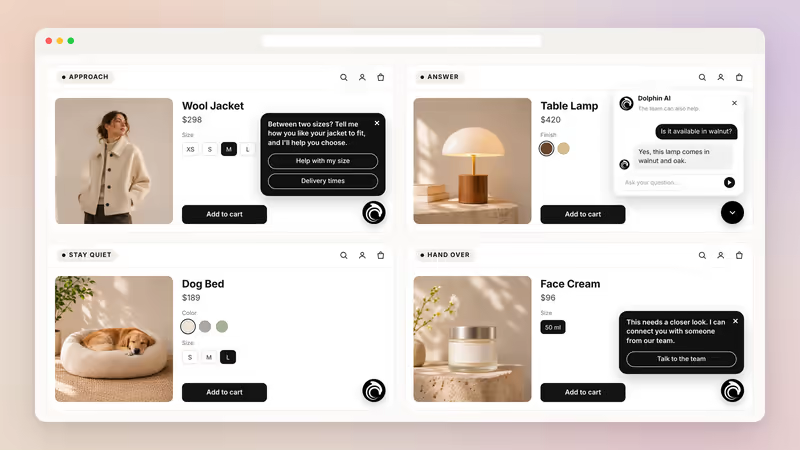
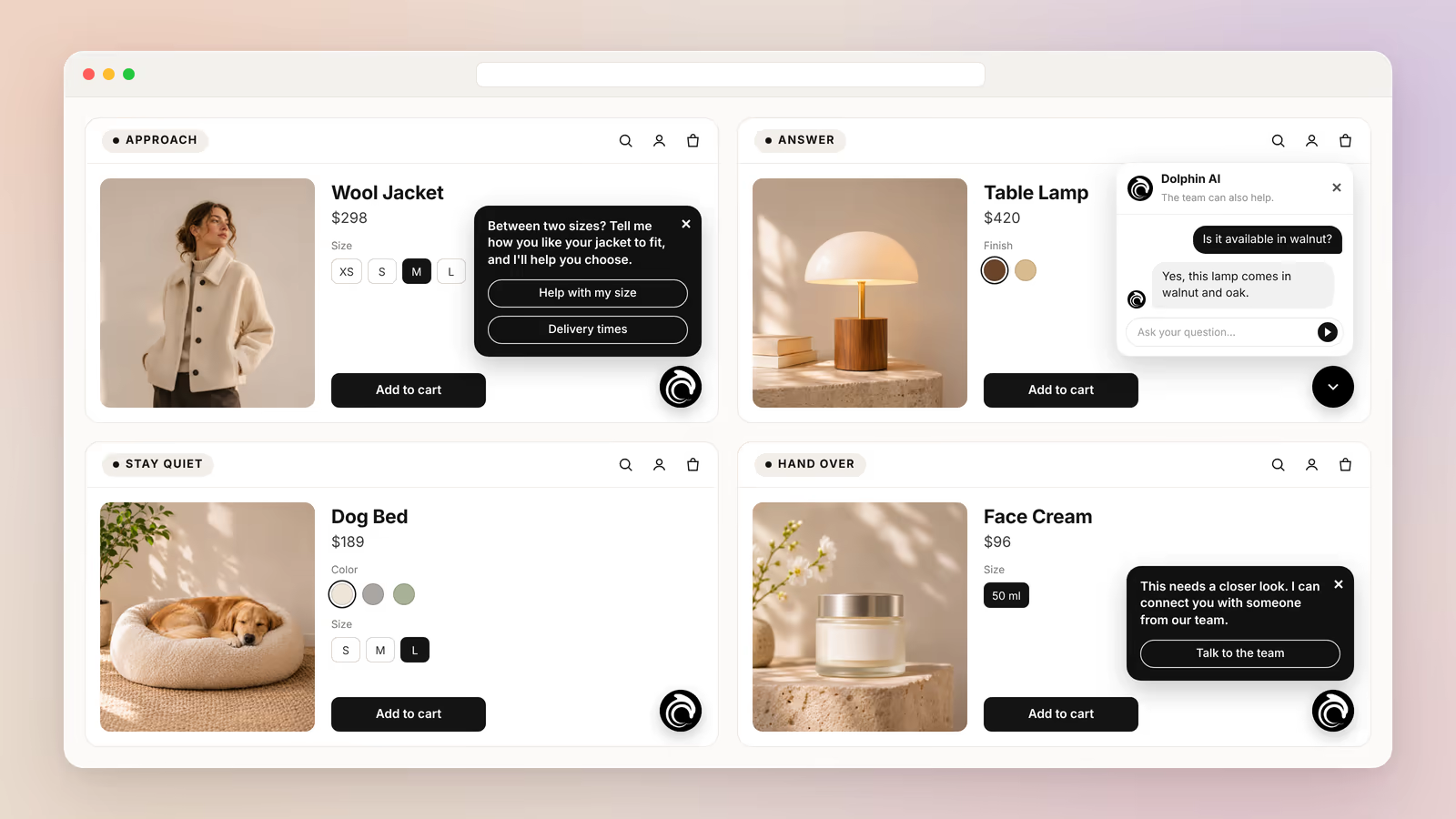
Proactive AI sales agents should help shoppers decide, not interrupt everyone. Here's when they should approach, answer, stay quiet or bring in a person.
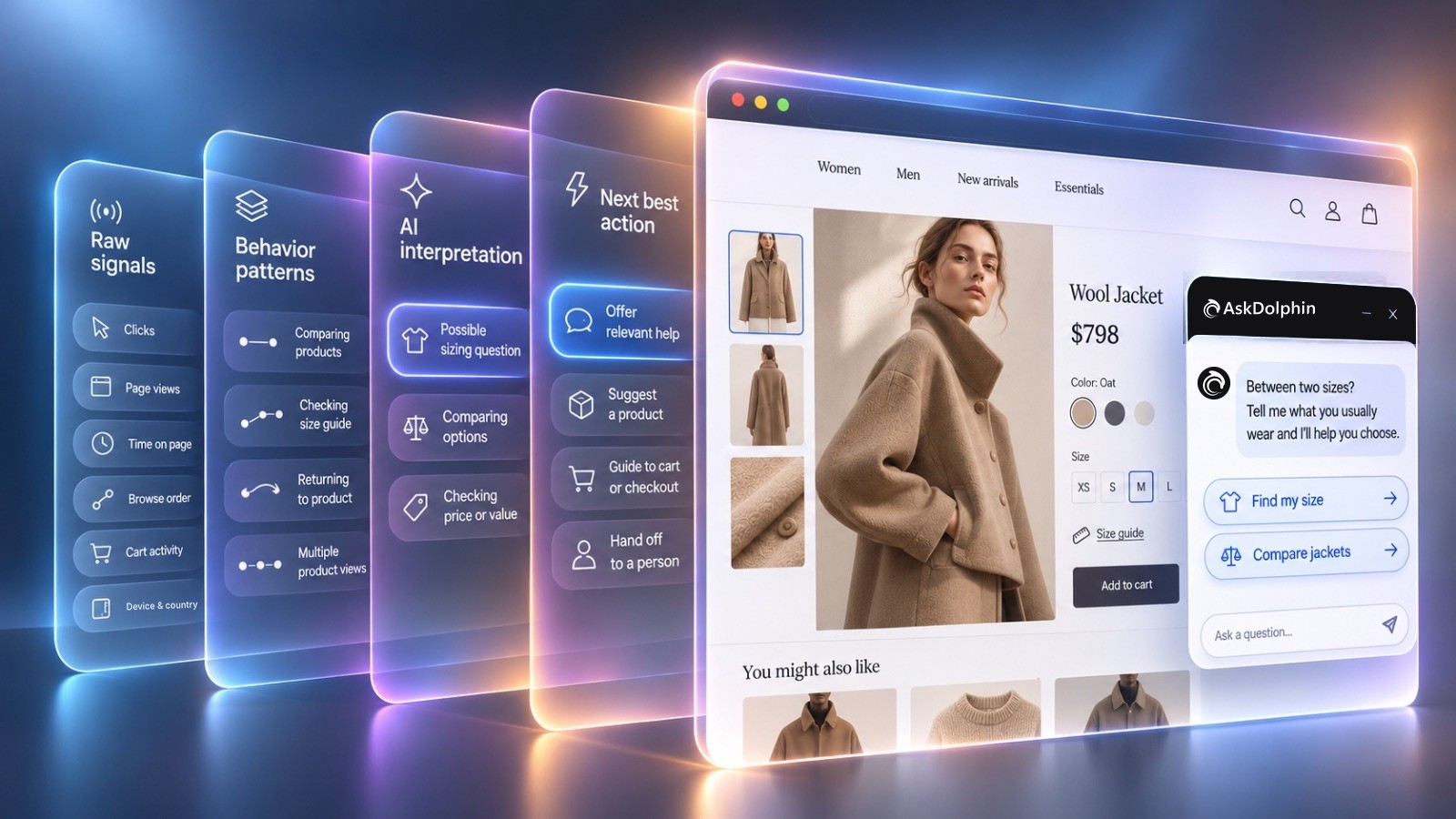
AI customer behavior analysis turns clicks and browsing paths into clues about what visitors need. Here's how AI reads those signals and offers help without guessing.
Install it in a minute. It starts working on your next visitor.
14 days, every feature.