


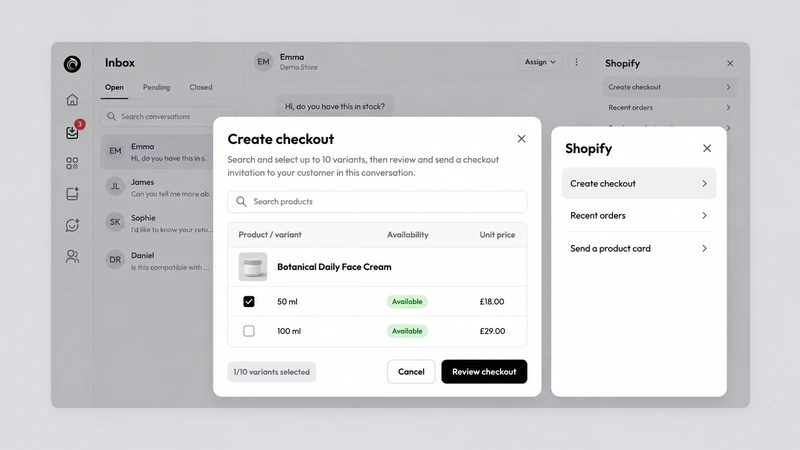
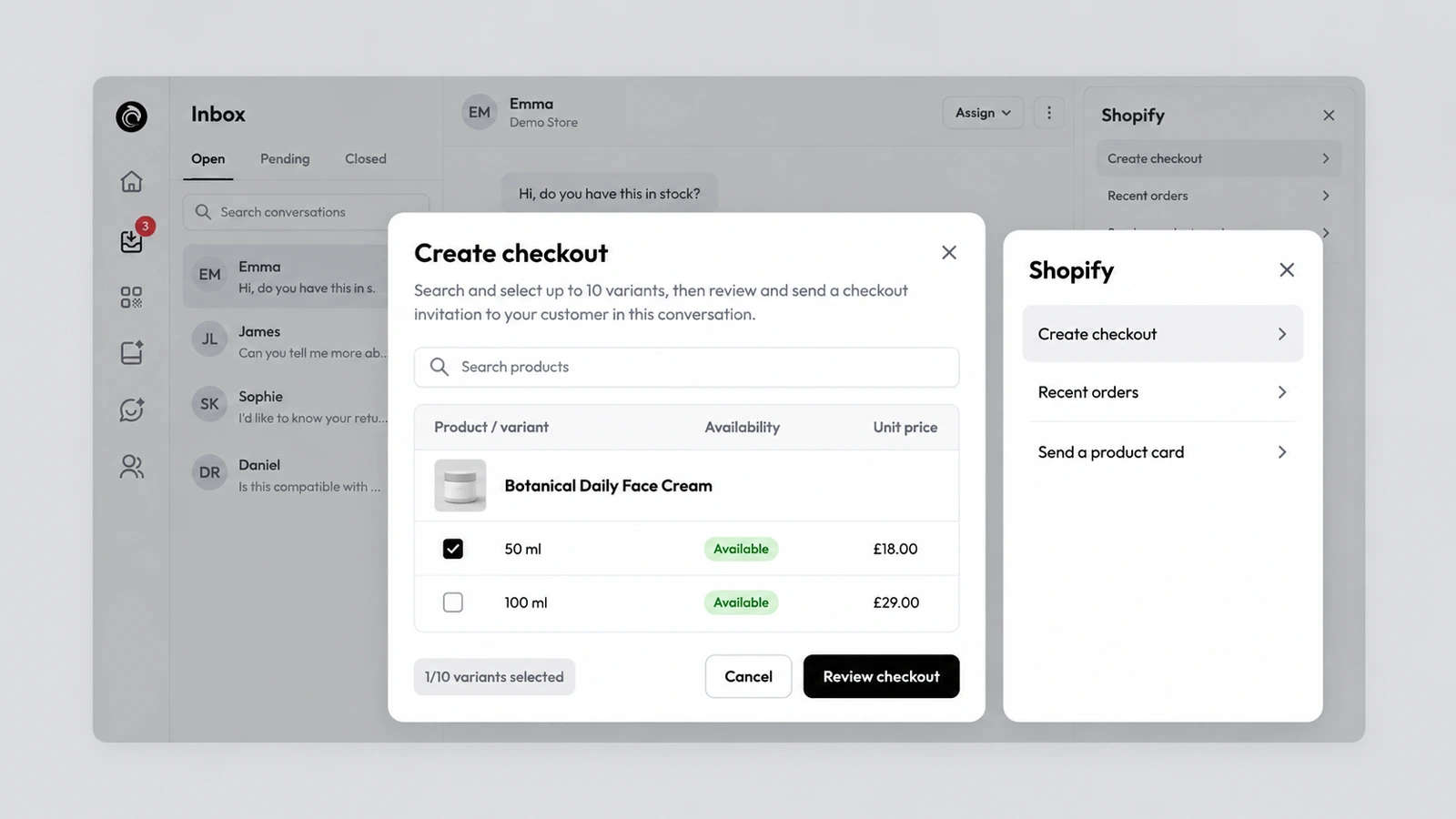
Shopify order actions in your inbox and chat
AskDolphin connects to your Shopify store so Dolphin AI can add or remove cart items and send a checkout link inside the chat.
What's new in AskDolphin, newest first. Every new feature and improvement, with the date it shipped and where to find it in the product.
AskDolphin connects to your Shopify store so Dolphin AI can add or remove cart items and send a checkout link inside the chat.
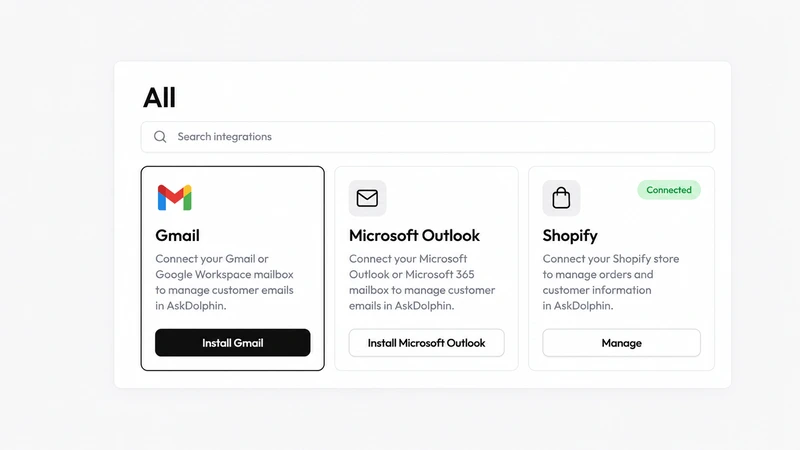
AskDolphin's Gmail integration connects a Gmail or Google Workspace address to the shared inbox, so customer email sits next to chat and QR conversations.
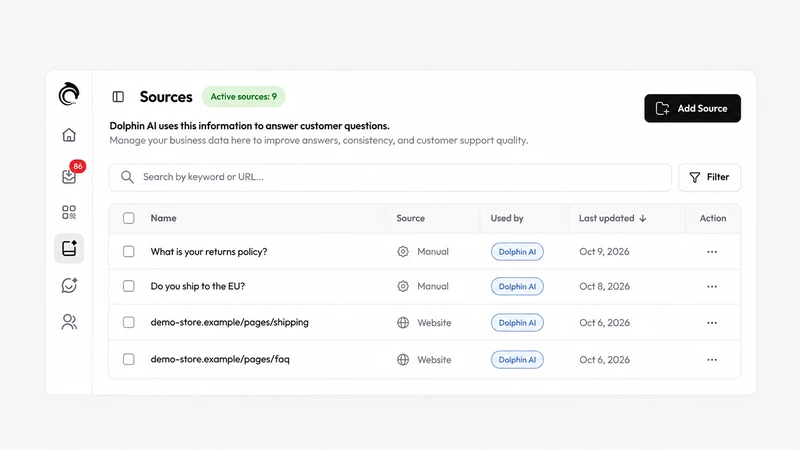
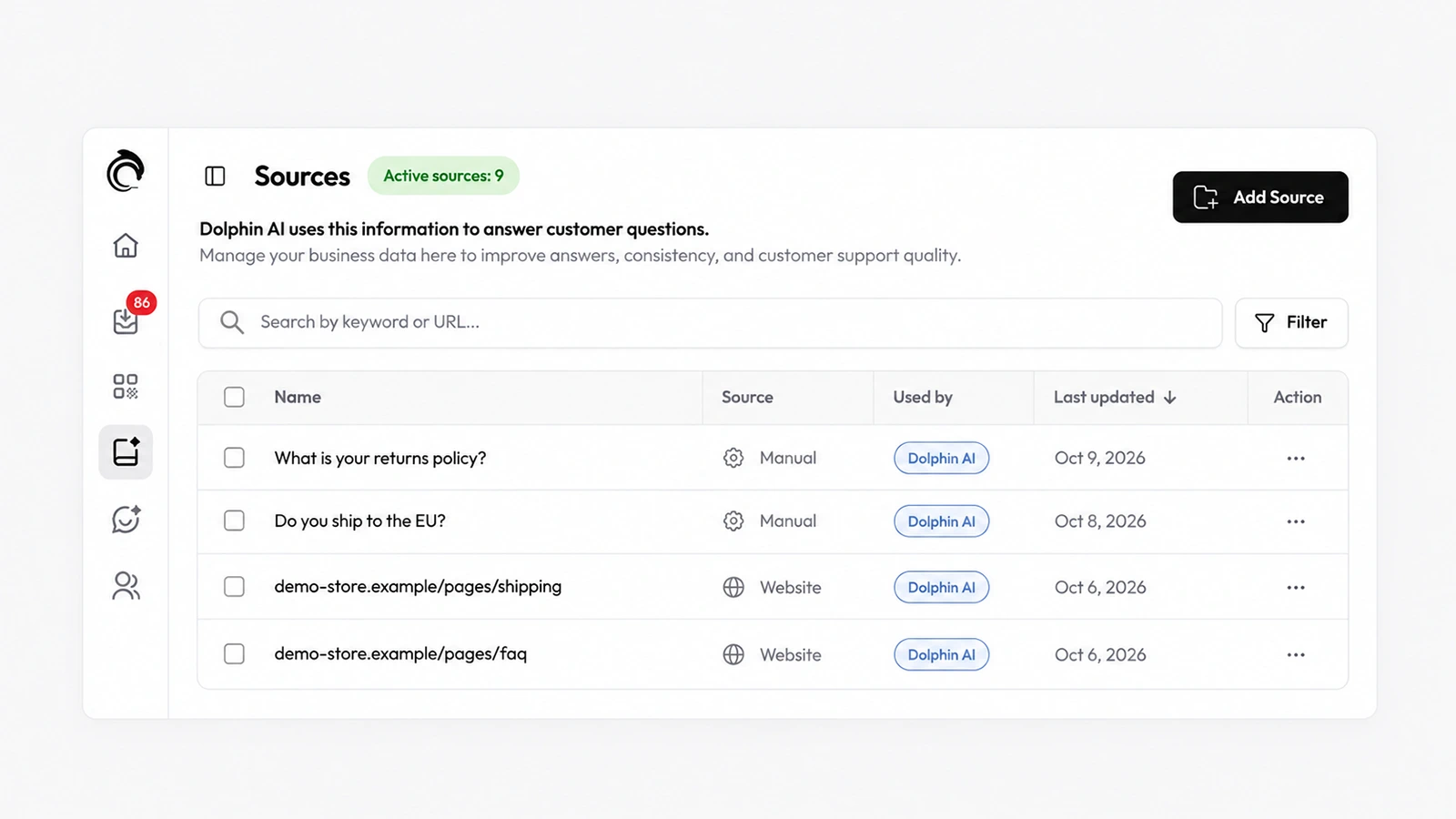
Dolphin AI, the assistant inside AskDolphin, now answers customers from the Data Sources you approve.
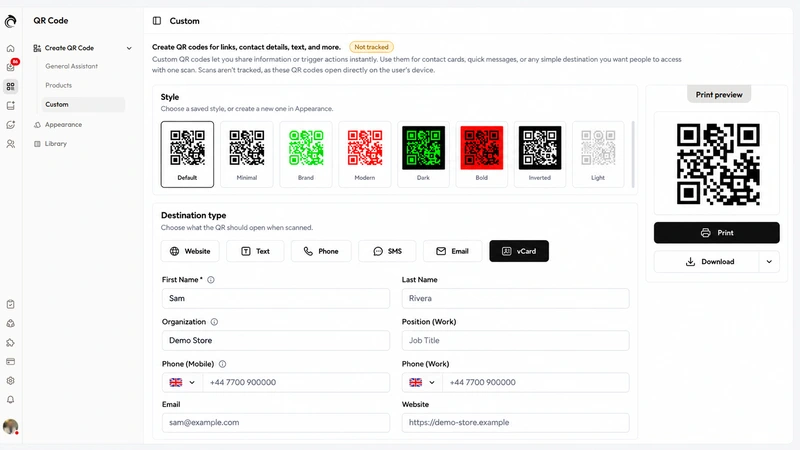
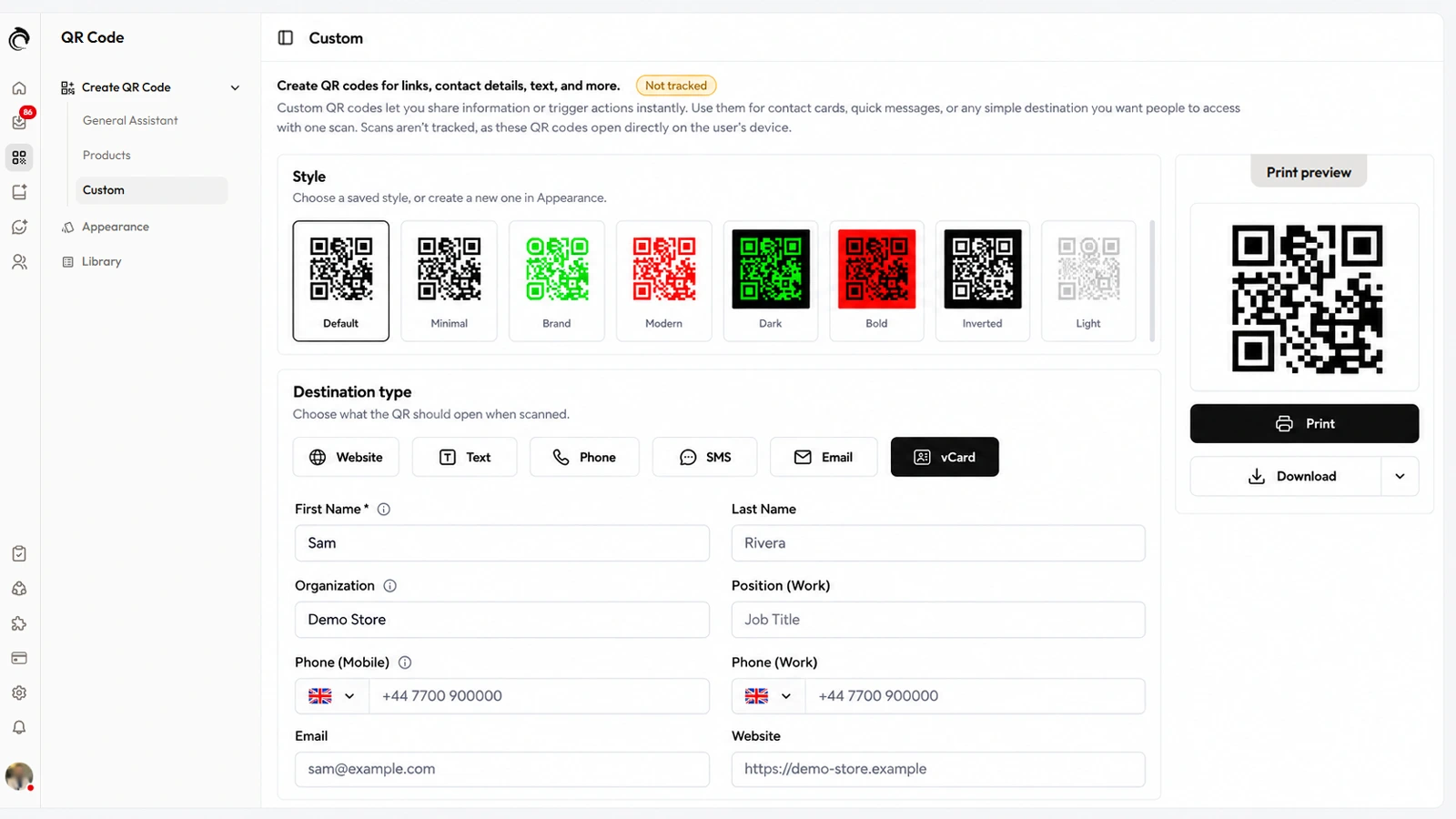
AskDolphin now makes custom QR codes for a website, text, phone call, SMS, email or vCard contact card, in the same styles as your support codes.
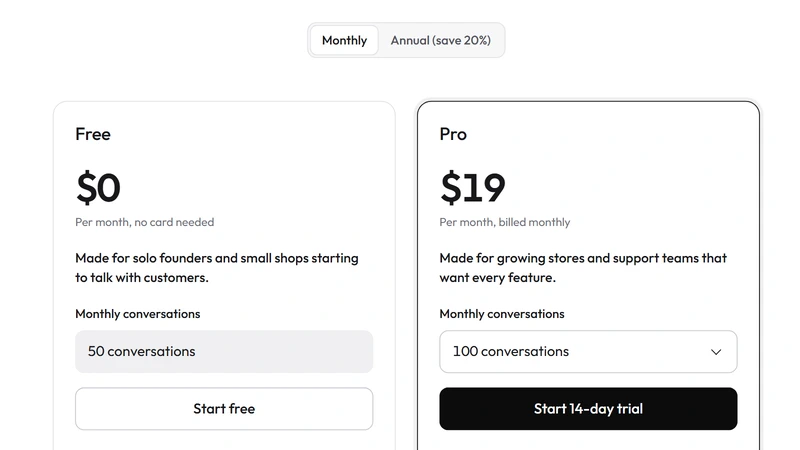
AskDolphin now has two plans: Free, with 50 conversations a month, and Pro from $19 a month for 100 conversations, priced by conversations rather than seats.
AskDolphin now bills Dolphin AI by the characters it writes, at $0.50 per 1,000, with a monthly spending limit you set.
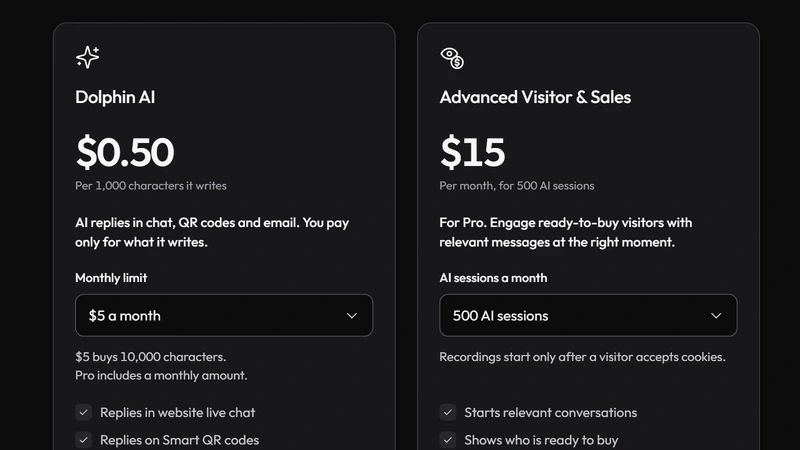
AskDolphin now lets you decide which visits use your Advanced Visitor & Sales sessions: what share of new visits to record, and on which days.
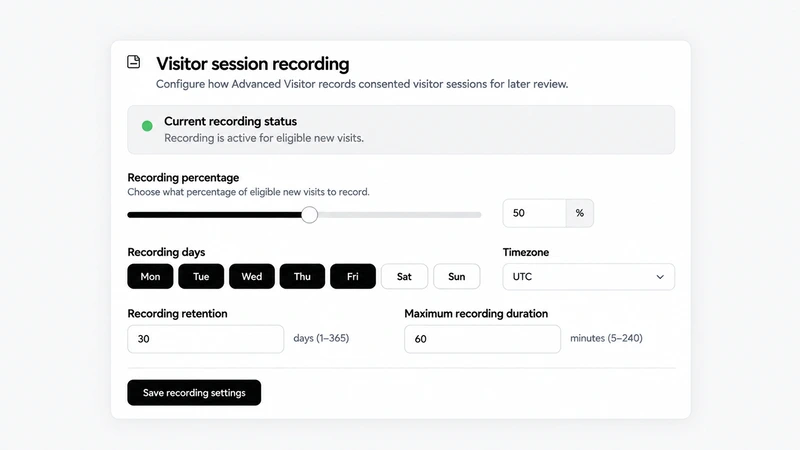
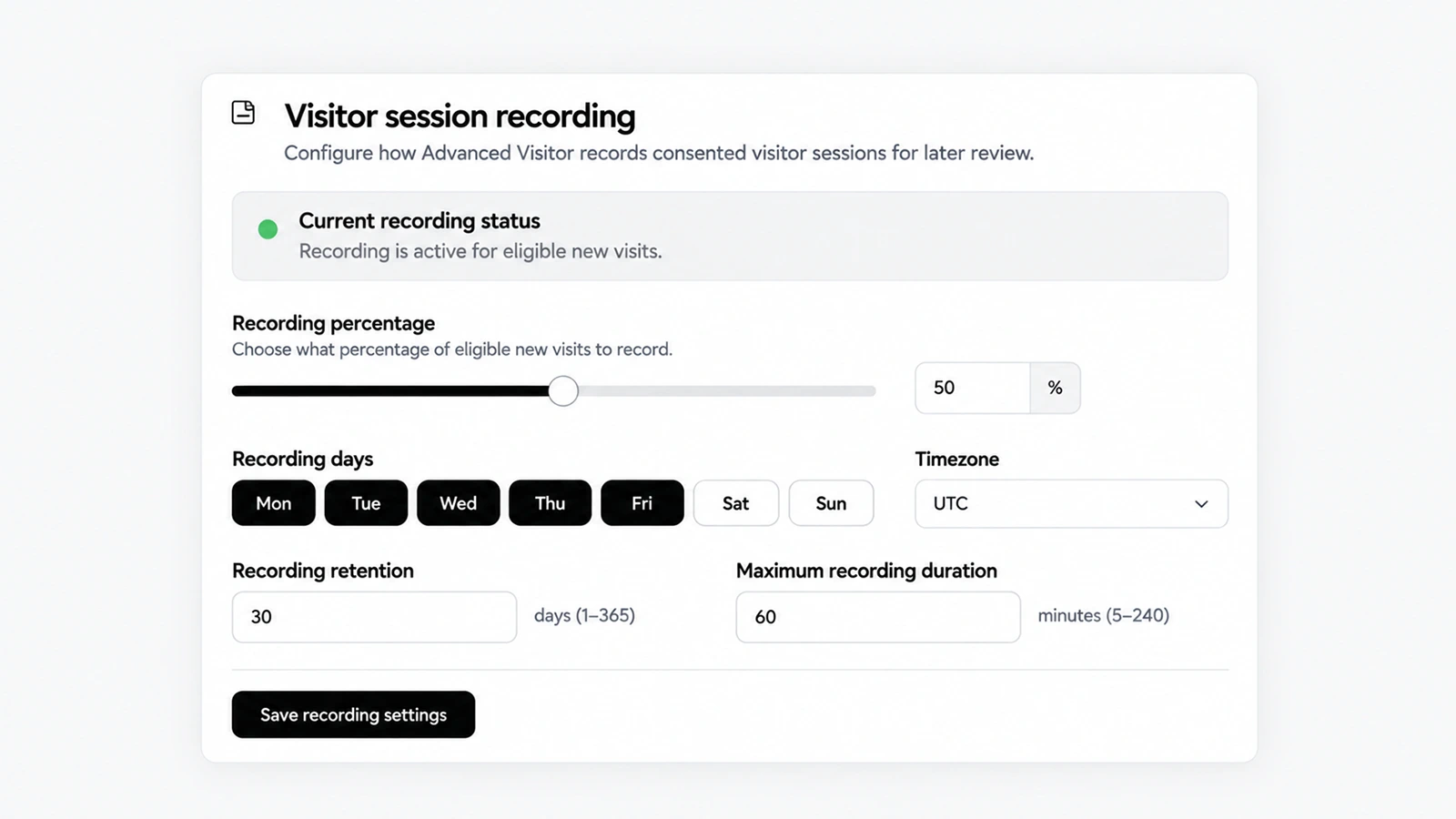
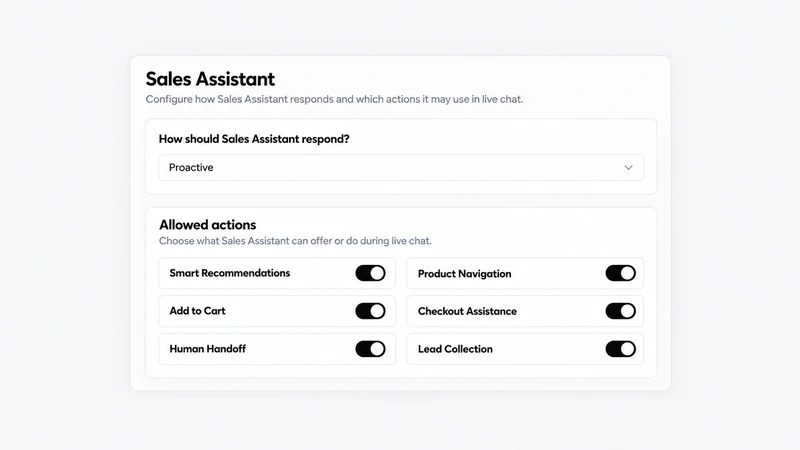
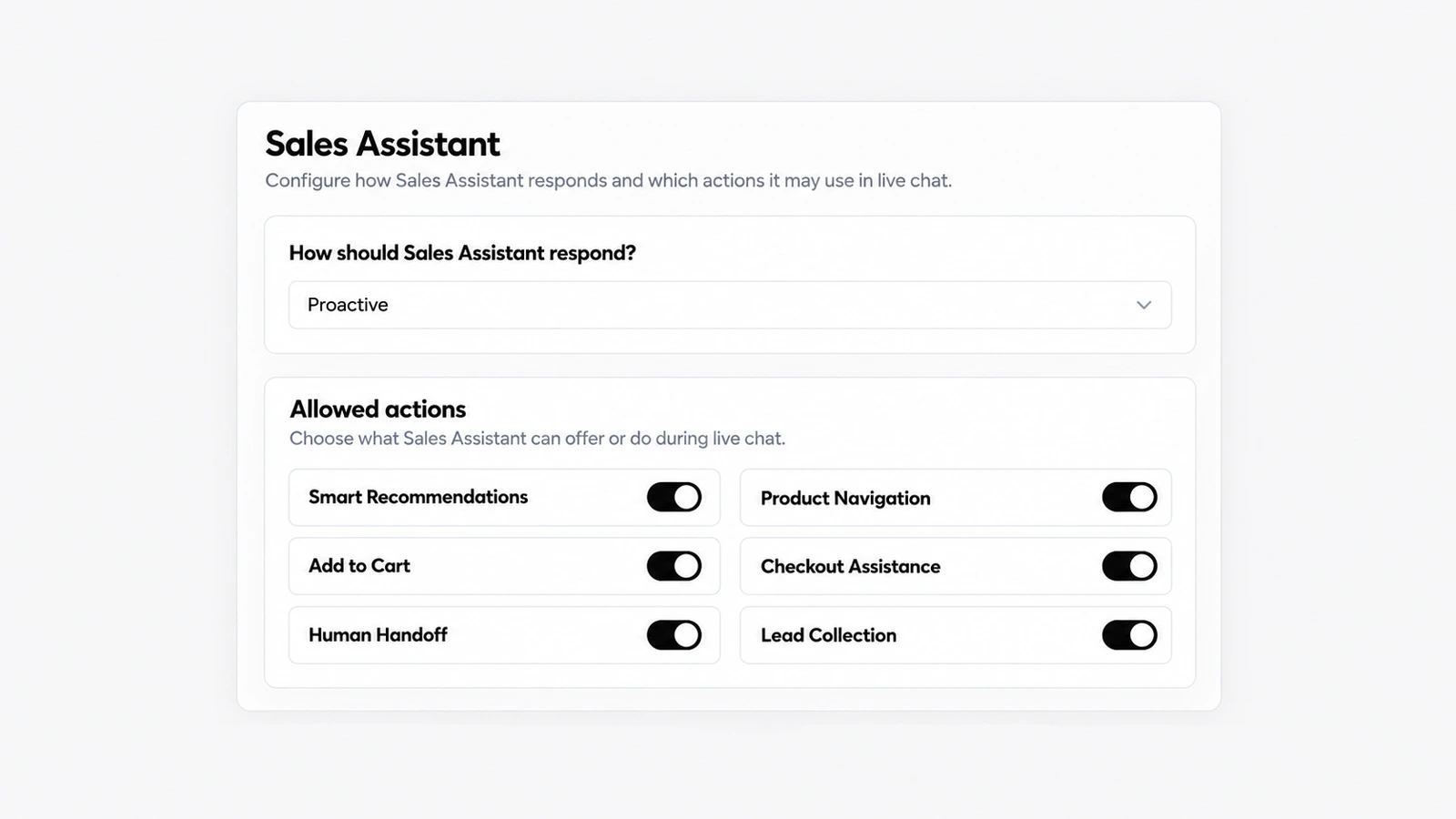
AskDolphin's Sales Assistant recommends products, guides visitors to the right page, collects leads and hands over to your team in chat.
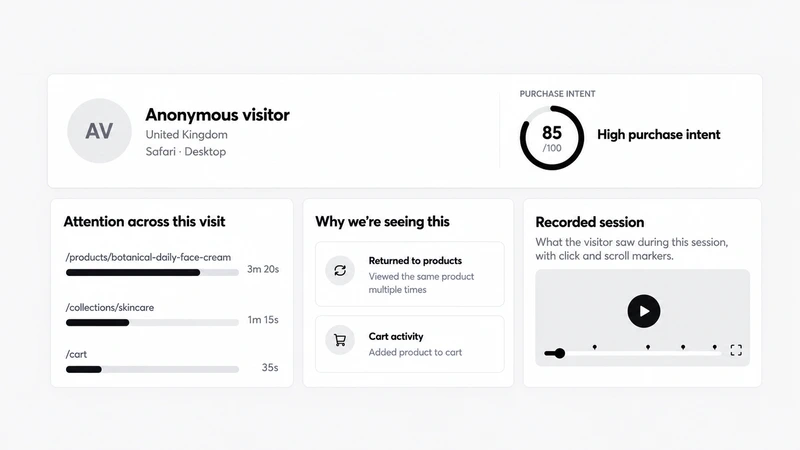
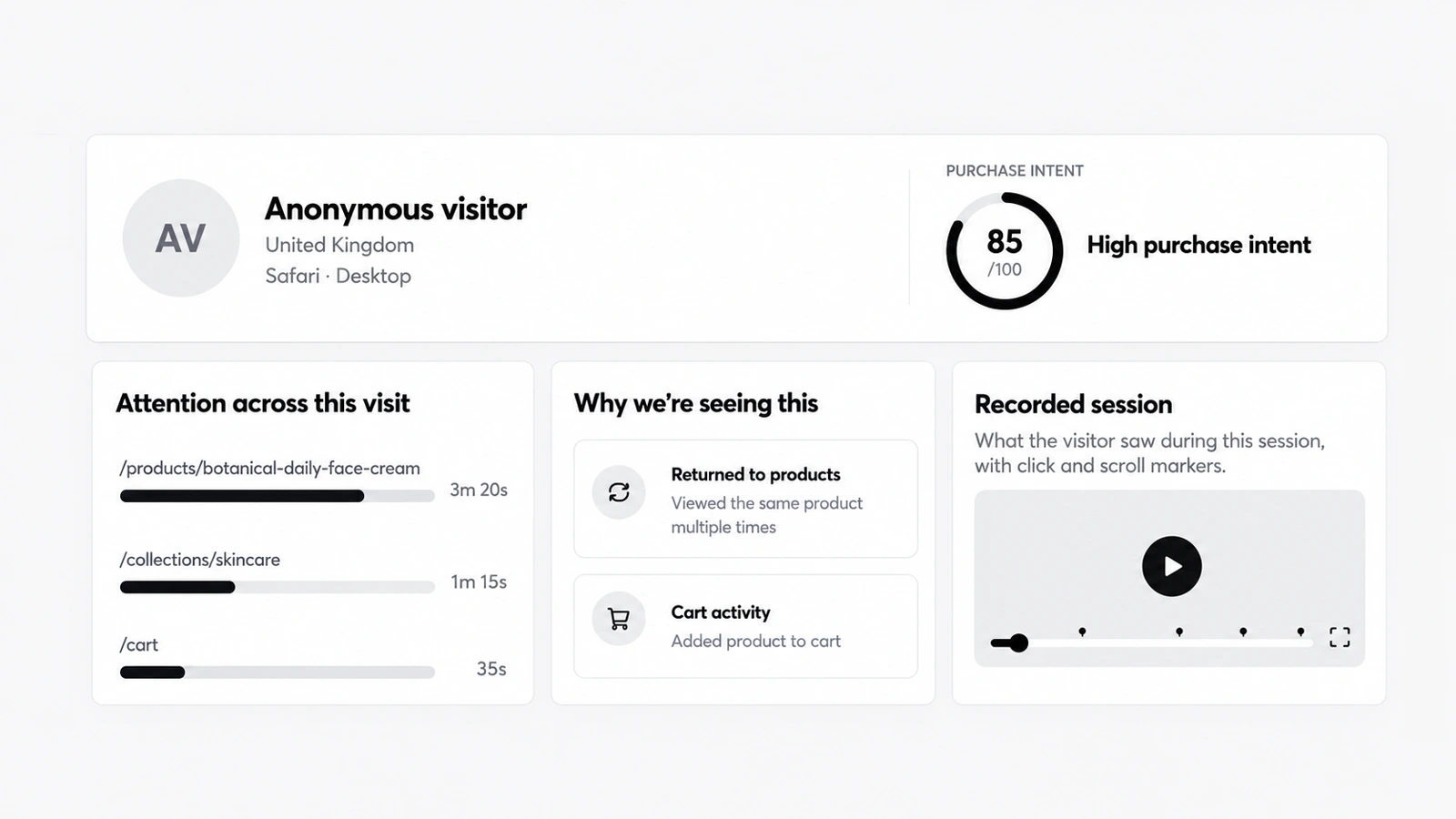
AskDolphin now shows who is on your website right now, with their page, location and browser, and lets you watch a visit live with its journey and chat.
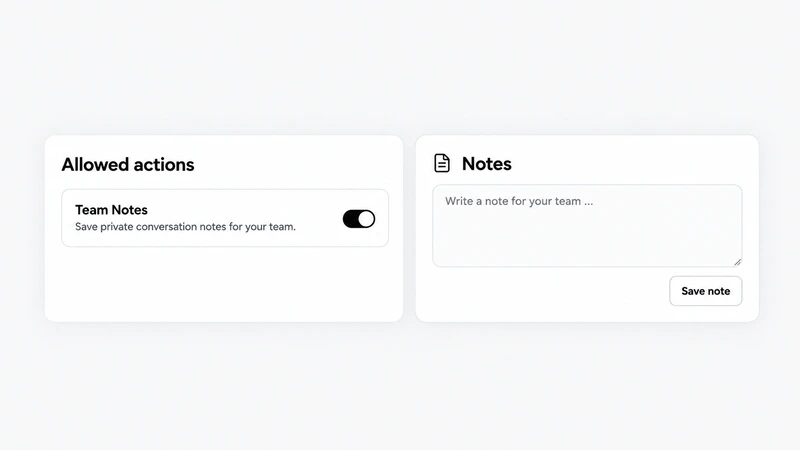
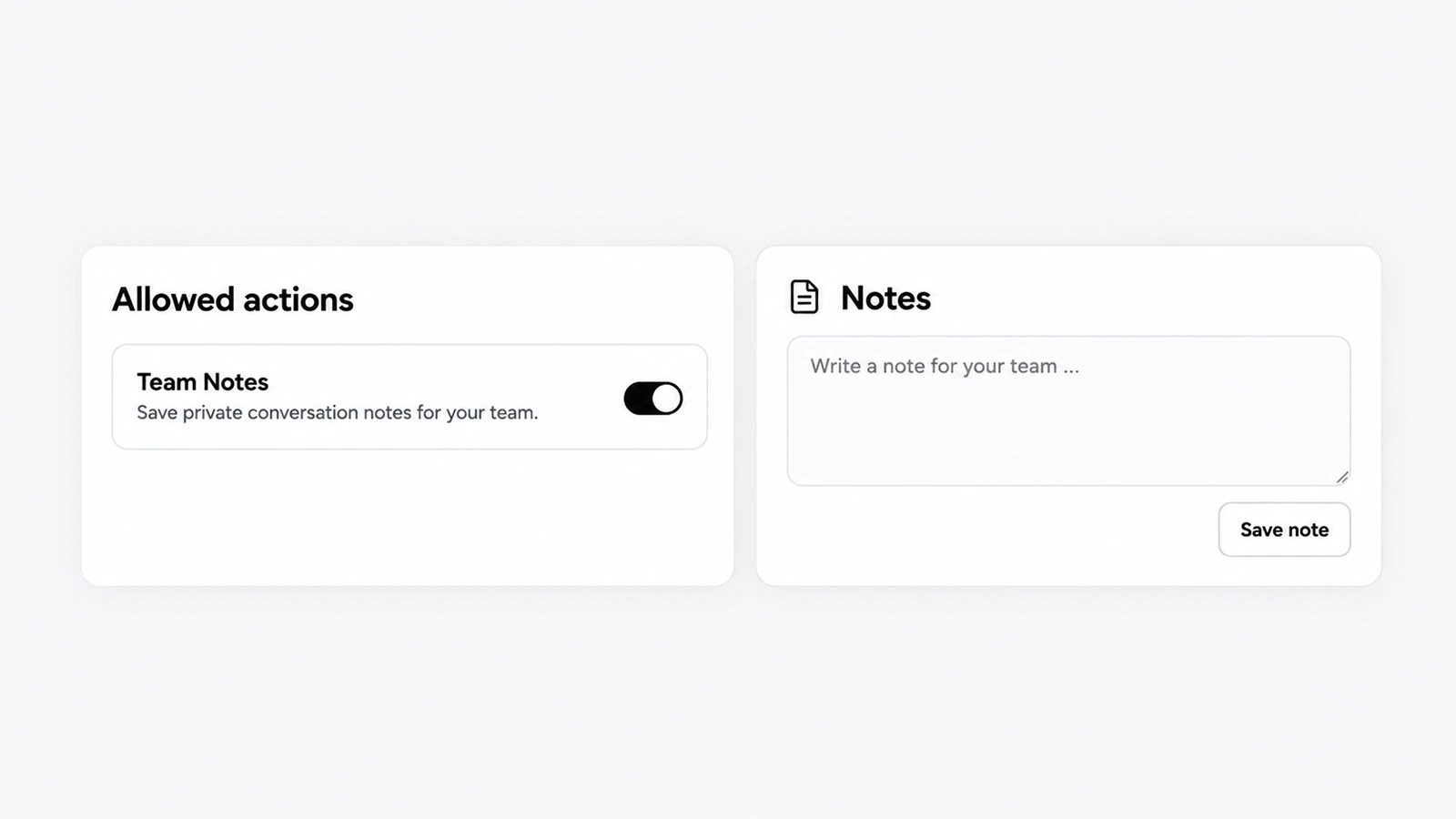
When Dolphin AI can't answer a product question, AskDolphin saves a private note about the conversation for your team and alerts you.
Action Review is a queue in AskDolphin where a person approves or rejects the requests customers make in chat.
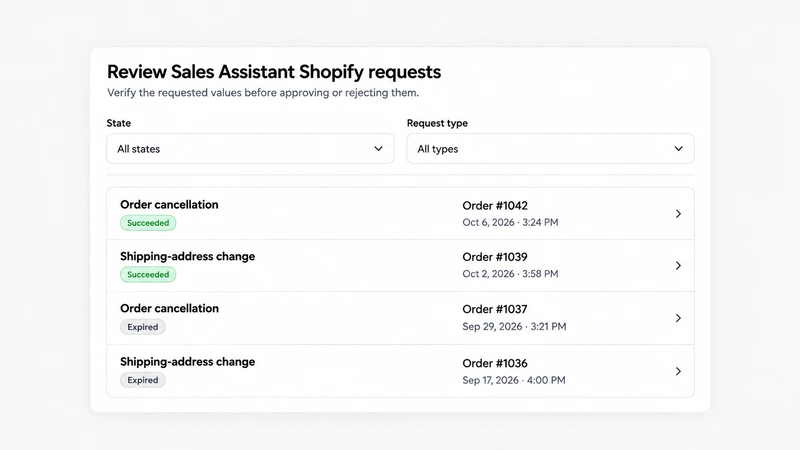
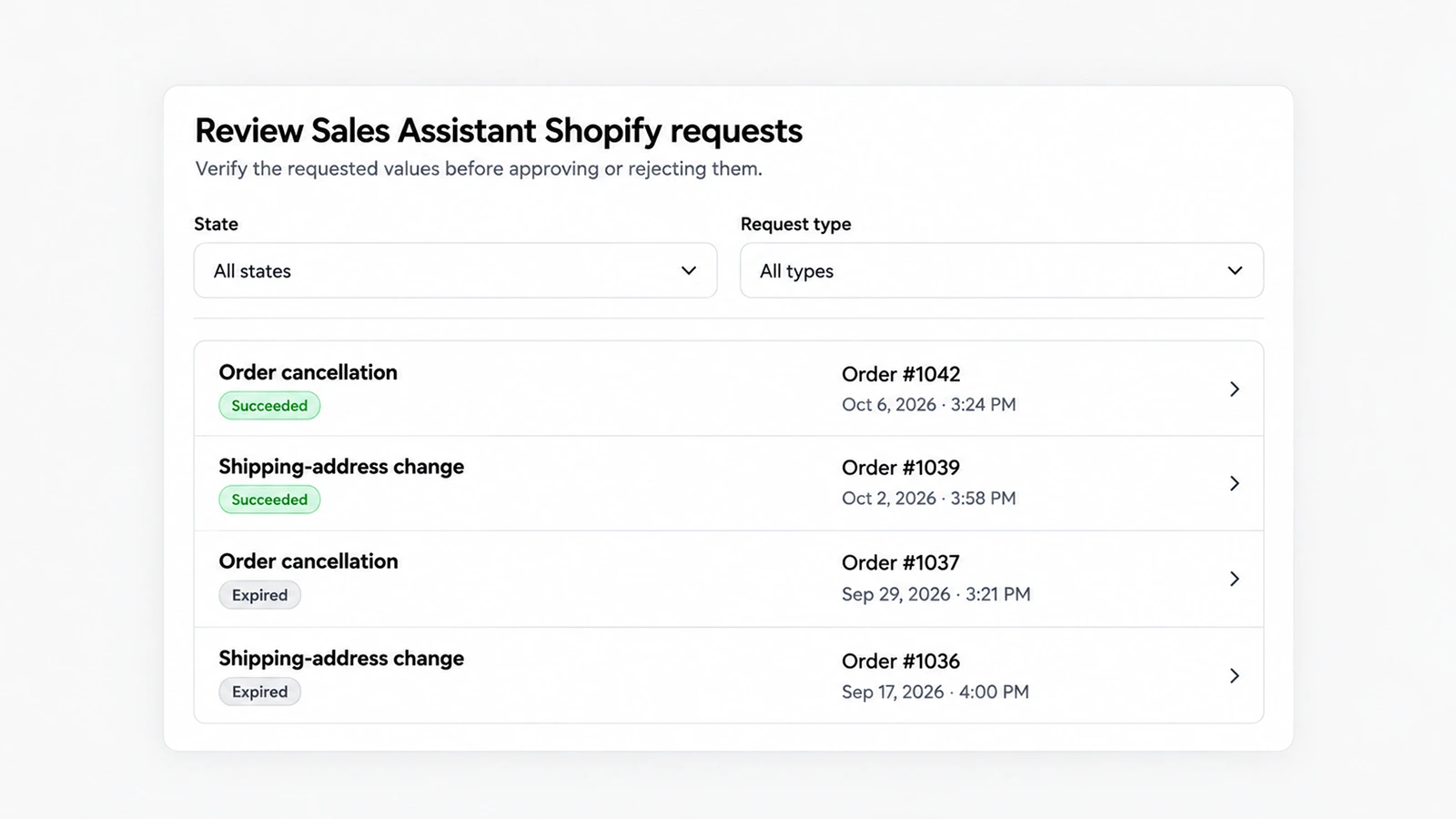
Customers can now ask to cancel an order or get a refund in the AskDolphin chat.
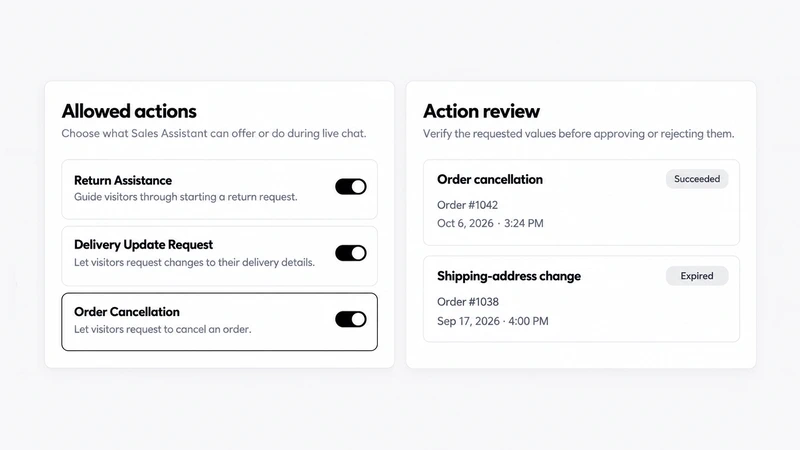
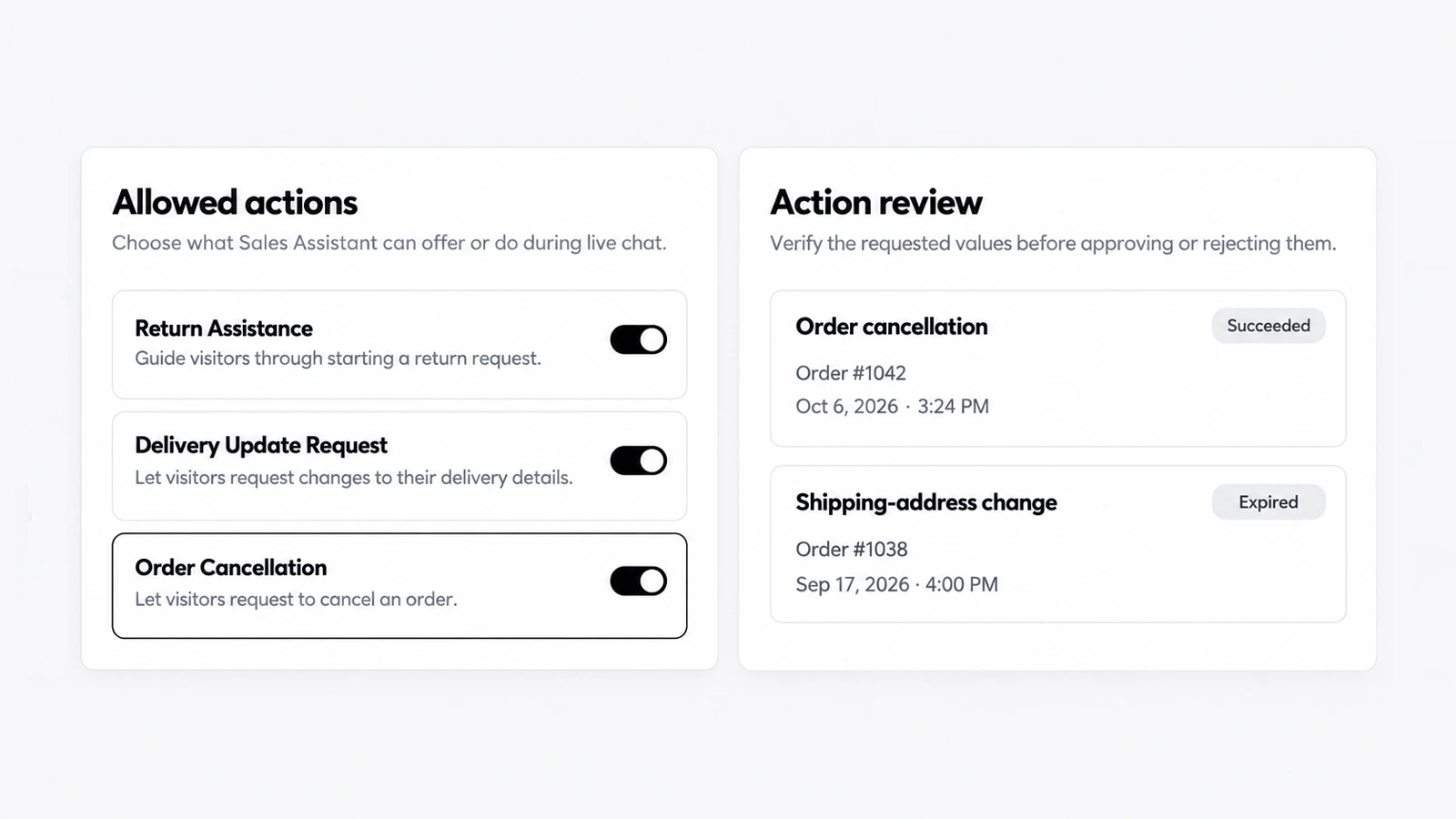
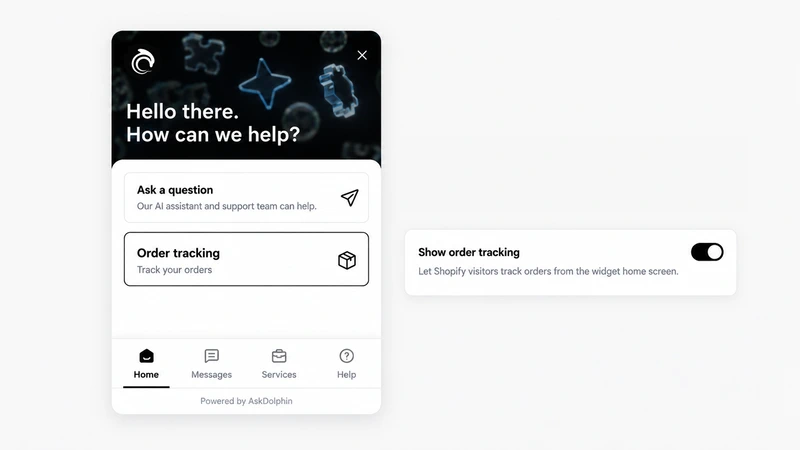
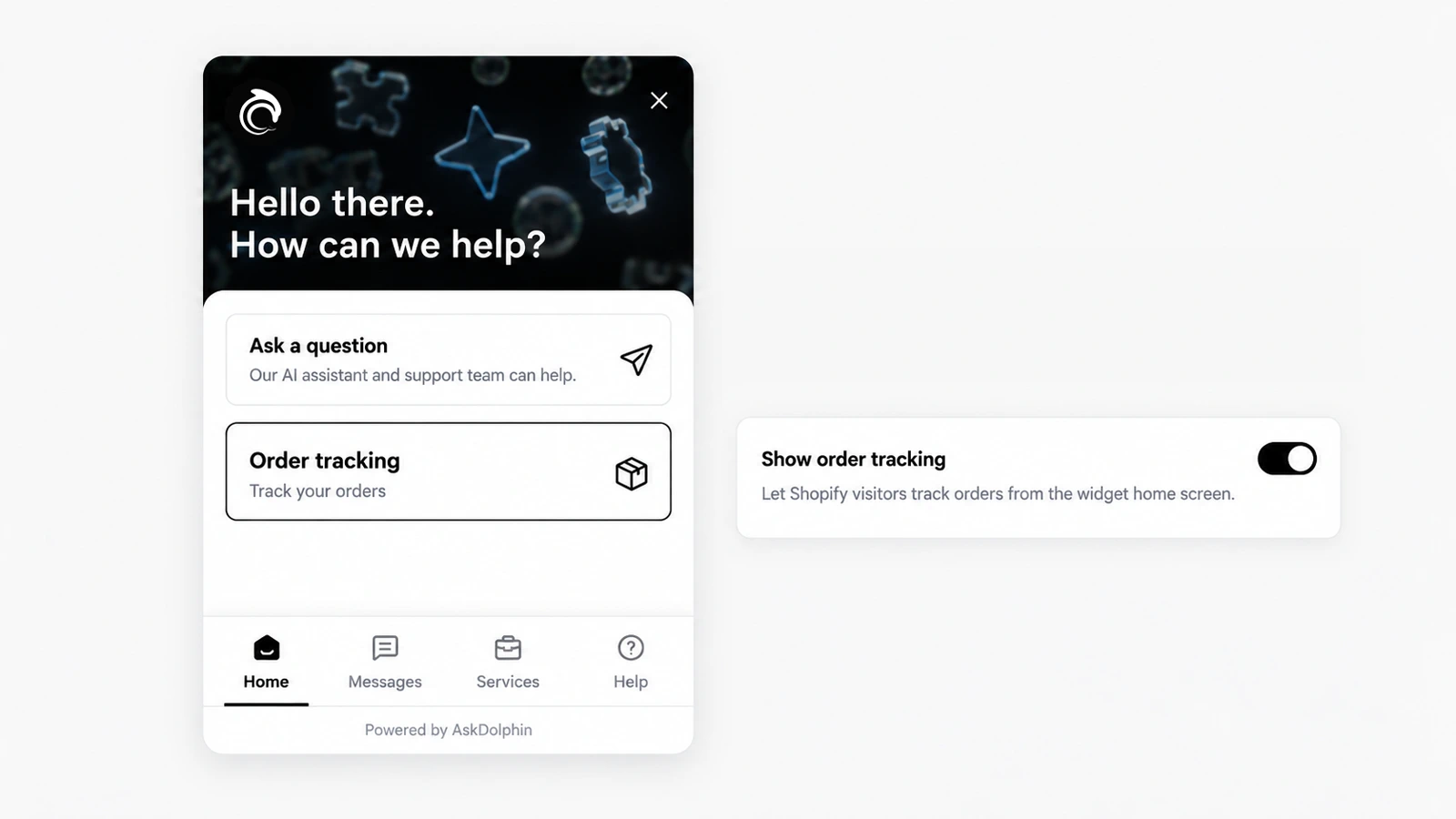
AskDolphin lets customers check the status of a Shopify order inside the chat, or from an order-tracking card on the widget's home screen.
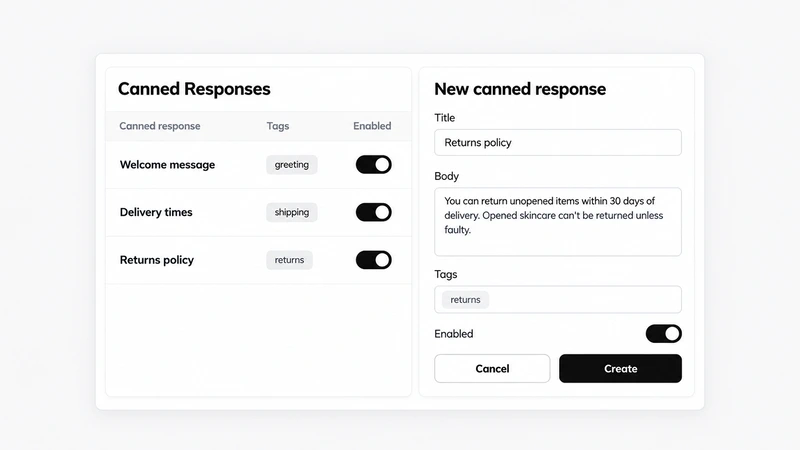
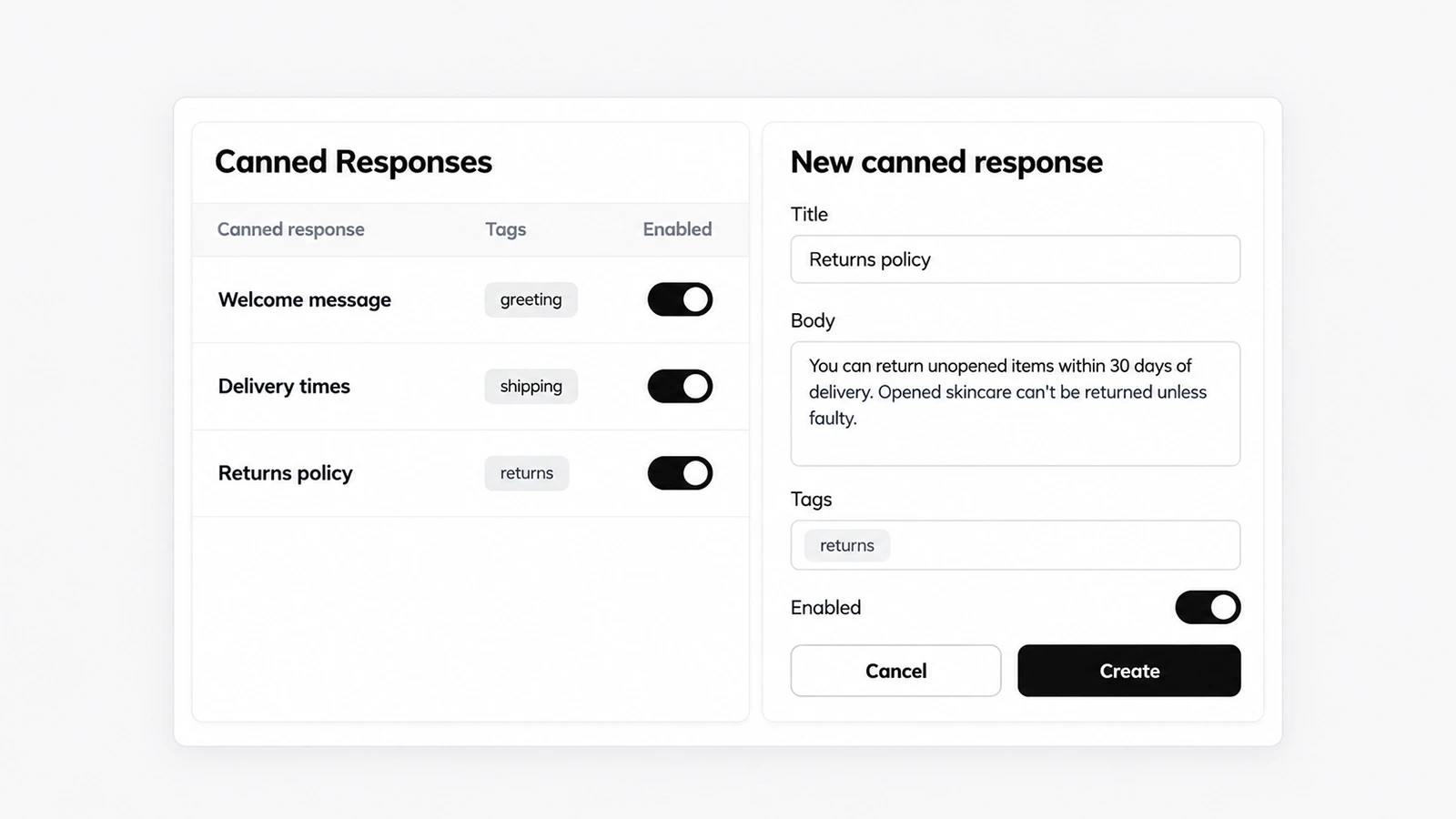
AskDolphin now has canned responses: reusable replies with a title, a body and tags that agents insert from the reply box.
AskDolphin connects to your Shopify store so Dolphin AI can add or remove cart items and send a checkout link inside the chat.
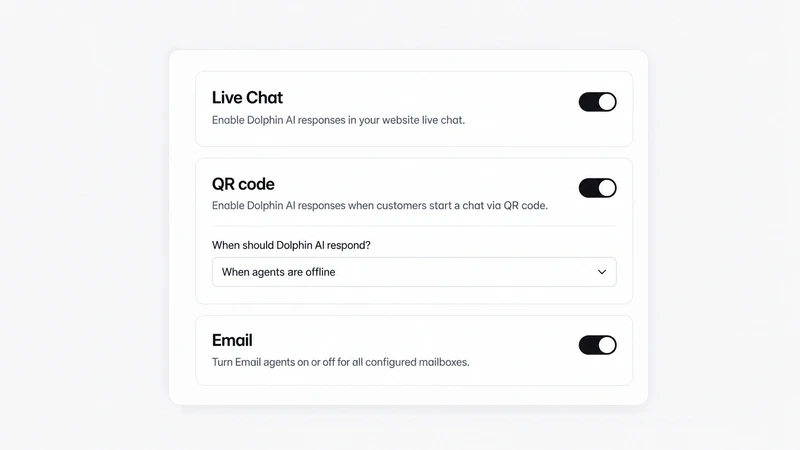
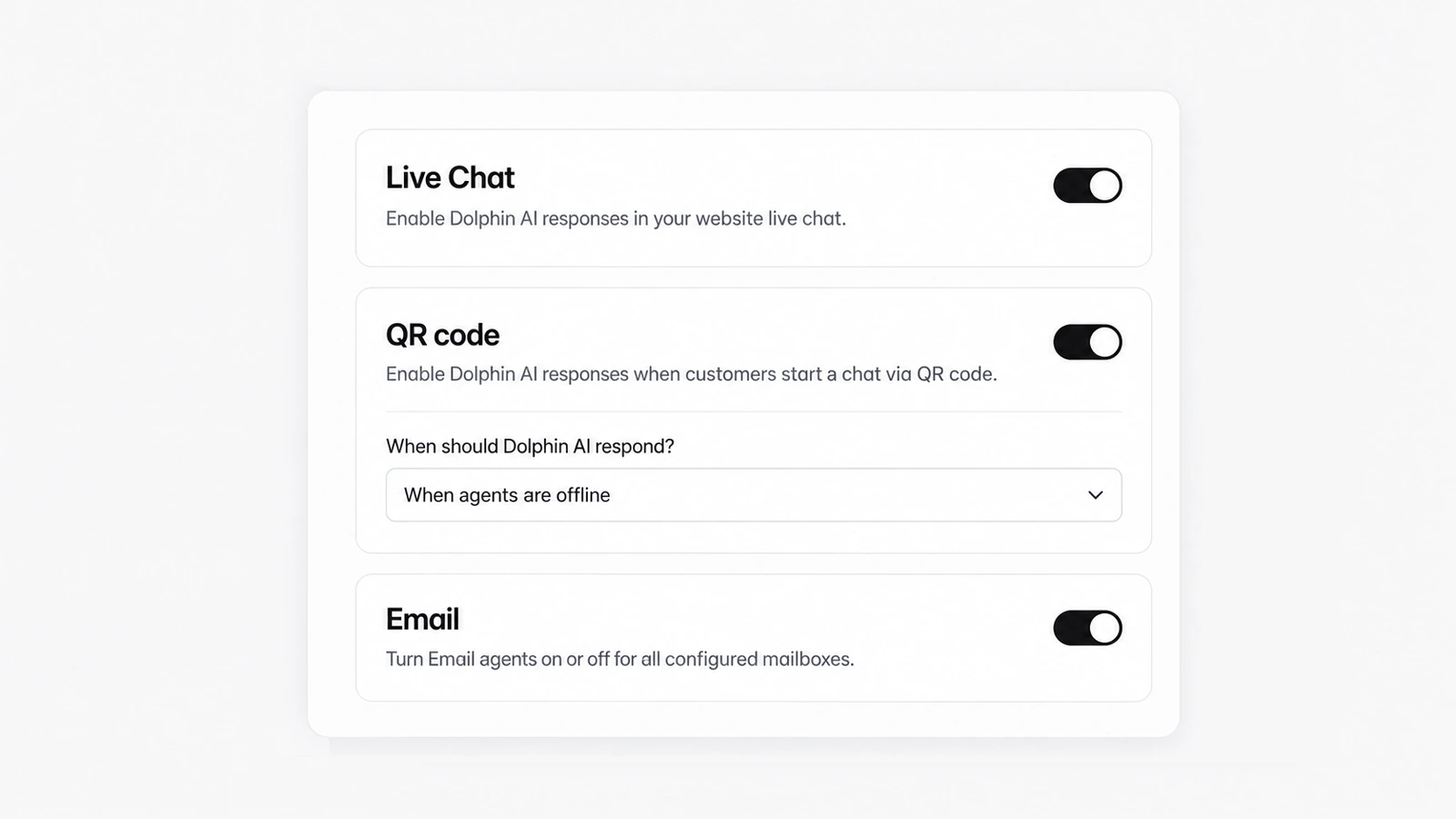
AskDolphin now lets you turn Dolphin AI on or off separately for website chat, QR chats and email.
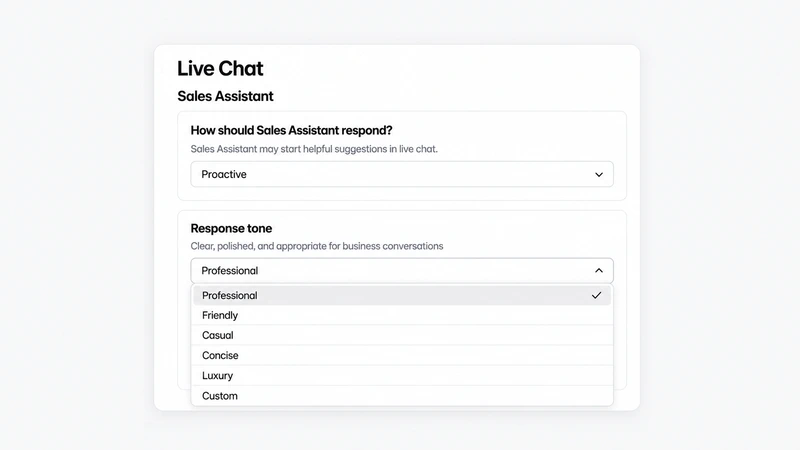
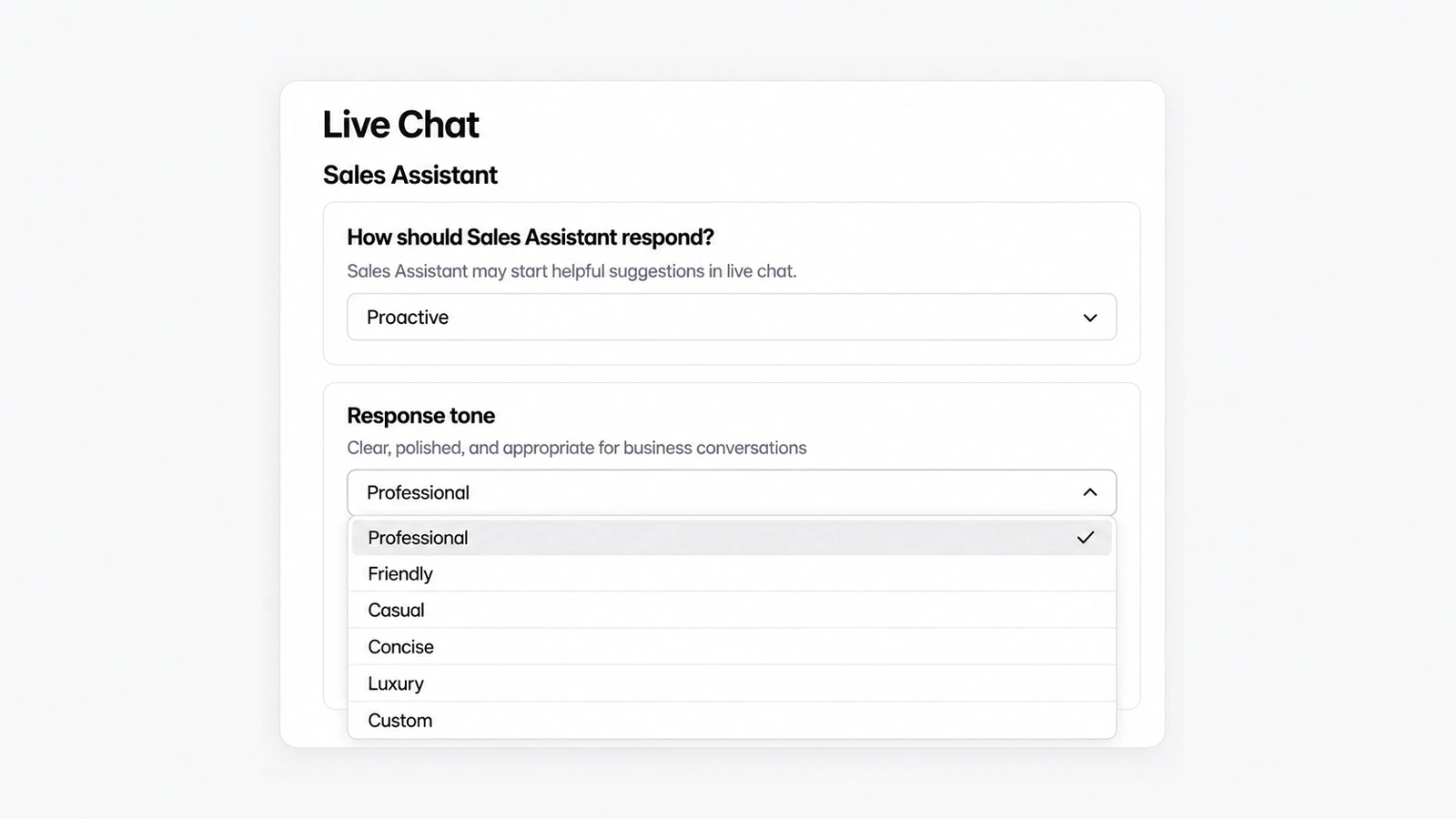
AskDolphin now lets you set the Sales Assistant's tone in live chat: Professional, Friendly, Casual, Concise, Luxury or your own Custom instructions.
AskDolphin can give each mailbox its own Dolphin AI agent that drafts or sends replies from your instructions and Data Sources.
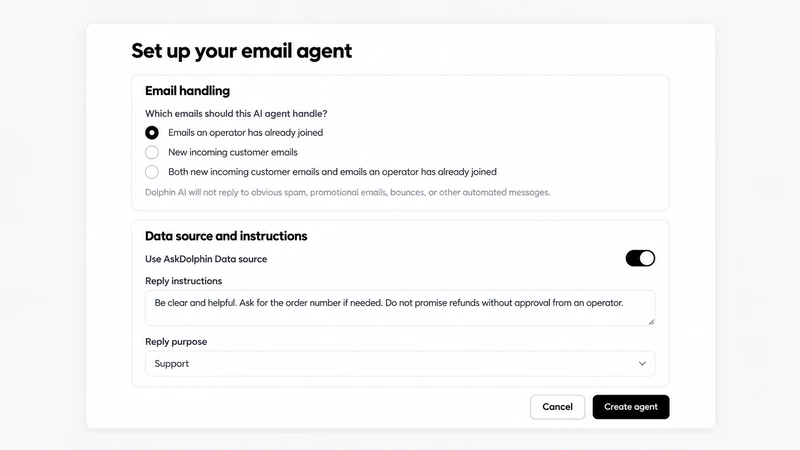
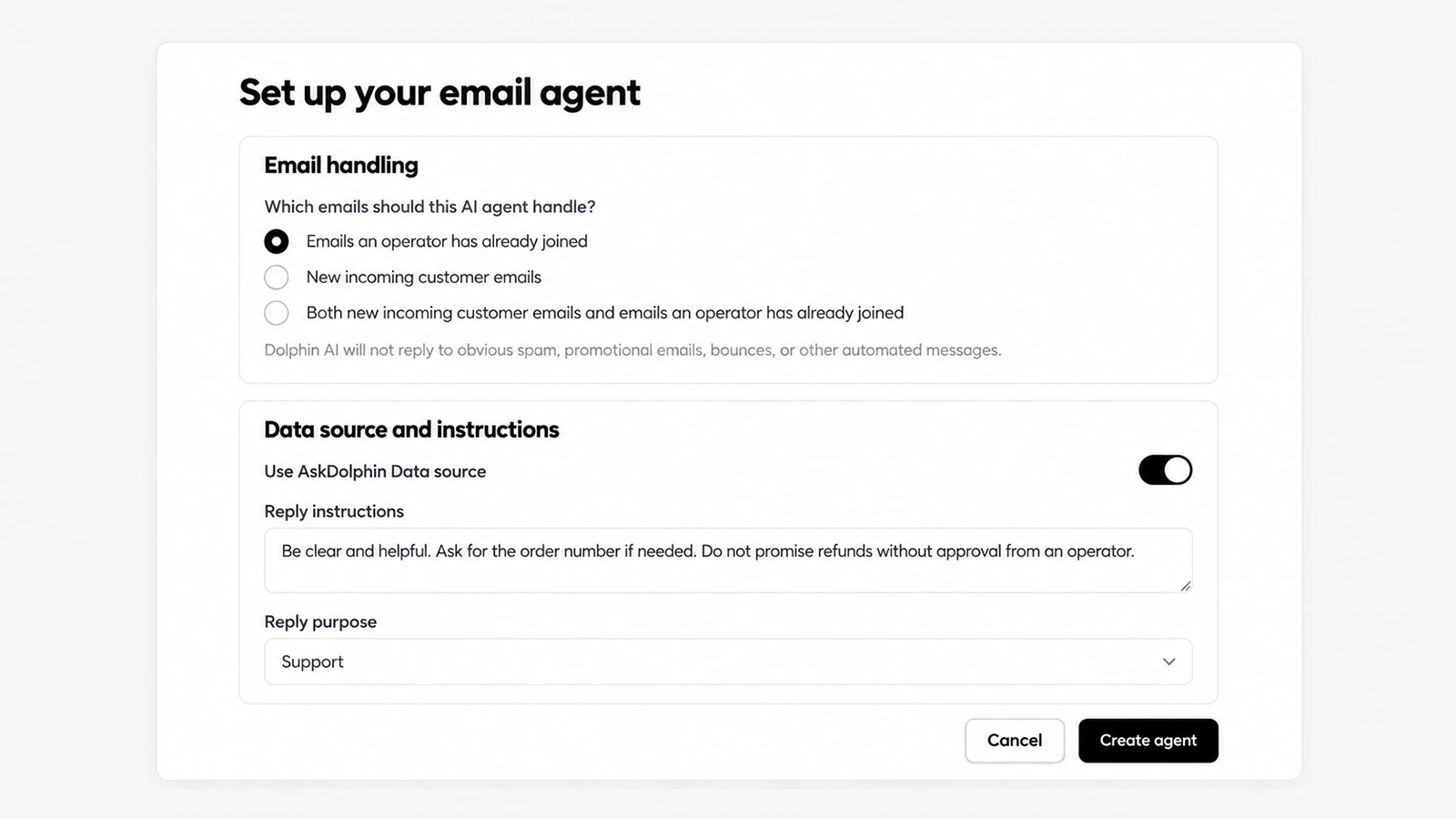
AskDolphin's Microsoft integration connects an Outlook or Microsoft 365 work address to the shared inbox.


AskDolphin's Gmail integration connects a Gmail or Google Workspace address to the shared inbox, so customer email sits next to chat and QR conversations.
AskDolphin's chat widget can now show its own labels in ten languages.
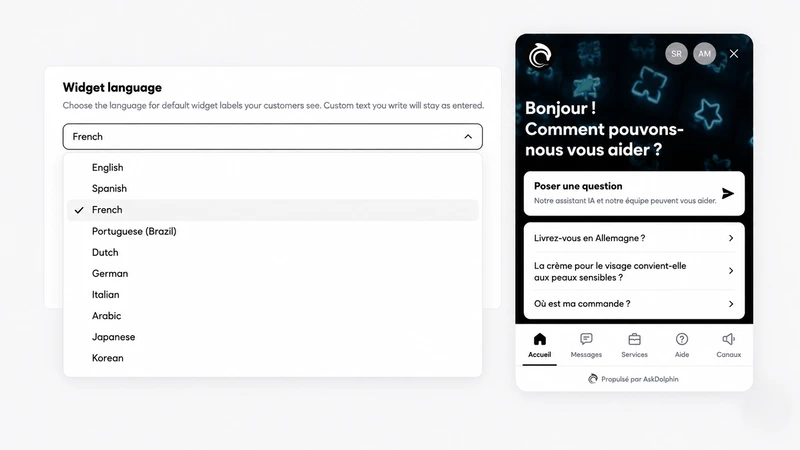
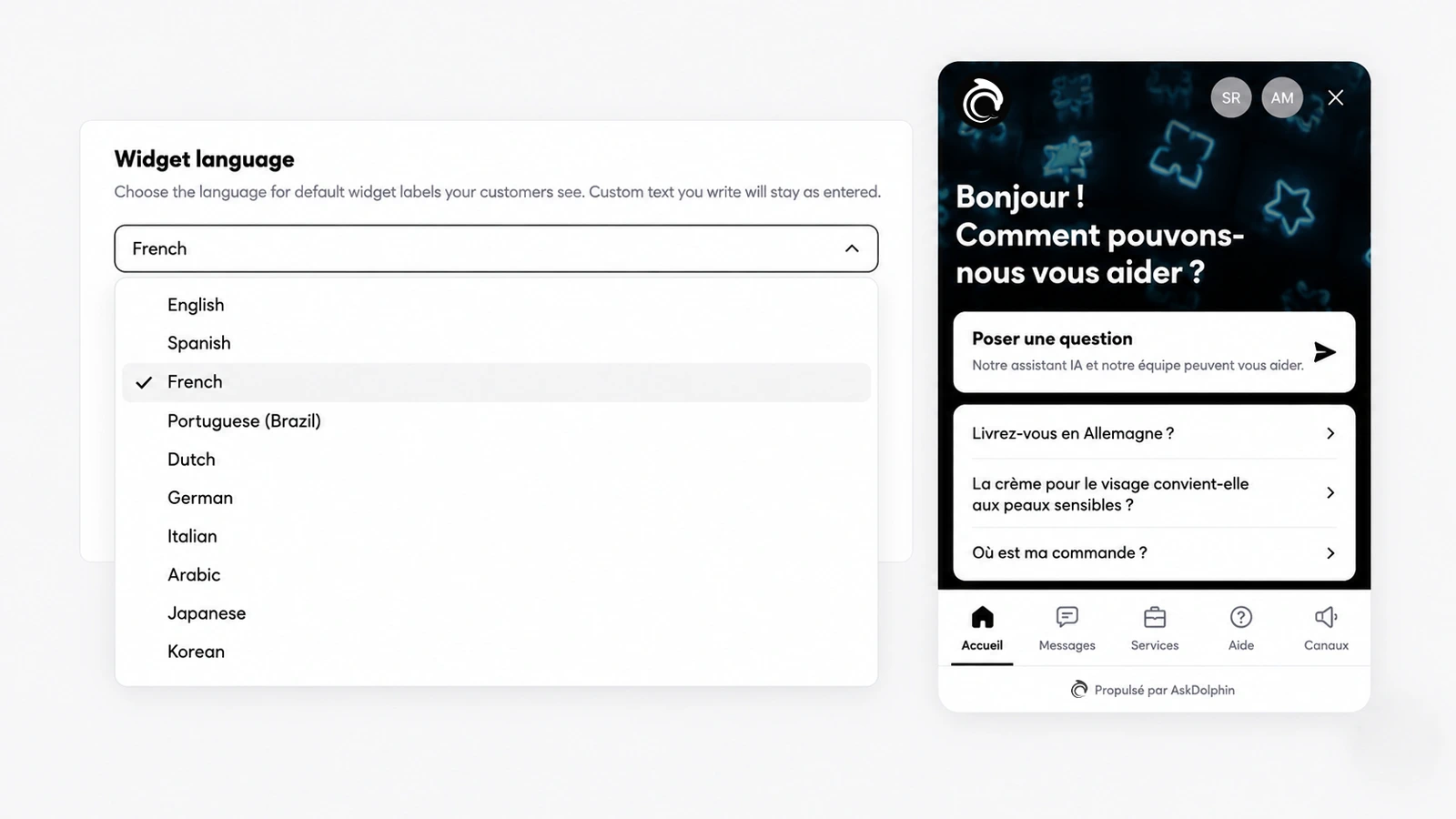
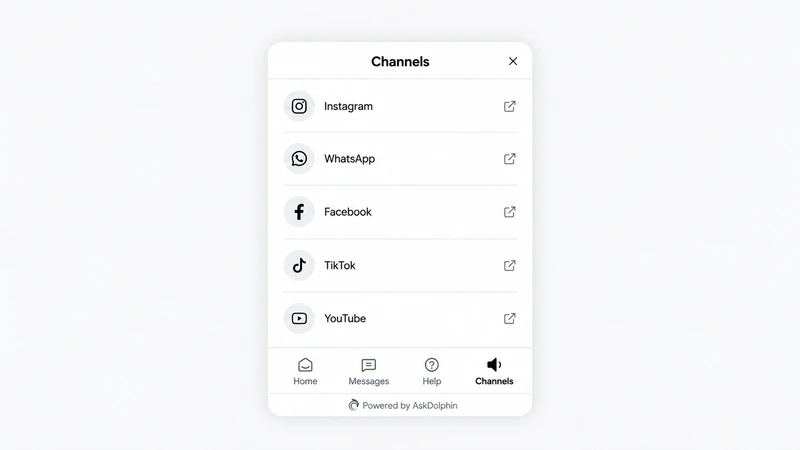
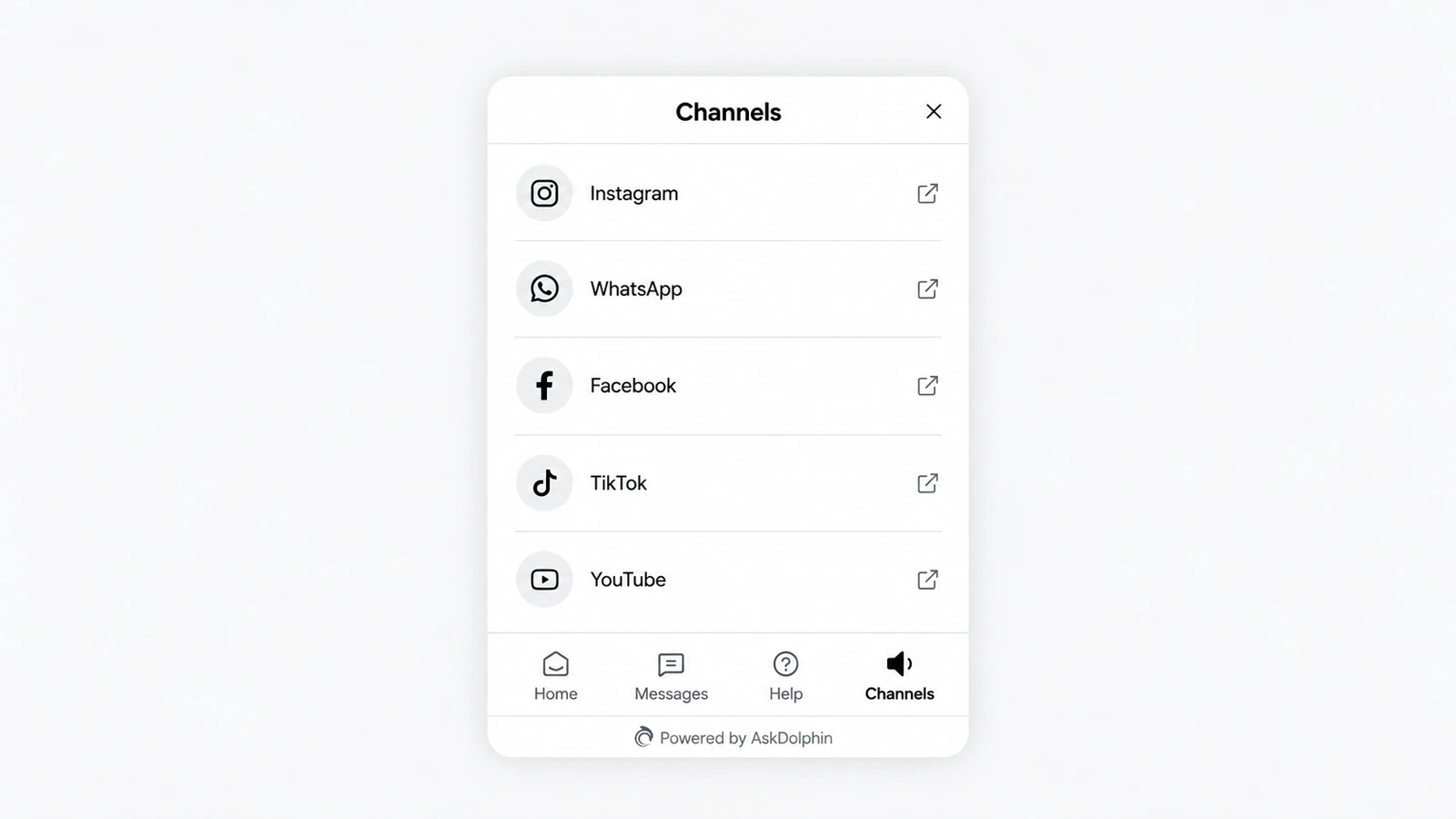
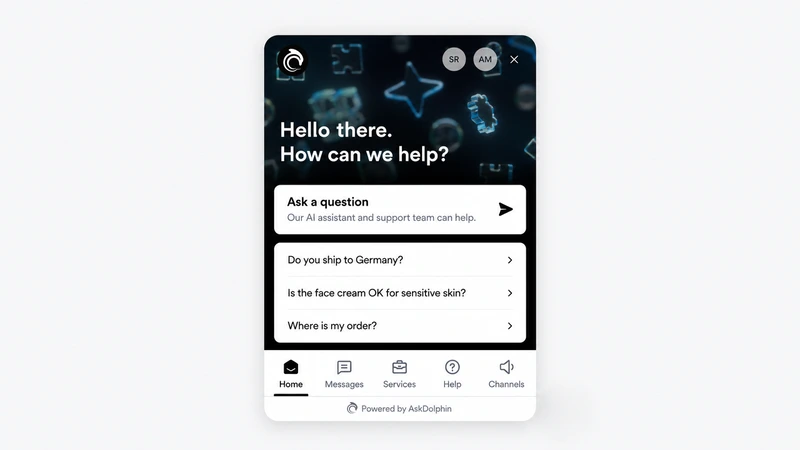
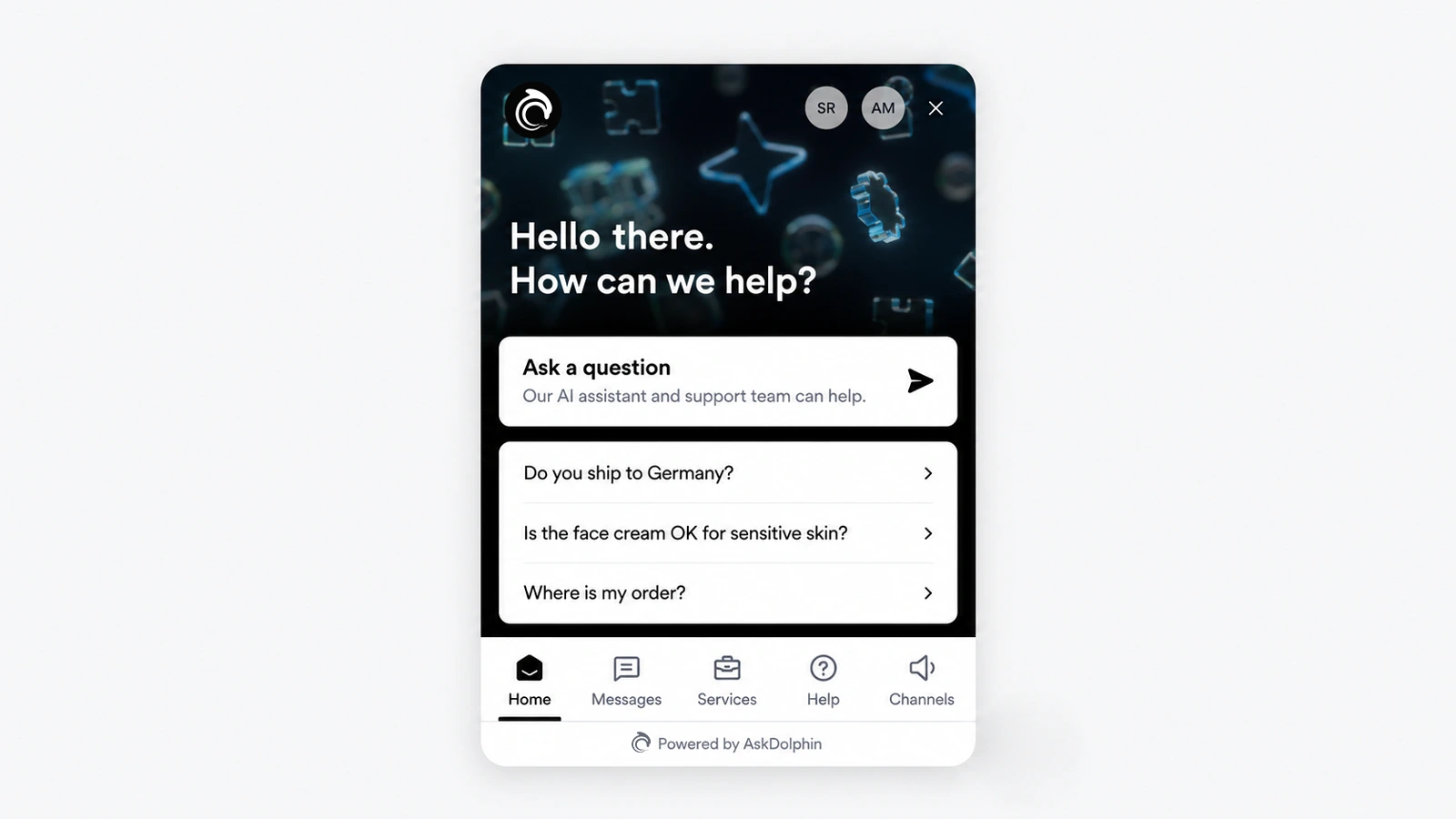
AskDolphin's chat widget now has a Channels tab with links to your other channels, such as WhatsApp, Instagram, Facebook, TikTok or LinkedIn.
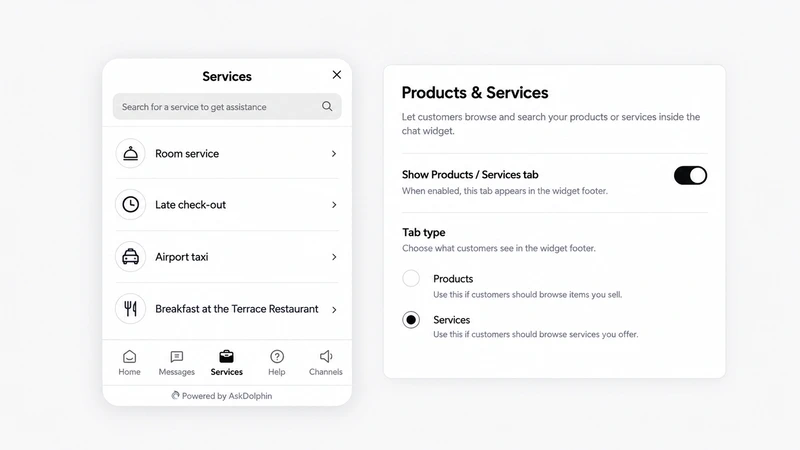
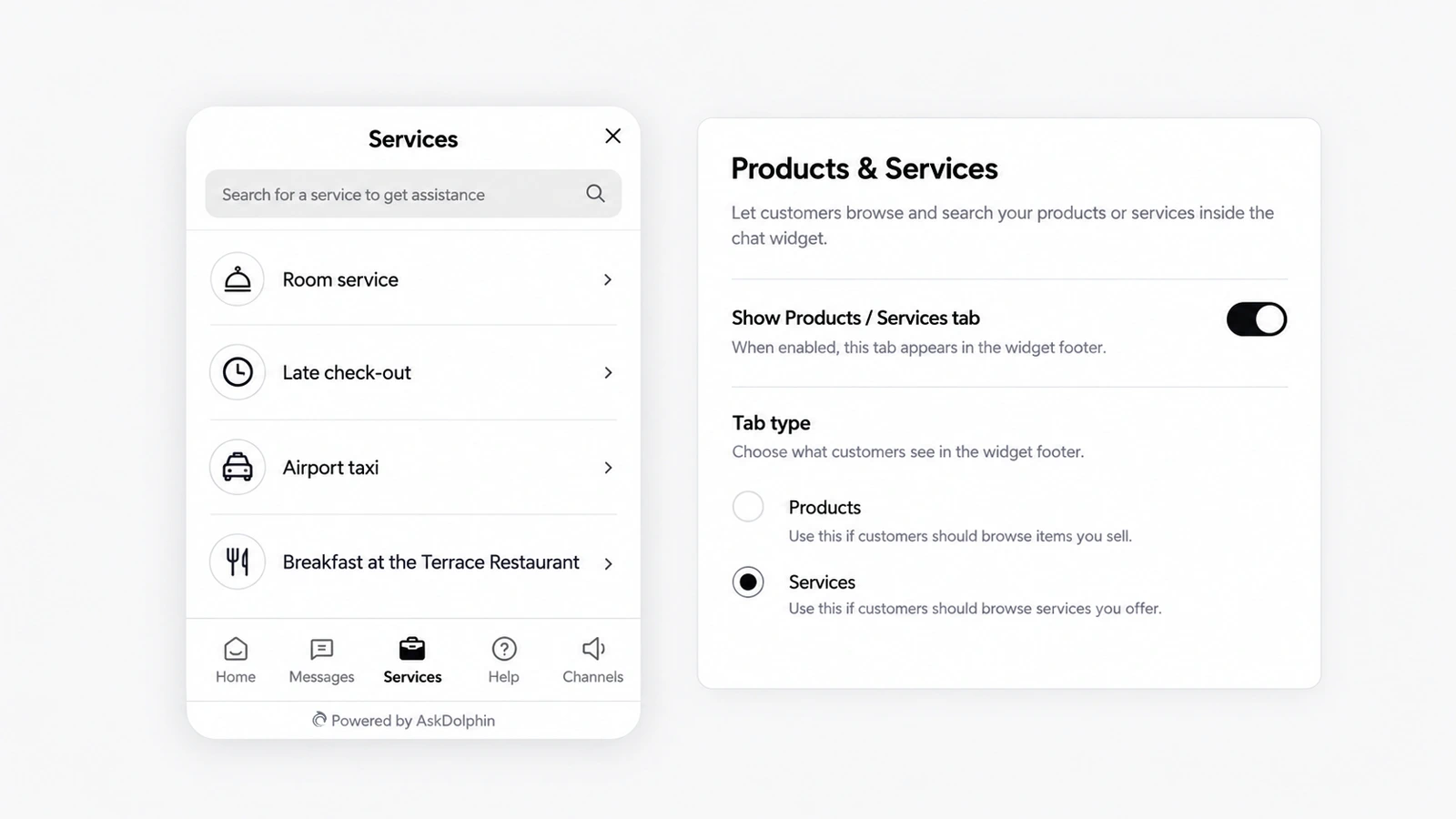
AskDolphin's chat widget can show your catalog in a Products or Services tab, searchable, with images and prices if you want them.
AskDolphin's chat widget now opens on a home screen with your header image, welcome message, logo and team photos.
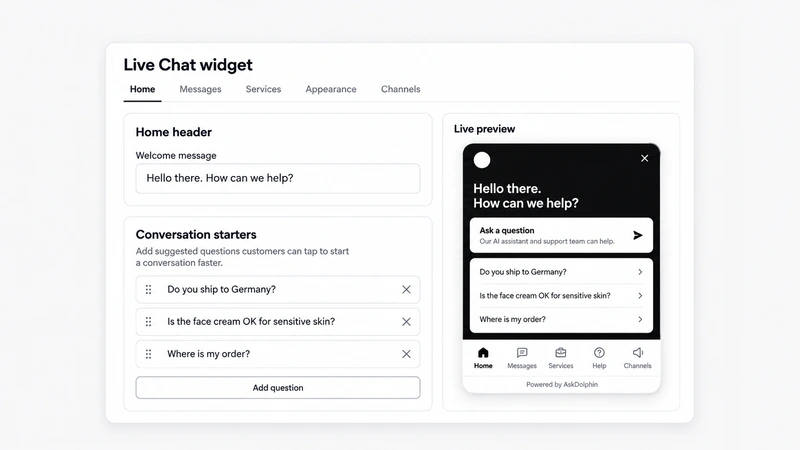
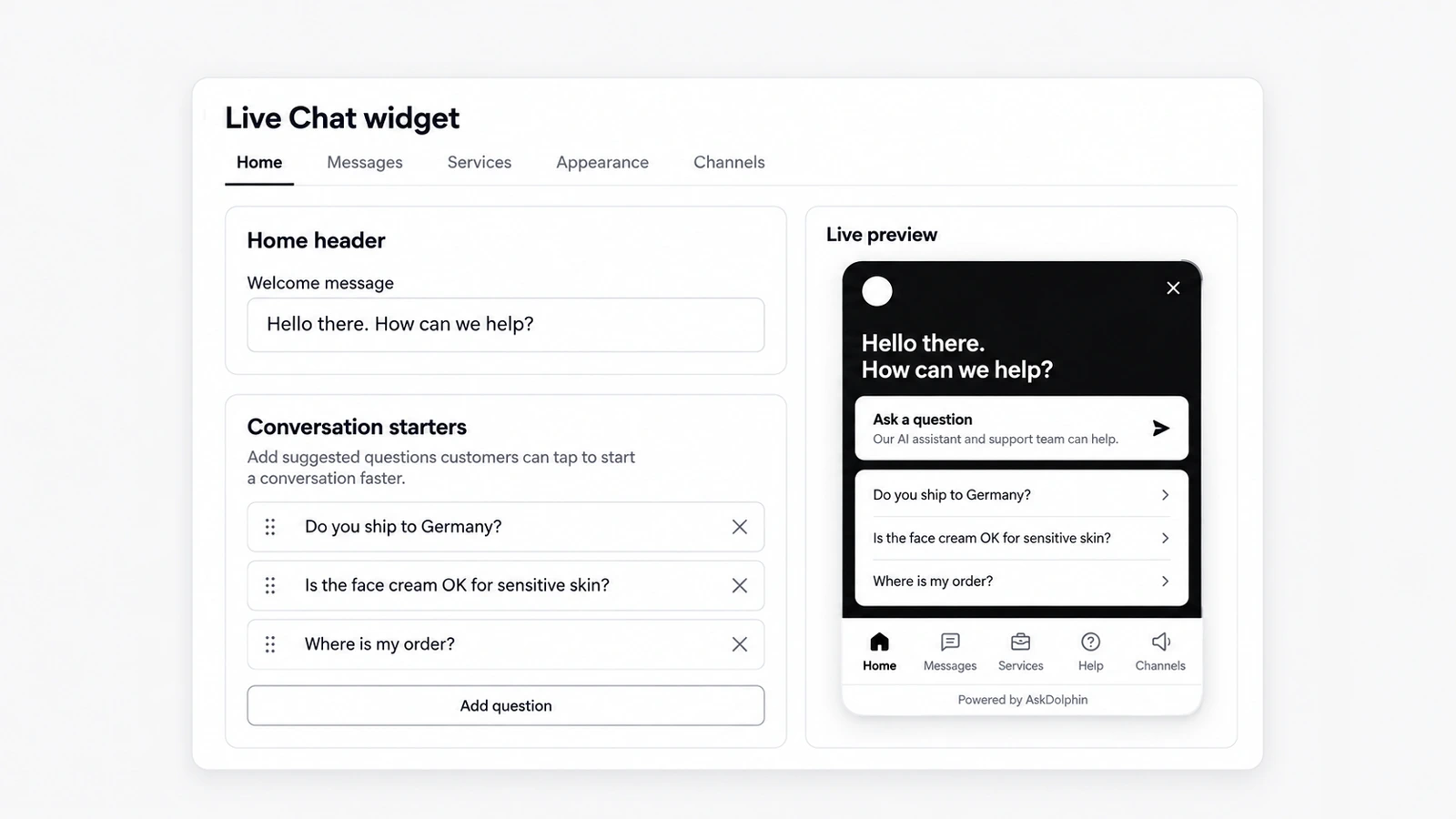
AskDolphin now lets you design the chat widget yourself: the launcher icon or your own image, its colors and label, the position and size.
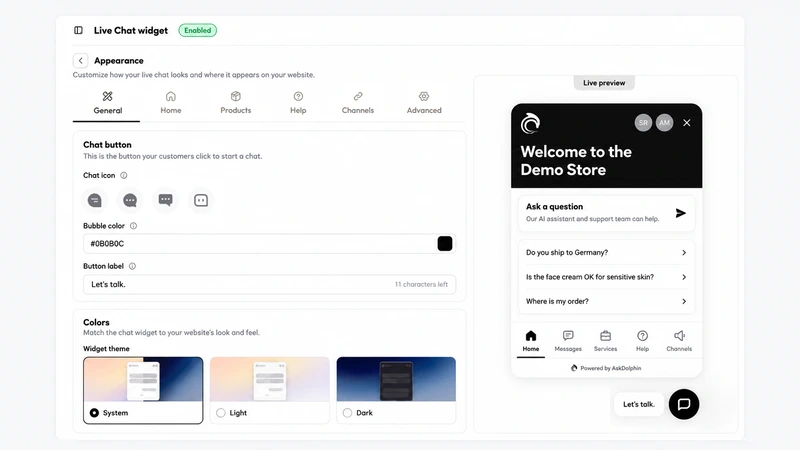
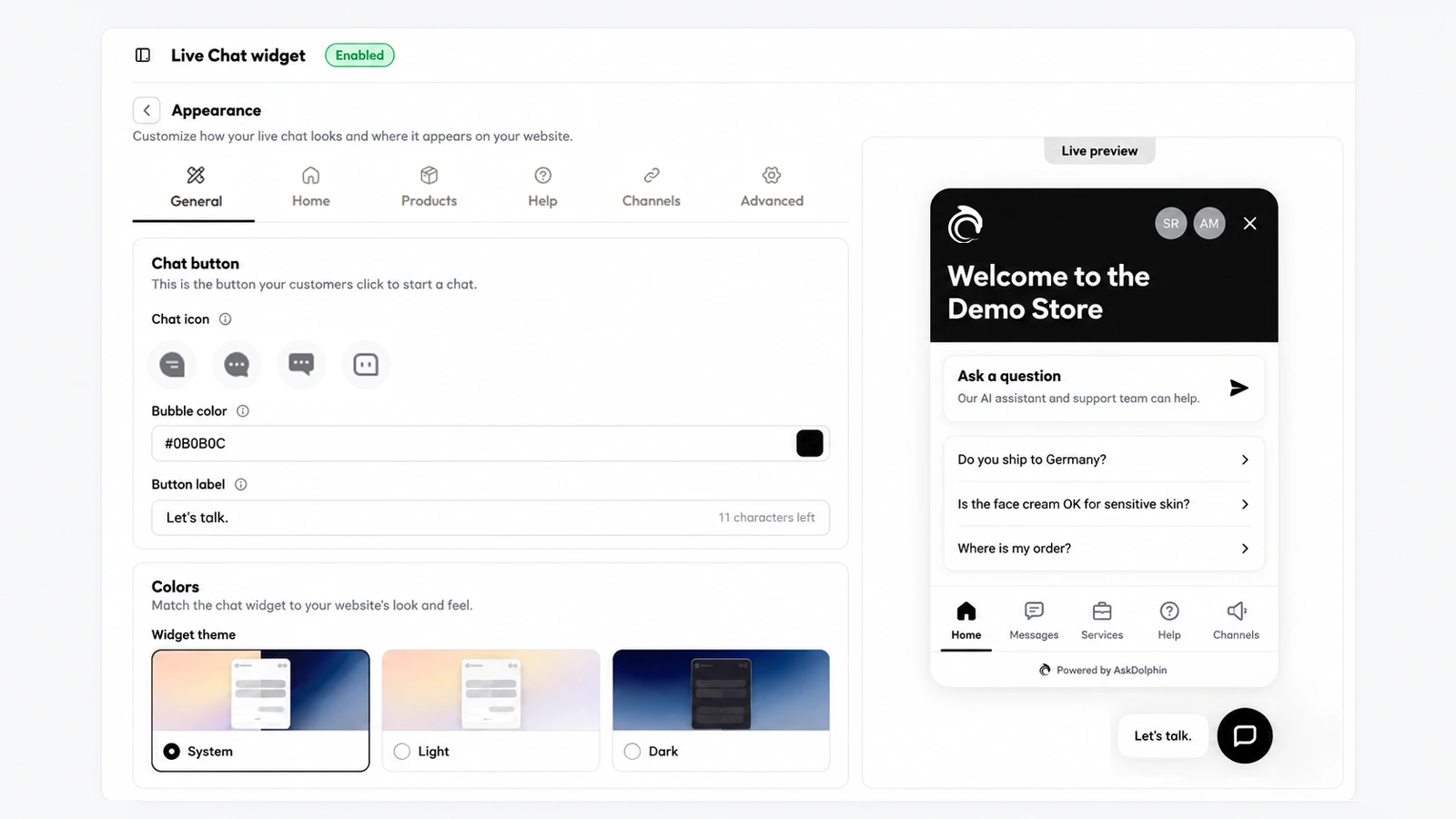
AskDolphin's chat widget was rebuilt with a home screen, tabs and advanced settings.
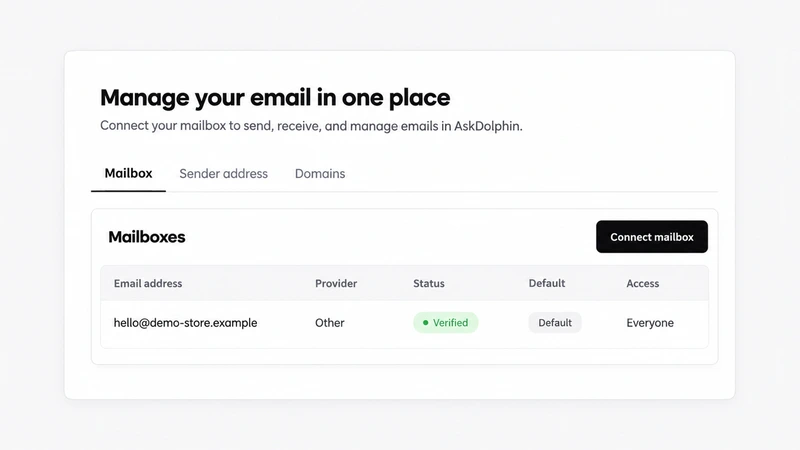
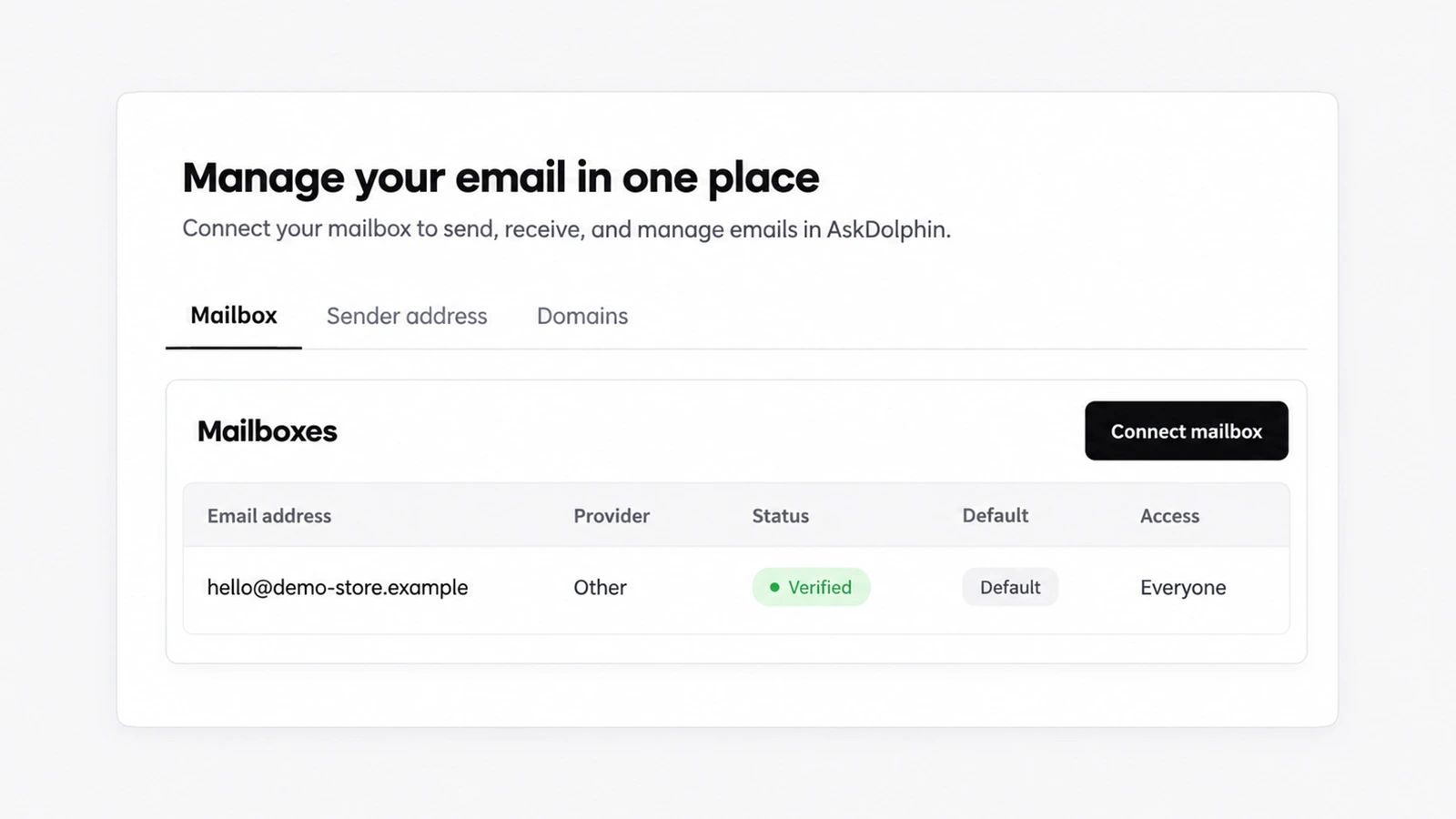
AskDolphin now lets you set the address and name shown on replies, verify your own domain for sending, and choose who on the team may use each mailbox.
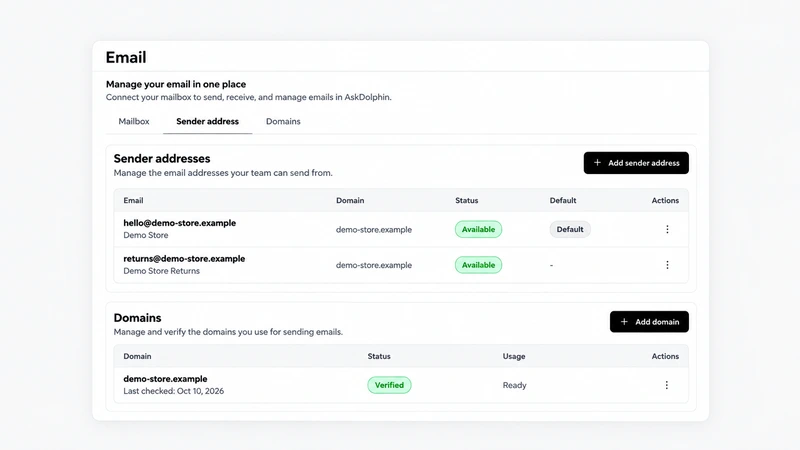
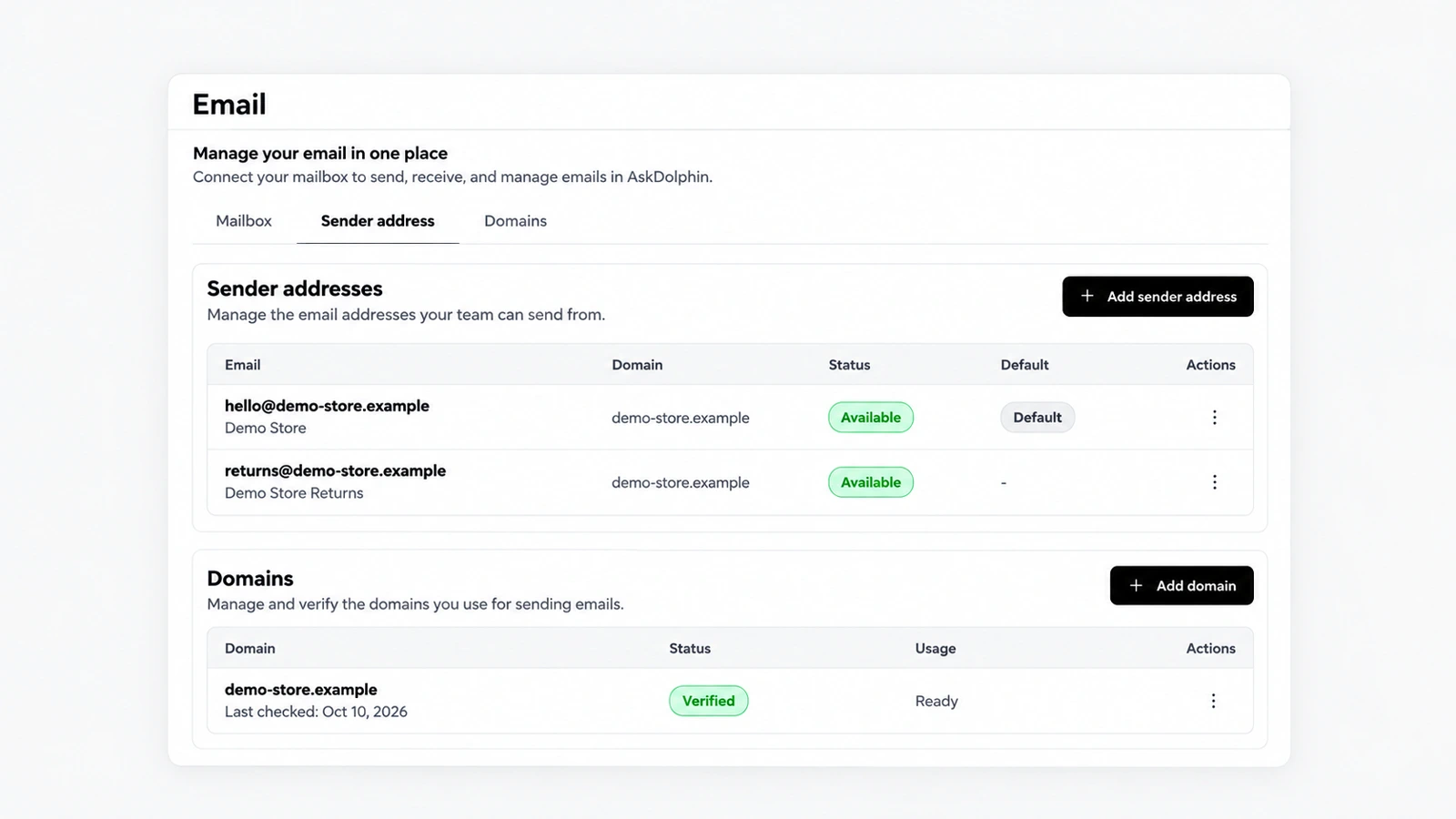
AskDolphin now connects any business mailbox when you forward its email to AskDolphin.
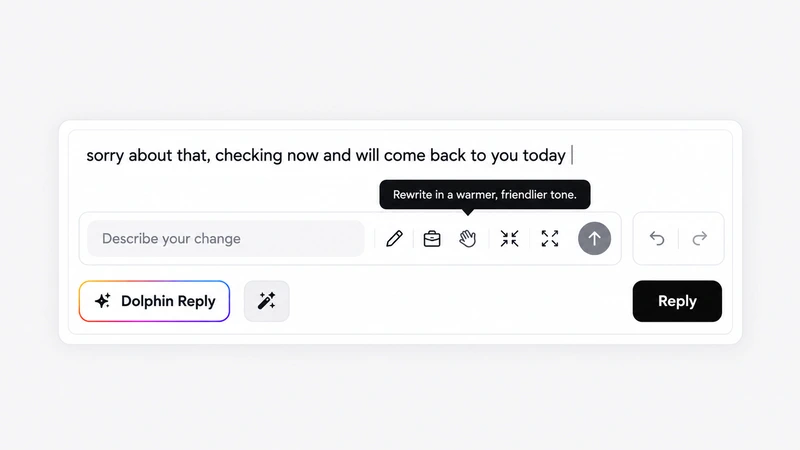
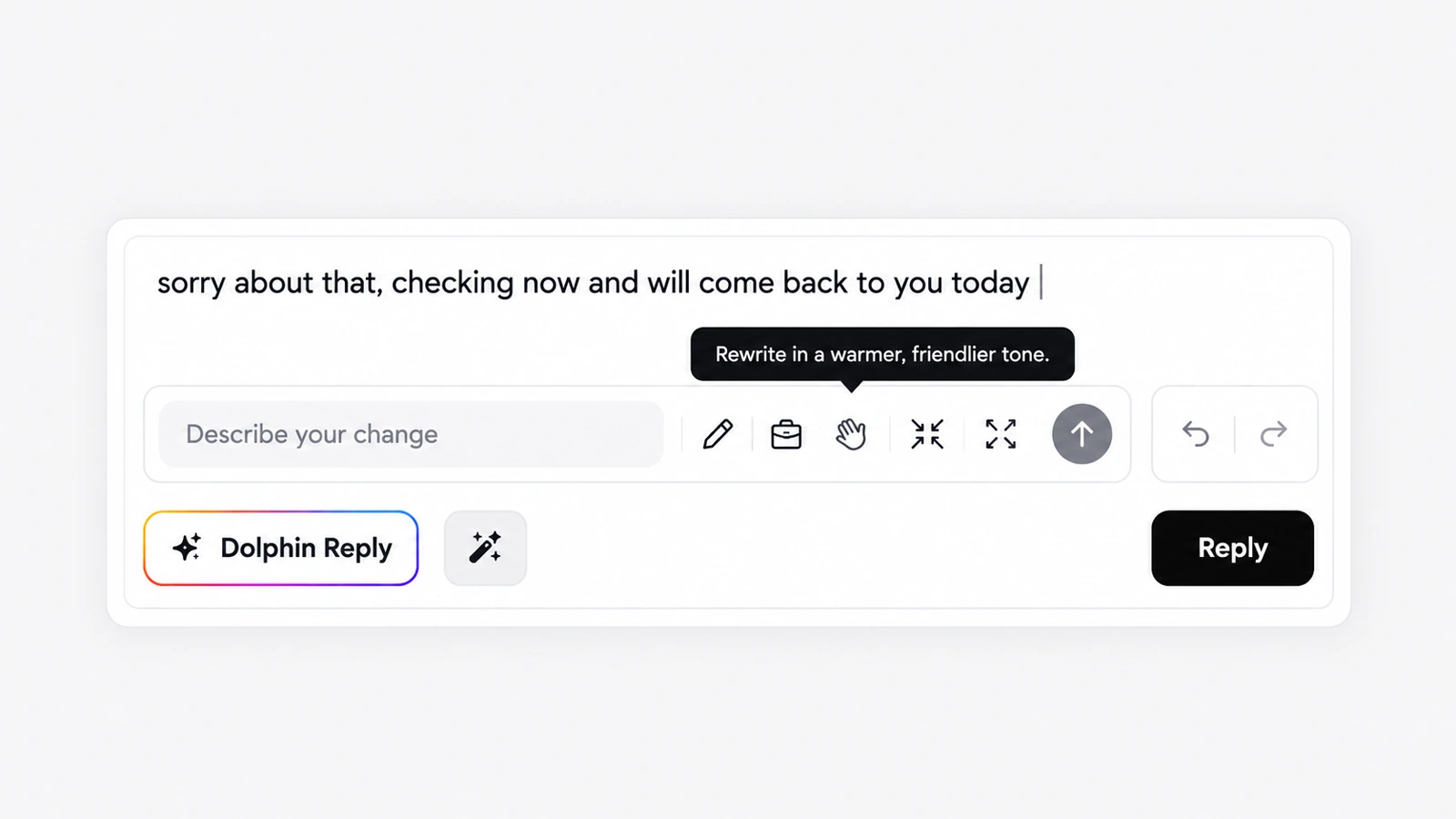
AskDolphin's writing assistant rewrites an agent's reply in one click with five presets, such as clearer, more professional, warmer or shorter.
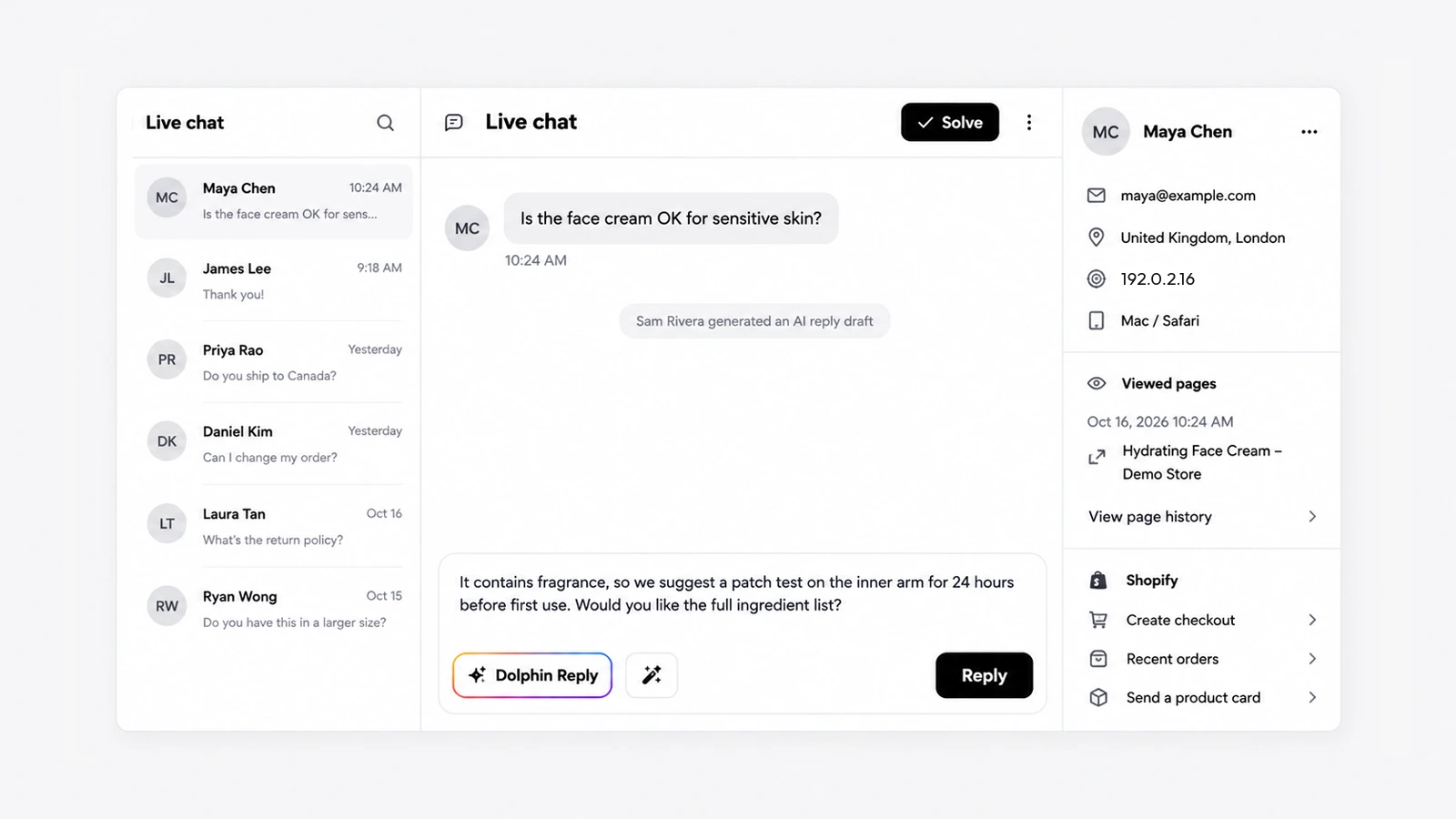
Dolphin Reply is a button in the AskDolphin inbox that writes a draft answer from your Data Sources and the conversation, on every channel.
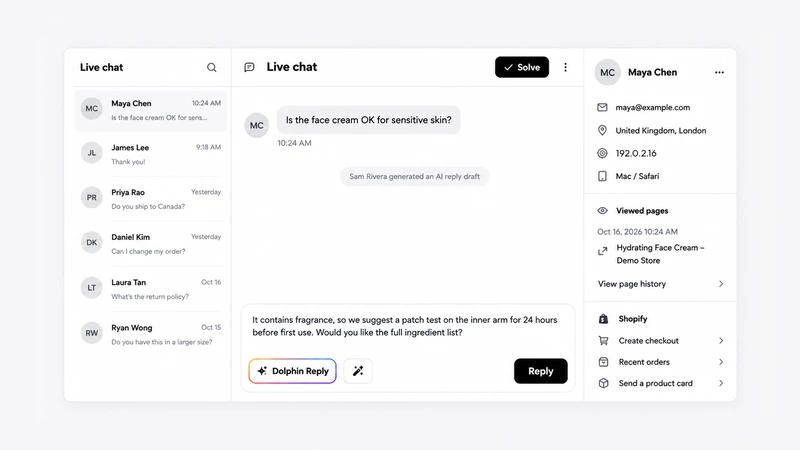
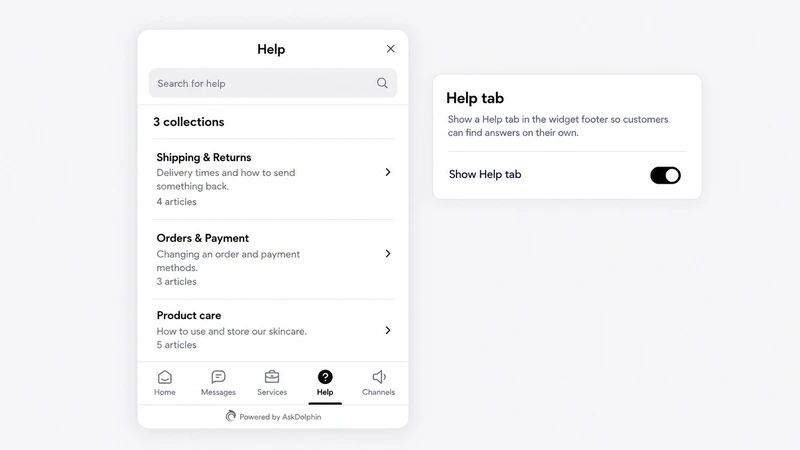
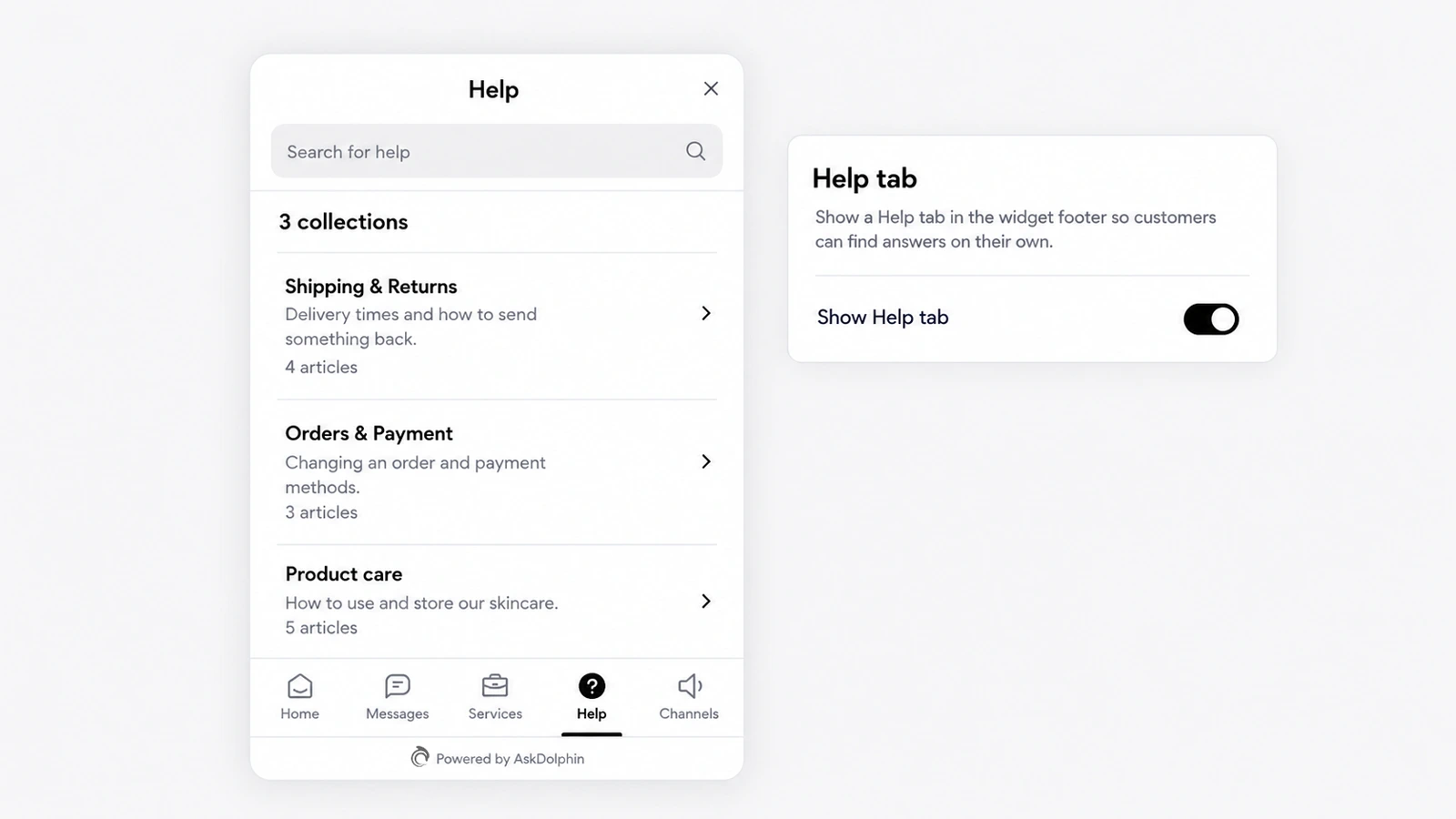
AskDolphin's Help Center lets you write articles in collections that customers can search in the chat widget's Help tab.
Dolphin AI, the assistant inside AskDolphin, now answers customers from the Data Sources you approve.
AskDolphin's Framer plugin adds the chat widget, Dolphin AI and lead capture to a Framer site without code.
AskDolphin now makes custom QR codes for a website, text, phone call, SMS, email or vCard contact card, in the same styles as your support codes.
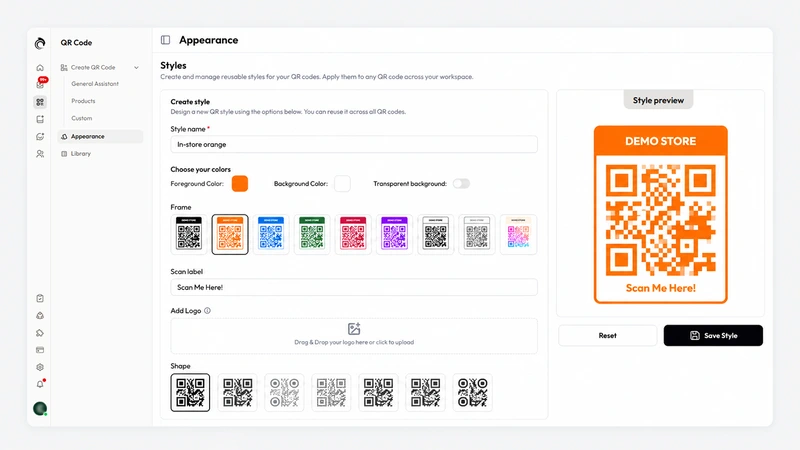
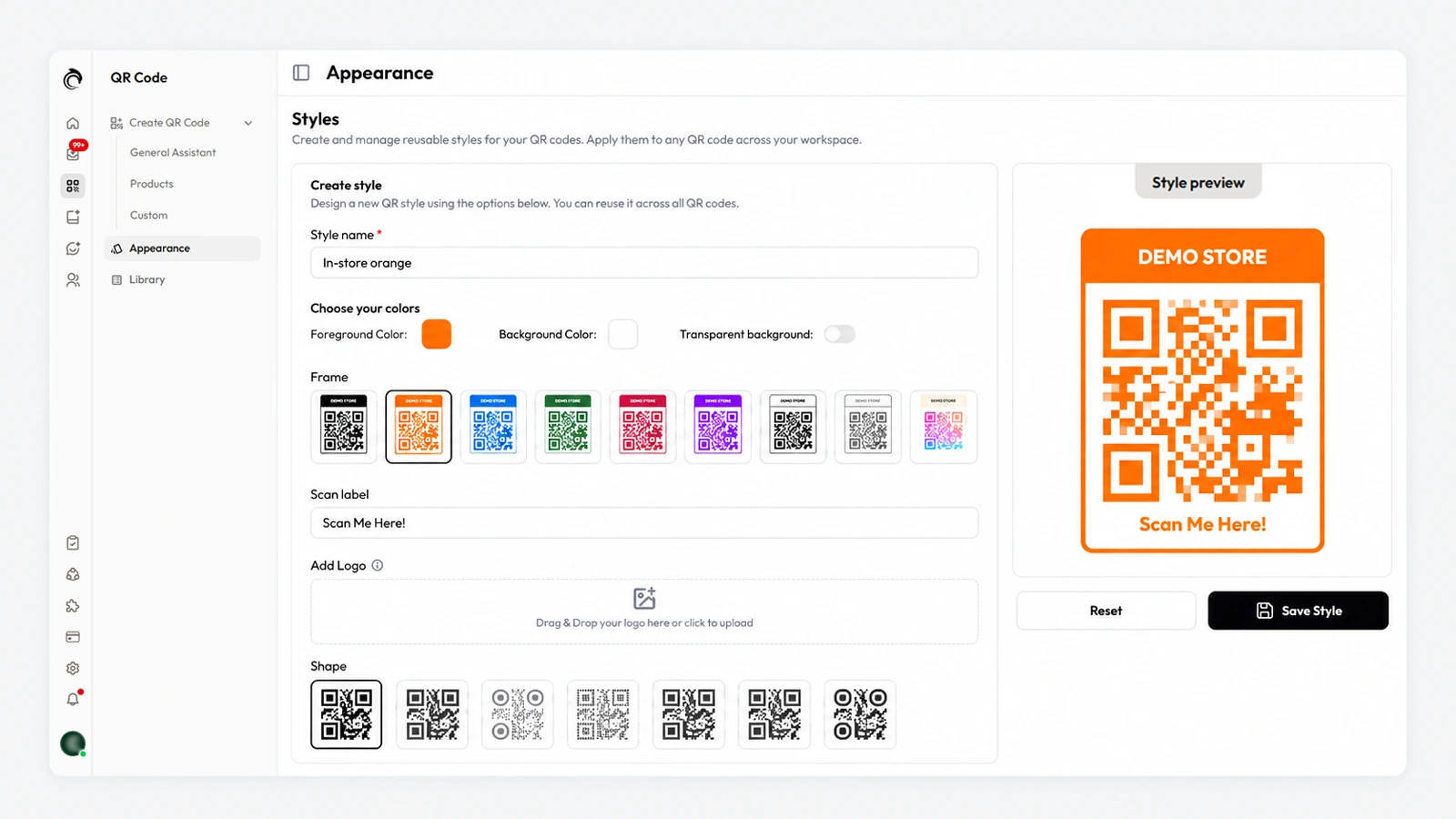
AskDolphin now saves reusable QR code styles with your colors, one of nine frames, a scan label, your logo and one of seven shapes.
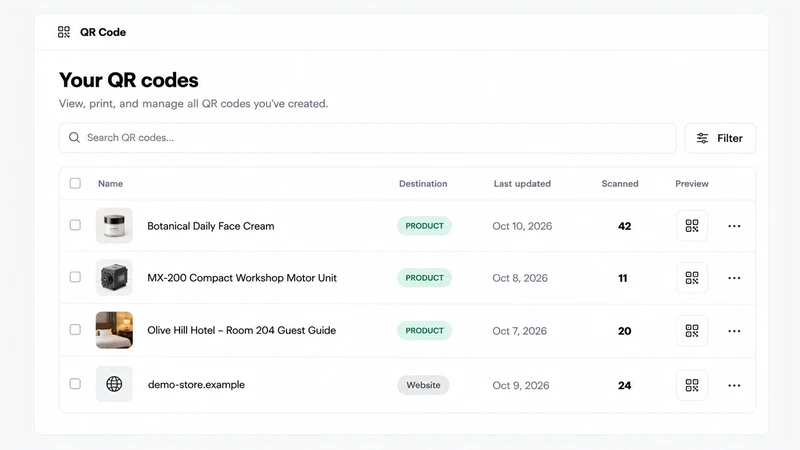
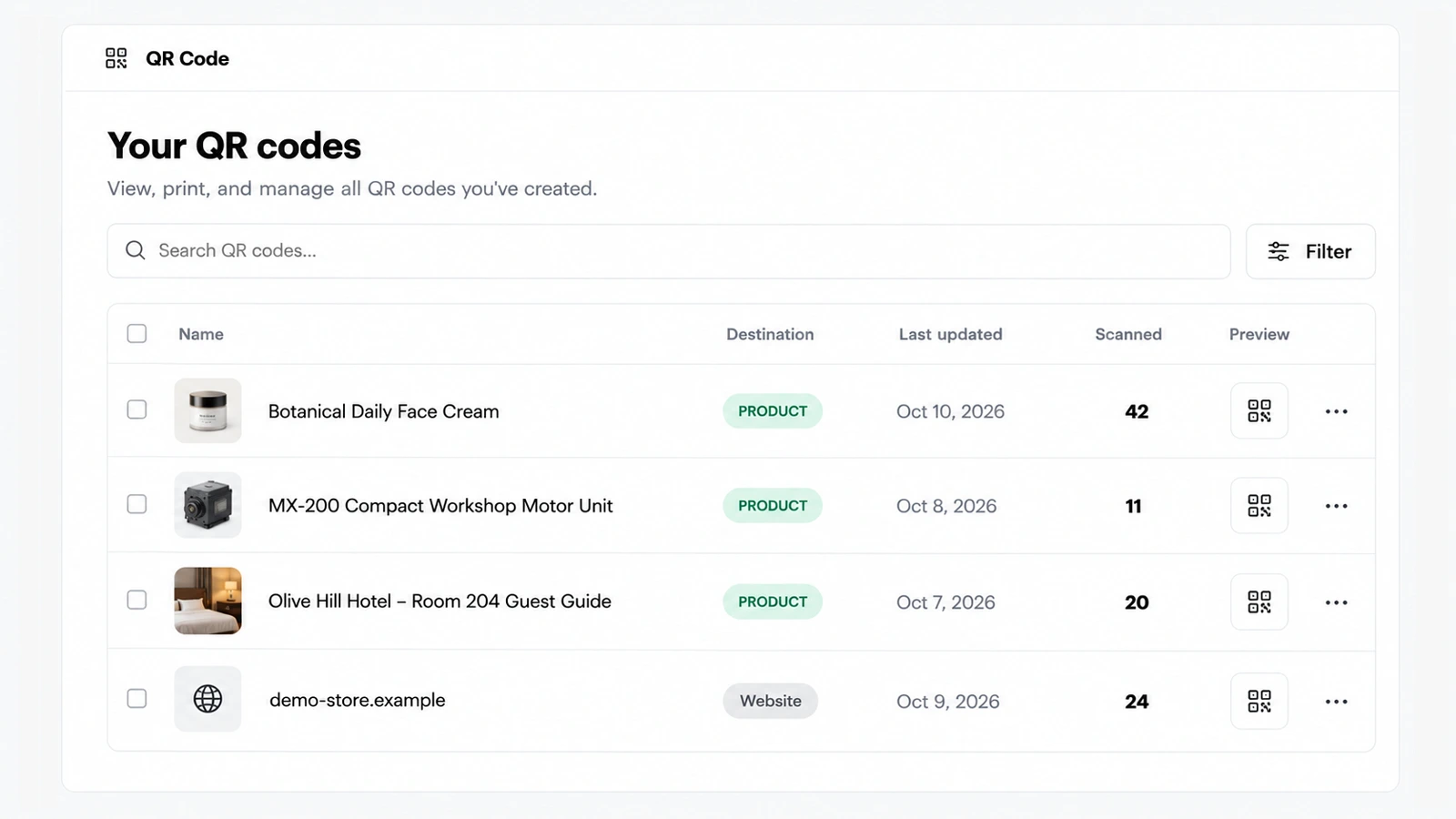
AskDolphin's QR code library lists every code you have made with its type, dates and scan count, with search and filters.
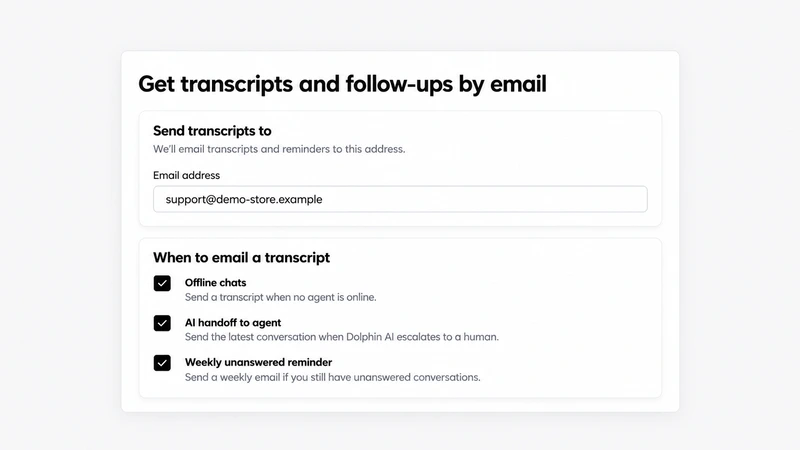
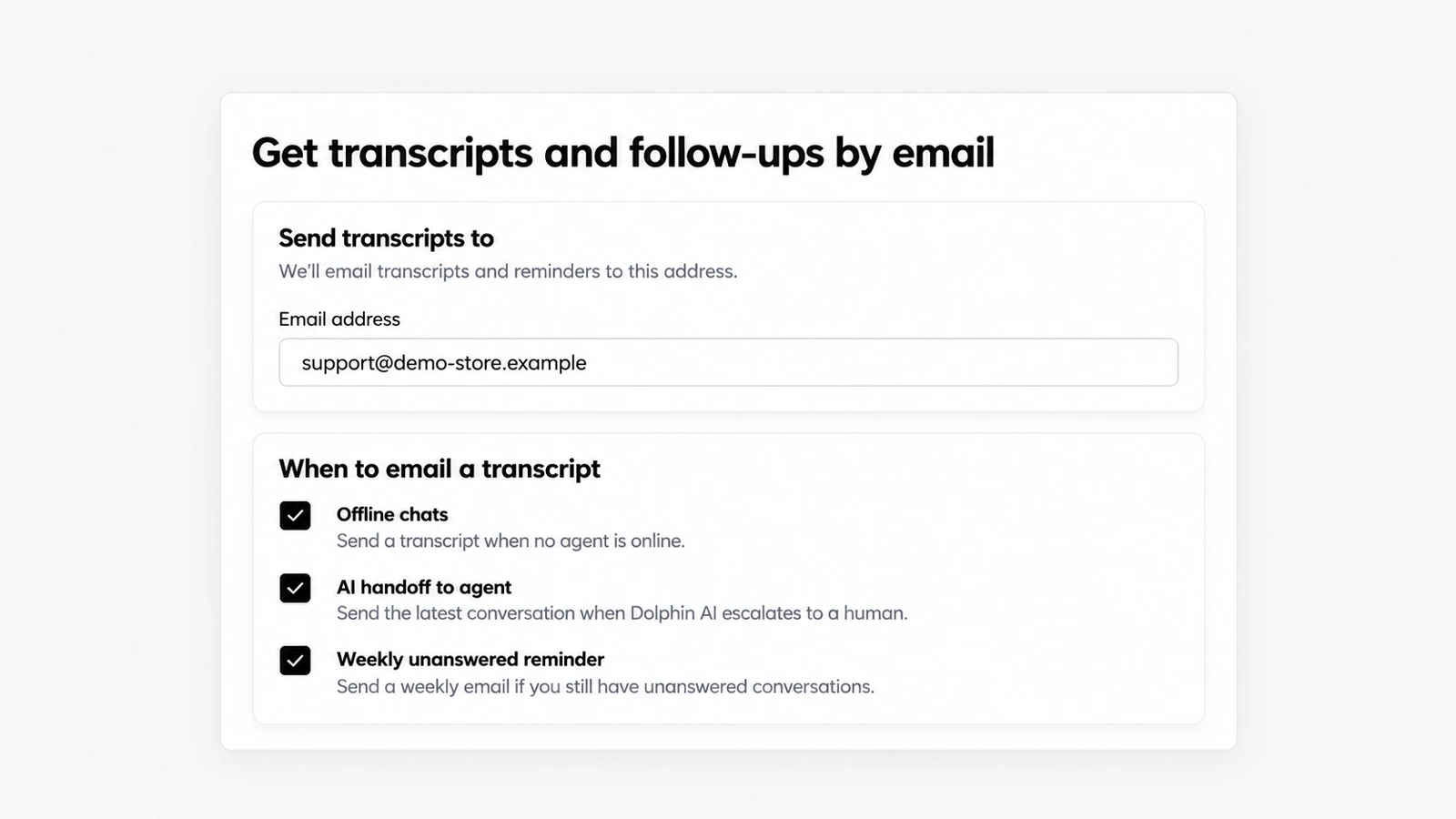
AskDolphin can now email your team a transcript when a chat arrives while nobody is online or when Dolphin AI hands a conversation over.
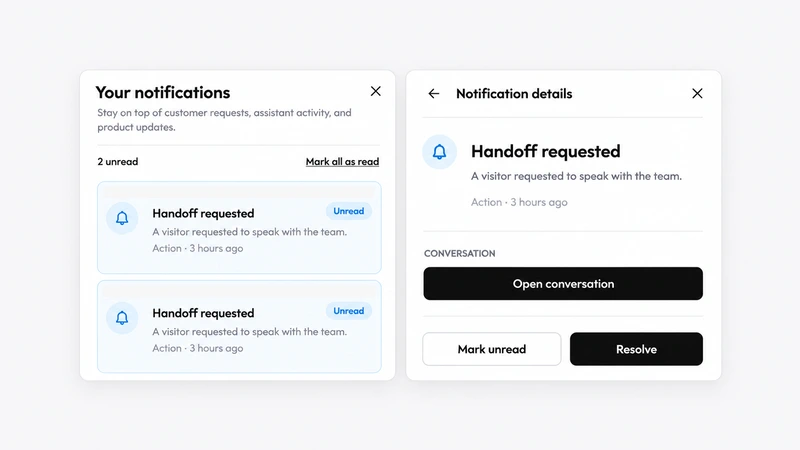
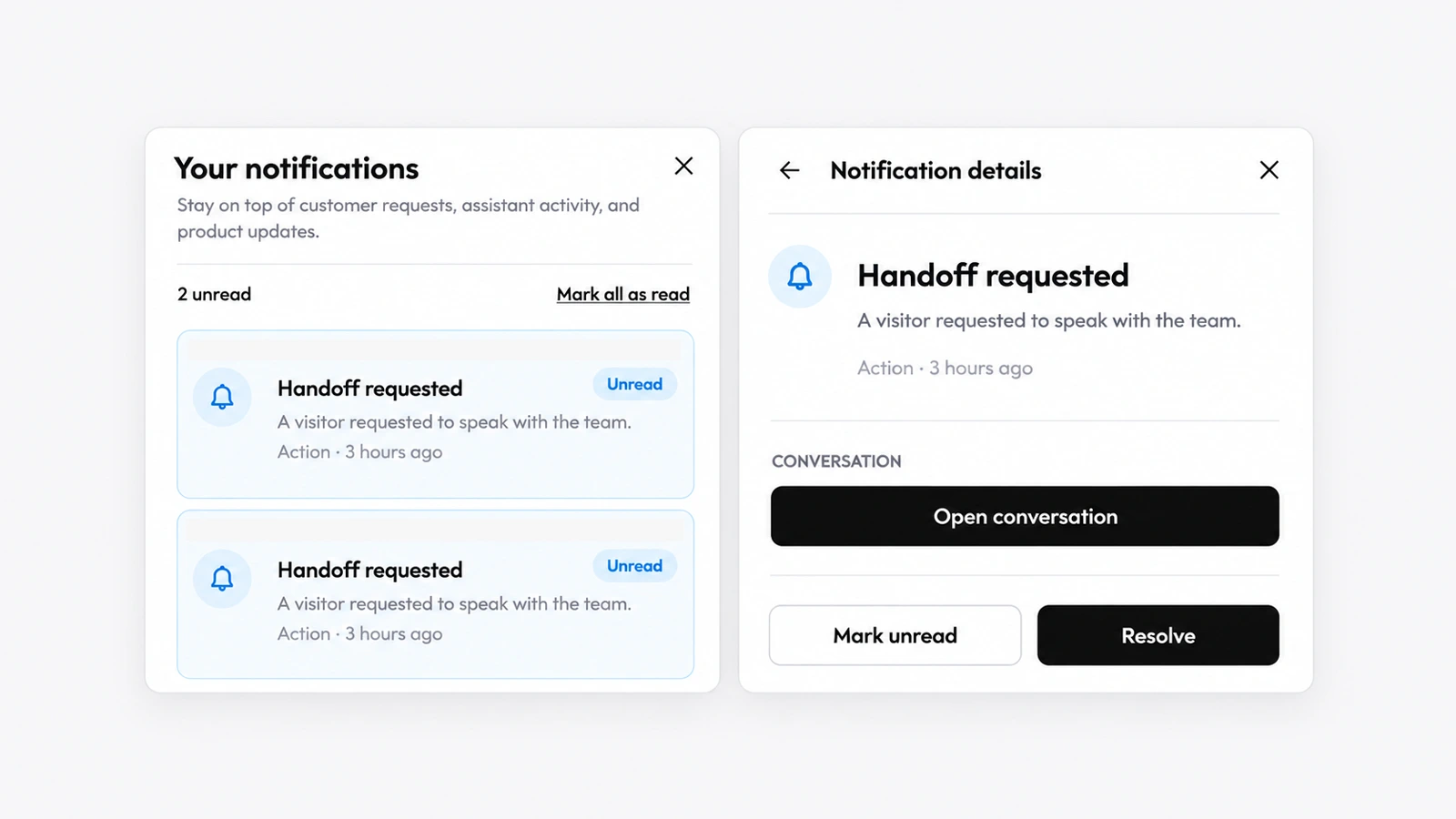
AskDolphin now has a notifications panel that lists alerts such as "Handoff requested", each with a link to the conversation and a Resolve button.
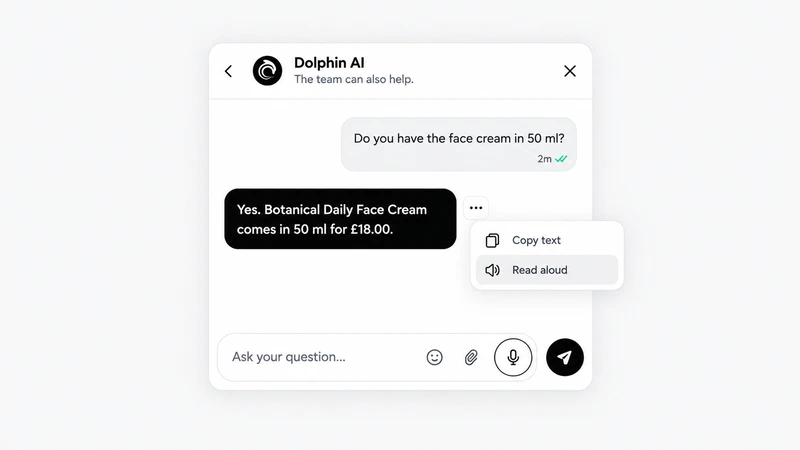
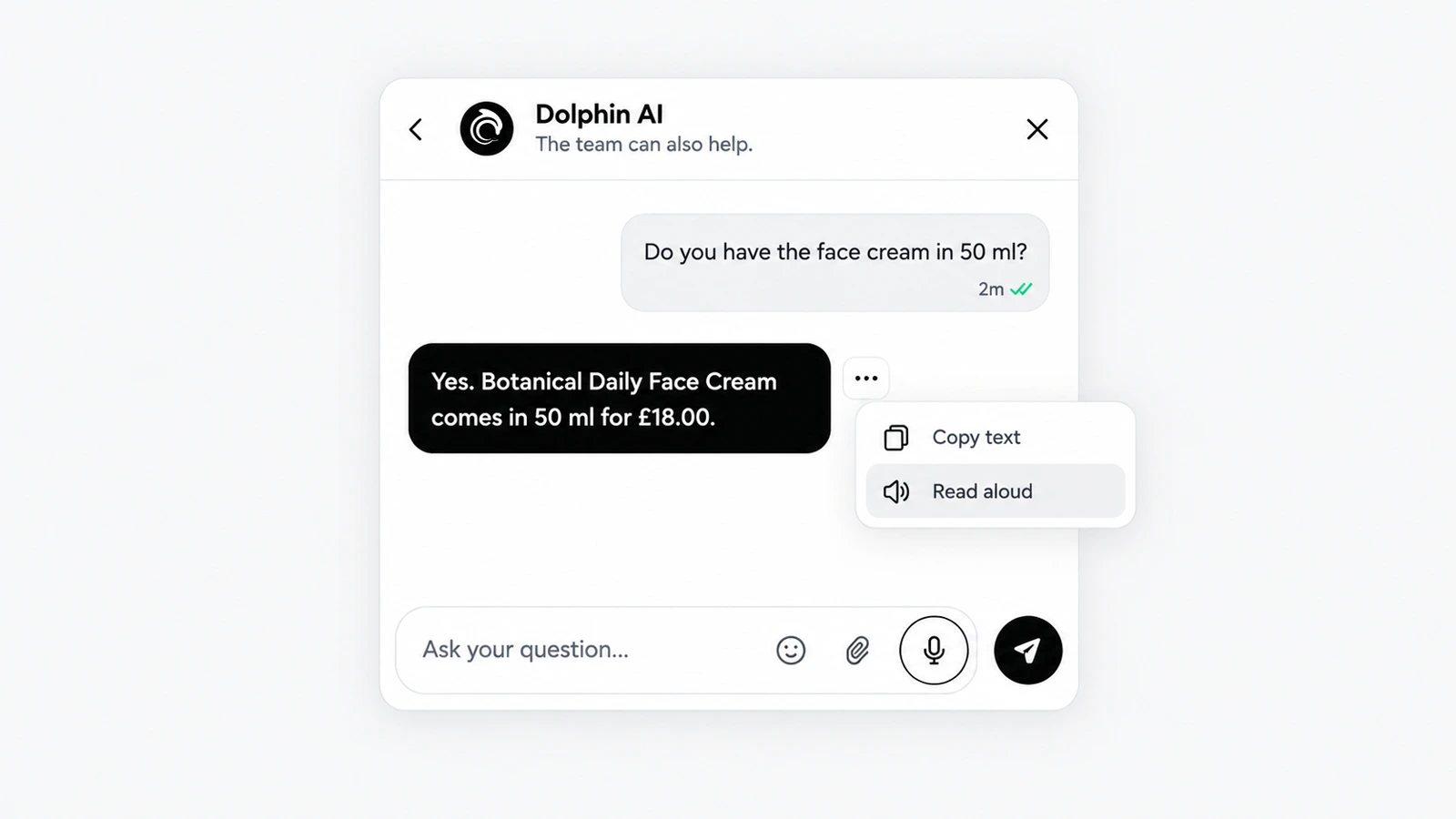
Customers can now talk to Dolphin AI in the AskDolphin chat widget: their speech is turned into text for the AI, and Dolphin AI's replies can be read aloud.
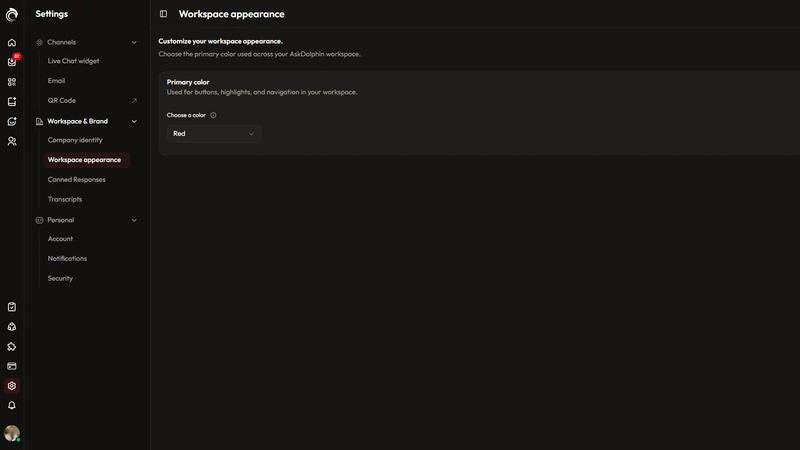
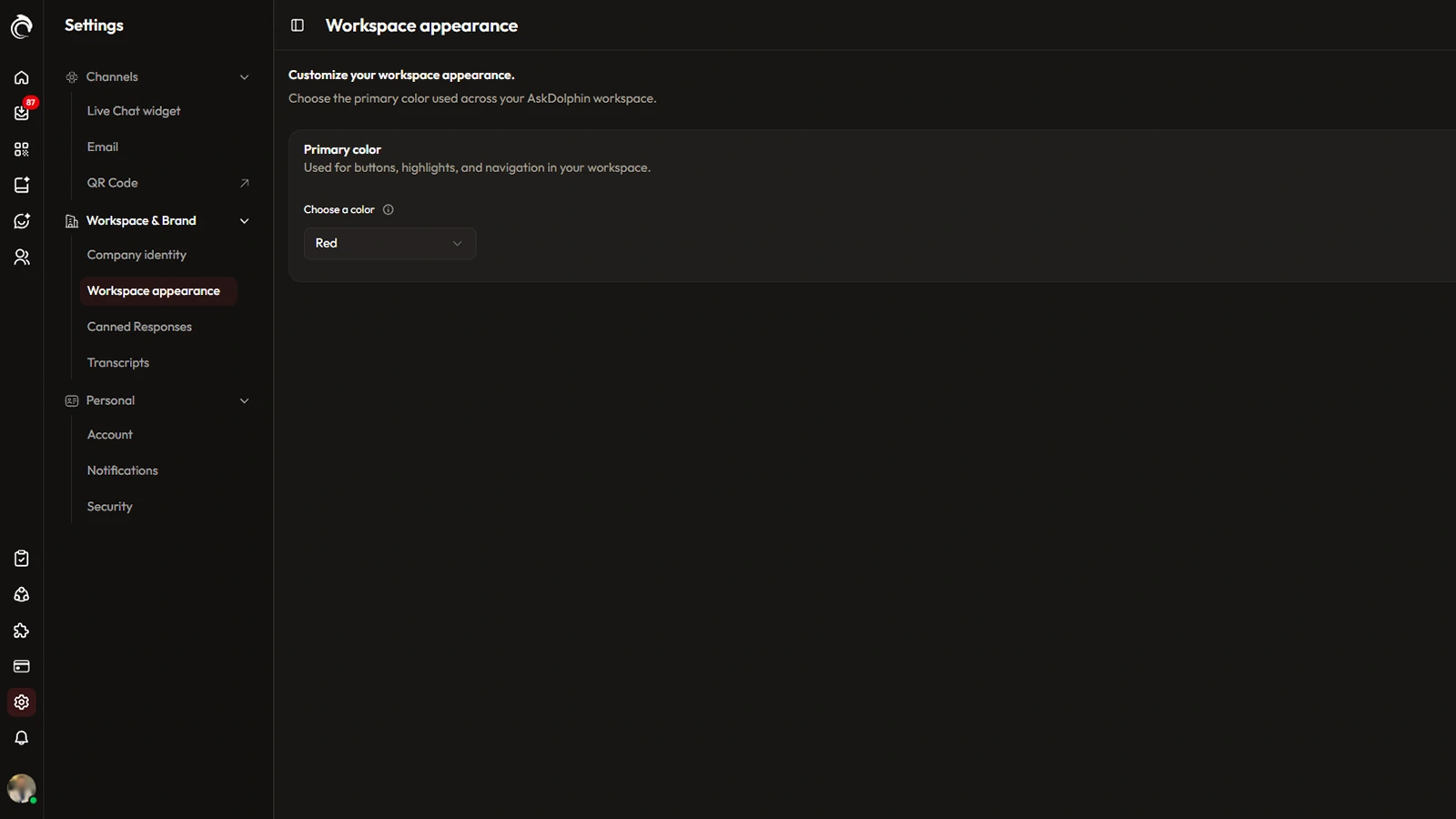
The AskDolphin dashboard can now show in a light or dark theme, or follow the device's system setting.
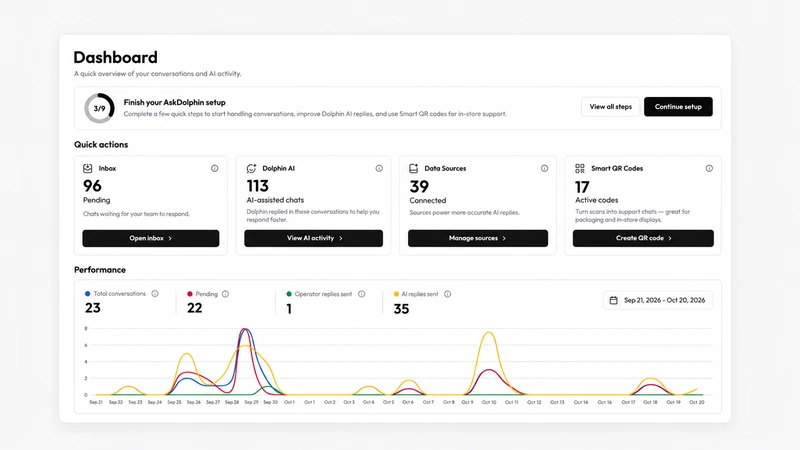
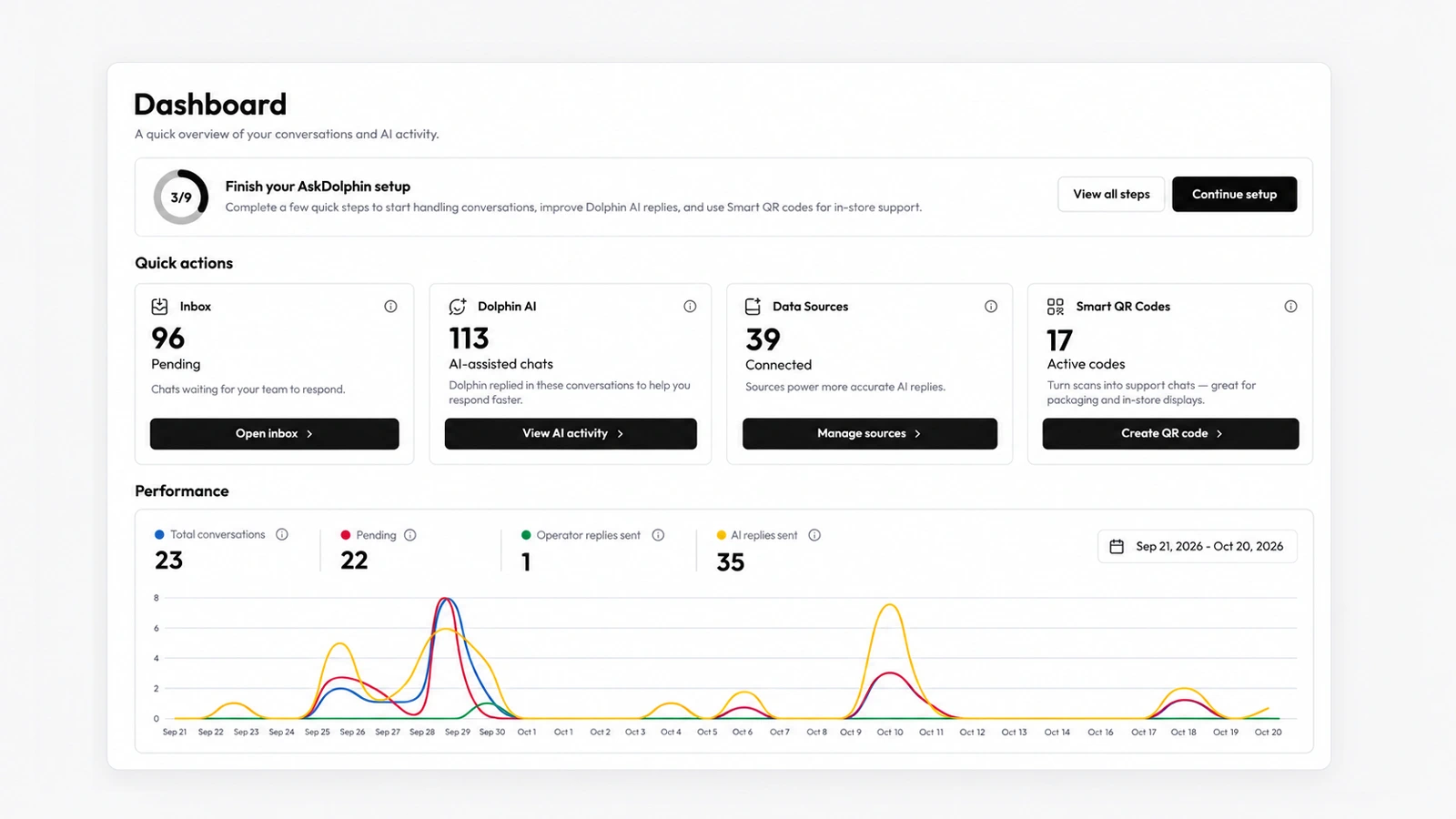
AskDolphin's new dashboard shows where support stands on one screen: waiting chats, AI-assisted chats, connected sources and active QR codes.
Install it in a minute. It starts working on your next visitor.
14 days, every feature.